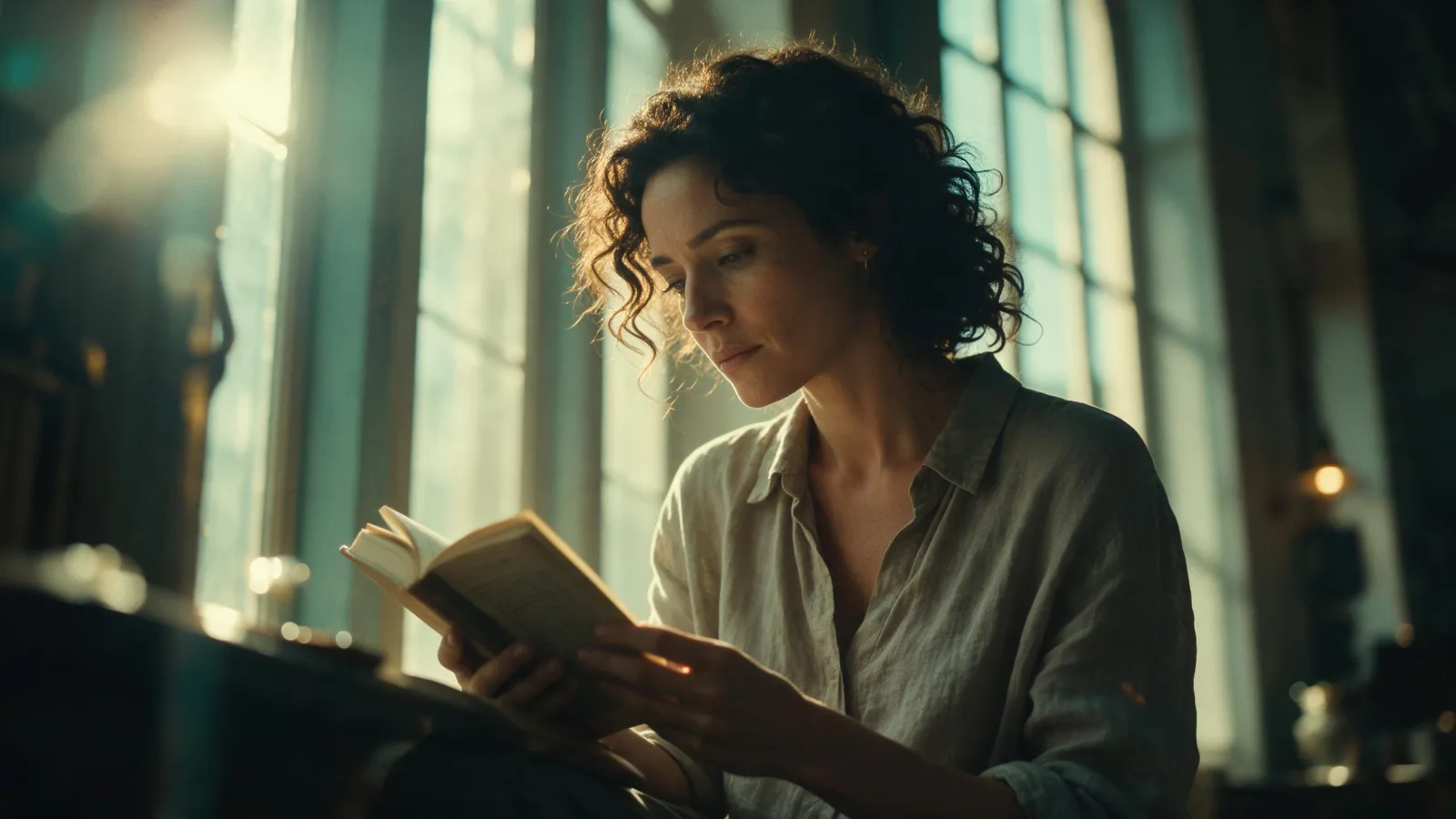
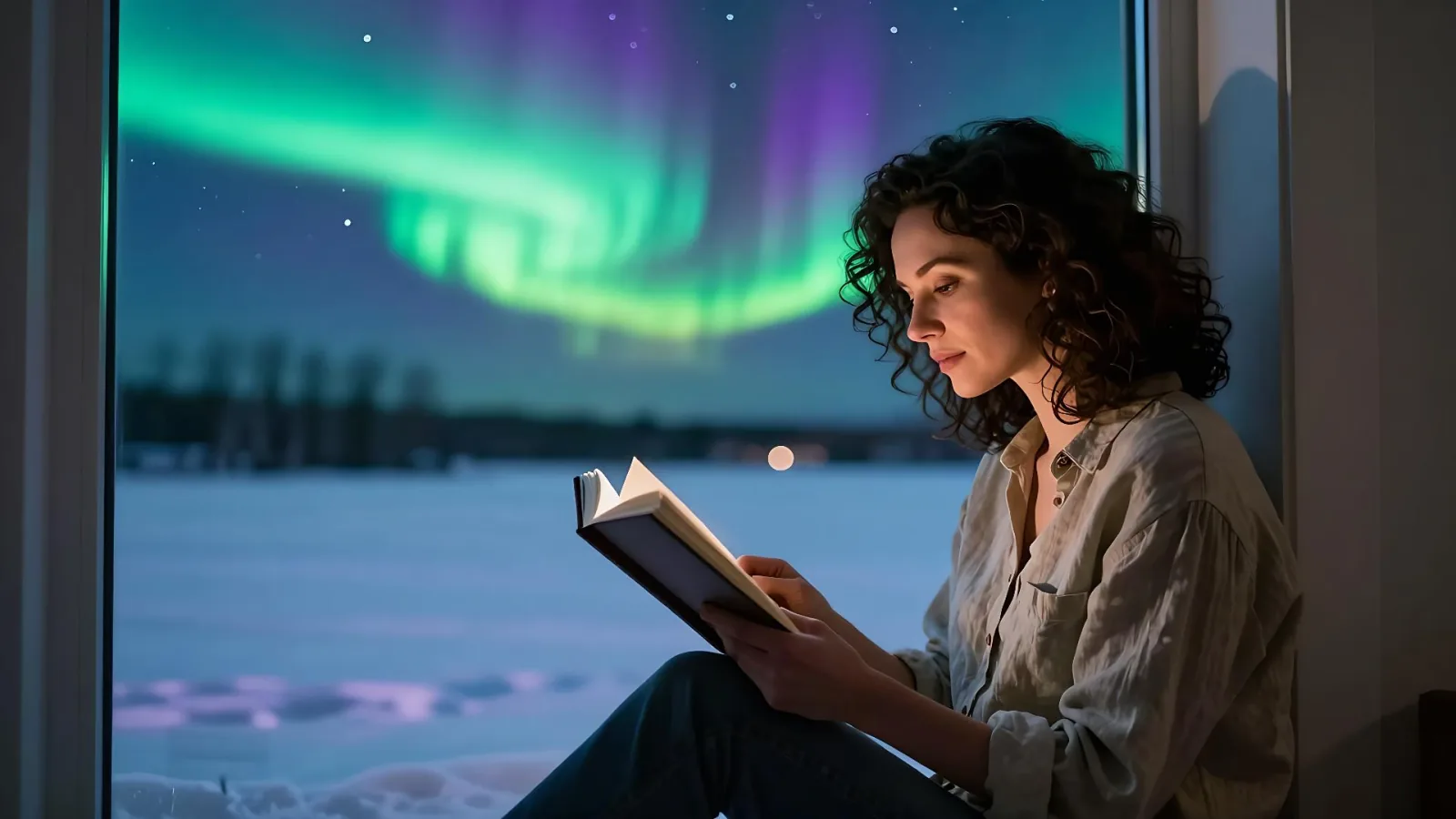
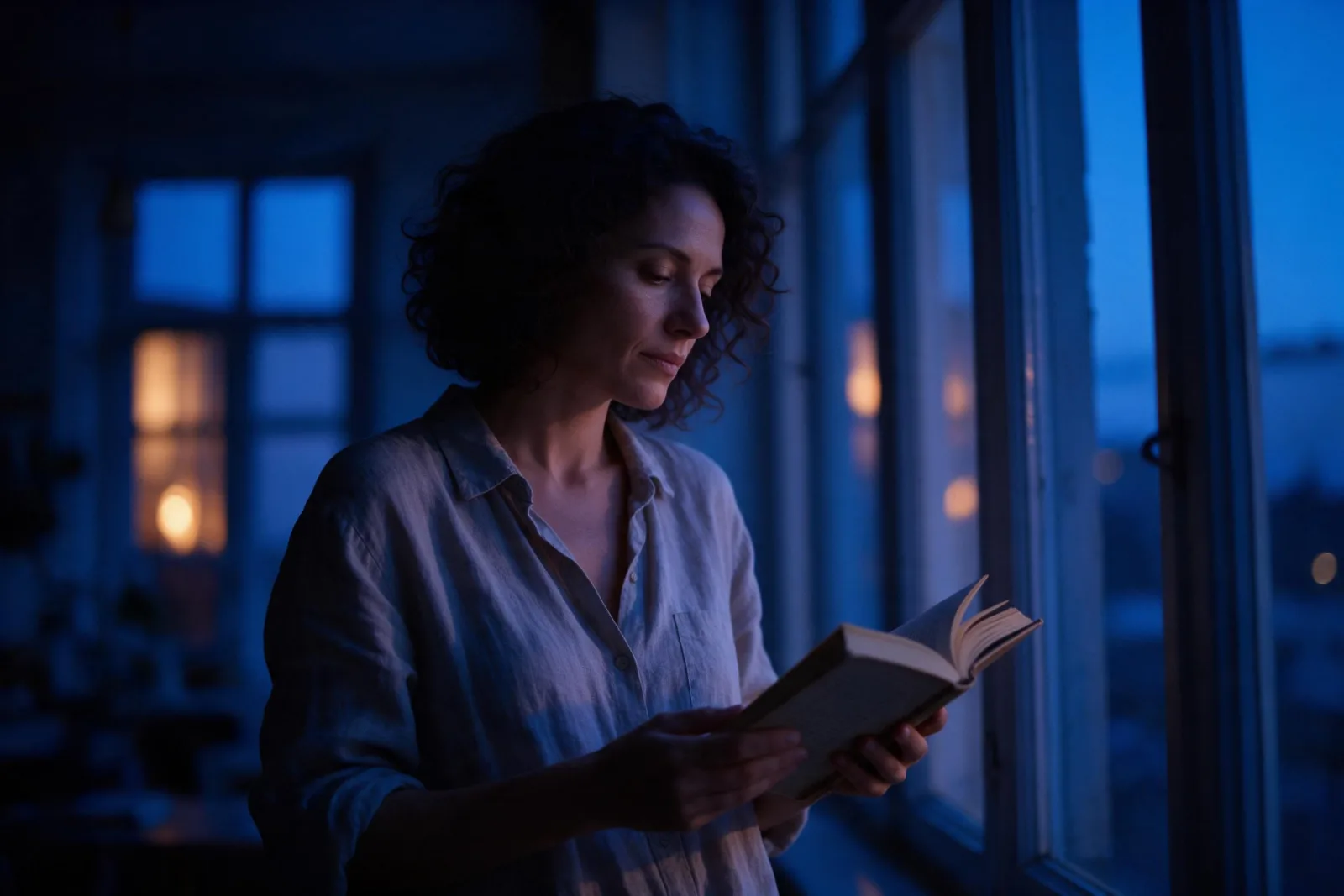
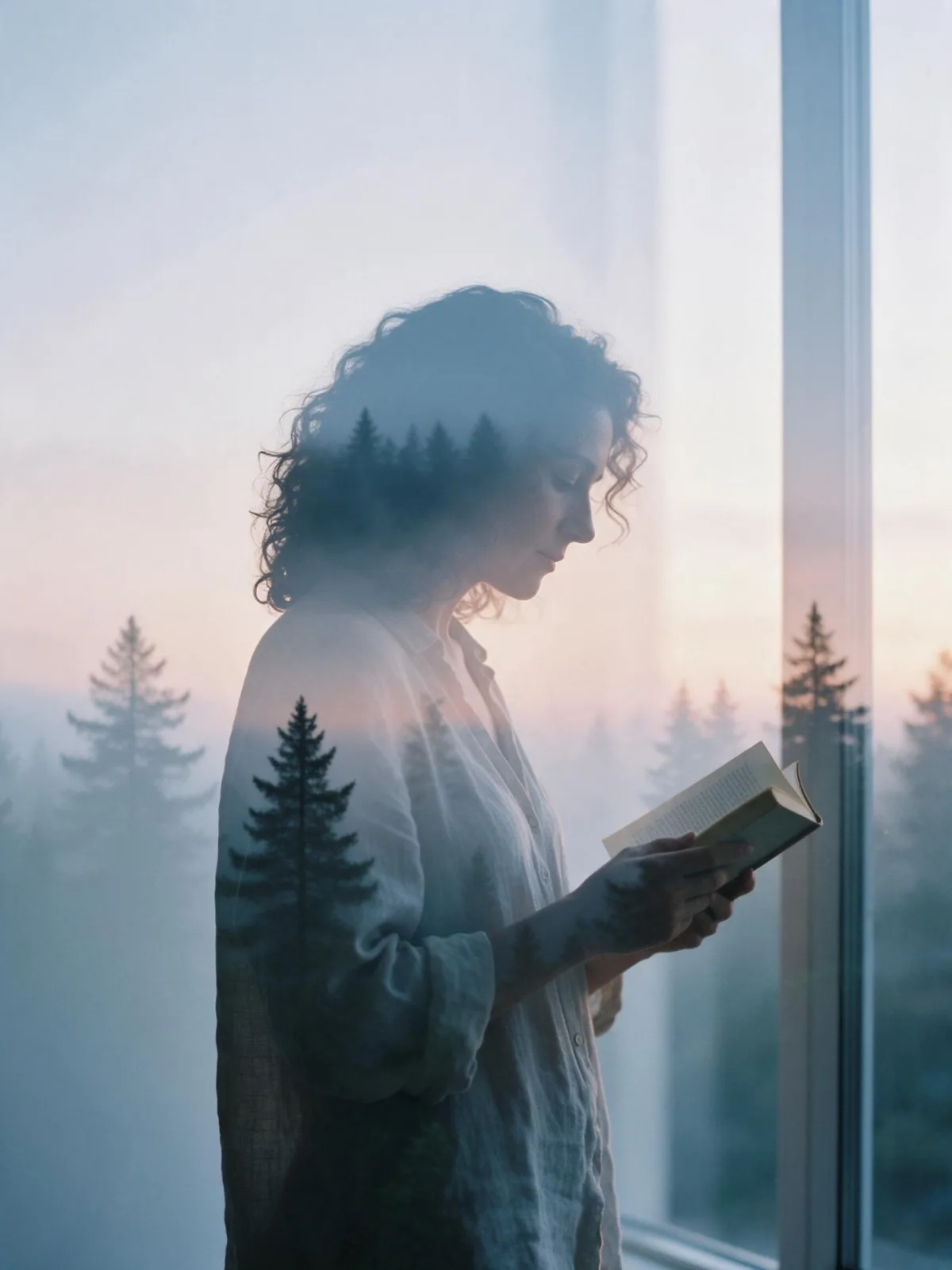
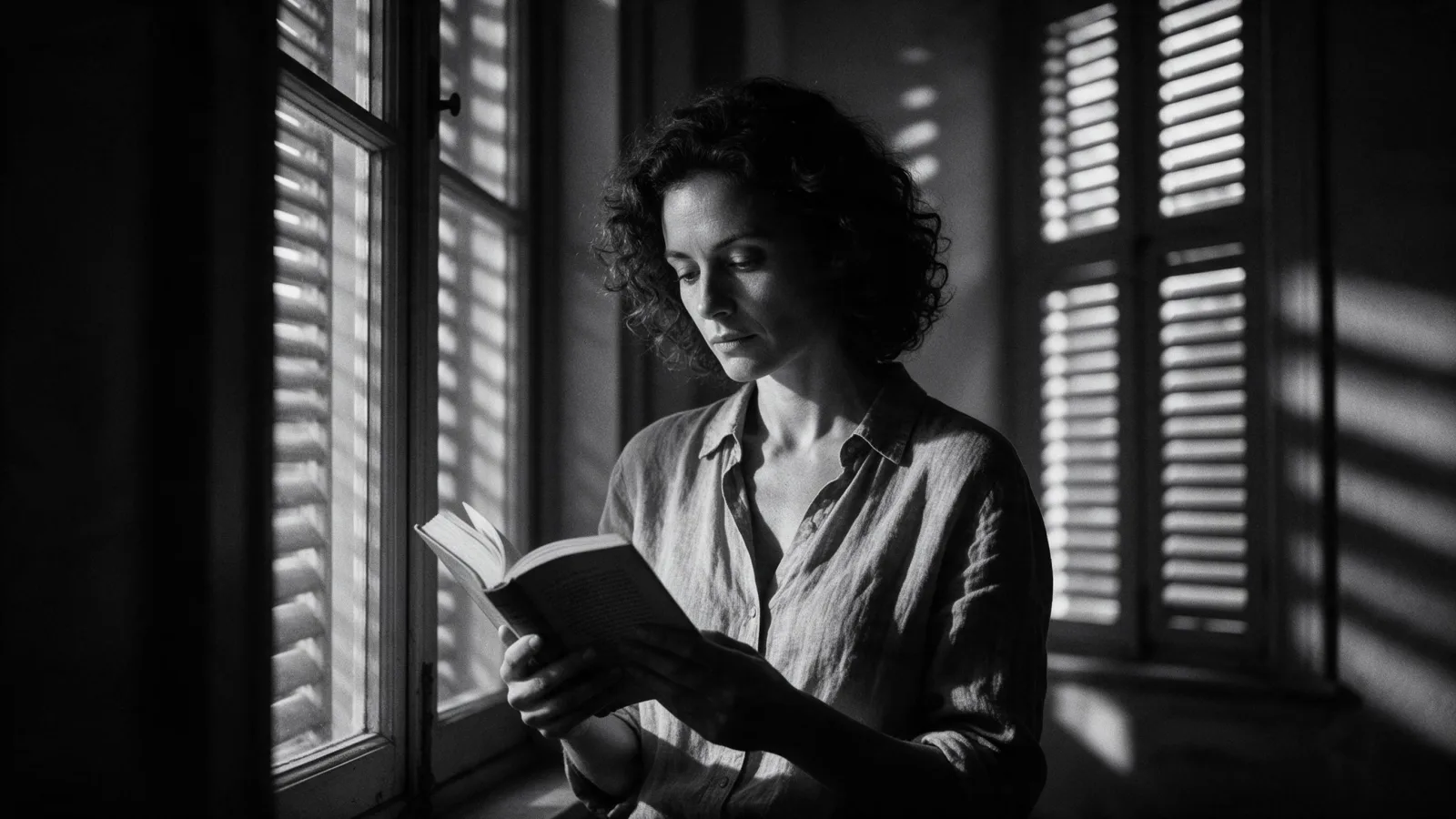
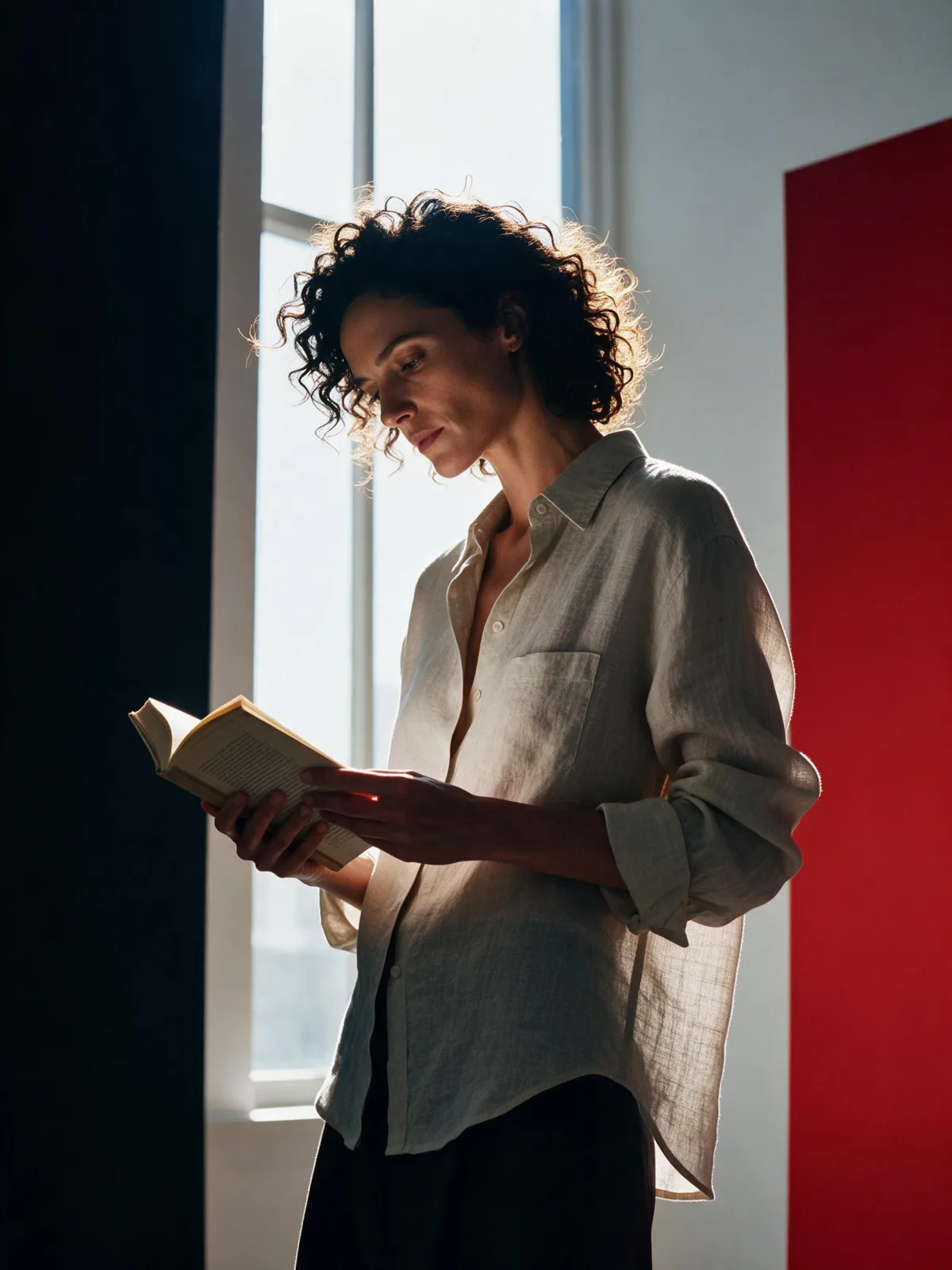
Rim Light Portrait AI Generator: Rim Light Silhouette

Effects
Rim Light Silhouette

Rim Light Silhouette

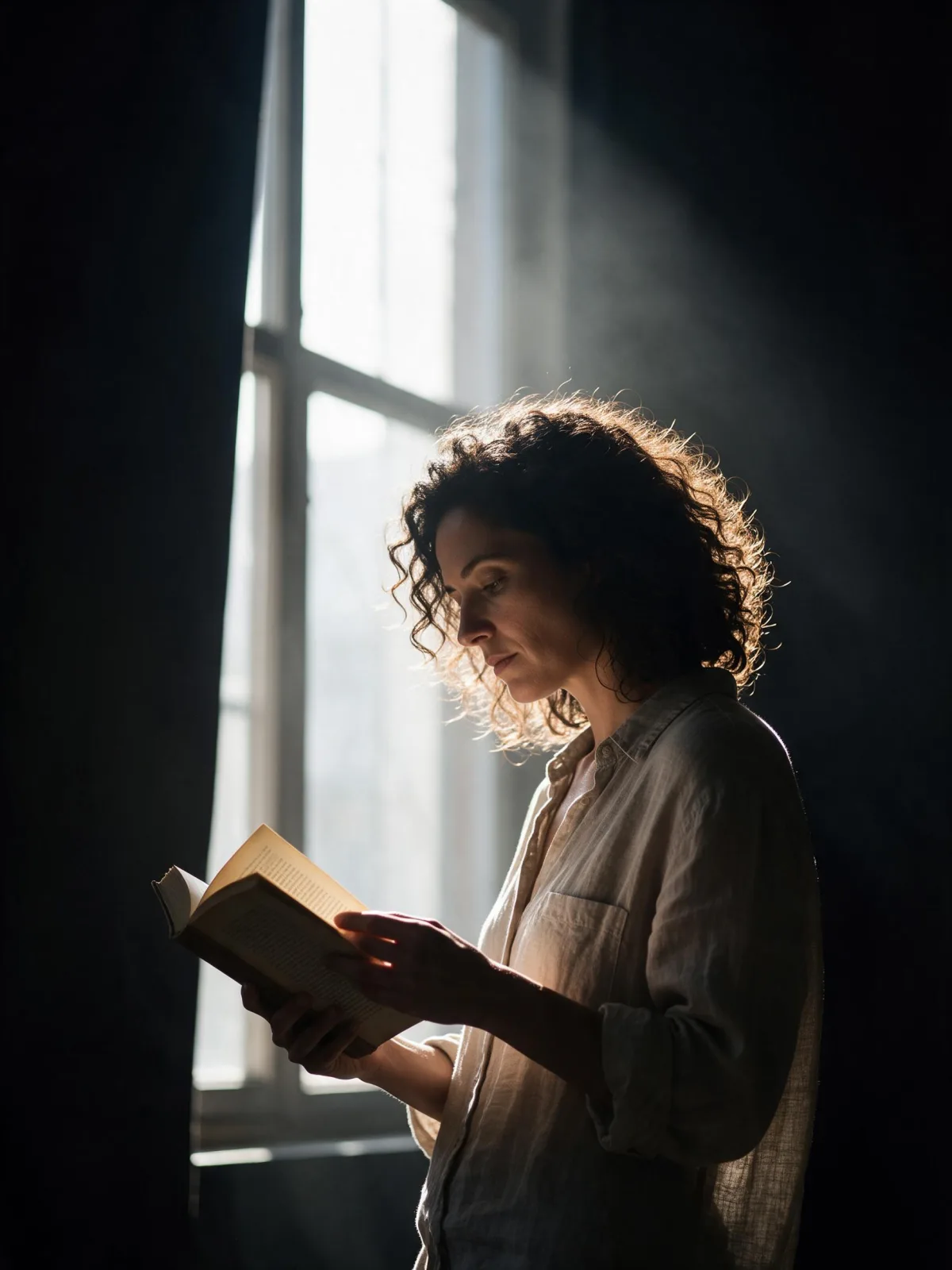
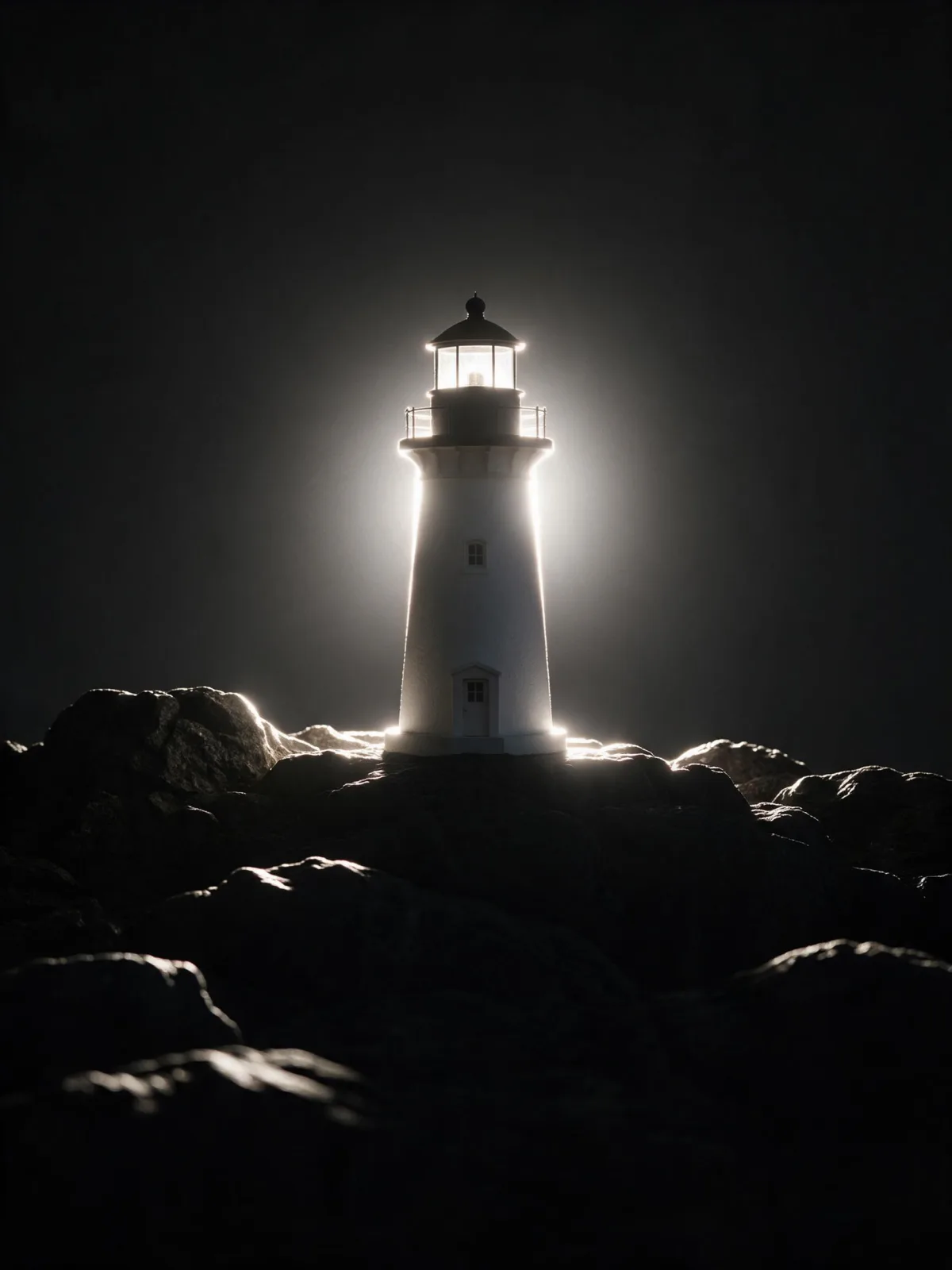
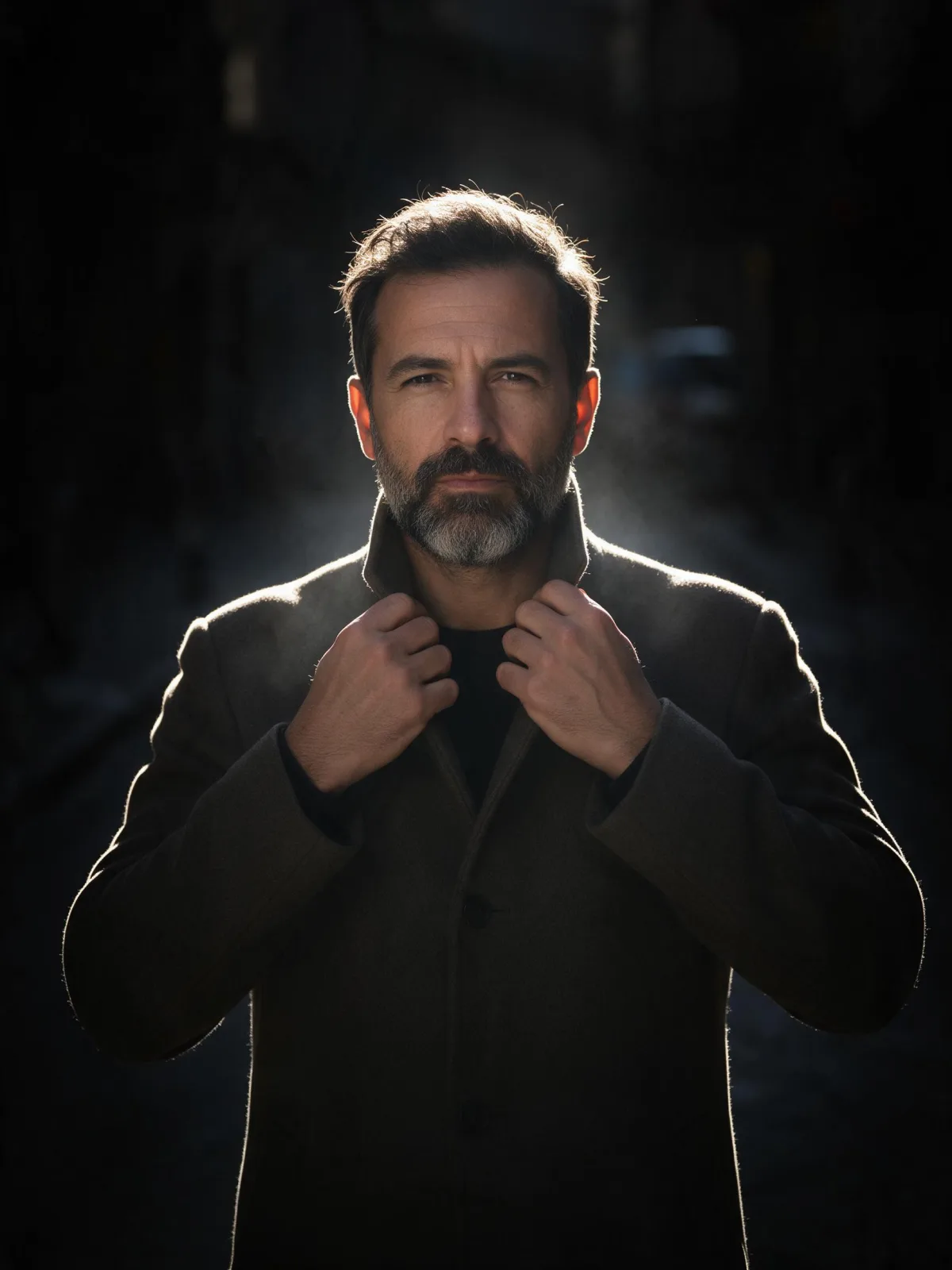
A strong backlight draws a bright line around the subject on near-black: graphic, high-contrast and quietly dramatic.

Works on

  • Seedream 5.0 ProBest$0.036 / image
  • Qwen Image 3.0$0.03 / image
  • Z-Image$0.01 / image
  • Krea 2 Medium$0.03 / image
  • + 19 more models

Related styles

Same person, same prompt — only the style changes

2000s Digicam
After Midnight Flash
Candlelit Velvet
Cinematic Gothic
Late-Night Hotel
Late-Night OVA
Moonlit Voile
Neon After Rain
After-Con Neon
Afterglow Pool
Airbrush Pin-up
Blush Neon
Brass Reflections
Cinematic Still
Manhwa Action
Aurora Night
Blue Hour Quiet
Double Exposure Dusk
Firework Glow
Instant Film
Rim Light Silhouette
Sign up to generate

We never filter your prompt.

A strong backlight draws a bright line around the subject on near-black: graphic, high-contrast and quietly dramatic.

Category
Photo & film
Works on
23 models
Price
From $0.01 / image
Suggested frame
3:4 · 4:5
Your own photo
Text only

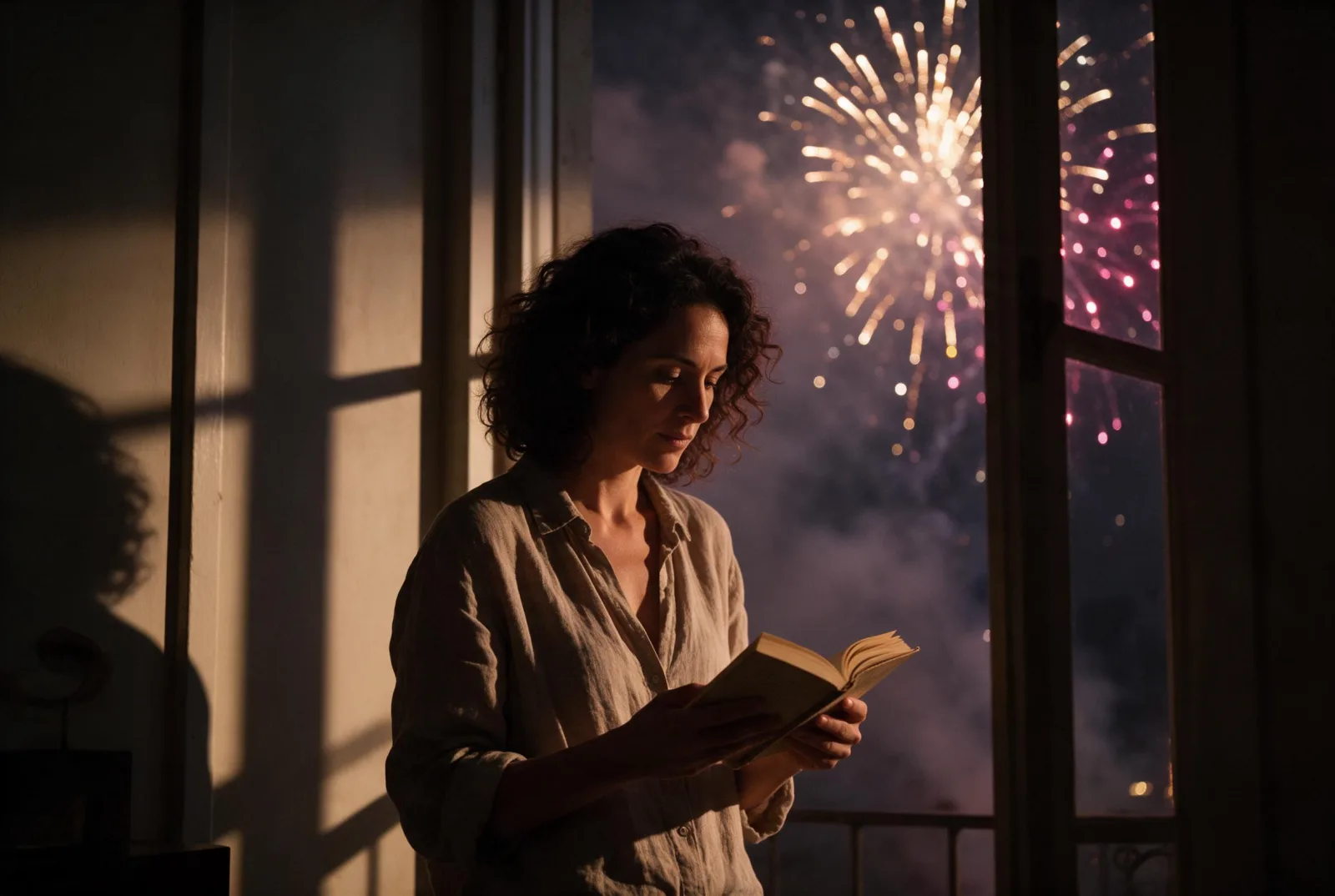
Same subject, with and without it

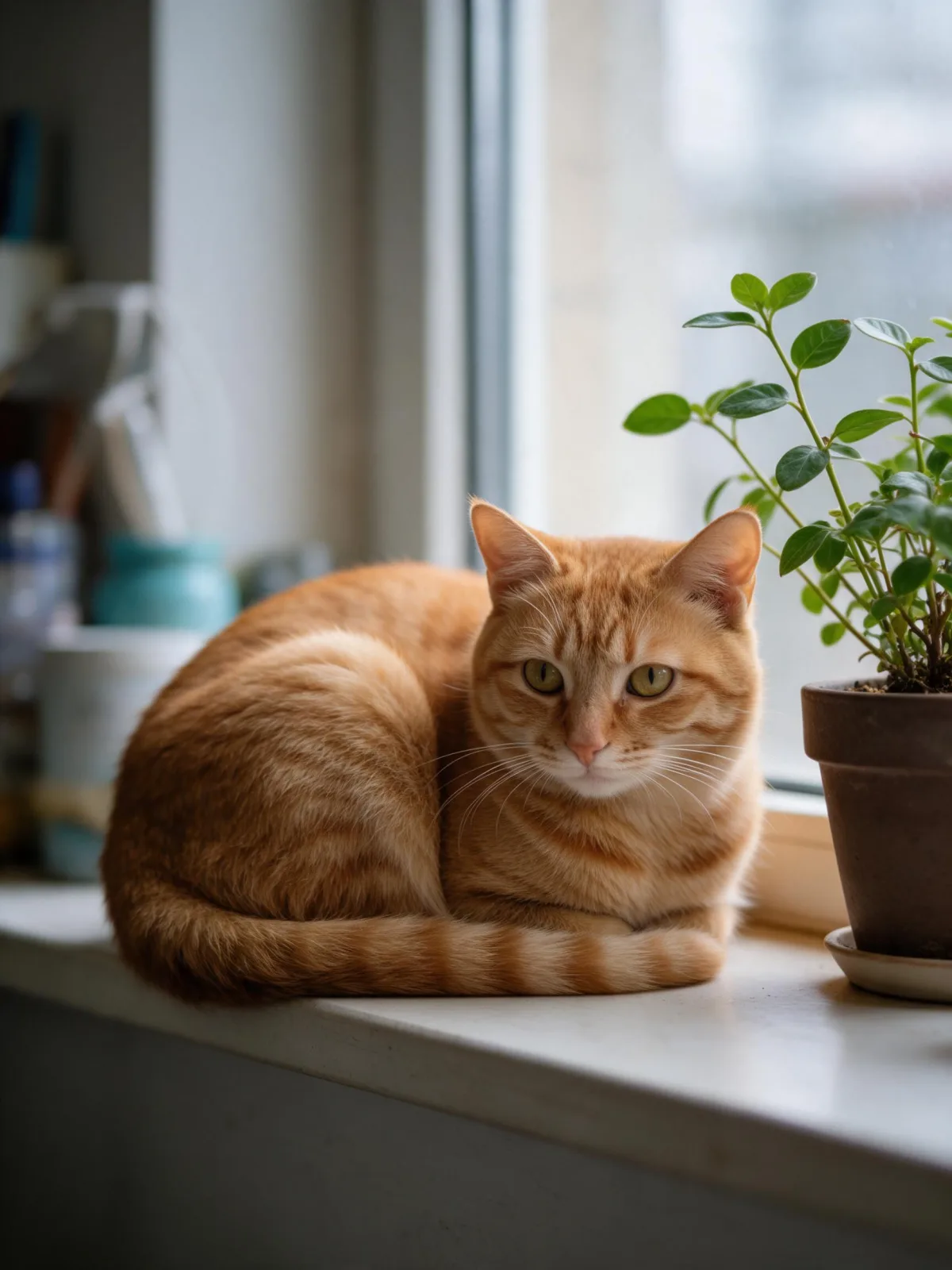
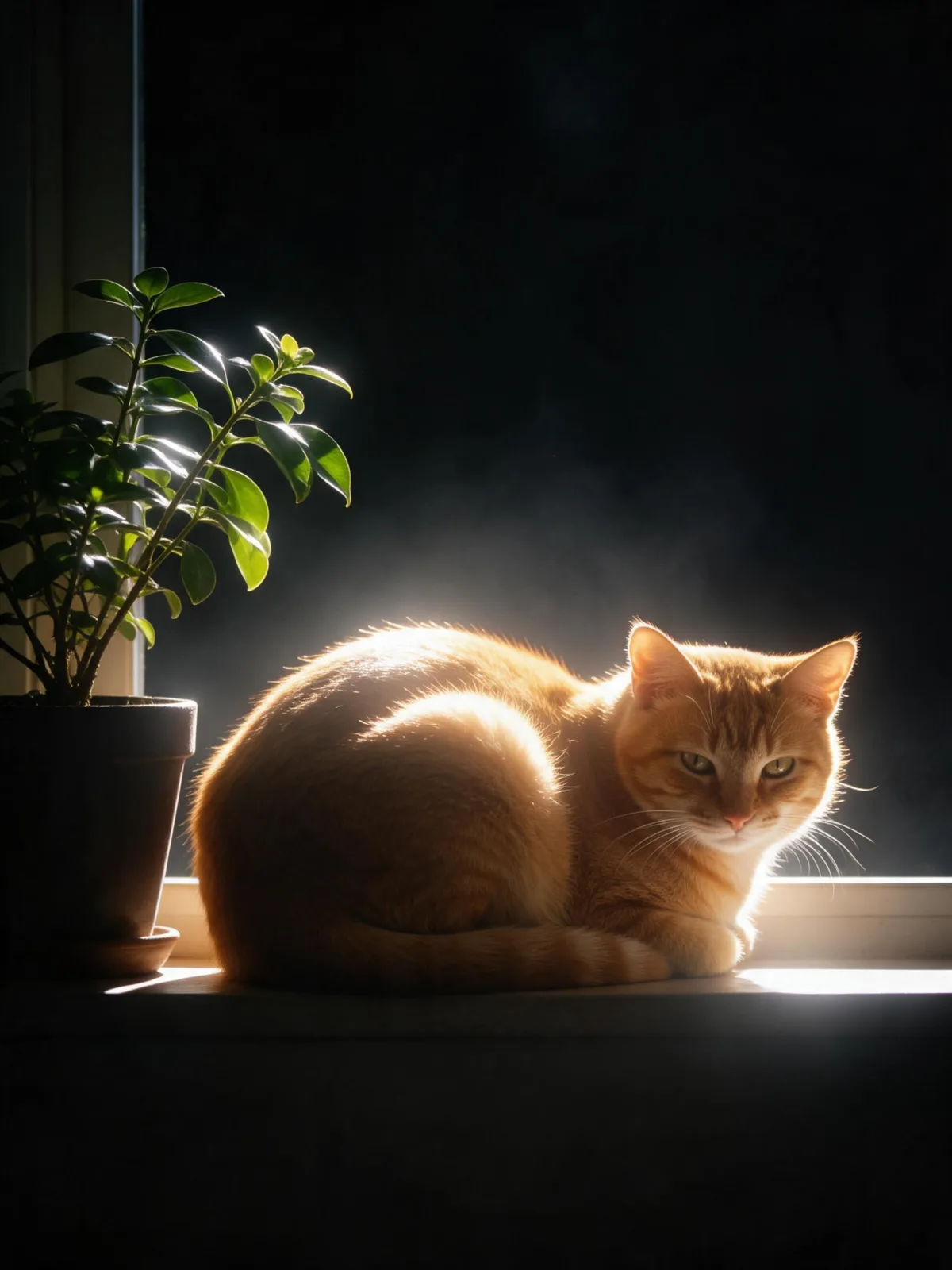
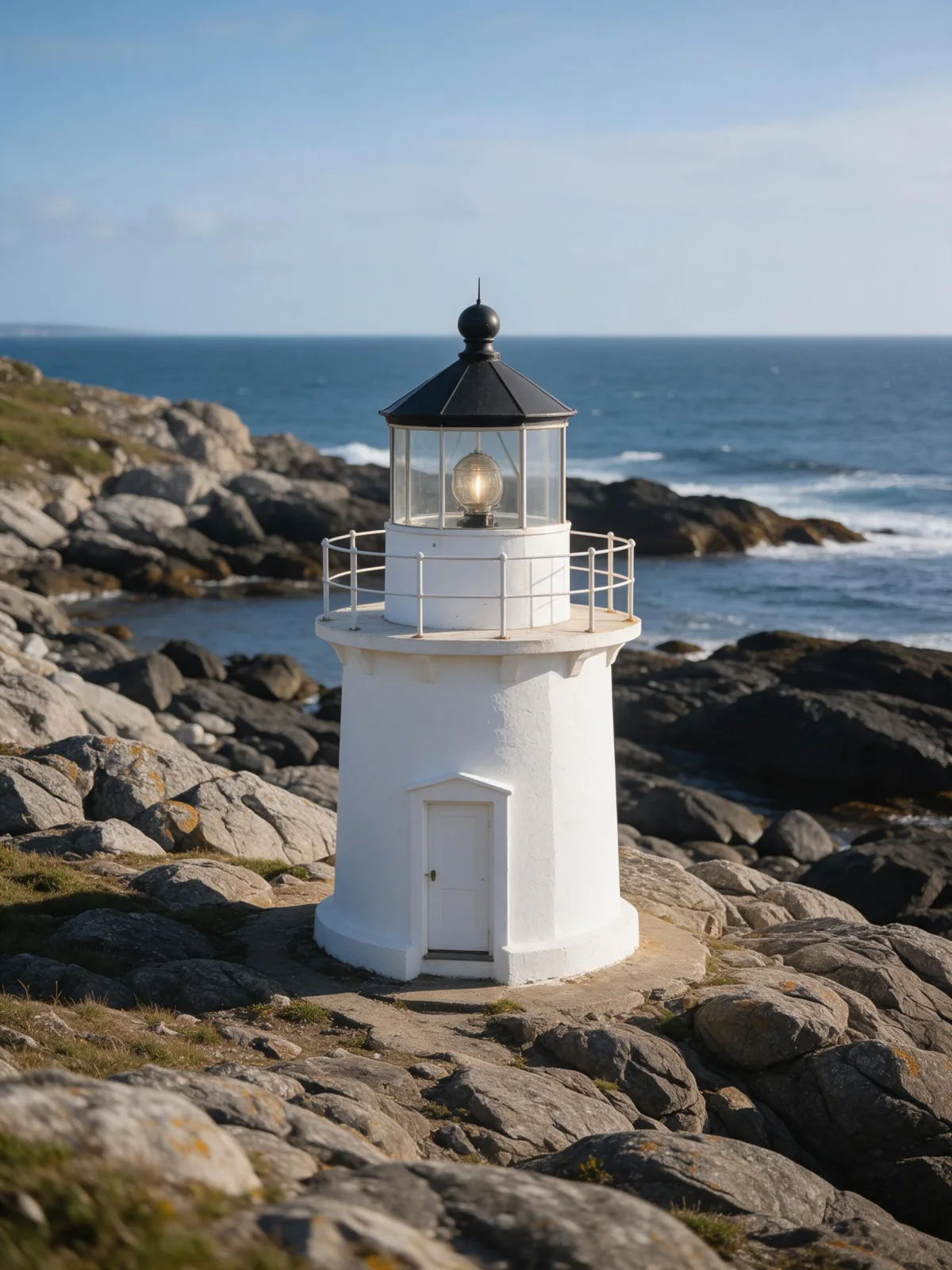
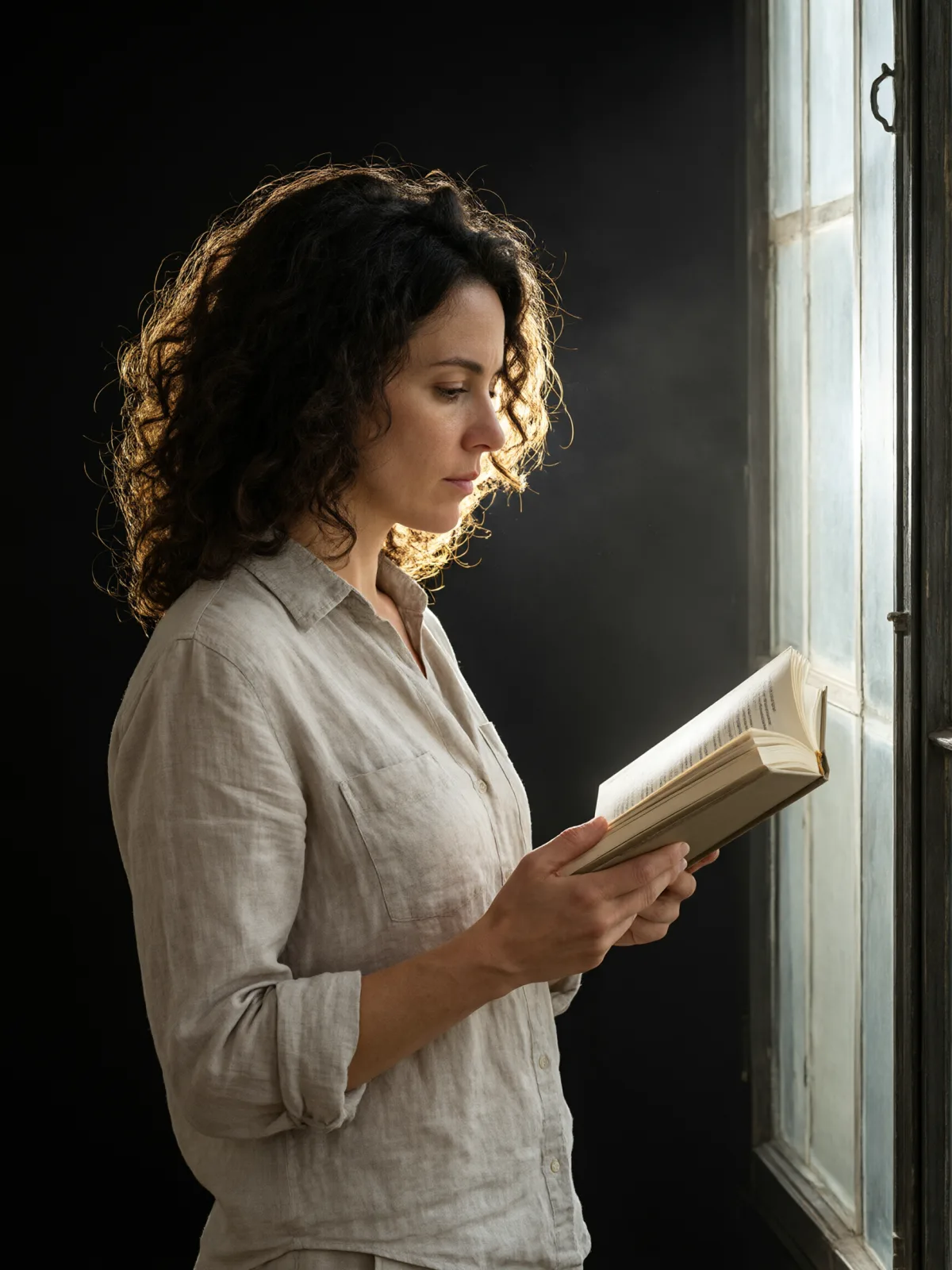
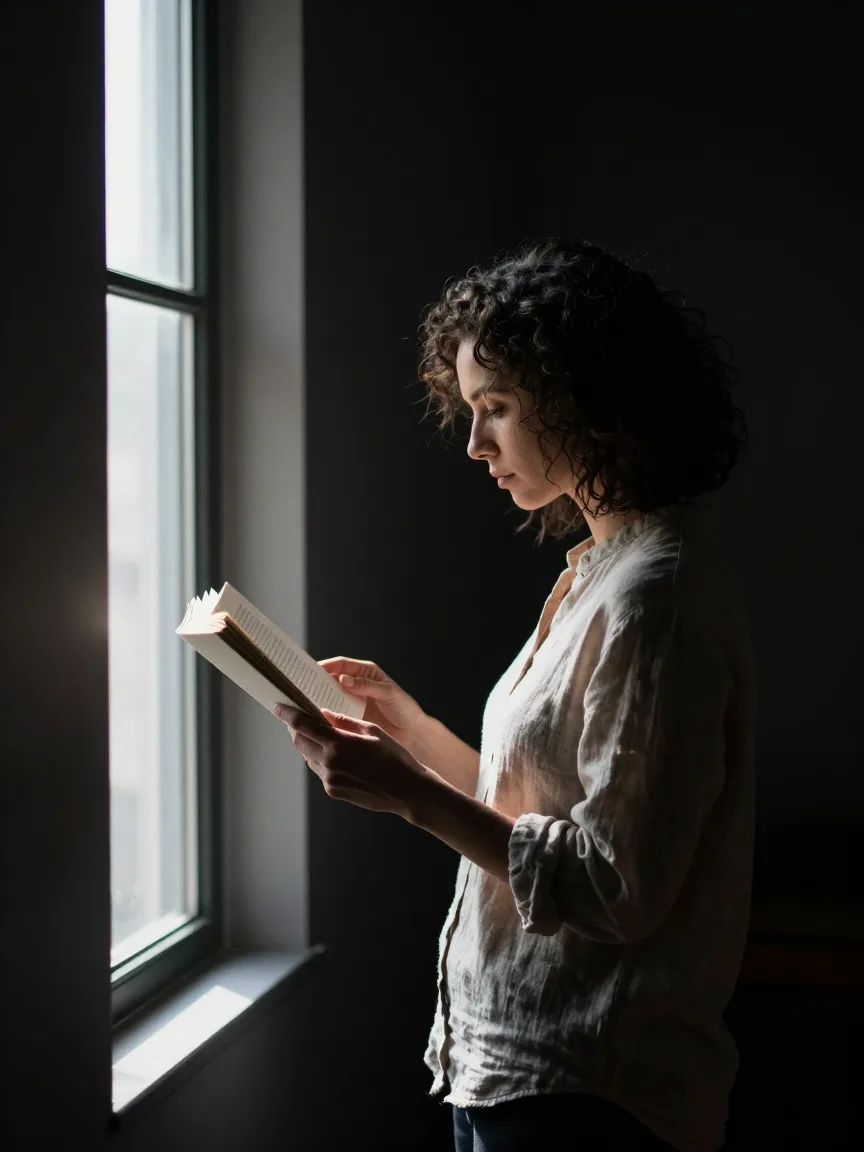
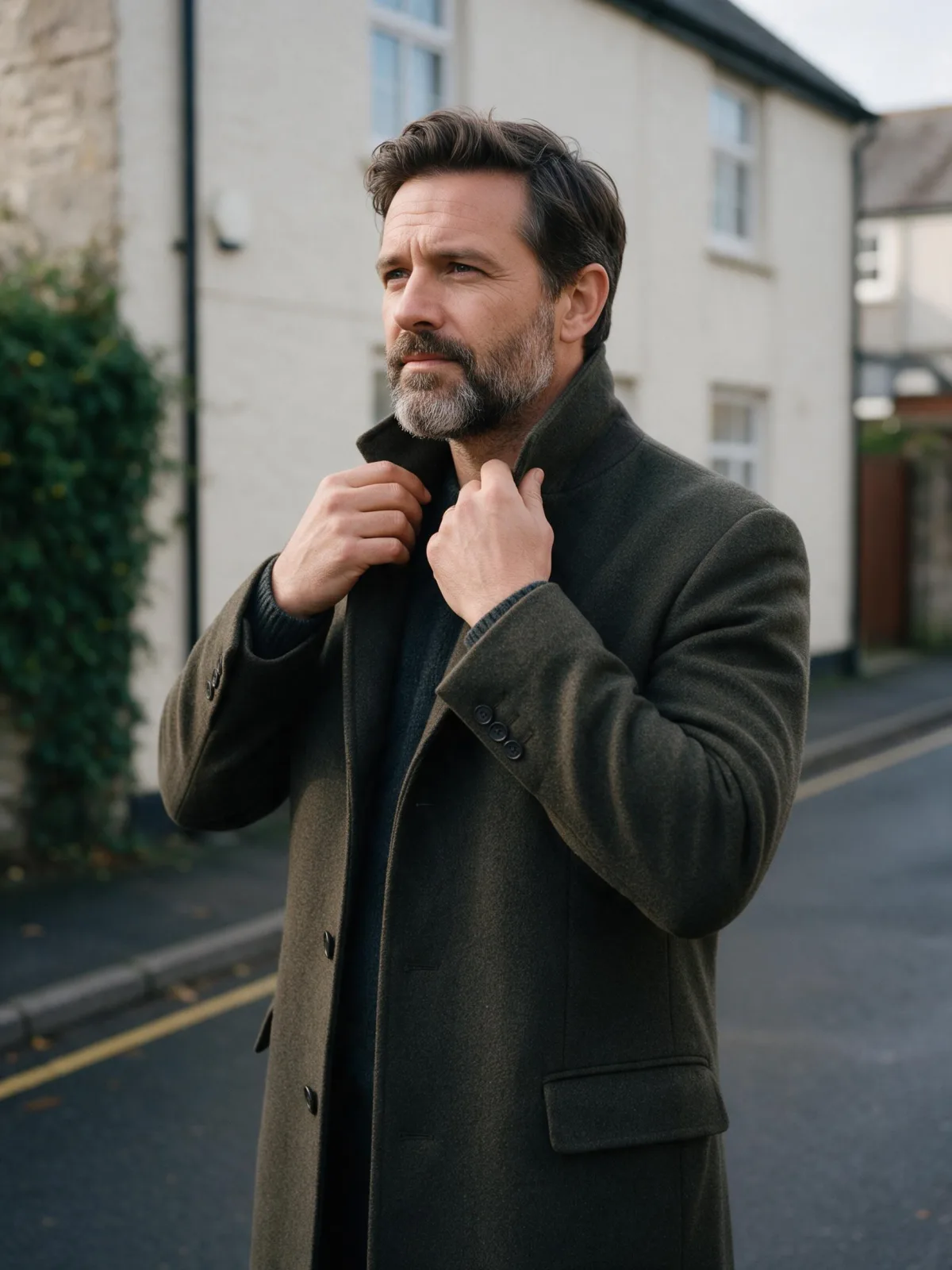
Each pair is the same sentence on the same model. The left frame has no style; the right one is Rim Light Silhouette. That gap is what the style adds.

  • The test subject with no style, made with Seedream 5.0 Pro
    No style
    Sample in the Rim Light Silhouette style, made with Seedream 5.0 Pro
    With Rim Light Silhouette

    Seedream 5.0 Pro

  • The test subject with no style, made with Seedream 5.0 Pro
    No style
    Sample in the Rim Light Silhouette style, made with Seedream 5.0 Pro
    With Rim Light Silhouette

    Seedream 5.0 Pro

  • The test subject with no style, made with Seedream 5.0 Pro
    No style
    Sample in the Rim Light Silhouette style, made with Seedream 5.0 Pro
    With Rim Light Silhouette

    Seedream 5.0 Pro

  • The test subject with no style, made with Seedream 5.0 Pro
    No style
    Sample in the Rim Light Silhouette style, made with Seedream 5.0 Pro
    With Rim Light Silhouette

    Seedream 5.0 Pro

Samples

The same fixed test subjects run through every style, so you see what Rim Light Silhouette does rather than what the subject brings.

  • Sample in the Rim Light Silhouette style, made with Qwen Image 3.0
    Qwen Image 3.0
  • Sample in the Rim Light Silhouette style, made with Z-Image
    Z-Image

About Rim Light Silhouette

Rim Light Silhouette lights your subject from behind. A single strong source sits past the subject and traces a thin, bright edge around its outline, while almost nothing reaches the front. The background falls to near-black, a faint haze catches a little of the glow, and what you are left with is a shape drawn in light.

You write the subject and the style supplies the studio. It is striking on people — a profile, a figure turning away, someone mid-step — because the outline carries the emotion instead of the details. It is just as good on objects and animals: a cat on a windowsill becomes a glowing contour, a bicycle becomes a line drawing, a lighthouse becomes a beacon against the dark.

Use it for album and podcast covers, posters, title cards and bold social images where you need a strong silhouette and space for type. It is not for bright, detailed product shots; for those, Glossy Flash Editorial or Collectible Figure works better.

For this composition, we recommend 3:4, with 4:5 as another framing option. This is a photographic look, so it runs as text-to-image only. Open “What’s sent” to see exactly how your subject is wrapped, or switch to plain text and change the light color yourself.

Subjects to paste as they are: “a woman in profile tying her hair back”, “a man in a long coat turning to look over his shoulder”, “a cat sitting upright on a windowsill”. Clear outlines and simple poses give the rim something to trace.

Finishes that work on top: Film Grain for a grittier print, Soft Bloom for a wider, softer glow around the edge.
Tips that make it land

  • Describe a clear outline: a profile, a raised arm, a long coat, the curve of a cat’s back. The style only shows the edges.
  • Keep the subject in the middle ground with space around it, so the rim has room to glow.
  • Name a color in your subject if you want a tinted rim, for example “with warm amber backlight” or “with cold blue backlight”.
  • Busy scenes lose the effect. One subject against darkness reads best.
  • Hair, fur, steam and loose fabric catch rim light beautifully; one of them in your subject adds instant sparkle.

The prompt it sends

Your sentence goes where {subject} sits. Everything around it is the style. Nothing is hidden, and we never filter your prompt.

{subject}, strong backlight tracing a bright rim of light around the silhouette, near-black background, subtle haze glow, minimal fill light, graphic high-contrast studio composition

Prompt ideas for Rim Light Silhouette

Scenes from our prompt library that suit this look. Borrow the idea as your subject line; the style adds the rest.

Fashion & portrait

Noir & cinematic

Models it works on

Every model below was tested with this style. The price is per image and shows on the Generate button before you run.

How to use Rim Light Silhouette

  1. 01

    Write who or what

    Write one plain sentence for your Rim Light Silhouette image: who or what is in it and what is happening. The style brings the light, color and medium, so leave those out.

  2. 02

    Keep Rim Light Silhouette on

    It is already selected at the top of this page and lands best on Seedream 5.0 Pro, the model it was tuned on. It builds the whole scene from your text.

  3. 03

    Generate

    From $0.01 per image, shown on the button before you run. Pick your favorite Rim Light Silhouette frame, then edit it, restyle it or make it move from the result.

Questions about Rim Light Silhouette

Make video

Styles are for stills. These effects start from one photo and add a single deliberate move.

Read next