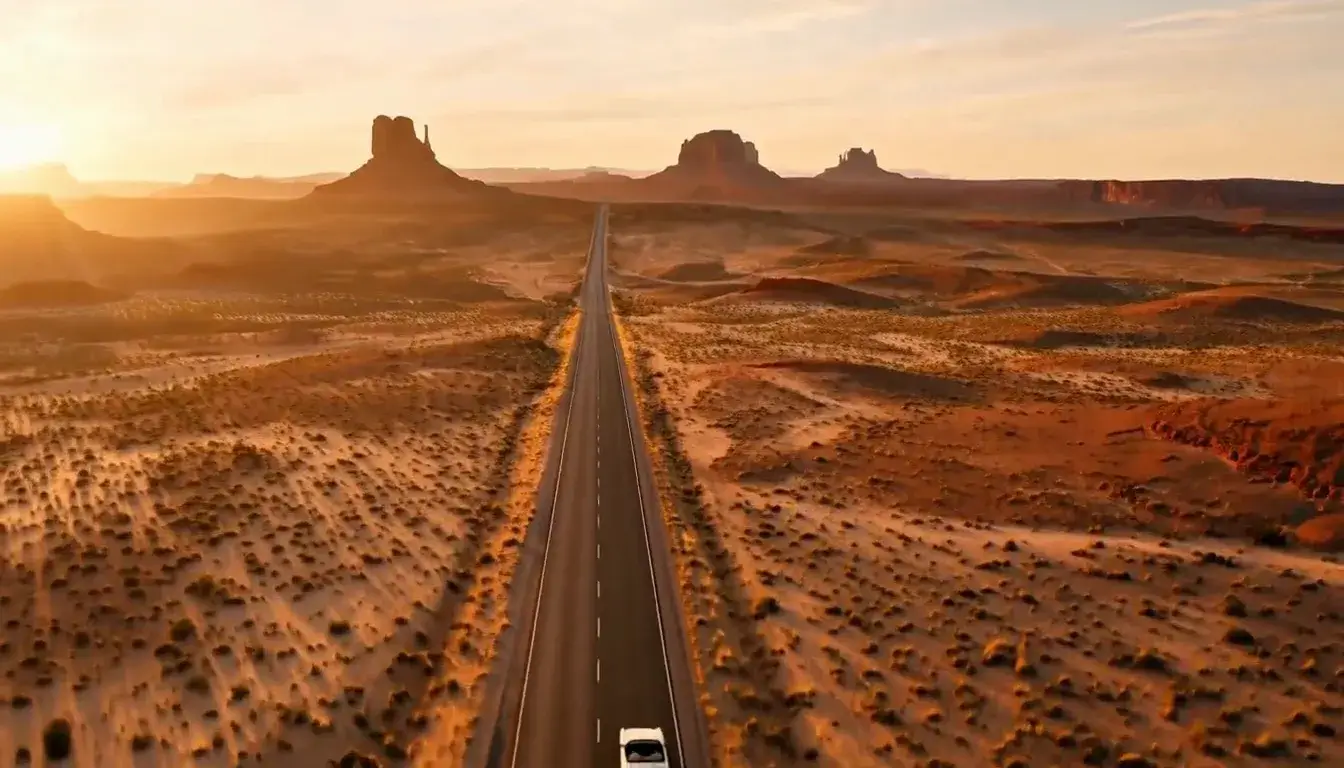
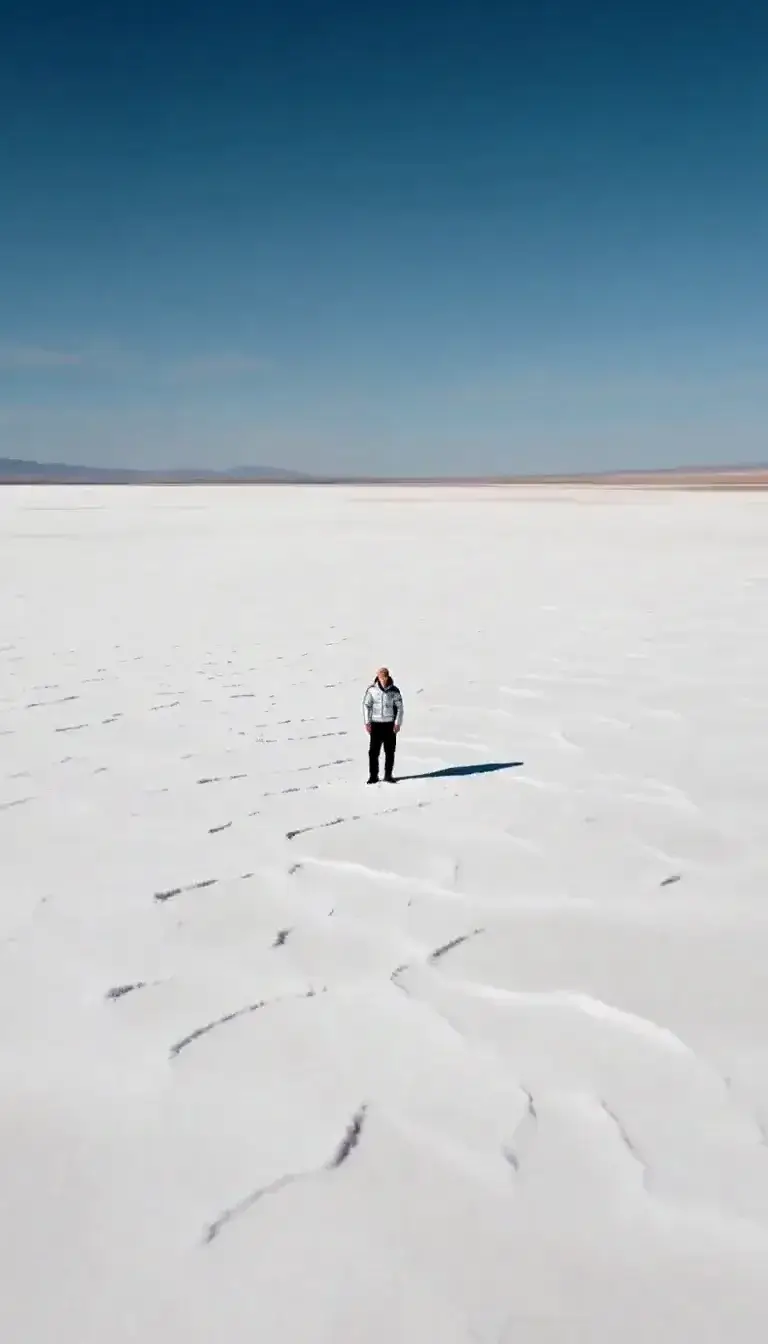
Tilt-Shift AI Photo Generator: Tilt-Shift Miniature

Effects
Tilt-Shift Miniature

Tilt-Shift Miniature

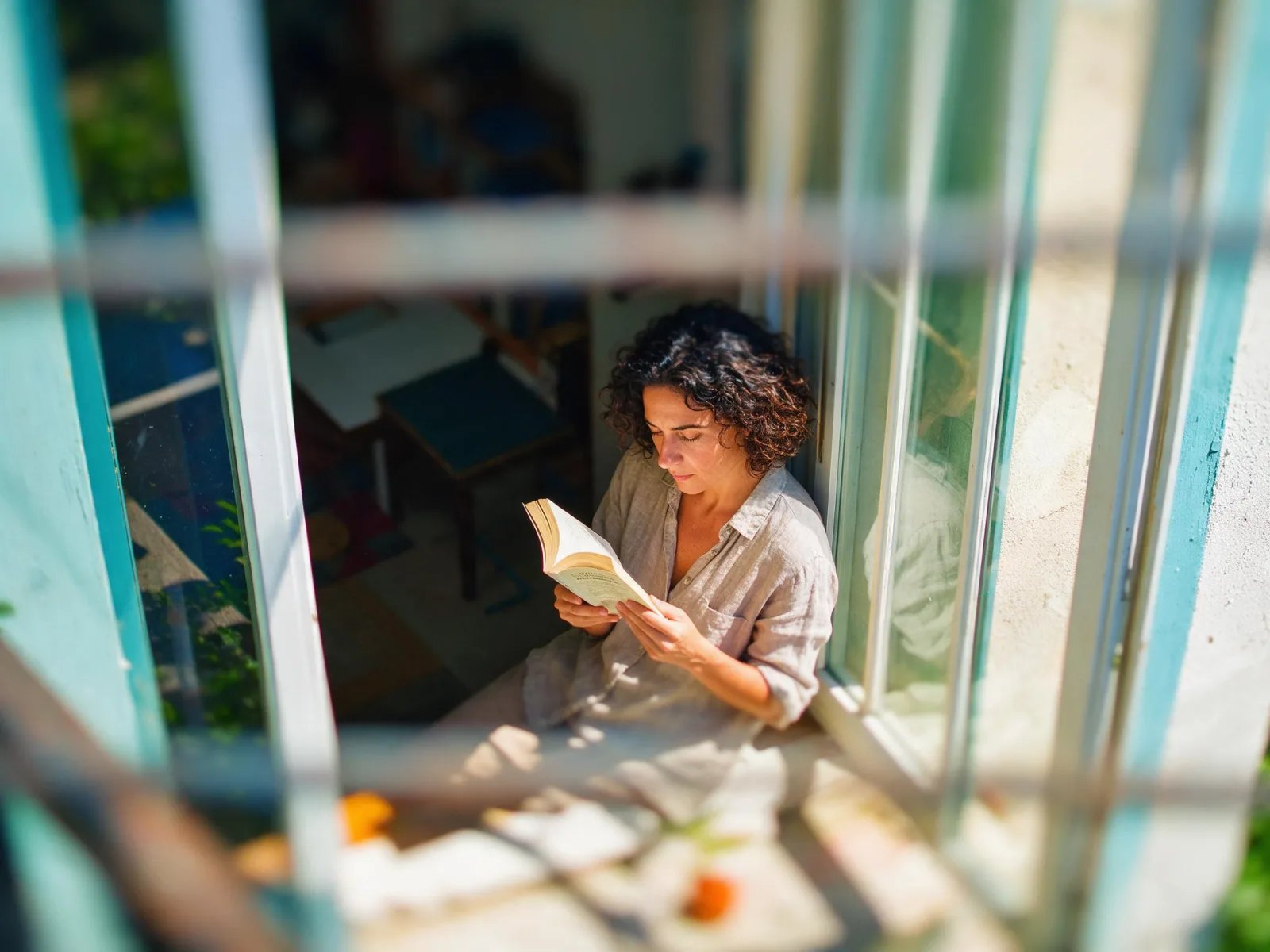
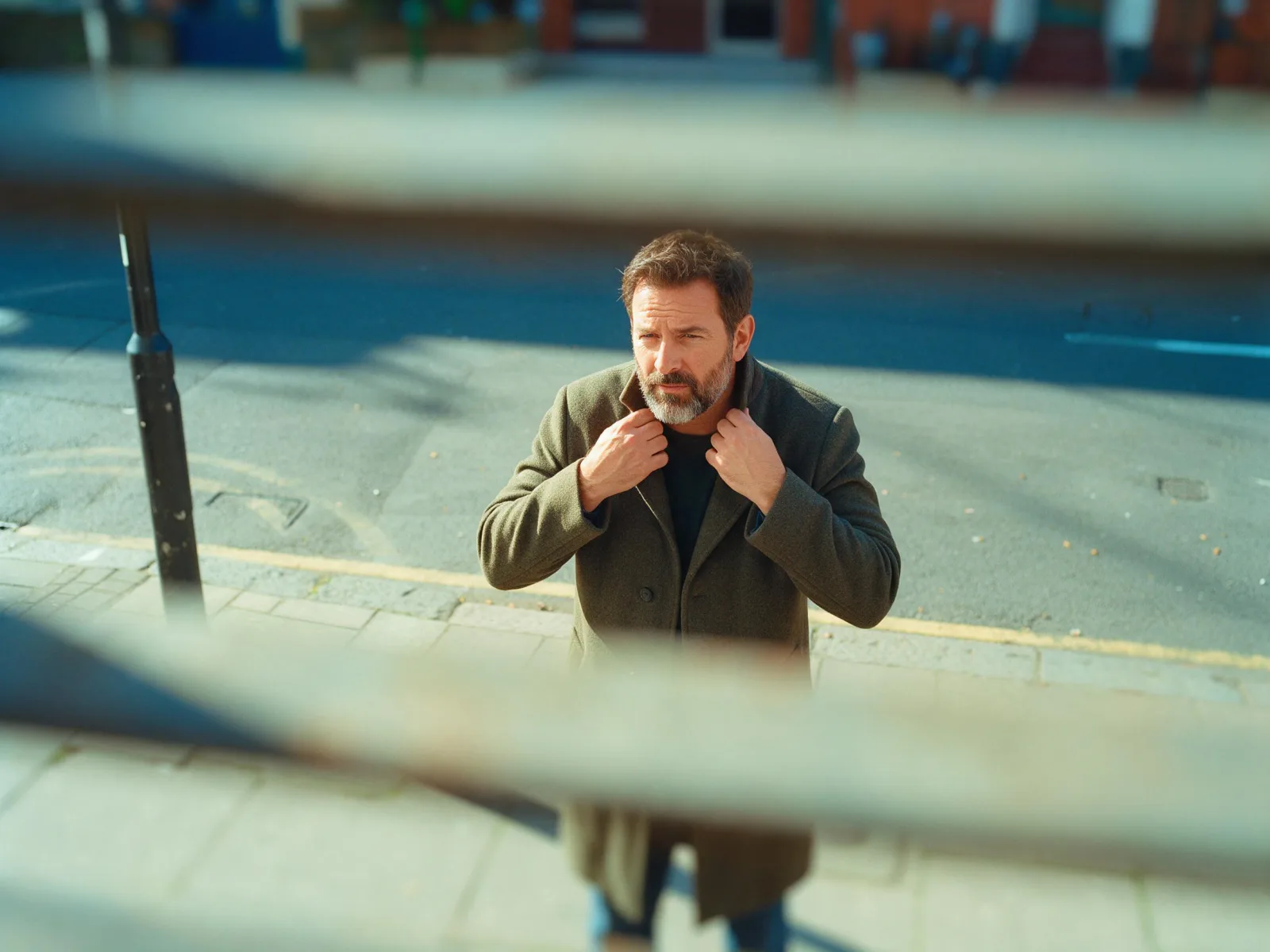
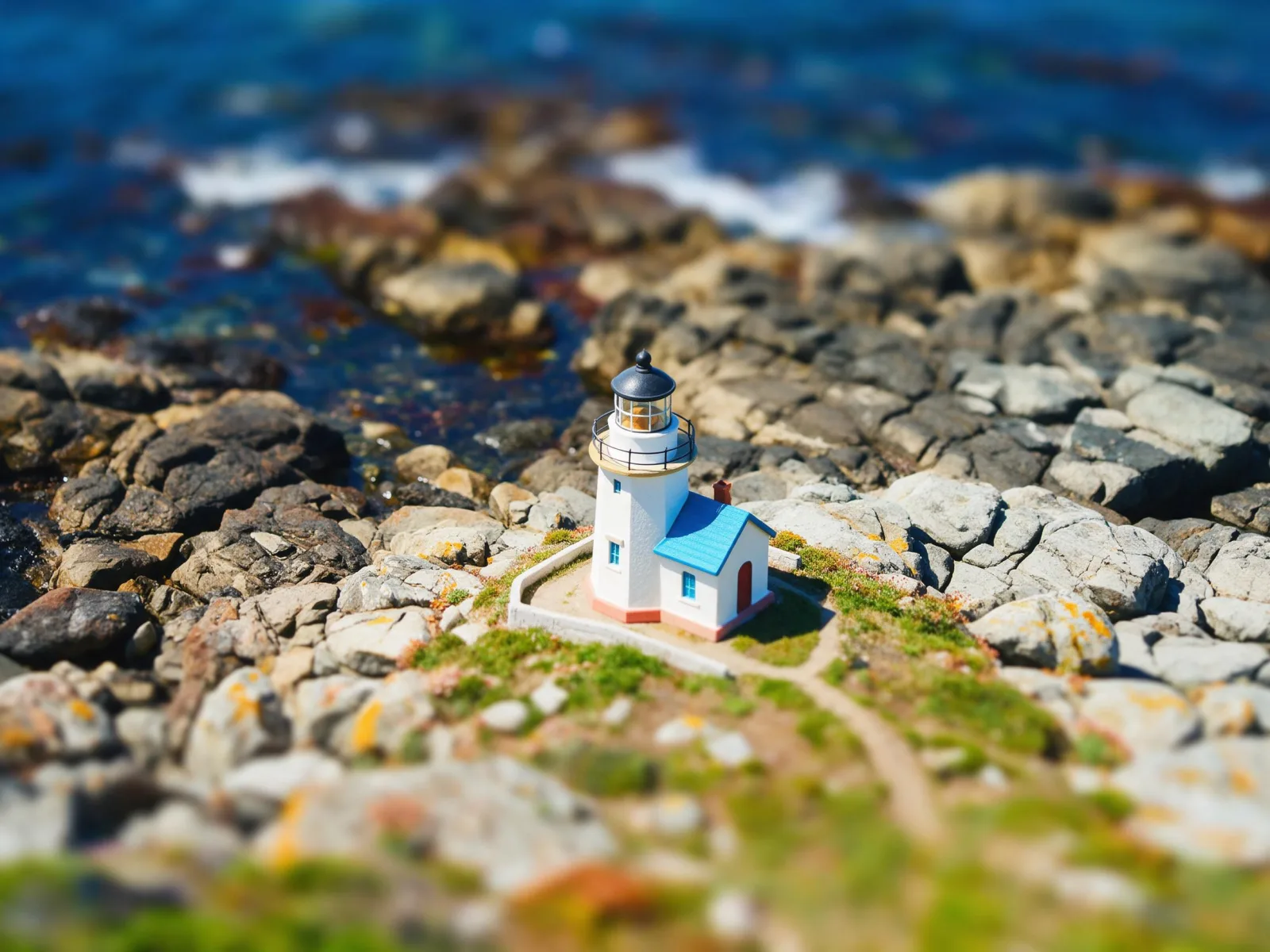
Makes real scenes look like a toy model: a thin band of sharp focus, heavy blur above and below, bright saturated color and a high viewpoint.

Works on

  • Seedream 5.0 ProBest$0.036 / image
  • Qwen Image 3.0$0.03 / image
  • Z-Image$0.01 / image
  • Wan 2.7$0.03 / image
  • + 20 more models

Related styles

Same person, same prompt — only the style changes

2000s Digicam
After Midnight Flash
Candlelit Velvet
Cinematic Gothic
Late-Night Hotel
Late-Night OVA
Moonlit Voile
Neon After Rain
After-Con Neon
Afterglow Pool
Airbrush Pin-up
Blush Neon
Brass Reflections
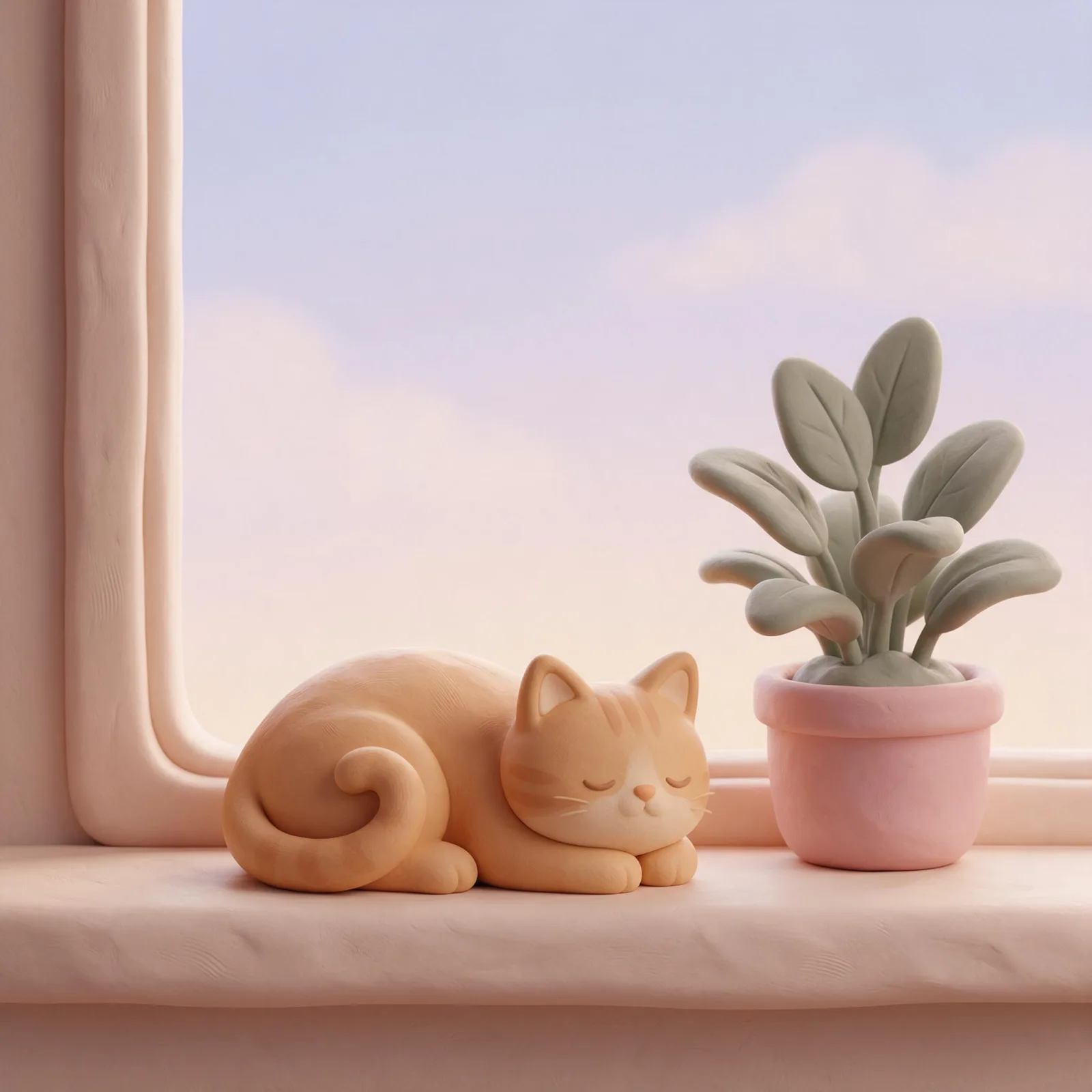
Soft Clay 3D
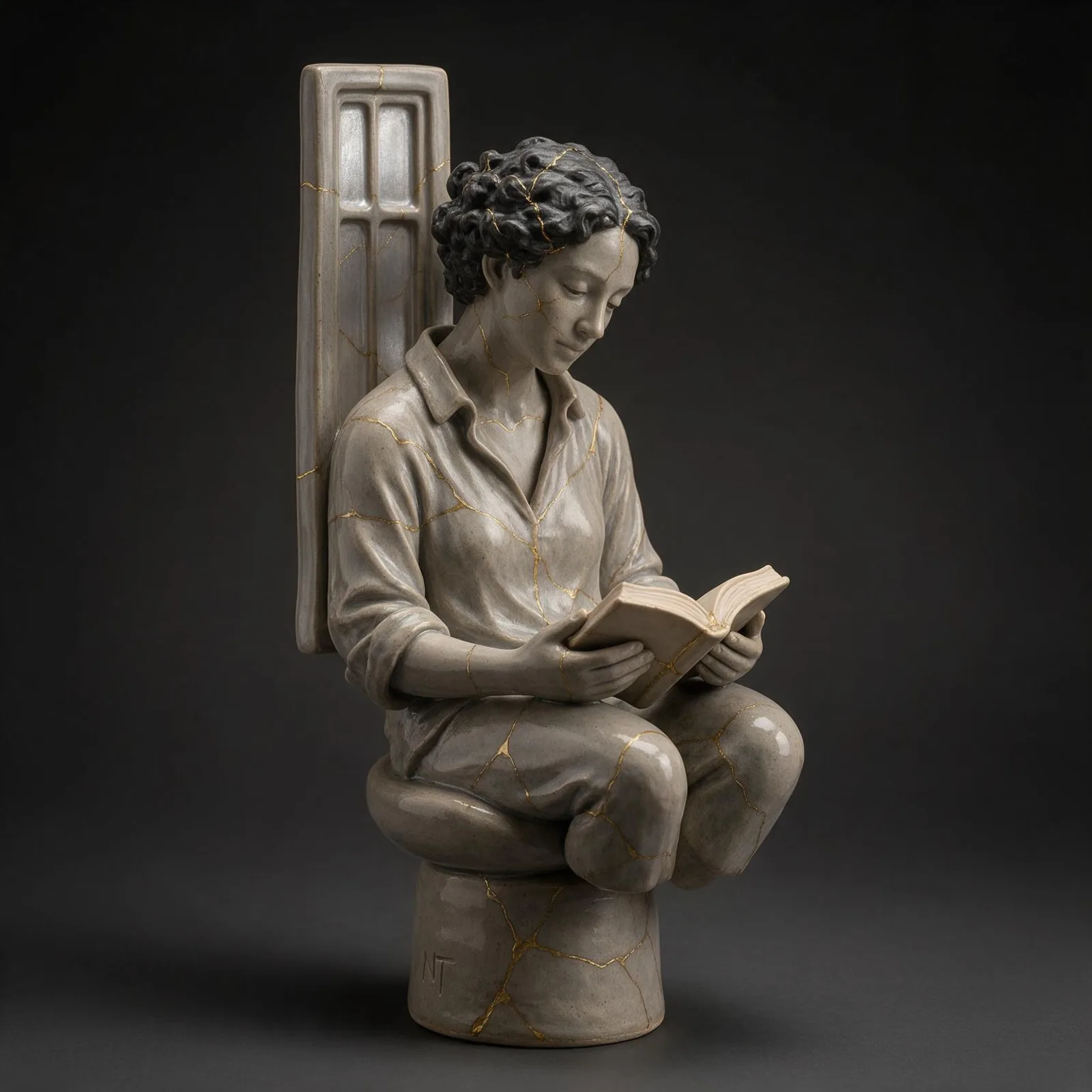
Kintsugi Gold
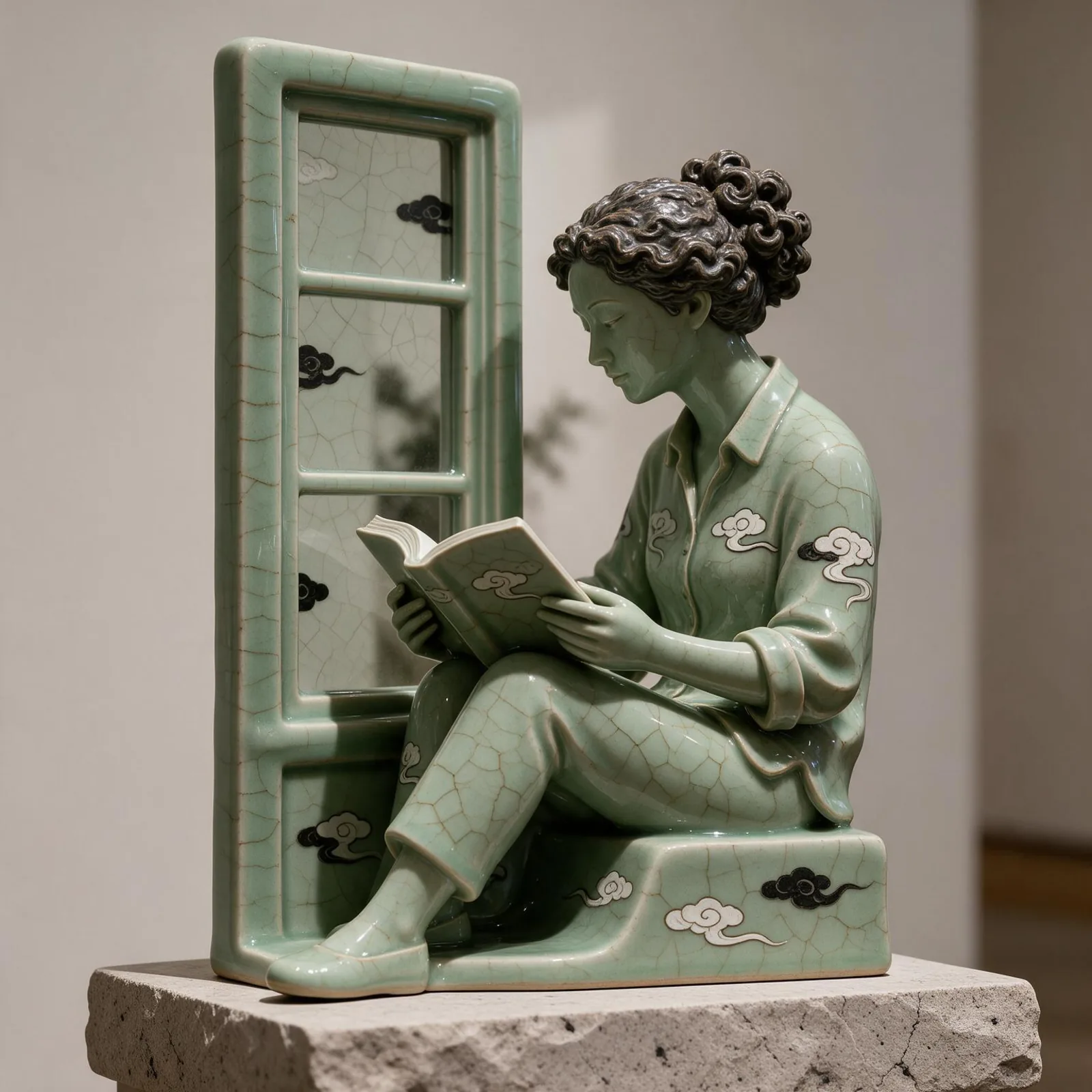
Celadon Glaze
Manhwa Action
Glossy Aero
Instant Film
Tilt-Shift Miniature
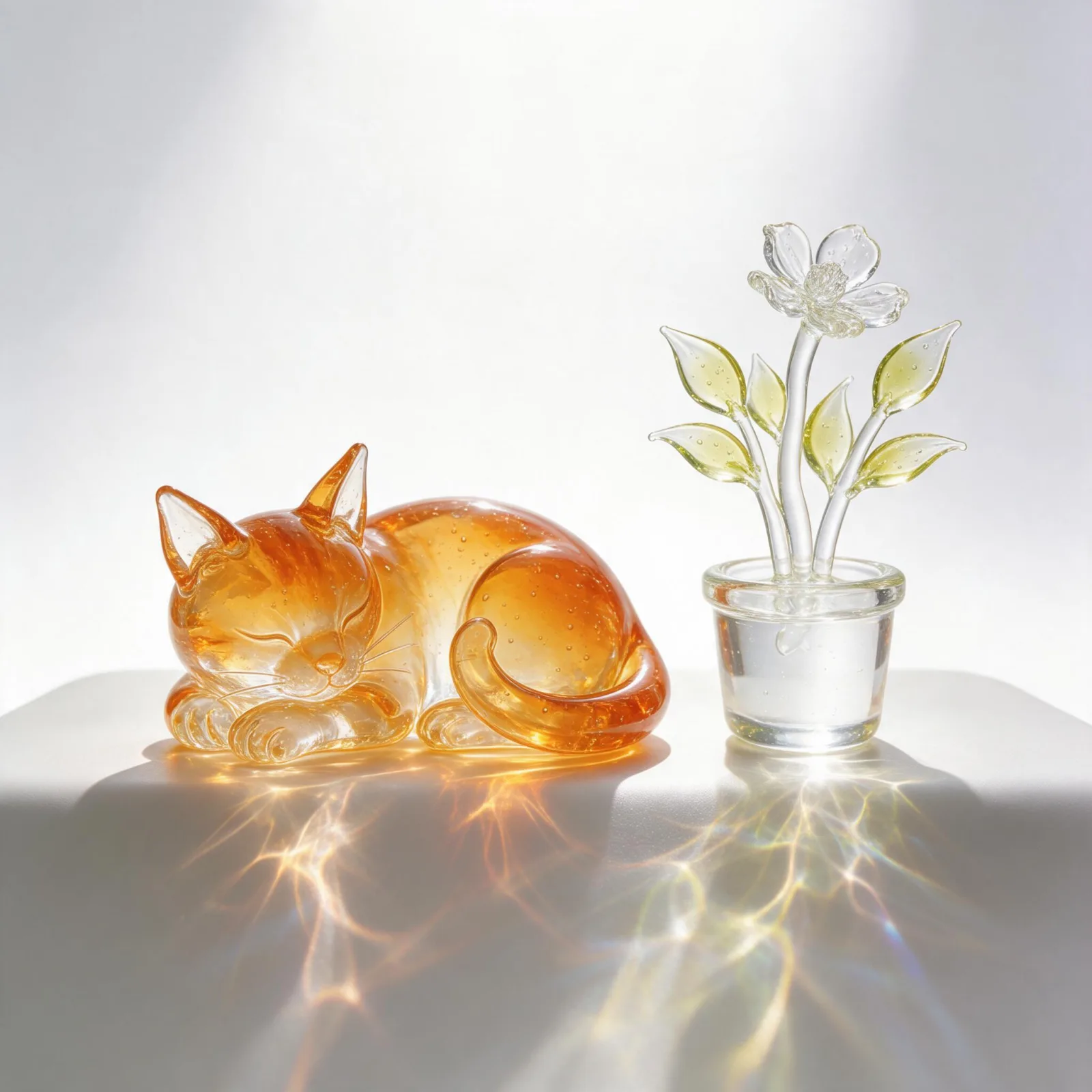
Blown Glass
Chrome Future
Sign up to generate

We never filter your prompt.

Makes real scenes look like a toy model: a thin band of sharp focus, heavy blur above and below, bright saturated color and a high viewpoint.

Category
Photo & film
Works on
37 models
Price
From $0.01 / image
Suggested frame
4:3 · 3:2
Your own photo
Yes, restyles an upload

Same subject, with and without it

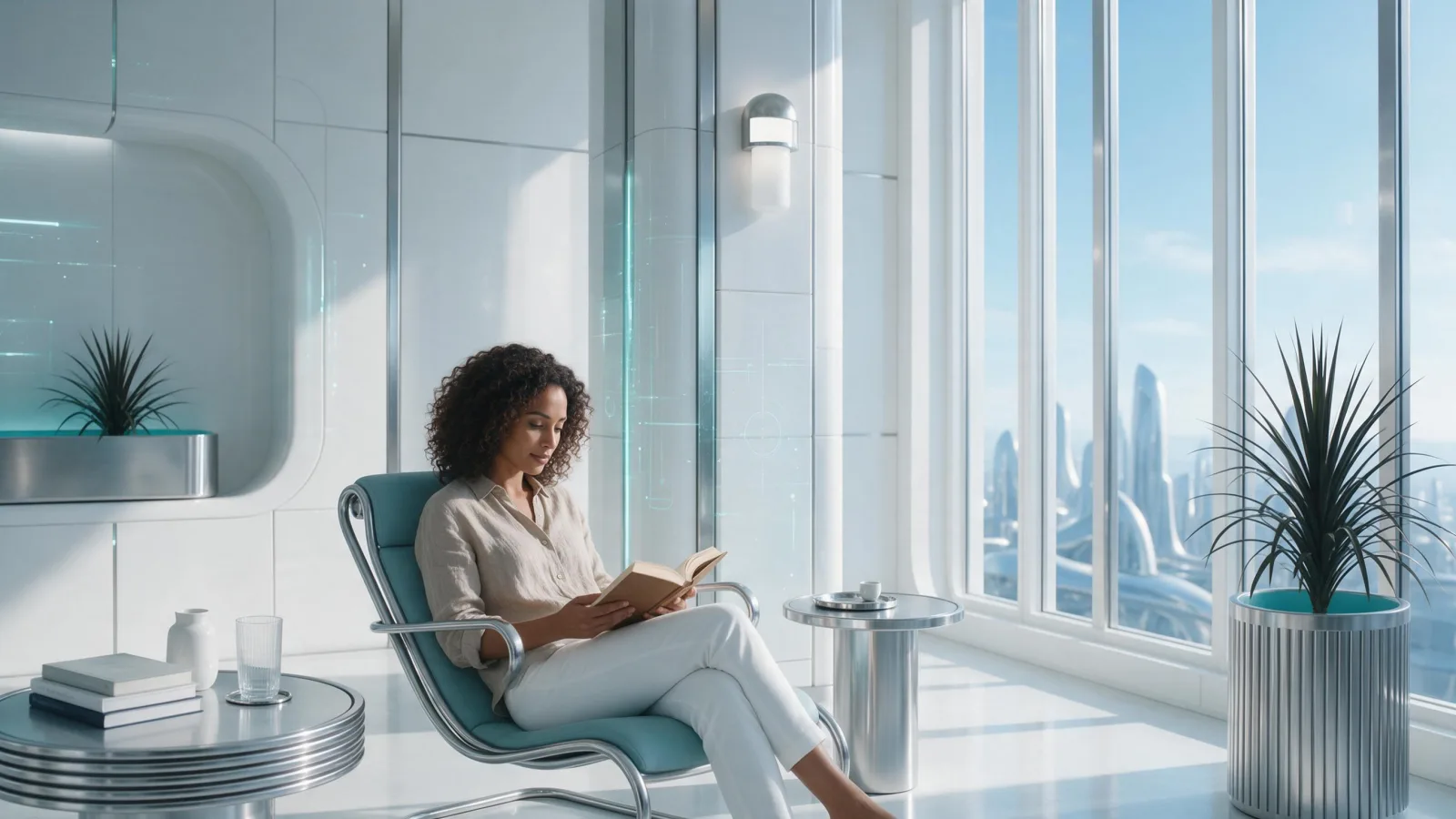
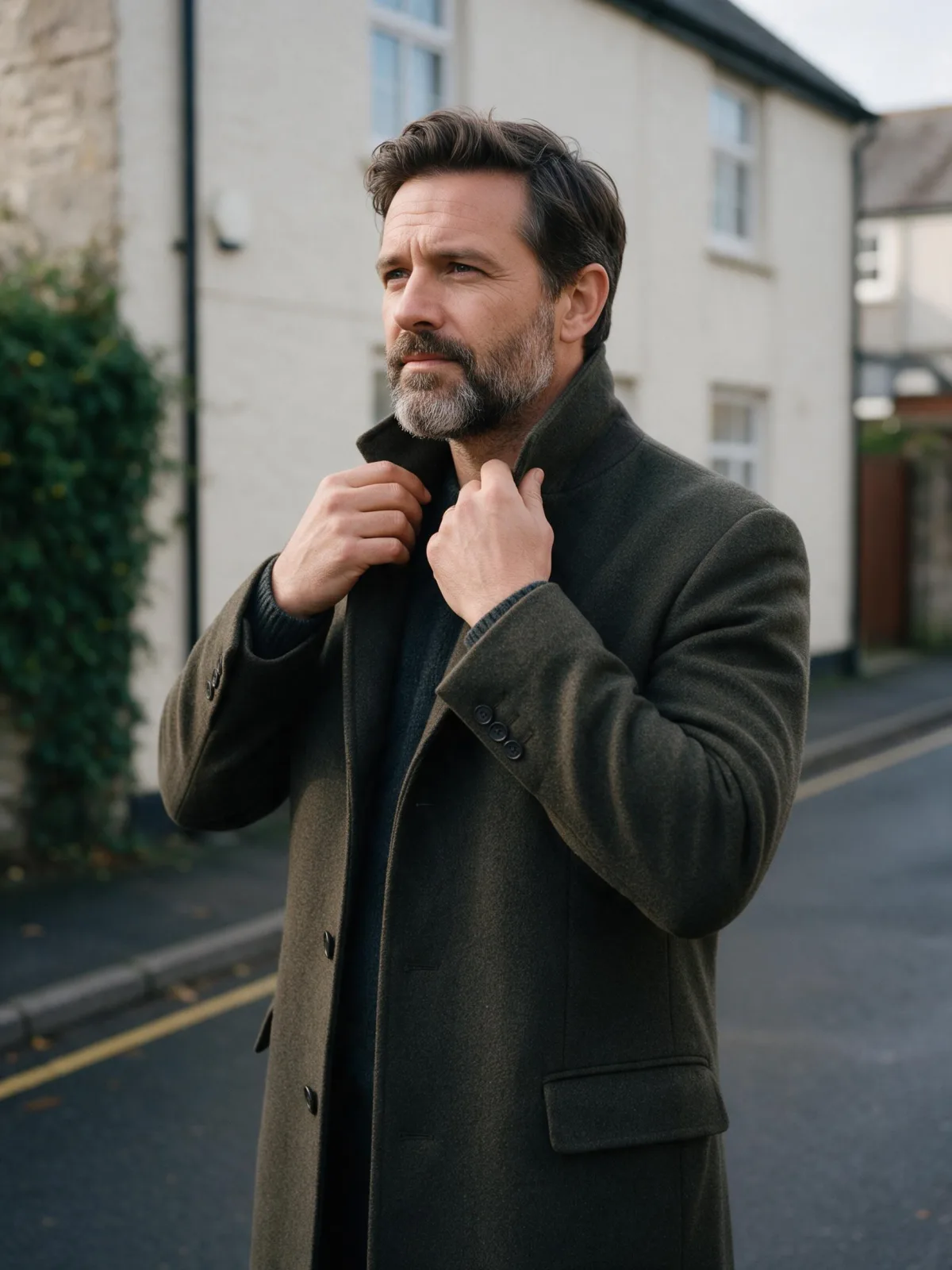
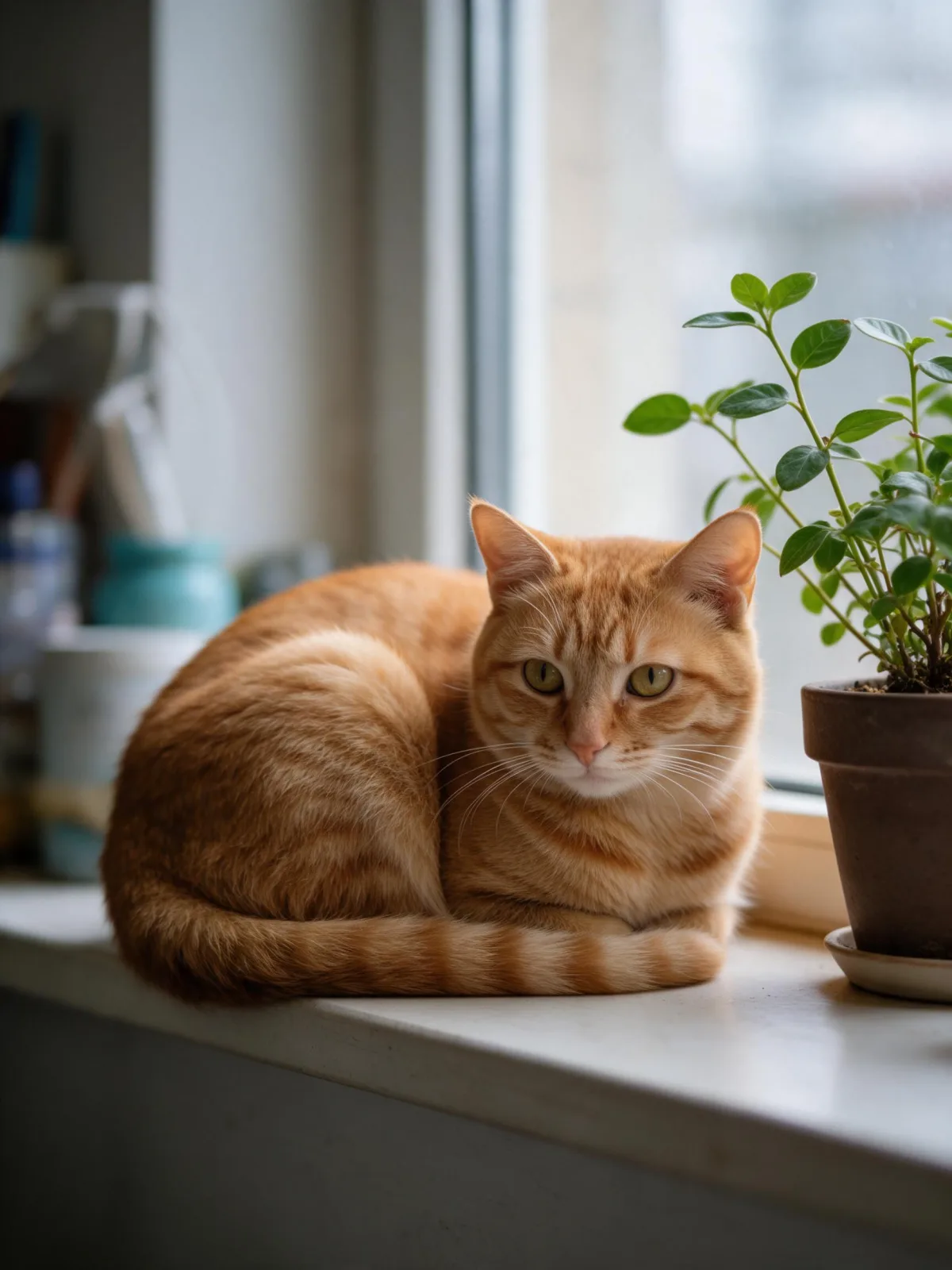
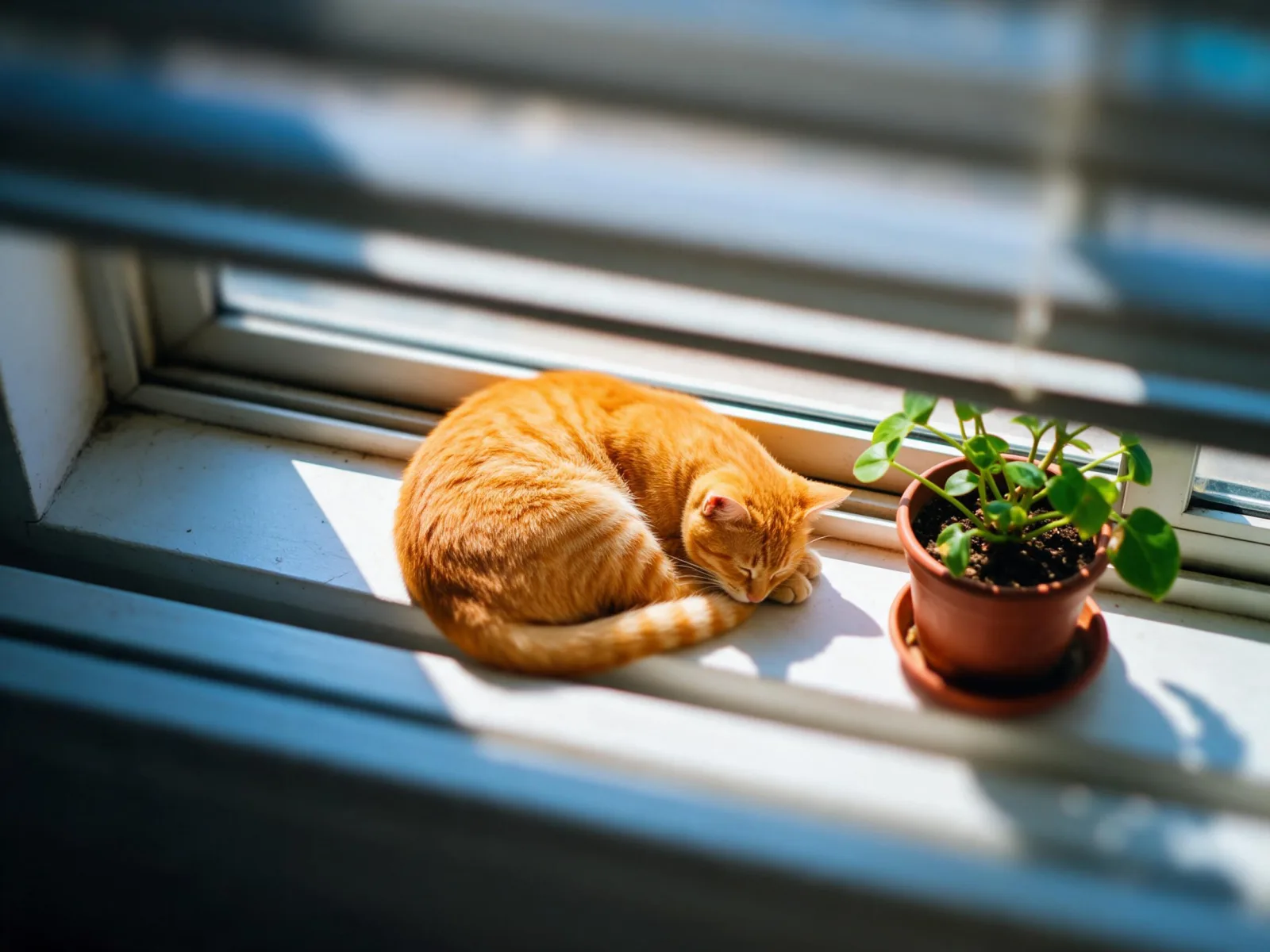
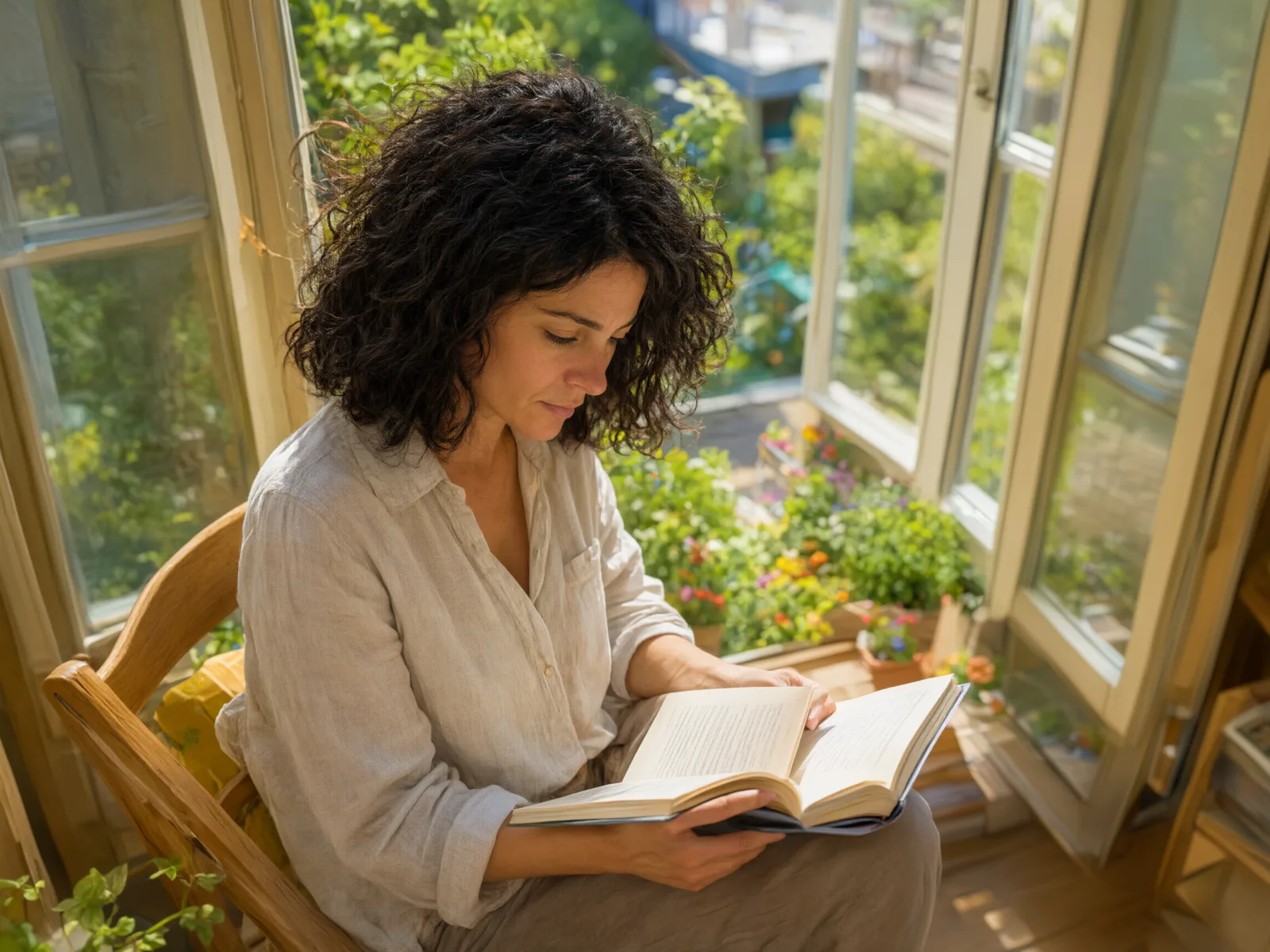
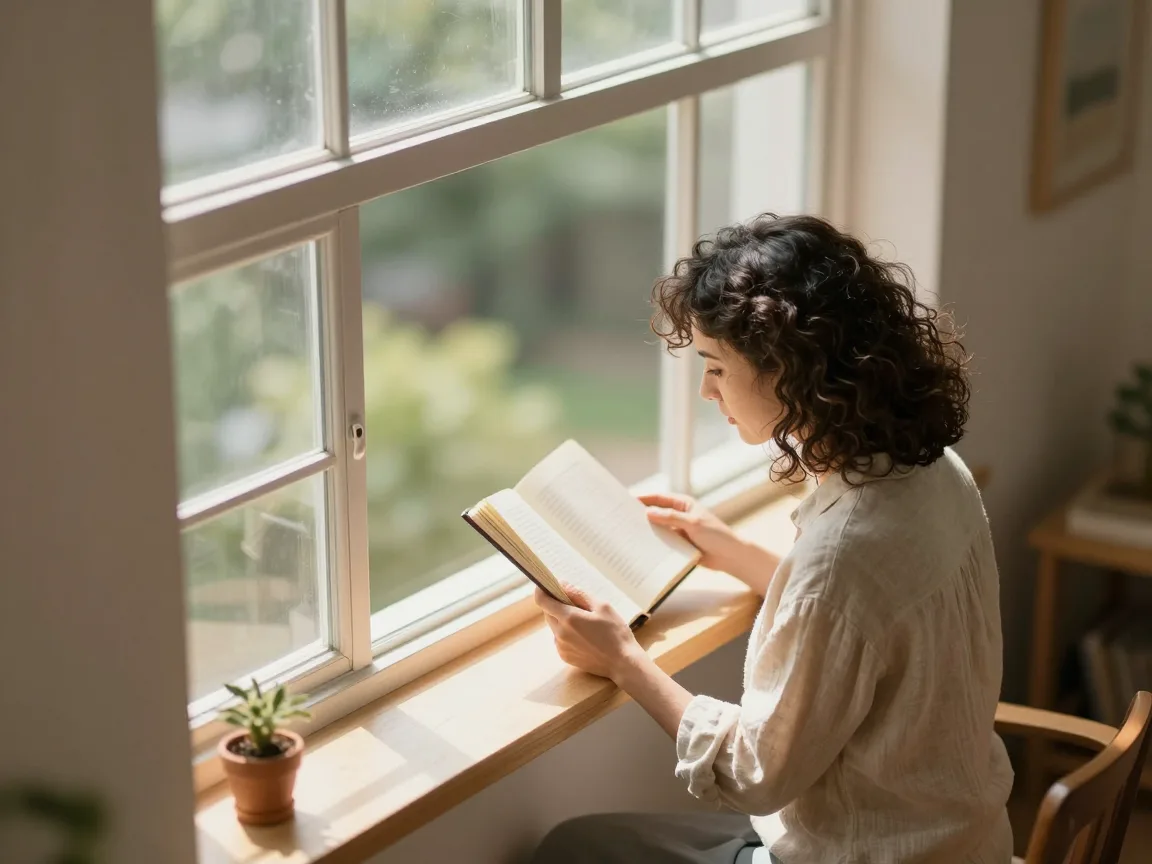
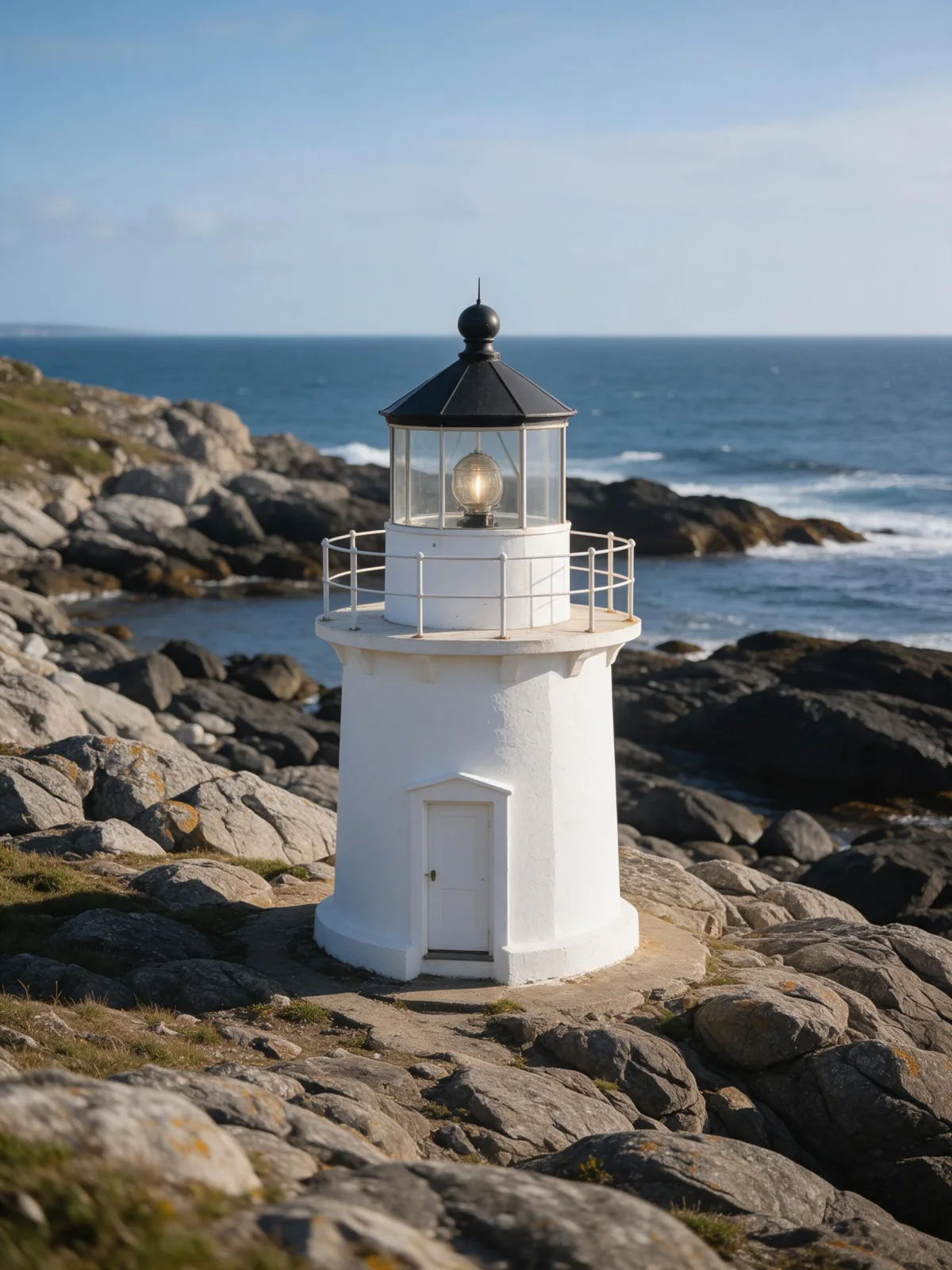
Each pair is the same sentence on the same model. The left frame has no style; the right one is Tilt-Shift Miniature. That gap is what the style adds.

  • The test subject with no style, made with Seedream 5.0 Pro
    No style
    Sample in the Tilt-Shift Miniature style, made with Seedream 5.0 Pro
    With Tilt-Shift Miniature

    Seedream 5.0 Pro

  • The test subject with no style, made with Seedream 5.0 Pro
    No style
    Sample in the Tilt-Shift Miniature style, made with Seedream 5.0 Pro
    With Tilt-Shift Miniature

    Seedream 5.0 Pro

  • The test subject with no style, made with Seedream 5.0 Pro
    No style
    Sample in the Tilt-Shift Miniature style, made with Seedream 5.0 Pro
    With Tilt-Shift Miniature

    Seedream 5.0 Pro

  • The test subject with no style, made with Seedream 5.0 Pro
    No style
    Sample in the Tilt-Shift Miniature style, made with Seedream 5.0 Pro
    With Tilt-Shift Miniature

    Seedream 5.0 Pro

Samples

The same fixed test subjects run through every style, so you see what Tilt-Shift Miniature does rather than what the subject brings.

  • Sample in the Tilt-Shift Miniature style, made with Qwen Image 3.0
    Qwen Image 3.0
  • Sample in the Tilt-Shift Miniature style, made with Z-Image
    Z-Image

About Tilt-Shift Miniature

Tilt-Shift Miniature tricks the eye into reading a real scene as a tabletop model. Only a narrow strip of the frame is sharp, everything above and below it melts into blur, the colors are bright and a little candy-like, and the camera looks down from a high vantage point. The result feels playful, tidy and oddly tiny.

You write the subject and the style supplies the optics. It shines on places seen from above: a harbor with boats, a market square, a train crossing a bridge, a beach with umbrellas, a lighthouse on its rocks. People become small figures inside the scene, so it works best when you describe a person in a place rather than a close portrait.

Use it for travel posts, city guides, event and festival imagery, playful explainers and anything that should feel light and charming. It is not a portrait look; for faces, use Natural Light Portrait or Cinematic Still.

For this composition, we recommend 4:3, with 3:2 as another framing option. Tilt-Shift Miniature also works on an uploaded image: in image-to-image mode it regrades your photo with the thin focus band, saturated toy-like color and blur, and keeps the composition, pose and clothing unchanged. Photos taken from a balcony, a hill or a plane window convert best.

Subjects to paste as they are: “a small harbor with fishing boats and a red lighthouse”, “a woman crossing a busy town square with a bicycle”, “a yellow train crossing a stone bridge over a river”. Each one describes a scene with depth, which is what the blur needs.

Finishes that work on top: Golden Hour for long warm shadows, Film Grain for a vintage postcard feel.
Tips that make it land

  • Describe a scene seen from above: a square, a harbor, a street, a beach. The effect needs depth and a high viewpoint.
  • Keep people small in the story — “a woman crossing a square” rather than “a woman’s portrait”.
  • Busy, colorful places look best: markets, boats, cars, umbrellas. The toy color pops on lots of small shapes.
  • For uploads, choose photos taken from a height with a clear foreground and background.
  • Add “in bright midday sun” if you want crisper shadows and even more toy-like color.

The prompt it sends

Your sentence goes where {subject} sits. Everything around it is the style. Nothing is hidden, and we never filter your prompt.

{subject}, tilt-shift miniature photograph, narrow band of sharp focus, heavy blur above and below, bright saturated toy-like colors, crisp midday sunlight, high vantage point looking down

With your own photo

When you add a reference image, this wording is sent instead, so your composition stays and the look changes.

Regrade the image as a tilt-shift miniature photograph: a narrow band of sharp focus, heavy blur above and below, and bright saturated toy-like colors. {subject}. Keep the composition, pose and clothing unchanged.

Prompt ideas for Tilt-Shift Miniature

Scenes from our prompt library that suit this look. Borrow the idea as your subject line; the style adds the rest.

Architecture & interiors

Nature & landscapes

  • Shirt flared like wings on a salt flat at sunriseKrea 2 Large
  • Turn a frozen aurora night into a midsummer eveningSeedream 5.0 Pro
  • Move a studio portrait onto a frozen lake at blue hourWan 2.7

Models it works on

Every model below was tested with this style. The price is per image and shows on the Generate button before you run.

How to use Tilt-Shift Miniature

  1. 01

    Write who or what

    Write one plain sentence for your Tilt-Shift Miniature image: who or what is in it and what is happening. The style brings the light, color and medium, so leave those out.

  2. 02

    Keep Tilt-Shift Miniature on

    It is already selected at the top of this page and lands best on Seedream 5.0 Pro, the model it was tuned on. Add a photo if you want your composition kept and only the look changed.

  3. 03

    Generate

    From $0.01 per image, shown on the button before you run. Pick your favorite Tilt-Shift Miniature frame, then edit it, restyle it or make it move from the result.

Questions about Tilt-Shift Miniature

Make video

Styles are for stills. These effects start from one photo and add a single deliberate move.

Read next