Character Reference Sheet AI Generator: Turnaround Sheet

Effects
Turnaround Sheet

Turnaround Sheet

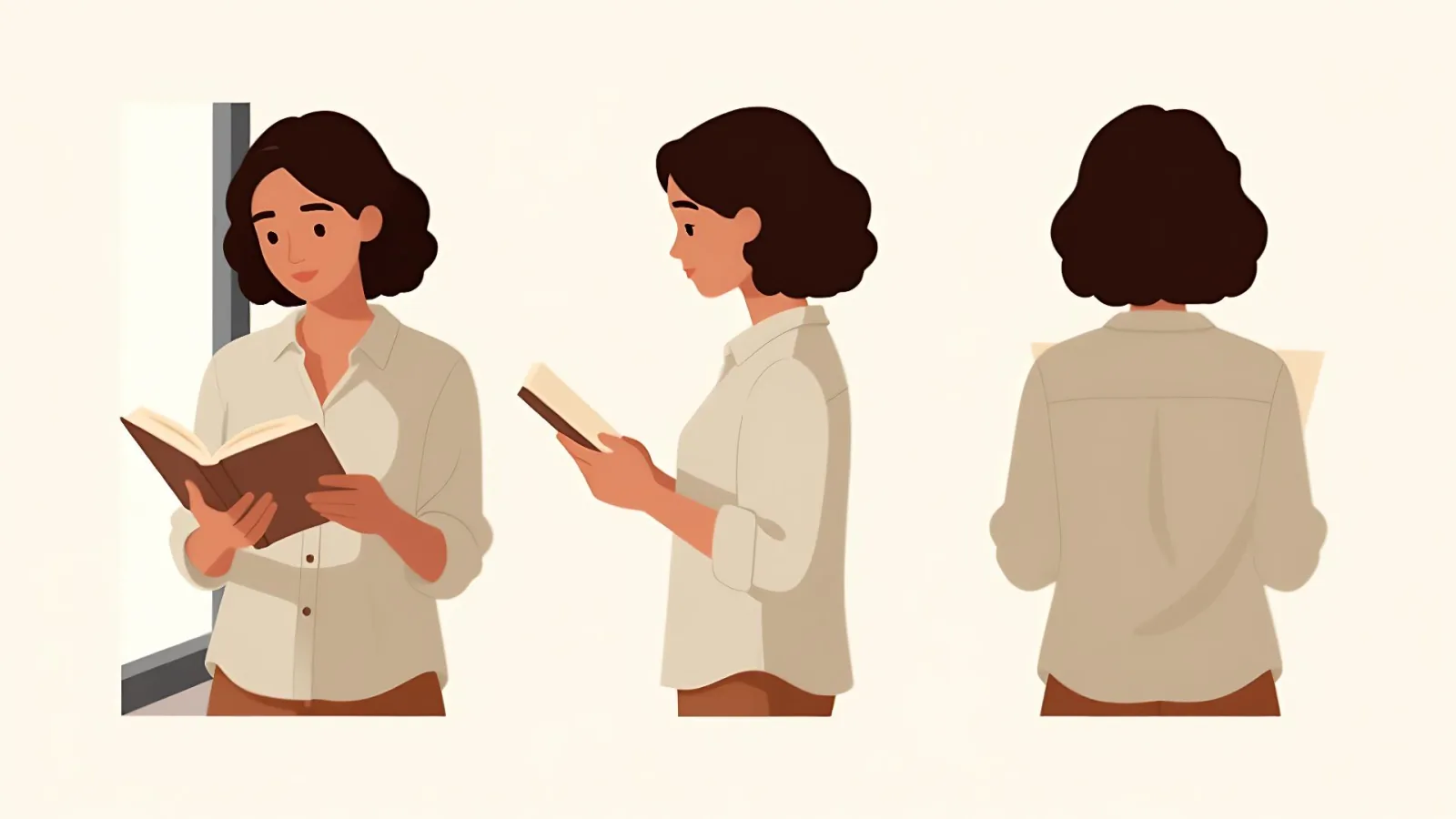
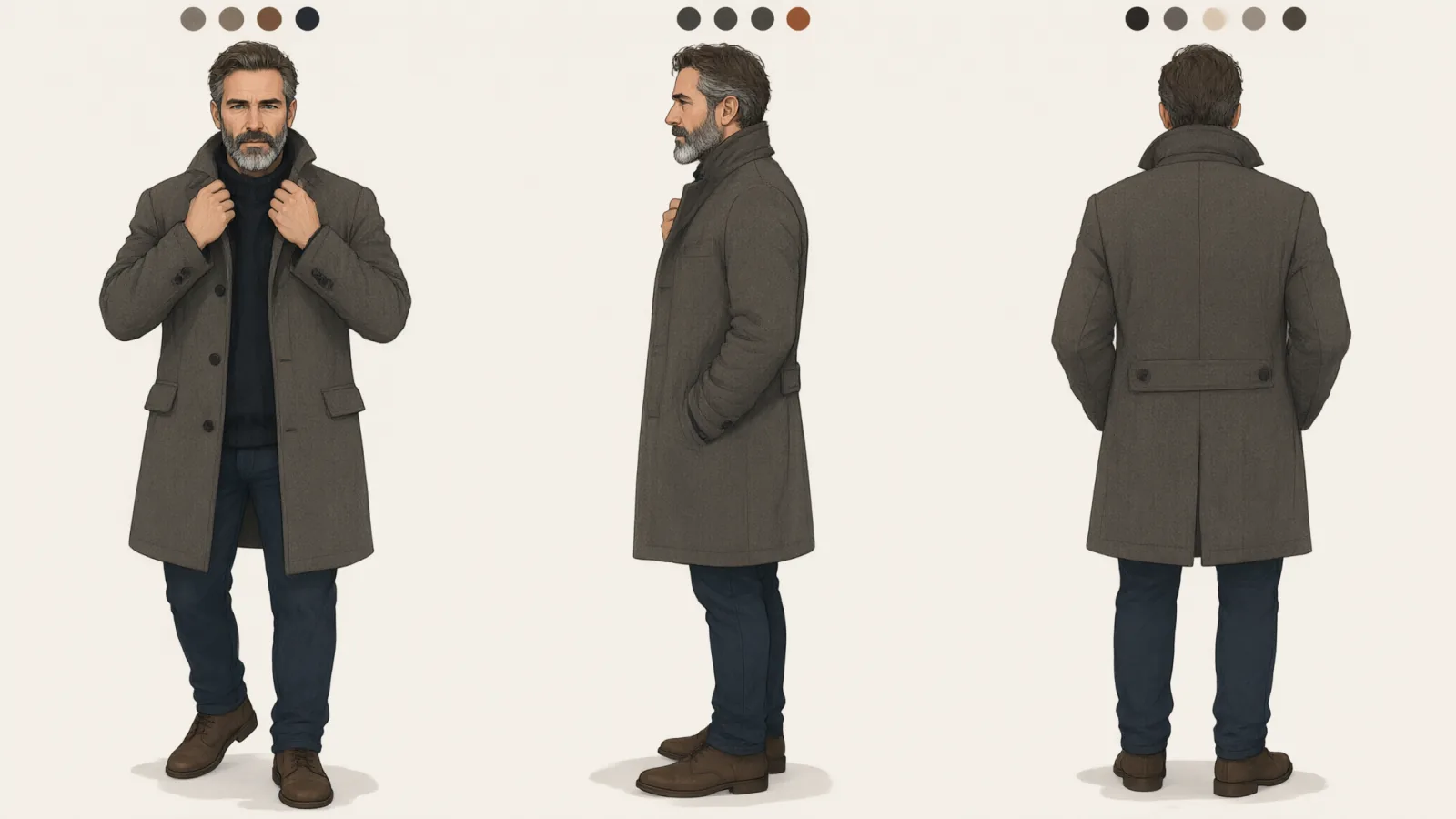
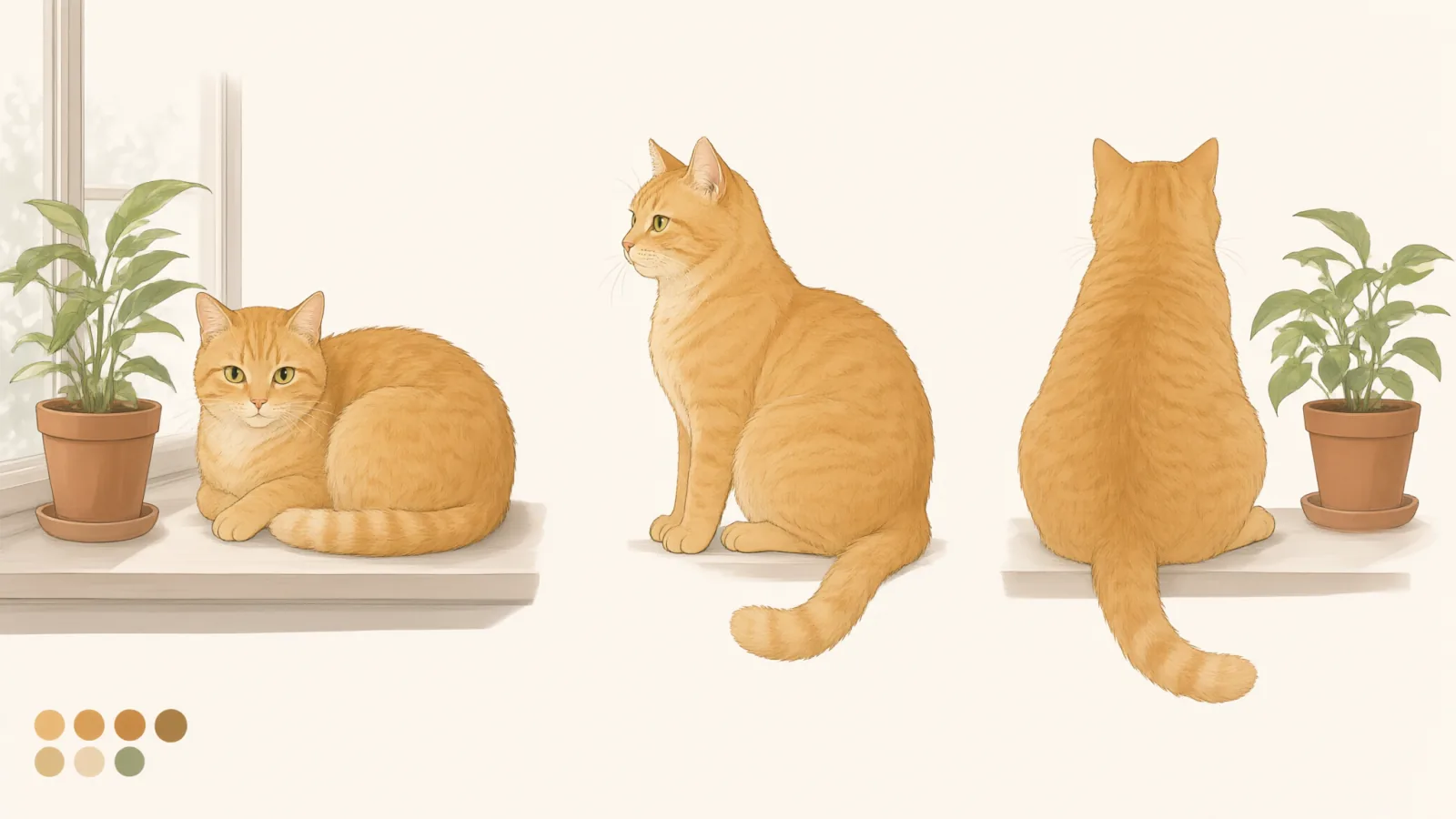
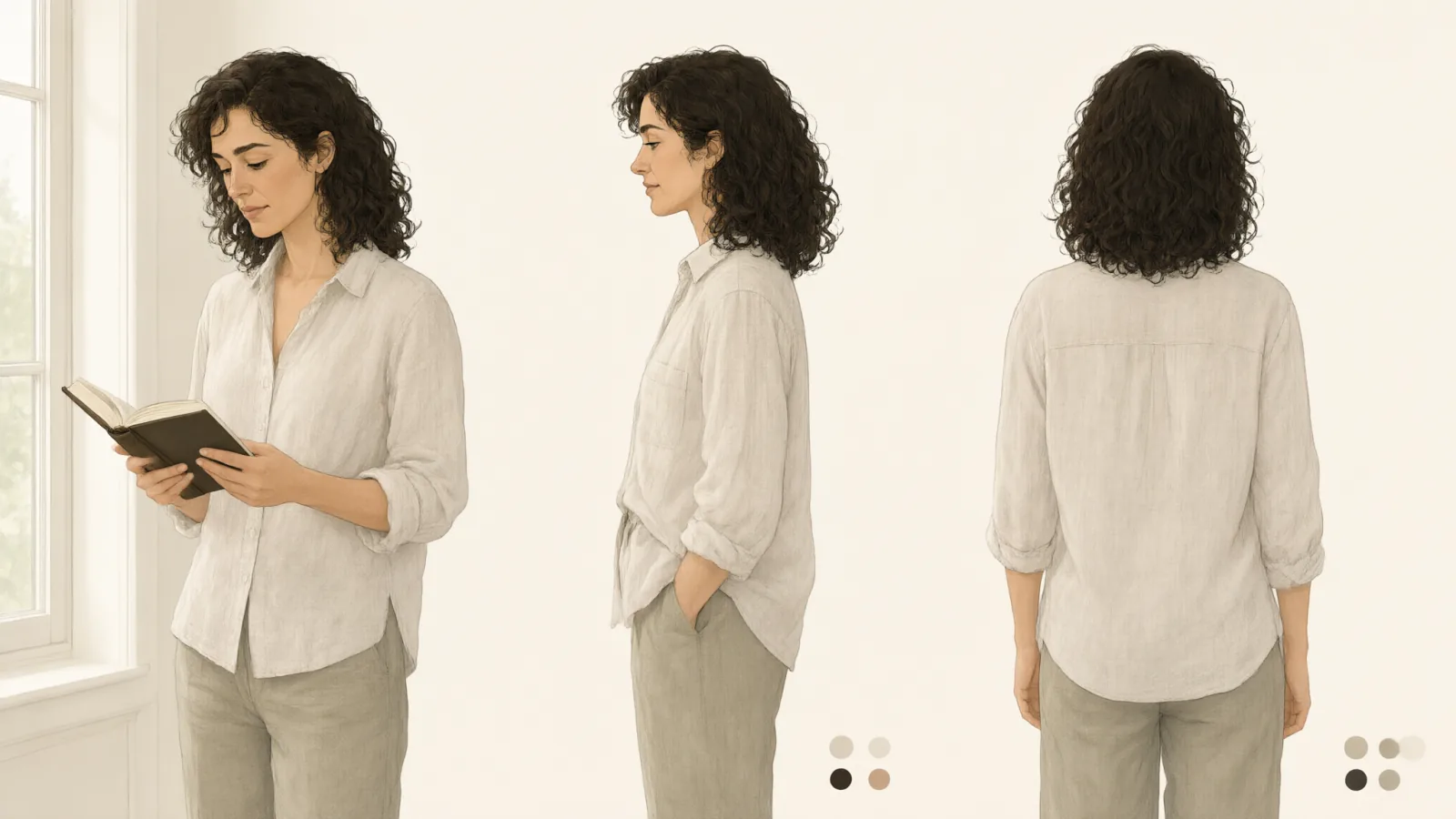
A tidy design reference sheet: the same subject from front, side and back, in consistent flat colors with small swatch dots and no text.

Works on

  • Seedream 5.0 ProBest$0.036 / image
  • Qwen Image 3.0$0.03 / image
  • Anima Turbo$0.012 / image
  • Anima Turbo LoRA$0.018 / image
  • + 19 more models

Related styles

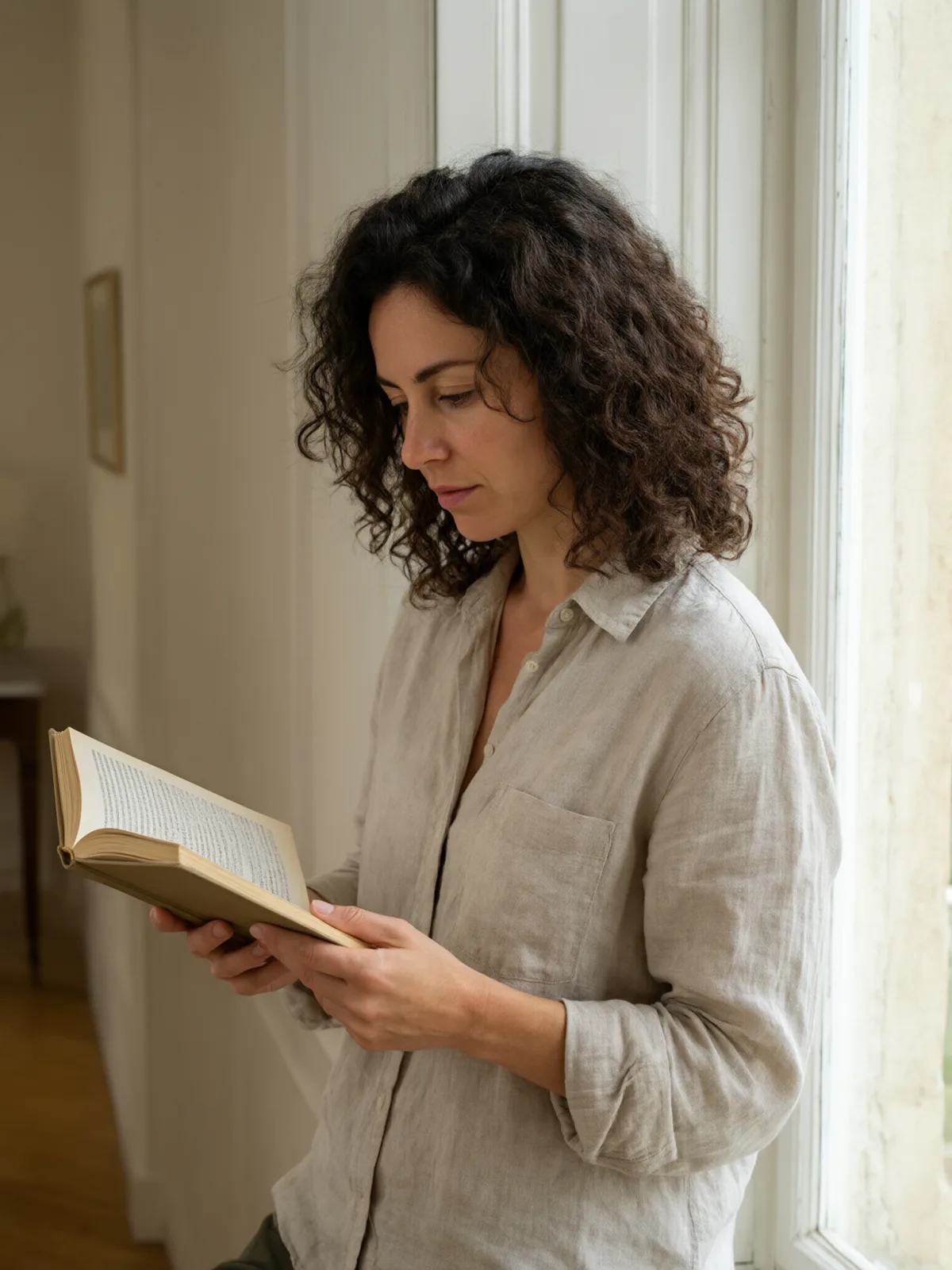
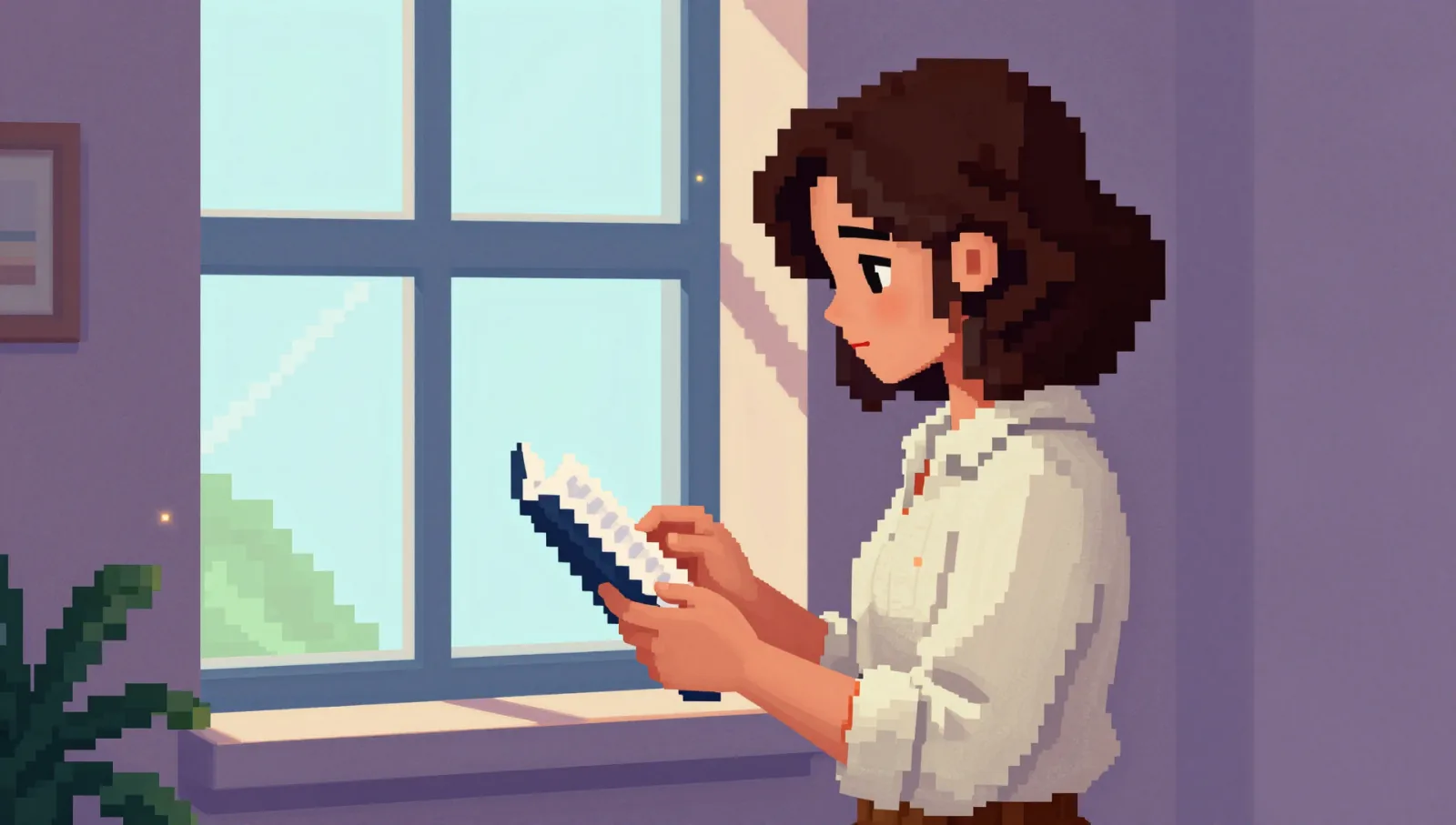
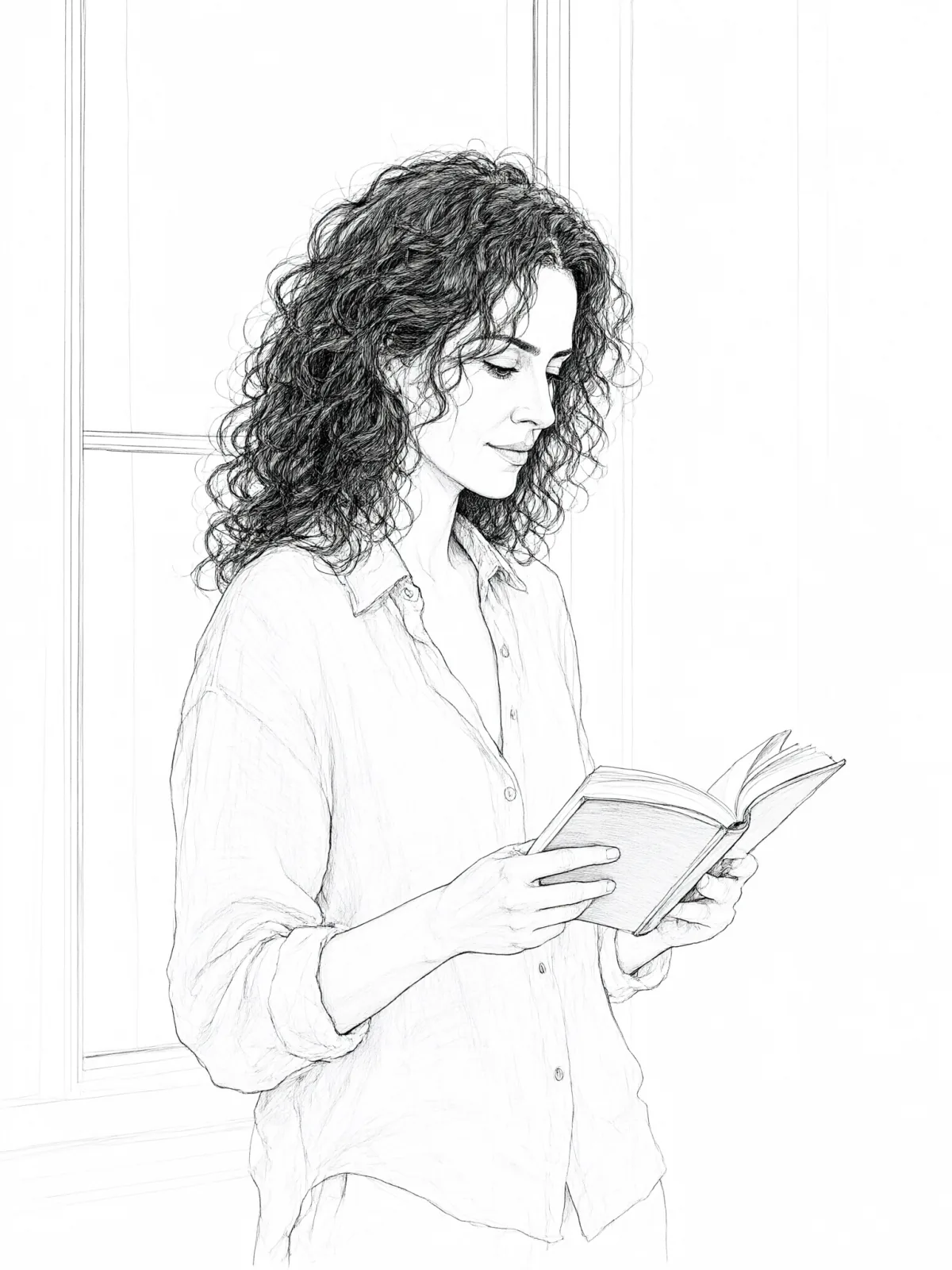
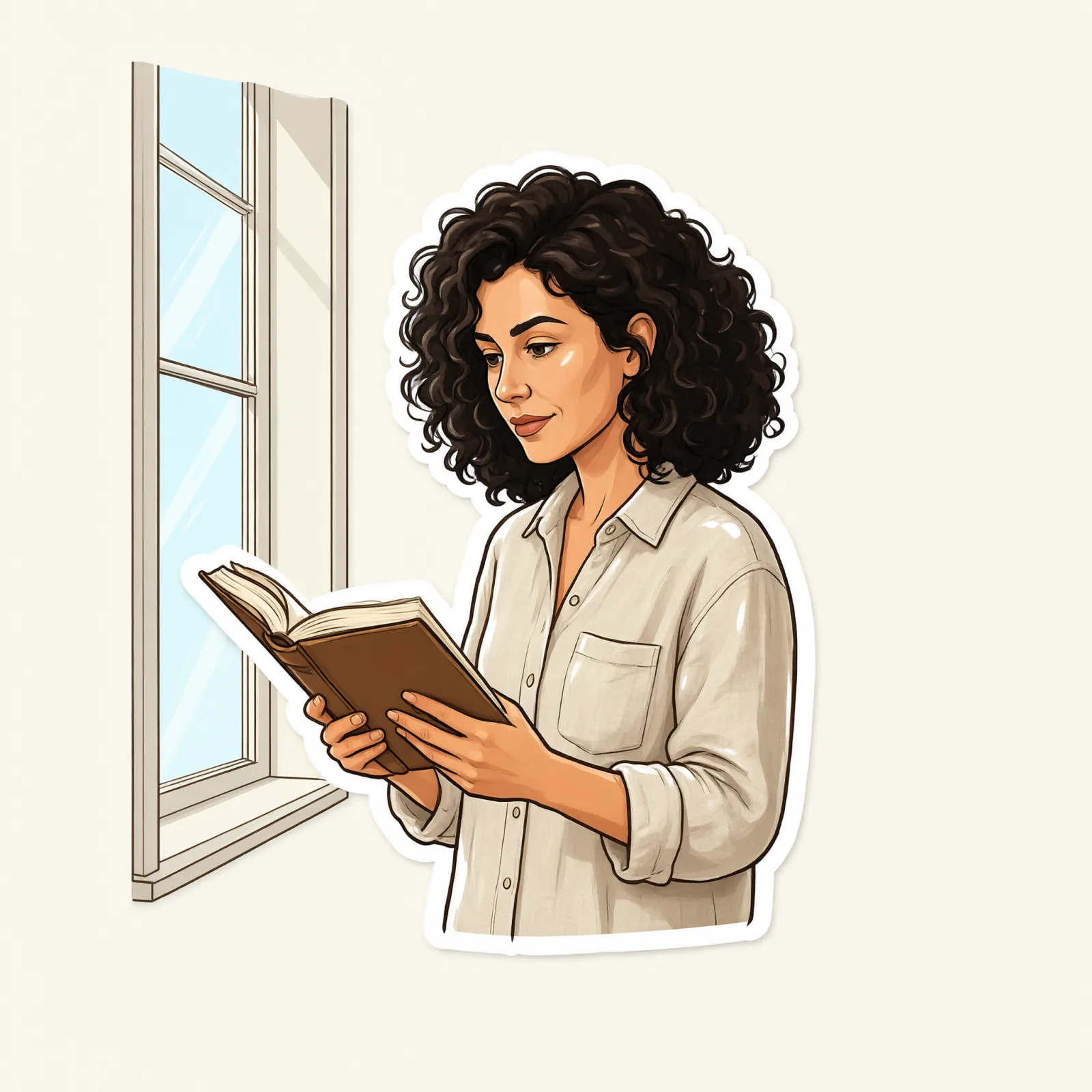
Same person, same prompt — only the style changes

2000s Digicam
After Midnight Flash
Candlelit Velvet
Cinematic Gothic
Late-Night Hotel
Late-Night OVA
Moonlit Voile
Neon After Rain
After-Con Neon
Afterglow Pool
Airbrush Pin-up
Blush Neon
Brass Reflections
Anime Key Visual
Manhwa Action
16-Bit Pixel
Cel Night Frame
Clean Line Art
Die-Cut Sticker
Flat Pastel Anime
Turnaround Sheet
Instant Film
Sign up to generate

We never filter your prompt.

A tidy design reference sheet: the same subject from front, side and back, in consistent flat colors with small swatch dots and no text.

Category
Anime
Works on
23 models
Price
From $0.01 / image
Suggested frame
16:9 · 4:3
Your own photo
Text only

Same subject, with and without it

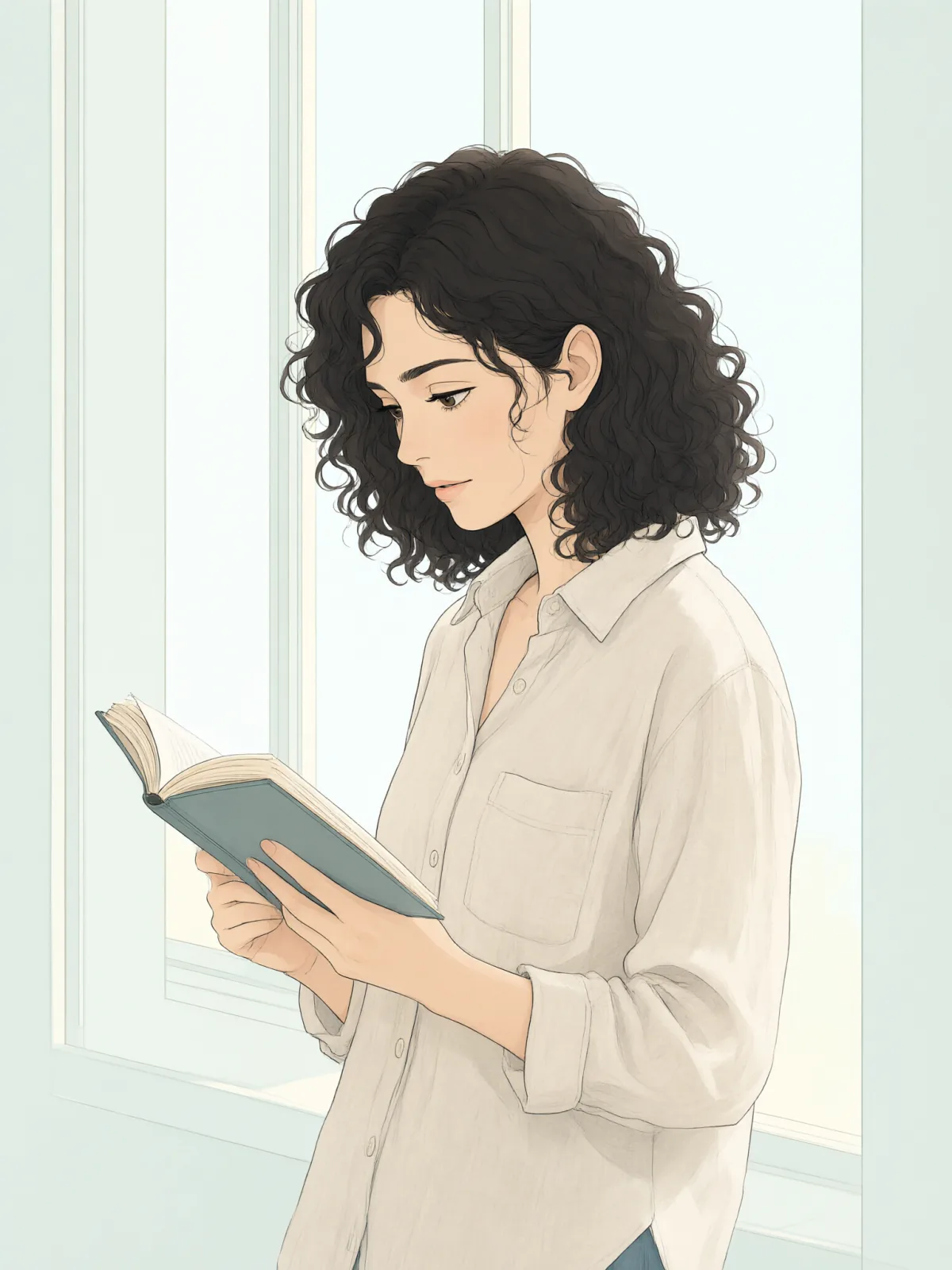
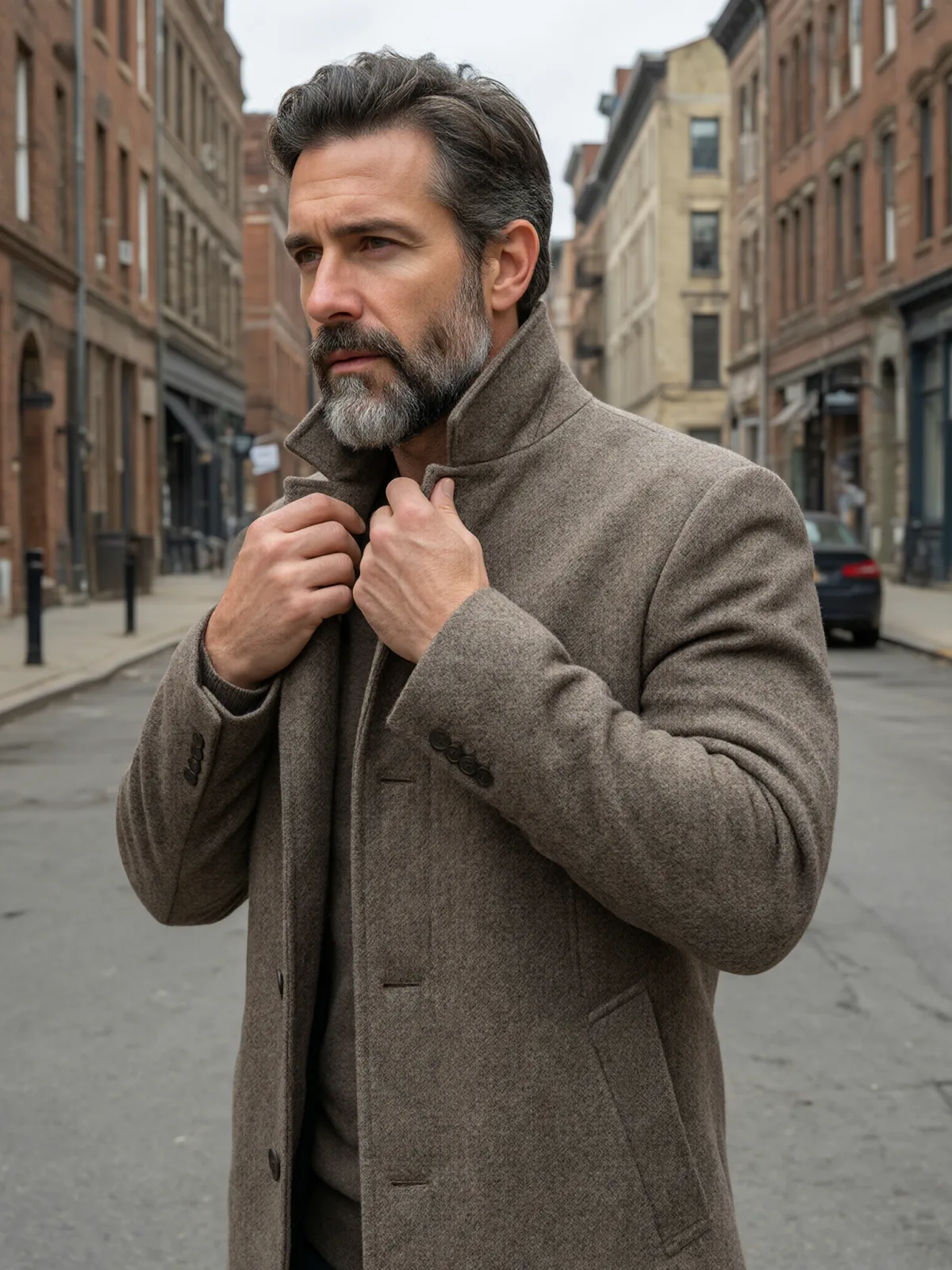
Each pair is the same sentence on the same model. The left frame has no style; the right one is Turnaround Sheet. That gap is what the style adds.

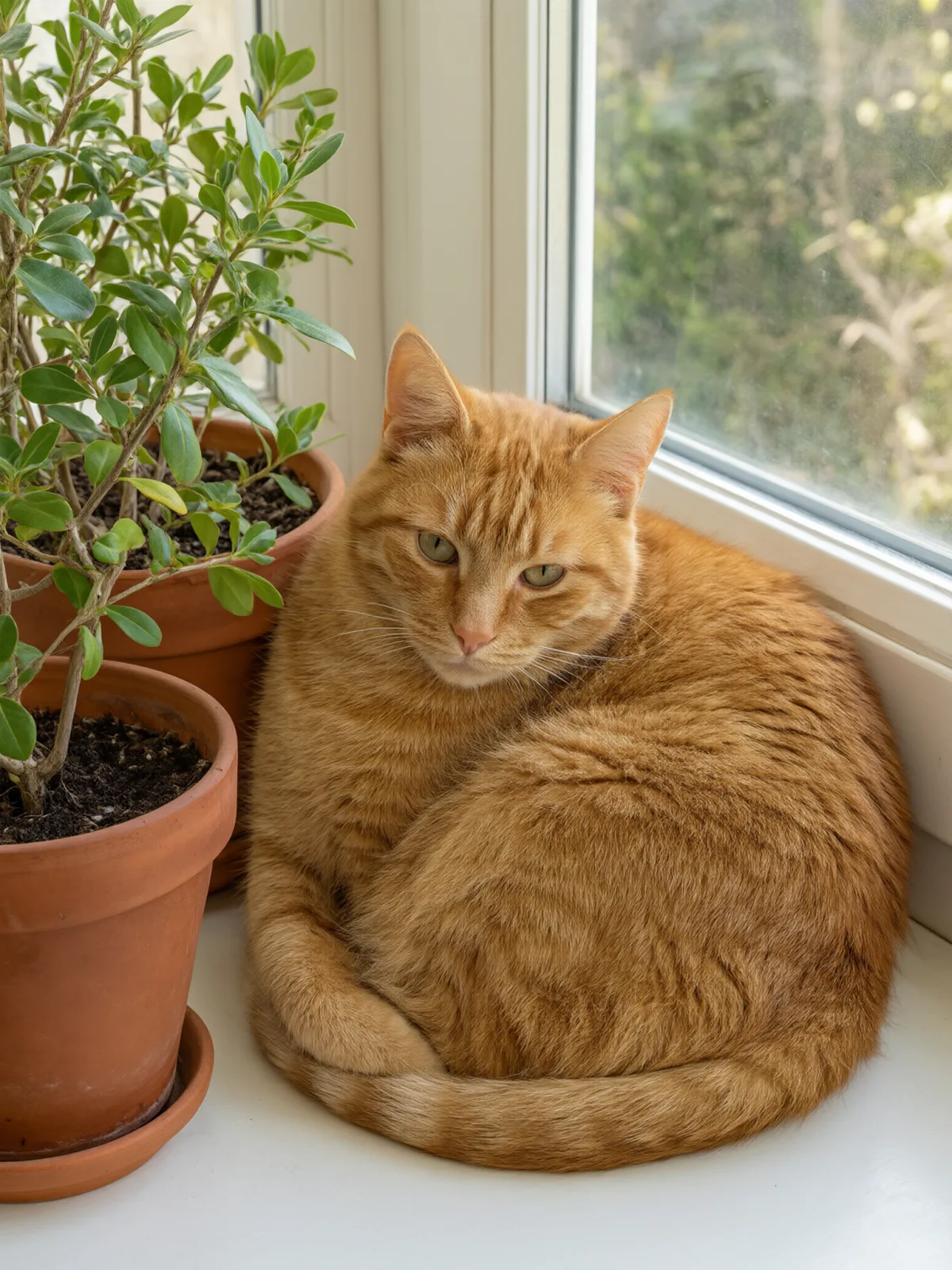
  • The test subject with no style, made with Qwen Image 3.0
    No style
    Sample in the Turnaround Sheet style, made with Qwen Image 3.0
    With Turnaround Sheet

    Qwen Image 3.0

  • The test subject with no style, made with Z-Image
    No style
    Sample in the Turnaround Sheet style, made with Z-Image
    With Turnaround Sheet

    Z-Image

  • The test subject with no style, made with Qwen Image 3.0
    No style
    Sample in the Turnaround Sheet style, made with Qwen Image 3.0
    With Turnaround Sheet

    Qwen Image 3.0

  • The test subject with no style, made with Qwen Image 3.0
    No style
    Sample in the Turnaround Sheet style, made with Qwen Image 3.0
    With Turnaround Sheet

    Qwen Image 3.0

Samples

The same fixed test subjects run through every style, so you see what Turnaround Sheet does rather than what the subject brings.

  • Sample in the Turnaround Sheet style, made with Qwen Image 3.0
    Qwen Image 3.0

About Turnaround Sheet

Turnaround Sheet lays your subject out the way a character designer does before anyone animates, sculpts or cosplays it: the same figure shown from the front, the side and the back, standing in a row on a clean neutral page, painted in consistent flat colors with a few small color swatch dots to lock the palette. The layout is tidy and wordless — no labels, no arrows, nothing to clean up.

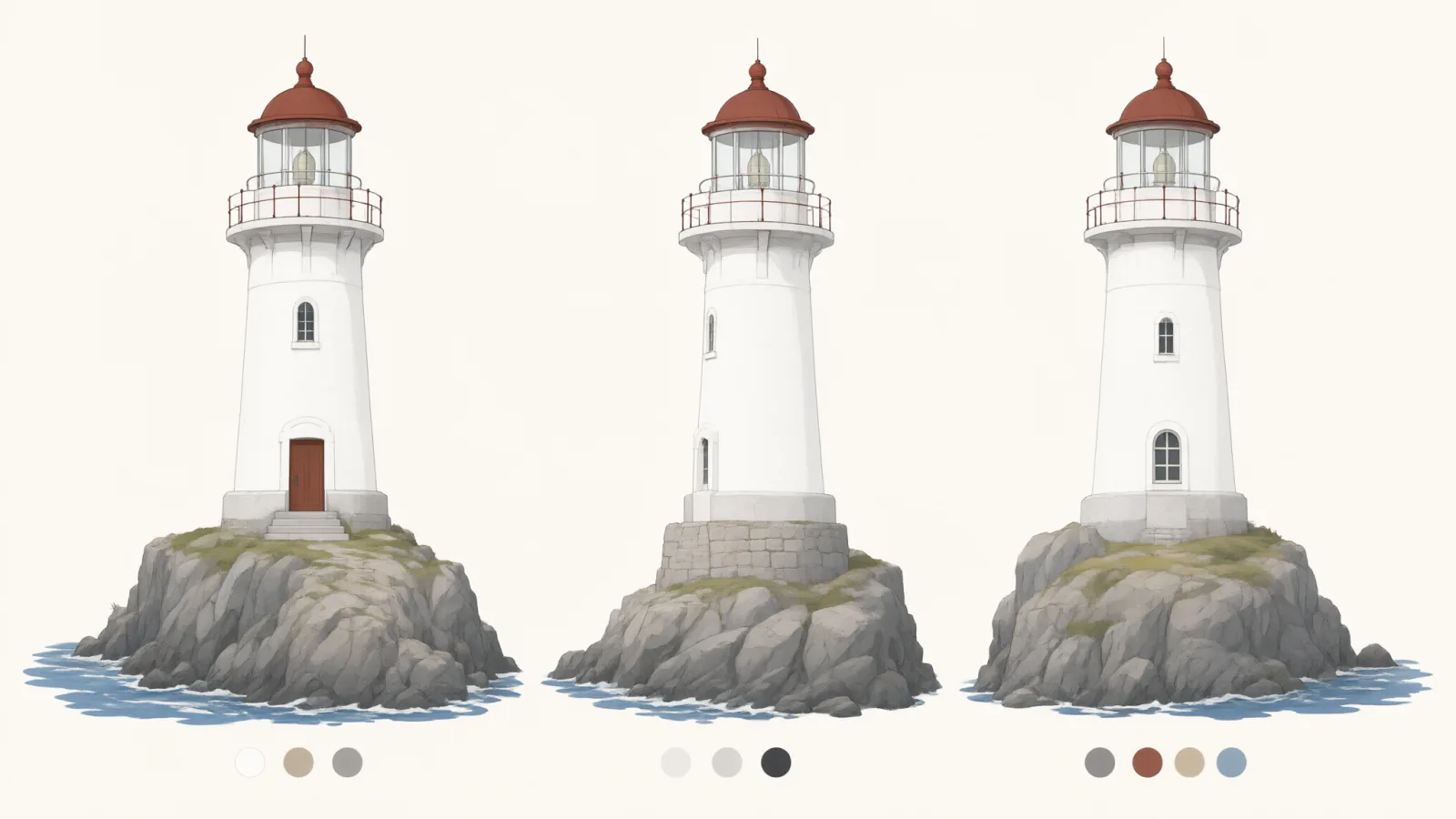
You write the subject; the style supplies the layout. It works best with a clear, detailed outfit: a courier in a hooded cape with a satchel, a mechanic in overalls with a tool belt, an explorer in a quilted jacket. It also works for animals and props — a cat seen from three sides, a lighthouse drawn as a model reference. The style keeps the features, outfit and colors you wrote the same in every view.

Use it for original characters, comic and game pre-production, cosplay planning, 3D modeling references, tabletop miniatures and pitch decks. When the design is set, take it to Splash Art for a hero image or Flat Pastel Anime for a single illustration.

For this composition, we recommend 16:9, with 4:3 as another framing option. This style is text-to-image only: a turnaround redraws the subject from new angles, which an uploaded photo cannot keep unchanged.

Subjects to paste as they are: “an adult courier in a hooded green cape with a leather satchel and boots”, “a mechanic in orange overalls with a tool belt and goggles”, “a round grey cat with a red collar”. The more specific the outfit, the more consistent the views.

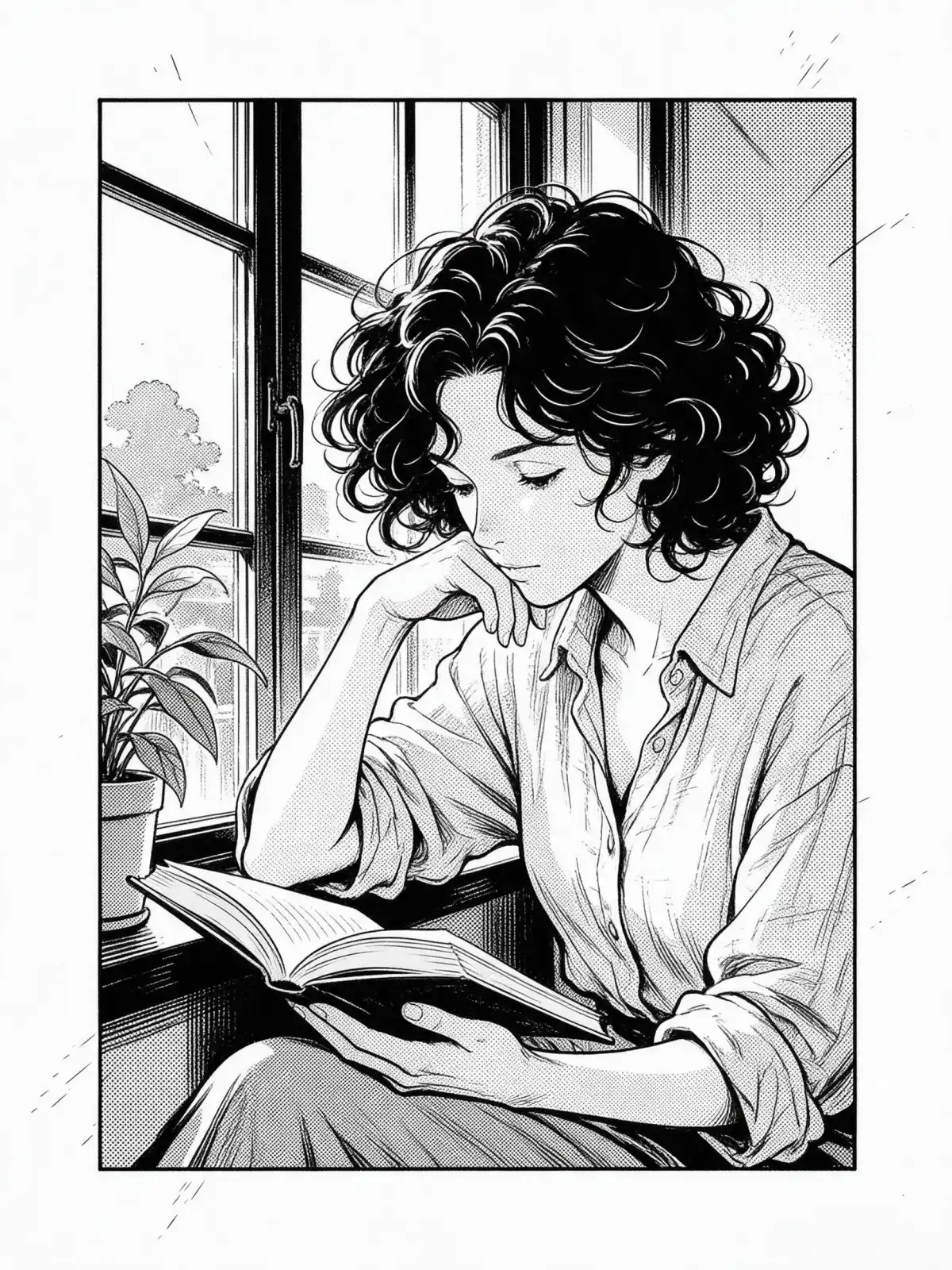
Finishes: Monochrome turns the sheet into a clean inked reference.
Tips that make it land

  • Describe the outfit from head to toe. Every item you name appears in all three views.
  • Keep the pose simple. A standing figure is what makes front, side and back line up.
  • Name two or three main colors. The swatch dots pick them up and keep the palette consistent.
  • Views can come out in a different order or with a slight three-quarter angle. If you need a strict layout, run it a couple of times and pick the cleanest.
  • For props and buildings, write “as a model reference” after the subject.

The prompt it sends

Your sentence goes where {subject} sits. Everything around it is the style. Nothing is hidden, and we never filter your prompt.

{subject}, character design reference sheet, the same figure shown from front, side and back on a clean neutral page, consistent flat colors, small color swatch dots, tidy wordless layout
Use Turnaround Sheet now

Prompt ideas for Turnaround Sheet

Scenes from our prompt library that suit this look. Borrow the idea as your subject line; the style adds the rest.

Anime & illustration

Fantasy

Models it works on

Every model below was tested with this style. The price is per image and shows on the Generate button before you run.

How to use Turnaround Sheet

  1. 01

    Write who or what

    Write one plain sentence for your Turnaround Sheet image: who or what is in it and what is happening. The style brings the light, color and medium, so leave those out.

  2. 02

    Keep Turnaround Sheet on

    It is already selected at the top of this page and lands best on Seedream 5.0 Pro, the model it was tuned on. It builds the whole scene from your text.

  3. 03

    Generate

    From $0.01 per image, shown on the button before you run. Pick your favorite Turnaround Sheet frame, then edit it, restyle it or make it move from the result.

Questions about Turnaround Sheet

Make video

Styles are for stills. These effects start from one photo and add a single deliberate move.

Read next