Introduction
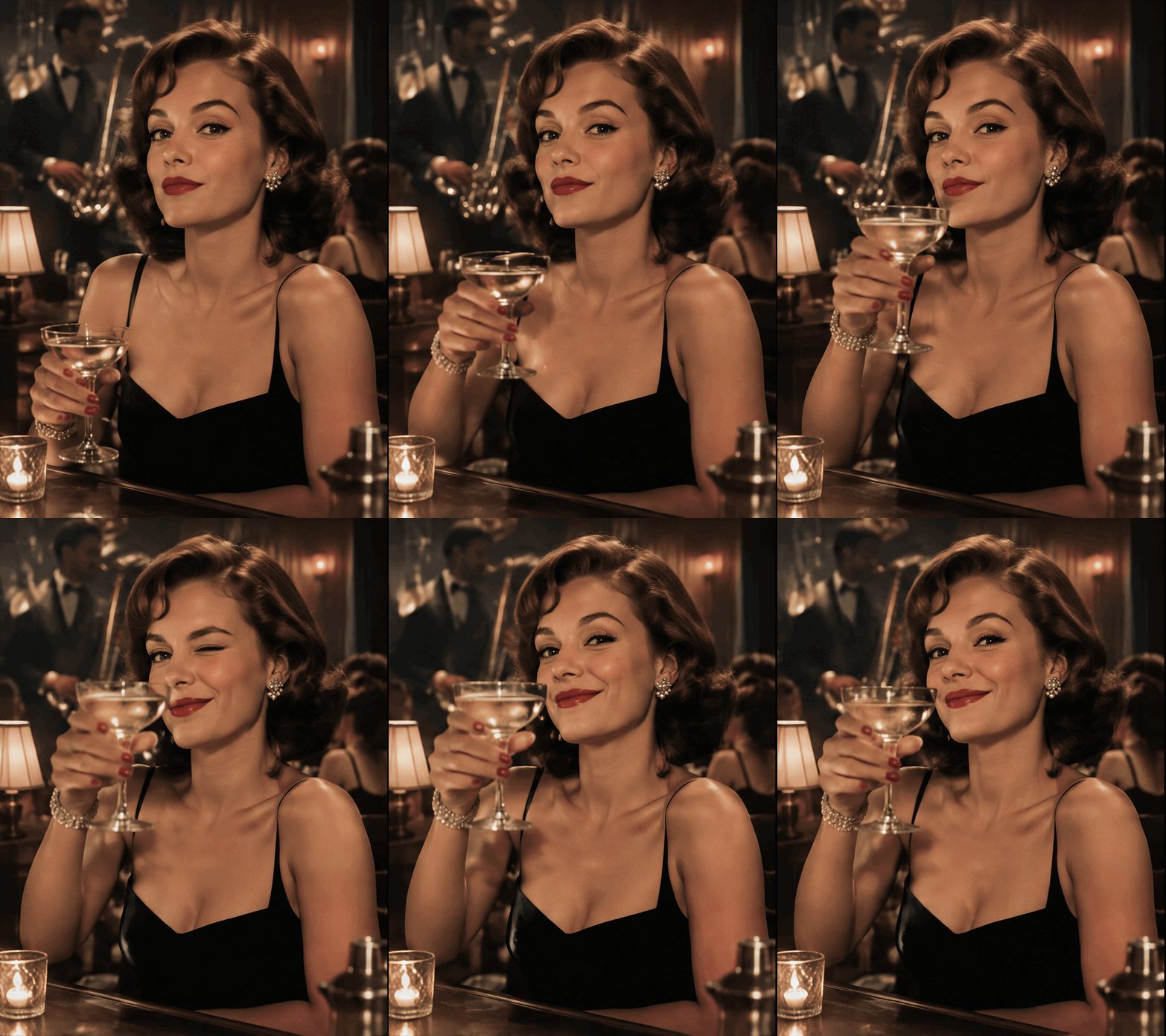
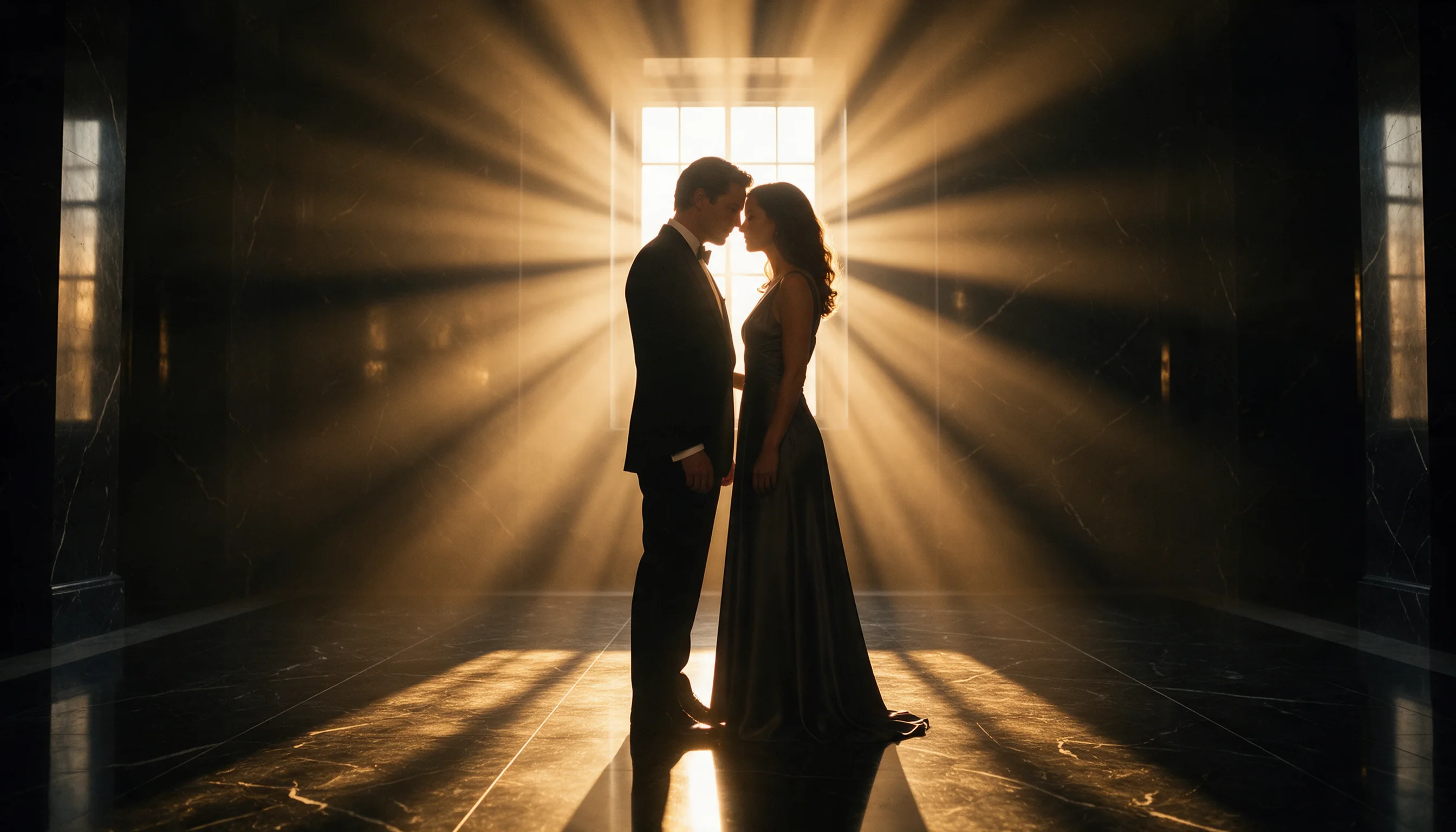
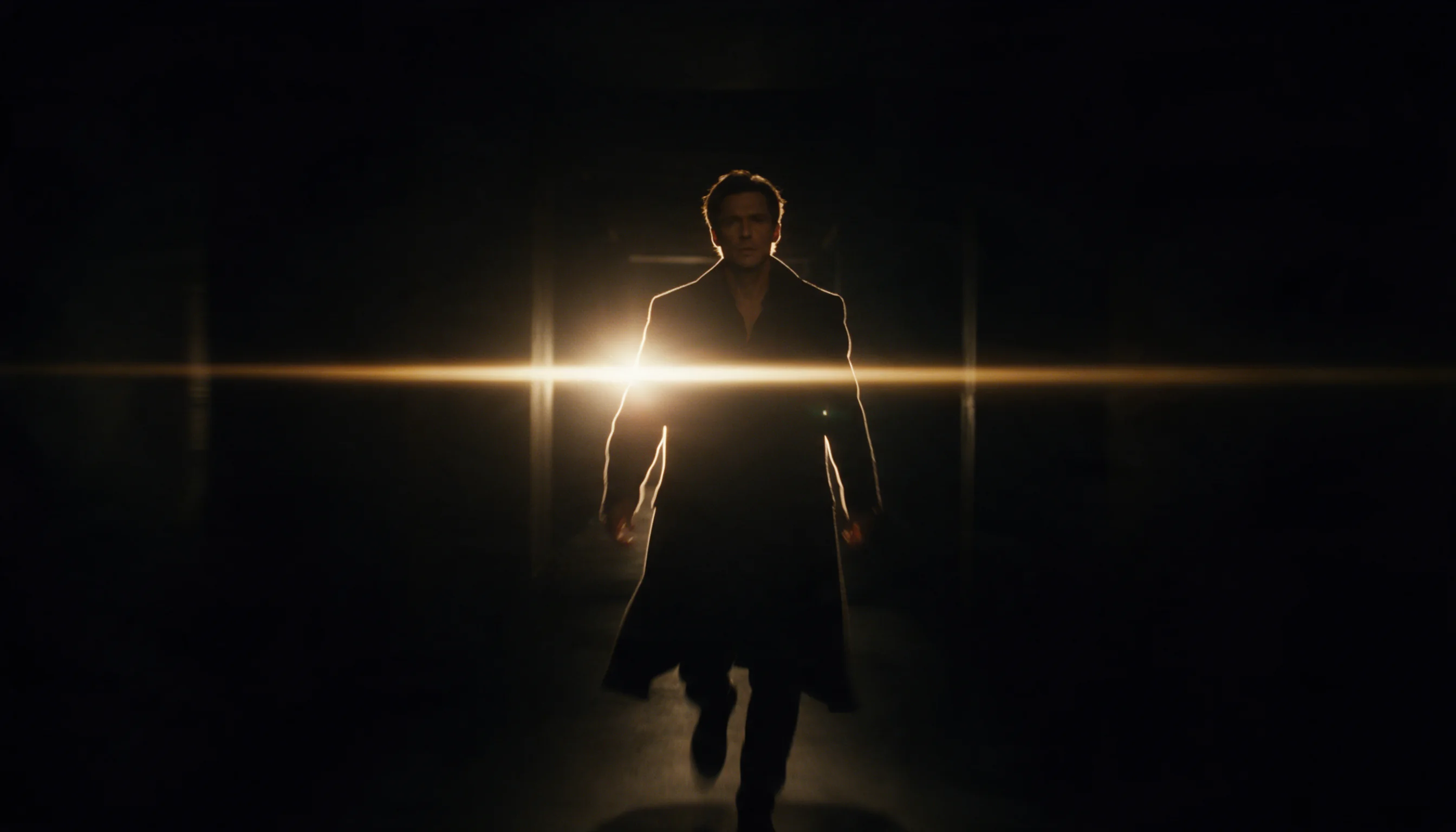
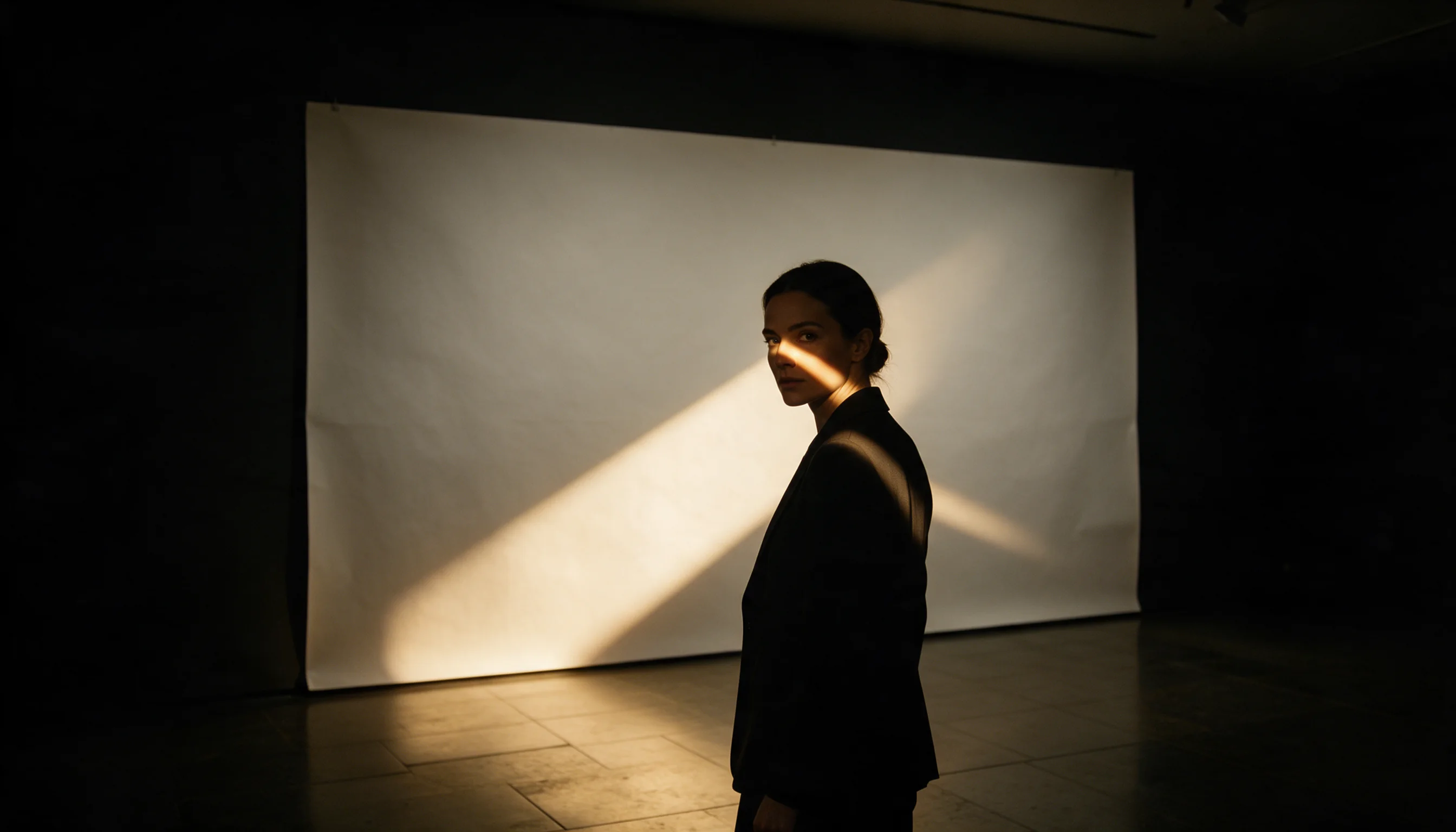
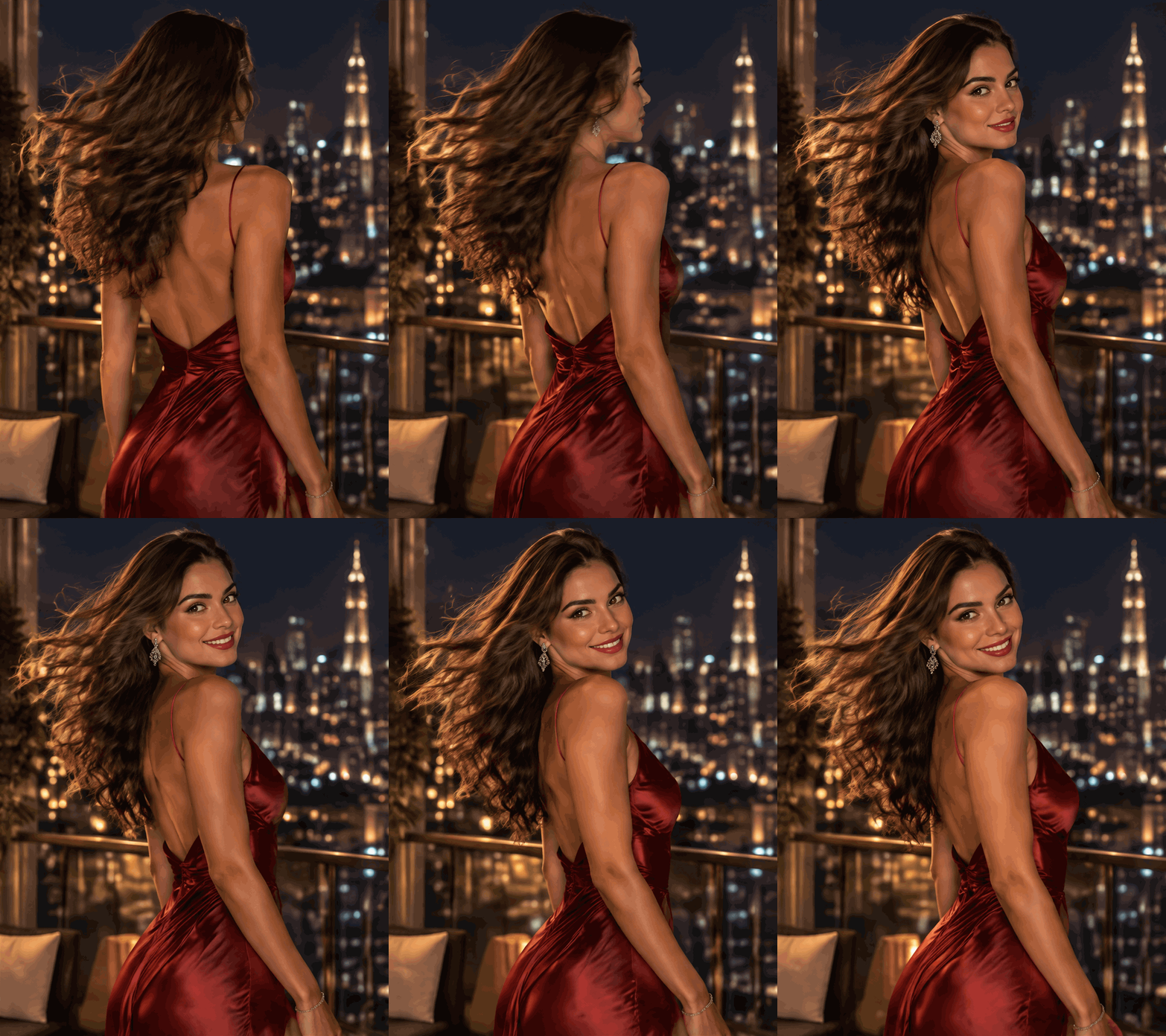
GPT Image 2.6 Flare Text to Image produces pictures from written briefs for everyday generation and quick iteration. Flare is the faster of the two 2.6 tiers, making it useful when reviewing several visual directions.
No source picture is needed for this task: write the scene and choose the delivery settings. In our tests, Flare returned medium 1k images in about 12–16 seconds each; max quality and 4k need more time.
Key features & highlights
- Animation drafts: request
output_formatgif, setaspect_ratioand describe how the action repeats. - Quick exploration: medium is the starting quality, with four other levels available when a draft needs different detail.
- Batch requests: ask for between 1 and 10 outputs and account for each image in the bill.
- Composition options: 15 ratios cover square artwork and tall or wide placements without a ratio fee.
- Size selection: choose roughly 1 MP at 1k, 3.7 MP at 2k or 8.3 MP at 4k.
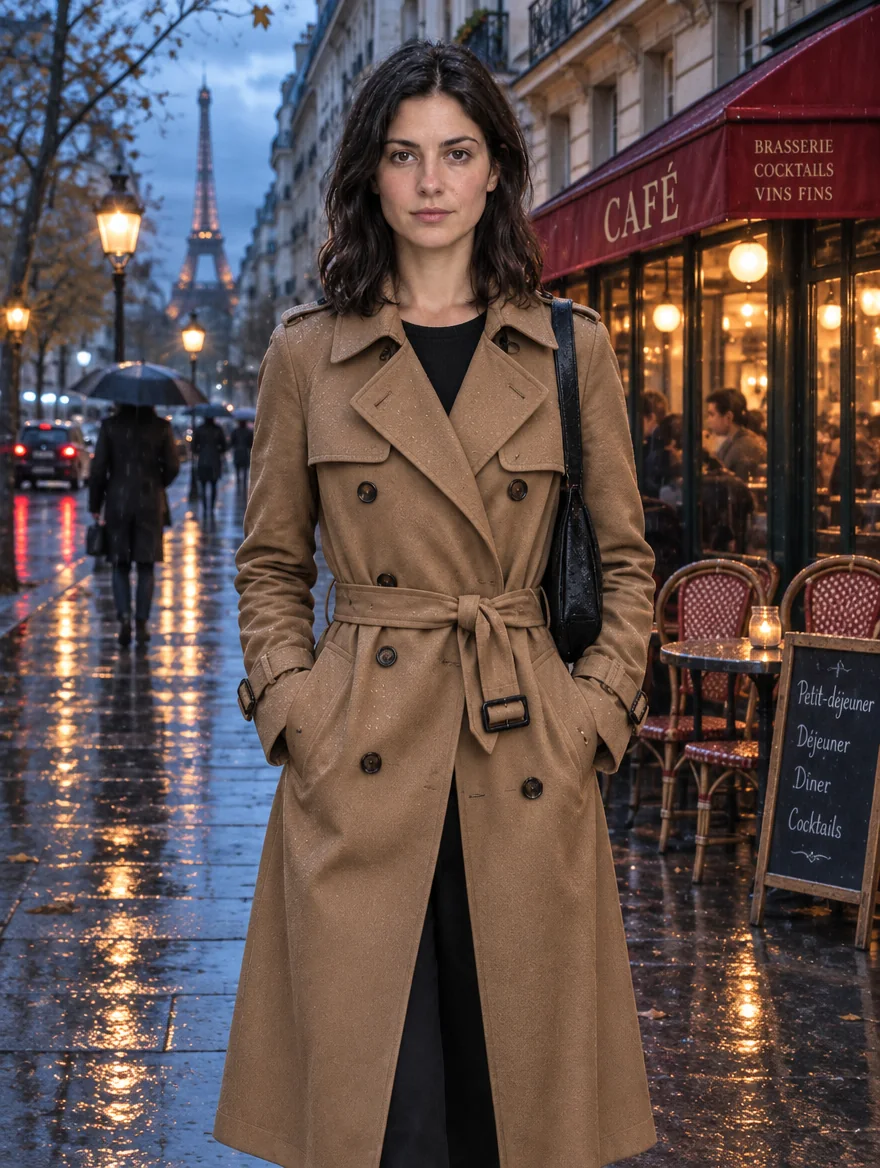
- Short text in scenes: our tests produced accurate poster headlines and cafe menu lettering.
Request parameters
| Parameter | Required | Description |
|---|---|---|
prompt | Yes | Write the required Flare image brief within 5,000 characters; no text is supplied by default, and very long prompts incur a small per-token fee. at least 1 characters · at most 5000 characters |
aspect_ratio | No | Flare stills start at 1:1 if |
resolution | No | Flare still images use 1k (about 1 MP), 2k (about 3.7 MP) or 4k (about 8.3 MP). GIF frame sizes are 512 (about 0.26 MP, maximum 16 frames) and 768 (about 0.59 MP, maximum 12). |
quality | No | Flare offers low, medium, high, xhigh and max detail, starting at medium; moving higher adds detail, time and cost. |
reasoning_effort | No | Flare offers low, medium and high for |
num_outputs | No | Set the Flare result count from 1 through 10; the default count is not specified here, and each image has its own charge. |
background | No | Choose auto, opaque or transparent for the Flare background; its default is not specified here, transparency needs PNG or WebP, and this selection adds no fee. |
output_format | No | Choose png by default, or request jpeg, webp or gif with Flare. To draft an animation, supply |
frame_count | No | Flare animation accepts |
frame_duration_ms | No | Set Flare |
output_quality | No | Pick Flare’s JPEG or WebP compression from 0 to 100: higher keeps more detail in a larger file, while PNG and GIF output ignore it and Flare’s price does not change. |
Pricing
Flare charges per image according to the chosen quality and resolution tier, multiplied by the number of images requested. Each source image in an edit adds a small fee, and very long prompts carry a small per-token fee. No charge applies to refused Flare requests. For Flare animation, count one frame sheet for every 8 frames or fraction thereof, then apply the quality tier; a 9-frame draft is billed as 2 sheets.
| Resolution | Quality: low | Quality: medium | Quality: high | Quality: xhigh | Quality: max |
|---|---|---|---|---|---|
| $0.02232 / image | $0.03915 / image | $0.04743 / image | $0.08433 / image | $0.18972 / image |
| $0.027 / image | $0.04752 / image | $0.05742 / image | $0.10206 / image | $0.22941 / image |
| $0.04131 / image | $0.07299 / image | $0.08847 / image | $0.15723 / image | $0.35379 / image |
| $0.04392 / image | $0.07776 / image | $0.09432 / image | $0.1674 / image | $0.37638 / image |
| $0.07479 / image | $0.13221 / image | $0.16011 / image | $0.28512 / image | $0.64044 / image |
Use cases
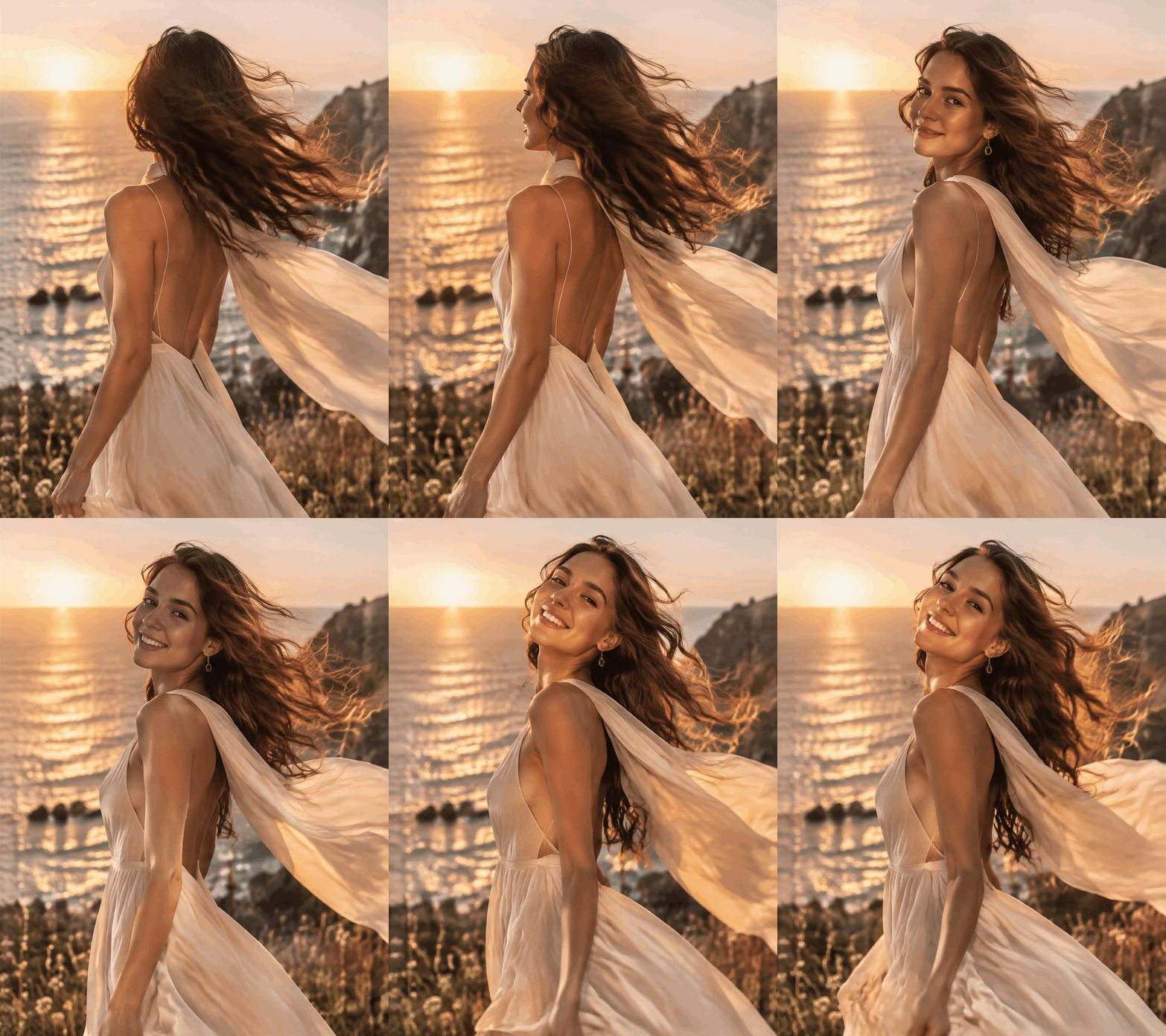
- Social campaign drafts: explore a seaside poster direction before choosing the image to develop.
- Cafe content planning: generate a morning chalkboard scene with a small set of quoted menu labels.
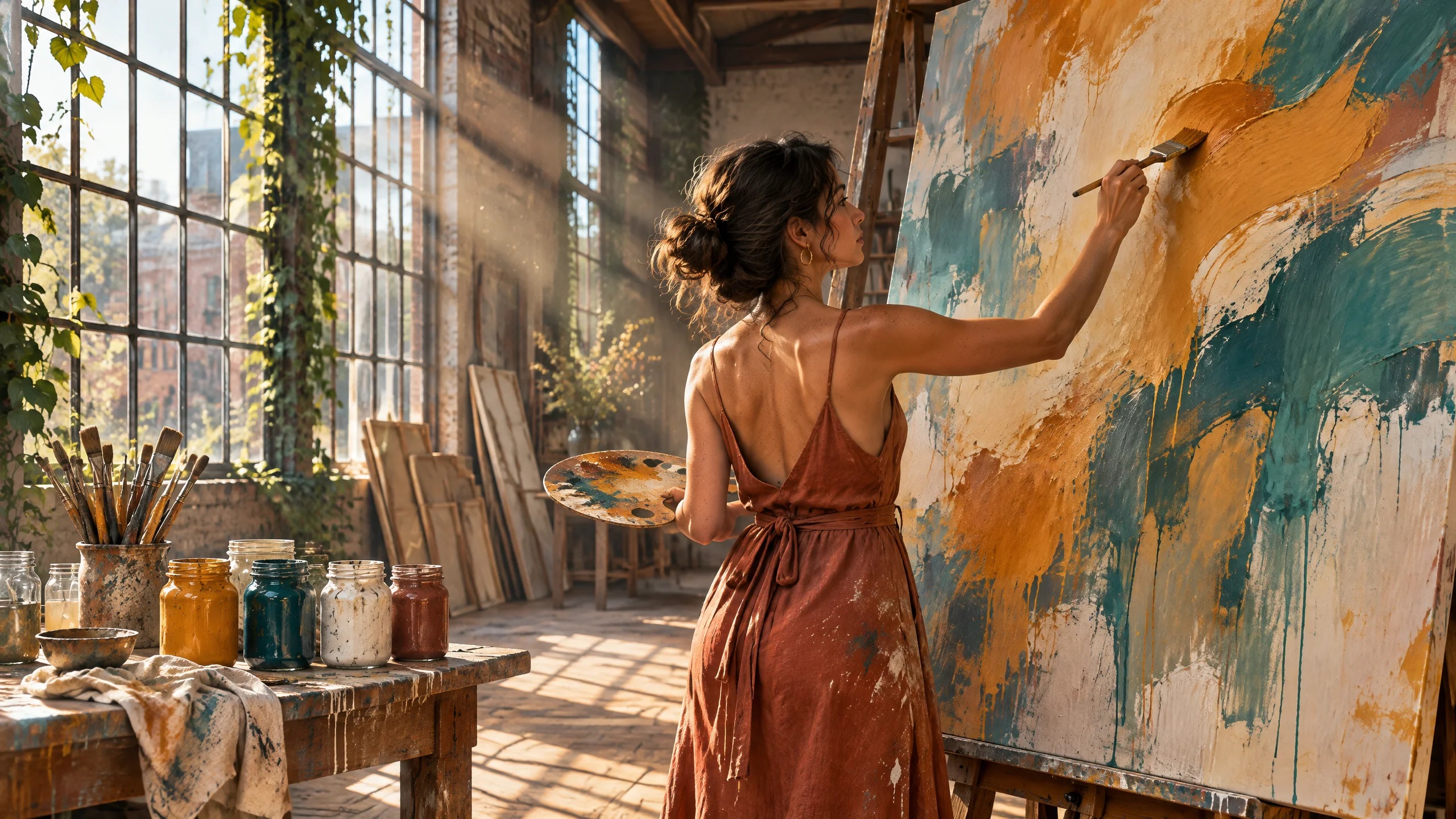
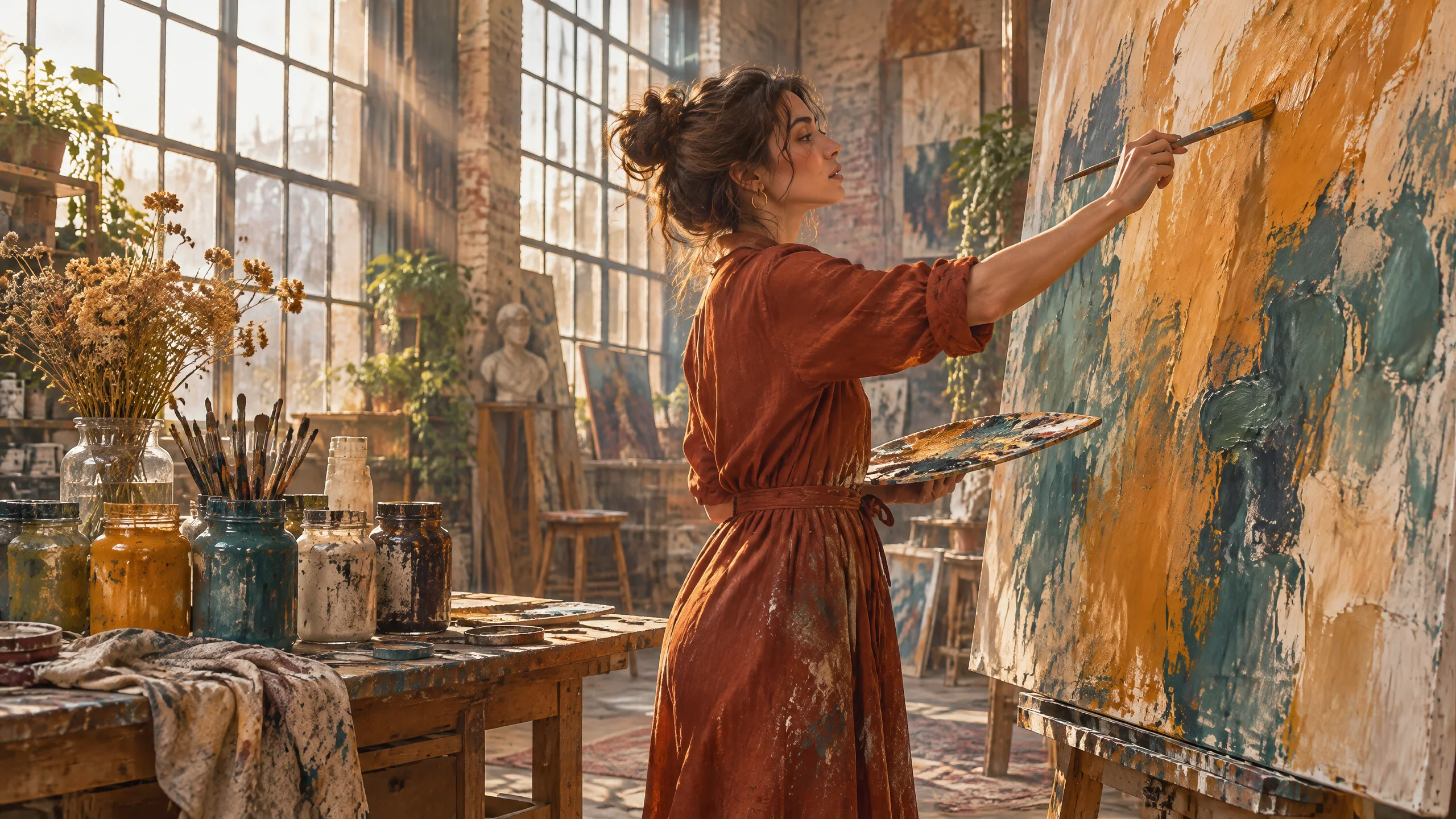
- Editorial concepts: preview a workshop portrait with natural light and a film treatment.
Prompt guide & pro tips
- Begin with a specific scene: try “lighthouse on a cliff at sunset” to establish the setting.
- Quote short labels: include “SUMMER 1958 at the bottom” when a draft needs a date line.
- Give the light a source: use “sunlight through workshop windows” to define illumination.
- Revise one idea at a time: change “bold flat colors” to a new palette while reviewing the composition.
- Set a comparison count: pair “seaside travel poster” with
num_outputs2 to review two billed candidates. - For faster iteration, consider
reasoning_effortlow or medium; high is the default and spends longer planning dense text or complex layouts at the same price.
API quick start
# Generate the idempotency key once; reuse it when retrying after a lost response.
export SPICY_IDEMPOTENCY_KEY="${SPICY_IDEMPOTENCY_KEY:-$(uuidgen)}"
curl -X POST https://api.spicyapi.ai/api/v1/jobs/createTask \
  -H "Authorization: Bearer $SPICY_API_KEY" \
  -H "Content-Type: application/json" \
  -H "Idempotency-Key: $SPICY_IDEMPOTENCY_KEY" \
  -d '{
  "model": "openai/gpt-image-2.6-flare/text-to-image",
  "input": {
    "prompt": "A ceramic teapot on a linen cloth, soft window light, muted palette",
    "quality": "medium",
    "background": "auto",
    "resolution": "1k",
    "num_outputs": 1,
    "aspect_ratio": "1:1"
  }
}'

# Copy data.taskId from the response into TASK_ID, then poll the status.
TASK_ID="TASK_ID_FROM_RESPONSE"
curl "https://api.spicyapi.ai/api/v1/jobs/recordInfo?taskId=$TASK_ID" \
  -H "Authorization: Bearer $SPICY_API_KEY"
See the API reference for authentication, the complete schema, polling, and error handling.