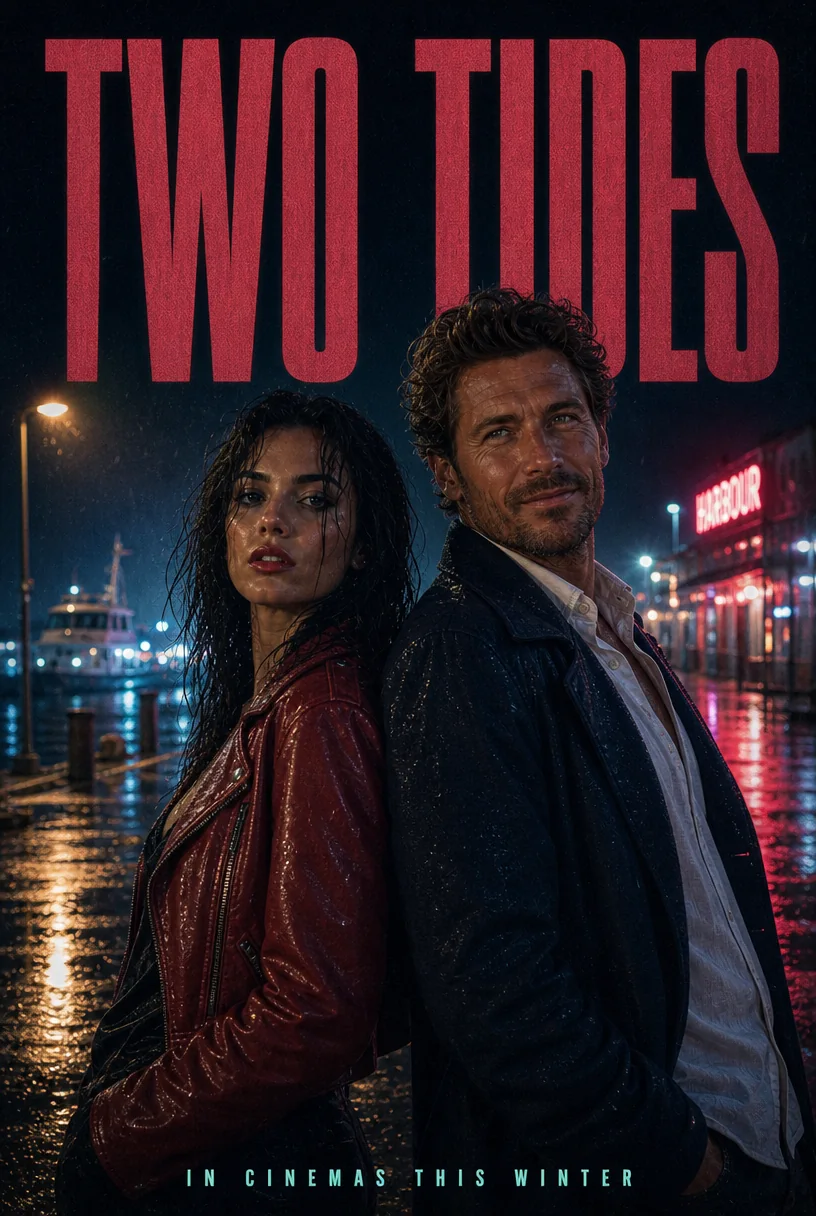
Introduction
GPT Image 2 Edit runs OpenAI's gpt-image-2 model on images you already have. Give it one to ten source images and an instruction: change a garment or a colour, retype a headline, relight a scene, or combine people and places from several sources into one frame. An optional PNG mask confines the repaint to a single area.
Choose a mode by starting material
| What you have | Mode |
|---|---|
| a written brief | GPT Image 2 Text to image |
| an image to change | GPT Image 2 Edit |
Key features & highlights
Instruction editing, masked when needed
Without a mask the model works out from the prompt what to change and redraws the rest to match. With a mask, only the transparent pixels are repainted and everything else is kept.
Up to ten sources in one request
Refer to each source by its order: the first image supplies the person, the second the setting, the third the product. The model combines them into a single new frame.
Fidelity and shape control
Input fidelity high holds faces, fabric and printed details closer to the sources. Aspect ratio auto keeps the shape of the first source; any of fifteen fixed ratios gives the result that shape instead.
Request parameters
| Parameter | Required | Description |
|---|---|---|
prompt | Yes | Up to 5,000 characters. Put every word that must appear in the image in double quotes and say where it goes; the rest is read as description. at least 1 characters · at most 5000 characters |
image_urls | Yes | 1 to 10 source images. Refer to them by order in the prompt (the first image, the second image). at least 1 items · at most 10 items |
mask_url | No | Optional PNG with the same size as the first source image. Transparent pixels mark the area to repaint; opaque pixels are kept. |
aspect_ratio | No | auto (default) keeps the shape of the first source image at about 1.5 megapixels and ignores the size tier; or pick one of fifteen shapes from 1:3 to 3:1. |
resolution | No | 1k (default), 2k or 4k. A square frame is 1024, 2048 or 2880 pixels across; a larger tier costs more per image. |
quality | No | low, medium (default) or high. |
num_outputs | No | 1 to 10 images from one request, 1 by default. Every image is billed separately. |
input_fidelity | No | low (default) or high. High keeps faces, fabric and printed details from the sources more closely. |
background | No | auto (default) or opaque. OpenAI does not offer transparent output on GPT Image 2; use GPT Image 2.5 Sunburst or Flare for cut-outs. |
output_format | No | png (default), jpeg or webp. Does not change the price. |
output_quality | No | Compression quality for jpeg and webp, 0 to 100: higher keeps more detail and makes larger files. Not used for png, and it does not change the price. |
official_fallback | No | On by default. Default: |
Pricing
Billed per output image by quality, size tier and aspect ratio; on the official route each source image also adds a fixed charge on every output. The quote shows the total before you submit. A request for a single medium-quality 1k PNG edit in any shape except 21:9, 9:21, 3:1 and 1:3, with no mask, input fidelity low and background auto, starts on the economy route at the economy price. With Official fallback on, the default, a request that route refuses or cannot complete runs again on the official route at the official price, so the quote shows both the starting price and the most the request can cost. Refused requests are not charged. On the official route, long prompts add a small charge for input tokens beyond the first 100, once per request; Chinese, Japanese and Korean text counts about one token per character.
| Specification | Price |
|---|---|
| $0.001816 / image |
| $0.001816 / image |
| $0.00244 / image |
| $0.00244 / image |
| $0.002752 / image |
| $0.002752 / image |
| $0.002872 / image |
| $0.002872 / image |
| $0.00304 / image |
| $0.00304 / image |
| $0.003568 / image |
| $0.003568 / image |
| $0.003736 / image |
| $0.003736 / image |
| $0.003856 / image |
| $0.003856 / image |
| $0.004192 / image |
| $0.004192 / image |
| $0.004456 / image |
| $0.004456 / image |
| $0.005104 / image |
| $0.005152 / image |
| $0.005152 / image |
| $0.005704 / image |
| $0.005704 / image |
| $0.005896 / image |
| $0.006016 / image |
| $0.006016 / image |
| $0.006712 / image |
| $0.006712 / image |
| $0.007312 / image |
| $0.007312 / image |
| $0.0076 / image |
| $0.0076 / image |
| $0.008128 / image |
| $0.008128 / image |
| $0.009304 / image |
| $0.009304 / image |
| $0.009928 / image |
| $0.009928 / image |
| $0.011176 / image |
| $0.011176 / image |
| $0.01192 / image |
| $0.01192 / image |
| $0.01324 / image |
| $0.01324 / image |
| $0.016216 / image |
| $0.016216 / image |
| $0.01396 / image |
| $0.01396 / image |
| $0.018592 / image |
| $0.018592 / image |
| $0.020368 / image (With Official fallback: up to $0.021472) |
| $0.020368 / image (With Official fallback: up to $0.021472) |
| $0.020998 / image (With Official fallback: up to $0.023992) |
| $0.020998 / image (With Official fallback: up to $0.023992) |
| $0.022 / image (With Official fallback: up to $0.028) |
| $0.022 / image (With Official fallback: up to $0.028) |
| $0.022864 / image (With Official fallback: up to $0.031456) |
| $0.022864 / image (With Official fallback: up to $0.031456) |
| $0.023626 / image (With Official fallback: up to $0.034504) |
| $0.023626 / image (With Official fallback: up to $0.034504) |
| $0.024112 / image |
| $0.024112 / image |
| $0.025636 / image (With Official fallback: up to $0.042544) |
| $0.027448 / image (With Official fallback: up to $0.049792) |
| $0.032272 / image |
| $0.032272 / image |
| $0.03688 / image |
| $0.03688 / image |
| $0.043072 / image |
| $0.043072 / image |
| $0.048064 / image |
| $0.048064 / image |
| $0.050776 / image |
| $0.050776 / image |
| $0.055432 / image |
| $0.055432 / image |
| $0.062416 / image |
| $0.062416 / image |
| $0.0652 / image |
| $0.0652 / image |
| $0.067984 / image |
| $0.067984 / image |
| $0.080464 / image |
| $0.080464 / image |
| $0.086032 / image |
| $0.086032 / image |
| $0.094288 / image |
| $0.094288 / image |
| $0.103984 / image |
| $0.103984 / image |
| $0.11296 / image |
| $0.11296 / image |
| $0.14272 / image |
| $0.14272 / image |
| $0.054616 / image |
| $0.054616 / image |
| $0.07144 / image |
| $0.07144 / image |
| $0.082936 / image |
| $0.082936 / image |
| $0.095248 / image |
| $0.095248 / image |
| $0.096472 / image |
| $0.096472 / image |
| $0.110728 / image |
| $0.110728 / image |
| $0.124624 / image |
| $0.124624 / image |
| $0.127864 / image |
| $0.127864 / image |
| $0.135064 / image |
| $0.135064 / image |
| $0.142816 / image |
| $0.142816 / image |
| $0.168976 / image |
| $0.171016 / image |
| $0.171016 / image |
| $0.19456 / image |
| $0.19456 / image |
| $0.197104 / image |
| $0.197104 / image |
| $0.197968 / image |
| $0.220456 / image |
| $0.220456 / image |
| $0.248464 / image |
| $0.248464 / image |
| $0.259552 / image |
| $0.259552 / image |
| $0.274216 / image |
| $0.274216 / image |
| $0.320608 / image |
| $0.320608 / image |
| $0.342928 / image |
| $0.342928 / image |
| $0.37588 / image |
| $0.37588 / image |
| $0.414736 / image |
| $0.414736 / image |
| $0.456544 / image |
| $0.456544 / image |
| $0.569656 / image |
| $0.569656 / image |
Use cases
Retype and restyle finished artwork
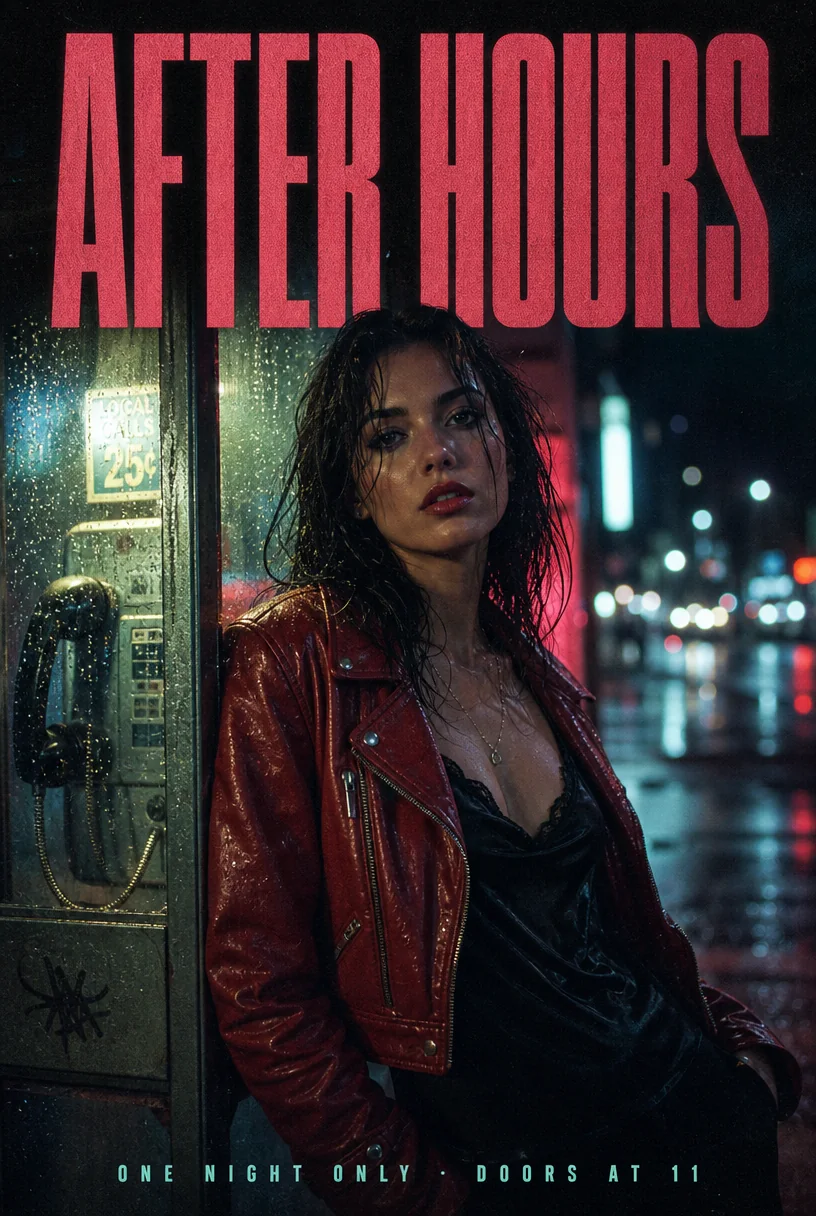
Swap the words on a poster or cover, change a product colour or a garment, and keep the photograph underneath exactly as it was approved.
Composite scenes from references
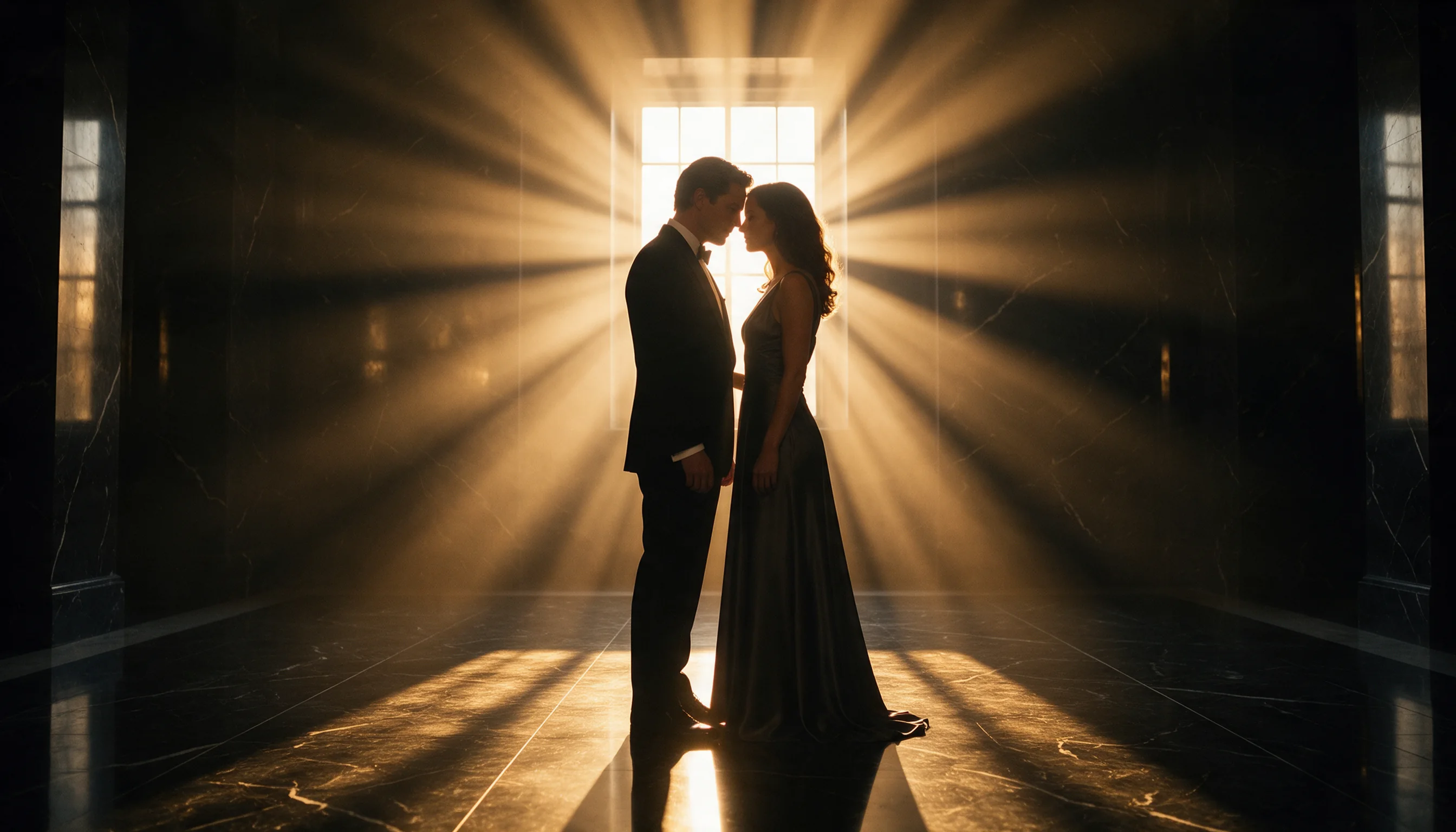
Put a person from one photograph into the setting of another, or pair two people from separate shots, without rebuilding the layout from a text prompt.
Localised versions of one visual
Keep the photograph and replace the headline with a translated line for each market, one edit per language.
Prompt guide & pro tips
Say what stays as well as what changes
List the change first, then name what must not move: face, pose, lighting, background, logo. Anything you do not protect may be redrawn.
Number your sources
Write "the woman from the first image" and "the boat from the second image". The order of image_urls is the only way the model can tell them apart.
Use a mask for small fixes
For a single object or a patch of background, a PNG mask the same size as the first source is more reliable than describing the area in words.
Keep auto for faithful framing
Leave aspect ratio on auto when the edit should keep the framing of the source; pick a fixed ratio only when the result needs a new shape.
API quick start
# Generate the idempotency key once; reuse it when retrying after a lost response.
export SPICY_IDEMPOTENCY_KEY="${SPICY_IDEMPOTENCY_KEY:-$(uuidgen)}"
curl -X POST https://api.spicyapi.ai/api/v1/jobs/createTask \
  -H "Authorization: Bearer $SPICY_API_KEY" \
  -H "Content-Type: application/json" \
  -H "Idempotency-Key: $SPICY_IDEMPOTENCY_KEY" \
  -d '{
  "model": "openai/gpt-image-2/edit",
  "input": {
    "aspect_ratio": "auto",
    "background": "auto",
    "image_urls": [
      "https://example.com/reference.png"
    ],
    "input_fidelity": "low",
    "num_outputs": 1,
    "output_format": "png",
    "prompt": "A ceramic teapot on a linen cloth, soft window light, muted palette"
  }
}'

# Copy data.taskId from the response into TASK_ID, then poll the status.
TASK_ID="TASK_ID_FROM_RESPONSE"
curl "https://api.spicyapi.ai/api/v1/jobs/recordInfo?taskId=$TASK_ID" \
  -H "Authorization: Bearer $SPICY_API_KEY"
See the API reference for authentication, the complete schema, polling, and error handling.