Introduction
Seedance 1.5 Pro text-to-video builds the whole frame from the prompt and renders the soundtrack in the same pass. camera_fixed decides whether the model invents a camera move or holds the frame absolutely still.
ByteDance Seedance 1.5 Pro publishes two endpoints, text-to-video and image-to-video. Both return 4 to 12 second clips at 480p, 720p or 1080p with native audio, and both carry a camera_fixed switch.
Choose a Seedance 1.5 Pro mode by starting material
| Starting material | Mode |
|---|---|
| An approved opening still | Seedance 1.5 Pro Image to Video |
| A script or scene description | Seedance 1.5 Pro Text to Video |
Key features & highlights
camera_fixed holds the frame
Left false, the default, the model invents its own moves: a drift, a push, a slow orbit. Set it to true and the camera stops while the subject keeps moving inside the frame. A locked frame can be tracked, keyed, composited or looped, and neither Seedance 2.0 nor 2.5 offers this switch.
Sound in the same pass
generate_audio defaults to true and renders ambience, movement effects and voice locked to the frames. It moves the request into a higher rate tier, so turn it off for product loops and for plates that will be scored later.
A clear ceiling
Clips run 4 to 12 whole seconds at 480p, 720p or 1080p, in six fixed aspect ratios with 16:9 as the default and no adaptive option. There is no reference endpoint; seed is available at 480p and 720p. Jobs that need 4K, longer takes or a multi-image cast belong on Seedance 2.0 or 2.5; what 1.5 Pro keeps is the camera lock.
Request parameters
| Parameter | Required | Description |
|---|---|---|
prompt | Yes | The only source of what appears on screen. Order it as subject, action, camera, light, sound, one idea per sentence, and restate the camera decision here when |
aspect_ratio | No | Picks the framing from six fixed values, defaulting to 16:9. It changes cropping only — never length or sharpness. |
resolution | No | Output resolution, 720p by default and 1080p at the top; nothing higher is offered on this endpoint. |
duration_seconds | No | Length of the finished clip in whole seconds, 4 to 12, defaulting to 5. This is the billed quantity — double the length, roughly double the cost. |
generate_audio | No | Whether a native soundtrack is rendered in sync with the picture. On by default and priced in a higher tier; switch it off when you plan to score, dub, or deliver silent footage. Default: |
camera_fixed | No | Locks the camera, false by default. Left false, the model adds its own moves. Default: |
seed | No | Integer from 0 to 2147483647 for the random start; leave it out and every run draws its own. |
Pricing
| Resolution | Generate audio: No | Generate audio: Yes |
|---|---|---|
| $0.0112 / second | $0.0223 / second |
| $0.0227 / second | $0.0454 / second |
| $0.0491 / second | $0.0982 / second |
Use cases
Locked shots for compositing
Set camera_fixed and describe motion that happens inside the frame. The published example is a static wide shot in which only the fabric and the subject's breathing move: footage that can be keyed, tracked or looped.
A controlled prompt comparison
Lock the camera, keep every other field constant and change one clause per run: the light source, the lens, a single action. Fix seed as well (480p and 720p) and the random start stays put too; a seed is a comparison handle rather than a frame-identical guarantee, so compare a couple of takes of each version, and with the camera locked the difference belongs to the wording.
Painterly and stylised looks
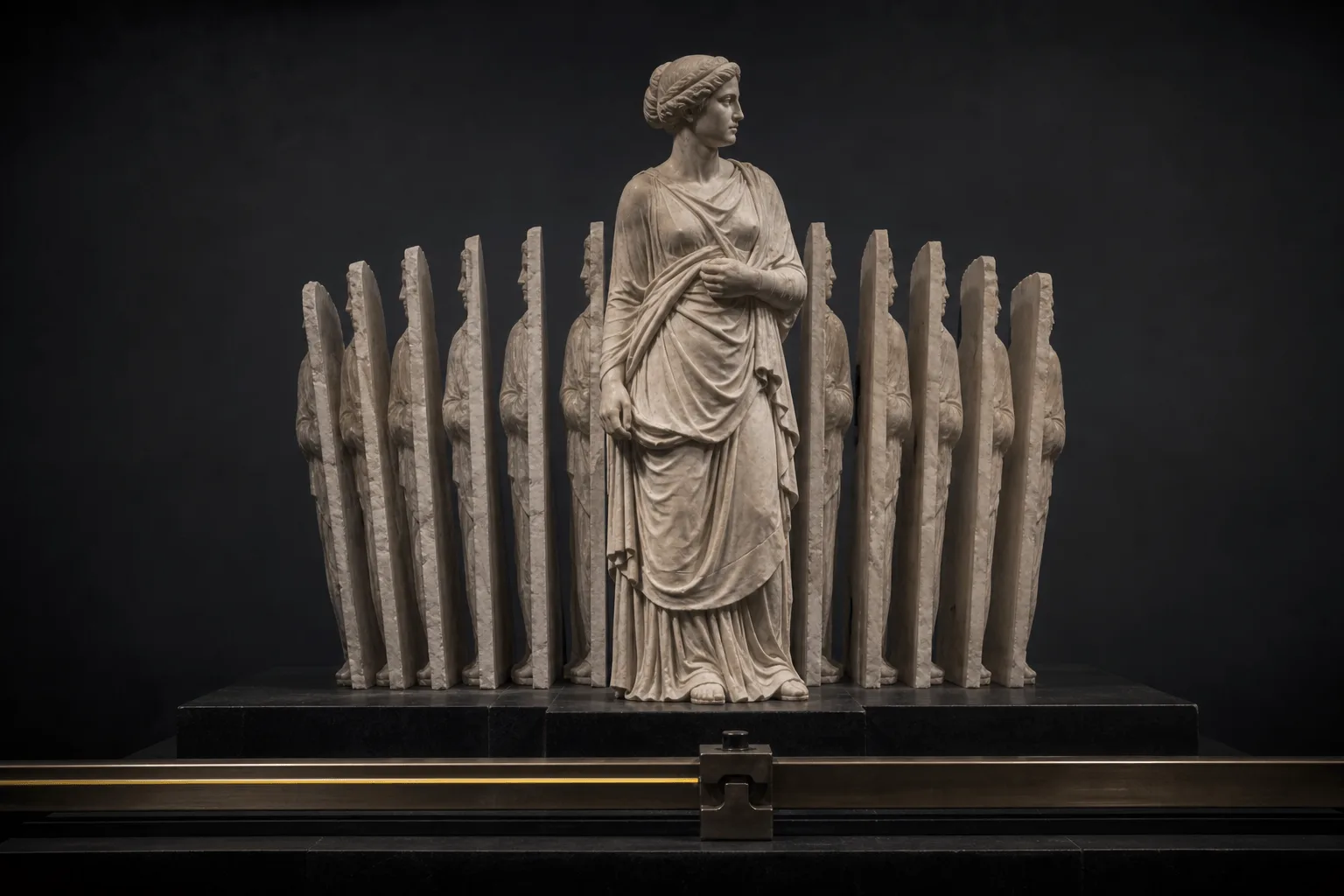
The prompt sets the look as well as the action. One of this endpoint's examples asks for a chiaroscuro oil-painting treatment lit only by candles, with a very slow dolly in and camera_fixed left off.
Prompt guide & pro tips
Decide the camera first
camera_fixed is the first decision on this generation. If the result has to be tracked, keyed, looped or cut against real footage, set it to true and restate the lock in the prompt. If you want a move, leave it false and name it: a push, a pan, a tilt or an orbit.
Write around Seedance's own refusals
We do not review the wording, but Seedance's own safety layer turns part of it down before rendering. Kissing is the dependable trigger; a whisper at the ear or foreheads touching goes through. When the beat has to be literal, start from a frame on image-to-video instead of the prompt.
Adapt the included example
The published example uses aspect_ratio 16:9, camera_fixed true, duration_seconds 5, generate_audio true and resolution 720p.
Locked-off static wide shot, camera never moves. An adult woman lies on her back across white hotel sheets in a pale blue camisole, ankles crossed and lifted in the foreground, one foot slowly rocking side to side, her hand tracing a lazy circle on the duvet. Blown-out window light, high-key minimal composition, only the sheets and her breathing move.
The lock is set in the field and repeated in the first sentence of the prompt. Every bit of motion belongs to the subject or the fabric.
Draft cheap, then deliver
resolution and duration_seconds both set the price, and generate_audio adds a higher tier. Draft the wording at 480p with audio off, then raise the resolution and turn sound back on only for the take you deliver.
API quick start
# Generate the idempotency key once; reuse it when retrying after a lost response.
export SPICY_IDEMPOTENCY_KEY="${SPICY_IDEMPOTENCY_KEY:-$(uuidgen)}"
curl -X POST https://api.spicyapi.ai/api/v1/jobs/createTask \
  -H "Authorization: Bearer $SPICY_API_KEY" \
  -H "Content-Type: application/json" \
  -H "Idempotency-Key: $SPICY_IDEMPOTENCY_KEY" \
  -d '{
  "model": "bytedance/seedance-1.5-pro/text-to-video",
  "input": {
    "prompt": "A slow aerial shot drifting over a misty pine forest at sunrise",
    "resolution": "720p",
    "aspect_ratio": "16:9",
    "generate_audio": true,
    "duration_seconds": 5
  }
}'

# Copy data.taskId from the response into TASK_ID, then poll the status.
TASK_ID="TASK_ID_FROM_RESPONSE"
curl "https://api.spicyapi.ai/api/v1/jobs/recordInfo?taskId=$TASK_ID" \
  -H "Authorization: Bearer $SPICY_API_KEY"
See the API reference for authentication, the complete schema, polling, and error handling.