Introduction
Seedance 2.0 Mini text-to-video builds the whole frame from the prompt — subject, set, camera, light — and renders the soundtrack in the same pass. It is the endpoint for coverage nobody is going to shoot.
Seedance 2.0 Mini is the smallest tier of ByteDance's Seedance 2.0 line. It publishes the same endpoints as Seedance 2.0 Fast and returns 4 to 15 second clips at 480p or 720p, with audio generated in the same pass.
Choose a Seedance 2.0 Mini mode by starting material
| Starting material | Mode |
|---|---|
| A script or scene description | Seedance 2.0 Mini Text to Video |
| An approved opening still | Seedance 2.0 Mini Image to Video |
| Separate appearance, motion or audio references | Seedance 2.0 Mini Reference to Video |
Key features & highlights
The same contract as Seedance 2.0 Fast
Mini publishes the same endpoints and the same fields as Seedance 2.0 Fast: adaptive framing plus six fixed ratios, 4 to 15 seconds or -1 for a length the model chooses, native audio and seed, with resolution capped at 720p. A pipeline written against Mini moves to Fast by changing the model id, not the request.
Built for volume
Mini is the tier to pick when throughput matters more than the extra quality of the larger Seedance 2.0 models. Every endpoint is asynchronous: send an Idempotency-Key with each request, store the task ids and let polling or callbacks resolve them. The key is honoured for 24 hours, so a retry after a dropped connection returns the original task.
Longer sequences with Video Extend
To go past fifteen seconds, send a finished clip to the video-extend endpoint: its final frame opens a new Seedance 2.0 Mini shot and you get one file back with both joined. Each step bills only the seconds it adds, and the joined result can be extended again.
Request parameters
| Parameter | Required | Description |
|---|---|---|
prompt | Yes | The only source of what appears on screen. Order it as subject, action, camera, light, sound, one idea per sentence. at least 1 characters |
aspect_ratio | No | Output framing, adaptive by default, or one of six fixed ratios from 21:9 down to 9:16. |
resolution | No | Output resolution: 480p, or 720p by default. It selects a rate tier, and higher tiers mean bigger files and longer renders. |
duration_seconds | No | Length of the finished clip in whole seconds, 4 to 15, default 5, and the billed quantity — the charge scales directly with it. |
generate_audio | No | Whether a native soundtrack is rendered in sync with the picture. On by default; switching it off does not lower the rate in this tier. Default: |
enable_web_search | No | Off by default. Switched on, the model may search the web for information related to your prompt before it renders. Default: |
seed | No | Integer seed; omit it and each run draws its own. Fix it with everything else held constant to judge what a prompt edit actually changed. |
return_last_frame | No | Also returns the clip’s final frame as a separate image next to the video. Send it to image-to-video as the next opening frame to chain shots without exporting a still yourself. Default: |
bitrate_mode | No | Encoding bitrate of the delivered file: |
watermark | No | Adds the model’s own visible "AI generated" watermark to the video. Off by default; switch it on when the place you publish requires AI-made footage to be labelled. Default: |
Pricing
| Specification | Price |
|---|---|
| $0.0246078 / second |
| $0.05292 / second |
Use cases
Everyday lifestyle b-roll at volume
Morning light through a window, a duvet pulled over a face, dust in a sunbeam: the ordinary shots a catalogue or an app needs hundreds of and nobody wants to schedule a shoot for. The published example below is exactly that, generated from a prompt alone.
One brief in every shape
Fix the prompt and fan it out across 16:9, 9:16 and 1:1 in the same batch. Because the endpoint is asynchronous, three shapes of the same idea are three task ids to collect rather than three jobs to plan.
A wide range of looks from one request shape
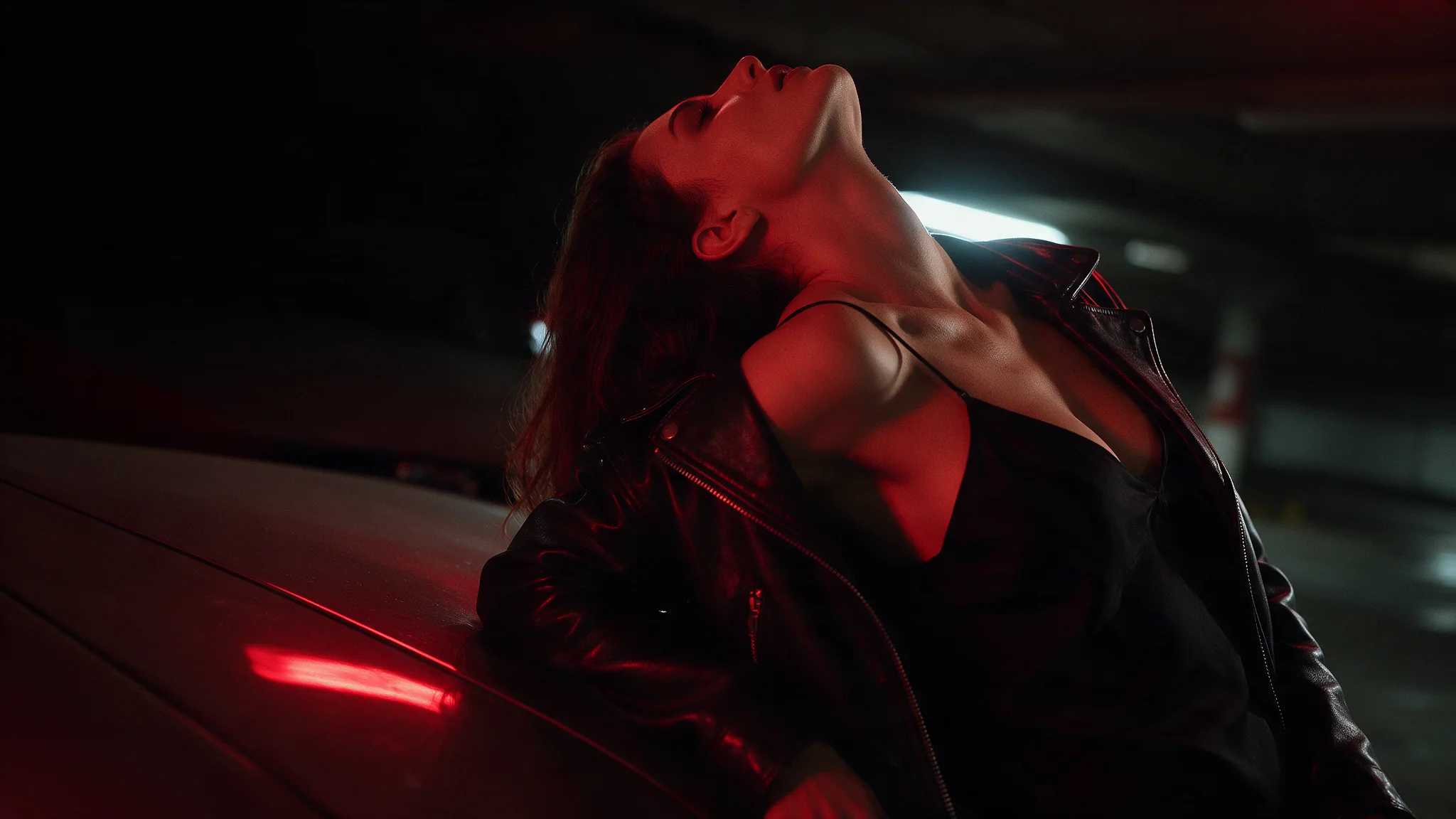
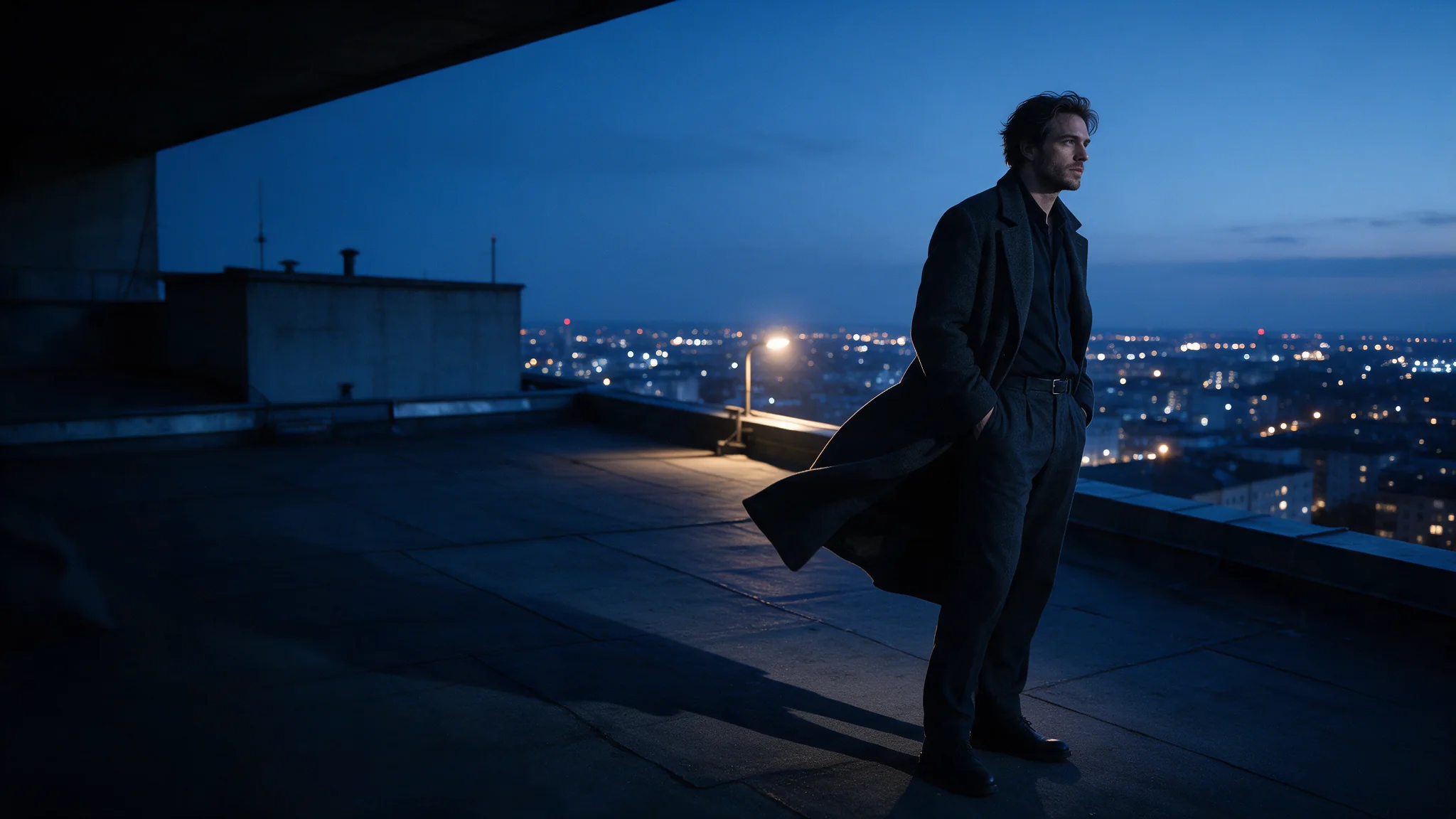
The same fields cover live action and stylised animation. Among this endpoint's examples are a rain-soaked street at night on a telephoto lens and a cel-shaded anime scene at a snowy hot spring; the look is set in the prompt, with no extra field involved.
Prompt guide & pro tips
Write subject, action, camera, light, sound
Keep one idea per sentence, in that order. When a longer duration_seconds buys extra time, spend it finishing the action you already described instead of adding a second one.
Rephrase what Seedance refuses
Wording is not reviewed by us, but Seedance's own layer rejects part of it before rendering, and kissing is the reliable trigger. The same beat written as a whisper at the ear or foreheads touching passes, and a first frame on image-to-video gets the literal version through.
Adapt the included example
The published example uses aspect_ratio 16:9, duration_seconds 5, generate_audio true and resolution 720p.
Morning in a sunlit studio apartment. An adult woman in an oversized grey t-shirt stretches her arms overhead beside the window, the hem lifting slightly, then drops onto the unmade bed and pulls the duvet over her face laughing. Warm dust in the light shaft, handheld, soft film grain, quiet room tone and distant traffic.
Ordinary coverage with a handheld feel and quiet room tone, which is exactly what this tier is for. Change the room and the gesture, and keep the one-action structure.
Turn audio off only when you will score later
Switching generate_audio off does not change the rate in this tier. Keep it on when ambience sells the scene, and turn it off for silent loops or when music will be added in post.
API quick start
# Generate the idempotency key once; reuse it when retrying after a lost response.
export SPICY_IDEMPOTENCY_KEY="${SPICY_IDEMPOTENCY_KEY:-$(uuidgen)}"
curl -X POST https://api.spicyapi.ai/api/v1/jobs/createTask \
  -H "Authorization: Bearer $SPICY_API_KEY" \
  -H "Content-Type: application/json" \
  -H "Idempotency-Key: $SPICY_IDEMPOTENCY_KEY" \
  -d '{
  "model": "bytedance/seedance-2.0-mini/text-to-video",
  "input": {
    "prompt": "A slow aerial shot drifting over a misty pine forest at sunrise",
    "resolution": "720p",
    "aspect_ratio": "adaptive",
    "bitrate_mode": "standard",
    "generate_audio": true,
    "duration_seconds": 5
  }
}'

# Copy data.taskId from the response into TASK_ID, then poll the status.
TASK_ID="TASK_ID_FROM_RESPONSE"
curl "https://api.spicyapi.ai/api/v1/jobs/recordInfo?taskId=$TASK_ID" \
  -H "Authorization: Bearer $SPICY_API_KEY"
See the API reference for authentication, the complete schema, polling, and error handling.