Introduction
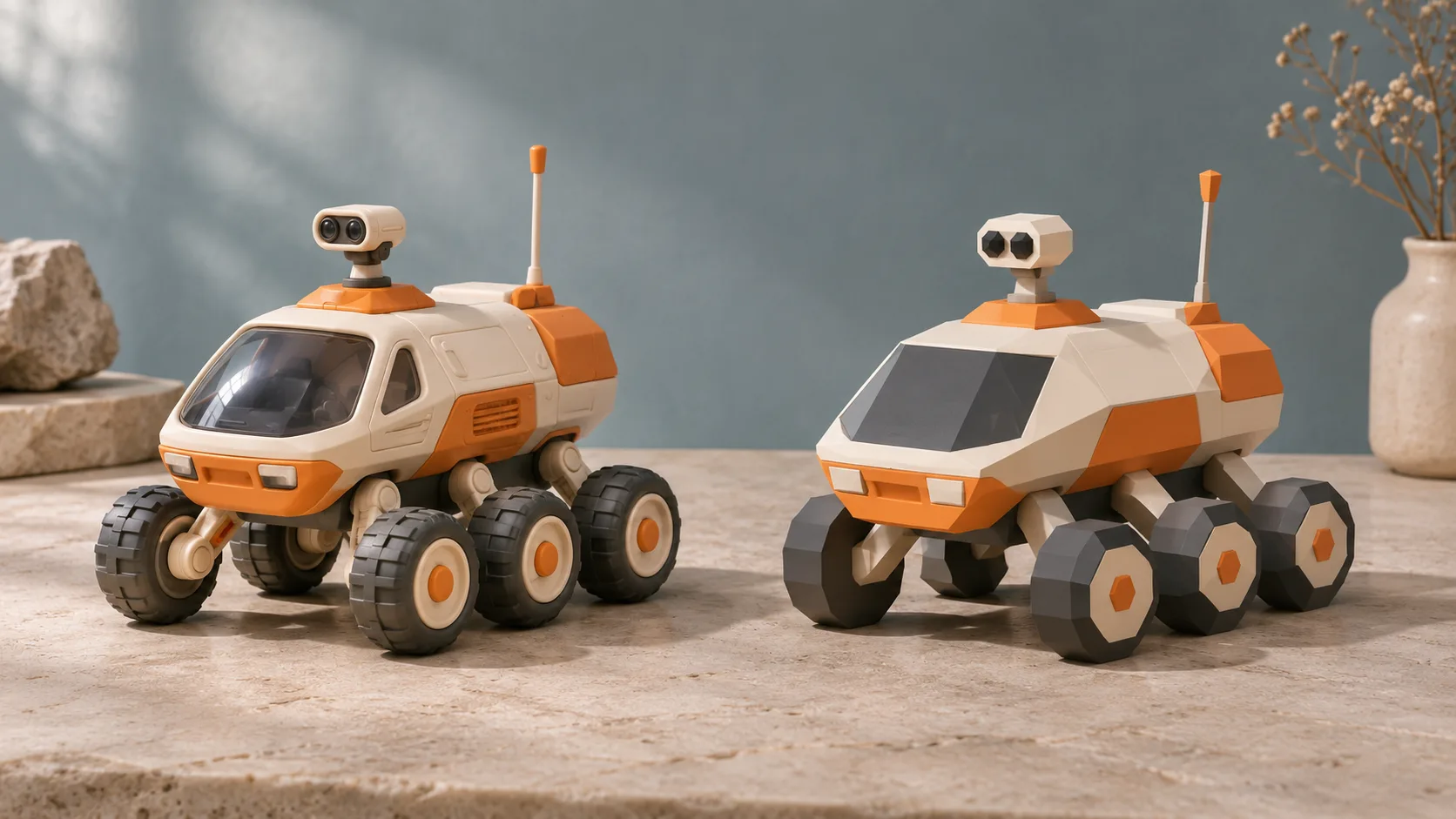
Tripo P1, also called Smart Mesh P1.0, is Tripo AI’s image-to-3D model for clean, low-polygon objects. It builds a mesh directly from a picture, with a target range of 50–20,000 faces. The emphasis is a manageable shape for games, mobile scenes and user-created props, with optional textures packed into a GLB.
Key features & highlights
A small mesh with a readable silhouette
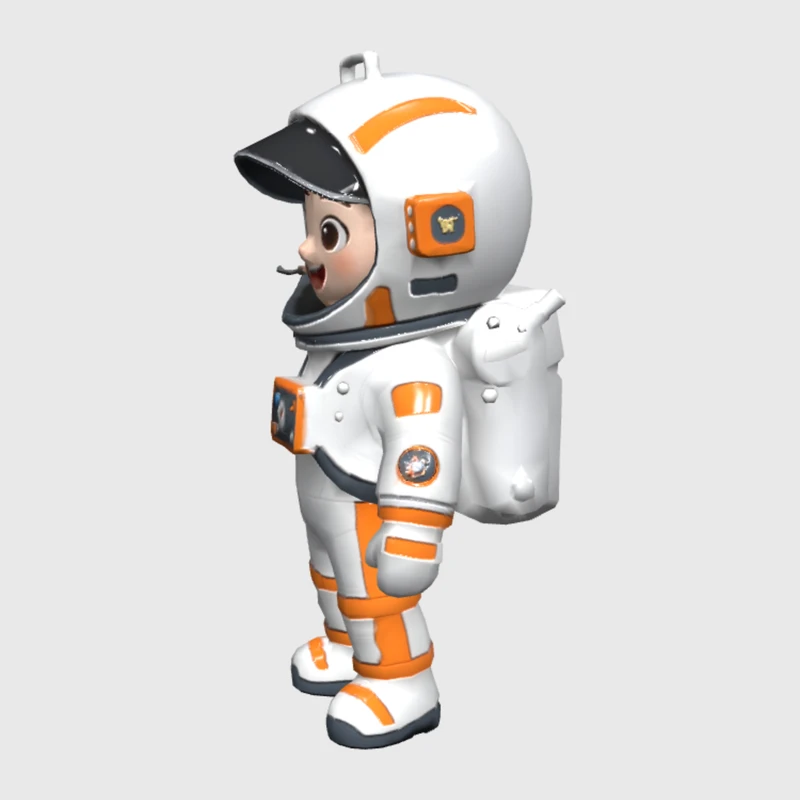
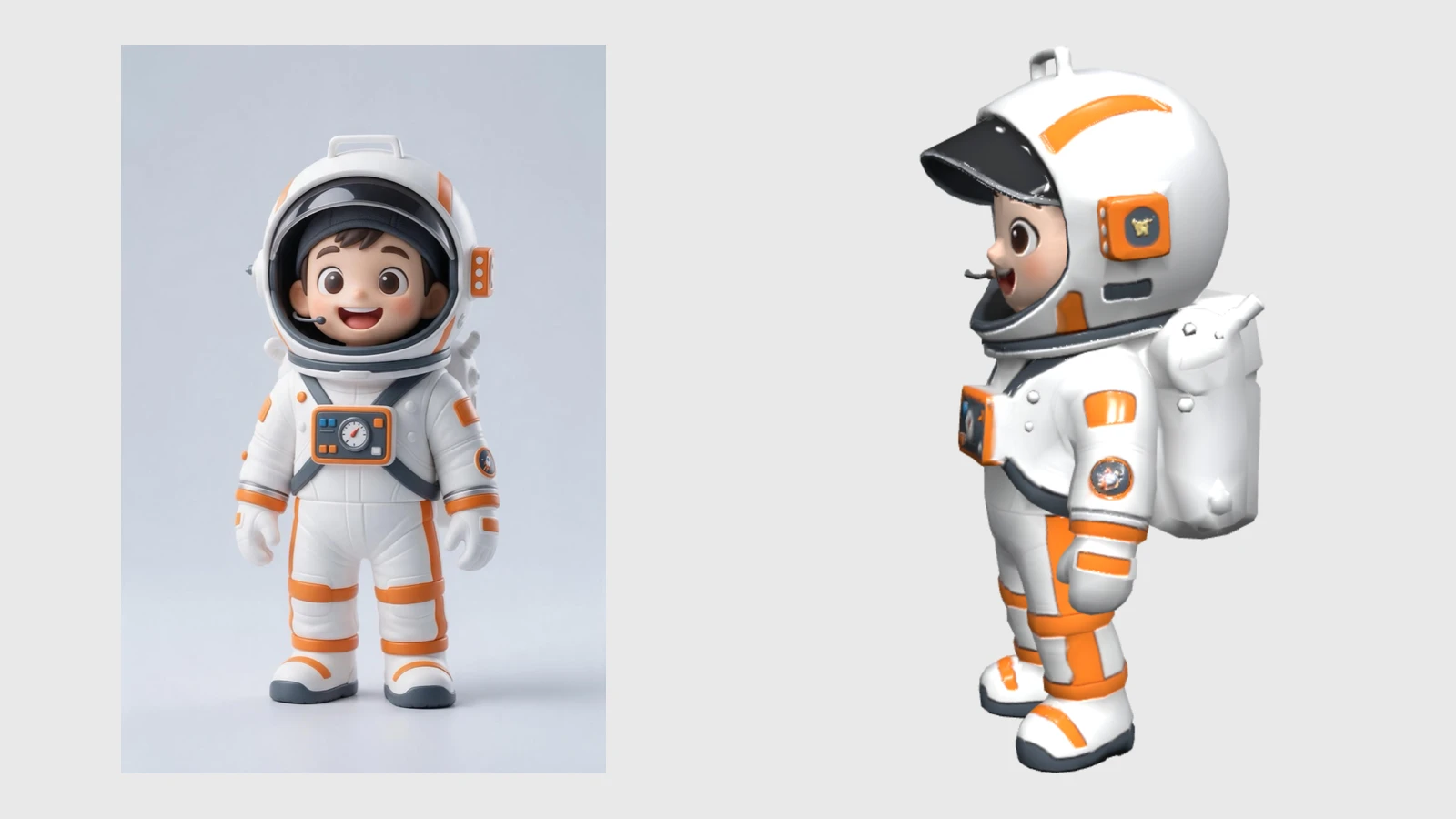
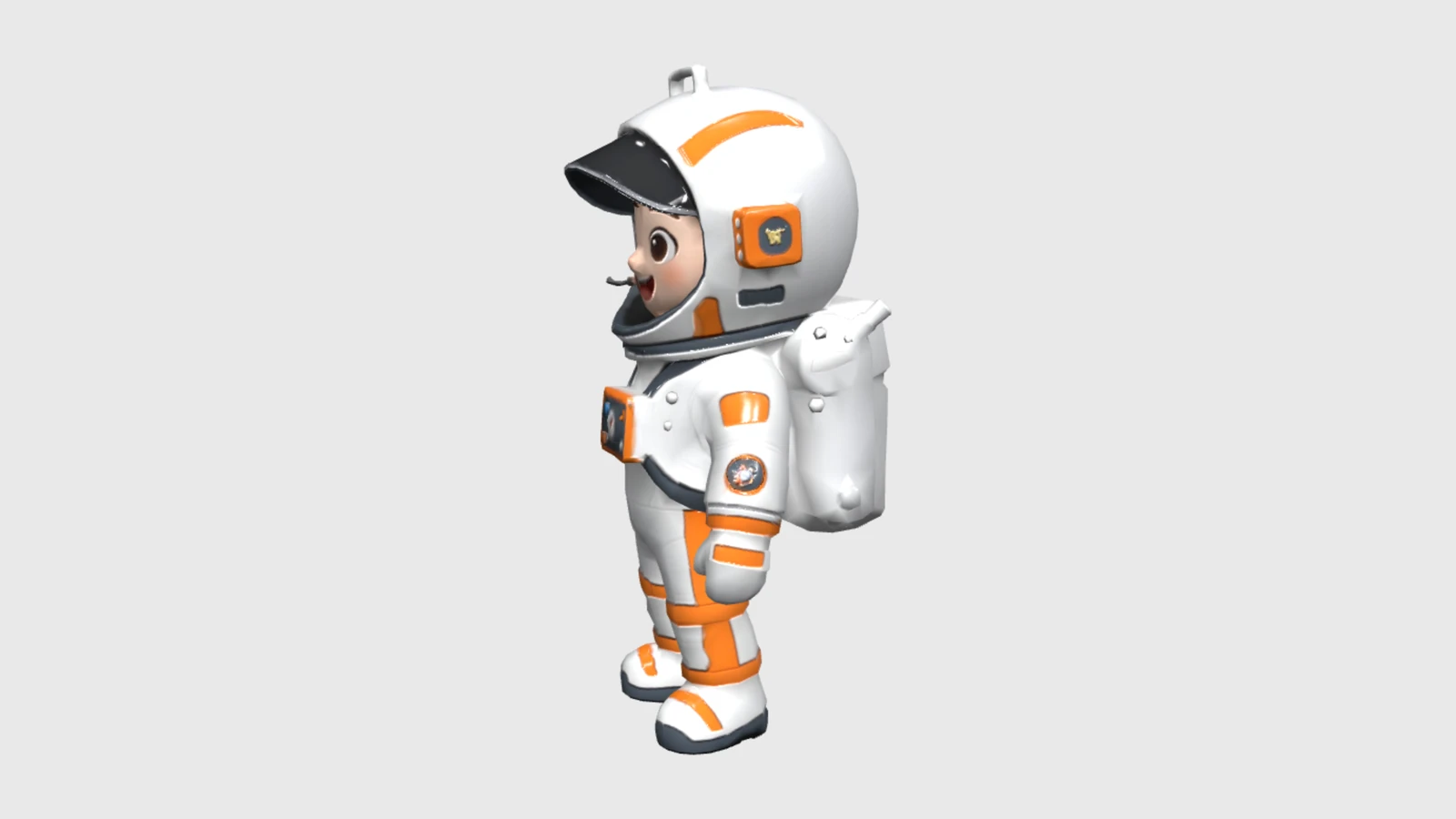
Our orange-and-white toy astronaut kept its visor, helmet and backpack in 4,970 triangles. The default request took 82 seconds and produced a 2.67 MB GLB with UV coordinates, one material and three 2048-pixel texture maps. These are observations from one request, rather than a timing or size guarantee for every object.
A plain boot for your own finish
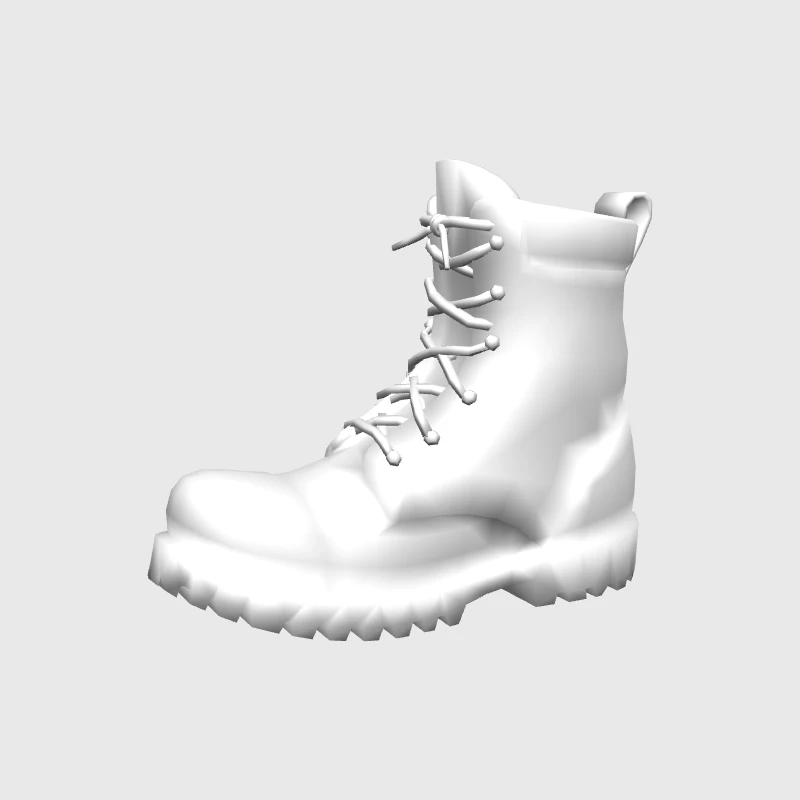
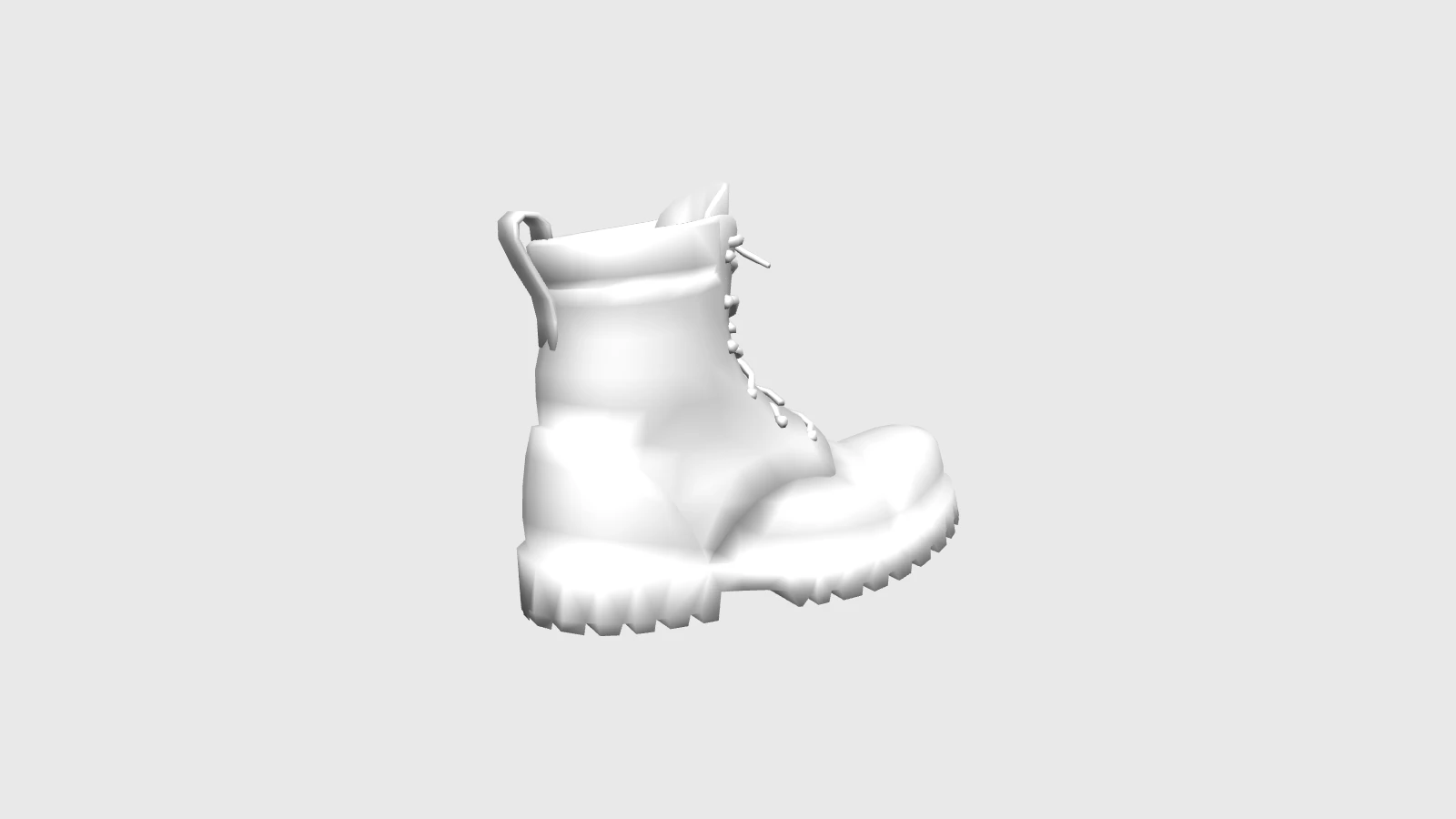
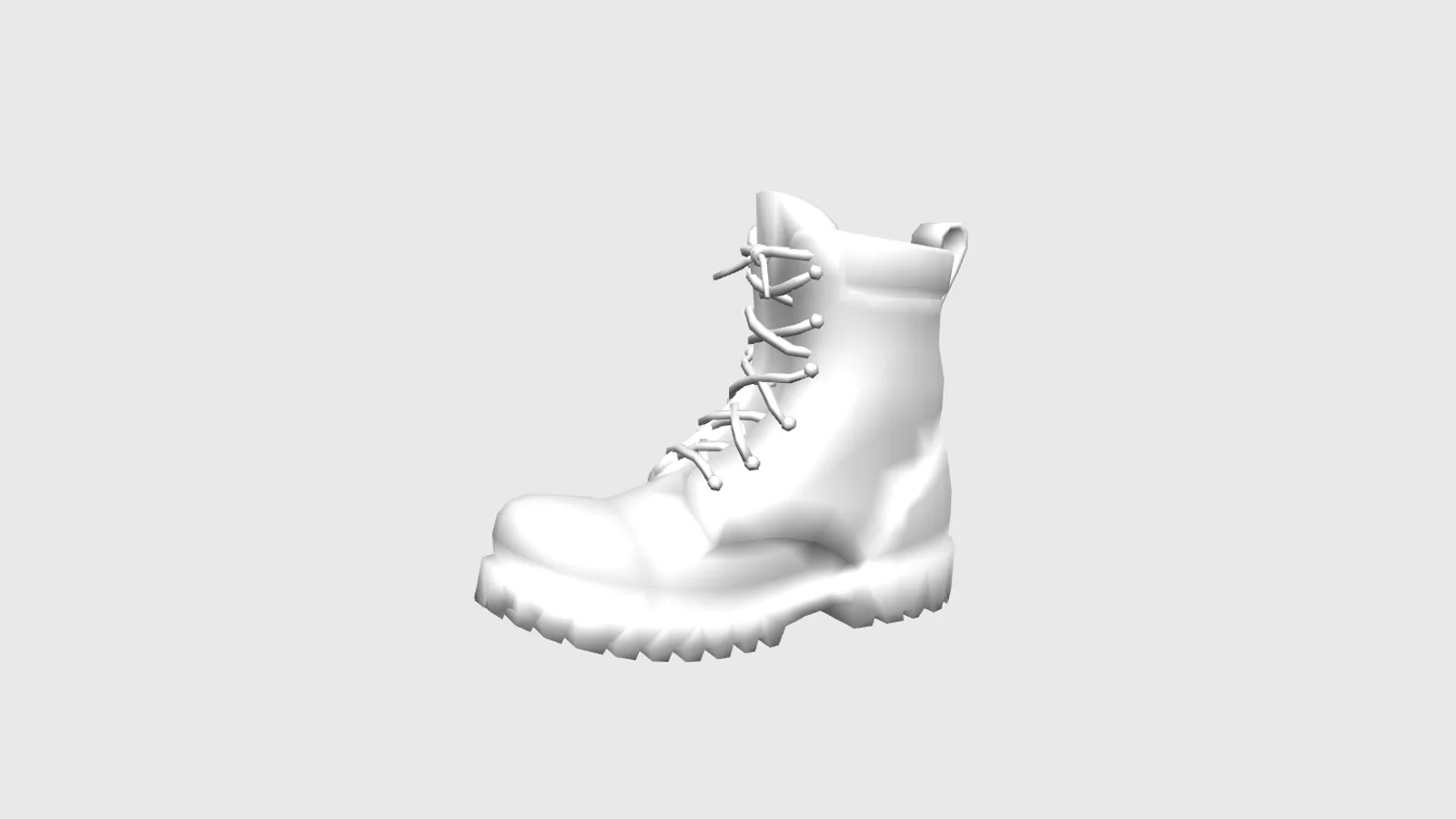
With both texture switches off, a target of 3,000 faces and UV export disabled, our boot retained its laces, heel and sole tread in 2,804 triangles. That request took 19 seconds and returned a 0.07 MB file without UV coordinates or materials. Its settings also included image clean-up and the v3.5 texture version.
Request parameters
| Parameter | Required | Description |
|---|---|---|
image_url | Yes | P1 reference workflow: JPEG, PNG or WebP reference up to 10 MB; frame one complete object. at least 1 characters |
generate_texture | No | P1 reference workflow: On by default; adds colour textures, and a plain mesh requires |
generate_pbr | No | P1 reference workflow: On by default; PBR materials enable texturing even when |
texture_quality | No | P1 reference workflow: standard is the default; detailed and extreme (8K) add quality charges; fast uses v3.5 at the standard rate; no quality charge without textures. |
texture_version | No | P1 reference workflow: Choose v3.0-20250812 (default) or v3.5-20260815; fast and lighting removal use v3.5. |
remove_lighting | No | P1 reference workflow: On by default, but only effective with v3.5; removes lighting baked into the reference texture. Default: |
face_limit | No | P1 reference workflow: Target 50–20,000 faces; omit the value to let the model choose. |
image_autofix | No | P1 reference workflow: Off by default; cleans a blurry or low-resolution image before modelling, adding processing time. Default: |
model_orientation | No | P1 reference workflow: Choose default for the usual pose or |
texture_alignment | No | P1 reference workflow: |
auto_size | No | P1 reference workflow: Off by default; estimates real-world scale and requires textured output. Default: |
uv_unwrap | No | P1 reference workflow: On by default; disabling UV export reduces processing and size but removes coordinates needed for later texturing. Default: |
seed | No | P1 reference workflow: Geometry seed for comparisons where you change one setting at a time; exact repetition is not assured. |
texture_seed | No | P1 reference workflow: Texture-stage seed for controlled surface comparisons, without an identical-output guarantee. |
Pricing
$0.72 / model
P1 is charged once per delivered model: mesh base cost, then a texture add-on if either generate_texture or generate_pbr is enabled. detailed and extreme (8K) each add their own quality tier; fast costs the same as standard. Texture quality adds nothing to an untextured request. All other P1 controls leave the charge unchanged; failed requests are not billed.
Use cases
Props for a small screen
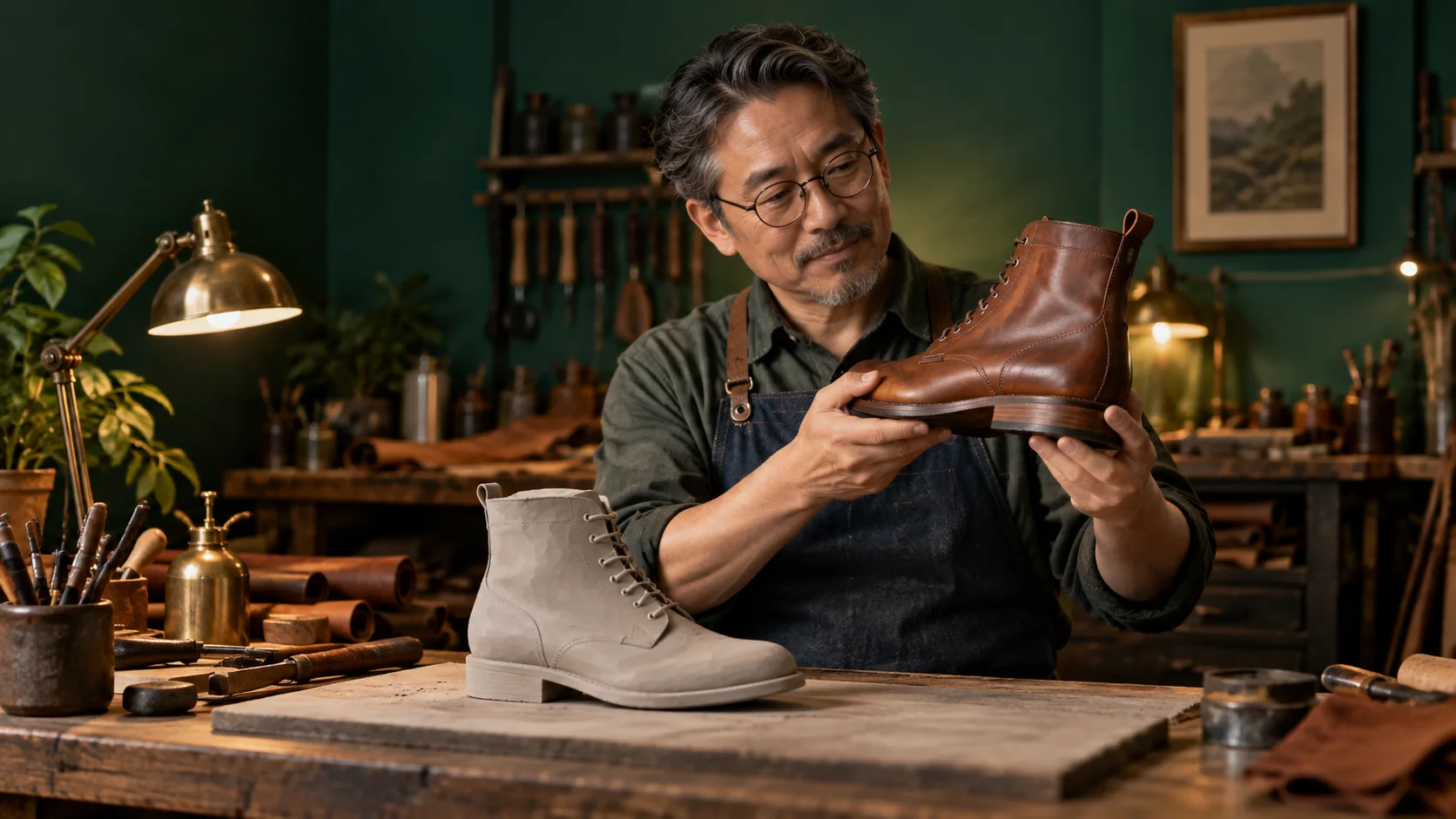
Create toys, footwear and collectible objects for a mobile game or an AR scene. Choose a face budget for the scene and inspect the silhouette at the distance where players will actually see it; a texture can carry colour without adding a dense surface.
A starting shape for printing
Request an untextured object when you intend to add your own materials or prepare a white model for 3D printing. Check walls, openings and scale in your modelling or slicing software before fabrication; the delivered mesh still needs that review.
Prompt guide & pro tips
Prepare a single clear subject
Show the complete object with space around its edges. A three-quarter photograph reveals depth as well as the front; avoid overlapping props and strong shadows. Supply JPEG, PNG or WebP up to 10 MB through image_url. There is no text prompt for this task.
Choose shape and finish separately
Set face_limit from 50 to 20,000, or omit it to let P1 decide. Disable both generate_texture and generate_pbr for a plain mesh. Keep uv_unwrap enabled if you plan to add textures later; switching it off removes UV coordinates while reducing processing and file size.
Compare one change at a time
Use seed and texture_seed to organise controlled comparisons, without assuming identical output. For remove_lighting, select texture_version: v3.5-20260815. The auto_size option requires textured output. Rotate the downloaded GLB and check hidden surfaces, the sole and the underside before adding it to your scene.
API quick start
# Generate the idempotency key once; reuse it when retrying after a lost response.
export SPICY_IDEMPOTENCY_KEY="${SPICY_IDEMPOTENCY_KEY:-$(uuidgen)}"
curl -X POST https://api.spicyapi.ai/api/v1/jobs/createTask \
  -H "Authorization: Bearer $SPICY_API_KEY" \
  -H "Content-Type: application/json" \
  -H "Idempotency-Key: $SPICY_IDEMPOTENCY_KEY" \
  -d '{
  "model": "tripo/p1/image-to-3d",
  "input": {
    "generate_pbr": true,
    "generate_texture": true,
    "image_url": "https://example.com/reference.png",
    "model_orientation": "default",
    "texture_alignment": "original_image",
    "texture_quality": "standard"
  }
}'

# Copy data.taskId from the response into TASK_ID, then poll the status.
TASK_ID="TASK_ID_FROM_RESPONSE"
curl "https://api.spicyapi.ai/api/v1/jobs/recordInfo?taskId=$TASK_ID" \
  -H "Authorization: Bearer $SPICY_API_KEY"
See the API reference for authentication, the complete schema, polling, and error handling.