Introduction
Tripo H3.1 is the image-to-3D model Tripo AI introduced in March 2026 for production-grade assets, with sharper geometry, better alignment to the input picture and higher-quality textures than its earlier H-series models. You send one picture (image_url) and get one binary glTF file (.glb) back. Unlike single-switch converters, every stage of the pipeline is exposed: whether to texture the mesh, whether to add PBR maps, HD textures, detailed geometry, quad topology, a target face count, real-world scaling, the final orientation and two separate seeds. There is no prompt.
Key features & highlights
Shape that follows the picture
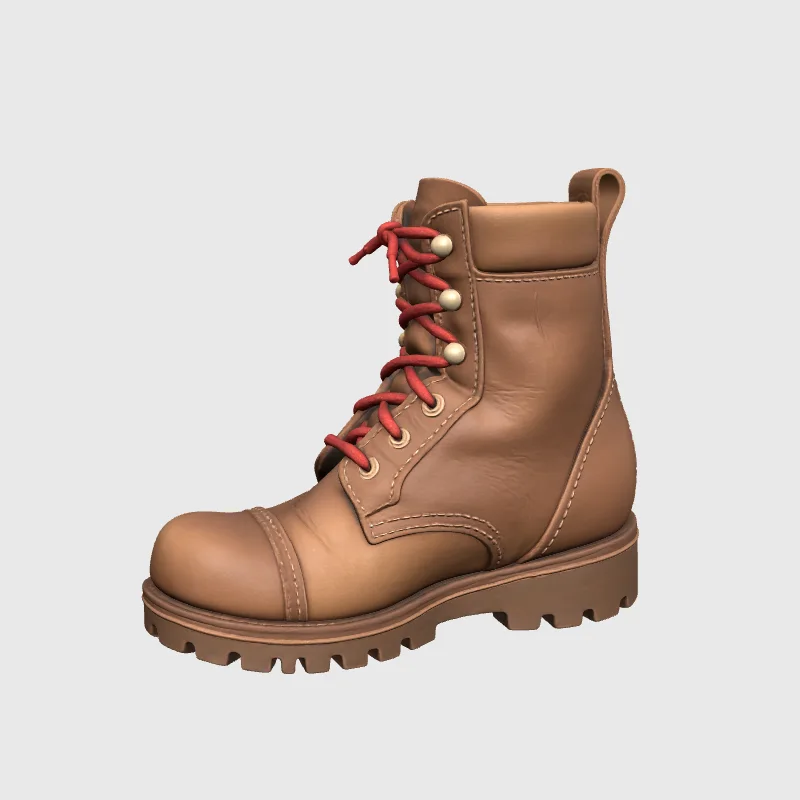
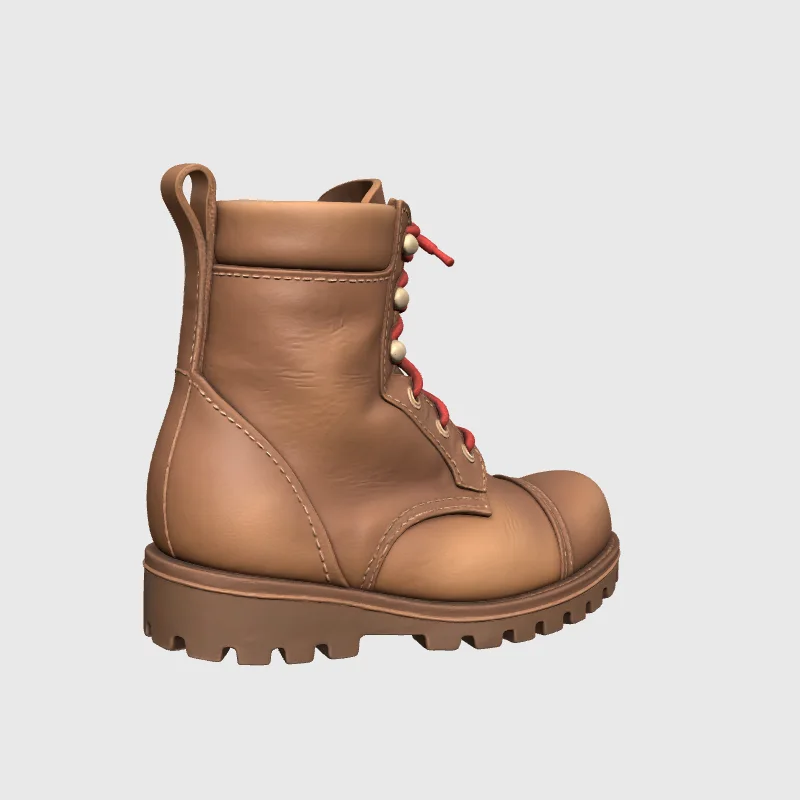
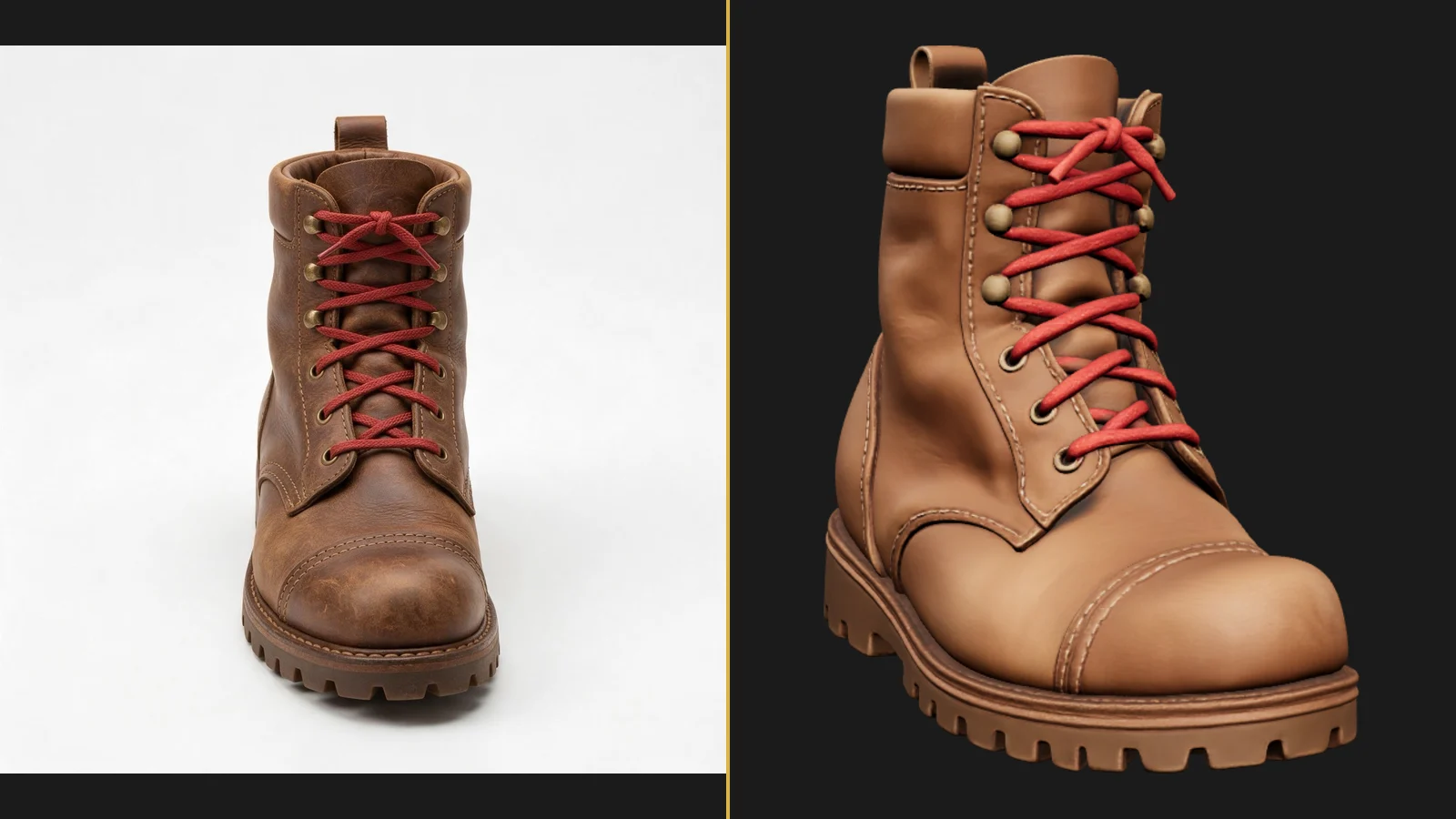
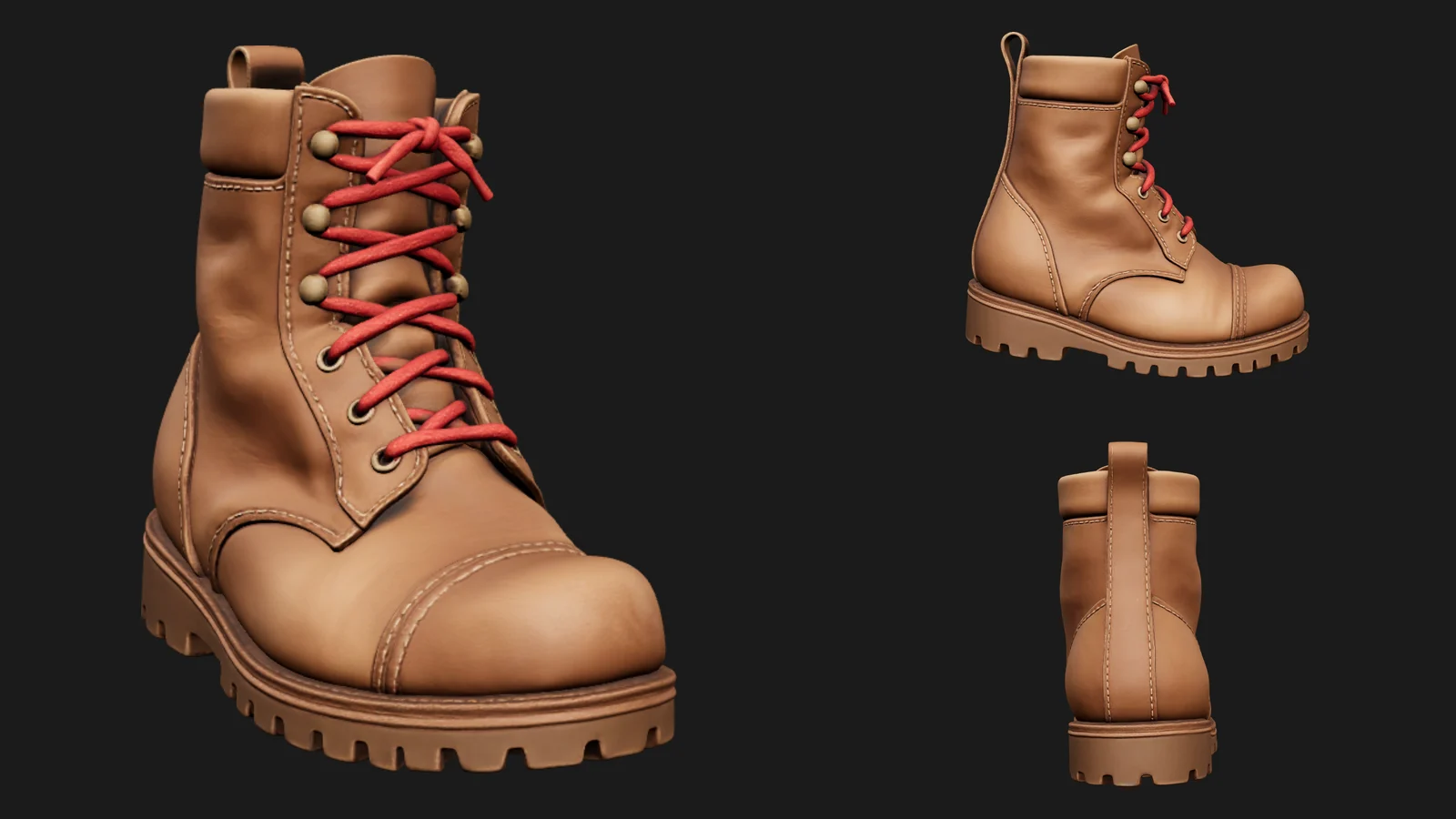
In our boot test the model kept the proportions of the photo and put the heel loop, lace hooks and tread on the correct sides even though the photo showed only the front. The textured result carried the worn leather, the red laces and the stitching onto the mesh.
Textures you can switch and upgrade
Textures are on by default and come as a full PBR set. Our default-settings file held a 2048-pixel base-colour map, a metal-roughness map and a normal map in one material. texture_quality: detailed asks for higher-resolution textures and extreme for 8K, while fast keeps the standard size and finishes sooner; turning both generate_texture and generate_pbr off returns a plain mesh at the lowest price.
Topology and size under your control
face_limit caps the number of faces anywhere from 1,000 to 2,000,000, quad_mesh switches to four-sided polygons for editing in a modelling tool, and geometry_quality: detailed spends more on fine surface detail. auto_size scales the mesh to real-world dimensions and model_orientation: align_image turns it to match the picture.
Low-poly meshes and separate parts
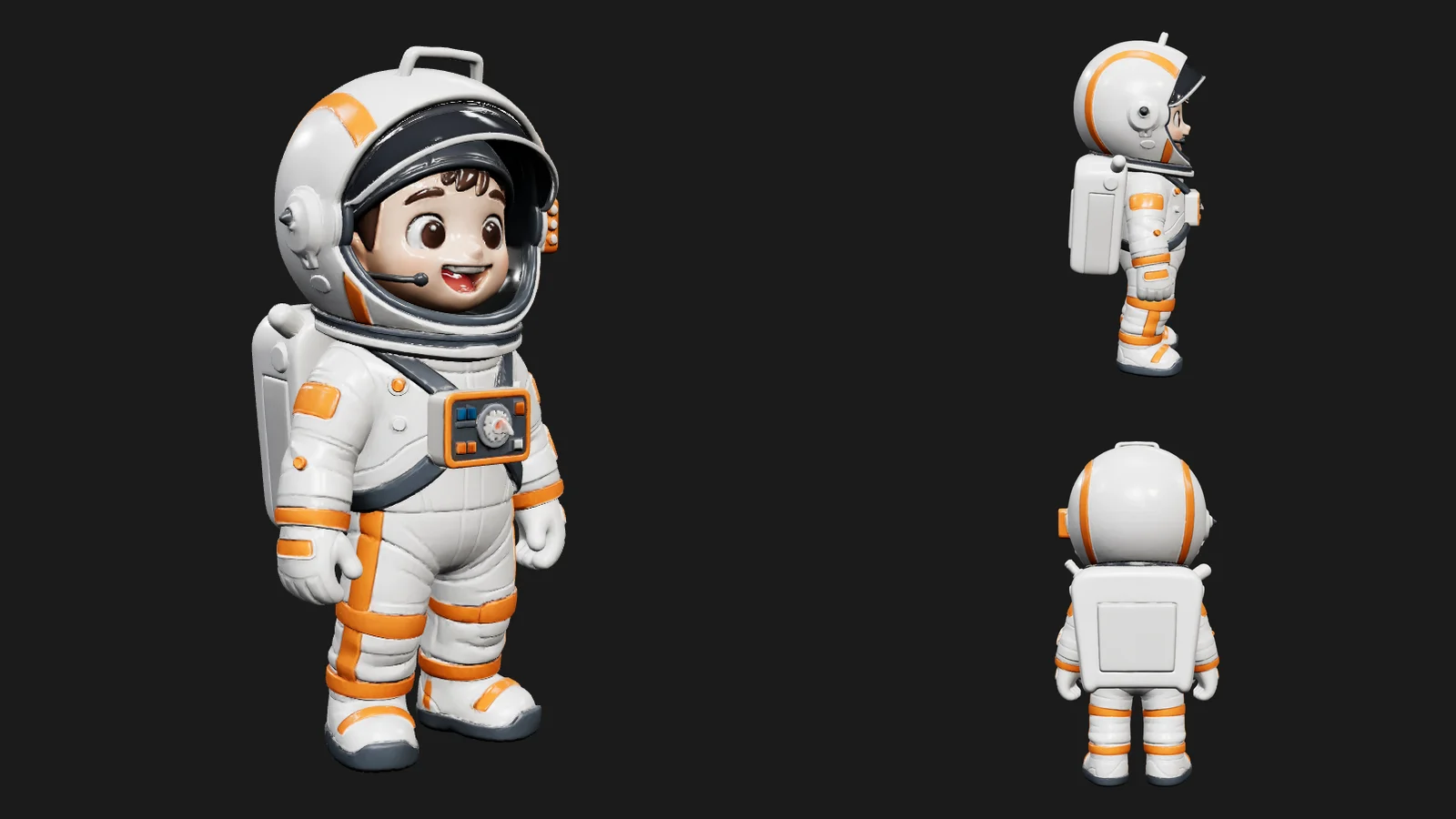
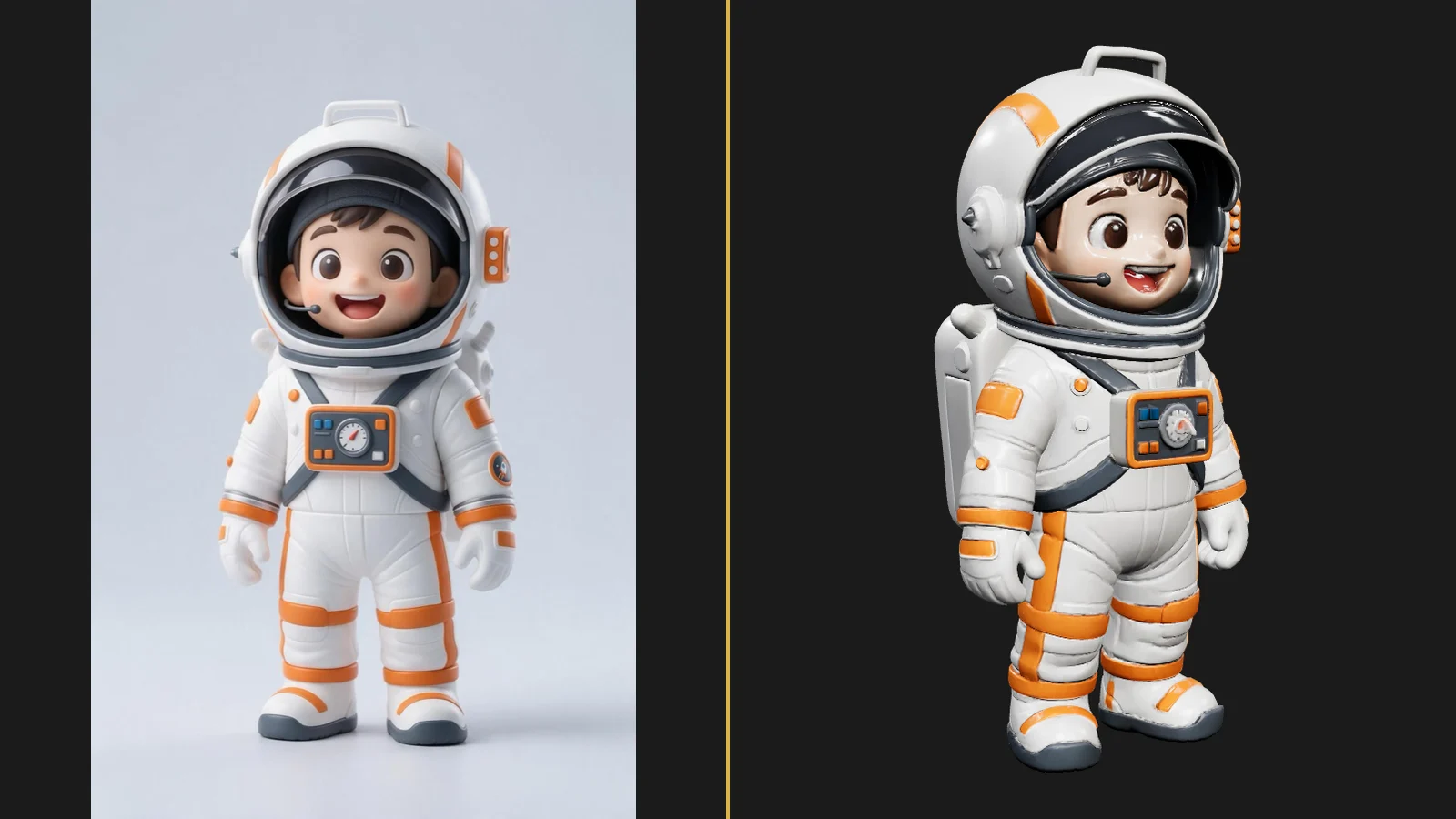
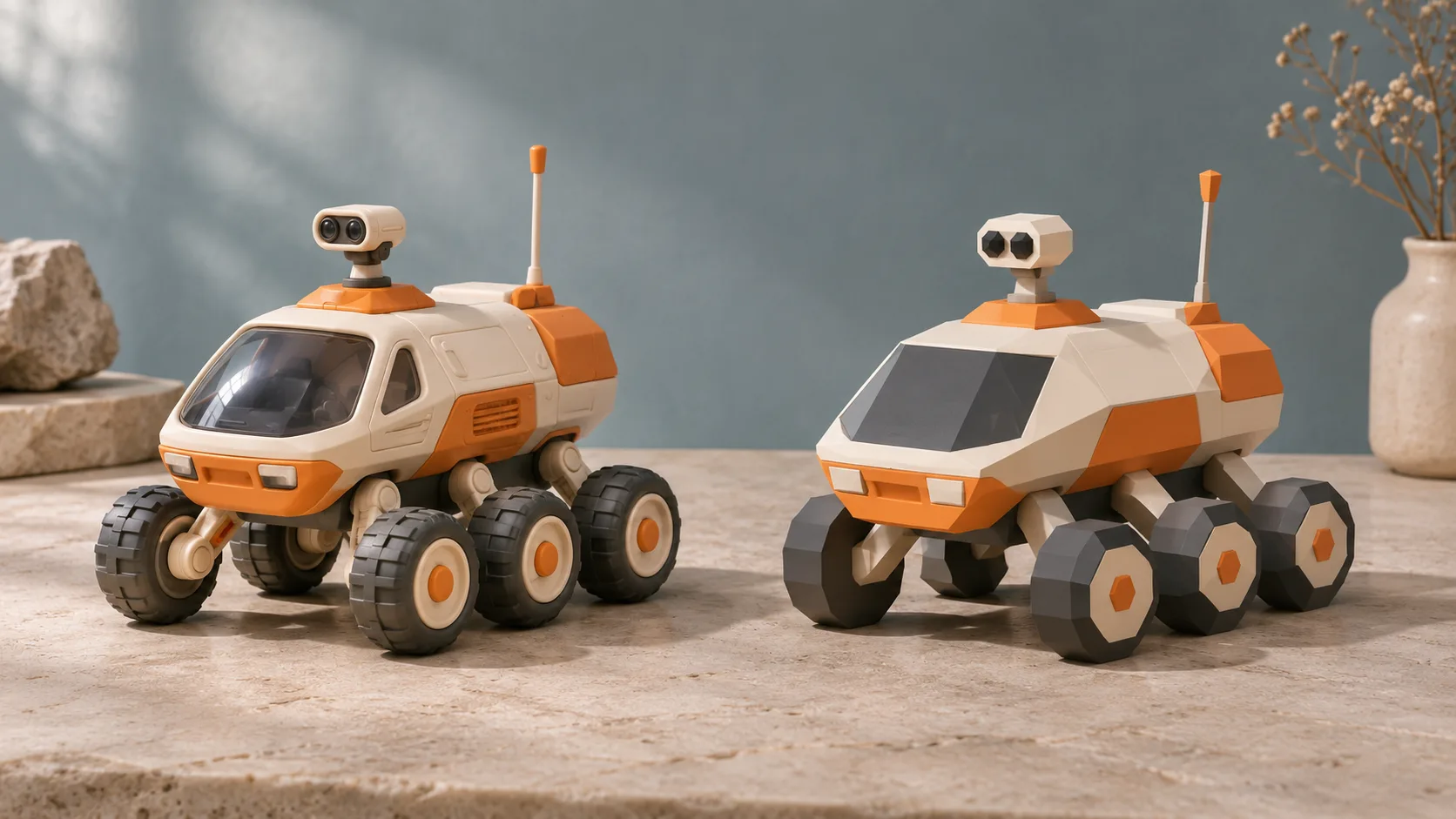
low_poly replaces the dense, scan-like surface with clean low-poly topology for simple props: our boot with face_limit: 5000 came back in about three minutes as a 0.38 MB GLB with 7,675 triangles. generate_parts instead splits the subject into named parts inside one GLB; our toy astronaut came back in 78 seconds as 18 untextured parts with 47,304 triangles in total.
What we measured
At the default settings a 1024×1024 front view of a leather boot came back in 167 seconds as a 45.8 MB GLB with 1,471,382 triangles and three textures. That density is the reason to set face_limit for anything shown in a browser.
Request parameters
| Parameter | Required | Description |
|---|---|---|
image_url | Yes | The picture to model: JPEG, PNG or WebP up to 10 MB. One subject, fully in frame, on a plain background; a three-quarter view gives the model the most depth information. at least 1 characters |
generate_texture | No | On by default. Paints a texture onto the mesh. Default: |
generate_pbr | No | On by default. Adds PBR material maps (metal-roughness and normal) next to the base colour, and turns texturing on even when |
texture_quality | No | standard (the default), detailed, extreme or fast. |
texture_version | No | v3.0-20250812 (the default) or the newer v3.5-20260815. |
remove_lighting | No | On by default. Strips the highlights and shadows baked into the picture before texturing, so the model reacts to your own scene lights. Default: |
geometry_quality | No | standard (the default) or detailed. detailed builds finer surface detail and is the most expensive add-on. |
quad_mesh | No | Off by default. Default: |
low_poly | No | Off by default. On builds a light mesh with clean, hand-modelled-style topology, best for simple props; keep |
generate_parts | No | Off by default. On returns the model as separate named parts in one GLB (18 parts for our toy astronaut). Default: |
face_limit | No | Optional target face count from 1,000 to 2,000,000. Leave it empty to let the model decide, which can mean more than a million faces; 50,000 to 200,000 suits most web viewers. |
image_autofix | No | Off by default. On repairs a blurry, noisy or low-resolution picture before modelling, which takes longer. Default: |
model_orientation | No | default keeps the model's standard orientation; |
texture_alignment | No |
|
auto_size | No | Off by default. On scales the mesh to estimated real-world dimensions, useful for AR and printing. Default: |
uv_unwrap | No | On by default. Off skips UV unwrapping for a faster, smaller file, but the mesh then has no texture coordinates for texturing later. Default: |
seed | No | Optional seed for the geometry step. Keep it fixed to reproduce the same shape. |
texture_seed | No | Optional seed for the texture step. Keep seed fixed and change this to try new textures on the same shape. |
Pricing
$0.432 / model
Each request is billed once when the model is delivered: a base price for the mesh, plus fixed add-ons for textures (generate_texture or generate_pbr), detailed or 8K textures, detailed geometry, quad topology, low-poly topology and separate parts. With generate_parts on, the texture and quad add-ons are dropped because parts are untextured triangle meshes. Face count, scale, orientation, alignment, texture version, lighting removal, UV unwrapping, picture clean-up and seeds do not change the price, and a failed request is not charged.
Use cases
Assets for games, AR and real-time scenes
Set face_limit to the budget of your scene, switch on quad_mesh if the asset will be edited, and keep PBR on so the model reacts to scene lighting. One request per prop keeps a set of assets consistent and cheap to regenerate.
Product visualisation and printing
For a product viewer, keep textures on and use texture_quality: detailed when labels or stitching must stay readable. For 3D printing or sculpting, turn both texture switches off and set auto_size so the mesh arrives at a realistic scale.
Prompt guide & pro tips
Start from a clean picture
One subject, fully in frame, on a plain background. A three-quarter view tells the model more about depth than a straight front view. JPEG, PNG or WebP up to 10 MB.
Turn on only what you need
Each paid option adds to the price: textures, HD or 8K textures, detailed geometry, quad topology, low-poly topology and separate parts. Run a first pass at the defaults with a face_limit, then upgrade only the stage that falls short.
Use the two seeds to iterate
seed fixes the geometry and texture_seed fixes the texture. Keep seed and change texture_seed to try new surfaces on the same shape, or keep texture_seed while you explore shapes.
Check the hidden side
Open the GLB in a viewer and turn it all the way round before you use it. If the unseen side is wrong, a different camera angle in the source picture helps more than any setting.
API quick start
# Generate the idempotency key once; reuse it when retrying after a lost response.
export SPICY_IDEMPOTENCY_KEY="${SPICY_IDEMPOTENCY_KEY:-$(uuidgen)}"
curl -X POST https://api.spicyapi.ai/api/v1/jobs/createTask \
  -H "Authorization: Bearer $SPICY_API_KEY" \
  -H "Content-Type: application/json" \
  -H "Idempotency-Key: $SPICY_IDEMPOTENCY_KEY" \
  -d '{
  "model": "tripo/h3.1/image-to-3d",
  "input": {
    "generate_parts": false,
    "generate_pbr": true,
    "generate_texture": true,
    "geometry_quality": "standard",
    "image_url": "https://example.com/reference.png",
    "low_poly": false
  }
}'

# Copy data.taskId from the response into TASK_ID, then poll the status.
TASK_ID="TASK_ID_FROM_RESPONSE"
curl "https://api.spicyapi.ai/api/v1/jobs/recordInfo?taskId=$TASK_ID" \
  -H "Authorization: Bearer $SPICY_API_KEY"
See the API reference for authentication, the complete schema, polling, and error handling.