Introduction
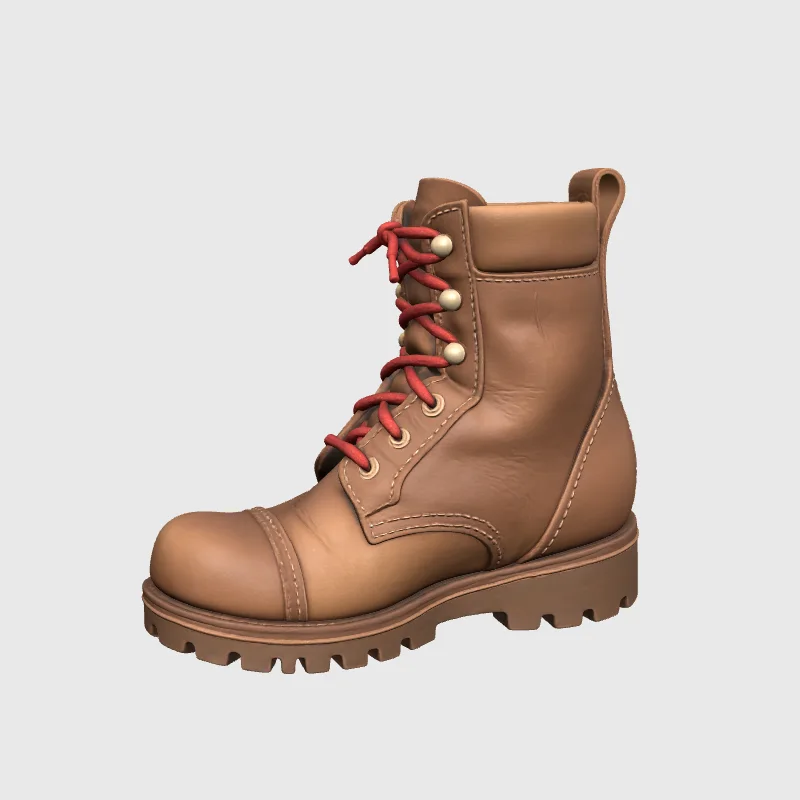
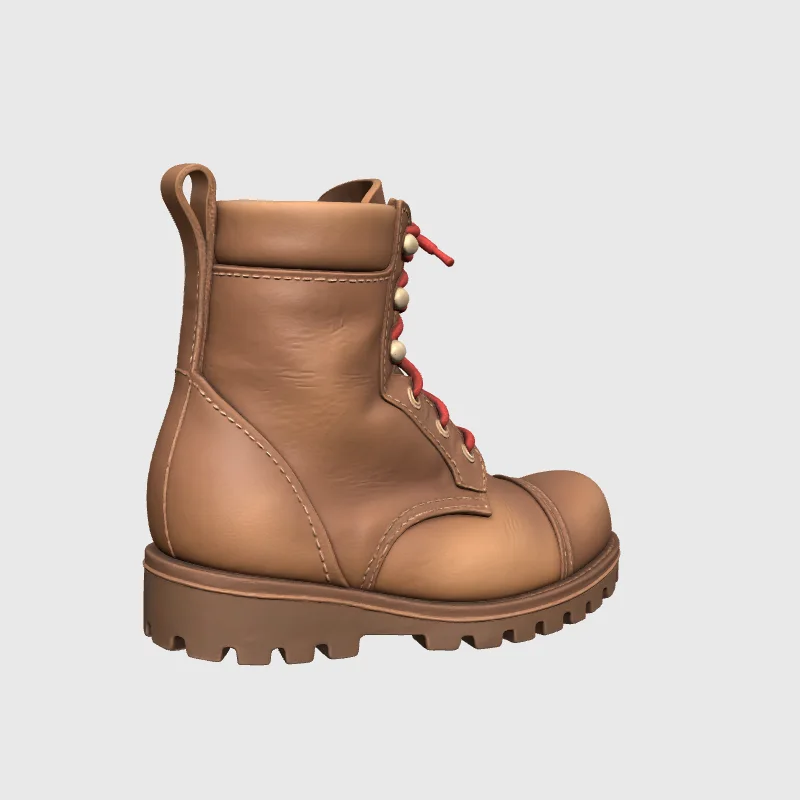
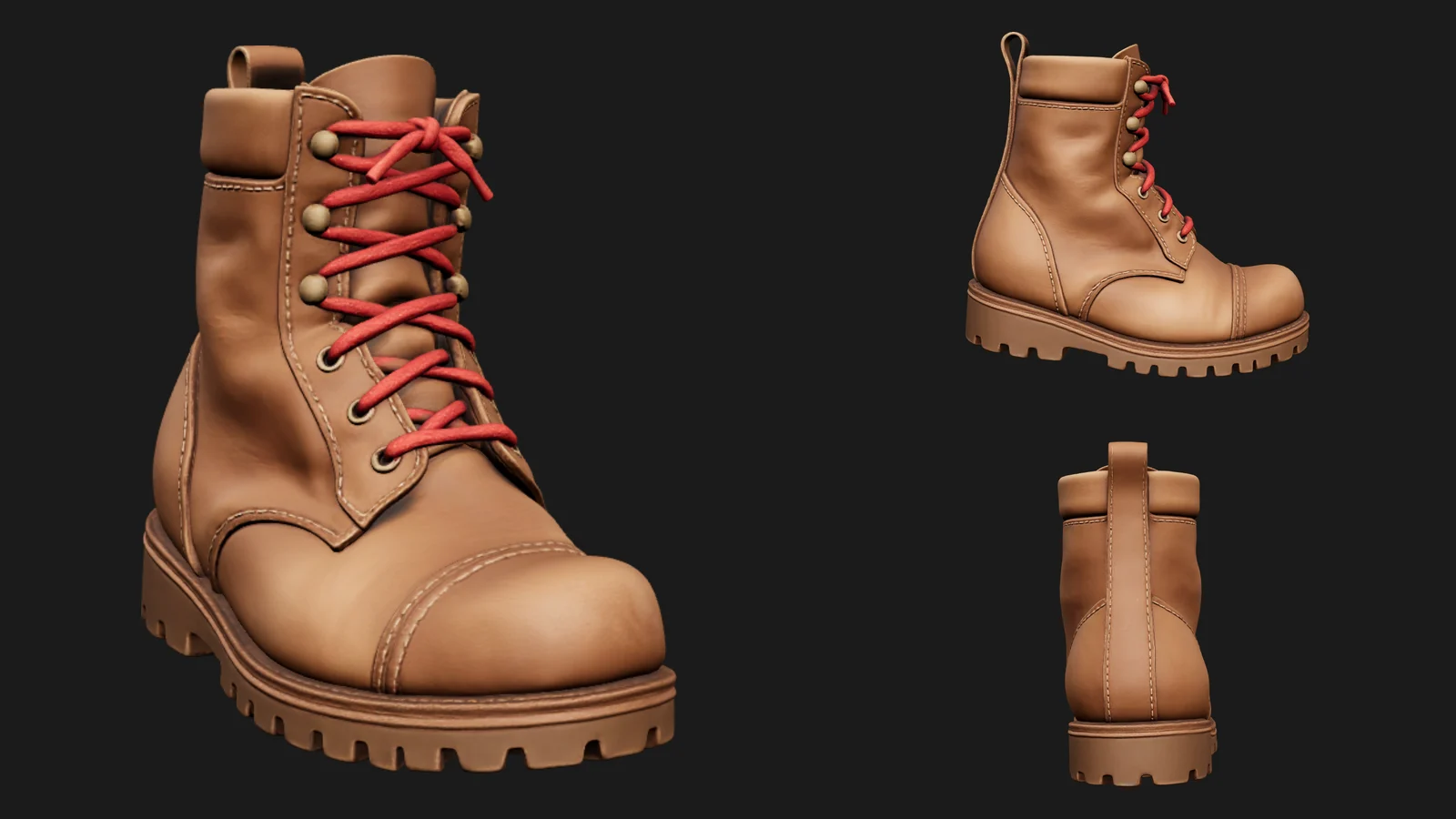
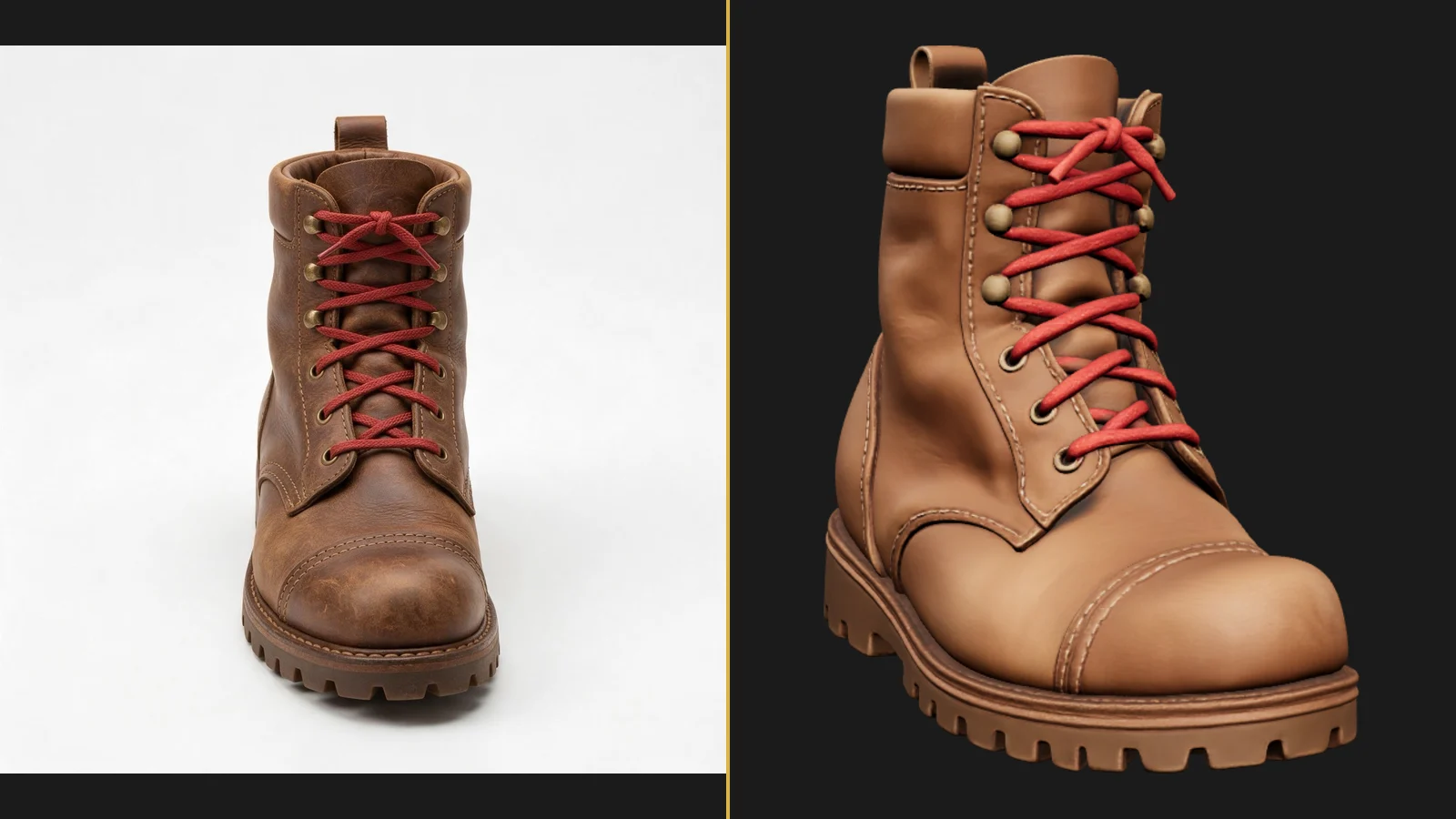
Tripo H3.1 Text to 3D turns a written object description into a 3D asset, normally a GLB with textures. It first creates a reference picture, then builds the object from that picture. The additional image_seed belongs to that first visual step, while the geometry and texture stages have their own seeds.
Key features & highlights
Metal surfaces from words
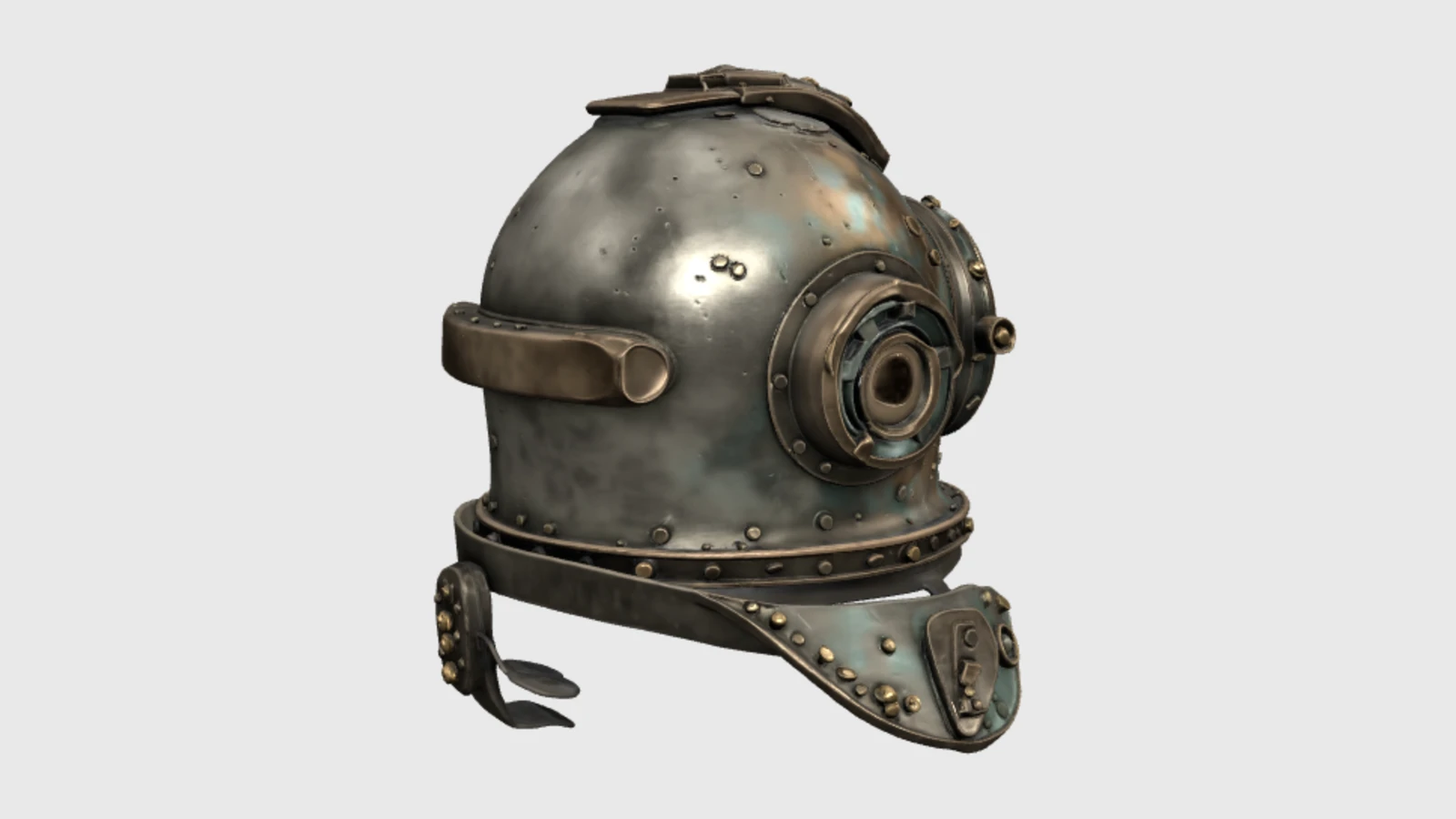
Our weathered bronze diving helmet took 141 seconds at the default settings. Its 46.9 MB GLB had about 1.49 million triangles and three 2048-pixel maps. Rivets, green patina and the round glass faceplate were visible in the rendered result. Such a dense file needs review before use in an interactive scene.
Separate structure, or a textured object
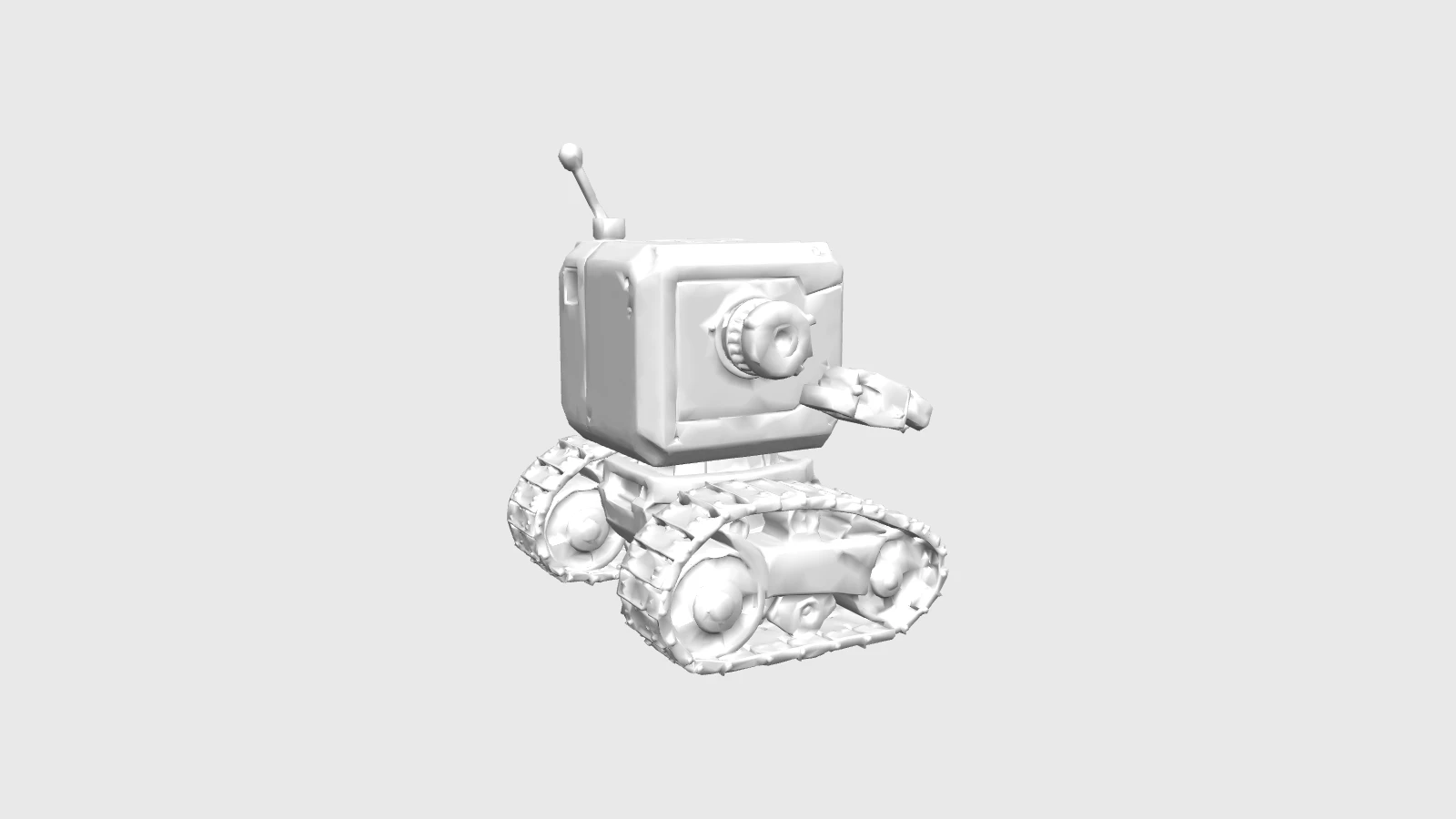
The small tracked toy robot returned 17 untextured part nodes and 48,411 triangles in 118 seconds, in a 1.48 MB GLB. With generate_parts, texture and quad options are ignored. For a different editing workflow, quad_mesh requests quad topology and changes the output to FBX.
Request parameters
| Parameter | Required | Description |
|---|---|---|
prompt | Yes | Text-driven reconstruction: Required object description, at most 1,024 characters; include complete shape, material, colour, style and scale. at least 1 characters · at most 1024 characters |
negative_prompt | No | Text-driven reconstruction: Optional short exclusions, at most 255 characters, such as base or pedestal. at most 255 characters |
generate_texture | No | Text-driven reconstruction: On by default; adds colour textures, and a plain mesh requires |
generate_pbr | No | Text-driven reconstruction: On by default; PBR materials enable texturing even when |
texture_quality | No | Text-driven reconstruction: standard is the default; detailed and extreme (8K) add quality charges; fast uses v3.5 at the standard rate; no quality charge without textures. |
texture_version | No | Text-driven reconstruction: Choose v3.0-20250812 (default) or v3.5-20260815; fast and lighting removal use v3.5. |
remove_lighting | No | Text-driven reconstruction: On by default, but only effective with v3.5; removes lighting baked into the reference texture. Default: |
geometry_quality | No | Text-driven reconstruction: standard or detailed; detailed adds surface-geometry processing and its own charge. |
quad_mesh | No | Text-driven reconstruction: Produces quad topology in FBX instead of GLB; ignored and not charged with |
low_poly | No | Text-driven reconstruction: Handcrafted-style low-poly processing; a |
generate_parts | No | Text-driven reconstruction: Separates the object into untextured triangular parts; texture and quad settings are ignored and their charges replaced by the parts add-on. Default: |
face_limit | No | Text-driven reconstruction: Target 1,000–2,000,000 faces for the text-generated mesh; with |
auto_size | No | Text-driven reconstruction: Off by default; estimates real-world scale and requires textured output. Default: |
uv_unwrap | No | Text-driven reconstruction: On by default; disabling UV export reduces processing and size but removes coordinates needed for later texturing. Default: |
seed | No | Text-driven reconstruction: Geometry seed for comparisons where you change one setting at a time; exact repetition is not assured. |
image_seed | No | Text-driven reconstruction: Seed for the reference-image stage before 3D reconstruction; compare one change without assuming exact repetition. |
texture_seed | No | Text-driven reconstruction: Texture-stage seed for controlled surface comparisons, without an identical-output guarantee. |
Pricing
$0.288 / model
Each completed H3.1 text request has a lower mesh base cost than the H3.1 image route, with the same add-on structure for textures, detailed or 8K textures, detailed geometry, quads and low-poly processing. generate_parts removes texture and quad charges and applies its own part-generation add-on. Failed requests incur no charge.
Use cases
Explore an imagined prop
Describe a helmet, teapot or toy before you have a photograph. Use the first result to judge proportions, colour and material direction, then refine the subject in a fresh request. A whole, clearly described object is easier to assess than a scene with many competing elements.
Prepare shapes for editing
Use separate parts when you need to inspect an object’s structural pieces without textures. Review the returned nodes in a 3D editor before assigning your own materials or arranging them. For a print preparation workflow, inspect the geometry and dimensions rather than relying on the description alone.
Prompt guide & pro tips
Put the main shape first
Write one fully visible object, then specify shape, material, colour, style and scale within prompt’s 1,024-character limit. Keep negative_prompt to a short exclusion list of at most 255 characters. Our robot used “base, pedestal” to express what should be left out.
Expect figurative shapes to simplify
Fox elements appear only in part: the orange glazed teapot has a small fox head on the spout, with pointed ears, a nose and eyes, plus orange ear- or tail-like protrusions on the back. The curled sleeping-fox body and tail-shaped handle were not achieved; the handle is an ordinary tall loop. The run took 91 seconds and delivered 59,722 triangles in 3.38 MB.
Control the delivered mesh
Choose face_limit between 1,000 and 2,000,000. With low_poly, a target no higher than 20,000 is recommended. Use the three seeds to compare one stage at a time, without expecting exact reproduction. Check the hidden side, openings and texture seams after download; generating a reference picture does not remove those review steps.
API quick start
# Generate the idempotency key once; reuse it when retrying after a lost response.
export SPICY_IDEMPOTENCY_KEY="${SPICY_IDEMPOTENCY_KEY:-$(uuidgen)}"
curl -X POST https://api.spicyapi.ai/api/v1/jobs/createTask \
  -H "Authorization: Bearer $SPICY_API_KEY" \
  -H "Content-Type: application/json" \
  -H "Idempotency-Key: $SPICY_IDEMPOTENCY_KEY" \
  -d '{
  "model": "tripo/h3.1/text-to-3d",
  "input": {
    "prompt": "A ceramic teapot on a linen cloth, soft window light, muted palette",
    "low_poly": false,
    "quad_mesh": false,
    "generate_pbr": true,
    "generate_parts": false,
    "texture_quality": "standard"
  }
}'

# Copy data.taskId from the response into TASK_ID, then poll the status.
TASK_ID="TASK_ID_FROM_RESPONSE"
curl "https://api.spicyapi.ai/api/v1/jobs/recordInfo?taskId=$TASK_ID" \
  -H "Authorization: Bearer $SPICY_API_KEY"
See the API reference for authentication, the complete schema, polling, and error handling.