Introduction
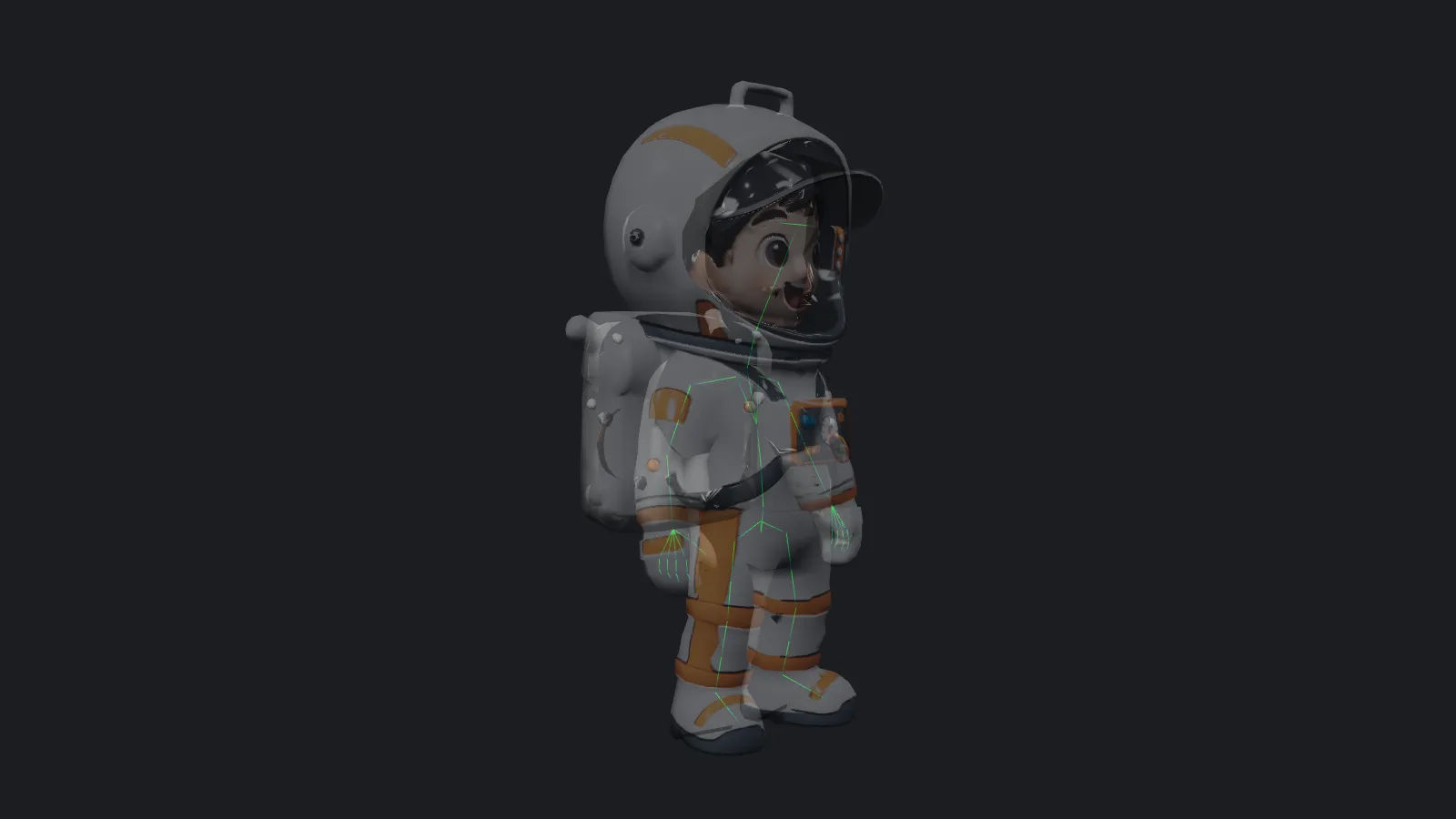
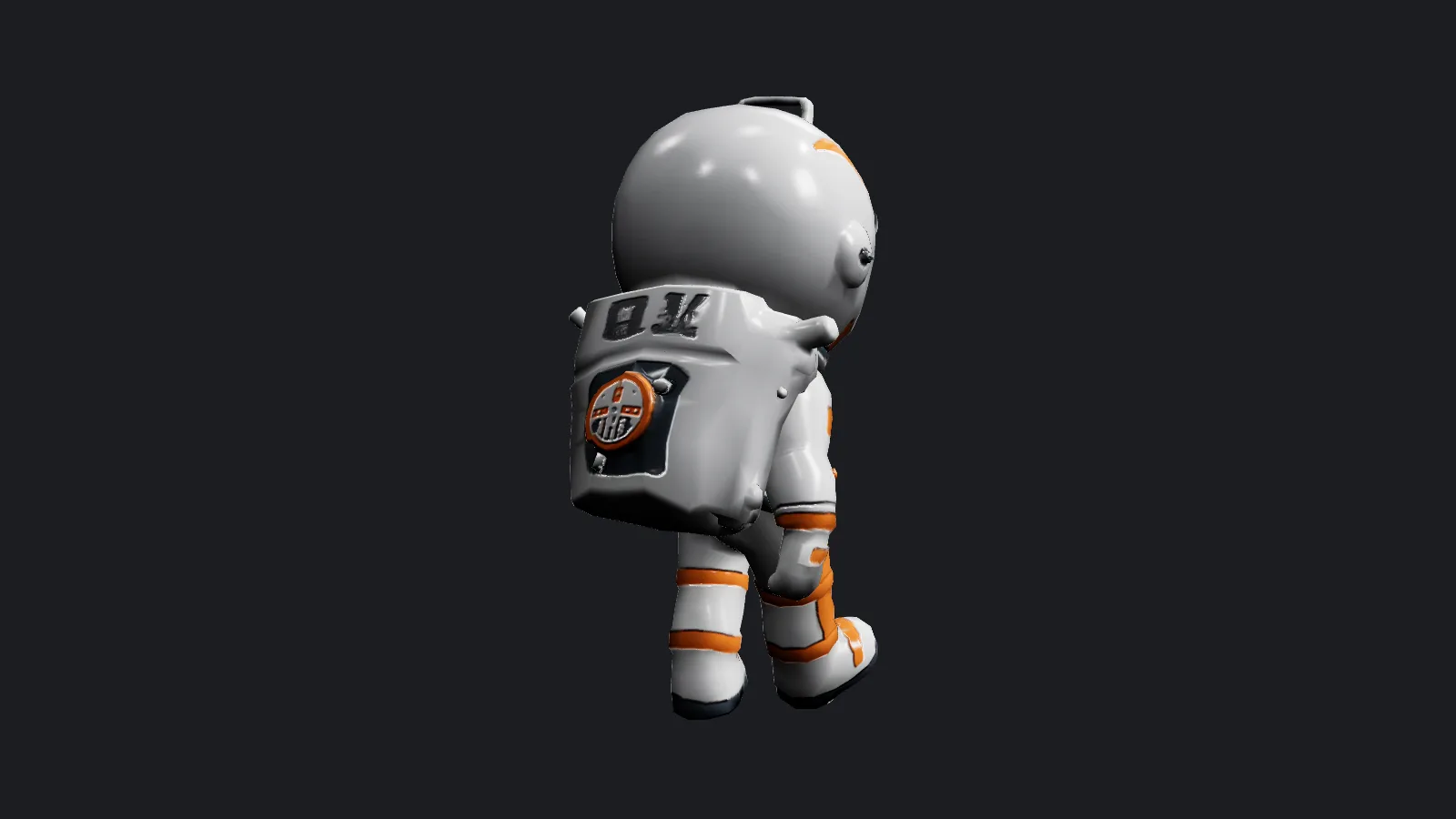
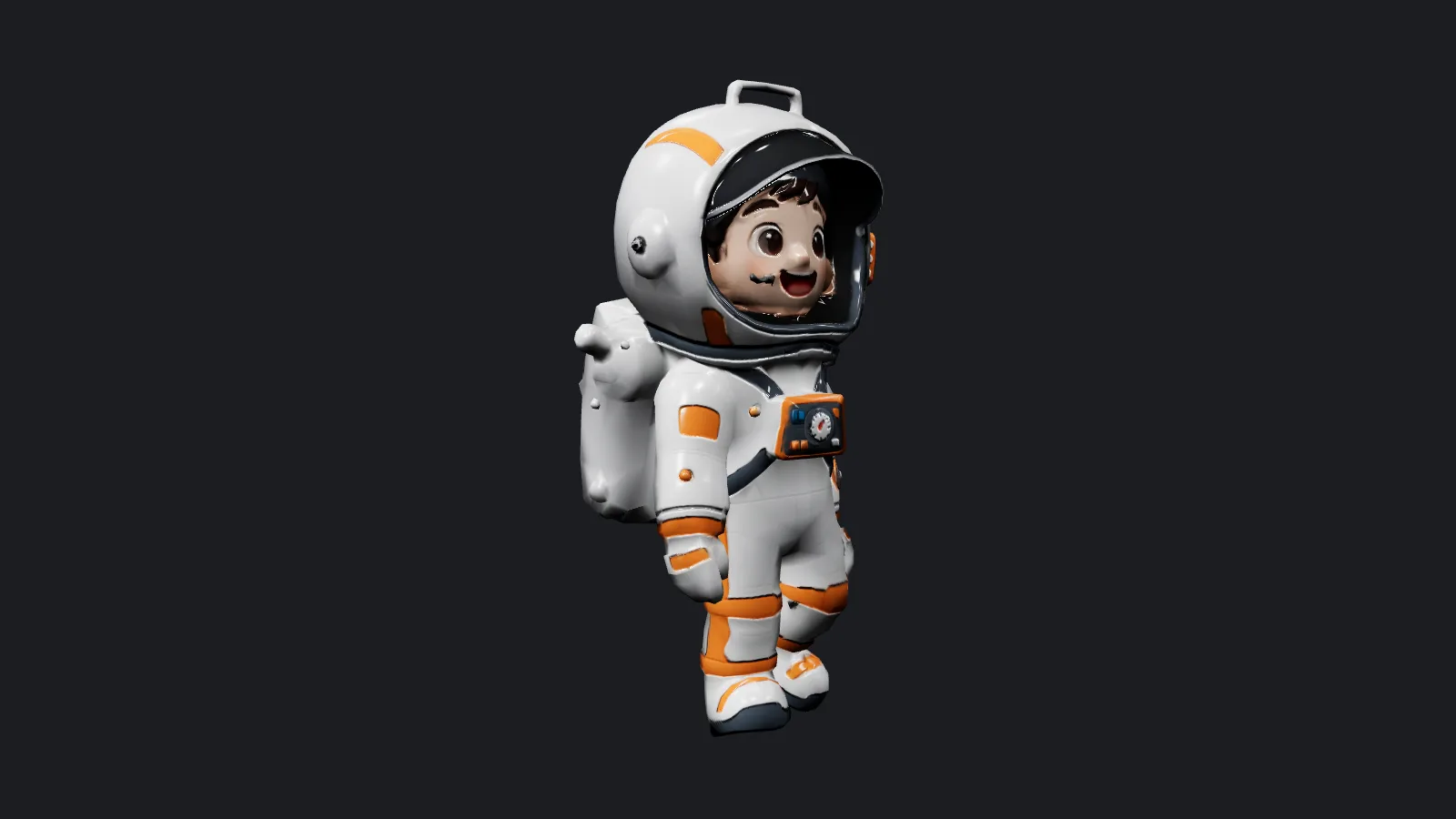
Tripo Animate takes a static 3D character and returns it moving. It adds a skeleton and applies up to five motions from Tripo's preset library in a single request, so a model from an image-to-3D generator can walk, run or swing a sword without any manual rigging. Each motion is stored as its own named clip inside one GLB or FBX.
Key features & highlights
Sixteen presets for different bodies
Humanoids get idle, walk, run, dive, climb, jump, slash, shoot, hurt, fall and turn. Other body plans have their own cycles: quadruped:walk, hexapod:walk, octopod:walk, serpentine:march and aquatic:march.
Clips you can switch between
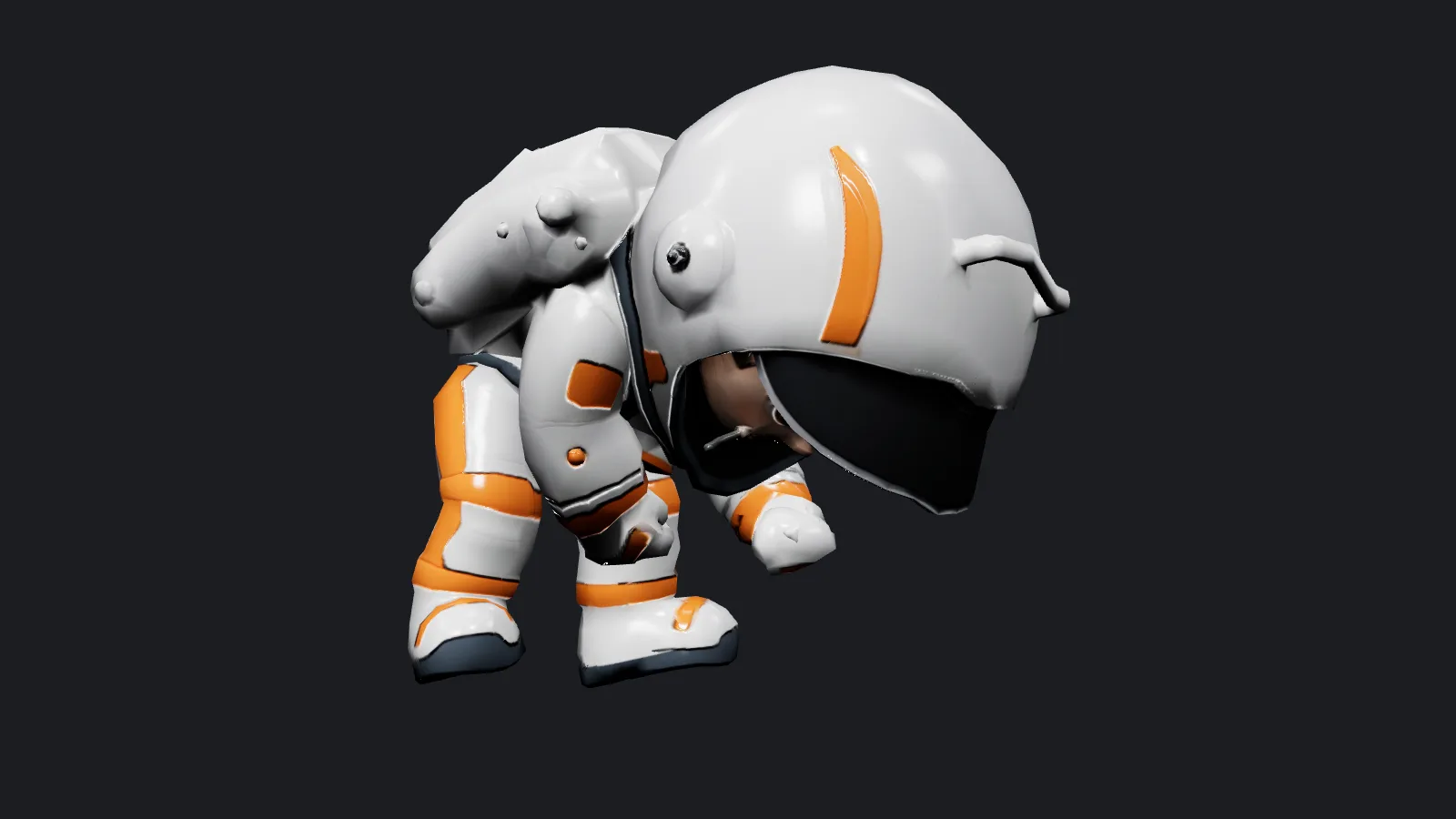
Our jump and slash request produced one 3.0 MB GLB with two clips named jump (2.2 seconds) and slash (6.6 seconds). A web viewer or game engine lists them by name and plays whichever the scene needs.
Request parameters
| Parameter | Required | Description |
|---|---|---|
mesh_url | Yes | The character to animate: GLB, binary FBX, OBJ or STL, up to 90 MB. It does not need a skeleton; one is added in the same run. at least 1 characters |
animations | Yes | One to five rows, each a preset name such as walk, run, jump or slash. Every row is a separate clip in the file and adds to the price. at least 1 items · at most 5 items |
rig_type | No | Skeleton type, auto by default. Pick quadruped, hexapod, octopod, serpentine or aquatic when using those walk or march presets. |
bone_naming | No | Bone names for biped skeletons: tripo (default), mixamo, actorcore, unity, unreal or vrm. No effect on price. |
output_format | No | glb (default) or fbx. Both contain the skeleton and every requested clip. |
in_place | No | Off by default. On removes forward movement from the clips so the character animates on the spot, the usual choice for game controllers. Default: |
Pricing
$0.504 / animated model
A fixed charge per delivery plus a fixed amount for every motion in animations, so five motions cost more than one. Skeleton type, bone naming, in_place and output format do not change the price. Failed runs are not billed.
Use cases
Bring a generated hero into a browser game
Request idle, walk and jump with in_place on, load the GLB in a web engine, and let your character controller handle movement while the clips handle the body.
Blocking for animated shots
Use walk or run as a starting motion, render it as a simple grey preview, and pass that preview to a video model that restyles 3D layouts into finished shots.
Prompt guide & pro tips
Pick motions that fit the body
There is no text prompt; the rows in animations decide the motion. Use the humanoid presets for two-legged characters and the matching walk or march preset, together with rig_type, for animals and creatures.
Decide on root motion early
With in_place off, walk and run travel forward through the scene, which suits cut scenes and previews. Turn it on when gameplay code moves the character. Each extra motion adds to the price, so request only the clips you will use.
API quick start
# Generate the idempotency key once; reuse it when retrying after a lost response.
export SPICY_IDEMPOTENCY_KEY="${SPICY_IDEMPOTENCY_KEY:-$(uuidgen)}"
curl -X POST https://api.spicyapi.ai/api/v1/jobs/createTask \
  -H "Authorization: Bearer $SPICY_API_KEY" \
  -H "Content-Type: application/json" \
  -H "Idempotency-Key: $SPICY_IDEMPOTENCY_KEY" \
  -d '{
  "model": "tripo/tools/animate",
  "input": {
    "animations": [
      {
        "name": "idle"
      }
    ],
    "bone_naming": "tripo",
    "mesh_url": "https://example.com/reference.png",
    "output_format": "glb",
    "rig_type": "auto"
  }
}'

# Copy data.taskId from the response into TASK_ID, then poll the status.
TASK_ID="TASK_ID_FROM_RESPONSE"
curl "https://api.spicyapi.ai/api/v1/jobs/recordInfo?taskId=$TASK_ID" \
  -H "Authorization: Bearer $SPICY_API_KEY"
See the API reference for authentication, the complete schema, polling, and error handling.