Introduction
Tripo Convert changes the file format of a 3D model and can tidy it up on the way. It is the last step after generating, rigging or animating: the same character can leave as a GLB for a browser game, an FBX for Blender or a game engine, or an STL for a printer. Skeletons and animation clips travel with the model by default.
Key features & highlights
Rigs and clips survive the trip
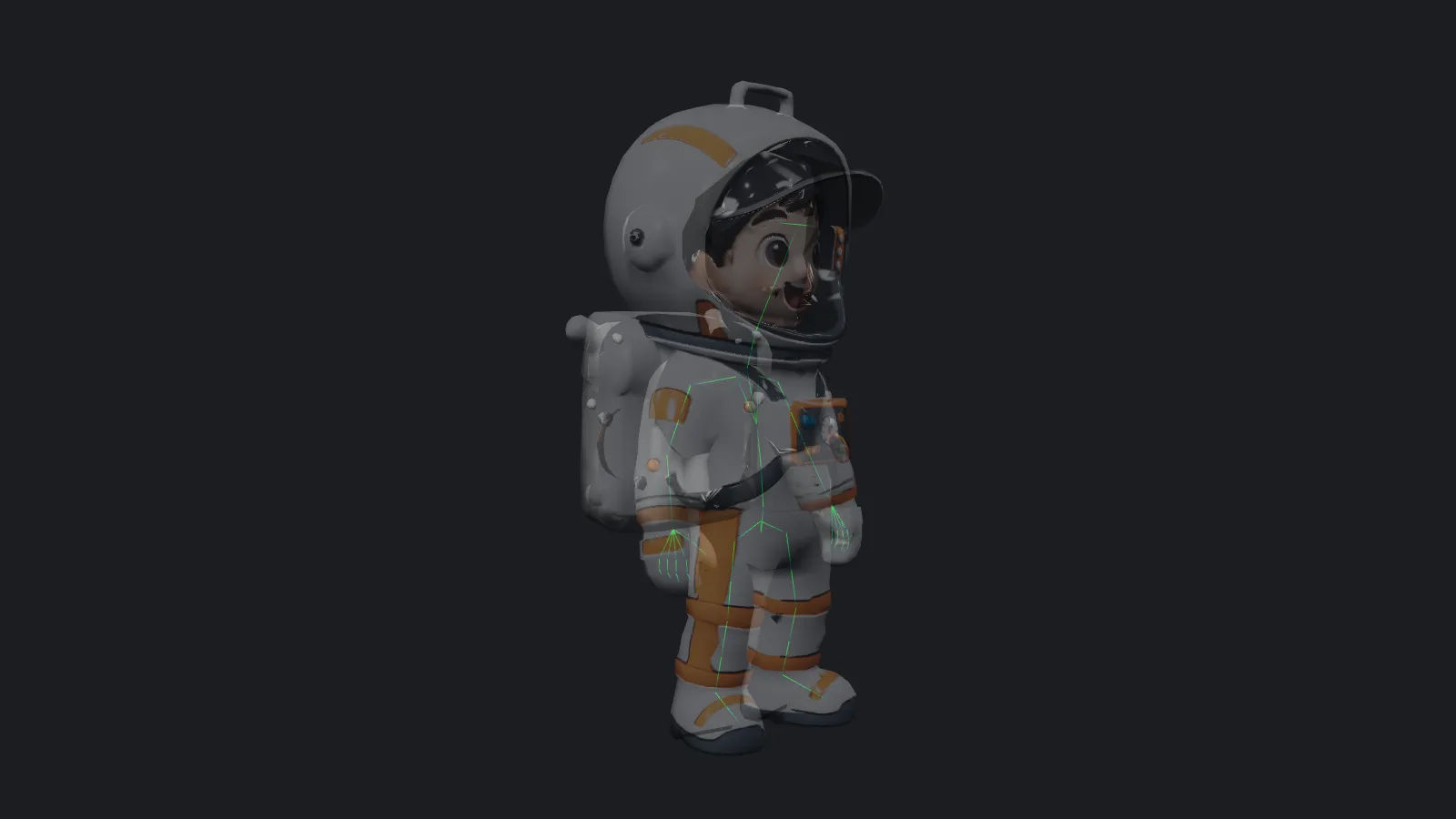
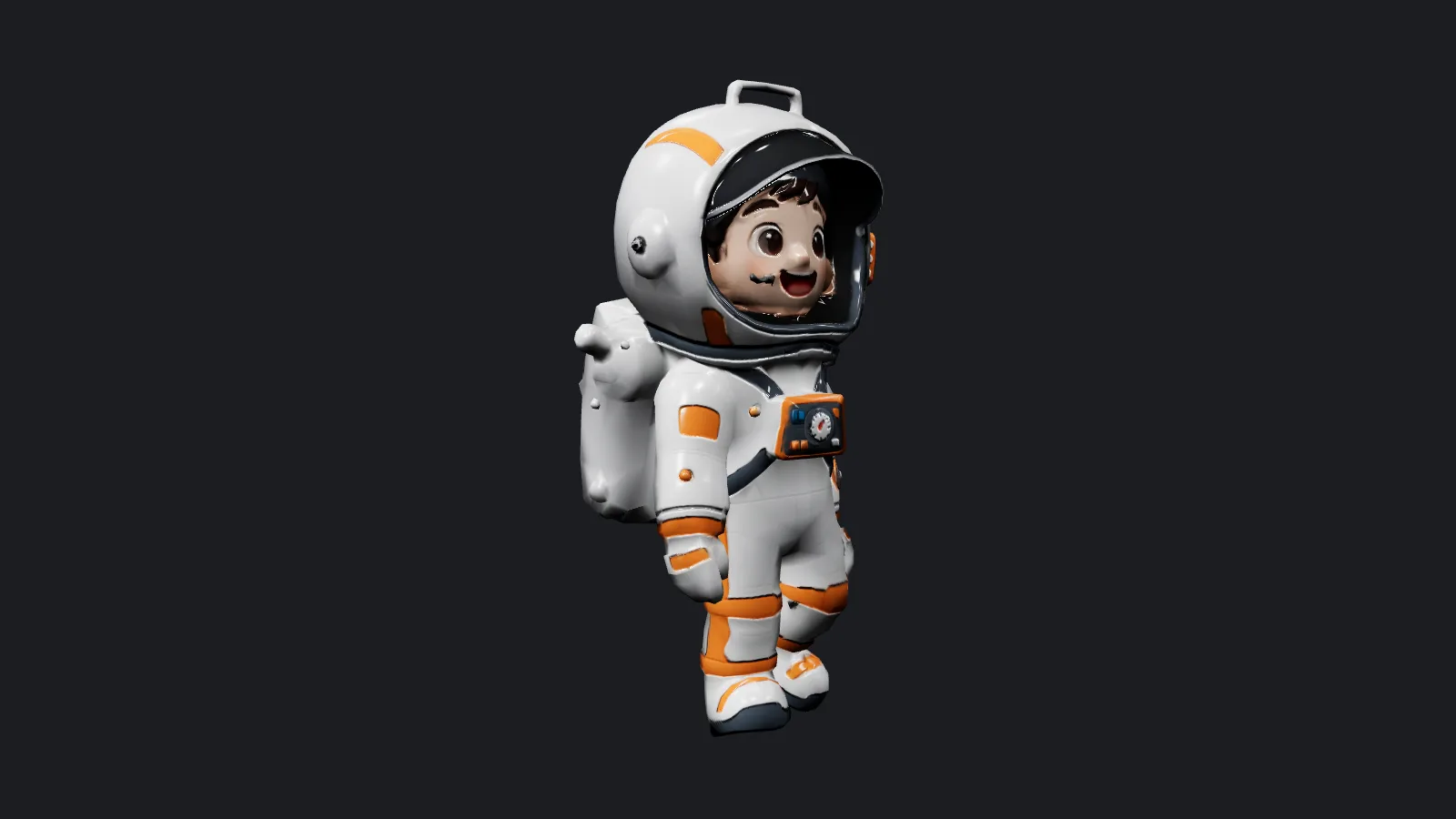
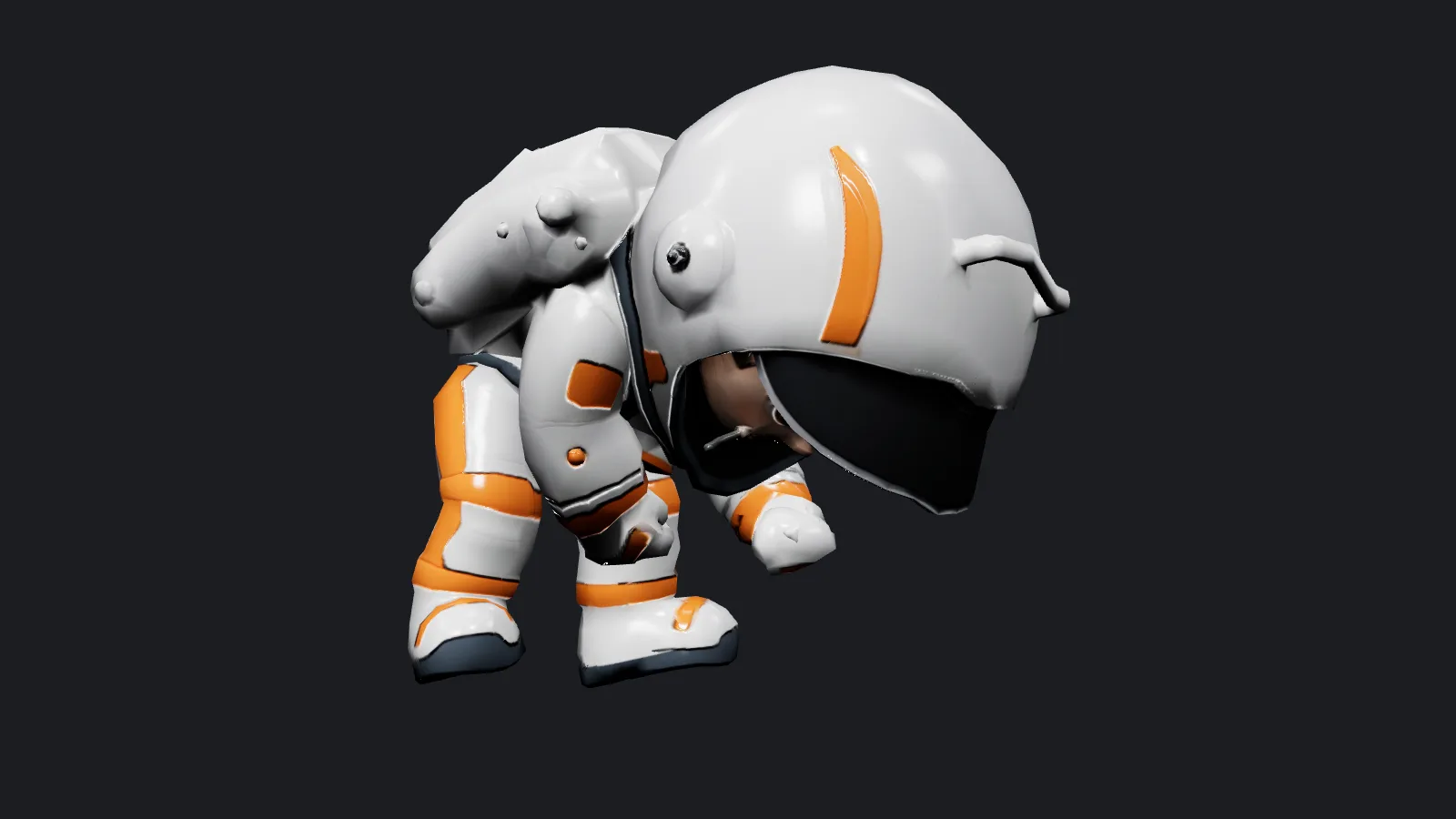
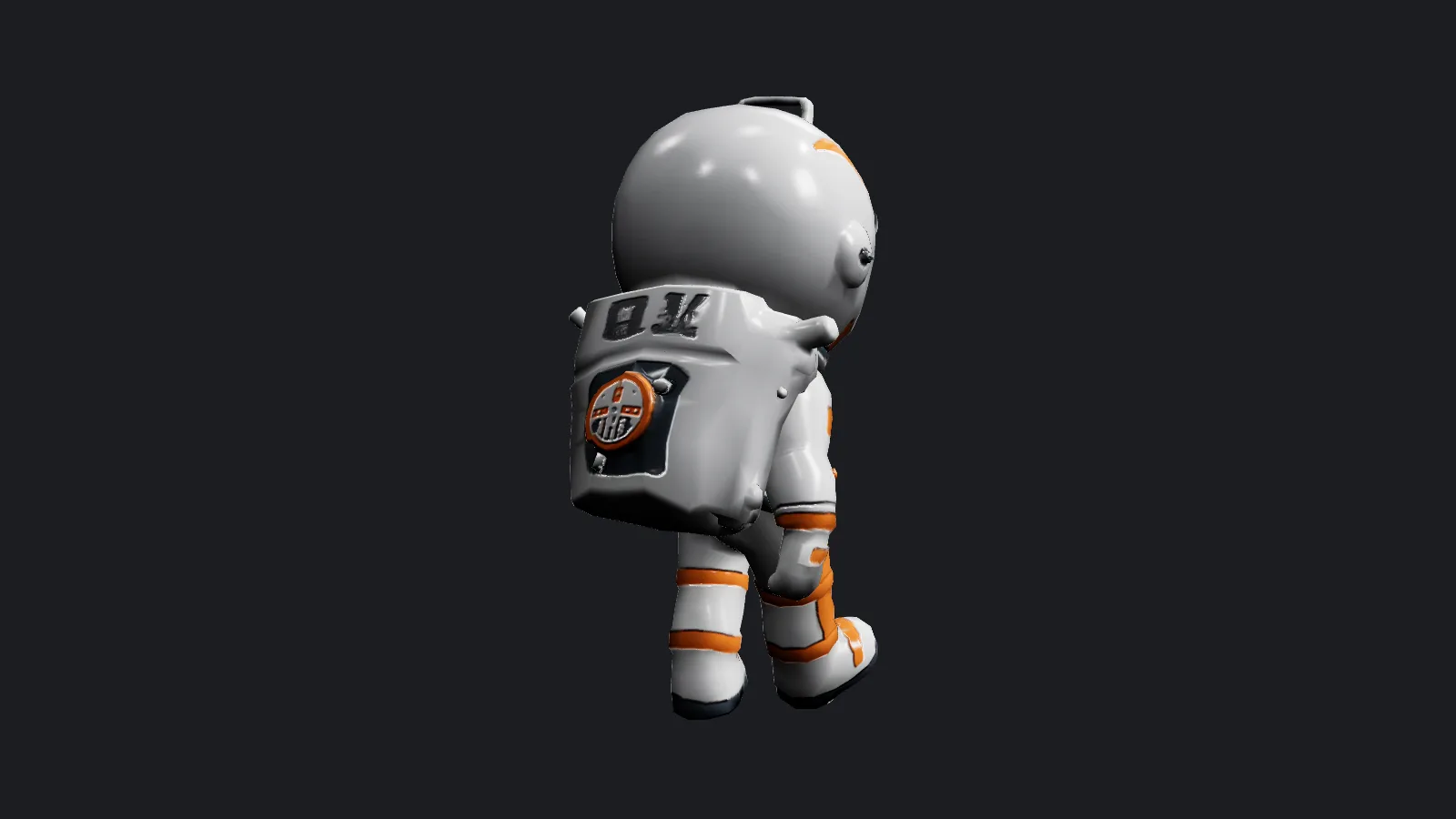
We exported an animated astronaut to FBX and converted that FBX back to GLB. The result still had 78 joints, three texture maps and the walk clip, which played in a web viewer straight away.
Optional clean-up
face_limit lowers the polygon count, quad_mesh rebuilds the surface as quads for modelling software, texture_size and texture_format shrink or change the image maps, and pivot_to_bottom, flatten_bottom and scale_factor prepare the model for placement or printing. Any of these switches the run to the higher rate.
Request parameters
| Parameter | Required | Description |
|---|---|---|
mesh_url | Yes | The model to convert: GLB, binary FBX, OBJ or STL, up to 90 MB. Rigged and animated files are welcome. at least 1 characters |
output_format | Yes | Required. glb for browsers and web games, fbx for animation software and engines, stl for 3D printing (geometry only). |
quad_mesh | No | Off by default. On remeshes to four-sided polygons, about 10,000 faces unless |
face_limit | No | Optional maximum face count, 48 to 2,000,000. Leave empty to keep the original count. |
texture_size | No | Diffuse texture size in pixels, 128 to 8192, default 4096. Any other value uses the higher rate. |
texture_format | No | jpeg (default), png or webp for the exported textures. png or webp uses the higher rate. |
pivot_to_bottom | No | Off by default. On moves the pivot to the centre of the base so the model sits on the ground when placed. Default: |
scale_factor | No | Uniform scale for the export, default 1. Any other value uses the higher rate. |
flatten_bottom | No | Off by default. On flattens the underside, useful before 3D printing. Default: |
forward_axis | No | Which axis the model faces in the exported file: +x (default), -x, +y or -y. No effect on price. |
fbx_preset | No | Compatibility preset for FBX exports: blender (default), 3dsmax, mixamo or |
bake_textures | No | On by default: advanced materials are baked into the base textures. No effect on price. Default: |
keep_animation | No | On by default: skeleton and animation clips are written to the new file. Turn off for a static mesh. Default: |
in_place | No | Off by default. On removes forward movement from animation clips during export. Default: |
Pricing
$0.072 / conversion
A basic rate for a plain format change. A higher rate applies when any reshaping option is used: quad_mesh, face_limit, flatten_bottom, pivot_to_bottom, texture_size other than 4096, texture_format other than jpeg, or scale_factor other than 1. Failed runs are not billed.
Use cases
FBX in, GLB out for the web
Animation tools and Rig or Animate set to FBX produce files browsers cannot open. Convert them to GLB and load them in three.js, Babylon.js or a web game engine.
Print a pose
Pose or animate a character, export it as STL with flatten_bottom on, and send the file to a slicer. STL carries geometry only, so colour and motion are dropped.
Prompt guide & pro tips
Pick the format by destination
There is no prompt. Set output_format to glb, fbx or stl. quad_mesh always produces FBX, so a quad request needs output_format set to fbx.
Keep plain runs plain
A conversion with only format, forward_axis, fbx_preset, bake_textures, keep_animation and in_place stays at the basic rate. Leave texture_size at 4096, texture_format at jpeg and scale_factor at 1 unless you need to change them.
API quick start
# Generate the idempotency key once; reuse it when retrying after a lost response.
export SPICY_IDEMPOTENCY_KEY="${SPICY_IDEMPOTENCY_KEY:-$(uuidgen)}"
curl -X POST https://api.spicyapi.ai/api/v1/jobs/createTask \
  -H "Authorization: Bearer $SPICY_API_KEY" \
  -H "Content-Type: application/json" \
  -H "Idempotency-Key: $SPICY_IDEMPOTENCY_KEY" \
  -d '{
  "model": "tripo/tools/convert",
  "input": {
    "fbx_preset": "blender",
    "flatten_bottom": false,
    "forward_axis": "+x",
    "mesh_url": "https://example.com/reference.png",
    "output_format": "glb",
    "pivot_to_bottom": false,
    "quad_mesh": false
  }
}'

# Copy data.taskId from the response into TASK_ID, then poll the status.
TASK_ID="TASK_ID_FROM_RESPONSE"
curl "https://api.spicyapi.ai/api/v1/jobs/recordInfo?taskId=$TASK_ID" \
  -H "Authorization: Bearer $SPICY_API_KEY"
See the API reference for authentication, the complete schema, polling, and error handling.