Introduction
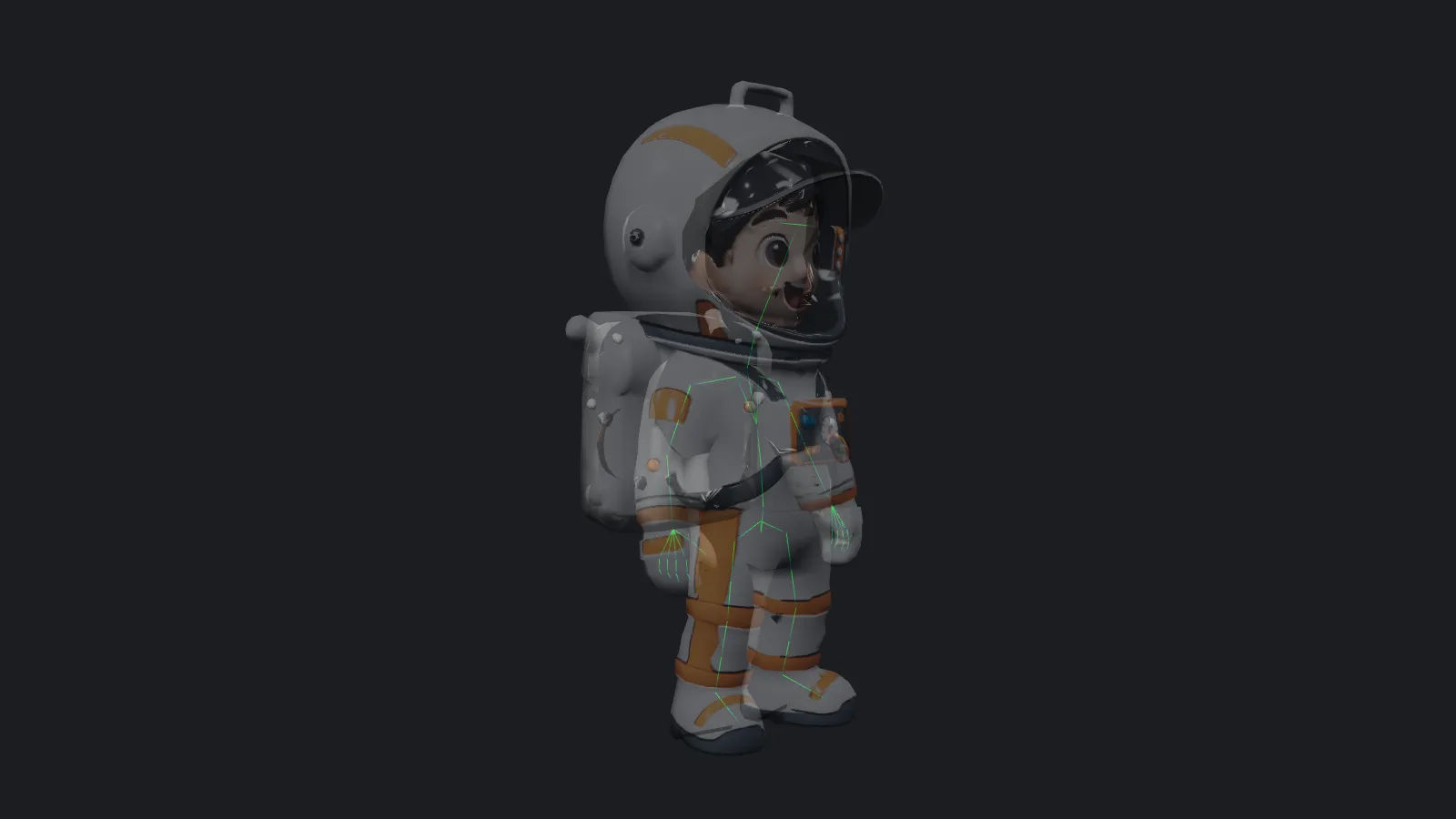
Tripo Auto Rig gives a static 3D model a skeleton. It works on people, animals and fantasy creatures, keeps the mesh and textures as they are, and hands back a GLB or FBX ready for posing or animation in your own tools. Use it when you want the bones only; to get motion in the same request, use the Animate endpoint of Tripo 3D Tools instead.
Key features & highlights
Nine skeleton types
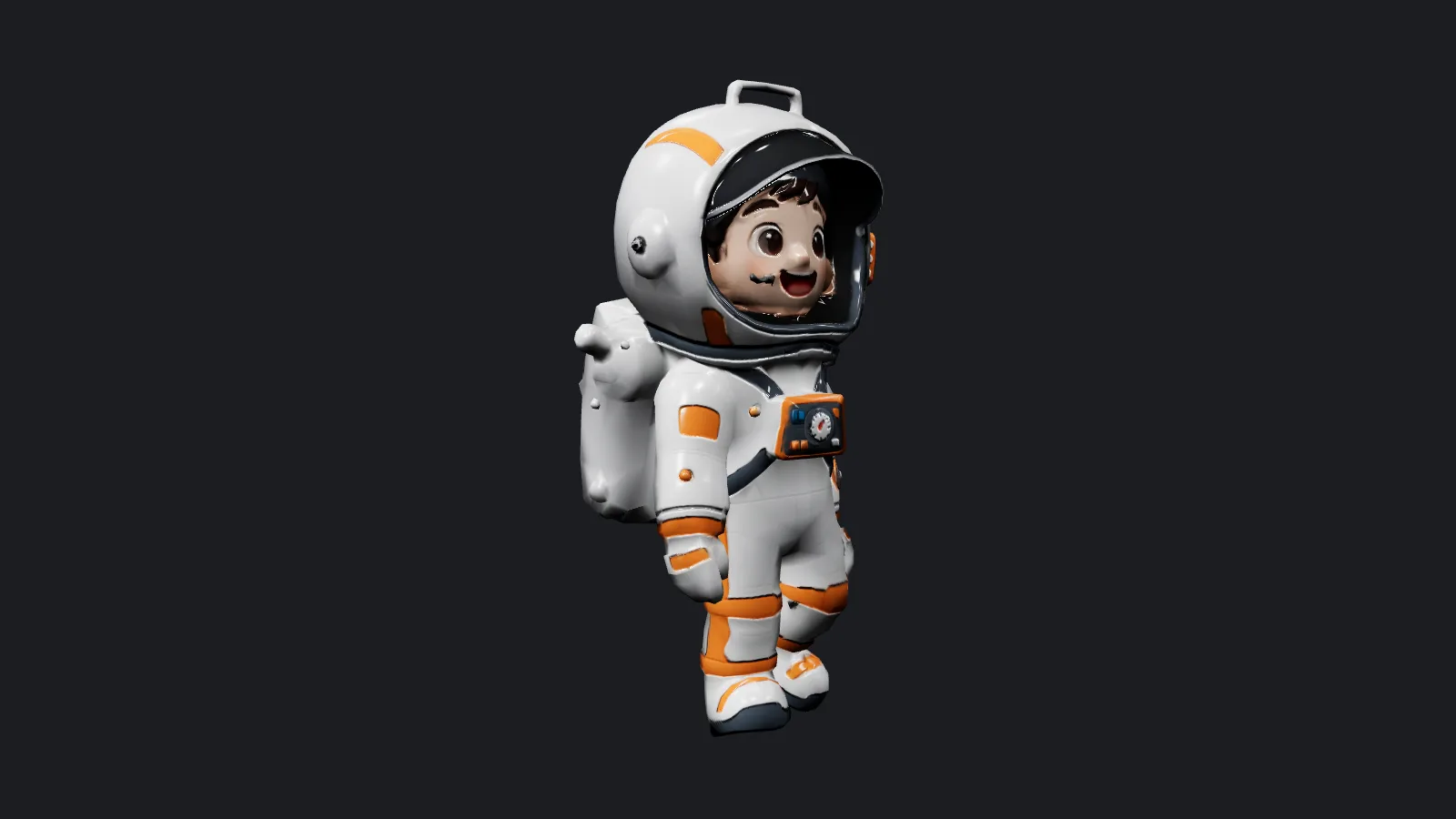
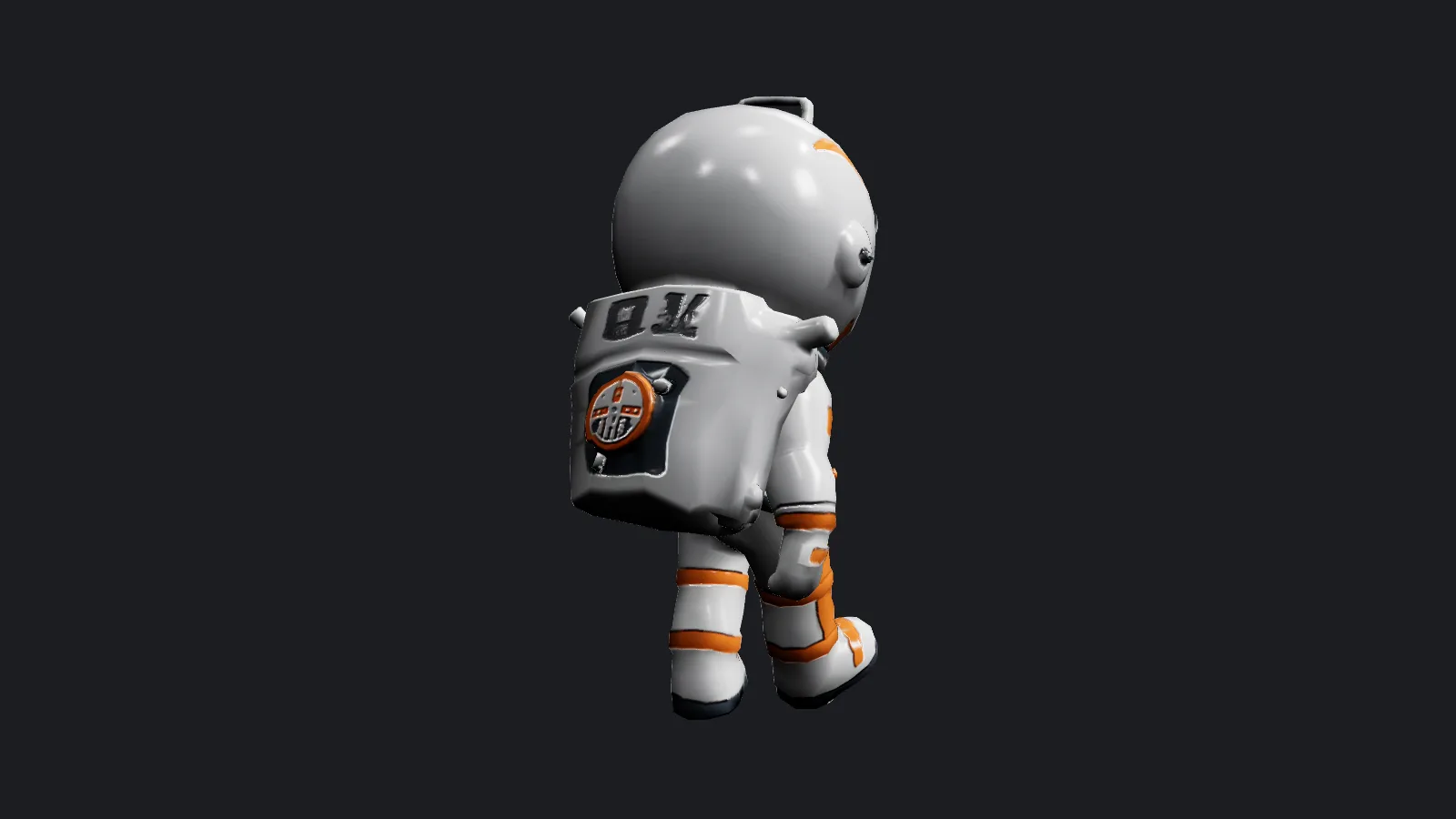
rig_type covers biped, quadruped, hexapod, octopod, avian, serpentine, aquatic and others, plus auto, which picks one from the shape. On our upright toy astronaut, auto chose a humanoid rig with 78 joints, including individual fingers.
Bone names your engine already knows
For biped rigs, bone_naming switches between Tripo's own names and the Mixamo, ActorCore, Unity, Unreal and VRM conventions, so retargeting tools and avatar systems recognise the bones without manual renaming.
Request parameters
| Parameter | Required | Description |
|---|---|---|
mesh_url | Yes | The model to rig: GLB, binary FBX, OBJ or STL, up to 90 MB. A direct link must end in the matching extension. at least 1 characters |
rig_type | No | Skeleton type. auto (default) decides from the shape; otherwise choose biped, quadruped, hexapod, octopod, avian, serpentine, aquatic or others. |
bone_naming | No | Bone names for biped skeletons: tripo (default), mixamo, actorcore, unity, unreal or vrm. Ignored for other skeleton types. |
output_format | No | glb (default) for browsers and web engines, fbx for desktop animation software. No effect on price. |
Pricing
$0.36 / rig
One fixed charge per successful delivery, whatever the skeleton type, bone naming or output format. Failed runs, including unsupported files, are not billed.
Use cases
Pose a generated character
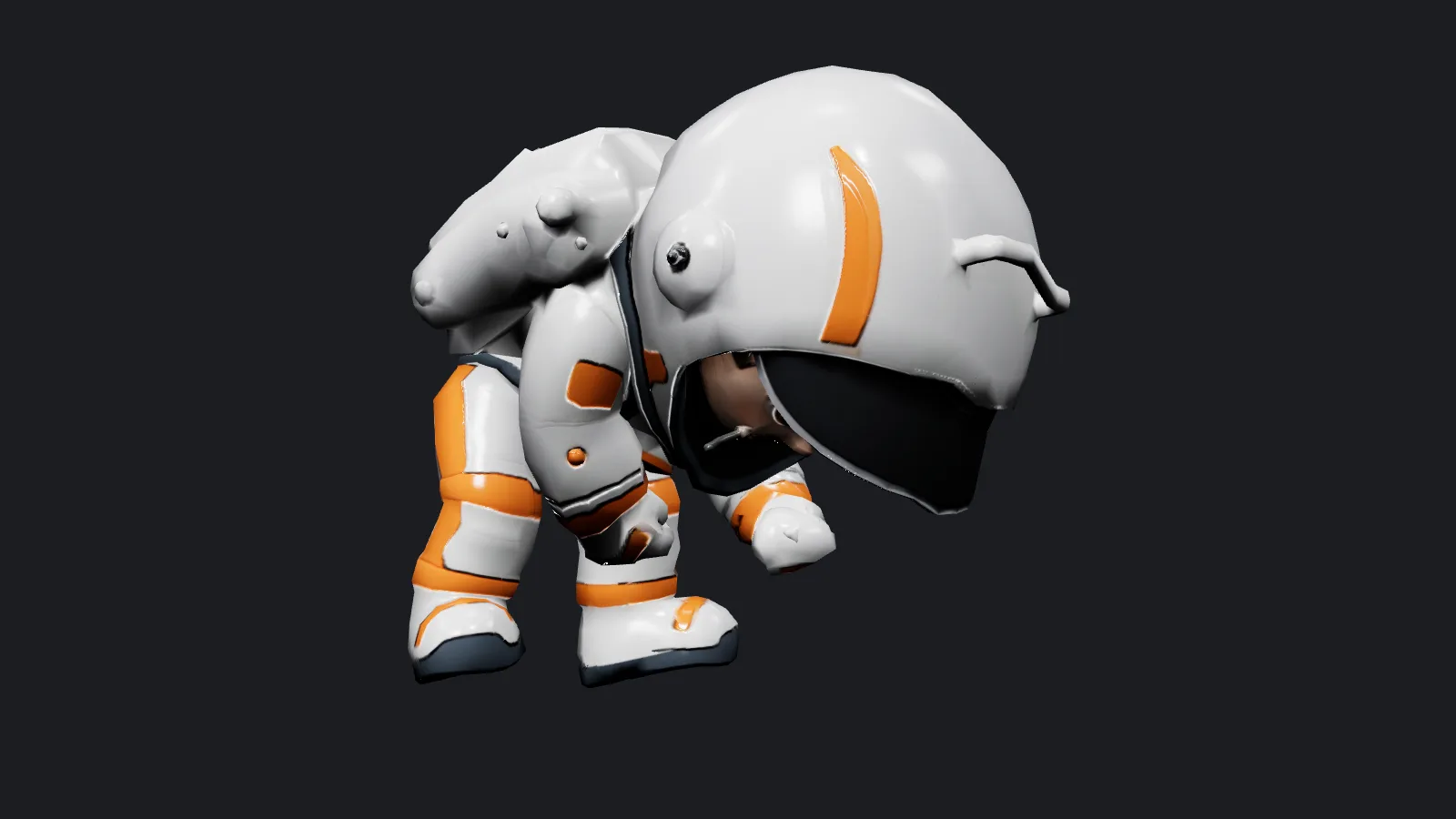
Rig a model made with an image-to-3D tool, then pose it in Blender or a web viewer for stills, thumbnails or a 3D print in a dynamic stance.
Prepare avatars and NPCs
Rig with Unity, Unreal or VRM naming so the character drops into an existing animation set or avatar pipeline.
Prompt guide & pro tips
Give it a clear silhouette
There is no text prompt. A model standing upright, arms slightly away from the body and legs apart, rigs most cleanly; merged limbs or a pose with crossed arms make joint placement harder.
Match the file to the next step
Keep output_format on glb for web use and for the Convert endpoint, or choose fbx for desktop software. Upload GLB, binary FBX, OBJ or STL up to 90 MB; export JSON .gltf files to .glb first.
API quick start
# Generate the idempotency key once; reuse it when retrying after a lost response.
export SPICY_IDEMPOTENCY_KEY="${SPICY_IDEMPOTENCY_KEY:-$(uuidgen)}"
curl -X POST https://api.spicyapi.ai/api/v1/jobs/createTask \
  -H "Authorization: Bearer $SPICY_API_KEY" \
  -H "Content-Type: application/json" \
  -H "Idempotency-Key: $SPICY_IDEMPOTENCY_KEY" \
  -d '{
  "model": "tripo/tools/rig",
  "input": {
    "bone_naming": "tripo",
    "mesh_url": "https://example.com/reference.png",
    "output_format": "glb",
    "rig_type": "auto"
  }
}'

# Copy data.taskId from the response into TASK_ID, then poll the status.
TASK_ID="TASK_ID_FROM_RESPONSE"
curl "https://api.spicyapi.ai/api/v1/jobs/recordInfo?taskId=$TASK_ID" \
  -H "Authorization: Bearer $SPICY_API_KEY"
See the API reference for authentication, the complete schema, polling, and error handling.