Uncensored — This model declares no content filter. SpicyAPI forwards the request without adding a platform content scan; legal and consent duties remain with the customer.

Shadow Remover Review: Hard Shadows Out, Soft Light In

Pick Shadow Remover for portraits and fashion shots spoiled by patterned shadows; skip it when the harsh light is the look you want.

  • Mild · The lightest prompts in the test

  • Moderate · Where filtered models start to refuse

  • Strong · Mid-scale; must be tested before a model is ranked

  • Very strong · Where most models start to hold back

  • Maximum · The top of the scale, scored in two halves: class A and class B

Price
$0.03 per image
Median time
Collecting data
Success rate
Collecting data

Shadow Remover removes the light and shadows from a photo and relights it with soft, even light. You send one image; the instruction and the shadow-removal LoRA are built in, so there is no prompt. Pose, clothes, hair and background stay. You can optionally reframe to one of nine aspect ratios, set a seed and pick the output format.

The verdict

The tool does one job and does it on purpose: it flattens the light. That is exactly right for a palm-leaf shadow across a face, and exactly wrong for a deliberate single hard key light.

Try Shadow Remover →

Key facts

  • Input: image_url (JPEG, PNG or WebP, up to 10 MB); optional aspect_ratio, seed and output_format.
  • Output: one image of about one megapixel (880 x 1176 from a 3:4 photo, 1360 x 768 from a 16:9 one).
  • Speed: most of our test photos came back in 11 to 18 seconds.
  • Price: flat per image; see the model page.

What we liked and what held it back

What we liked

  • It removed what we threw at it. Palm-leaf shadows across a face and shirt, venetian-blind stripes over a person and the wall behind, a lace-curtain pattern on legs and stone steps, and a pergola grid on a face and arms all came back evenly lit, same scene.
  • The LoRA matters. With the same photo, instruction and seed, the base edit model without the shadow-removal LoRA returned the leaf shadows untouched; with it they were gone.
  • No prompt to write. The photo is the whole required input.
  • Good first step before Relight. Take the existing light out, then add the light you want.

What held it back

  • It removes the light too. Mood lighting such as a single hard key light comes back flat.
  • Faces are redrawn. In one of our four test photos the face drifted a little; compare before replacing an important portrait.
  • About one megapixel out. Upscale afterwards if you need print size.

What the results look like

The model page ships two examples: palm-leaf shadows across a courtyard portrait, and a lace-curtain pattern over a figure on stone steps. In both the pattern is gone and the photo reads as shot in open shade. Of the four photos we ran, three kept the face closely and one drifted slightly; we ran no larger batch.

How far the content goes

We ran one AI-generated test image of a fictional adult through this endpoint at a partial content level. It completed without refusal or replacement and kept the image as it was. That is one run, so treat it as a first signal rather than a guarantee.

Alternatives

  • Want to choose the new light? Relight changes light direction, colour and hardness from a text description.
  • A single stray object rather than shadows? Object Eraser removes it by name or mask.
  • Need the subject on its own? Background Remover cuts out the background.

How far Shadow Remover goes

Each level, on each task, based on confirmed results. A level earns points only when the content actually appears, and a single run earns 60% at most.

Freedom points by level and task
LevelImage editing
MildThe lightest prompts in the testNot tested yet
ModerateWhere filtered models start to refuse
1/1 delivered12.0 / 20 pts
StrongMid-scale; must be tested before a model is rankedNot tested yet
Very strongWhere most models start to hold backNot tested yet
MaximumThe top of the scale, scored in two halves: class A and class BNot tested yet
Task scoreRange if the rest pass: 12.0–100.0Tested Oct 17, 2026

Tested Oct 17, 2026 to Oct 17, 2026

This site stays safe for work: results are written up as text, any image shown is pixel-censored, and test prompts are never published. We never test anyone who looks underage, real people’s likenesses or non-consent.

See every test record →See the uncensored leaderboard →

Run your own prompt and see how far it goes

How Shadow Remover earns its Spicy Index

Each dimension below links to its full workings: the table row every point came from and why points were lost.

Public leaderboards 45% of quality
Not yet tested

No exact match on a tracked public leaderboard yet. How it works

Blind output test 35% of quality
Not yet tested

Not in our blind output test yet. How it works

Arena quality 20% of quality
Not yet tested

Counts once the model has 100+ blind votes and a 95% interval under 200 Elo. How it works

Capability 10.5% weight
Not yet tested

Not scored yet. How it works

Freedom Score 30% weight
Not yet tested

Freedom evidence is untested or insufficient. The Index retains the original quality and capability score, is marked preliminary and still receives a rank. Missing evidence is not zero. How it works

Open the full test report →

What Shadow Remover can do on SpicyAPI

Straight from the live model specification on SpicyAPI. Some creators offer more in their own apps; this is what you can call through our API today.

Capabilities by endpoint
FeatureImage editing
Aspect ratios1:1 · 16:9 · 9:16 · 4:3 · 3:4 · 3:2 · 2:3 · 21:9 · 9:21
Output formatsjpeg · png · webp
Seed controlYes
Negative promptNo
See every parameter and code sample →

How long it really takes

Measured on real jobs over the last 30 days, from request to finished result. Times include our own test runs.

Median time
Collecting data
90th percentile
Collecting data
Success rate
Collecting data

A time appears once at least 10 completed jobs are in. Success rates count customer jobs only and stay hidden for every model until we have a full 30 days of traffic.

Models to consider instead of Shadow Remover

What do you think?

Was this review useful?

Log in to vote.

Comments

Comments are checked automatically and by our team. We remove spam, offensive content, personal attacks and anything that names a real person without consent. Report a comment and we review it within one business day.

Tried this model? Share what worked. You need a free account to comment, so we can keep spam out.

Shadow Remover FAQ

Try Shadow Remover yourself

Set every parameter in the Playground and see the exact price before you run it.

$0.03 per image

  • A woman in an ivory suit stands in front of a split background, a crowded rainy street on the left and an empty seamless studio backdrop on the right

    Background Remover

    Pick Background Remover for product, avatar and composite cutouts at a fraction of a cent; give it a photo where the subject already stands apart.

    Spicy Index
    66.1
    Freedom Score
    44.0

    Tested Sep 27, 2026

    Read the review
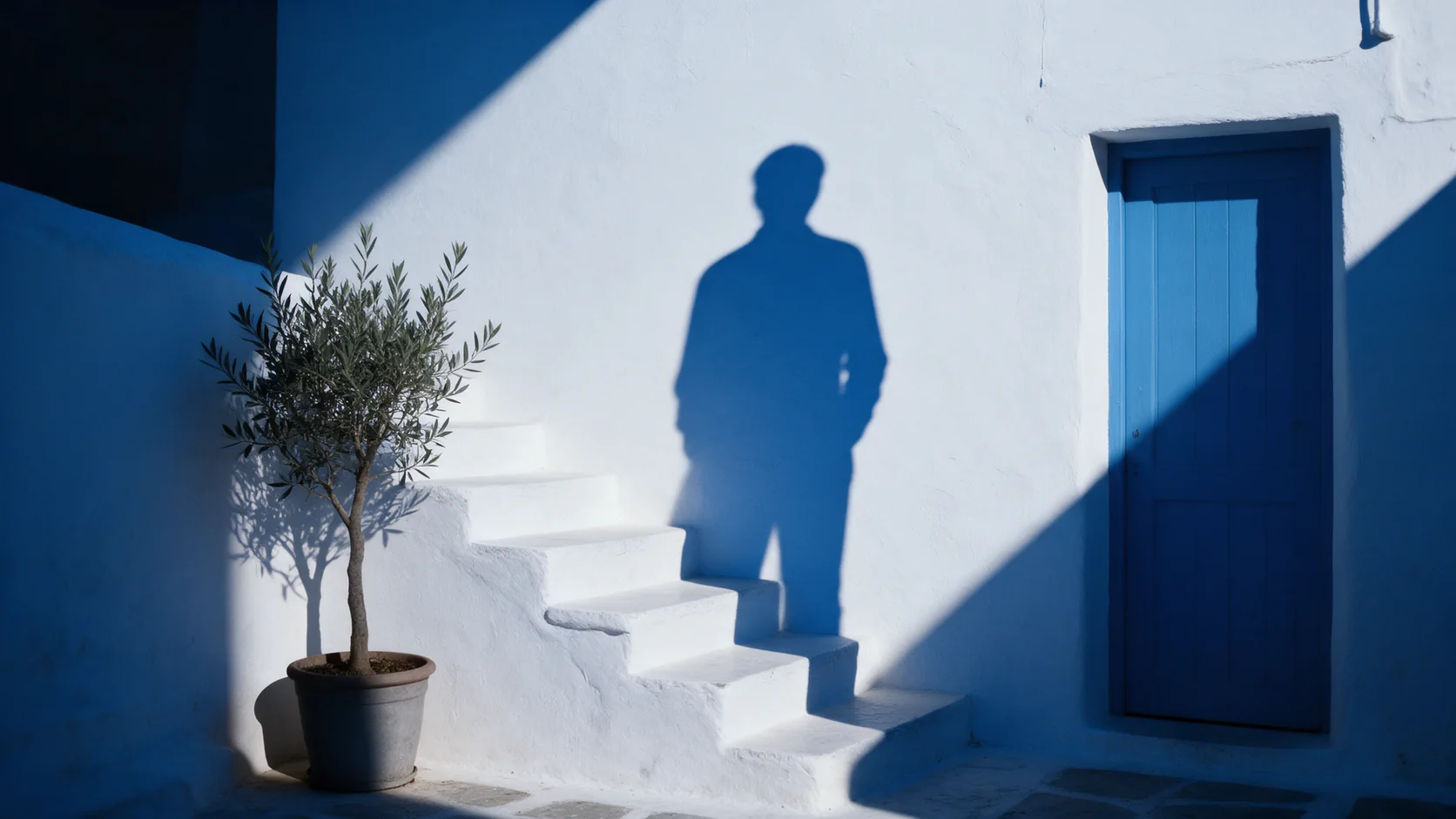
  • The shadow of a person falls across a white-washed wall and stone steps, but no one is standing there to cast it

    Object Eraser

    Pick Object Eraser to clean small and medium clutter from a photo by naming it or masking it; expect large removals to need a second look.

    Spicy Index
    58.0
    Freedom Score
    56.0

    Tested Sep 27, 2026

    Read the review
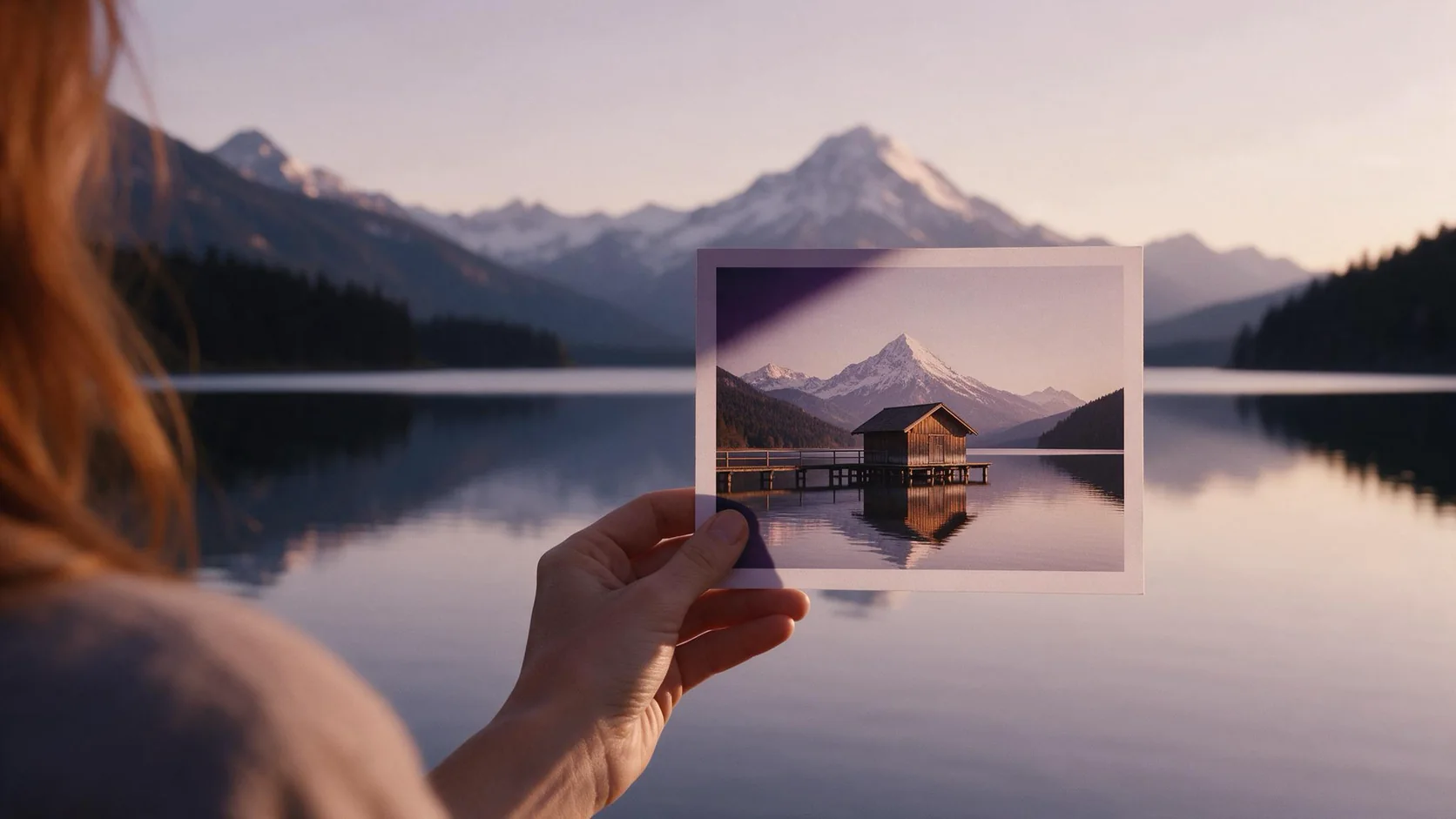
  • A hand holds up a small print of a lakeside boathouse in front of the real mountain lake, which stretches far beyond the edges of the print

    Image Expander

    Pick Image Expander to reframe a photo into a new aspect ratio without cropping it; plan on upscaling the result if you need it larger than 1536 pixels.

    Spicy Index
    82.4
    Freedom Score
    —

    Tested Sep 27, 2026

    Read the review