Current price
$0.0018 / image
Product use cases · Studio pipelines · Images and video
Use an approved character pack and the same test scenes to compare reference-capable models. Record the settings that preserve identity best, then review the estimate before producing a larger set.
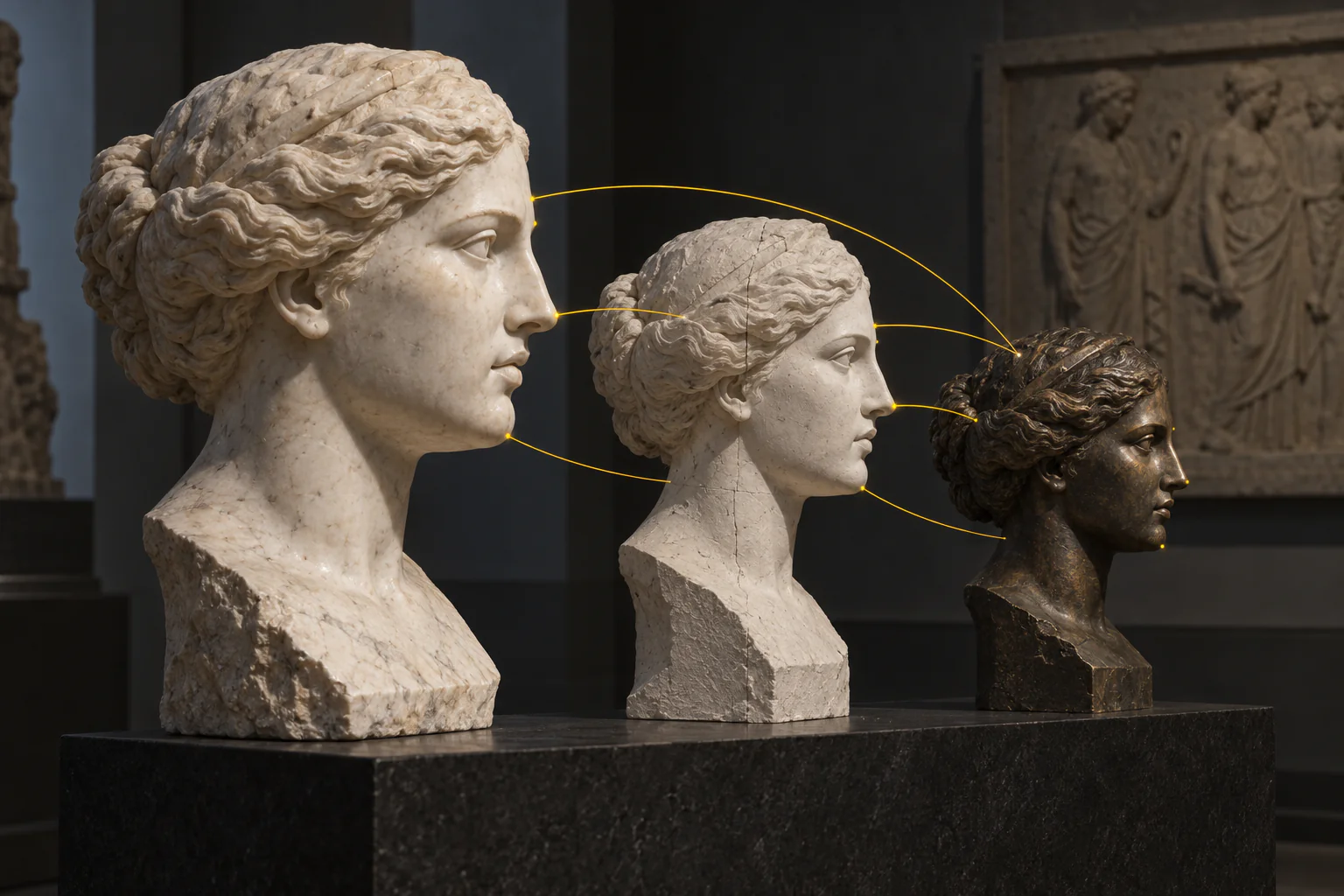
Concept illustration
A creative brief to try
Start with one main portrait of a fictional 30-year-old adult with short auburn hair, green eyes, and freckles. Make clothing, location, and profile variants from that original.
From the main portrait, change only the outfit to a cream sweater. Keep the pose and background for an easier comparison.
Start again from the main portrait and change only the setting to a café. Save this separately from the sweater variant.
Use the main portrait again for a profile view. Avoid feeding each edited result into the next edit.
Before you keep the result
Compare face shape, eyes, hair, and freckles with the original. Keep variants that remain recognizable; a reference does not promise identical pixels.
Start with your own reference images, follow the scene plan and review each result.
Open this scene in the Playground →Recommended models
Matches use the tasks and required capabilities published in the catalogue. Availability and current prices come from each model page.
Current price
$0.0018 / image
Current price
$0.0018 / image
Current price
$0.0018 / image
Image editing
Current price
$0.006 / image
Current price
$0.011 / output second
Image editing
Current price
$0.012 / image
Image editing
Current price
$0.012 / image
Image editing
Current price
$0.012 / image
Worked out from the live catalogue, at the settings named under each figure.
Catalog estimates refresh hourly. Check the estimate for your settings before running; final charges follow the model’s usage and billing policy.
Keep the versioned character originals in your own storage and reuse accessible HTTPS references. Temporary uploads last 1 day, so refresh them when needed. Record reference order and settings for comparison, then check the face, hair and identifying details in each result; repeated inputs can still produce variation.
POST/api/v1/common/upload-url
The ticket is valid only for the byte count you declared: JPEG, PNG, WebP and GIF up to 10 MiB each. Media that already has a public HTTPS URL skips this step entirely.
POST/api/v1/files/{fileId}/commit
The commit checks the bytes and hands back a spicy:// reference, which is what a model's media fields accept. Committing the same file again changes nothing.
POST/api/v1/jobs/createTask
202 means accepted, not finished. Send an Idempotency-Key, and if the price must not move, send the jobs/quote result together with the amount you agreed to.
GET/api/v1/jobs/recordInfo
One task ID, one record. Queued, running and terminal states share the same shape, and this response is never cached.
POST/api/v1/common/download-url
Mint a short-lived download URL for the output and copy it into your own bucket within the same job. Results stay on our CDN for 14 days.
This example starts with the scene described on this page. Fields come from the selected endpoint’s schema. Replace any example.com reference URL with your own image or committed file URI before sending.
GPT Image 2.5 Sunburst · Image Editing →
Platform behaviour that is cheaper to design around than to discover in production.
Input is validated against that endpoint's own schema and extra properties are refused, so a reference sent to a model without the capability is a 400, not a field quietly ignored.
A data URI is capped at 1 MiB decoded per image, 16 images per request and 2 MiB for the whole JSON body. Anything larger goes through an upload ticket or a public HTTPS URL.
An accepted task runs to the end and the hold stands; there is no cancel. While the parameters are still moving, quote first — the same checks, nothing created.
Launch checklist
Explore model families for this workflow. Open a model page to review its inputs, pricing and current availability.
Character consistency depends on both the model and the workflow. Establish reference assets, reuse them across image editing and video generation, and record asset versions and settings. Check the current input schema for reference counts, duration and other limits, and review each result for continuity.