P-Image LoRA · Text to Image
Text to image
Current price
$0.006 / image
Product use cases · In-product generation · Images and video
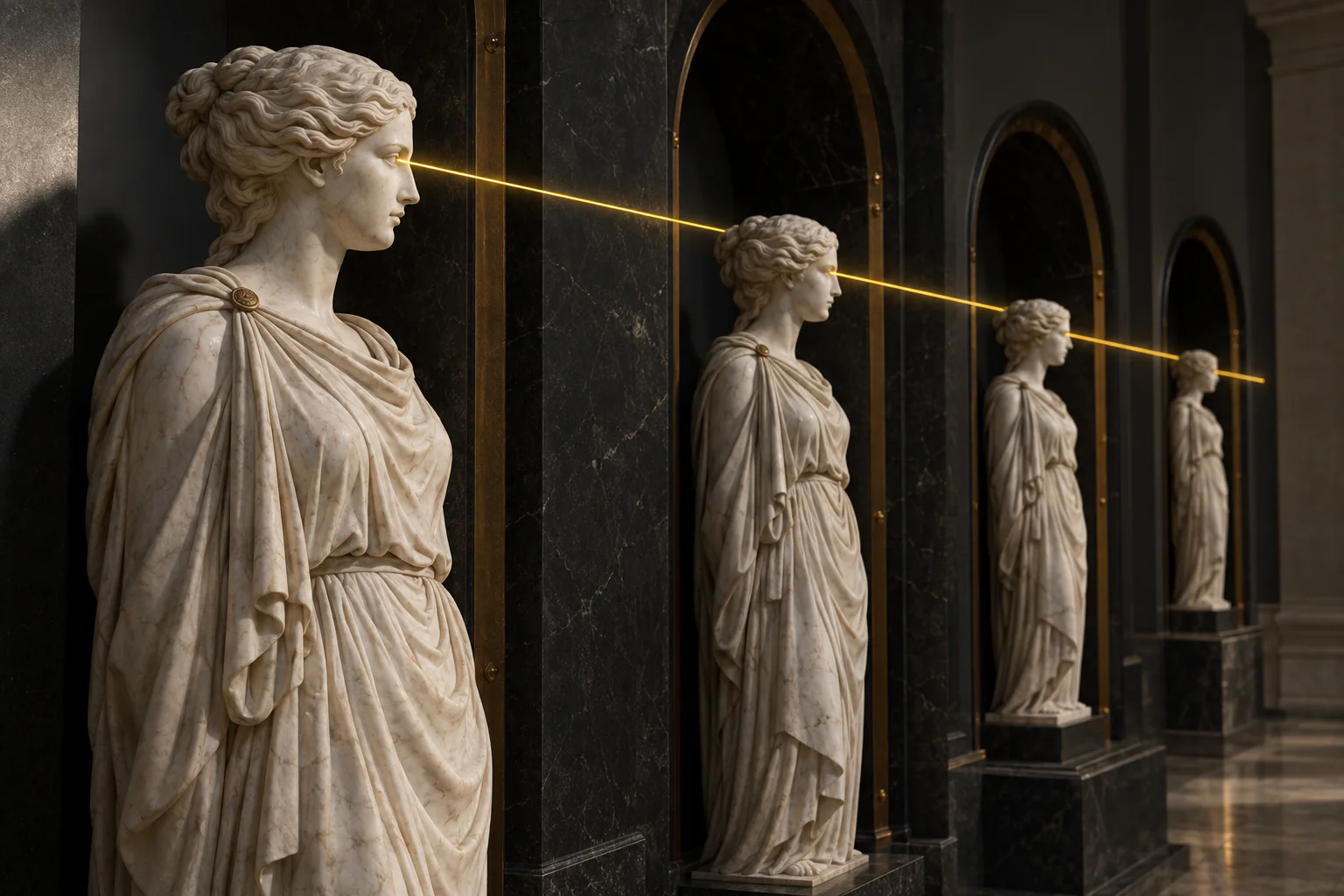
Start with an approved character pack, then compare models that accept reference images using the same test scenes. Review the estimate before every run; where needed, choose low-filter capability only on models that clearly offer it.
Concept illustration
A creative brief to try
Plan a fictional 30-year-old companion in a navy satin shirt: a café portrait, a relaxed home scene, and an optional greeting clip. Everyday conversation can stay in text.
Create a clear café portrait with one cup and soft window light. Keep it as the main character reference.
Return to that portrait for the home scene. Change the setting to a warm living room while keeping the character and shirt.
If the app needs a moving welcome, animate a chosen portrait with a smile and small wave. Add images only where they help the conversation.
Before you keep the result
Compare the face, hair, shirt, and hands across both scenes. Watch the whole greeting before using it in the app.
Start with your own reference images, follow the scene plan and review each result.
Open this scene in the Playground →Recommended models
Matches use the tasks and required capabilities published in the catalogue. Availability and current prices come from each model page.
Text to image
Current price
$0.006 / image
Image editing
Current price
$0.006 / image
Text to image
Current price
$0.006 / image
Current price
$0.0093 / image
Text to image
Current price
$0.01 / image
Current price
$0.011 / output second
Current price
$0.011 / image
Current price
$0.011 / output second
Worked out from the live catalogue, at the settings named under each figure.
Catalog estimates refresh hourly. Check the estimate for your settings before running; final charges follow the model’s usage and billing policy.
Keep the approved character pack in your own persistent storage and reuse accessible HTTPS references across turns. Refresh temporary uploads when they expire, then deliver each completed image through a callback so the chat stays responsive.
POST/api/v1/common/upload-url
The ticket is valid only for the byte count you declared: JPEG, PNG, WebP and GIF up to 10 MiB each. Media that already has a public HTTPS URL skips this step entirely.
POST/api/v1/files/{fileId}/commit
The commit checks the bytes and hands back a spicy:// reference, which is what a model's media fields accept. Committing the same file again changes nothing.
POST/api/v1/jobs/createTask
202 means accepted, not finished. Send an Idempotency-Key, and if the price must not move, send the jobs/quote result together with the amount you agreed to.
POST{callBackUrl}
Leave a callBackUrl and the finished record is delivered there. Verify the signature before you trust the body, and assume the same delivery will arrive twice.
POST/api/v1/common/download-url
Mint a short-lived download URL for the output and copy it into your own bucket within the same job. Results stay on our CDN for 14 days.
This example starts with the scene described on this page. Fields come from the selected endpoint’s schema. Replace any example.com reference URL with your own image or committed file URI before sending.
P-Image LoRA · Text to Image →
Platform behaviour that is cheaper to design around than to discover in production.
Generated media stays on our CDN for 14 days and uploaded sources for one day. Copy whatever you keep into your own bucket inside the same job.
Most video endpoints bill by resolution and length, so the figure beside a model is its lowest tier, not your settings. Budget against the estimate shown before the run.
Every API key carries a daily, a monthly and a lifetime spend cap. Set them when you create the key: a leaked key without one spends the balance, not the budget.
Launch checklist
Explore model families for this workflow. Open a model page to review its inputs, pricing and current availability.
Combine LLM dialogue, character images and video through one account, API key and balance. Reusing reference images helps preserve character consistency. Check each model page for supported inputs, availability and billing units. Failed or timed-out tasks are usually not charged. Some models charge for content refusals as stated on their model page; check those billing terms before submitting.