Current price
$0.0018 / image
Product use cases · Screen production · Video
A short film is not one long generation. Make the board as stills, approve the frames you want, then send each approved frame back as the first frame of its shot. Video endpoints bill by resolution and length, so the estimate you read before a shot is the number that decides the schedule.
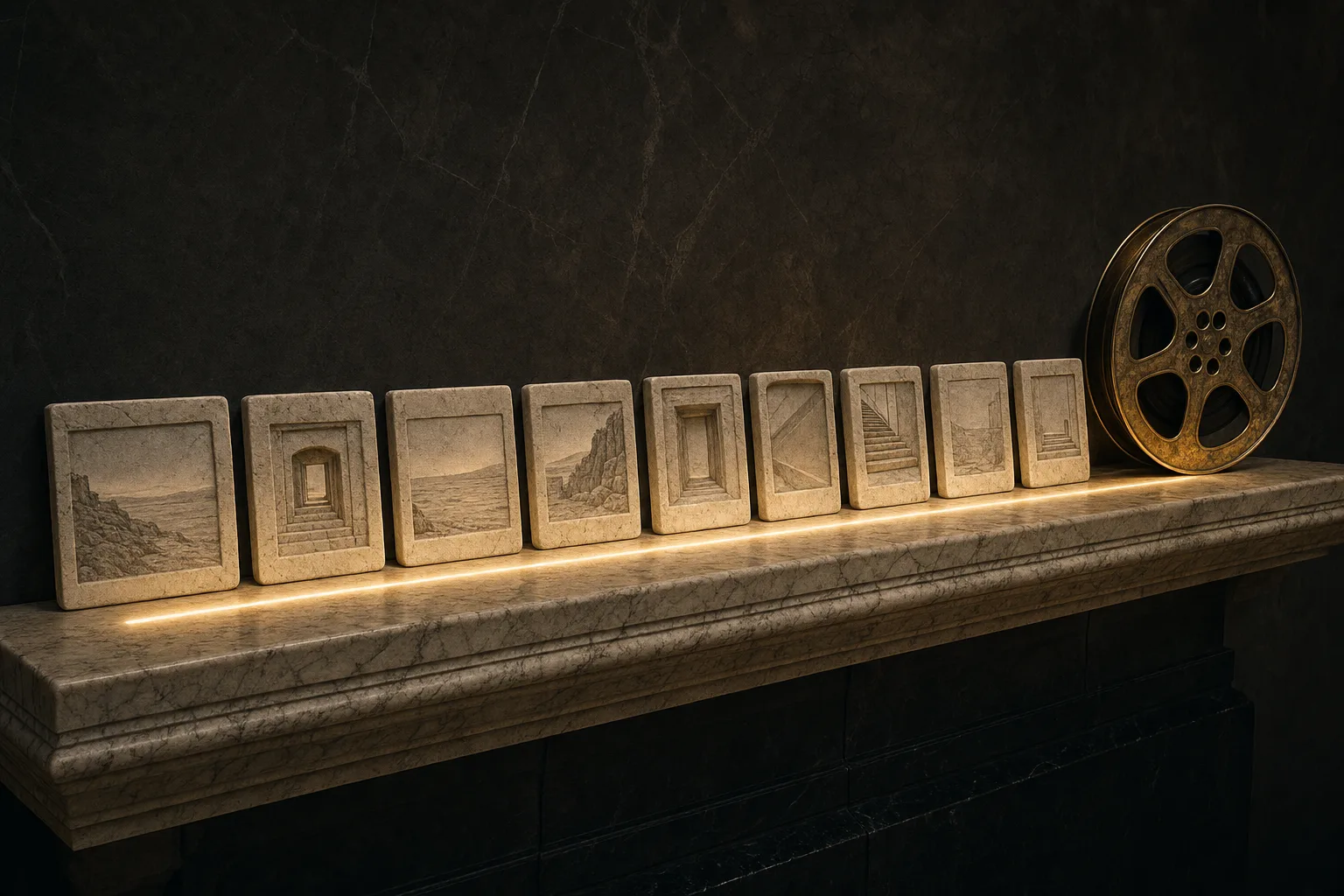
Concept illustration
A creative brief to try
Plan a short scene with a fictional adult detective in a dark coat: a wide rainy station, a close view of the detective, then three steps along the platform.
Prepare a character reference and a station reference. Fix the coat, lighting, and direction the detective faces.
Make three still boards: wide station, close portrait, and a walking start frame. Review the sequence before creating clips.
Animate approved boards separately. Give each clip one action or camera move; keep the walking shot to three measured steps.
Before you keep the result
Watch the cut in order. Check the coat, screen direction, rain, and foot contact so the three shots read as one scene.
Start with your own reference images, follow the scene plan and review each result.
Open this scene in the Playground →Recommended models
Matches use the tasks and required capabilities published in the catalogue. Availability and current prices come from each model page.
Current price
$0.0018 / image
Current price
$0.0018 / image
Current price
$0.0018 / image
Text to image
Current price
$0.006 / image
Text to image
Current price
$0.006 / image
Current price
$0.0093 / image
Text to image
Current price
$0.01 / image
Current price
$0.011 / image
Worked out from the live catalogue, at the settings named under each figure.
Catalog estimates refresh hourly. Check the estimate for your settings before running; final charges follow the model’s usage and billing policy.
This chain is a loop, not a line. The first pass ends with an approved still in your own storage; the second begins by committing that same still as a shot's first frame. Step 03 hands you the file that step 05 sends back.
POST/api/v1/jobs/createTask
202 means accepted, not finished. Send an Idempotency-Key, and if the price must not move, send the jobs/quote result together with the amount you agreed to.
GET/api/v1/jobs/recordInfo
One task ID, one record. Queued, running and terminal states share the same shape, and this response is never cached.
POST/api/v1/common/download-url
Mint a short-lived download URL for the output and copy it into your own bucket within the same job. Results stay on our CDN for 14 days.
POST/api/v1/common/upload-url
The ticket is valid only for the byte count you declared: JPEG, PNG, WebP and GIF up to 10 MiB each. Media that already has a public HTTPS URL skips this step entirely.
POST/api/v1/files/{fileId}/commit
The commit checks the bytes and hands back a spicy:// reference, which is what a model's media fields accept. Committing the same file again changes nothing.
This example starts with the scene described on this page. Fields come from the selected endpoint’s schema. Replace any example.com reference URL with your own image or committed file URI before sending.
GPT Image 2.5 Sunburst · Text to Image →
Platform behaviour that is cheaper to design around than to discover in production.
Most video endpoints bill by resolution and length, so the figure beside a model is its lowest tier, not your settings. Budget against the estimate shown before the run.
Generated media stays on our CDN for 14 days and uploaded sources for one day. Copy whatever you keep into your own bucket inside the same job.
There is no classifier here, no per-request declaration and no approval queue — but the model you picked can still refuse or return something off-brief. Budget a second pass instead of treating the first result as the only one.
Launch checklist
Explore model families for this workflow. Open a model page to review its inputs, pricing and current availability.
A short film built this way is a list of shots, not one render. Stills settle the look for a fraction of the cost, the approved still becomes the first frame of its shot, and every shot is priced by resolution and length before it runs. Results are served for 14 days, so move each take into your own storage while the edit is still open.