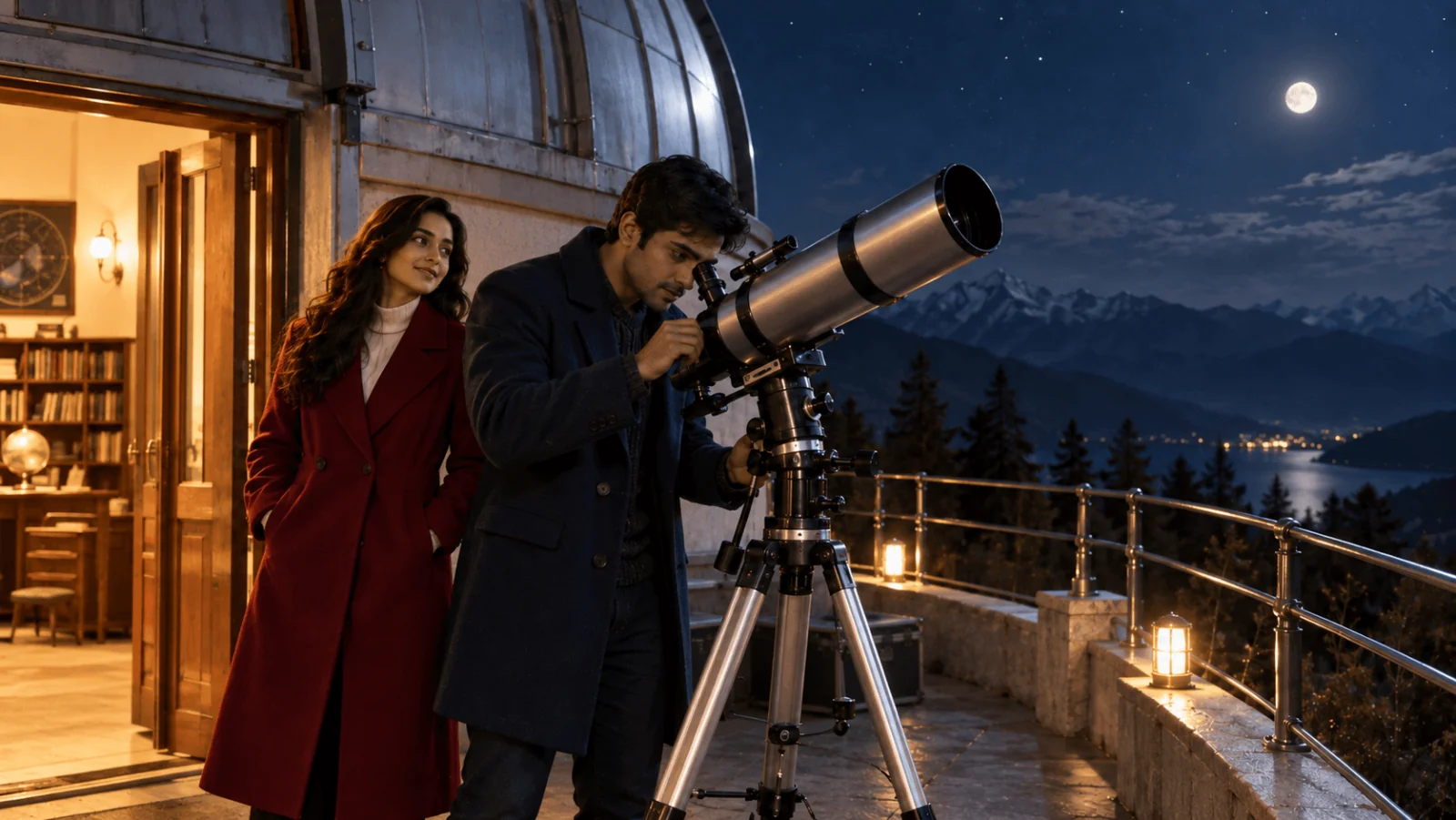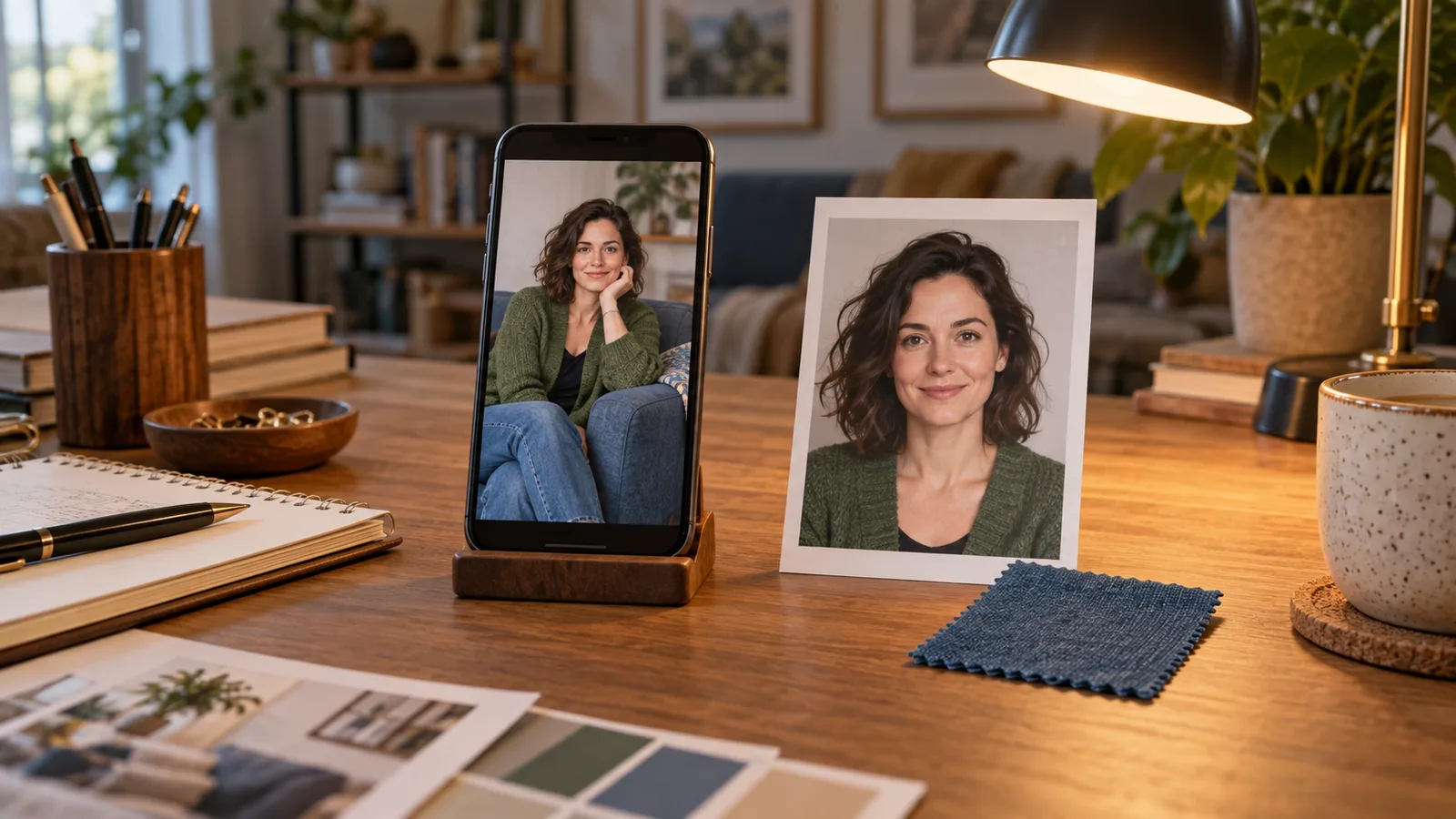
A user asks their NSFW AI companion, “Send me another photo in that green cardigan.” The app returns a beautiful portrait, but the character has different hair, the cardigan is black, and the apartment has become a hotel. The image generation succeeded. The conversation did not.
Make companion selfies from an approved character reference and a small snapshot of the current scene. Resolve who, outfit, location, expression and camera view before generating. Keep permanent appearance separate from things the character merely says in chat, and let “another” change the photograph rather than replace the person.
For a first implementation, use one clear fictional adult portrait with Qwen Image 2.1 editing, a 3:4 frame, 1k resolution, an opaque background and prompt expansion off. The public quote for one reference is $0.036 per output; adding a second reference makes that configuration $0.048. These prices help budget the workflow, but they do not promise that every finished image will match the character.
This guide focuses on choosing what the selfie should depict. The examples are proposed prompts for fictional adults, with SFW clothing and compositions. They have not been run as a new character-consistency test. Task submission, callbacks and storage are covered separately in the companion media delivery guide.
Give the image request less context, but better context
A conversation contains several kinds of information. A character may remember their appearance, discuss a possible haircut, imagine a future holiday and describe the room they are in now. Only some of that belongs in the next photograph.
Suppose your companion is Nina, a fictional adult aged 32, with shoulder-length dark curls, brown eyes and a narrow silver ring on her right hand. Her approved portrait defines her face. In the current scene she wears a green cardigan over an opaque cream top, sits beside a blue sofa, and talks about getting ready for an evening out. The user asks for a selfie before she leaves.
The image model needs the character reference, the current outfit, the room and the requested photograph. It does not need the entire conversation about tonight's plans. “I might get a short haircut next week” should not become a new hairstyle today. Nor should an old beach scene override the apartment simply because it appears earlier in the message history.
This is a real source of confusion in companion products. In an original DearestAI discussion, a user reported that a companion's selfie adopted a shorter haircut and grey temples after those features appeared in conversation. A reply describing that app's behavior said its appearance memory could take priority over the base photograph. That is an account of another product, rather than proof of how Qwen or SpicyAPI interprets memory. It illustrates the decision your application must make explicitly: which description is allowed to change the picture?
For Nina, the safe default is that the approved visual identity stays fixed until the user intentionally updates it. The chat can change tonight's cardigan; it cannot silently replace her face or adulthood. If a haircut is an intentional character redesign, create a new approved identity version and use it consistently from that point onward.
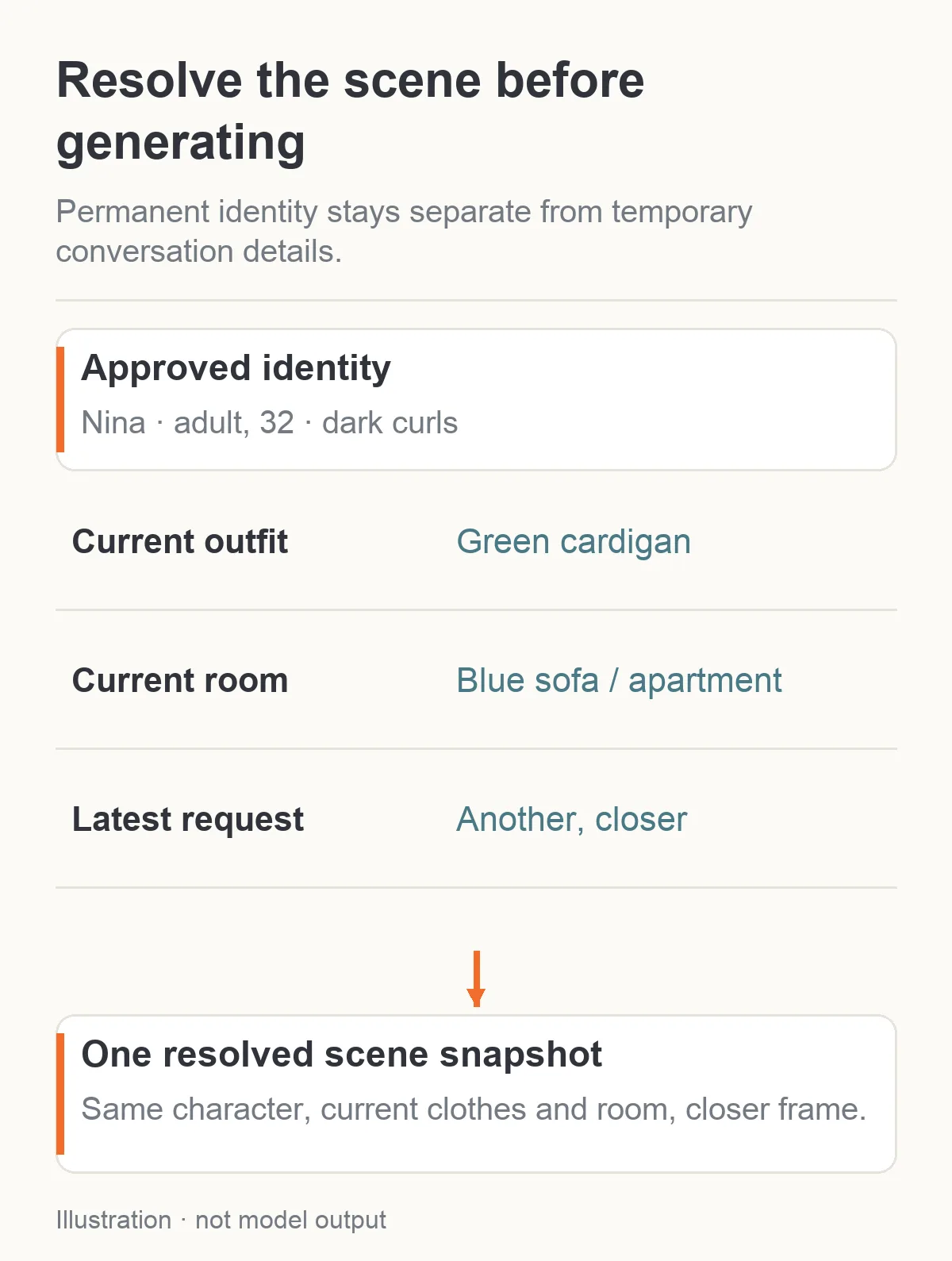
Illustration: current context supplies clothes and location; the approved portrait supplies the character.
Store five useful pieces of visual memory
You do not need a huge character database to make the first selfies coherent. Start with these separate records in your application:
| Record | Nina's example | When it changes |
|---|---|---|
| Approved identity | Portrait asset, age 32, dark curls, brown eyes | An intentional character redesign |
| Current outfit | Green cardigan, opaque cream top | A clear clothing change in the scene |
| Current setting | Blue sofa, floor lamp, apartment at night | The character arrives somewhere else |
| Current photograph | Waist-up, small smile, eyes toward camera | The user requests a different image |
| Last accepted photo | The actual asset, outfit and setting shown | A new photo is accepted for delivery |
These are your application's records, not special Qwen API fields. Resolve your stored asset into image_urls and write the intended visual changes in prompt. A character name is a convenient label; the image endpoint does not look up your character database by name.
Keep the actual accepted photograph beside the intended scene. If the previous image accidentally showed a blue cardigan, do not quietly let the stored scene say green while the next prompt says “same cardigan as before.” Either reject that image or acknowledge the discrepancy and resolve it. Otherwise the model gets two competing definitions of “same.”
Store visual facts rather than emotional prose. “Green knitted cardigan, cream top, blue sofa” helps make a picture. “She is feeling close to the user and remembers an intimate conversation” does not establish clothes, room layout or gaze. Emotional context can select an expression, but it should not spill an entire private exchange into the image request.
The same structure works for a male companion or a same-gender adult character account. Change the approved identity and wardrobe, not the logic. Do not build an otherwise universal feature around the assumption that every user wants one type of character.
Decide whether the message actually requests a new image
“You looked lovely in that picture” is conversation, not an instruction to buy another generation. “I wish I could see you” is ambiguous. “Send another photo in the same outfit” is an image request.
For an early release, use a visible photo button and clear request phrases. If you also interpret free-form chat, classify the user's message into three actions: create a photo, reuse a known photo, or continue the conversation. This classification happens in your product, before the visual prompt is written.
Several common messages deserve different outcomes:
| User message | Useful action |
|---|---|
| “Send me that one again.” | Return the accepted asset if the user still has access |
| “Another one, a little closer.” | Keep person, outfit and room; change framing |
| “Show me the outfit you mentioned.” | Resolve that specific outfit, then create a new photo |
| “What would you wear to the party?” | Answer the question; offer a photo without automatically generating |
| “No, keep the green cardigan.” | Correct the pending scene choice before submission, or create a clearly labeled revision if it was already submitted |
This improves the experience as well as the bill. A companion that sends paid images whenever somebody compliments it soon feels unpredictable. A visible choice also lets the user know when they are requesting a new picture versus retrieving one they already have.
For “that outfit,” search recent scene decisions first, then the last accepted photo. If there are two plausible garments, ask a narrow clarification in the chat, such as “The green cardigan or the navy jacket?” Do not ask the user to repeat the entire scene. Clarifying one missing item is better than generating the wrong one and apologizing afterward.
Resolve the scene in a fixed order
Choose identity, outfit, place, expression, then camera. This is an application design recommendation, not a special order the model requires in its API payload.
Identity comes first because the reference must belong to the selected character. Outfit comes next because words such as “that” and “same” often depend on earlier clothing choices. Place establishes what the user expects to see around the character. Expression should come from the current exchange rather than a permanent “always smiling” rule. Camera is last because a tight selfie and a full-length outfit photo need different amounts of the scene.
For Nina's request, resolve:
- The approved Nina portrait, rather than the most recent attractive output.
- The green cardigan and cream top, rather than the proposed party outfit.
- The apartment beside the blue sofa, because she has not left yet.
- A small relaxed smile, because this is a friendly photo request.
- A chest-up phone-camera view, because the user asked for a selfie rather than an outfit catalog shot.
If the user asks “a full photo of the cardigan,” change the camera view and hand placement. Do not keep selfie framing and hope the garment becomes visible. If they ask “one when you get there,” schedule or wait for the future scene according to your product's behavior; do not present a future location as the character's current room.
A compact scene summary under the generation indicator makes these choices visible: “Nina · green cardigan · apartment · closer selfie.” Users can spot a wrong assumption before the result arrives. It is more useful than a generic animated message claiming the character is taking a photograph.
Write a selfie prompt that reads like a photograph
Upload the approved identity portrait as the first reference. Start with this proposed prompt:
Use image 1 for the facial identity and shoulder-length dark curls of Nina, the same fictional 32-year-old adult. Create one casual chest-up phone-camera photograph in her apartment at night. Nina wears the green knitted cardigan over an opaque cream top. A blue sofa and a warm floor lamp are visible behind her. Her face is clearly visible, eyes toward the lens, mouth relaxed with a small smile. Natural indoor light, slightly informal framing, realistic skin texture. Keep her face and hair from image 1. No second person, text, mirror or collage.
Use aspect_ratio: "3:4", resolution: "1k", background: "opaque", output_format: "png" and enable_prompt_expansion: false. Those controls exist on the current editing task. The prompt accepts up to 5,000 characters, and the task accepts one to ten reference images. None of those limits means you should fill the prompt or upload ten pictures for every selfie.
A direct phone-camera view does not need a visible phone in the frame. If you ask the character to hold a phone in front of their face, you may obscure the very identity you are trying to preserve. For an initial implementation, avoid the mirror and the device hand until they are important to the requested photo. An informal photograph can communicate the intended camera style without adding both.
Do not combine “casual selfie” with “luxury campaign, flawless studio beauty, editorial lighting and fashion advertising.” Those instructions pull the image toward a polished shoot. In an original companion-app feedback thread, a commenter complained that the pictures looked like professional advertising. The developer replied that ordinary phone-camera styling mattered for chat. That discussion identifies a reader preference, not a measured quality advantage for any model.
You can still choose a polished portrait when the user asks for one. The point is to match the photograph to the conversation rather than apply the same beauty treatment to everything.
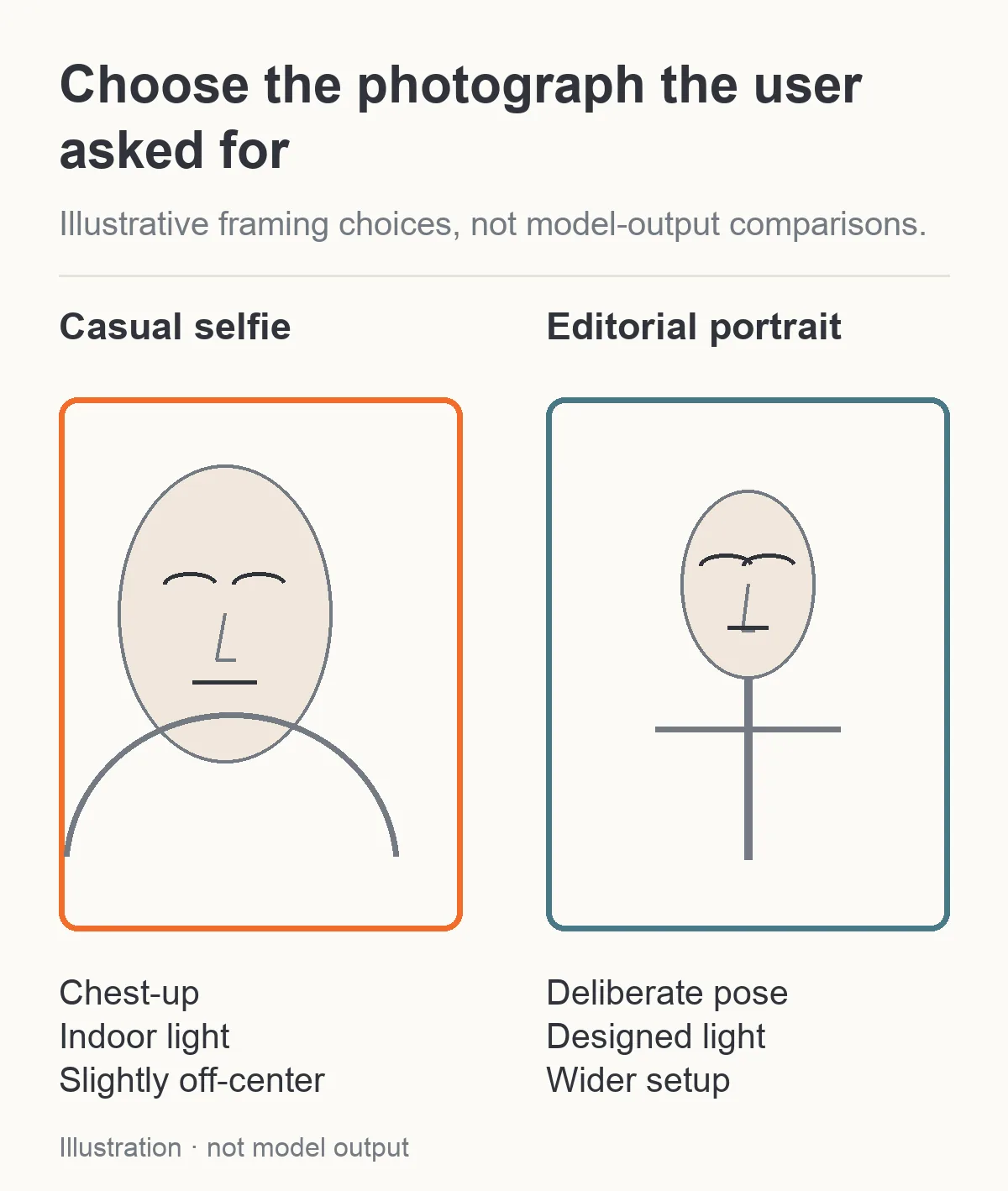
Illustration: camera and lighting instructions change the type of photograph while retaining the character reference.
Make “another one” a controlled variation
A repeat request usually needs a small difference. It does not need a new person, a new room and a new costume.
Keep the identity and scene instructions above. Replace only the photographic instruction:
| Follow-up | Prompt change |
|---|---|
| “A little closer.” | Head-and-shoulders frame; keep the same gaze and expression |
| “Look to the side.” | Small head turn, eyes just past the lens; shoulders stay nearly forward |
| “Show more of the cardigan.” | Waist-up frame, cardigan sleeves and hem visible, arms relaxed |
| “Less posed.” | Slightly off-center composition, relaxed mouth, shoulders uneven rather than a formal stance |
If a simple crop of the accepted file already answers “closer,” use that crop. It preserves the actual face without a generation charge. Check that the source has enough pixels for the final display; a tiny face cannot become a detailed portrait just by enlarging it.
When you need a changed expression or viewpoint, return to the approved portrait. Use the accepted scene as a second reference only when its room or clothes supply useful visual information. Explicitly assign its role: “Image 2 supplies the green cardigan and apartment; image 1 supplies Nina's face and hair.” This avoids treating every detail of a potentially imperfect later output as a new identity definition.
For the NSFW side of an adult product, keep the user's chosen scene category separate from “another.” A request for another image should preserve the accepted content choice rather than automatically intensify it. A different category is a new creative request with its own applicable model behavior, price and product permissions.
Add a room reference only when the room needs to repeat
Text may be enough for an apartment that is just background atmosphere. A persistent virtual room needs more: the blue sofa should not move between every conversation, and the same lamp should not become a chandelier.
Add a clean, empty room reference as image 2. Keep Nina's portrait first, then write:
Image 1 supplies Nina's facial identity and dark curls. Image 2 supplies only the apartment layout, blue sofa and floor lamp. Do not borrow a person, outfit or face from image 2. Nina remains in the green cardigan and cream top, close to the camera with the sofa behind her.
For a close selfie, only part of the room is visible. You do not need to demand every wall, door and shelf in the picture. Pick the two landmarks that actually fit behind the character. If the user asks for a wider photograph, then include more of the layout.
Qwen's official model repository describes multi-reference editing and identity-preserving edits. That supports trying separate character and room sources; it does not guarantee perfect visual continuity in your application. Inspect the result, particularly when lighting, angle or clothing changes substantially.
Treat expression as a small visual instruction
“Flirty,” “warm” and “mysterious” can lead to quite different faces. Use one or two visible cues rather than a stack of emotional labels. A relaxed closed mouth, a slight smile, or eyes looking just beside the lens tells the image model more clearly what the photograph should contain.
For a friendly evening message, try “small smile, relaxed brow, eyes toward the lens.” For a thoughtful reply, try “mouth relaxed, gaze slightly off-camera.” Do not turn a disagreement in chat into a dramatic angry portrait unless the user requested that picture. The text exchange and the visual expression do not have to repeat each other mechanically.
Keep makeup, lighting and expression separate from identity. A smile changes the cheek shape; side light changes the apparent nose width. Compare the face at a similar angle before deciding it is a different character. Conversely, do not dismiss a clearly changed hairline or eye spacing as a lighting difference simply because the image is attractive.
The correct target is recognizable and appropriate, rather than an identical frozen expression in every message. A character who always sends the same smile can feel less responsive even if their face is stable.
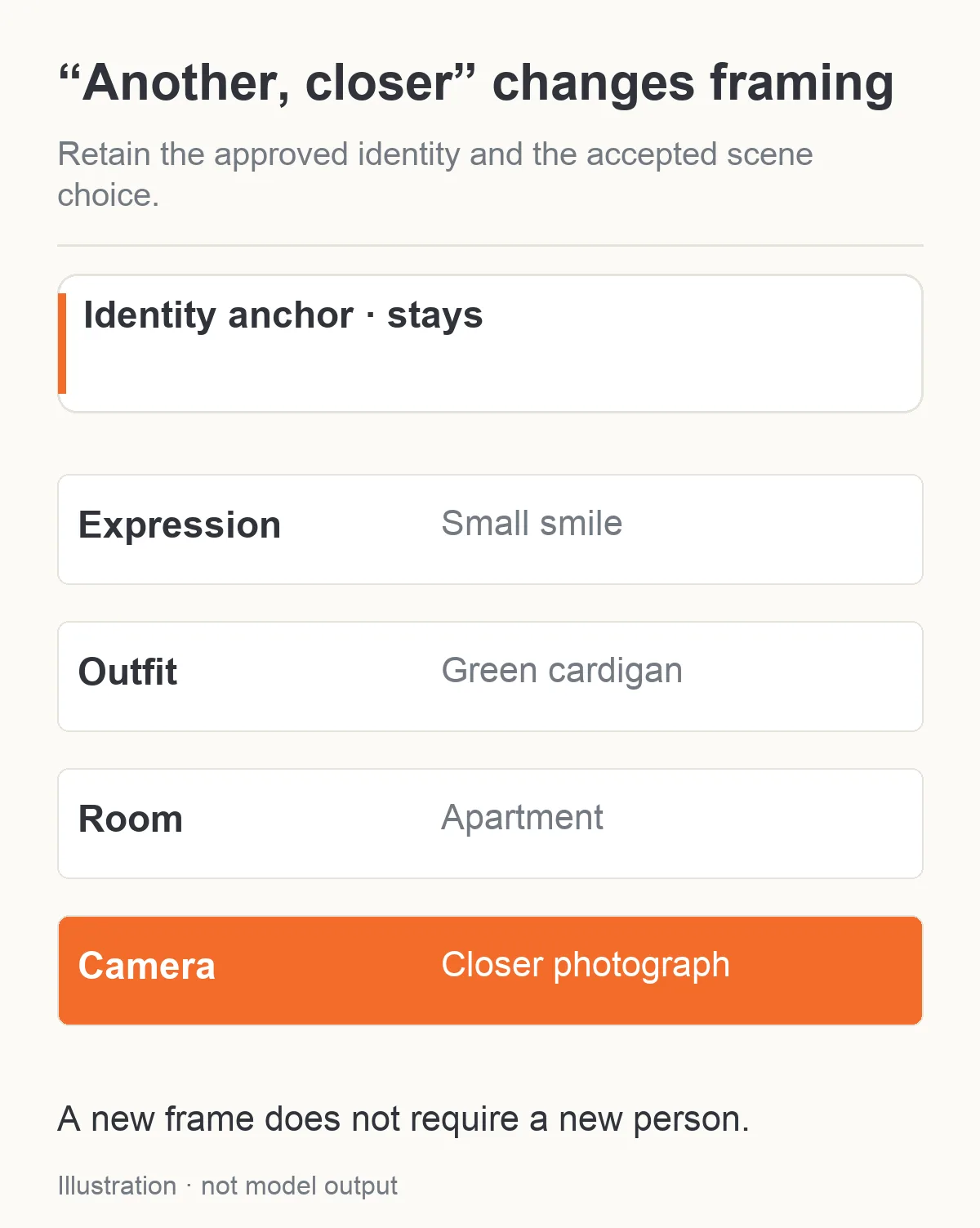
Illustration: another closer photo changes framing while keeping the accepted scene and character.
Keep a rejected or softened NSFW result out of the conversation fiction
An adult-oriented chat model and an image editor are separate choices. A character may respond to a mature conversation while the selected image task declines or changes the requested imagery. Do not interpret a successful chat reply as proof that the image will follow it.
If the returned photo is milder than requested, do not silently announce that it fully matches the request. Give the user an honest choice: accept the available version, revise the scene, or use a suitable different image task. Do not automatically move to another model and spend more without the product's agreed retry scope.
Also keep visual failures distinct from content handling. A wrong cardigan is a scene mistake. A different face is an identity mistake. A request that cannot be produced through the selected task is a task/content mismatch. Sending the same long prompt three more times does not address all three.
Use fictional adults and approved assets for the initial character kit. An uploaded photograph of another real person is not automatically permission to create adult character imagery of them. Within an adult companion product, make approved identity assets and who can use them clear in the application; the generated chat should not decide those rights.
The SFW prompts in this article are useful for testing the scene translator without generating sensitive images. They do not establish a measured NSFW acceptance rate. When evaluating the adult side, use evidence for the exact task and scene category you intend to offer, rather than relying on a family name or another platform's marketing claim.
Budget pictures the user actually asks for
At the quoted Qwen configuration, ten one-reference selfies cost $0.36 in image generation. Ten two-reference selfies cost $0.48. If two one-reference results need deliberate new attempts, those two add $0.072. Chat tokens, storage and any other services are separate from these image amounts.
This makes reference selection concrete. Keeping the apartment in words instead of using a second room image saves $0.012 per request in this configuration, but that saving may be unhelpful if a persistent room is essential to the product. Use the extra source when it contributes something visible, rather than attaching it to every request by habit.
Do not describe a low-resolution retry as free. Use the selected configuration's actual quote. Changing resolution is a new generation choice; it does not turn a previous file into the same image with extra detail.
For a simple product rule, include one requested image and a clearly limited number of correction attempts in the user's selected scope. Retrieval of an existing photo should retrieve the asset, not submit the original prompt again. If the user changes outfit or location, show that as a new picture rather than a repair of the old request.
Fix the mistake at the layer that introduced it
| What the user sees | Check first | Useful next change |
|---|---|---|
| New hair after casual chat | Was hypothetical conversation promoted into permanent appearance? | Restore the approved identity record; require an intentional appearance update |
| Wrong outfit | Which clothing choice did “that” resolve to? | Resolve the referenced garment before rewriting the prompt |
| Correct face, random room | Was the room only loosely described? | Name visible landmarks or add one empty room reference |
| Fashion advertisement instead of selfie | Did the style prompt add studio/campaign language? | Use ordinary indoor light and casual phone-camera framing |
| Different face in later photos | Did the newest result replace the anchor? | Return to the original approved portrait |
| Old scene arrives after user changed it | Which scene snapshot did the accepted task use? | Label or withhold the outdated result; do not call it the latest request |
A developer can try the complete flow with three SFW requests: the first apartment selfie, “another a little closer,” and “same cardigan, different room.” Before paying for a large feature rollout, inspect whether the translator keeps the right identity, changes only the requested parts and makes uncertainty visible. Those are the failures this workflow is designed to reduce.
The next practical step is one approved adult portrait, one simple room and one concrete photo request. Make that photograph coherent before adding automatic scene changes, multiple people or more elaborate adult content choices. A companion selfie works when the user recognizes the person and the moment they asked for.