Double Exposure AI Photo Generator: Double Exposure Dusk

Effects
Double Exposure Dusk

Double Exposure Dusk

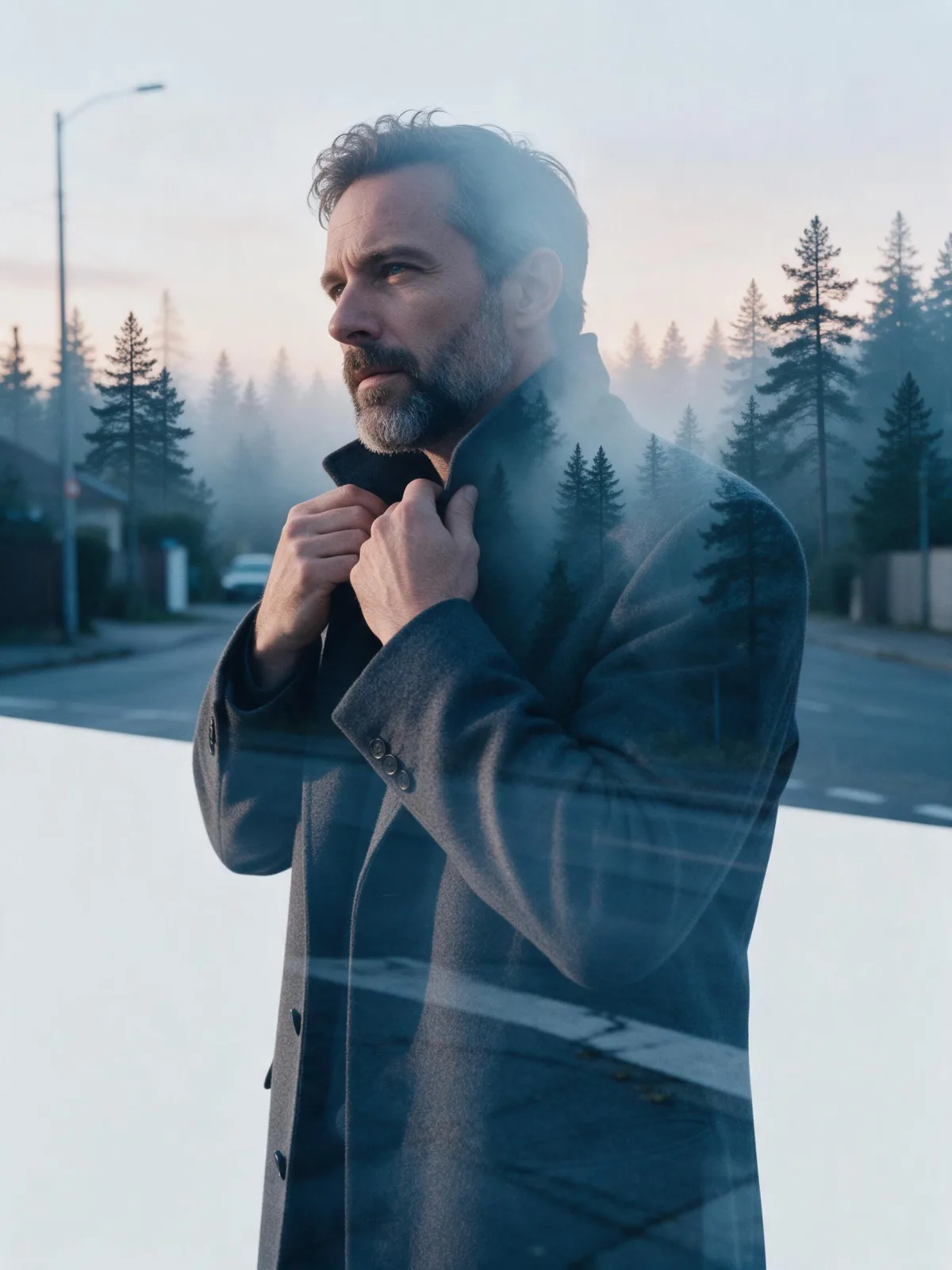
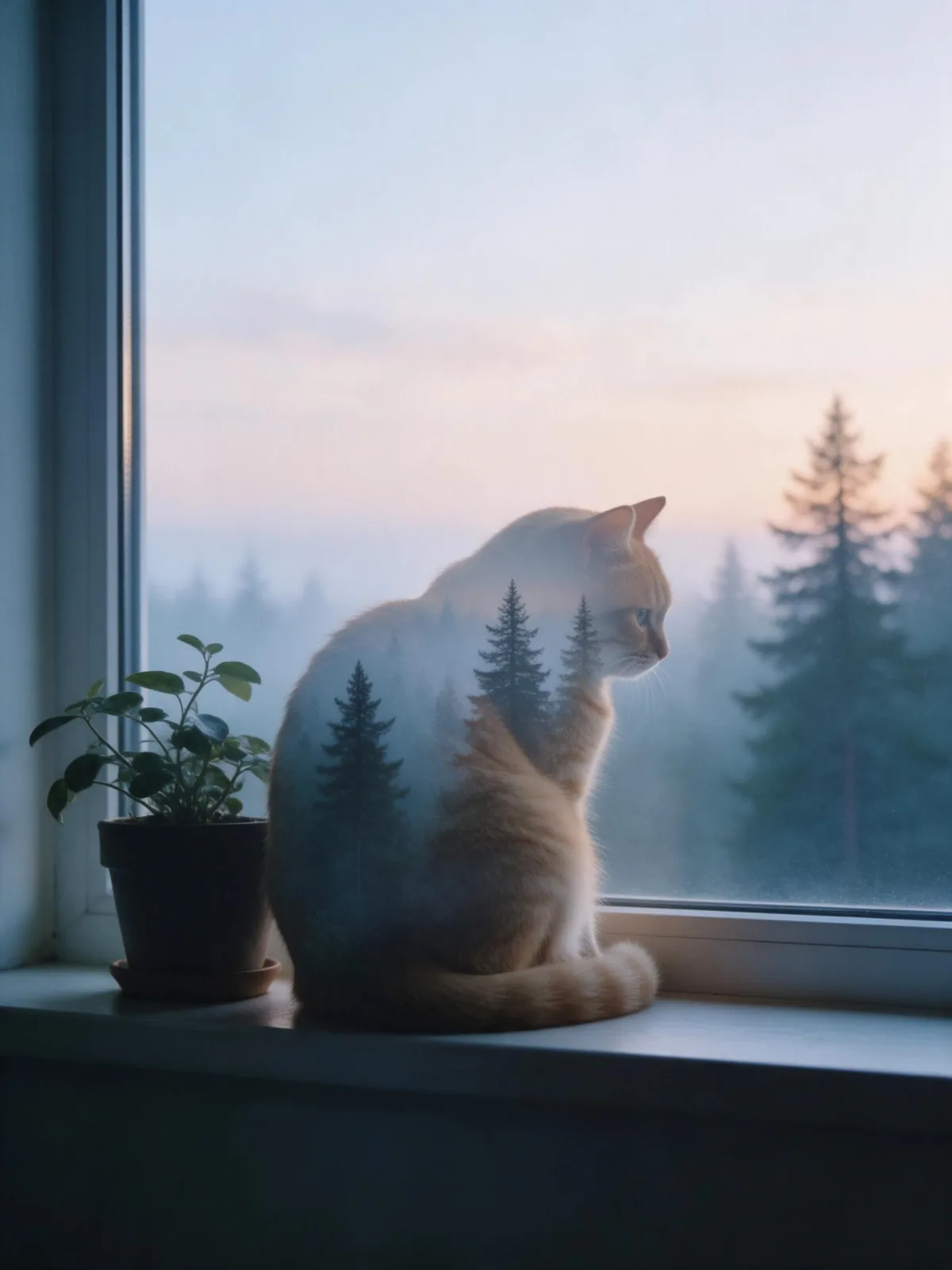
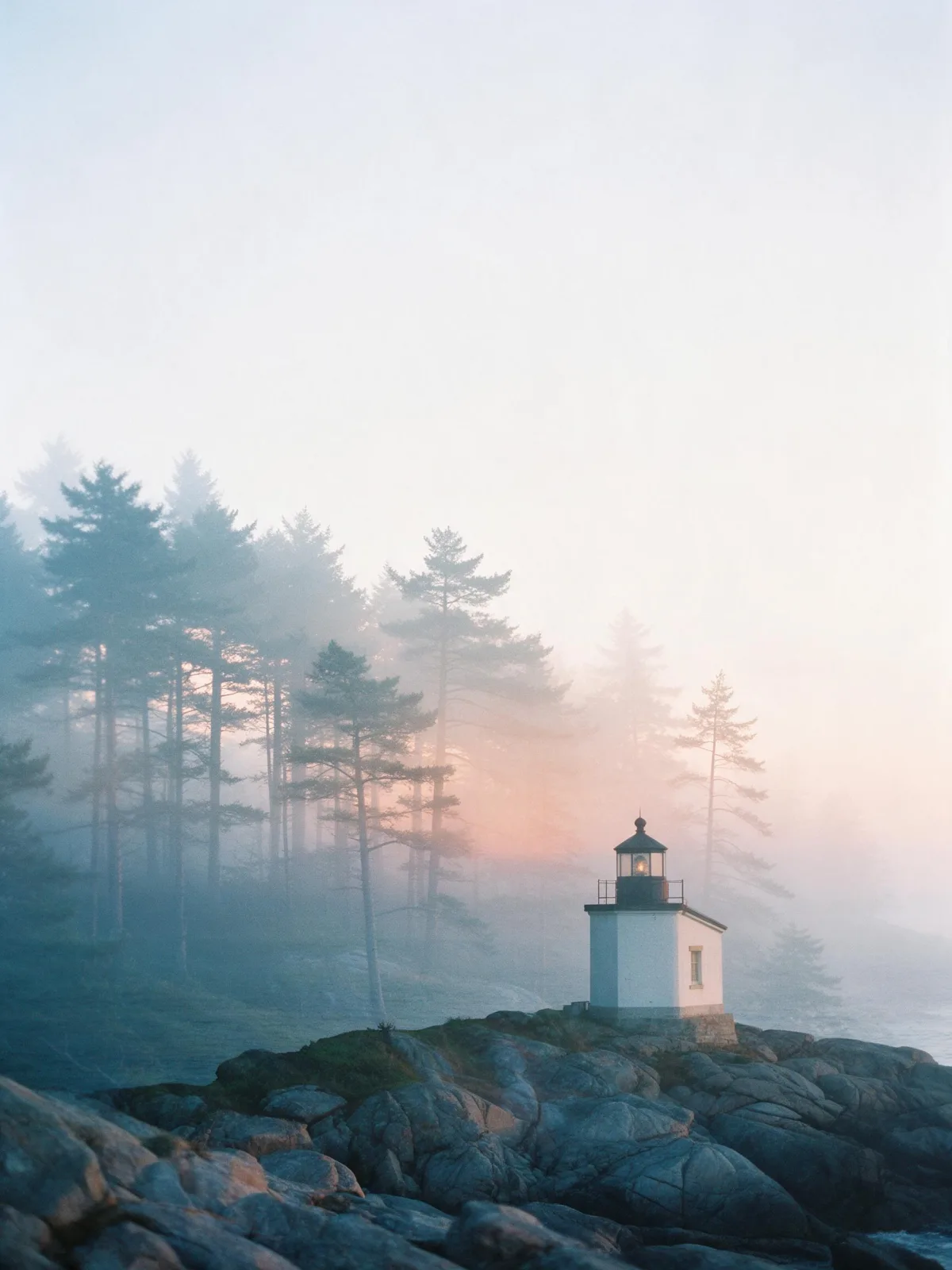
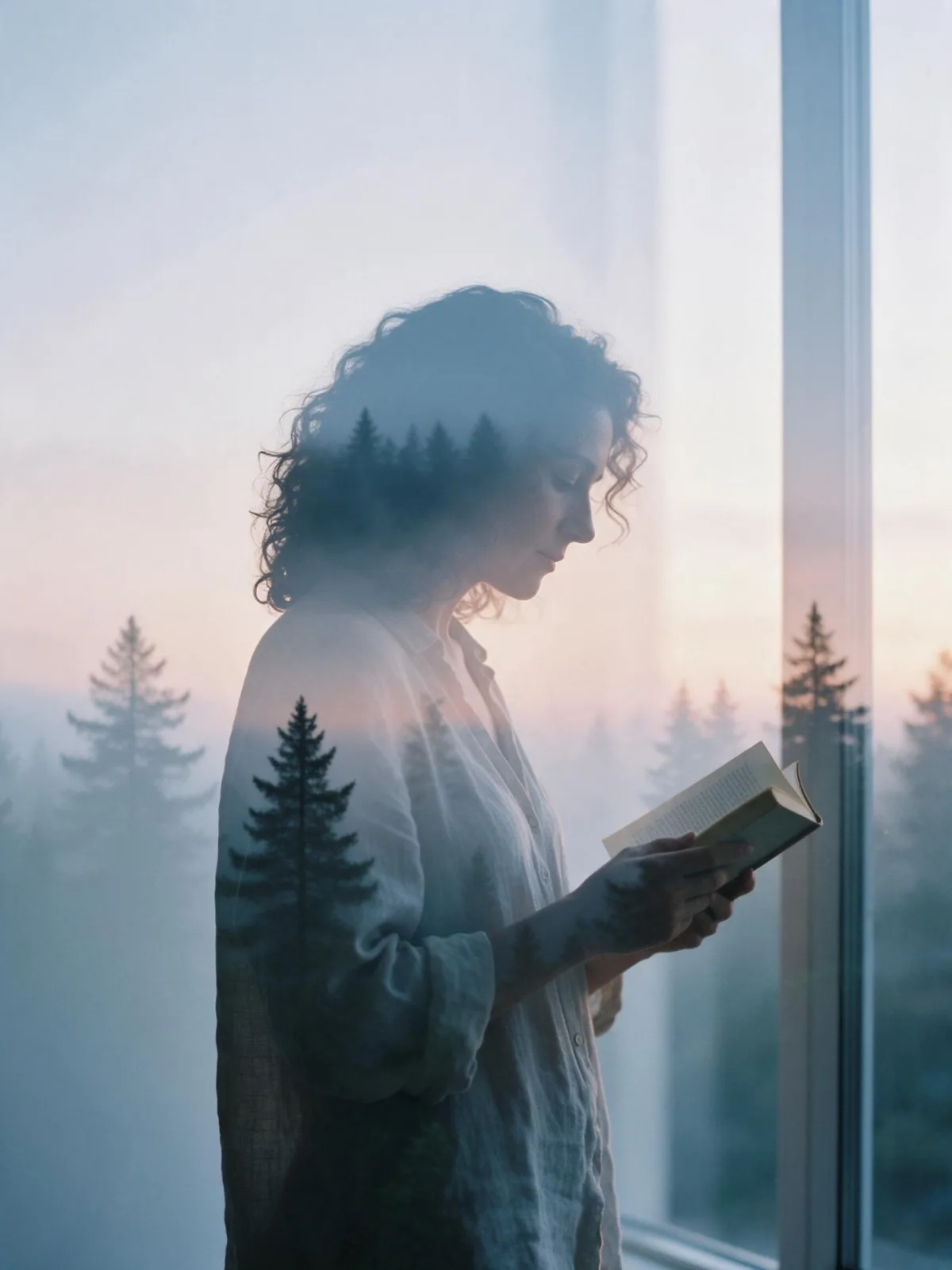
Your subject’s silhouette filled with a misty pine forest at dusk: soft transparency, cool blue and peach, and clean pale space around it.

Works on

  • Seedream 5.0 ProBest$0.036 / image
  • Z-Image$0.01 / image
  • Wan 2.7$0.03 / image
  • Z-Image Spicy Pro$0.019 / image
  • + 19 more models

Related styles

Same person, same prompt — only the style changes

2000s Digicam
After Midnight Flash
Candlelit Velvet
Cinematic Gothic
Late-Night Hotel
Late-Night OVA
Moonlit Voile
Neon After Rain
After-Con Neon
Afterglow Pool
Airbrush Pin-up
Blush Neon
Brass Reflections
Cinematic Still
Manhwa Action
Aurora Night
Blue Hour Quiet
Double Exposure Dusk
Firework Glow
Fog Bound
Instant Film
Sign up to generate

We never filter your prompt.

Your subject’s silhouette filled with a misty pine forest at dusk: soft transparency, cool blue and peach, and clean pale space around it.

Category
Photo & film
Works on
23 models
Price
From $0.01 / image
Suggested frame
3:4 · 4:5
Your own photo
Text only

Same subject, with and without it

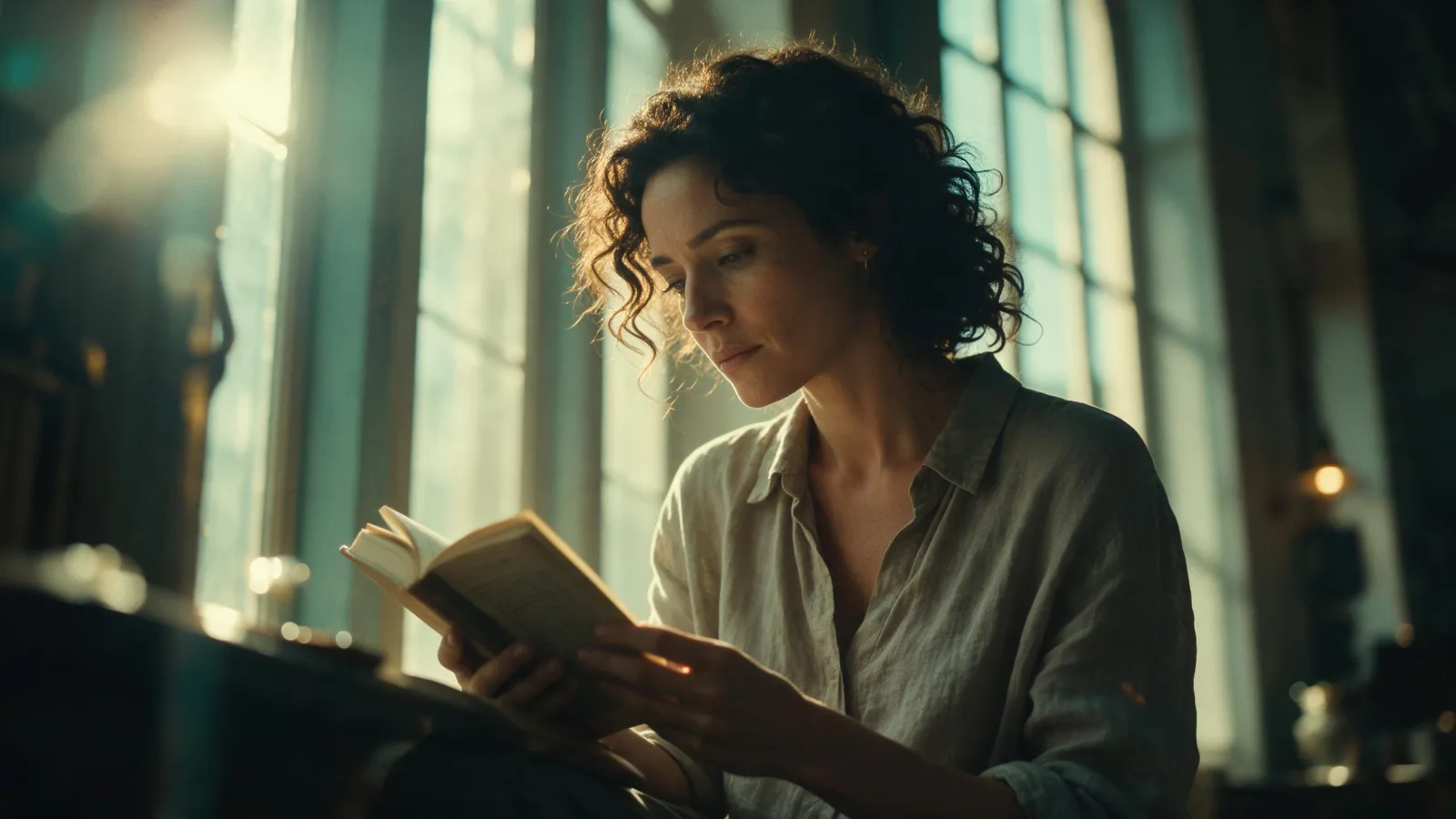
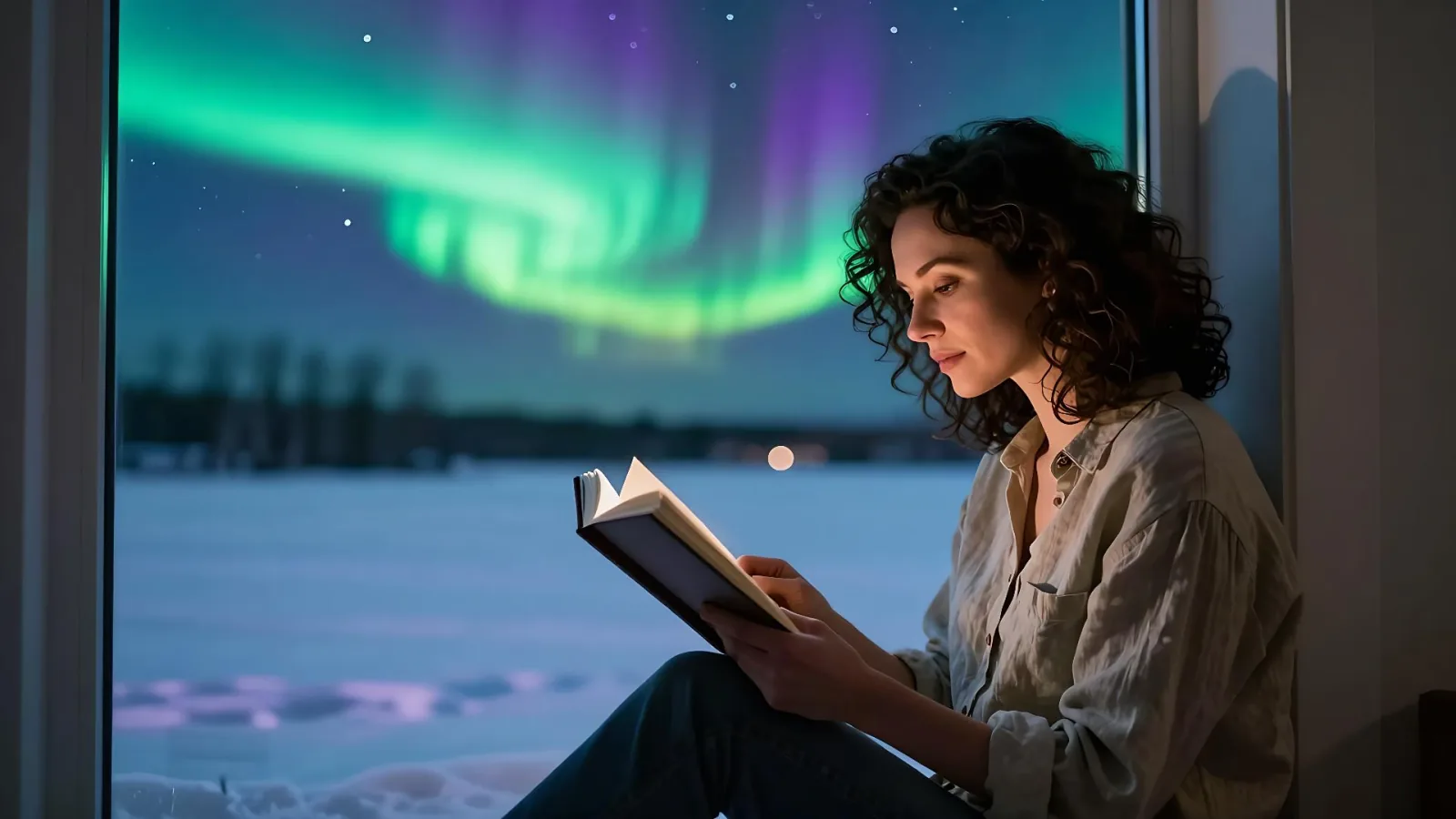
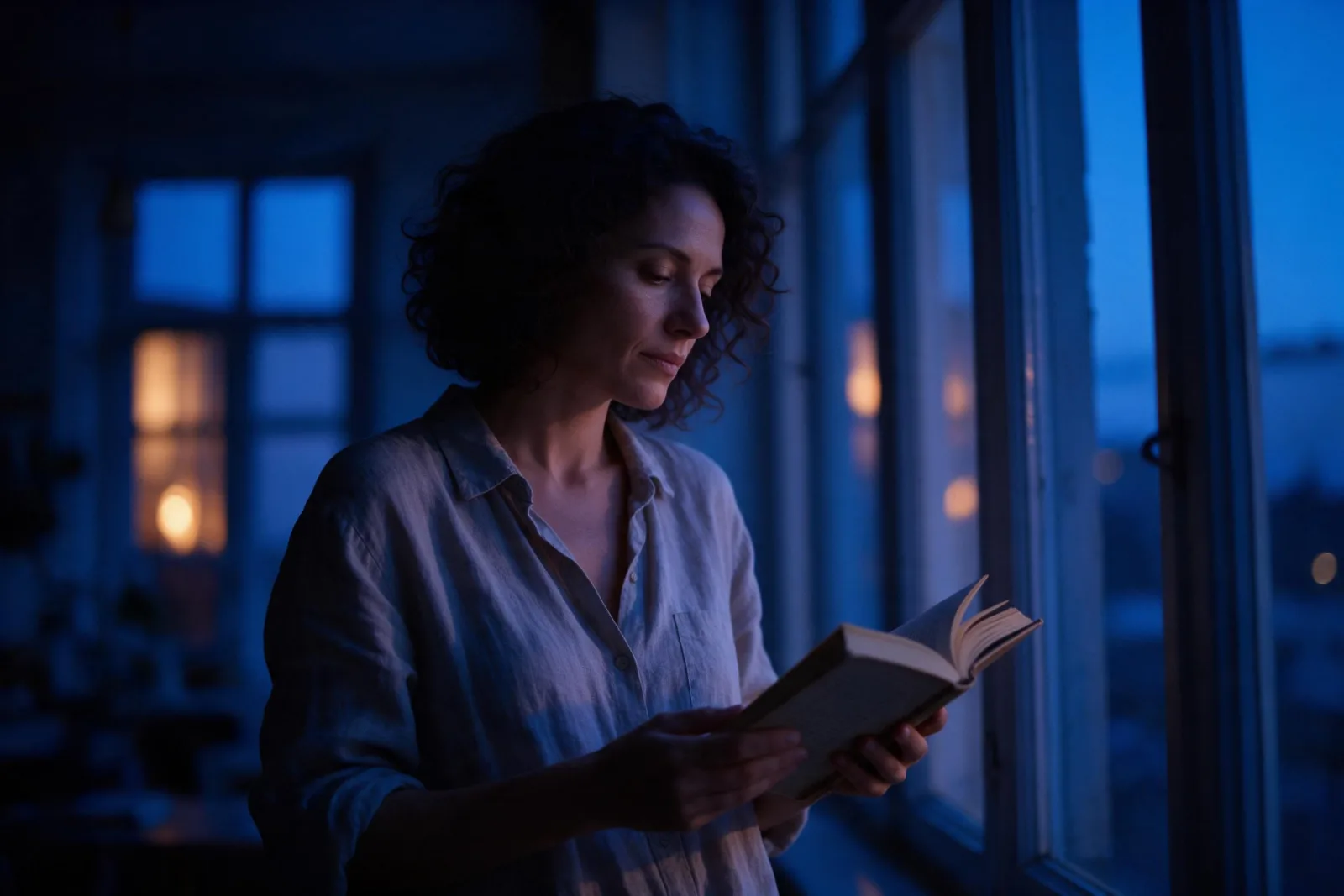
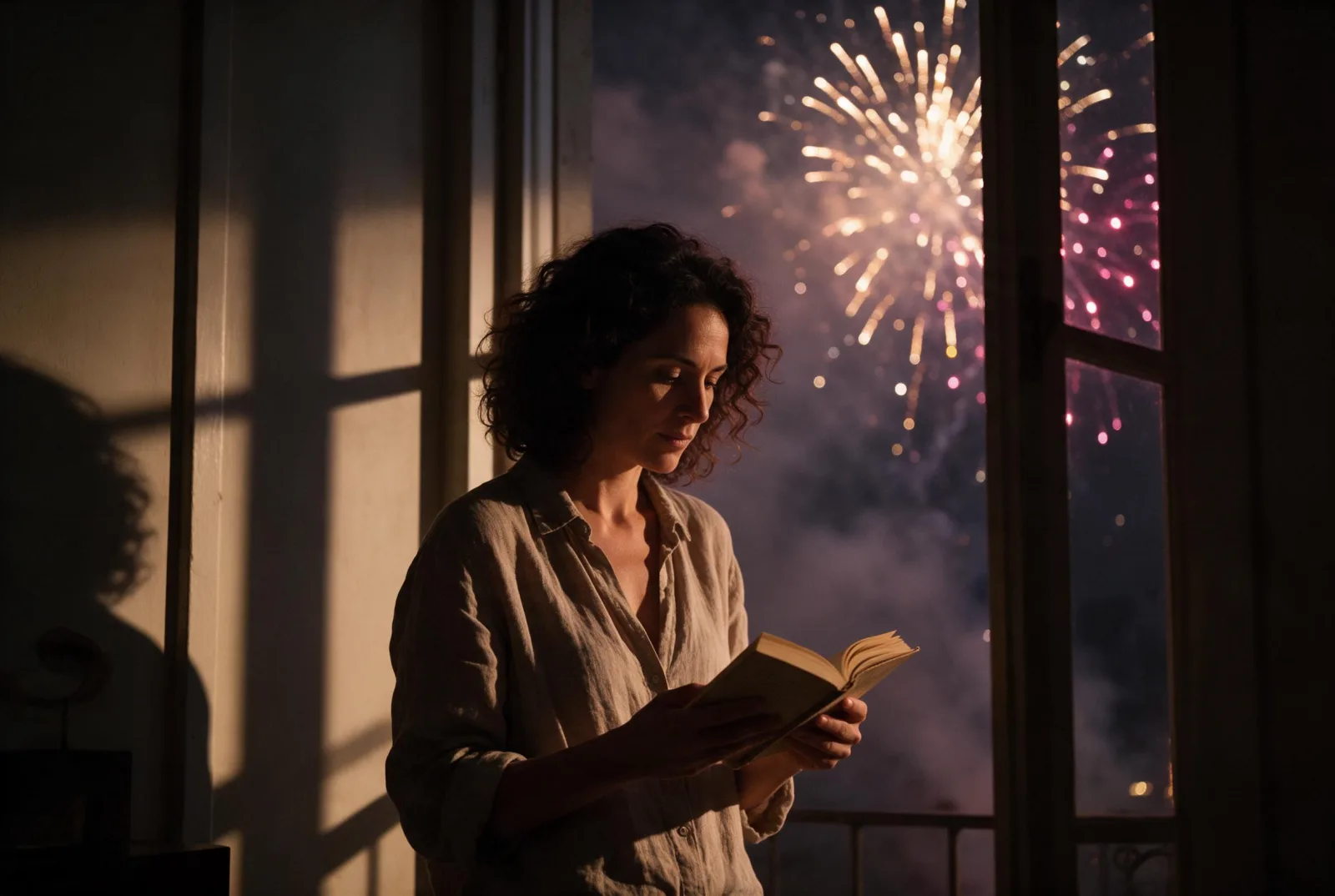
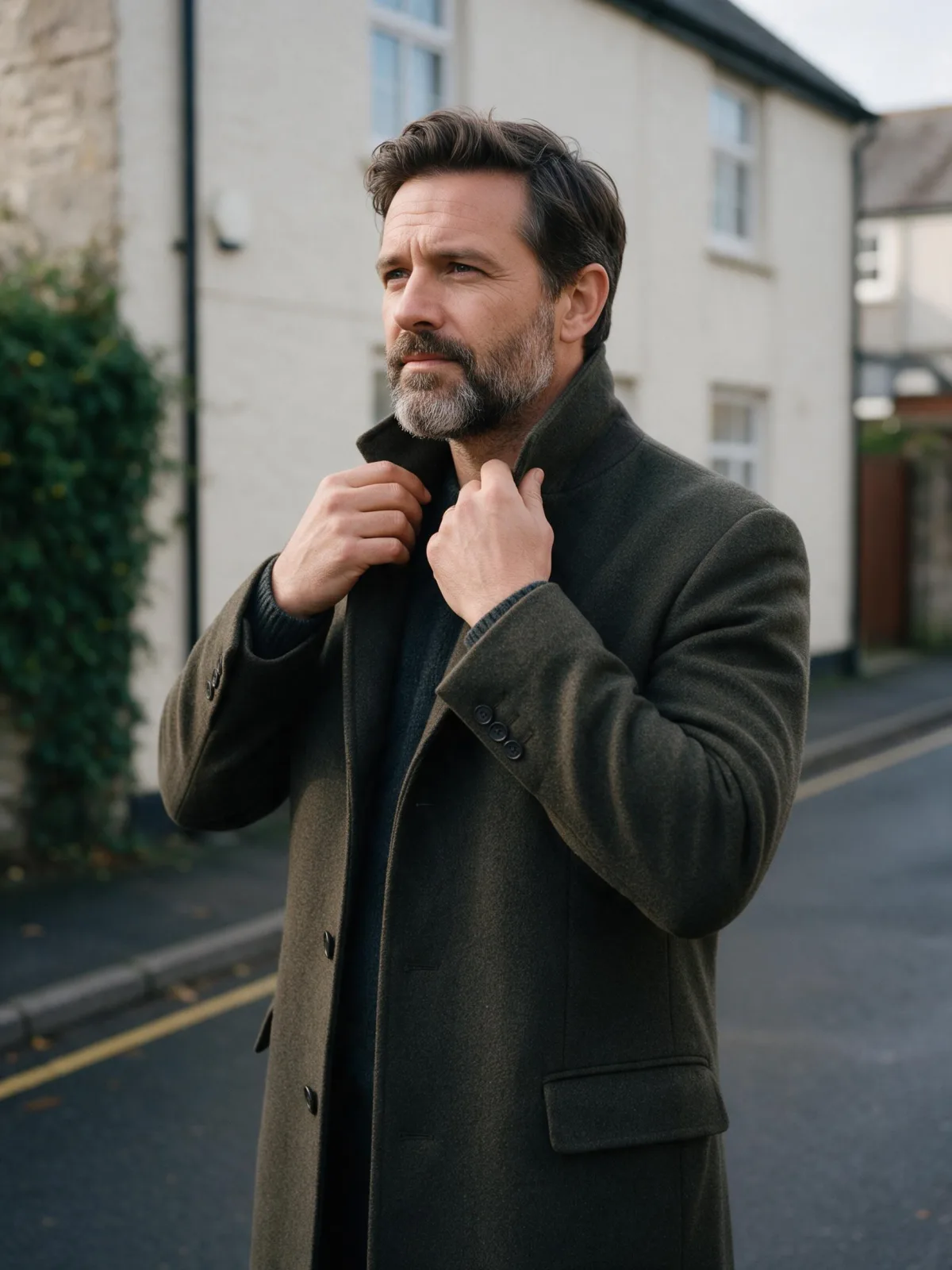
Each pair is the same sentence on the same model. The left frame has no style; the right one is Double Exposure Dusk. That gap is what the style adds.

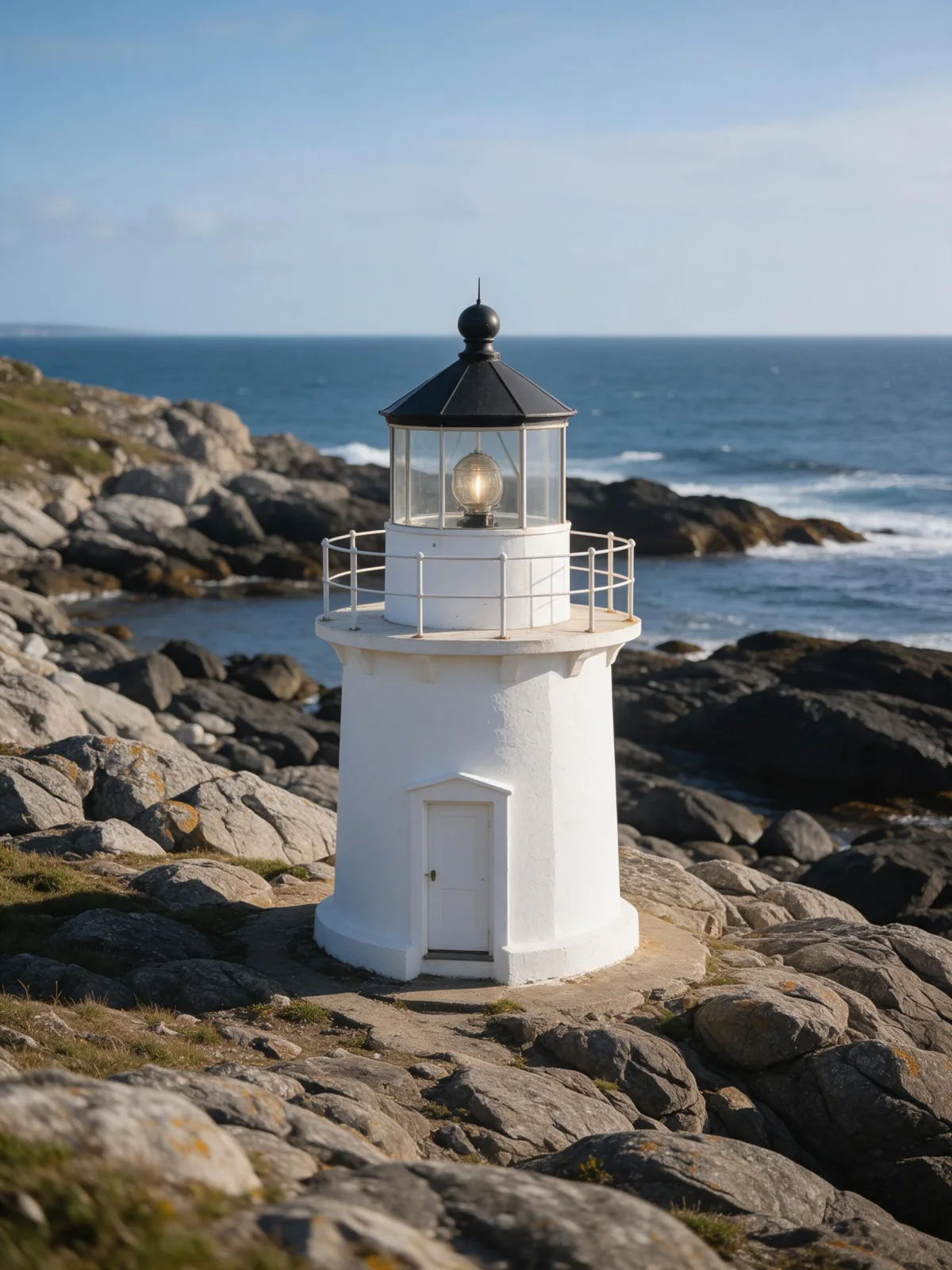
  • The test subject with no style, made with Seedream 5.0 Pro
    No style
    Sample in the Double Exposure Dusk style, made with Seedream 5.0 Pro
    With Double Exposure Dusk

    Seedream 5.0 Pro

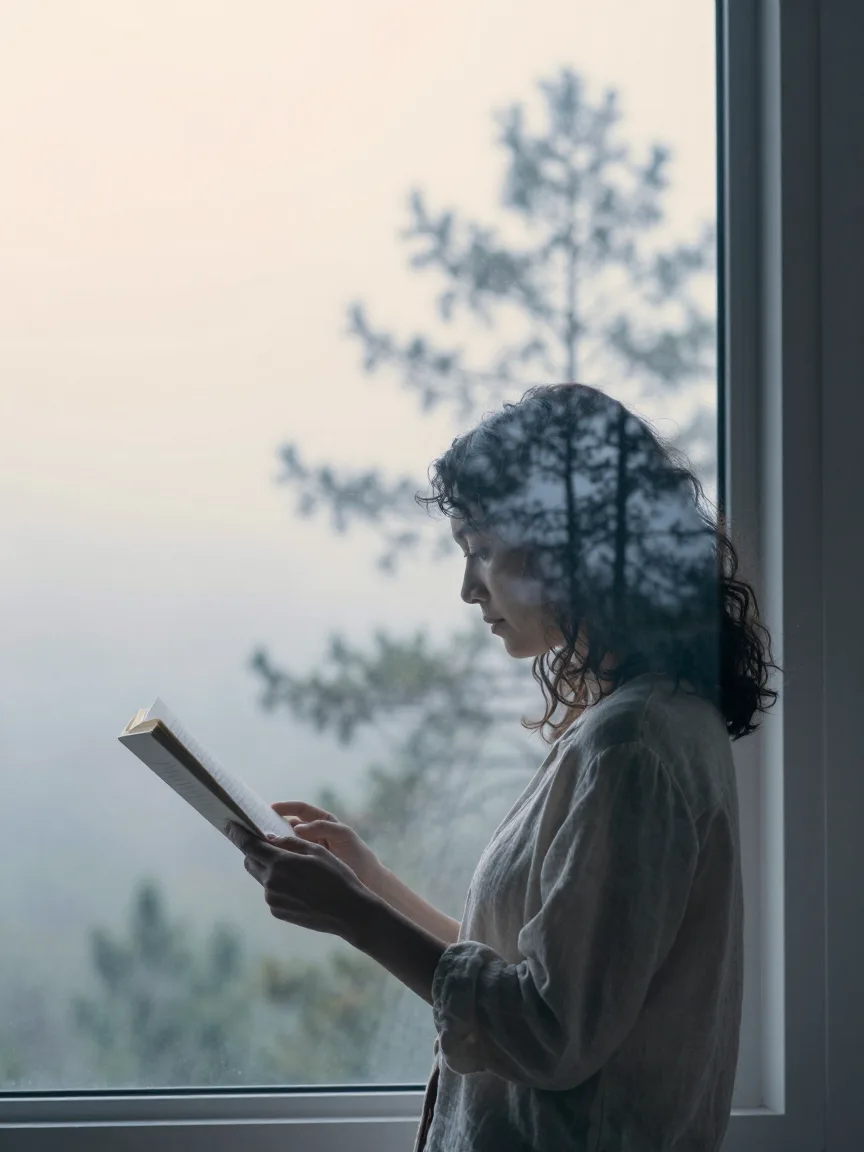
  • The test subject with no style, made with Seedream 5.0 Pro
    No style
    Sample in the Double Exposure Dusk style, made with Seedream 5.0 Pro
    With Double Exposure Dusk

    Seedream 5.0 Pro

  • The test subject with no style, made with Seedream 5.0 Pro
    No style
    Sample in the Double Exposure Dusk style, made with Seedream 5.0 Pro
    With Double Exposure Dusk

    Seedream 5.0 Pro

  • The test subject with no style, made with Seedream 5.0 Pro
    No style
    Sample in the Double Exposure Dusk style, made with Seedream 5.0 Pro
    With Double Exposure Dusk

    Seedream 5.0 Pro

Samples

The same fixed test subjects run through every style, so you see what Double Exposure Dusk does rather than what the subject brings.

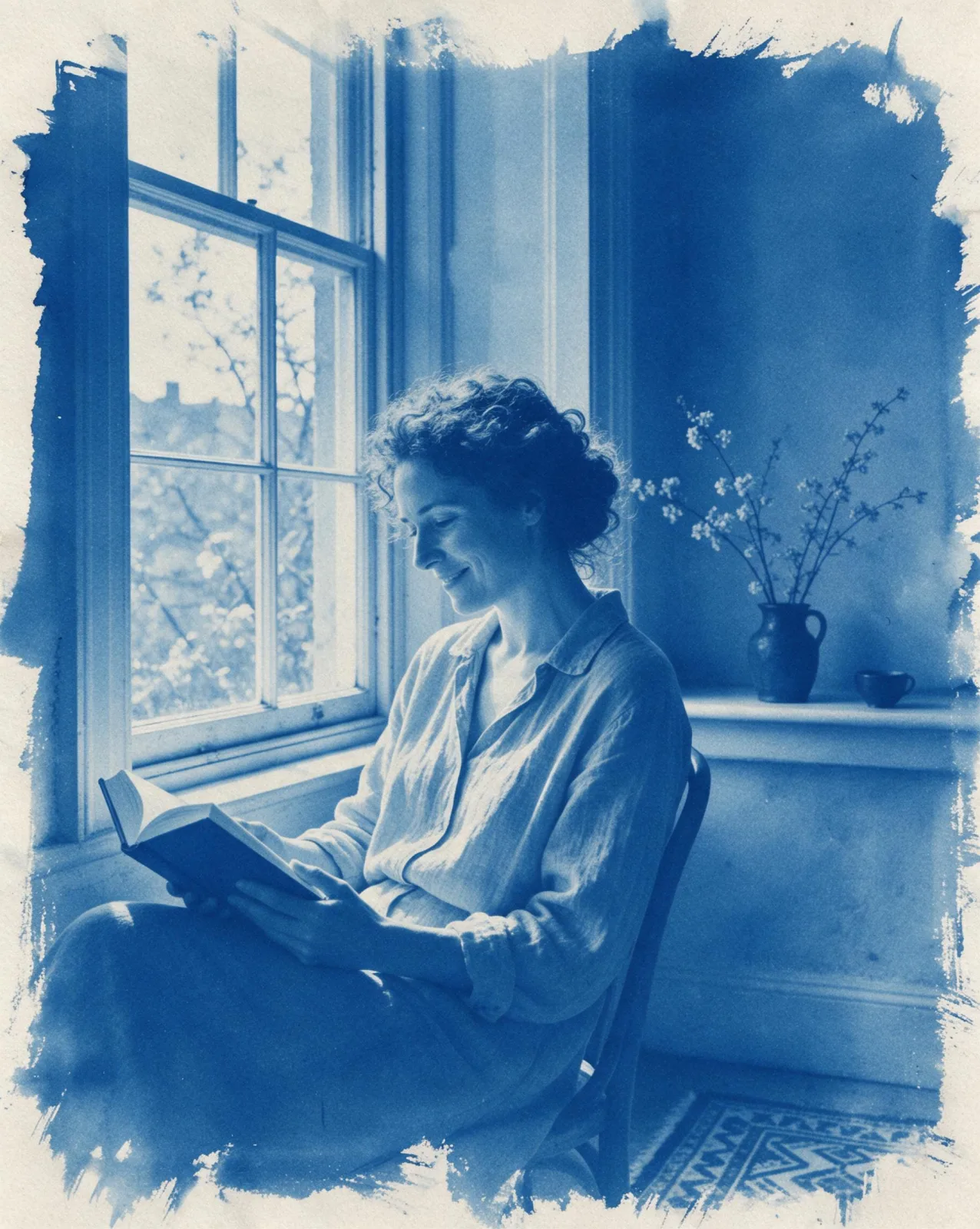
  • Sample in the Double Exposure Dusk style, made with Z-Image
    Z-Image

About Double Exposure Dusk

Double Exposure Dusk layers two pictures into one. The outline of your subject becomes a window, and through it you see a misty pine forest at dusk; where the two images overlap, they blend into soft, see-through tones of cool blue and peach. Around the silhouette the frame stays pale and open, so the shape reads clearly from across a room.

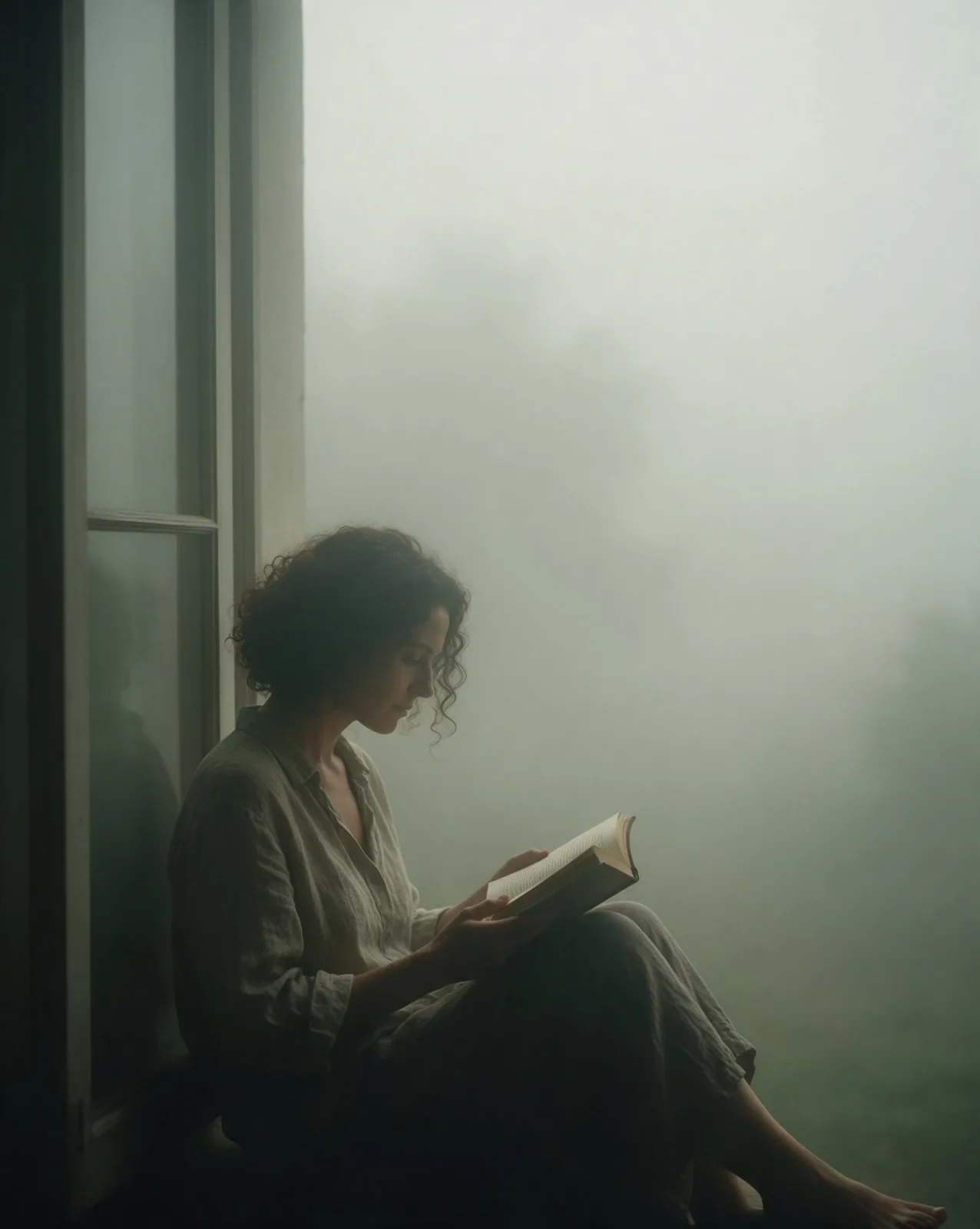
You write the subject and the style supplies the second exposure. It works best with a clear outline: a profile, a figure standing still, an animal sitting upright, a building against the sky. A woman reading by a window, a man turning up his collar or a cat on a sill all become quiet, dreamlike portraits of a person and a place at once.

Use it for book covers, album art, event posters, memorial and tribute pieces, and any image about memory, travel or belonging. It is less suited to busy group scenes, where the silhouettes merge into one another.

For this composition, we recommend 3:4, with 4:5 as another framing option. Because the style replaces part of the picture with a second image, it runs as text-to-image only. Open “What’s sent” to see how your subject is wrapped; if you want a different second exposure — a city skyline, waves, a field of flowers — switch to plain text and replace “misty pine forest at dusk” with your own scene.

Subjects to paste as they are: “a woman in profile reading a book”, “a man standing still with his collar turned up”, “a cat sitting upright on a windowsill”. Simple, upright shapes give the forest the clearest window.

Finishes that work on top: Film Grain for an analog print, Soft Bloom for an even hazier dusk.
Tips that make it land

  • Profiles and upright figures work best. The clearer the outline, the cleaner the blend.
  • Keep the background plain in your subject. The style supplies the second image; a busy room competes with it.
  • Swap the forest for your own scene by editing the prompt as text: a coastline, a city at night, a mountain ridge.
  • One subject at a time. Two overlapping figures turn into a single confusing shape.
  • For a tribute or memory piece, pair a person with a place that matters to them by naming it in plain text.

The prompt it sends

Your sentence goes where {subject} sits. Everything around it is the style. Nothing is hidden, and we never filter your prompt.

{subject}, double exposure photograph blending the silhouette with a misty pine forest at dusk, soft overlapping transparency, cool blue and peach palette, clean pale negative space, quiet dreamlike mood

Prompt ideas for Double Exposure Dusk

Scenes from our prompt library that suit this look. Borrow the idea as your subject line; the style adds the rest.

Nature & landscapes

  • Shirt flared like wings on a salt flat at sunriseKrea 2 Large
  • Turn a frozen aurora night into a midsummer eveningSeedream 5.0 Pro
  • Move a studio portrait onto a frozen lake at blue hourWan 2.7

Fantasy

Models it works on

Every model below was tested with this style. The price is per image and shows on the Generate button before you run.

How to use Double Exposure Dusk

  1. 01

    Write who or what

    Write one plain sentence for your Double Exposure Dusk image: who or what is in it and what is happening. The style brings the light, color and medium, so leave those out.

  2. 02

    Keep Double Exposure Dusk on

    It is already selected at the top of this page and lands best on Seedream 5.0 Pro, the model it was tuned on. It builds the whole scene from your text.

  3. 03

    Generate

    From $0.01 per image, shown on the button before you run. Pick your favorite Double Exposure Dusk frame, then edit it, restyle it or make it move from the result.

Questions about Double Exposure Dusk

Make video

Styles are for stills. These effects start from one photo and add a single deliberate move.

Read next