Glossy Anime AI Illustration Generator: Glossy Glass Anime

Effects
Glossy Glass Anime

Glossy Glass Anime

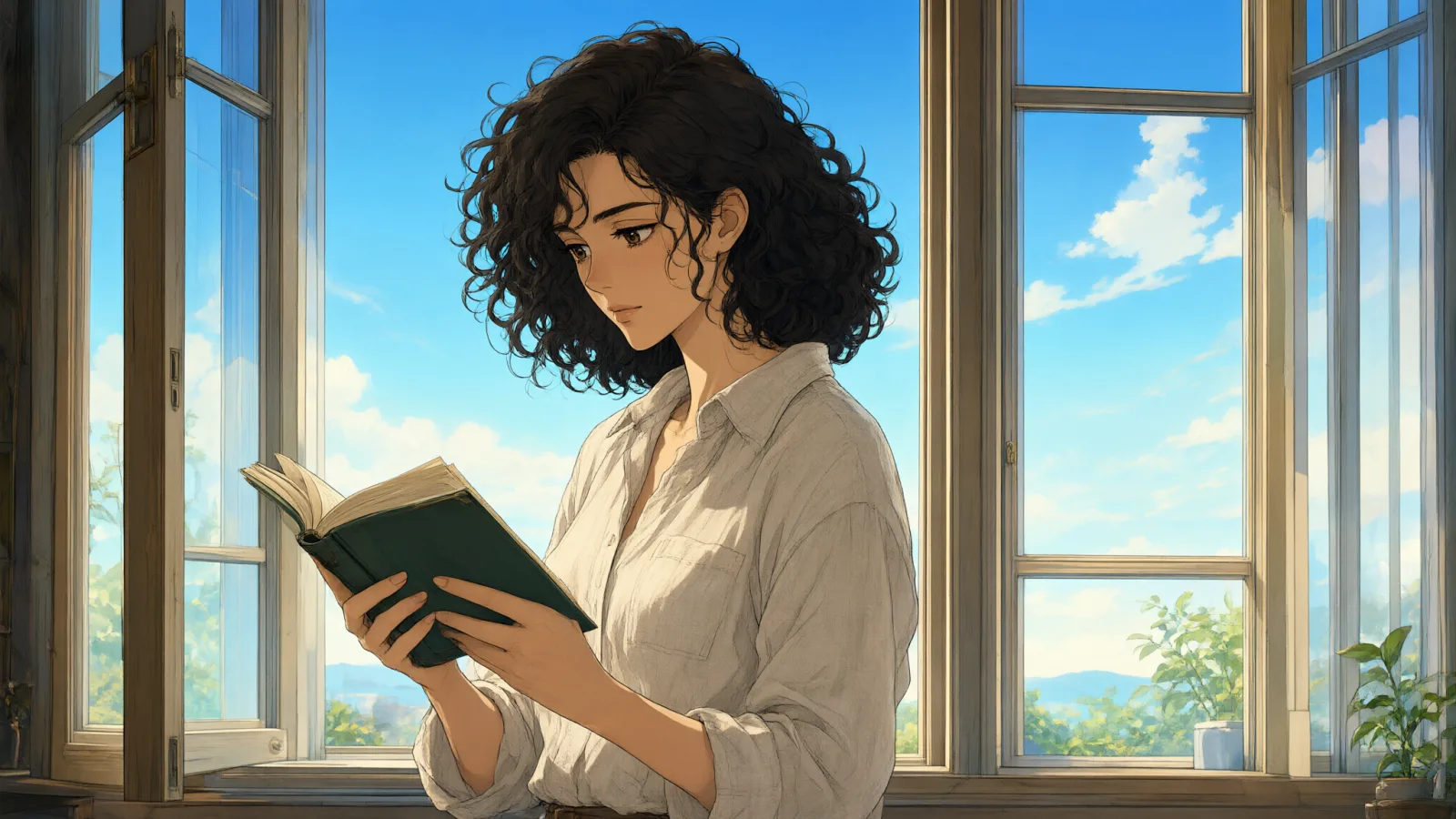
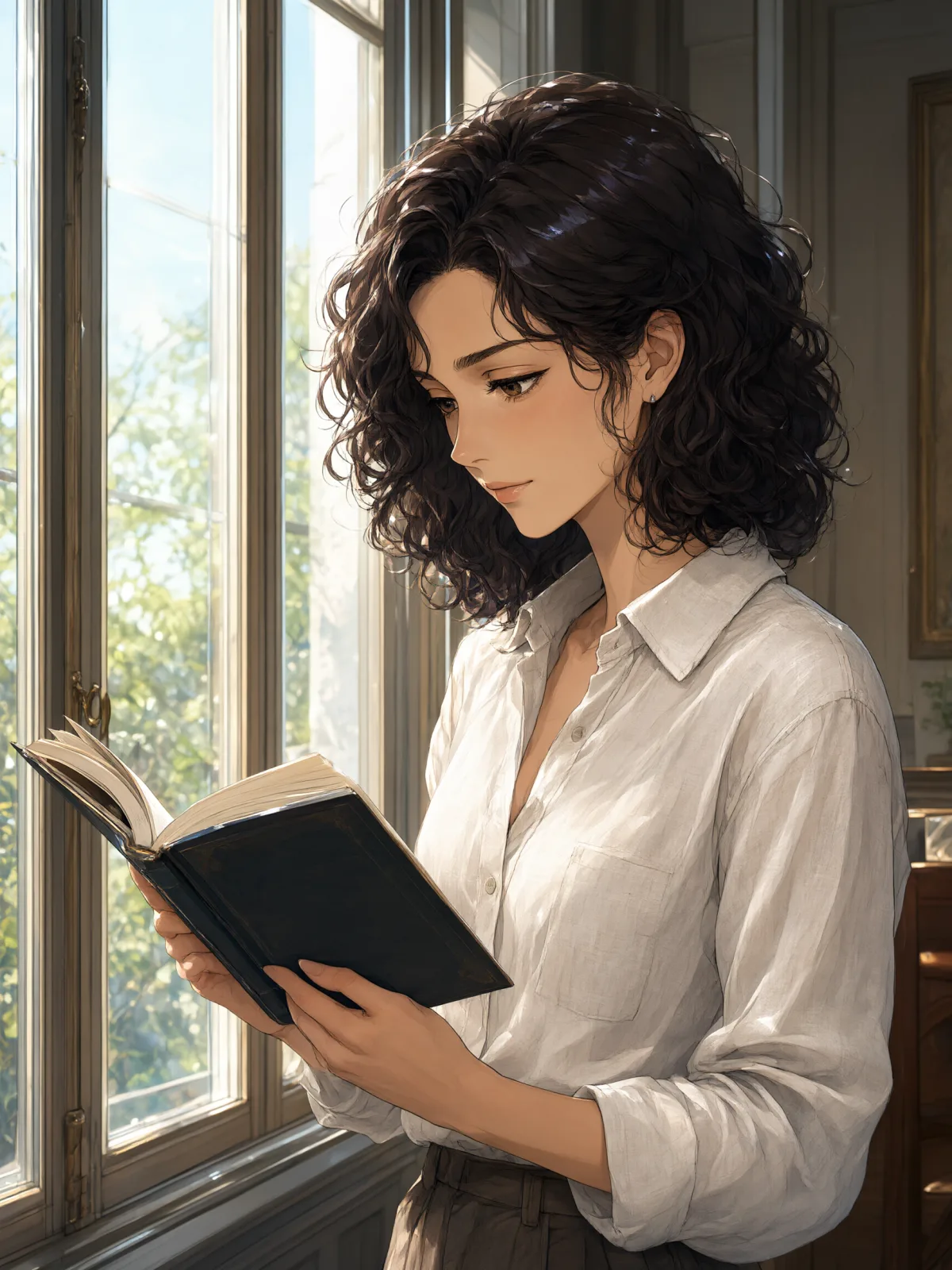
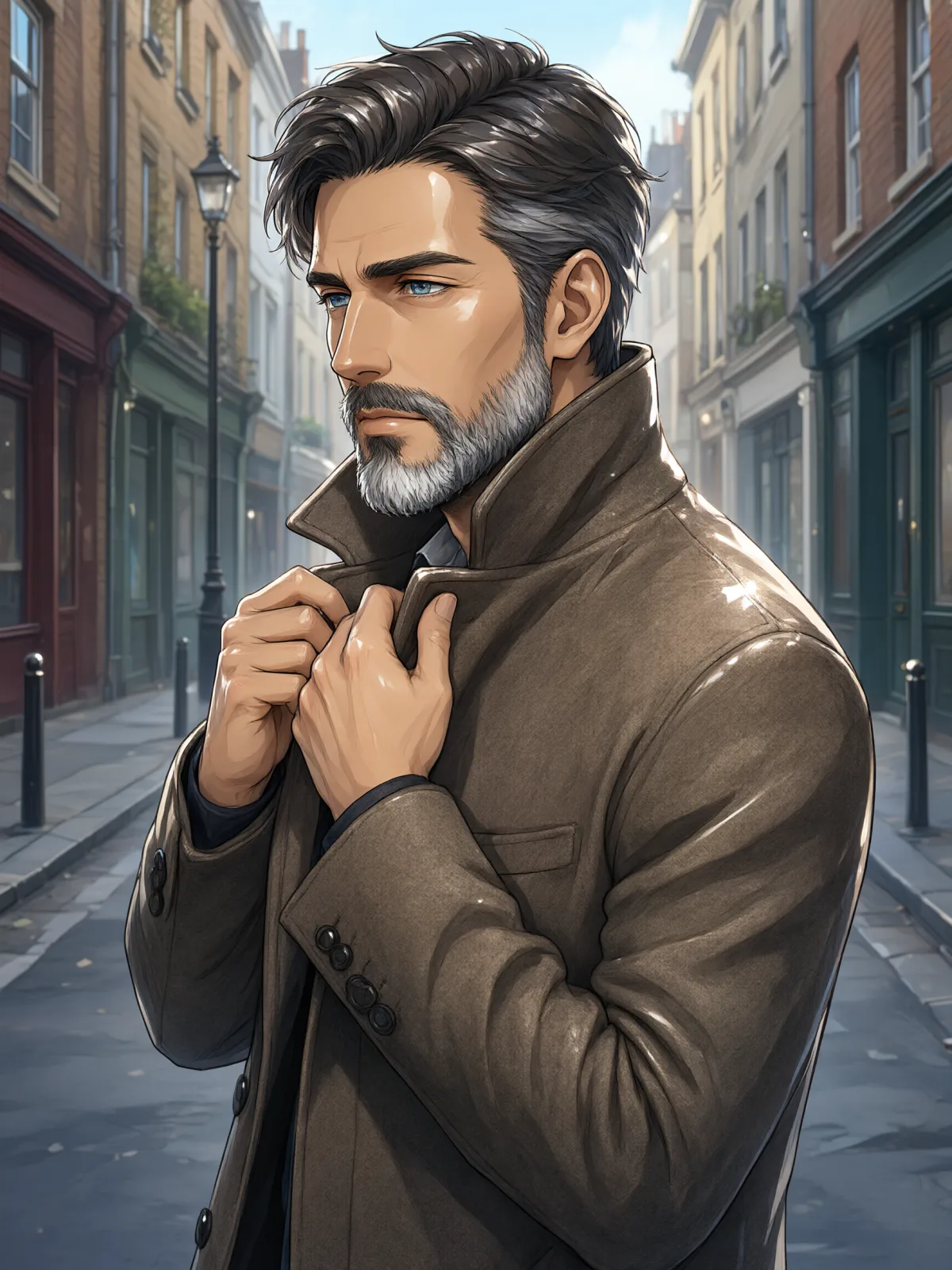
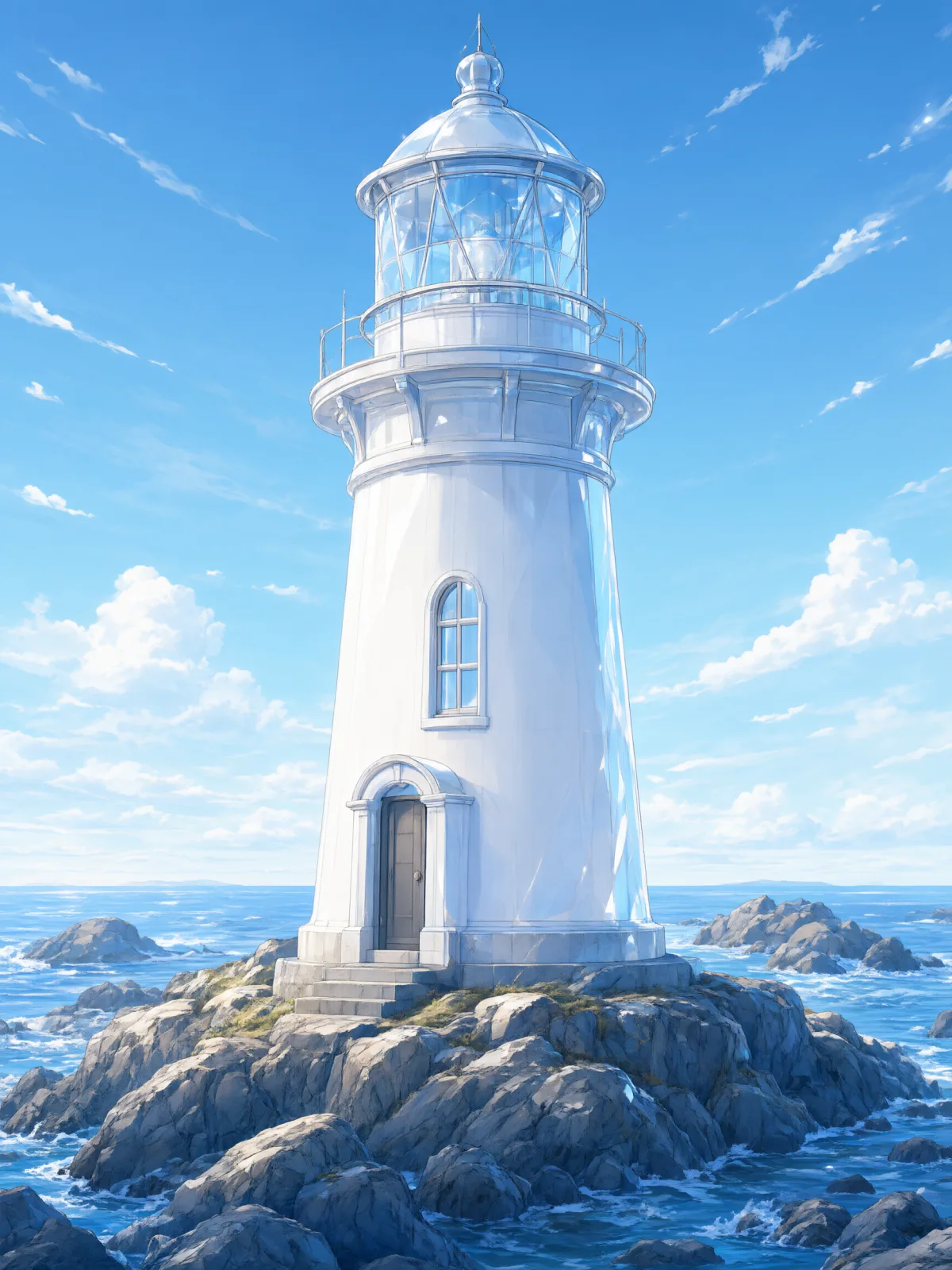
A glossy cel-shaded anime illustration: crisp clean line art, glass-like specular highlights, translucent layered color and luminous jewel tones.

Works on

  • Seedream 5.0 ProBest$0.036 / image
  • Qwen Image 3.0$0.03 / image
  • Anima Turbo$0.012 / image
  • Anima Turbo LoRA$0.018 / image
  • + 20 more models

Related styles

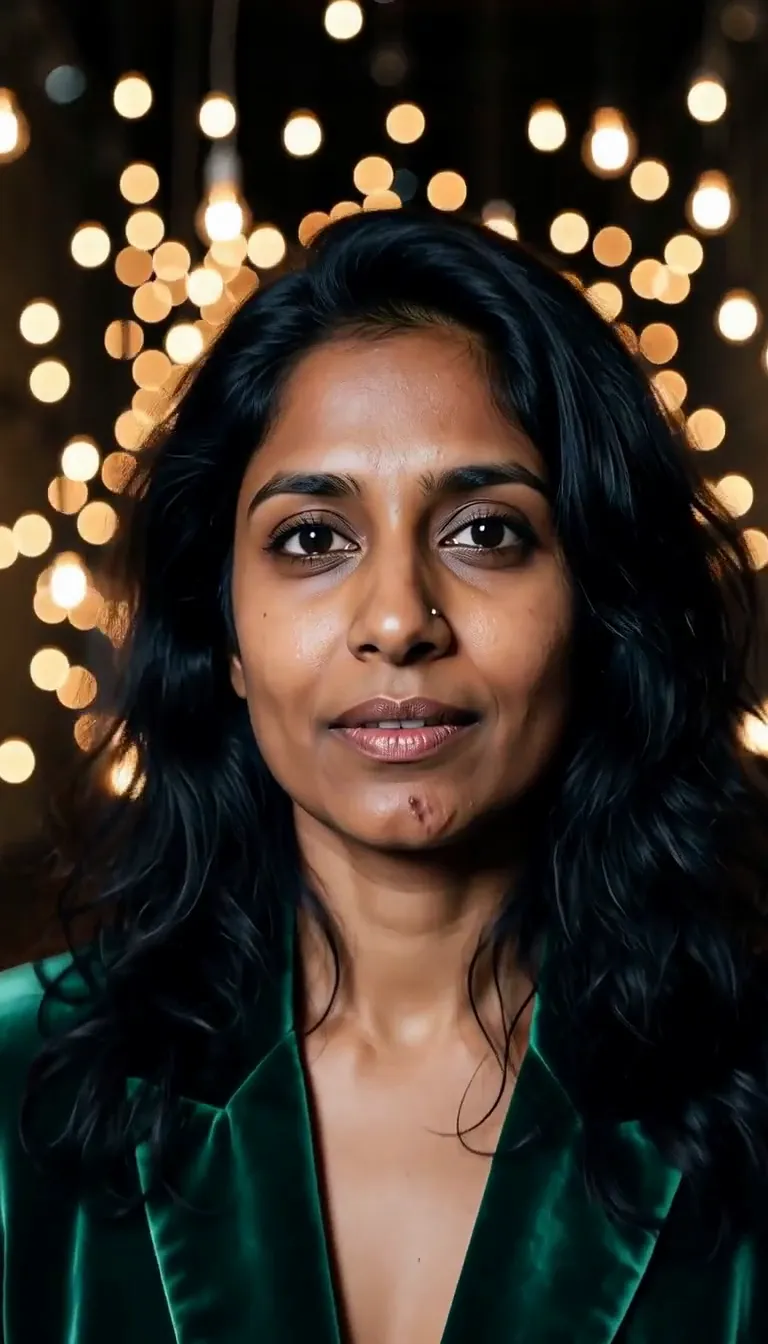
Same person, same prompt — only the style changes

2000s Digicam
After Midnight Flash
Candlelit Velvet
Cinematic Gothic
Late-Night Hotel
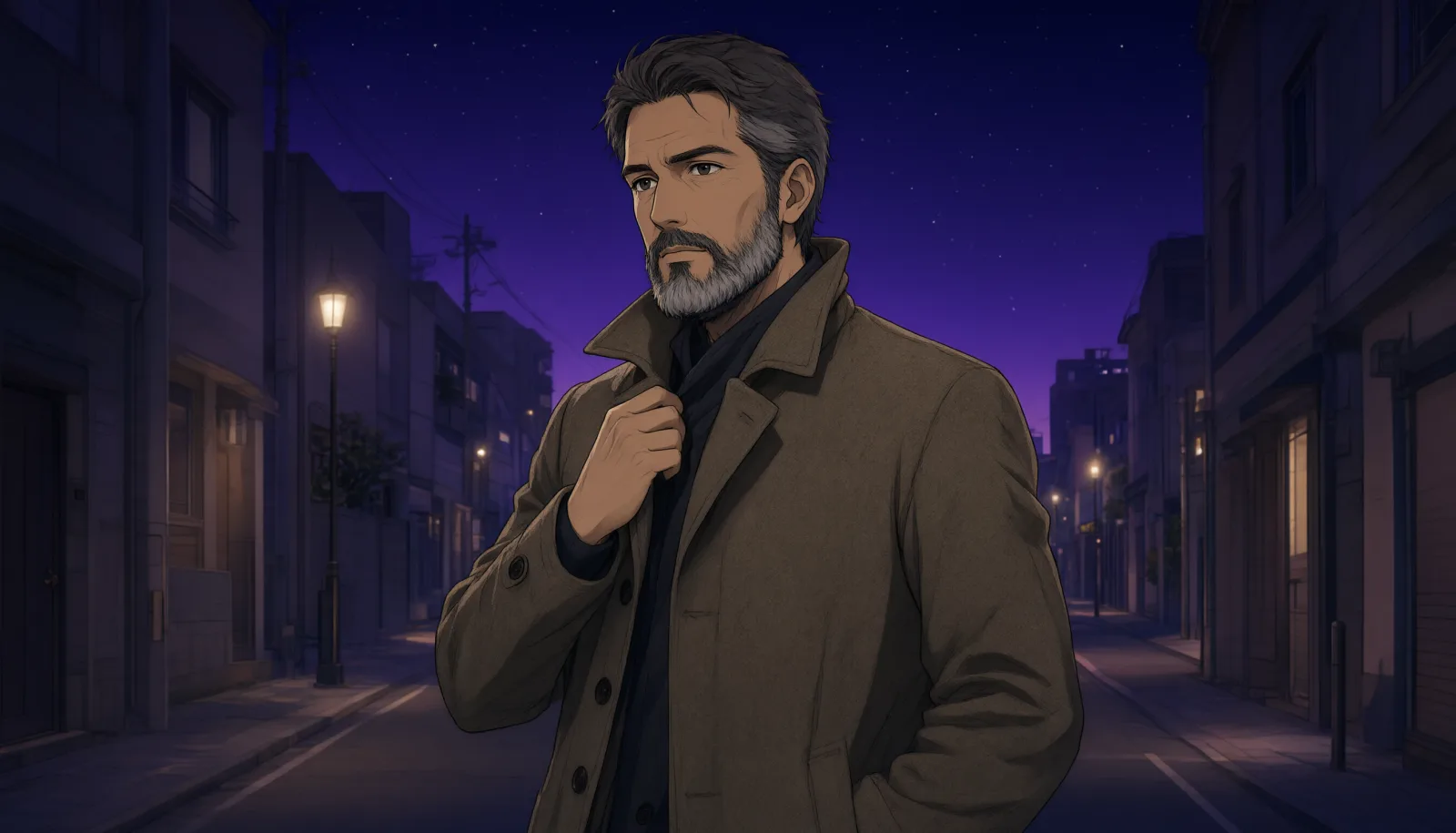
Late-Night OVA
Moonlit Voile
Neon After Rain
After-Con Neon
Afterglow Pool
Airbrush Pin-up
Blush Neon
Brass Reflections
Anime Key Visual
Manhwa Action
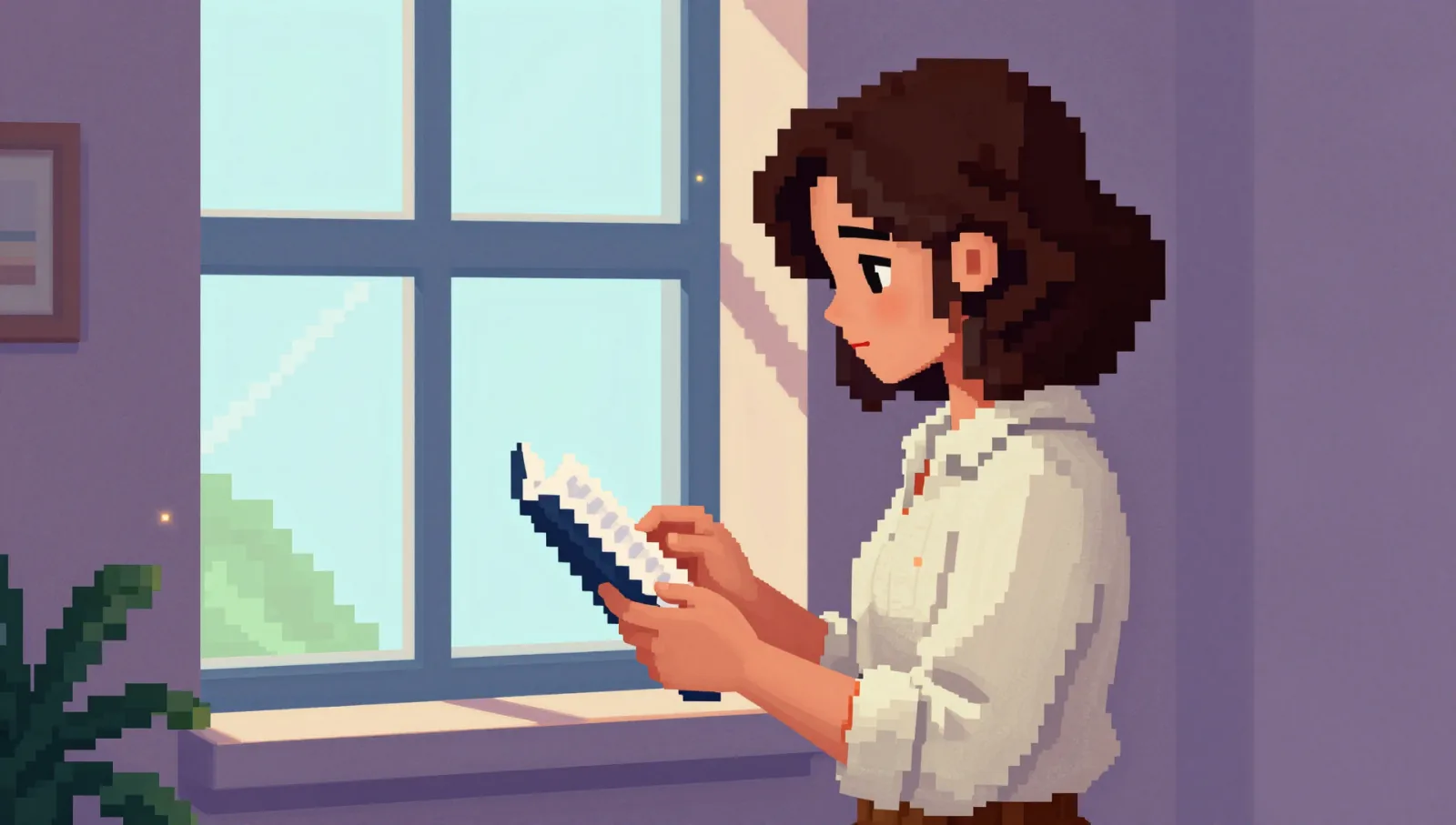
16-Bit Pixel
Cel Night Frame
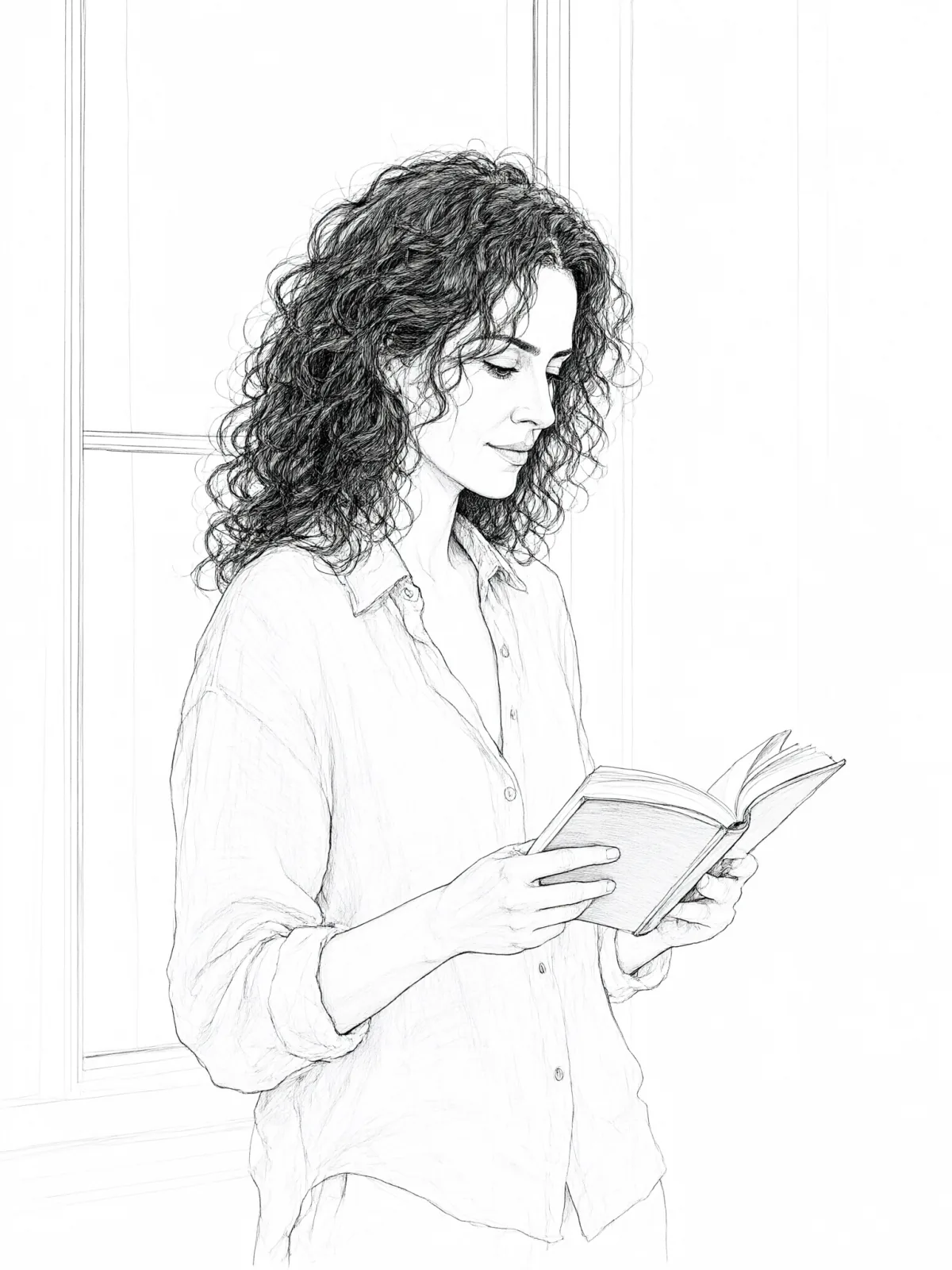
Clean Line Art
Die-Cut Sticker
Flat Pastel Anime
Glossy Glass Anime
Instant Film
Sign up to generate

We never filter your prompt.

A glossy cel-shaded anime illustration: crisp clean line art, glass-like specular highlights, translucent layered color and luminous jewel tones.

17 runs in the studio

Category
Anime
Works on
39 models
Price
From $0.01 / image
Suggested frame
3:4 · 2:3
Your own photo
Yes, restyles an upload
Doesn't stack with
Monochrome

Same subject, with and without it

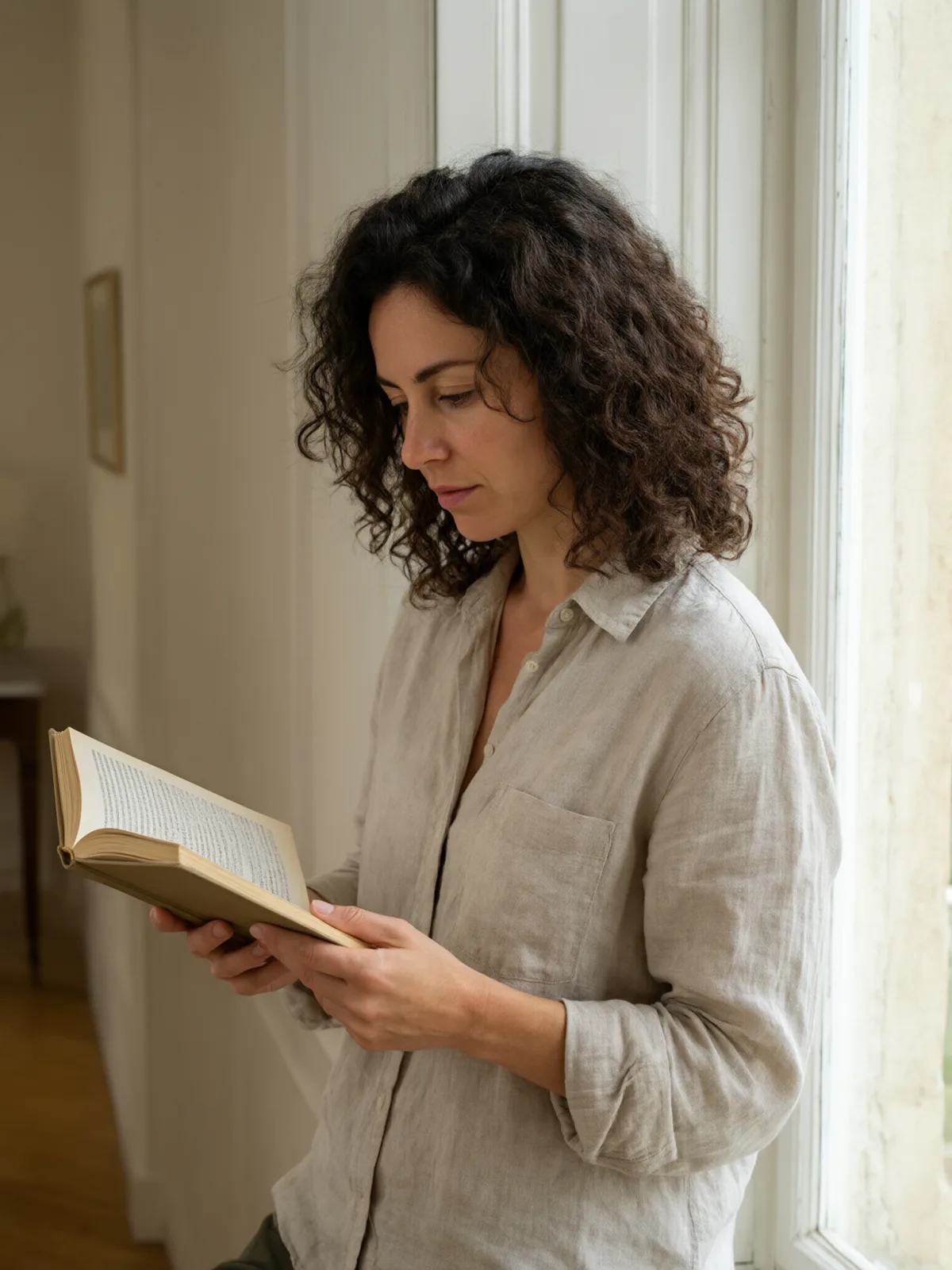
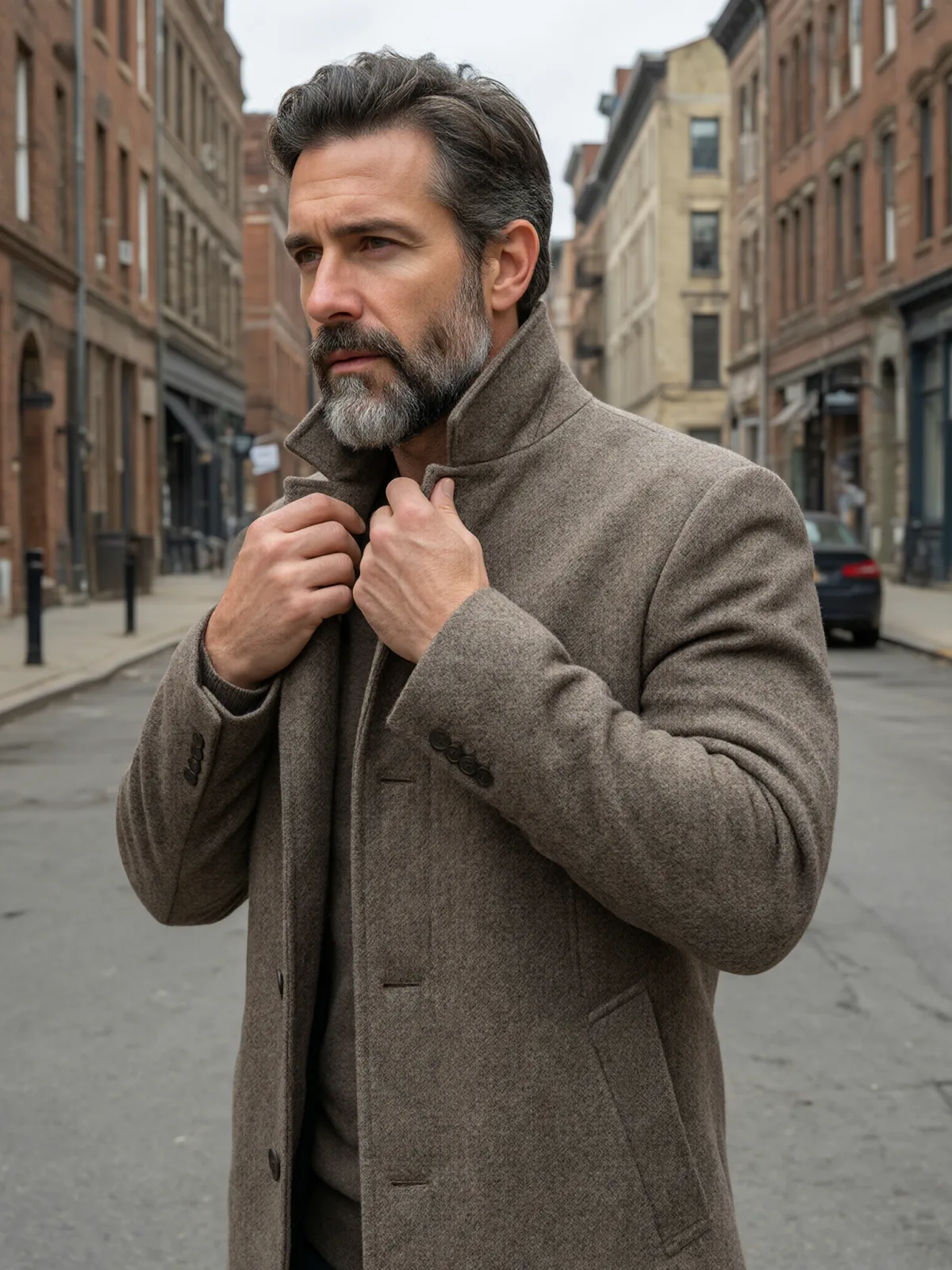
Each pair is the same sentence on the same model. The left frame has no style; the right one is Glossy Glass Anime. That gap is what the style adds.

  • The test subject with no style, made with Seedream 5.0 Pro
    No style
    Sample in the Glossy Glass Anime style, made with Seedream 5.0 Pro
    With Glossy Glass Anime

    Seedream 5.0 Pro

  • The test subject with no style, made with Qwen Image 3.0
    No style
    Sample in the Glossy Glass Anime style, made with Qwen Image 3.0
    With Glossy Glass Anime

    Qwen Image 3.0

  • The test subject with no style, made with Qwen Image 3.0
    No style
    Sample in the Glossy Glass Anime style, made with Qwen Image 3.0
    With Glossy Glass Anime

    Qwen Image 3.0

  • The test subject with no style, made with Qwen Image 3.0
    No style
    Sample in the Glossy Glass Anime style, made with Qwen Image 3.0
    With Glossy Glass Anime

    Qwen Image 3.0

Samples

The same fixed test subjects run through every style, so you see what Glossy Glass Anime does rather than what the subject brings.

  • Sample in the Glossy Glass Anime style, made with Qwen Image 3.0
    Qwen Image 3.0

About Glossy Glass Anime

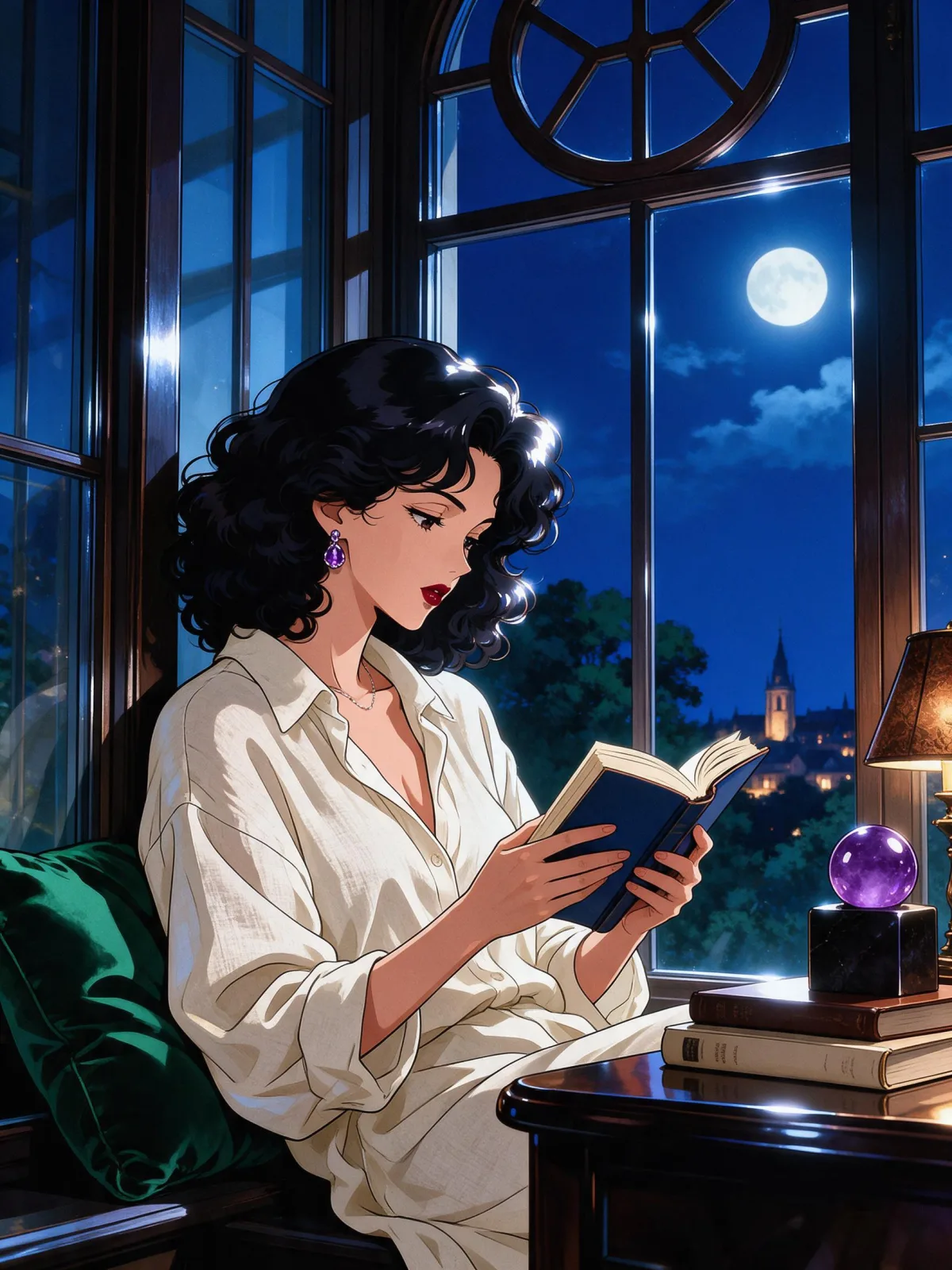
Glossy Glass Anime draws the subject as a polished, modern anime illustration. The line art is crisp and clean, the shading is cel-style with hard edges, and every surface carries bright, glass-like highlights, as if hair, eyes and fabric had been lacquered. Colors are laid in translucent layers, so light seems to pass through them, and the palette leans toward jewel tones: sapphire, emerald, amethyst and ruby. The result feels bright, precious and very finished, like a limited-edition key art print.

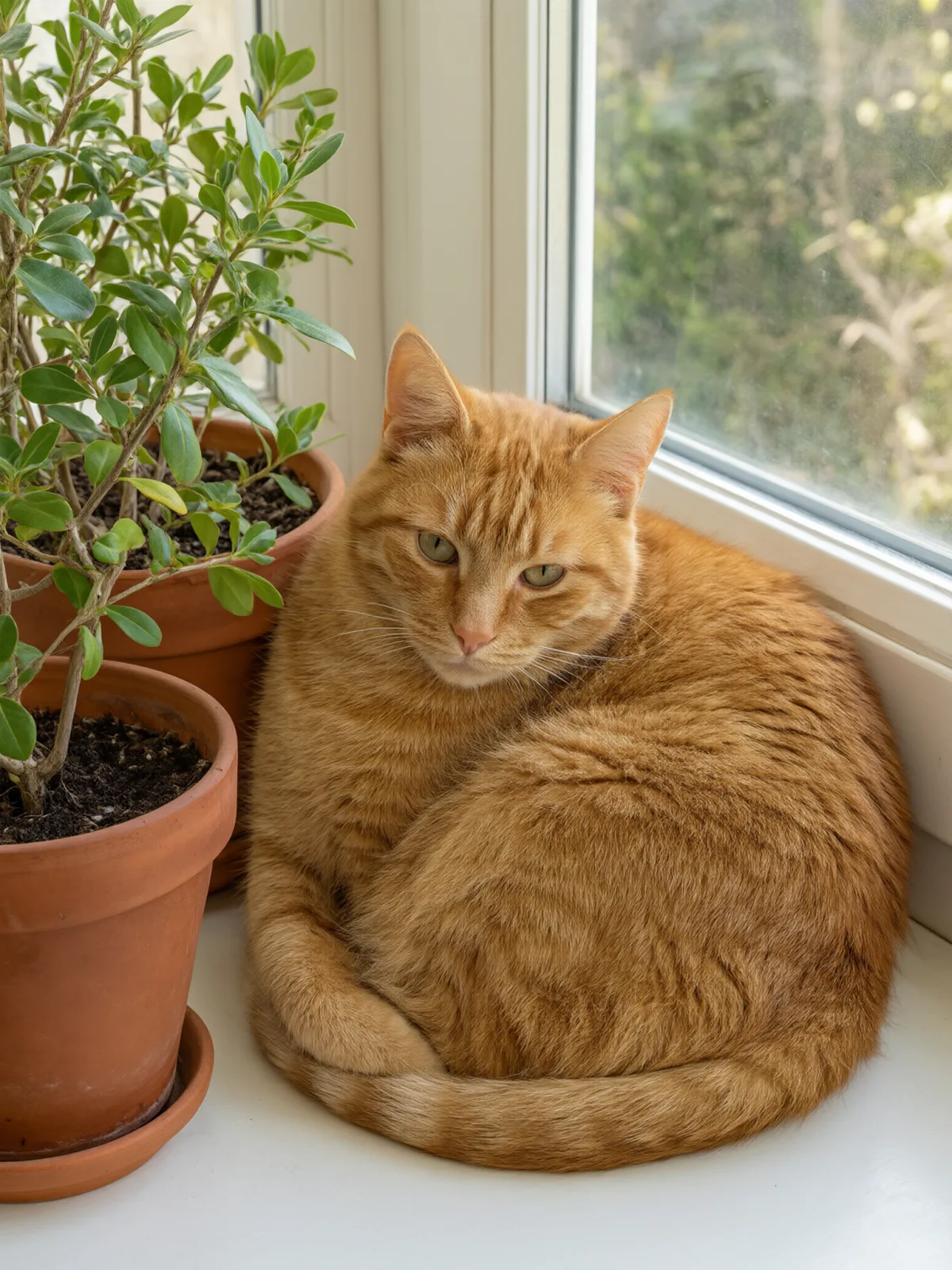
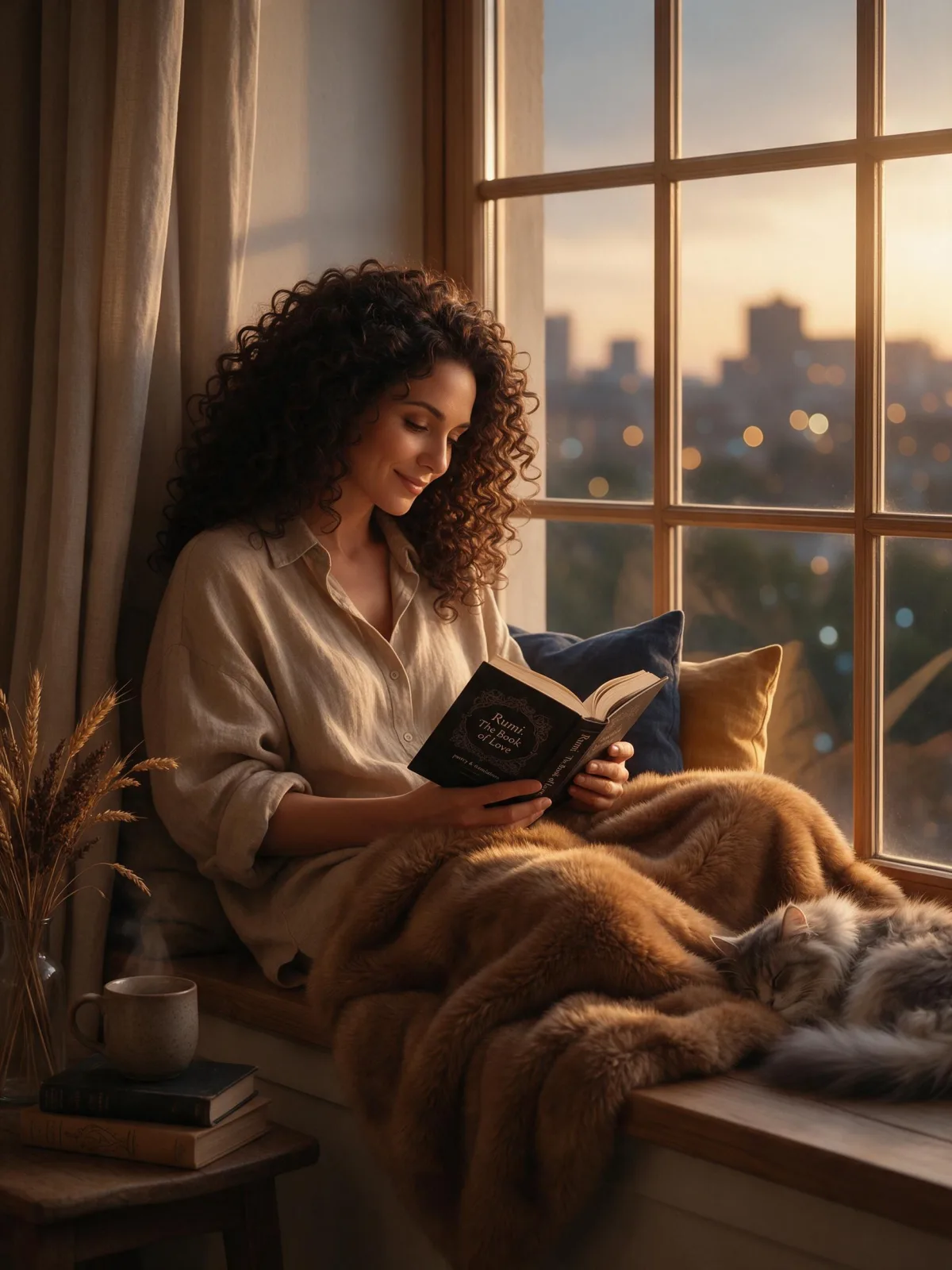
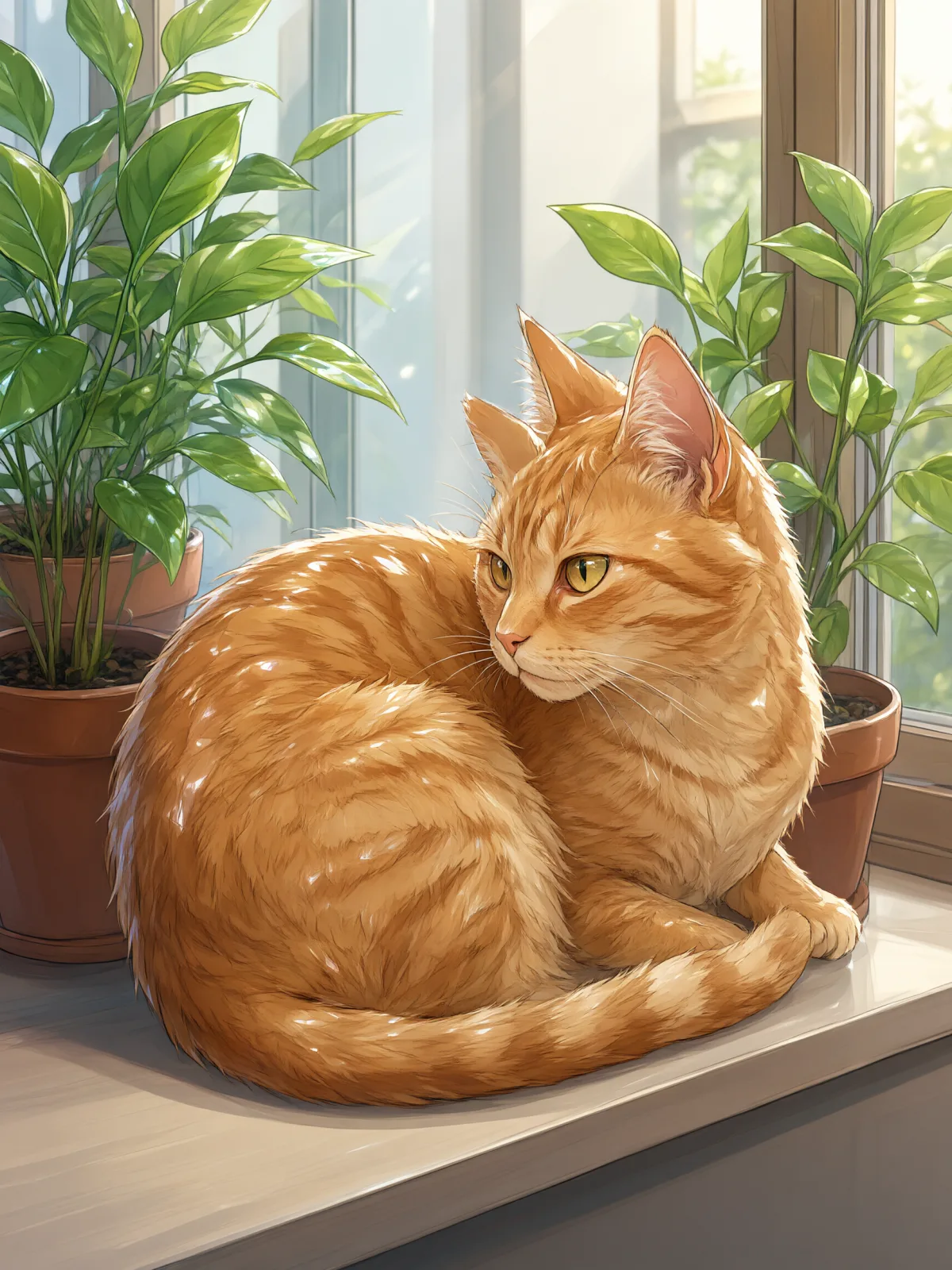
You write the subject; the style supplies the drawing and the shine. It suits characters most of all, but works on animals and objects too: a woman reading by a window with glinting hair, a man in a long coat with lacquered highlights, a cat whose eyes shine like gems, a lighthouse drawn like stained glass. Clear shapes and a single light source make the gloss pop.

Use it for character art, avatars and profile pictures, stream and event graphics, album covers, and eye-catching social posts. For wide, cinematic anime posters, use Anime Key Visual; for half-real, painted anime faces, 2.5D Semi-Real; for soft, flat webcomic color, Soft Webtoon.

For this composition, we recommend 3:4, with 2:3 as another framing option. Glossy Glass Anime also works on an uploaded image: in image-to-image mode it redraws your photo as a glossy cel-shaded illustration with glass-like highlights, and keeps the composition, pose and clothing unchanged.

Subjects to paste as they are: “an adult woman in a cropped denim jacket holding a glass of soda”, “an adult man in a long dark coat on a rooftop at dusk”, “a cat with bright green eyes on a windowsill”. Anything shiny, from glasses to jewelry to rain, gets extra sparkle.

Finishes that work on top: Golden Hour for warm sunset light, Soft Bloom for a dreamier glow around the highlights. Monochrome is switched off, because the jewel-tone color is the whole point of the style.

Tips that make it land

  • Give the scene one clear light source, like a window or a lamp. Glossy highlights need a direction to shine from.
  • Shiny details sparkle most: glasses, earrings, raindrops, soda bottles, polished shoes.
  • Pick a jewel tone and name it in the subject, such as “in a sapphire blue jacket”, for a stronger palette.
  • For uploads, clear portraits with good lighting convert best; busy group shots lose the gloss.
  • Want it softer? Add “with pastel colors” and the jewel tones lighten.

The prompt it sends

Your sentence goes where {subject} sits. Everything around it is the style. Nothing is hidden, and we never filter your prompt.
{subject}, glossy anime illustration, cel-shaded anime art style with crisp clean line art, specular glass-like highlights, translucent layered color, jewel tones, luminous polished finish

With your own photo

When you add a reference image, this wording is sent instead, so your composition stays and the look changes.

Redraw the image as a glossy cel-shaded anime illustration with crisp clean line art, specular glass-like highlights, translucent layered color and jewel tones. {subject}. Keep the composition, pose and clothing unchanged.

Prompt ideas for Glossy Glass Anime

Scenes from our prompt library that suit this look. Borrow the idea as your subject line; the style adds the rest.

Anime & illustration

Models it works on

Every model below was tested with this style. The price is per image and shows on the Generate button before you run.
How to use Glossy Glass Anime

  1. 01

    Write who or what

    Write one plain sentence for your Glossy Glass Anime image: who or what is in it and what is happening. The style brings the light, color and medium, so leave those out.

  2. 02

    Keep Glossy Glass Anime on

    It is already selected at the top of this page and lands best on Seedream 5.0 Pro, the model it was tuned on. Add a photo if you want your composition kept and only the look changed.

  3. 03

    Generate

    From $0.01 per image, shown on the button before you run. Pick your favorite Glossy Glass Anime frame, then edit it, restyle it or make it move from the result.

Questions about Glossy Glass Anime

Make video

Styles are for stills. These effects start from one photo and add a single deliberate move.

Read next