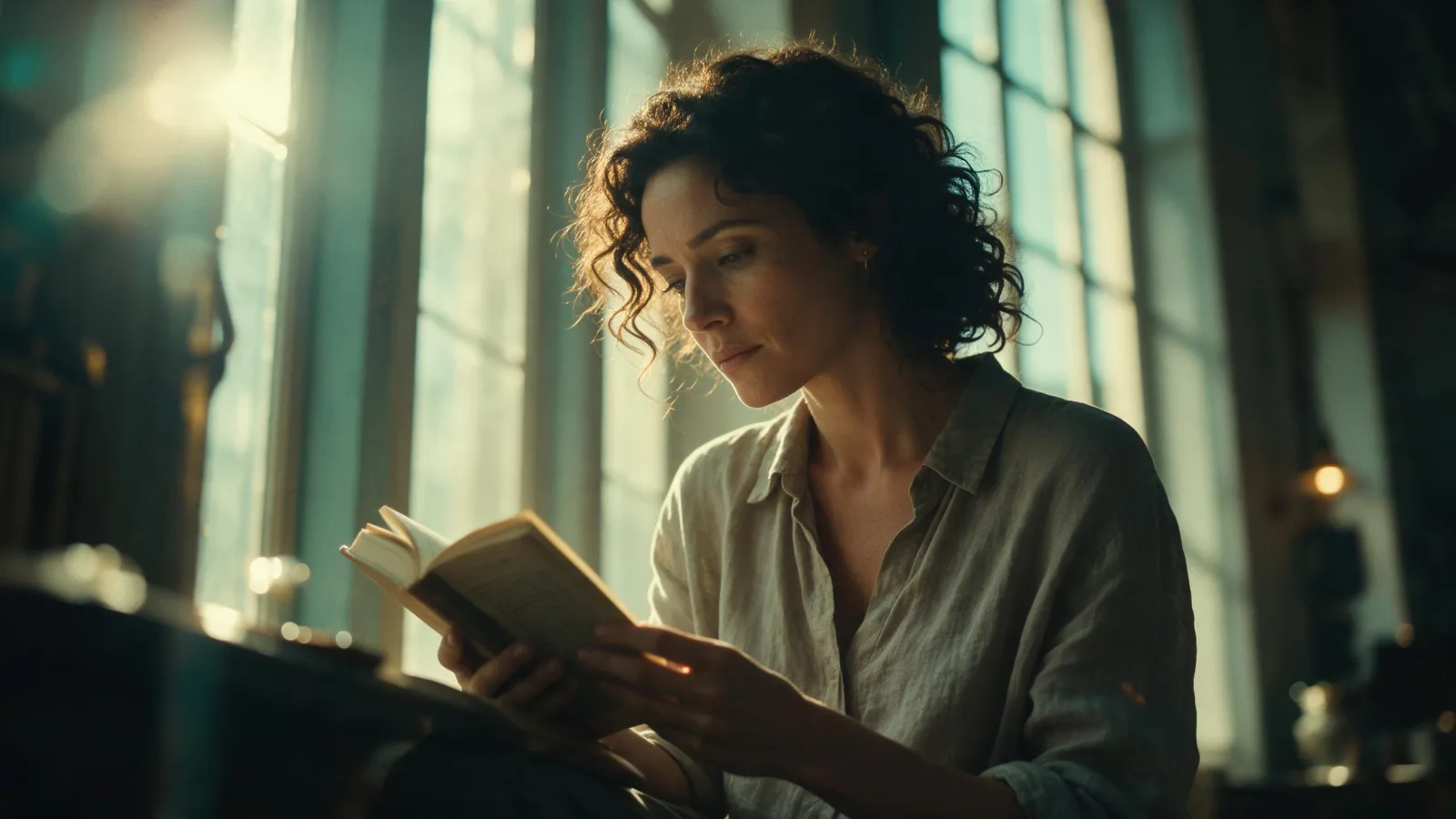
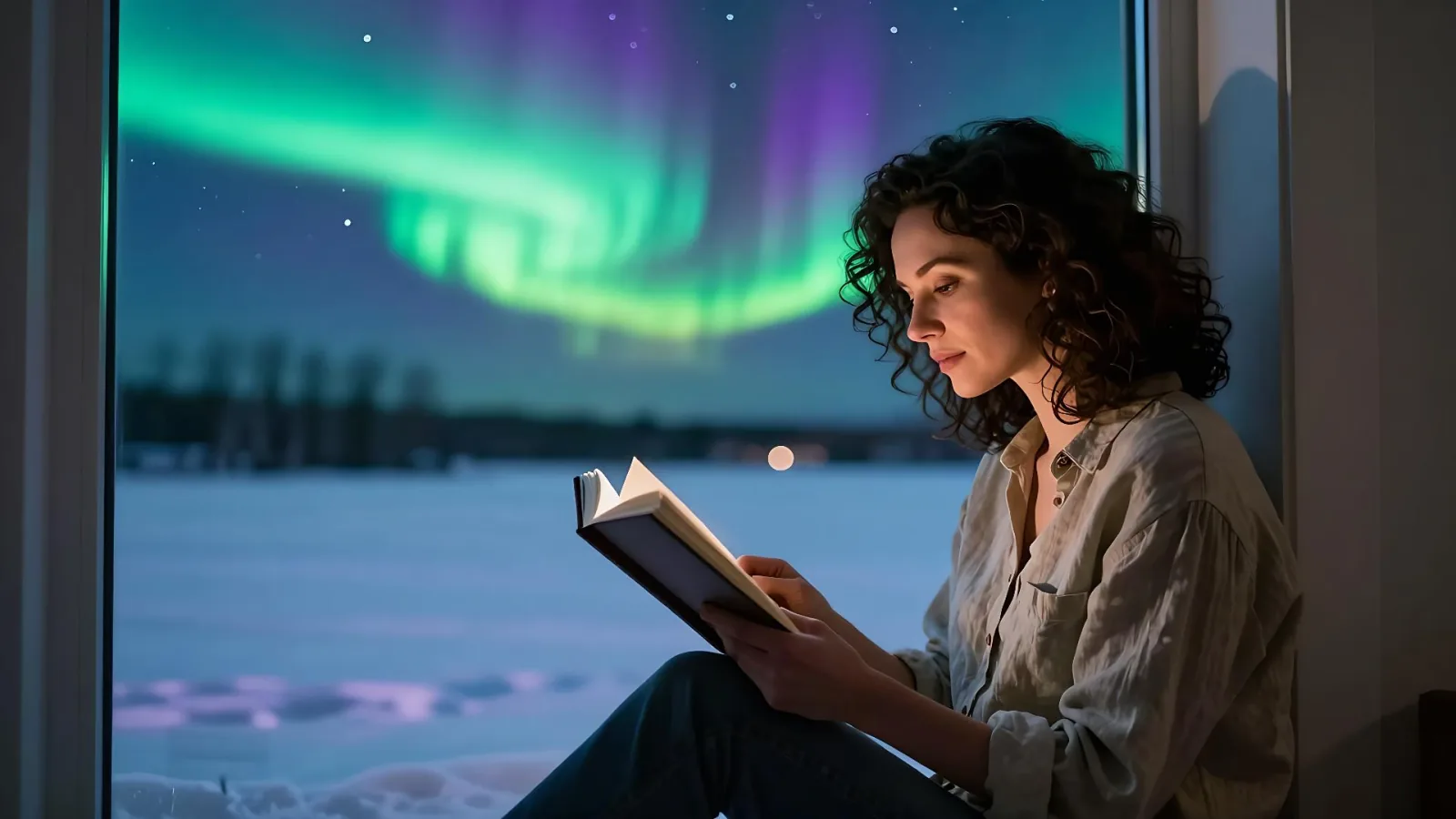
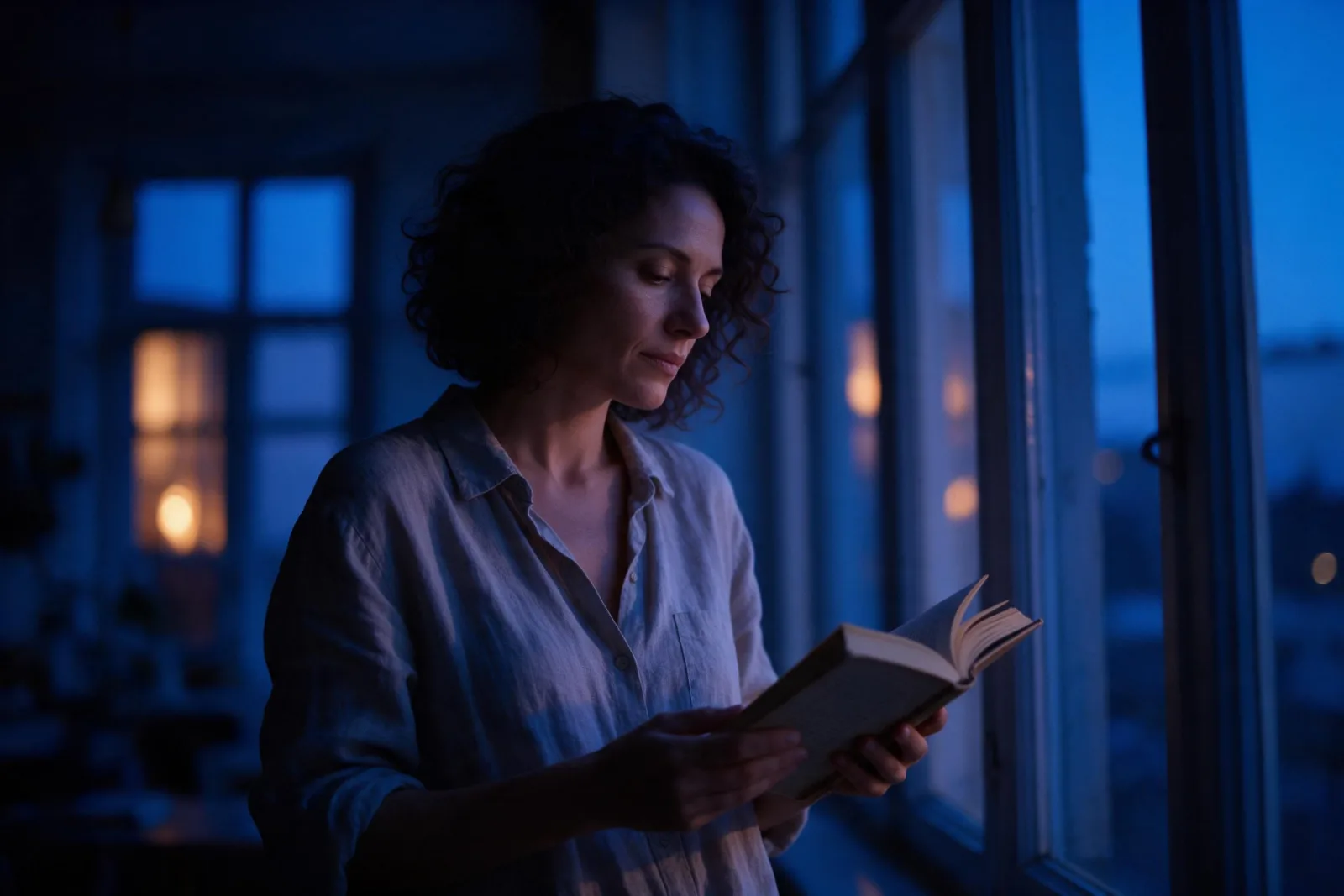
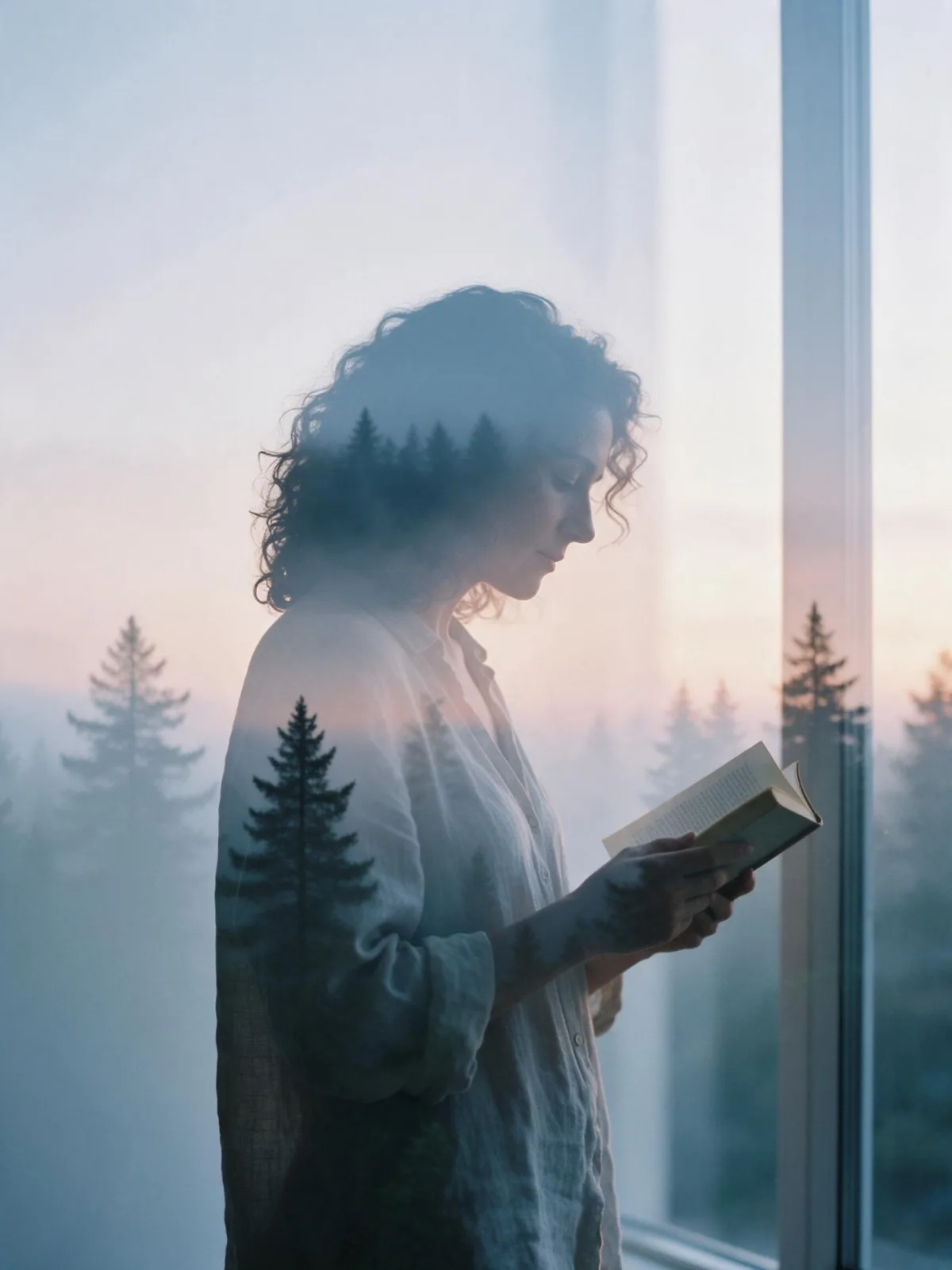
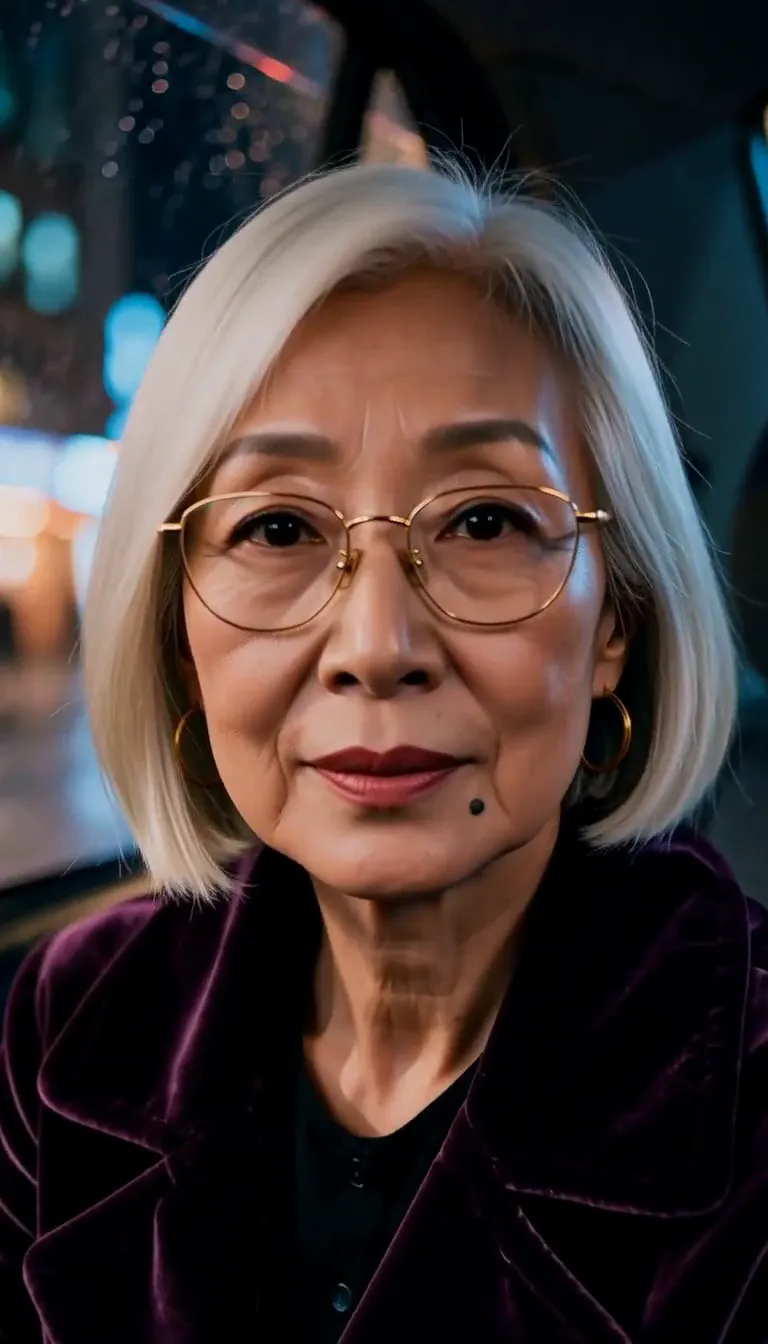
Theatrical Spotlight AI Photo Generator: Stage Spotlight Haze

Effects
Stage Spotlight Haze

Stage Spotlight Haze

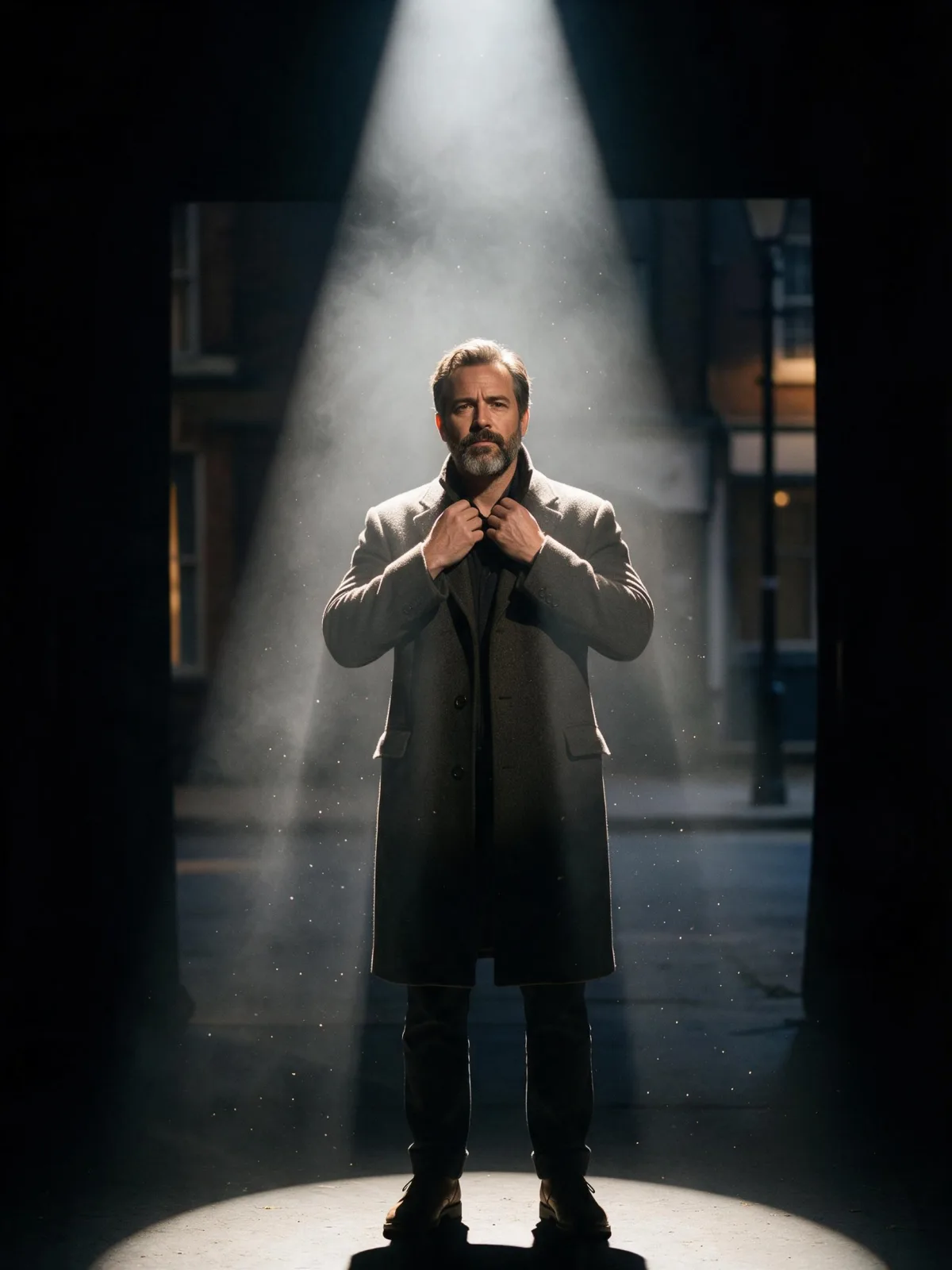
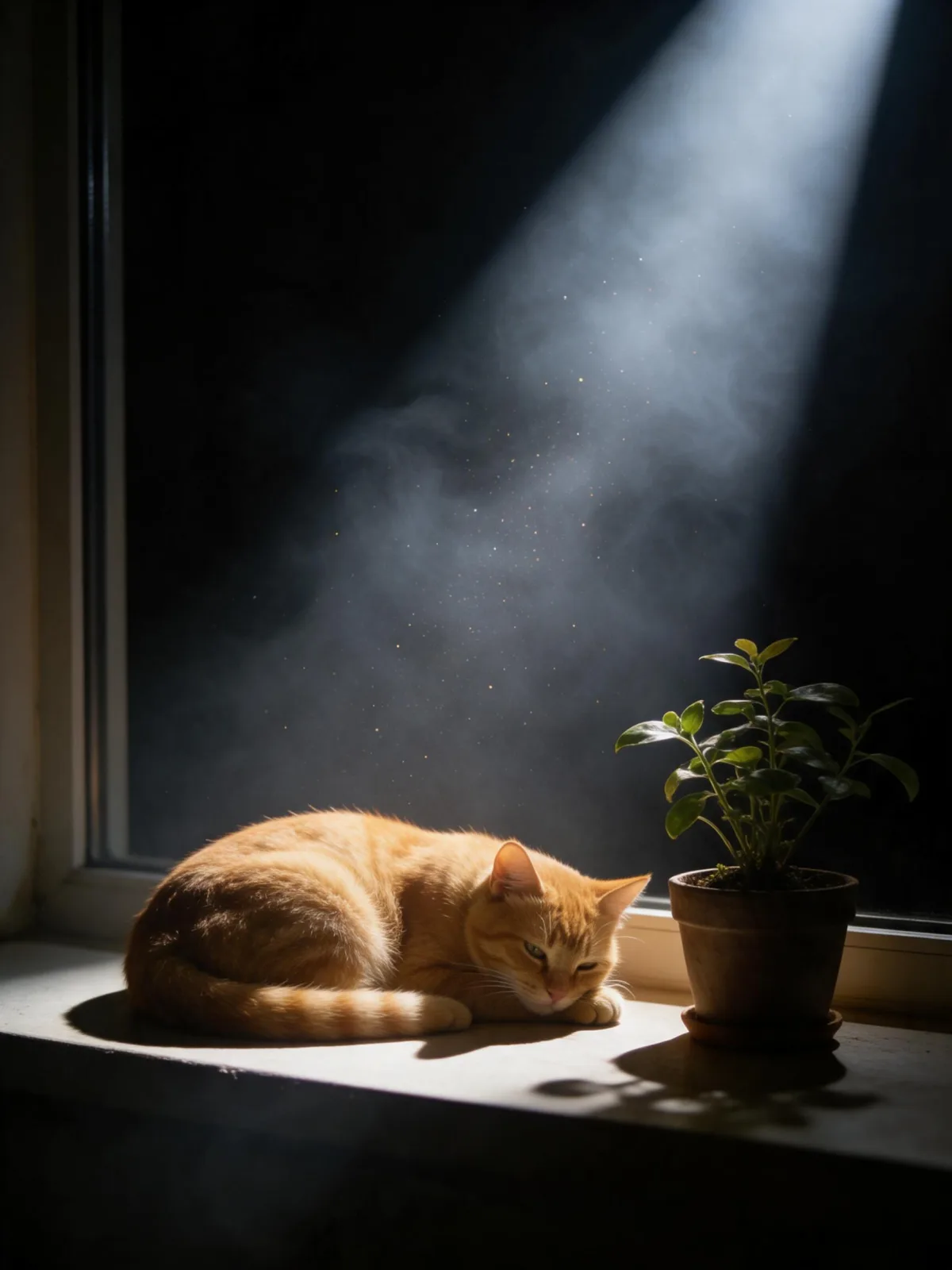
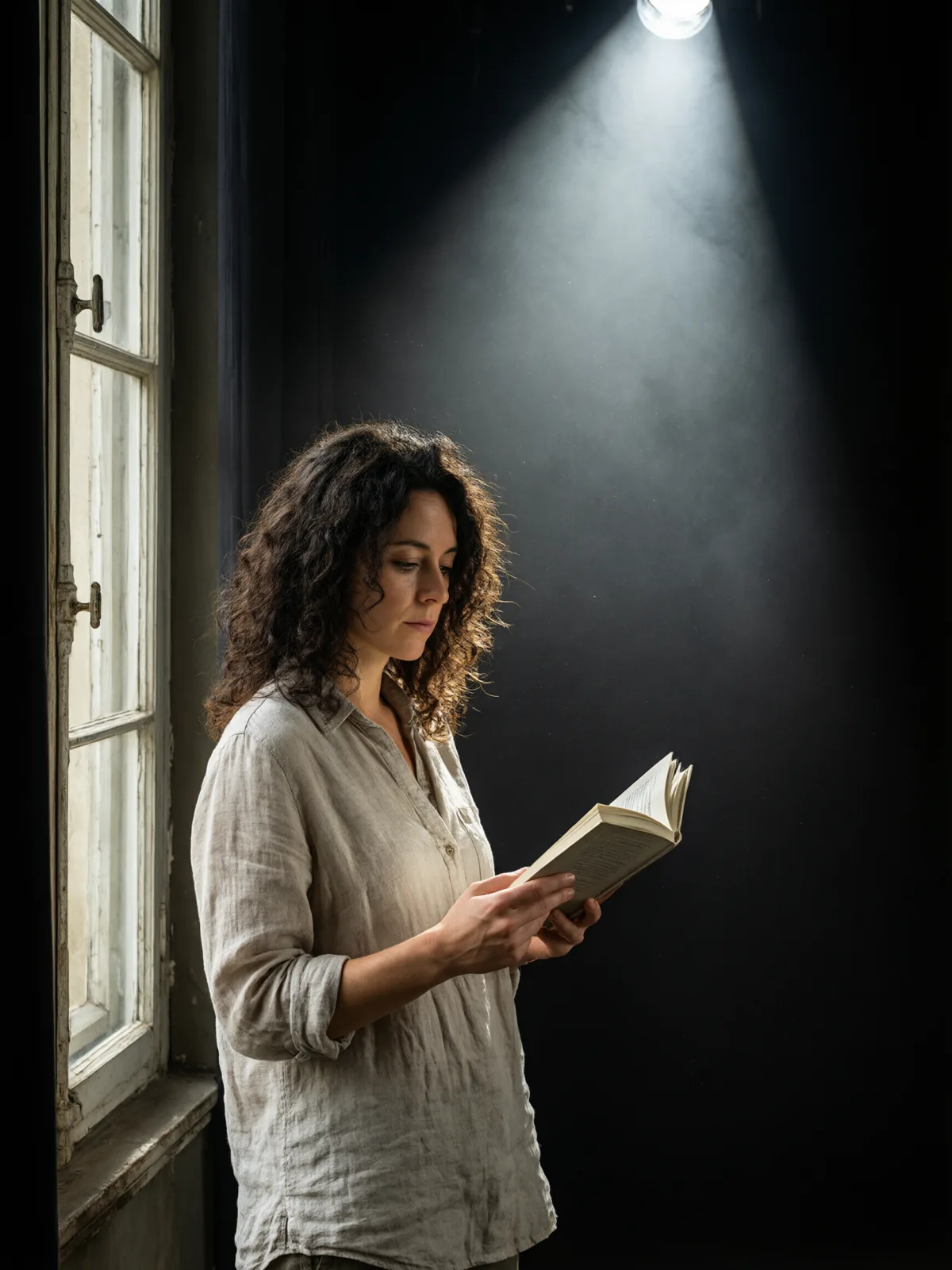
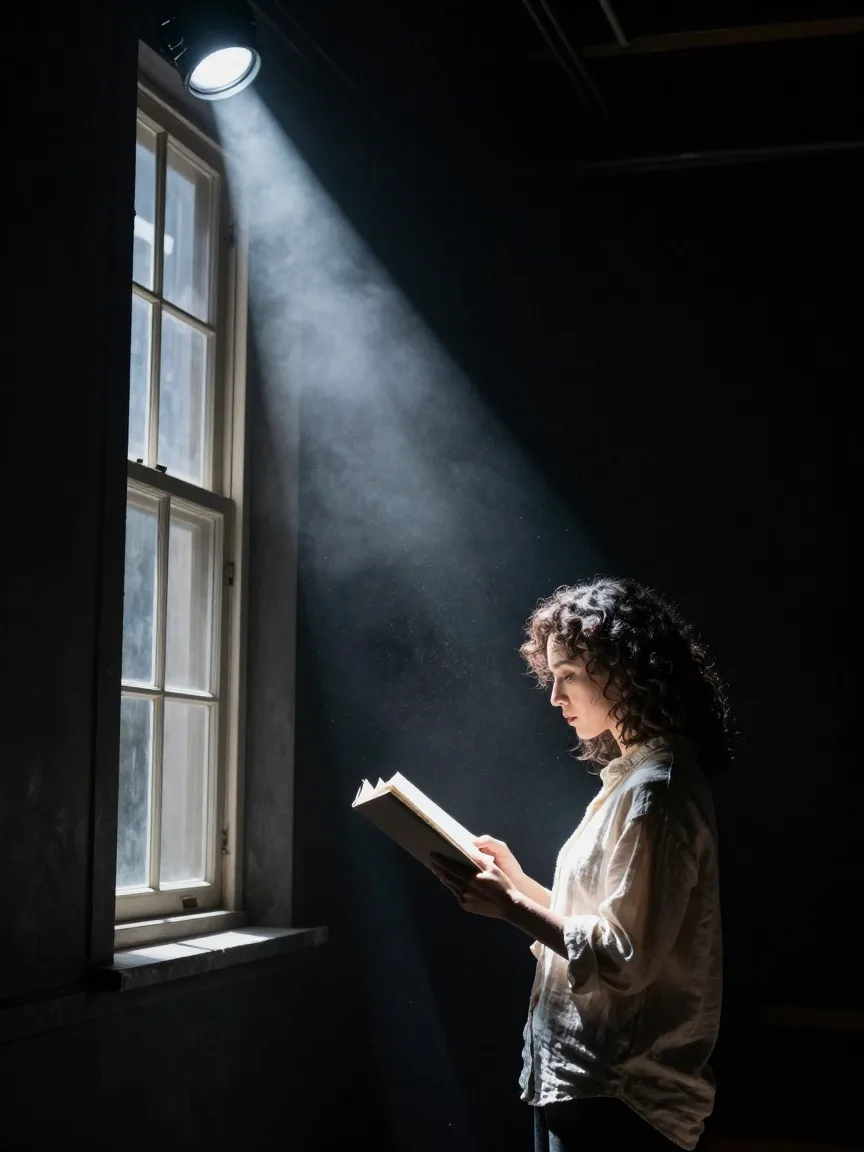
A single hard follow-spot cutting through stage haze: a black surround, dust glittering in the beam and the dramatic stillness before the first line.

Works on

  • Seedream 5.0 ProBest$0.036 / image
  • Qwen Image 3.0$0.03 / image
  • Z-Image$0.01 / image
  • Krea 2 Medium$0.03 / image
  • + 19 more models

Related styles

Same person, same prompt — only the style changes

2000s Digicam
After Midnight Flash
Candlelit Velvet
Cinematic Gothic
Late-Night Hotel
Late-Night OVA
Moonlit Voile
Neon After Rain
After-Con Neon
Afterglow Pool
Airbrush Pin-up
Blush Neon
Brass Reflections
Cinematic Still
Manhwa Action
Aurora Night
Blue Hour Quiet
Double Exposure Dusk
Firework Glow
Instant Film
Stage Spotlight Haze
Sign up to generate

We never filter your prompt.

A single hard follow-spot cutting through stage haze: a black surround, dust glittering in the beam and the dramatic stillness before the first line.

Category
Photo & film
Works on
23 models
Price
From $0.01 / image
Suggested frame
3:4 · 4:5
Your own photo
Text only
Doesn't stack with
Golden Hour

Same subject, with and without it

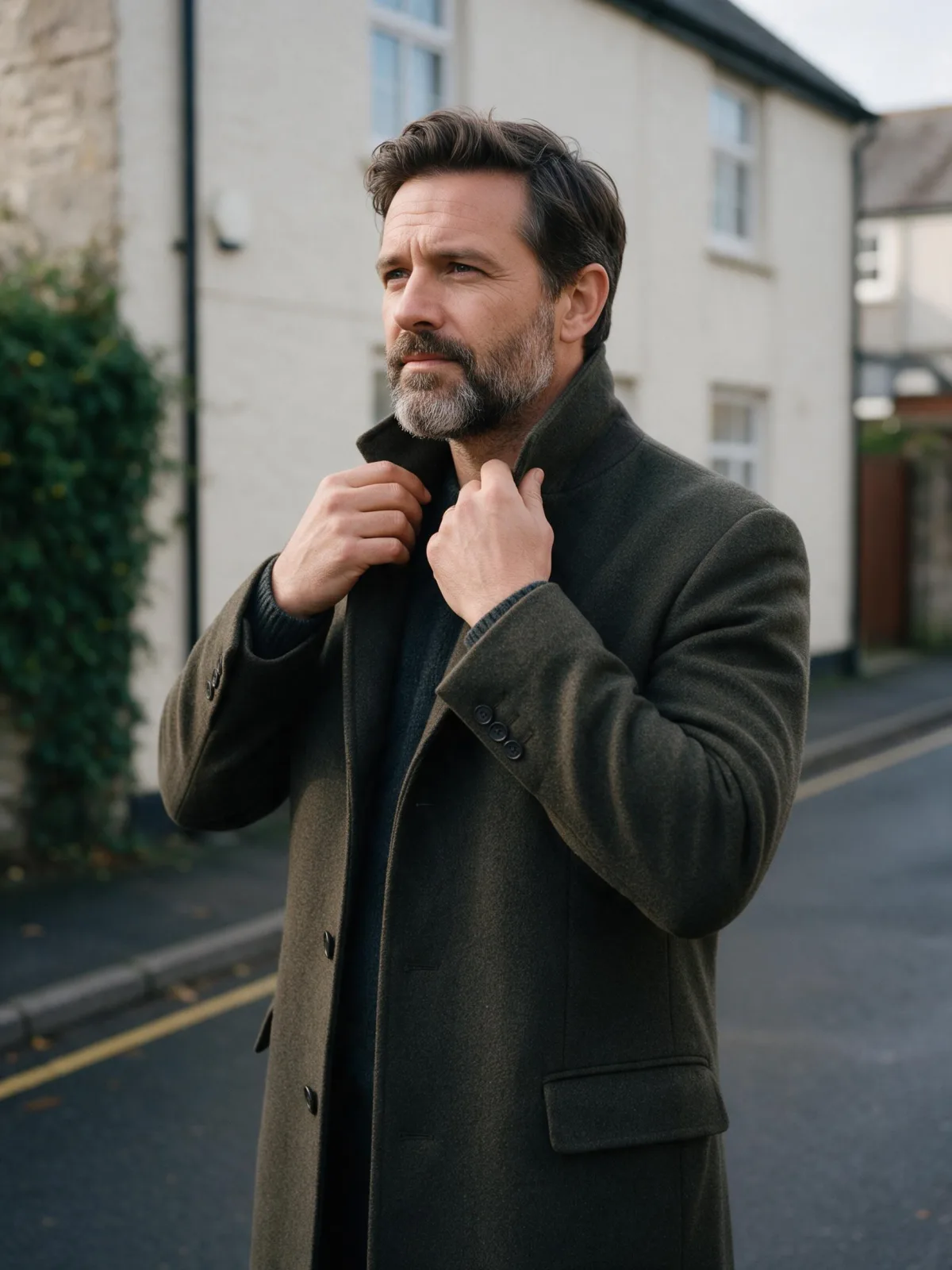
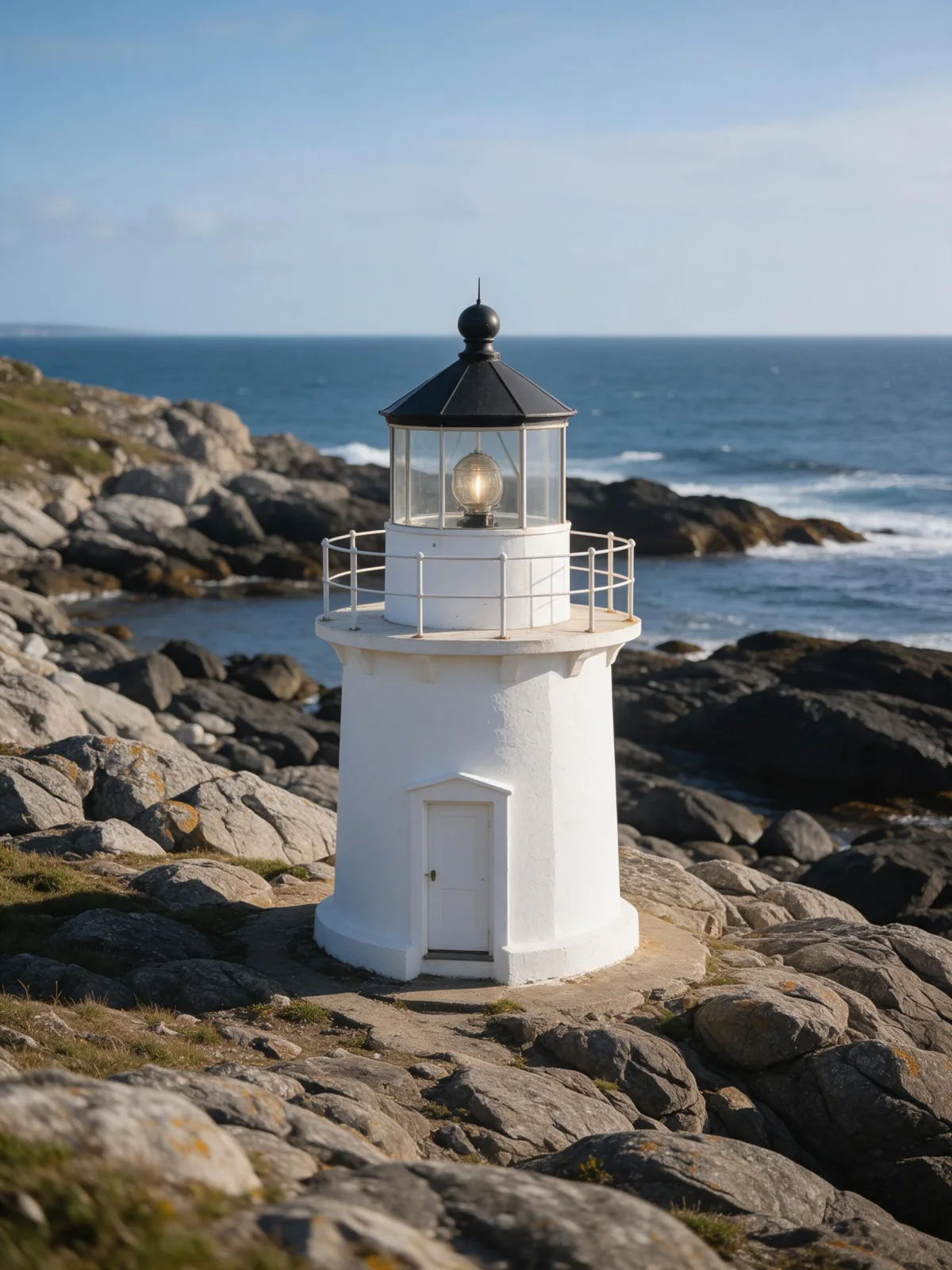
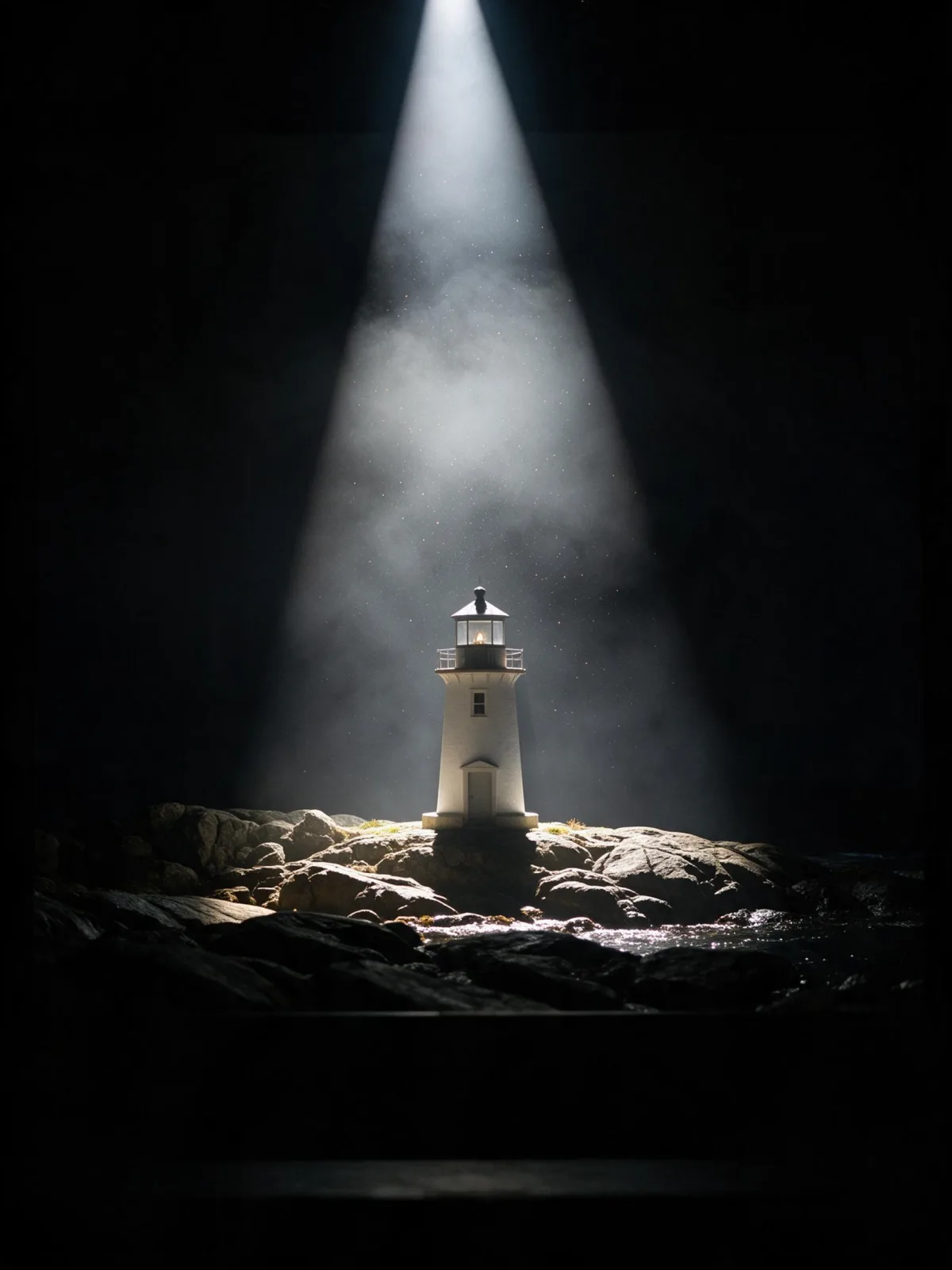
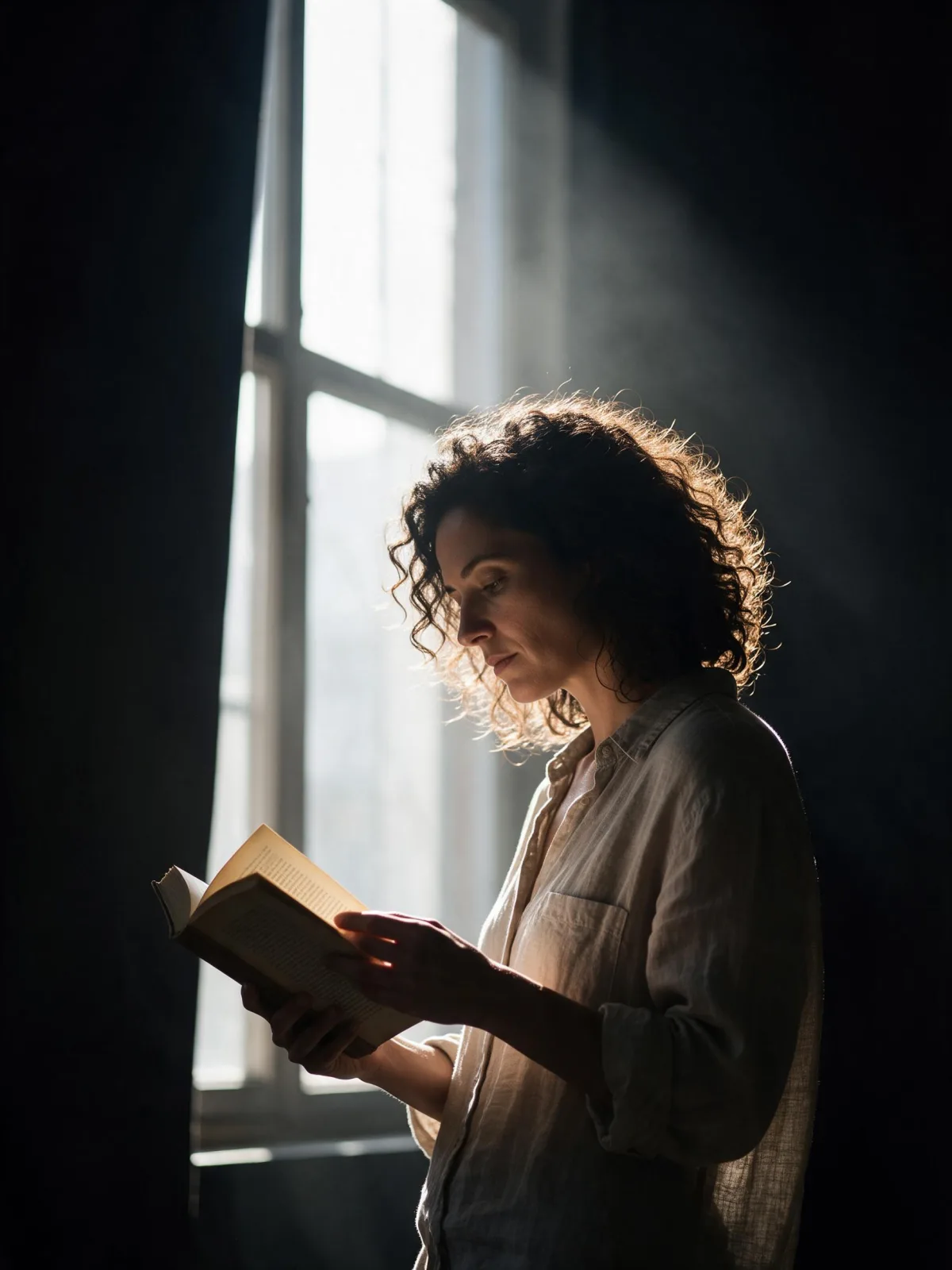
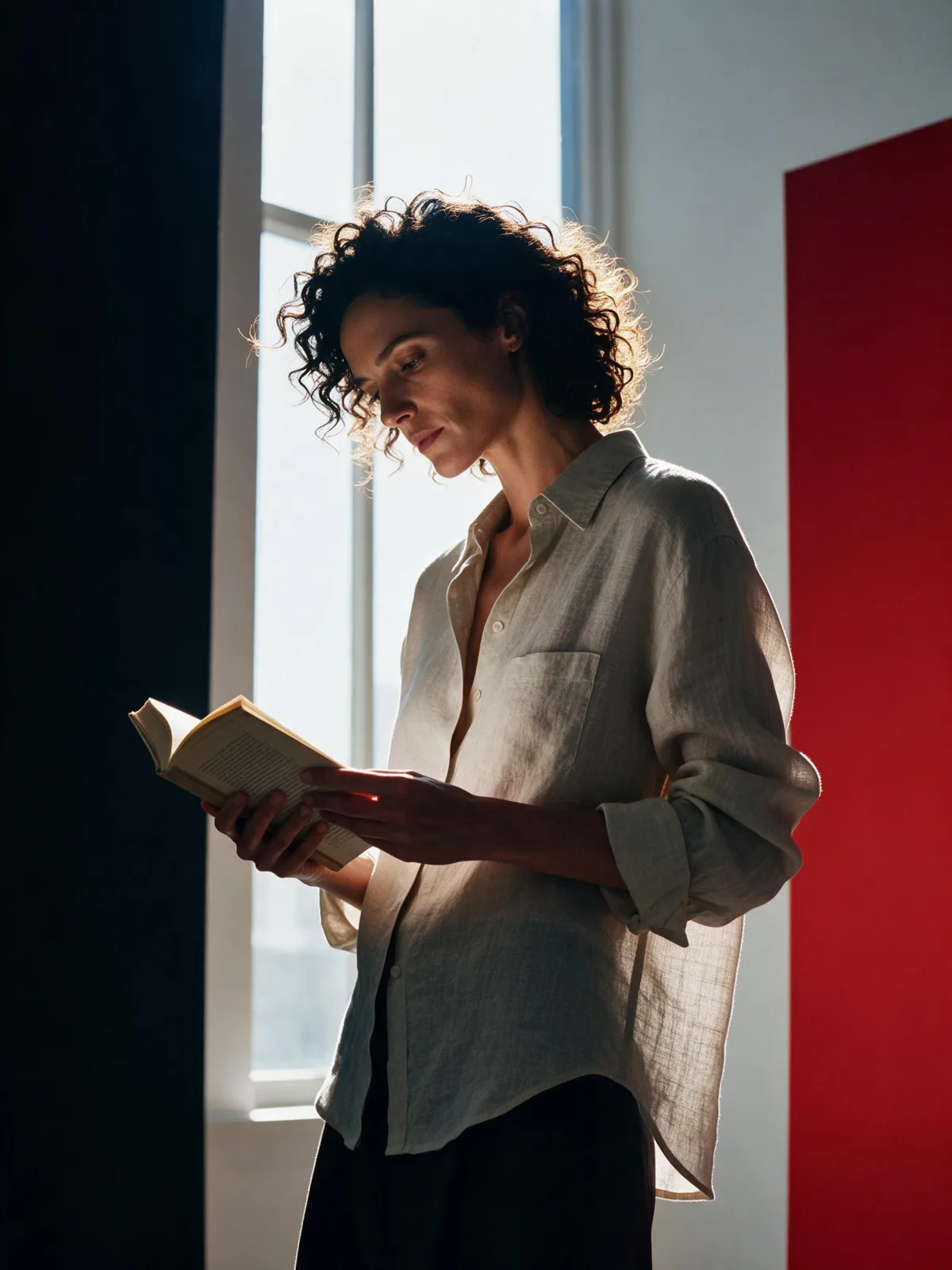
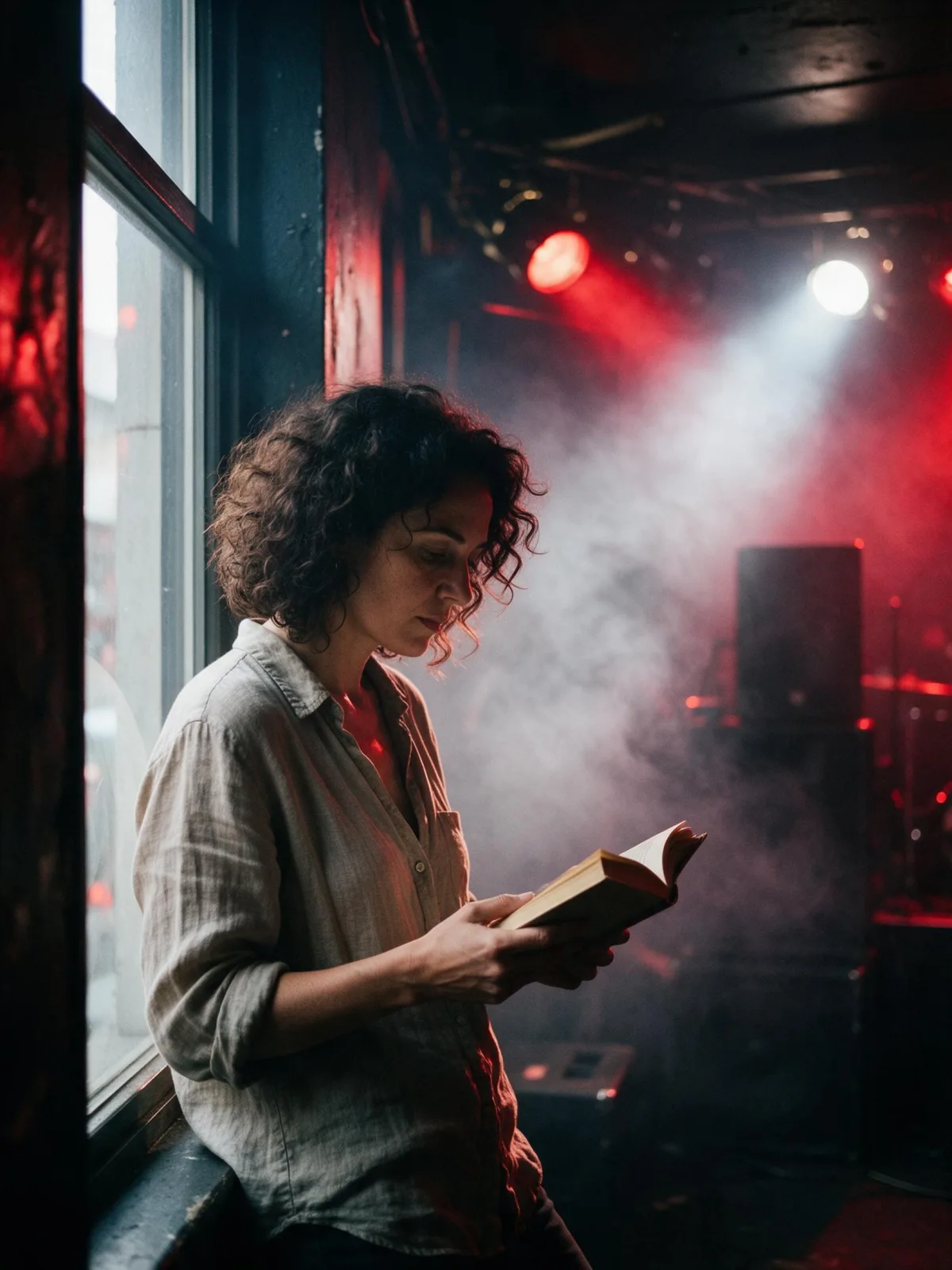
Each pair is the same sentence on the same model. The left frame has no style; the right one is Stage Spotlight Haze. That gap is what the style adds.

  • The test subject with no style, made with Seedream 5.0 Pro
    No style
    Sample in the Stage Spotlight Haze style, made with Seedream 5.0 Pro
    With Stage Spotlight Haze

    Seedream 5.0 Pro

  • The test subject with no style, made with Seedream 5.0 Pro
    No style
    Sample in the Stage Spotlight Haze style, made with Seedream 5.0 Pro
    With Stage Spotlight Haze

    Seedream 5.0 Pro

  • The test subject with no style, made with Seedream 5.0 Pro
    No style
    Sample in the Stage Spotlight Haze style, made with Seedream 5.0 Pro
    With Stage Spotlight Haze

    Seedream 5.0 Pro

  • The test subject with no style, made with Seedream 5.0 Pro
    No style
    Sample in the Stage Spotlight Haze style, made with Seedream 5.0 Pro
    With Stage Spotlight Haze

    Seedream 5.0 Pro

Samples

The same fixed test subjects run through every style, so you see what Stage Spotlight Haze does rather than what the subject brings.

  • Sample in the Stage Spotlight Haze style, made with Qwen Image 3.0
    Qwen Image 3.0
  • Sample in the Stage Spotlight Haze style, made with Z-Image
    Z-Image

About Stage Spotlight Haze

Stage Spotlight Haze puts the subject alone in the beam of one follow-spot on a dark stage. The light falls hard from above and to the front, carving a bright cone through the haze, and everything outside it drops into black. Dust glitters in the beam like tiny stars. The subject stands in a clean circle of light with sharp shadows, and the whole frame holds its breath, like the moment before an actor speaks or a dancer moves.

You write the subject; the style supplies the stage and the beam. It suits people most naturally, but anything placed in a single spotlight gains weight: a woman in a long coat standing center stage, a man in a suit mid-step with one hand raised, a cat sitting perfectly still in the circle of light, a lighthouse model like a prop left for the last act. Stillness and a clear gesture work best.

Use it for theater and dance posters, fashion and portrait campaigns, album covers, speaker and event promos, and dramatic social posts. For a dark figure outlined only by edge light, use Rim Light Silhouette; for catwalk fashion under show lights, Runway Editorial; for a loud, smoky club stage, Livehouse Strobe.

For this composition, we recommend 3:4, with 4:5 as another framing option. This is a photographic look, so it runs as text-to-image only. Open “What’s sent” to see exactly how your subject is wrapped.

Subjects to paste as they are: “an adult woman in a long black gown standing center stage with her chin raised”, “an adult man in a tailored suit mid-step, one hand lifted”, “a single wooden chair on an empty stage”. One figure and one gesture are all this look needs.

Finishes that work on top: Film Grain for an old theater photograph, Soft Bloom for a softer, glowing beam, Monochrome for a classic black-and-white stage portrait. Golden Hour is switched off here, because sunset light would fight the single spotlight.
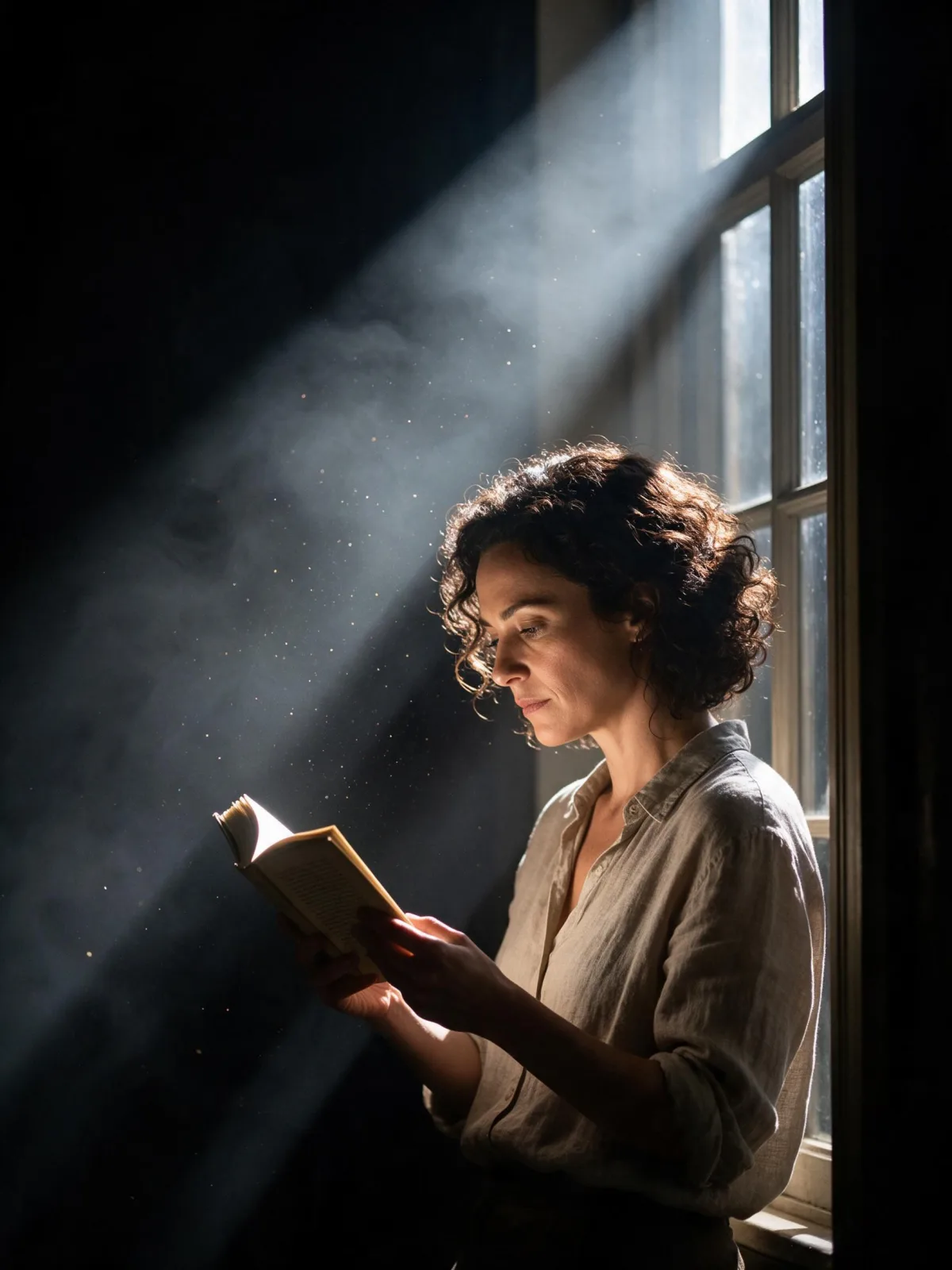

Tips that make it land

  • Keep it to one subject in the light. The drama comes from everything else being dark.
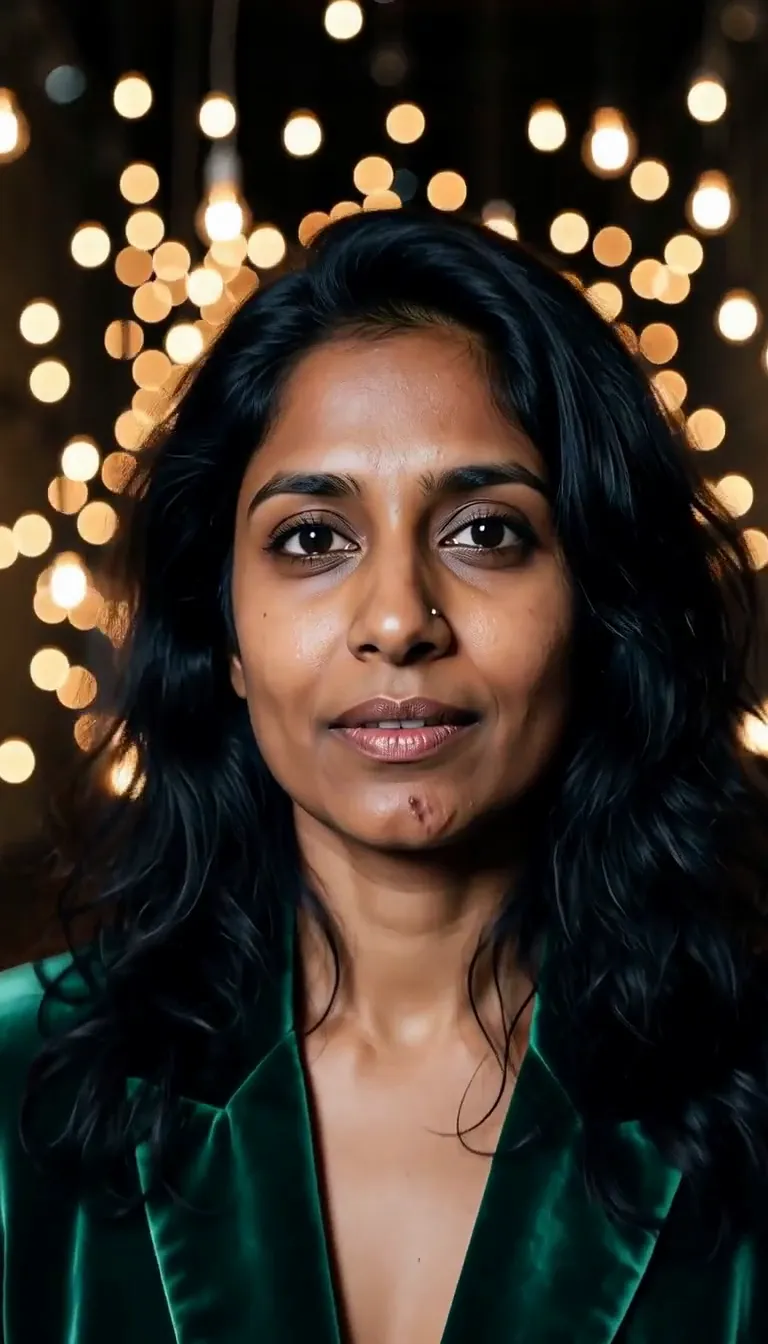
  • A clear gesture reads best: a raised chin, an outstretched hand, a turned shoulder, a pause mid-step.
  • Long coats, gowns and flowing fabric catch the beam and throw beautiful shadows.
  • Want a colored beam? Add “in a deep blue spotlight” or “in a warm amber spotlight” to your subject.
  • For a wider stage, add “seen from the back of the theater” and the beam becomes a small bright island.

The prompt it sends

Your sentence goes where {subject} sits. Everything around it is the style. Nothing is hidden, and we never filter your prompt.

{subject}, a single hard follow-spot cutting through stage haze, black surround, dust glittering in the beam, dramatic theatrical stillness

Prompt ideas for Stage Spotlight Haze

Scenes from our prompt library that suit this look. Borrow the idea as your subject line; the style adds the rest.

Dance & performance

Fashion & portrait

Models it works on

Every model below was tested with this style. The price is per image and shows on the Generate button before you run.

How to use Stage Spotlight Haze

  1. 01

    Write who or what

    Write one plain sentence for your Stage Spotlight Haze image: who or what is in it and what is happening. The style brings the light, color and medium, so leave those out.

  2. 02

    Keep Stage Spotlight Haze on

    It is already selected at the top of this page and lands best on Seedream 5.0 Pro, the model it was tuned on. It builds the whole scene from your text.

  3. 03

    Generate

    From $0.01 per image, shown on the button before you run. Pick your favorite Stage Spotlight Haze frame, then edit it, restyle it or make it move from the result.

Questions about Stage Spotlight Haze

Make video

Styles are for stills. These effects start from one photo and add a single deliberate move.

Read next