Introduction
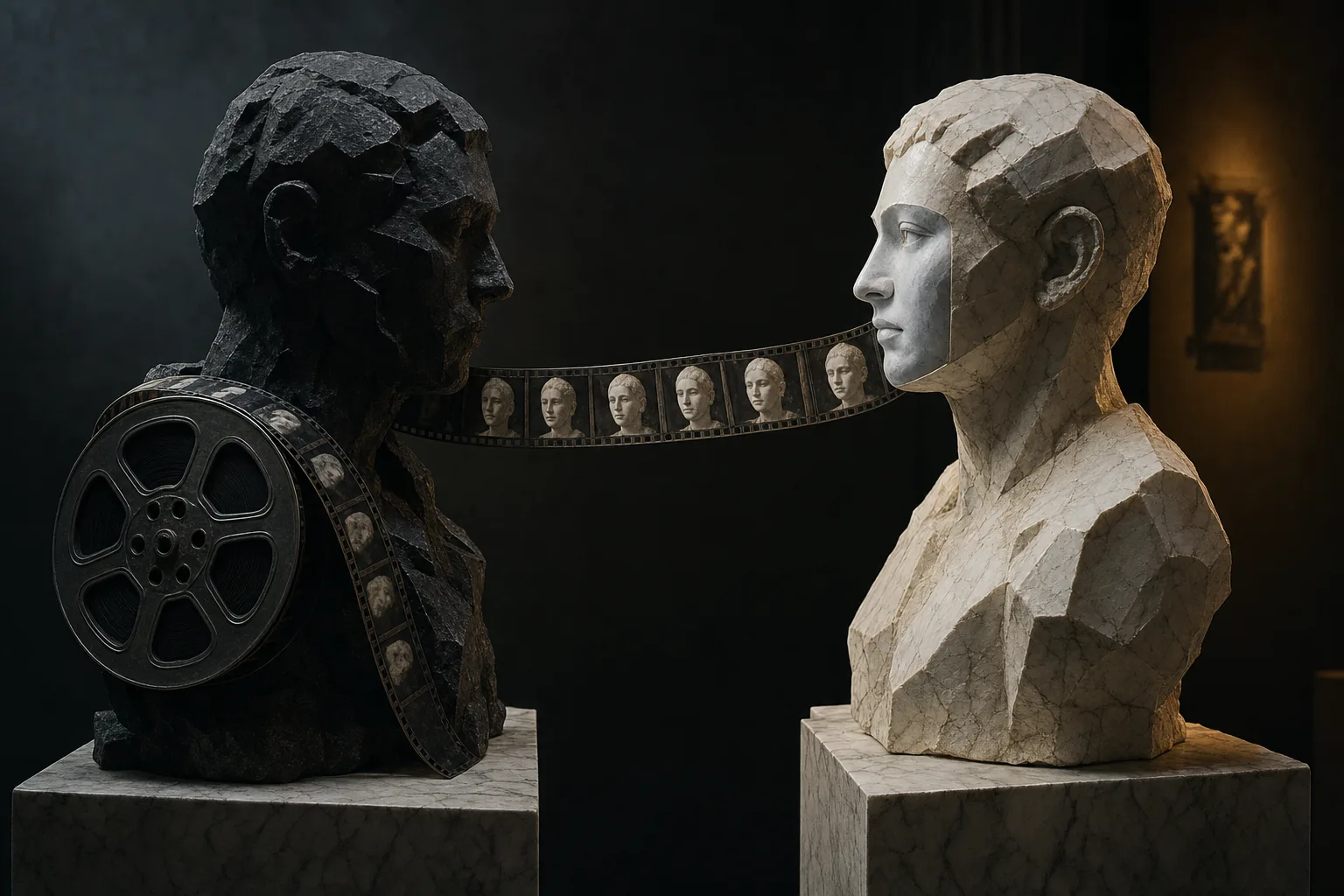
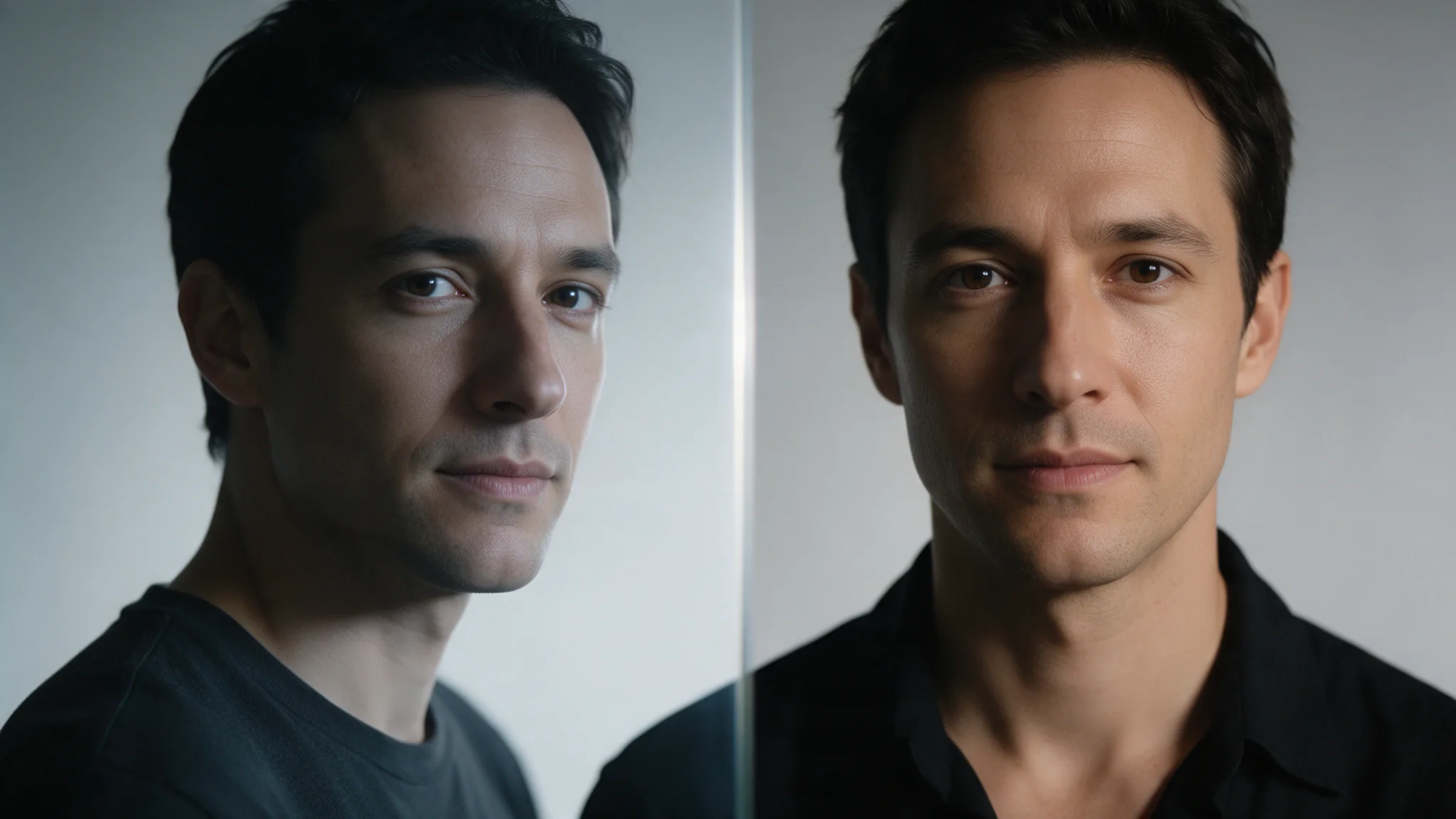
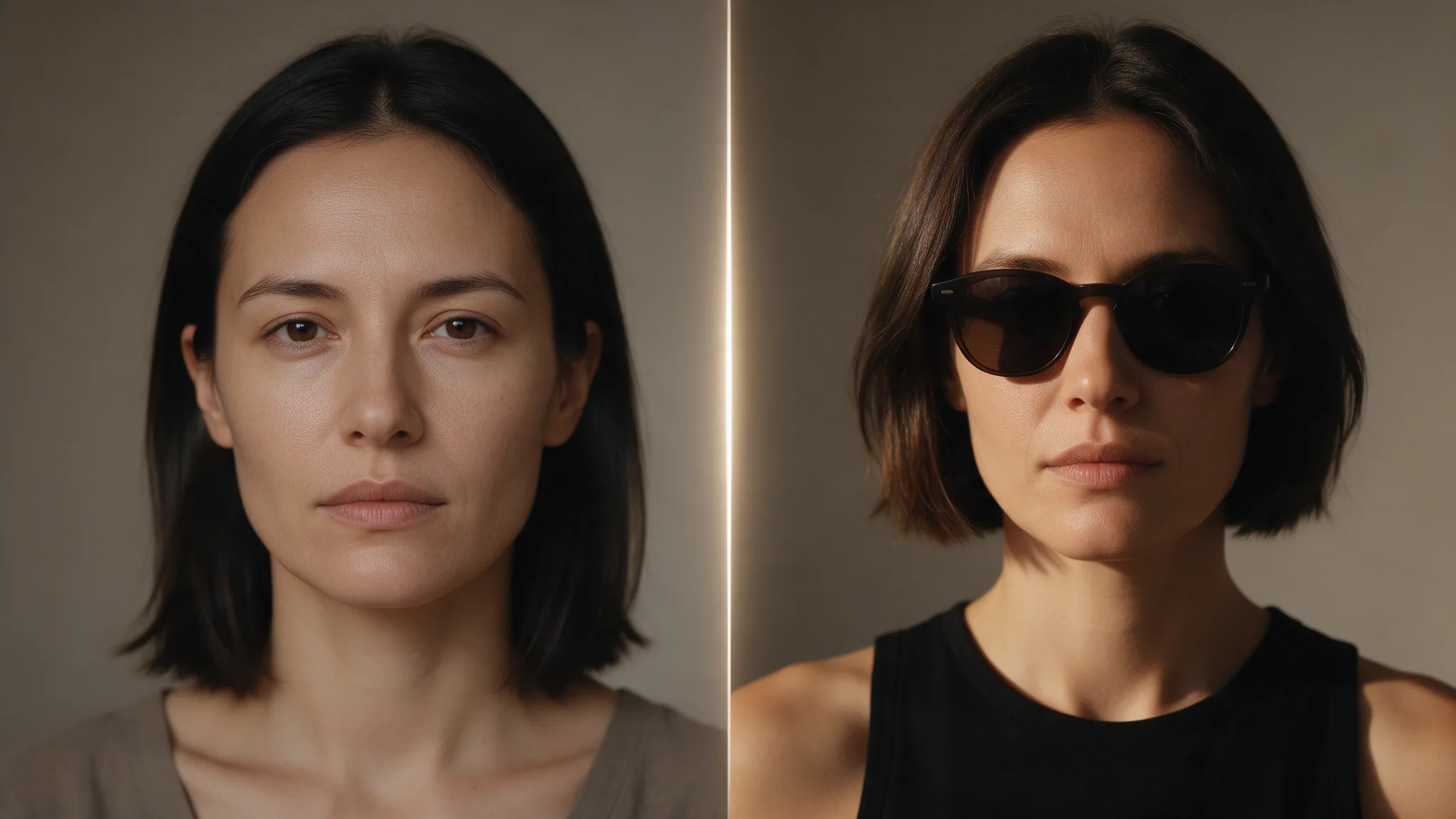
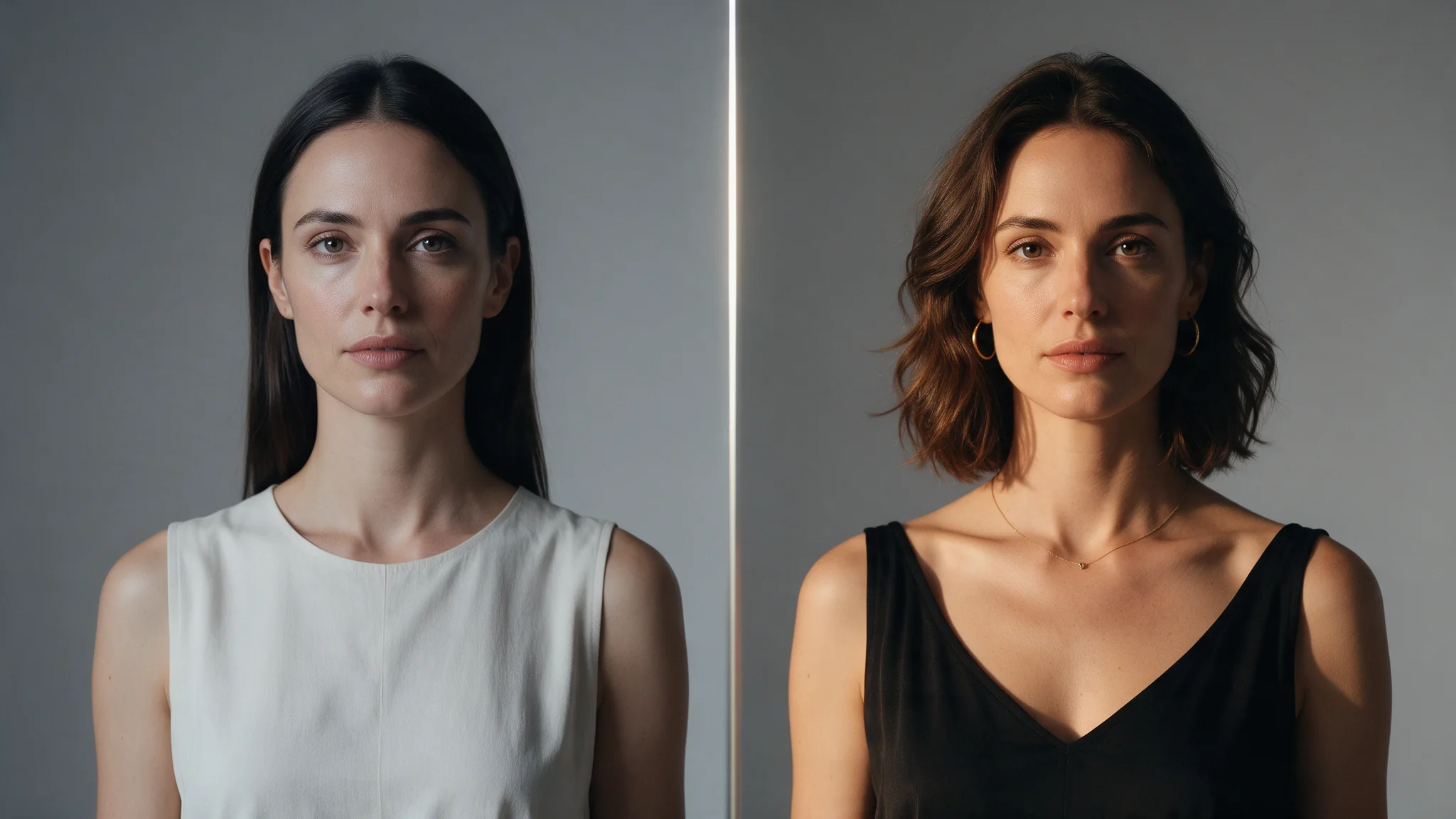
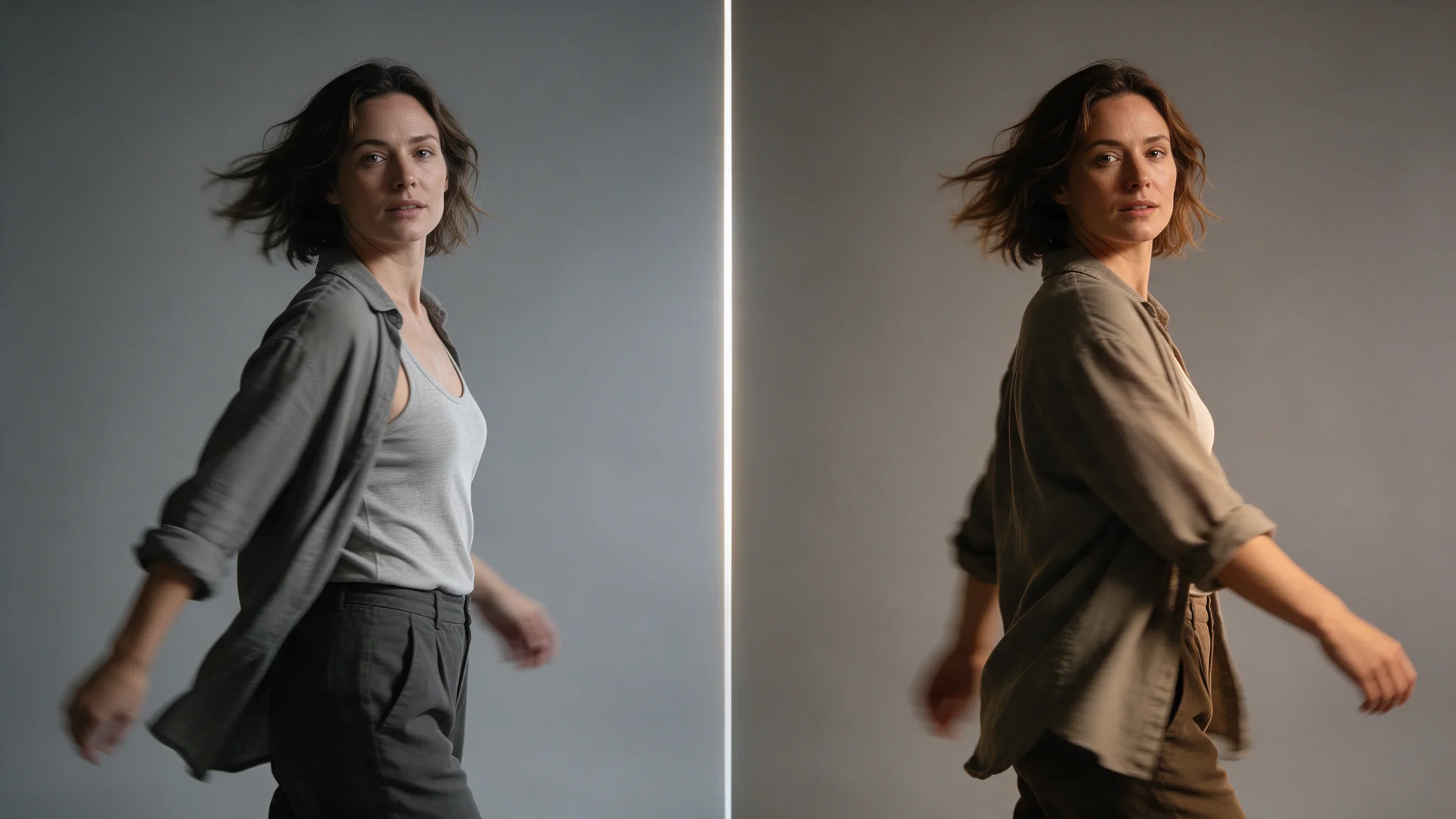
Video Face Swap carries the facial features from a single reference image onto the person in a video, through every frame of the clip. Only the features travel: the performer's hairstyle, head silhouette, movement, wardrobe, lighting, camera work and background all stay as they were shot, which is what keeps the result reading as the original footage rather than an overlay.
Video Face Swap takes a video clip and a reference face image and carries only the facial features onto the person in the footage, keeping their hair, movement, framing and background. Two URLs and an optional finish — there is no prompt field to write.
Key features & highlights
Preserve the performance, change the facial identity
Face Swap applies the identity from the approved reference to the person in the supplied footage while keeping the live-action performance intact. Choose a source clip whose subject, framing and lighting already work, because the workflow is for identity replacement rather than rebuilding a shot.
Review continuity, not a synthetic scene
Judge the result at normal playback speed across turns, cuts and fast movement. Check that the identity transfer remains coherent while the performer’s hair, motion, wardrobe and background still read as the original footage; use the clearest discontinuity to guide the next revision.
Request parameters
| Parameter | Required | Description |
|---|---|---|
video_url | Yes | The clip being changed. This person's hair, head shape, movement, wardrobe and the whole scene are preserved — only their facial features are replaced. at least 1 characters |
reference_image_url | Yes | A still image supplying the facial features. Only the face is taken, not the hair or head shape. at least 1 characters |
face_mapping | No | For clips with several people: list which face in the reference goes onto which face in the video, one pair per entry, with faces numbered from 0 in detection order. at most 10 items |
face_enhance | No | Runs a face-enhancement pass on the swapped face for a higher-resolution face. Off by default. Default: |
style | No | realistic (default) keeps natural skin tone and texture; beautify smooths and brightens the skin; lossless keeps the most facial detail from the reference. Try realistic first. |
Pricing
$0.026 / output second
Billed in whole 10-second blocks of the source clip, so a 12-second clip costs the same as 20 seconds. The source clip must run 3 to 40 seconds; the estimate before submission uses the actual length of a clip you uploaded, or the 40-second maximum for a video URL, and any difference is released when the task settles.
Use cases
video edit workflow
This endpoint changes facial features across supplied video footage using a separate reference face; it has no text prompt. Use the source clip as the starting point and state the exact edit alongside the timing, identity and continuity that must remain unchanged. This contract accepts reference_image_url, style, video_url.
Make the contract part of the brief
Keep the edit scope narrow on the first run so the source footage remains a useful comparison point. For face-swap/video-v1, the controls most relevant to this endpoint are video_url, reference_image_url, style.
Review the delivered result
Review cut boundaries, motion continuity and the unedited regions against the original footage.
Prompt guide & pro tips
Build a video edit request
face-swap/video-v1: begin with video_url, reference_image_url, style. Use the source clip as the starting point and state the exact edit alongside the timing, identity and continuity that must remain unchanged. This contract accepts reference_image_url, style, video_url.
Change one delivery control at a time
face-swap/video-v1: Keep the submitted inputs consistent while comparing variations so the result can be reviewed against a stable brief. Keep the edit scope narrow on the first run so the source footage remains a useful comparison point.
Turn review notes into the next run
When revising, isolate one edit at a time so it is clear whether the change or the source boundary caused a continuity issue.
Inspect before scaling the next run
Review cut boundaries, motion continuity and the unedited regions against the original footage.
API quick start
# Generate the idempotency key once; reuse it when retrying after a lost response.
export SPICY_IDEMPOTENCY_KEY="${SPICY_IDEMPOTENCY_KEY:-$(uuidgen)}"
curl -X POST https://api.spicyapi.ai/api/v1/jobs/createTask \
  -H "Authorization: Bearer $SPICY_API_KEY" \
  -H "Content-Type: application/json" \
  -H "Idempotency-Key: $SPICY_IDEMPOTENCY_KEY" \
  -d '{
  "model": "spicyapi/face-swap-video-v1/video-edit",
  "input": {
    "reference_image_url": "https://example.com/reference.png",
    "style": "realistic",
    "video_url": "https://example.com/reference.mp4"
  }
}'

# Copy data.taskId from the response into TASK_ID, then poll the status.
TASK_ID="TASK_ID_FROM_RESPONSE"
curl "https://api.spicyapi.ai/api/v1/jobs/recordInfo?taskId=$TASK_ID" \
  -H "Authorization: Bearer $SPICY_API_KEY"
See the API reference for authentication, the complete schema, polling, and error handling.