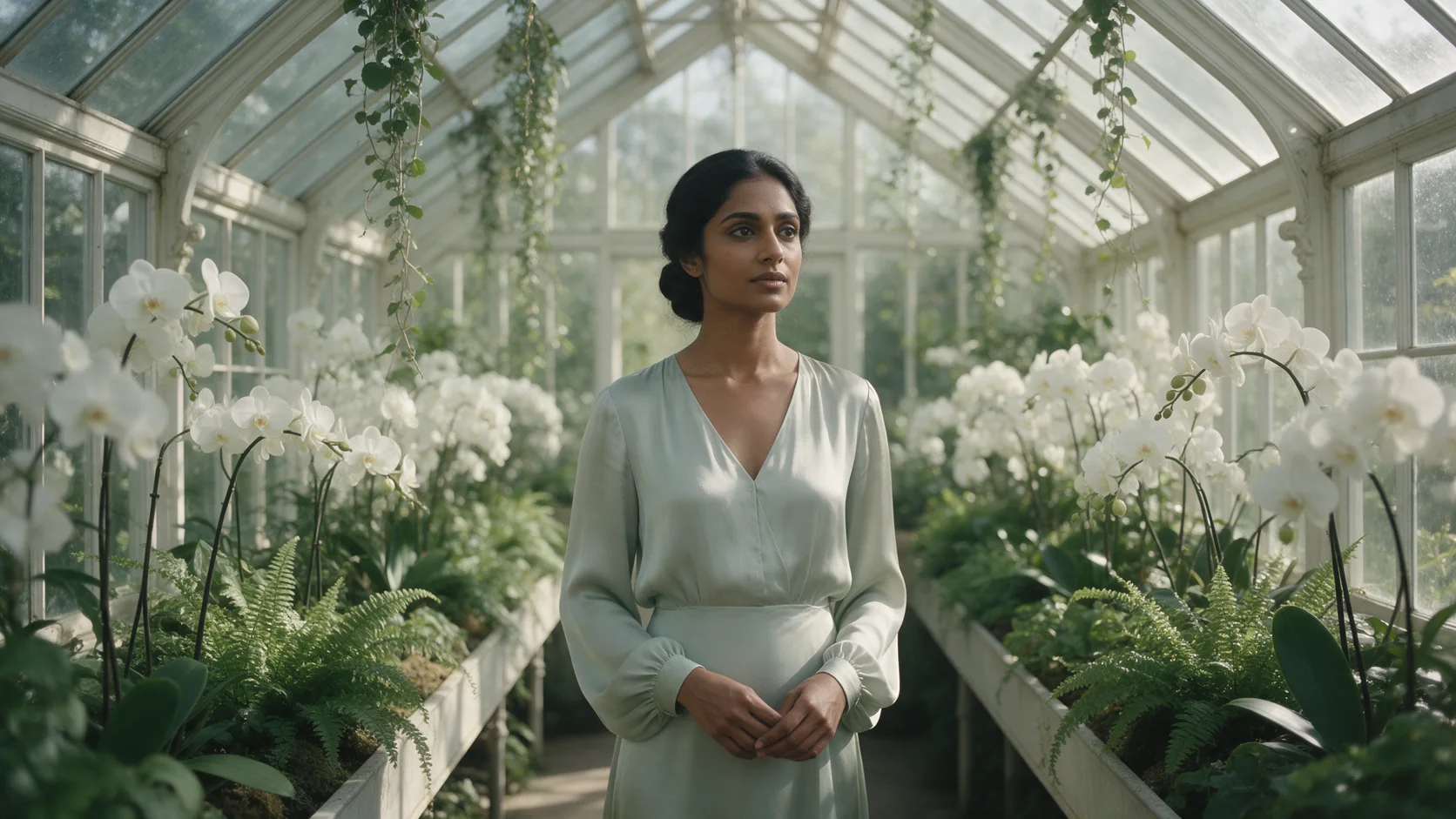
Introduction
Kling 2.1 Master Text to video turns a written prompt into a 5 or 10 second clip at 1080p, with no audio track. Choose an aspect ratio of 16:9, 9:16 or 1:1 before writing, since the prompt should be composed for that frame.
Choose a Kling 2.1 Master mode by starting material
| What you have at the start | Mode |
|---|---|
| a written scene | Kling 2.1 Master Text to video |
| an approved opening frame | Kling 2.1 Master Image to video |
Key features & highlights
The older generation's best quality, at a price to match
Master is 2.1's high-fidelity tier, and it is priced accordingly - the most expensive 1080p option across the Kling models we offer. Unless this generation's specific look is the reason you're here, compare Kling 3.0 first; it costs less per second at 1080p.
No seed, so no repeat takes
There is no seed field on this model. Two runs of an identical prompt come back as two different takes, which is useful for variety but means you can't lock in a specific result and reproduce it exactly.
Request parameters
| Parameter | Required | Description |
|---|---|---|
prompt | Yes | Write it as a shot: subject, action, camera move and light. There is no sound on this model, so there's no need to describe audio. at least 1 characters · at most 5000 characters |
aspect_ratio | No | 16:9, 9:16 or 1:1. Pick it before writing, since the prompt should be composed for that frame. |
duration_seconds | No | Whole seconds, 5 or 10. Drives the price. |
negative_prompt | No | A short list of what the clip should avoid. at most 500 characters |
guidance_scale | No | 0 to 1. Higher sticks closer to your wording; lower gives the model more freedom. |
Pricing
$0.216 / second
Billed per second of the output clip. A prompt Kling refuses isn't charged.
Use cases
Match a look you've already committed to
If a previous clip in a project was rendered on Kling's 2.1 generation and needs to match, Master gives you that generation's ceiling rather than its cheaper 720p or 1080p tiers.
A considered render, not a wording experiment
Given the price per second, block out the shot and settle the wording on a cheaper tier first, then bring the finished prompt here for the render you intend to keep.
Prompt guide & pro tips
Name the light source before the action
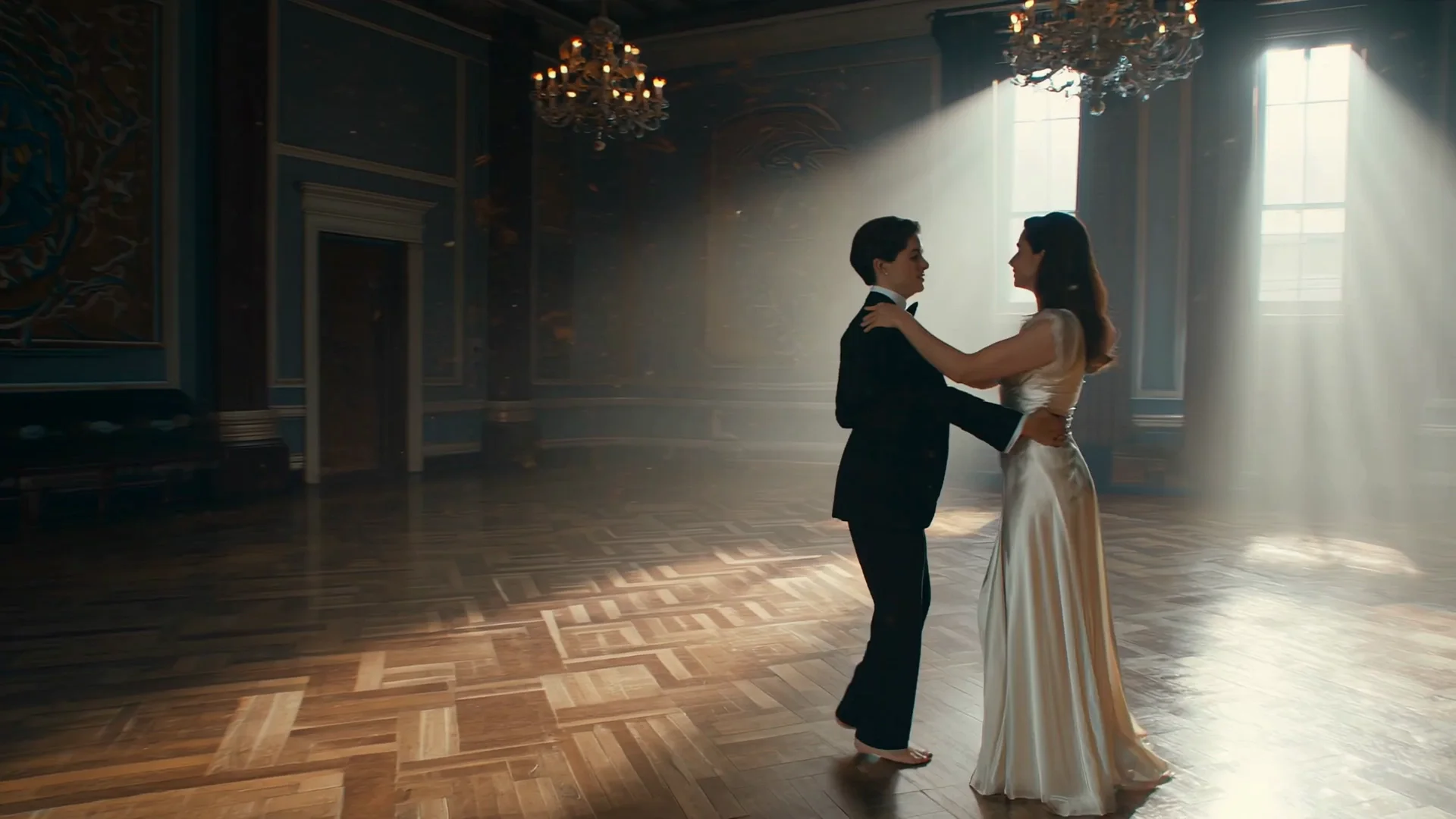
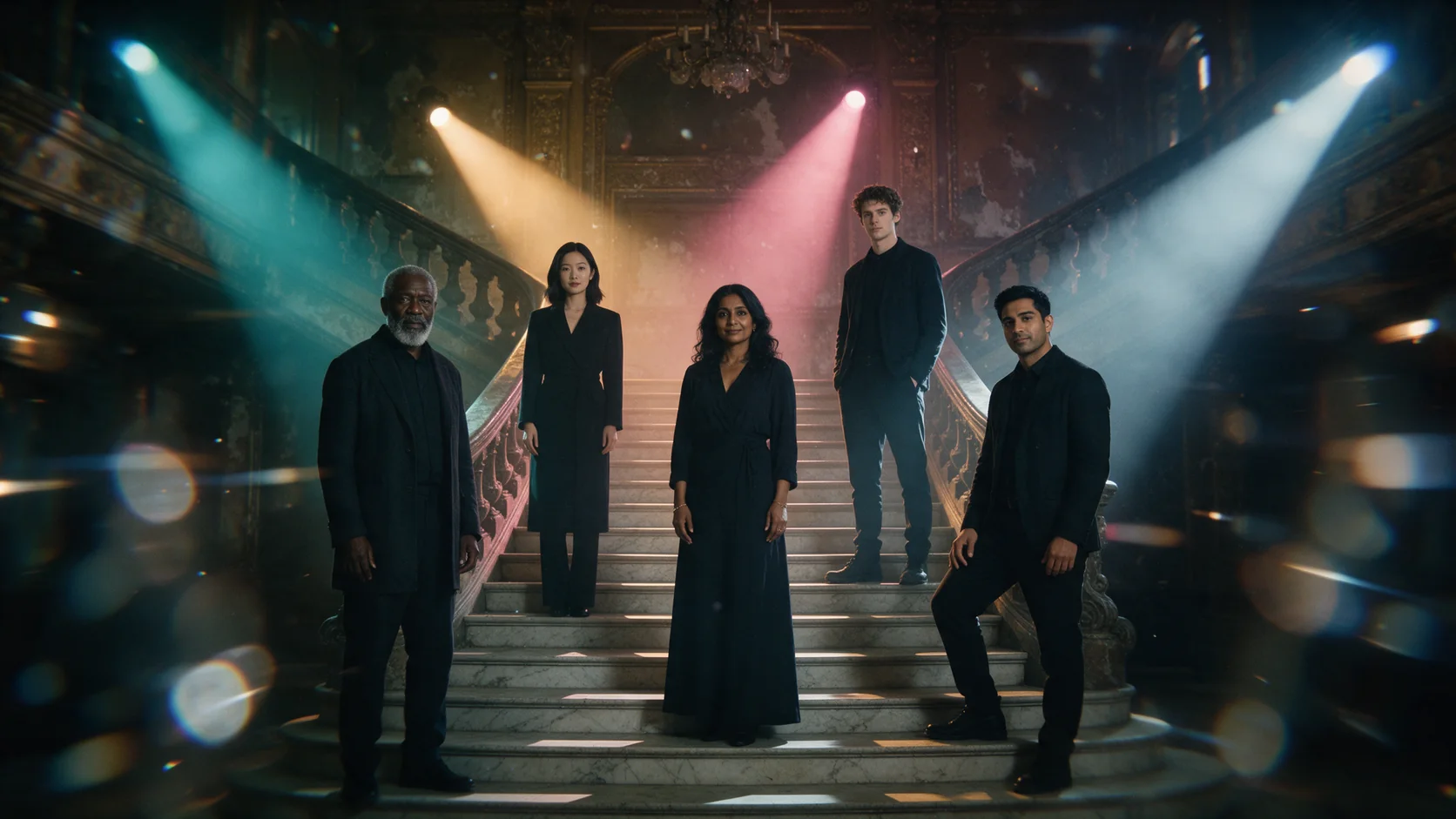
The ballroom example above opens with where the light comes from and what it's doing to the room, before naming who is in frame - that ordering gave the render a consistent atmosphere across the whole clip.
One dramatic beat reads better than several
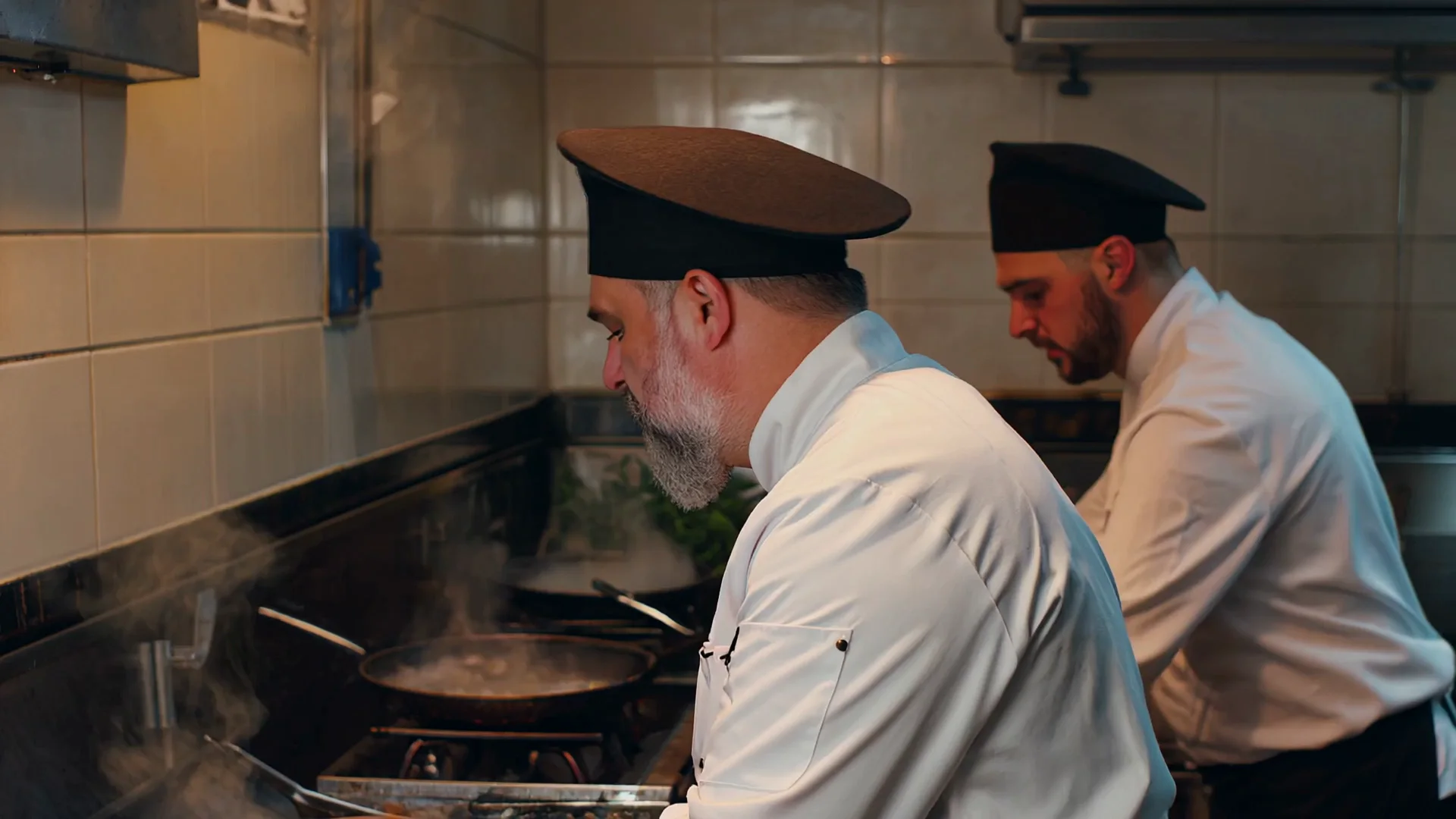
The kitchen-flame example centers on a single action (the flame roaring up) and leaves the background loose and blurred, rather than trying to direct every person in the room at once.
Pair a negative_prompt with a slow, circling camera move
A short negative_prompt naming common glitches - blurry face, distorted hands, extra limbs - is a cheap way to keep a slow circling or drifting camera move from wandering into rendering artifacts, especially once the clip runs the full 10 seconds.
API quick start
# Generate the idempotency key once; reuse it when retrying after a lost response.
export SPICY_IDEMPOTENCY_KEY="${SPICY_IDEMPOTENCY_KEY:-$(uuidgen)}"
curl -X POST https://api.spicyapi.ai/api/v1/jobs/createTask \
  -H "Authorization: Bearer $SPICY_API_KEY" \
  -H "Content-Type: application/json" \
  -H "Idempotency-Key: $SPICY_IDEMPOTENCY_KEY" \
  -d '{
  "model": "kling/2.1-master/text-to-video",
  "input": {
    "prompt": "A slow aerial shot drifting over a misty pine forest at sunrise",
    "aspect_ratio": "16:9",
    "duration_seconds": 5
  }
}'

# Copy data.taskId from the response into TASK_ID, then poll the status.
TASK_ID="TASK_ID_FROM_RESPONSE"
curl "https://api.spicyapi.ai/api/v1/jobs/recordInfo?taskId=$TASK_ID" \
  -H "Authorization: Bearer $SPICY_API_KEY"
See the API reference for authentication, the complete schema, polling, and error handling.