Introduction
Kling 2.1 Master Image to video animates an opening frame into a 5 or 10 second clip at 1080p, with no audio track and no closing frame option on this endpoint - only image_url.
Choose a Kling 2.1 Master mode by starting material
| What you have at the start | Mode |
|---|---|
| a written scene | Kling 2.1 Master Text to video |
| an approved opening frame | Kling 2.1 Master Image to video |
Key features & highlights
The frame holds, the prompt supplies the motion
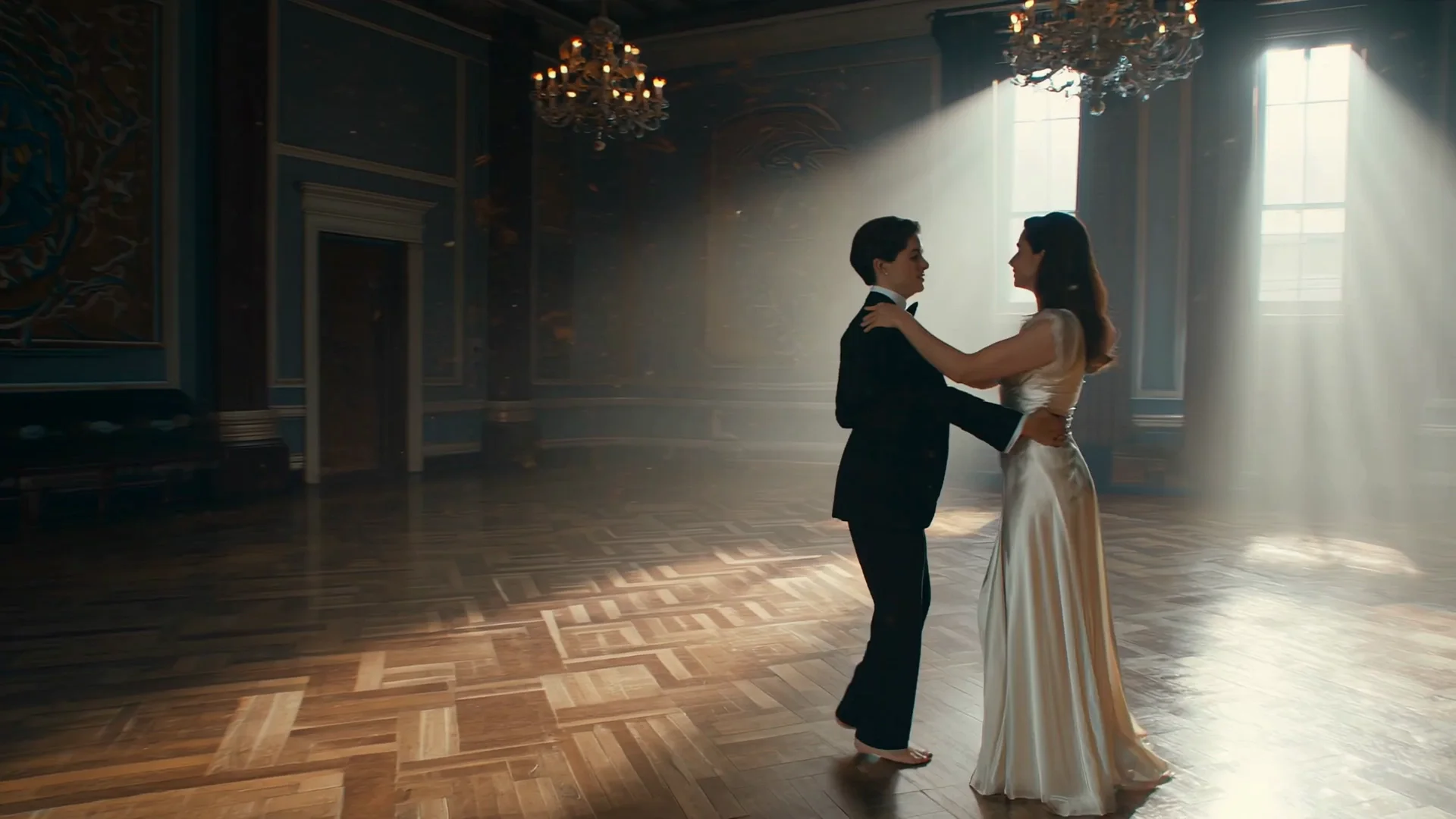
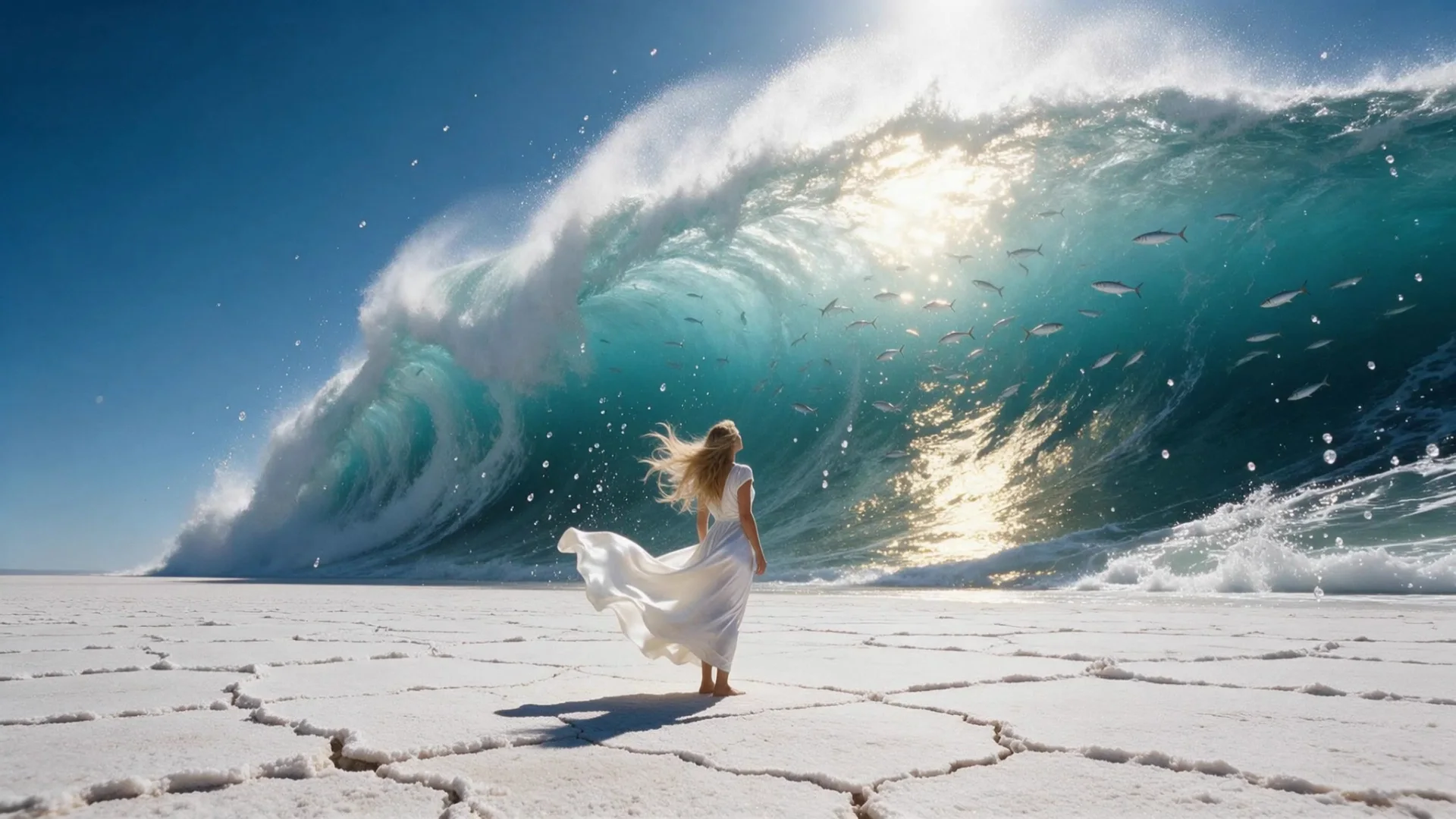
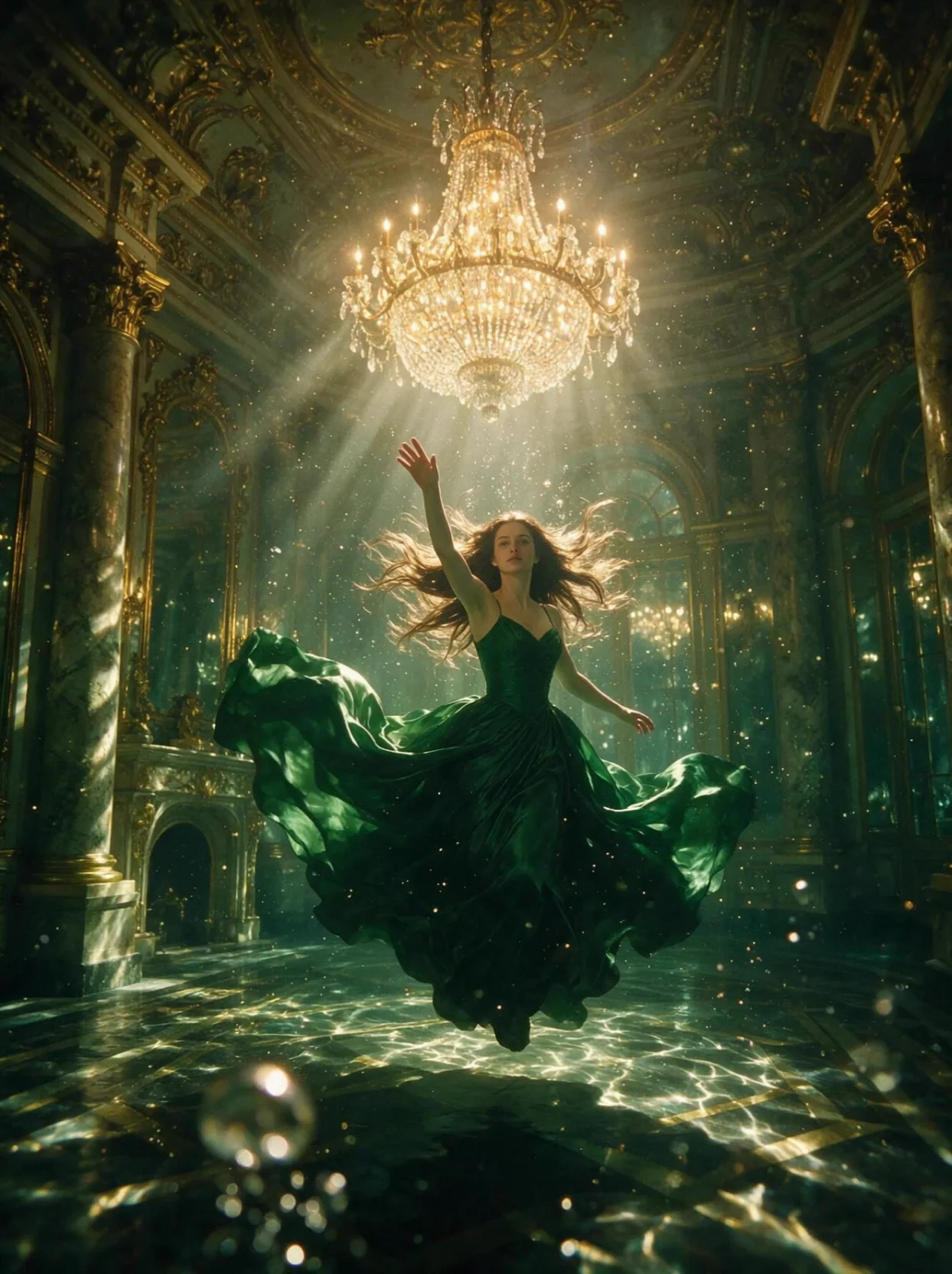
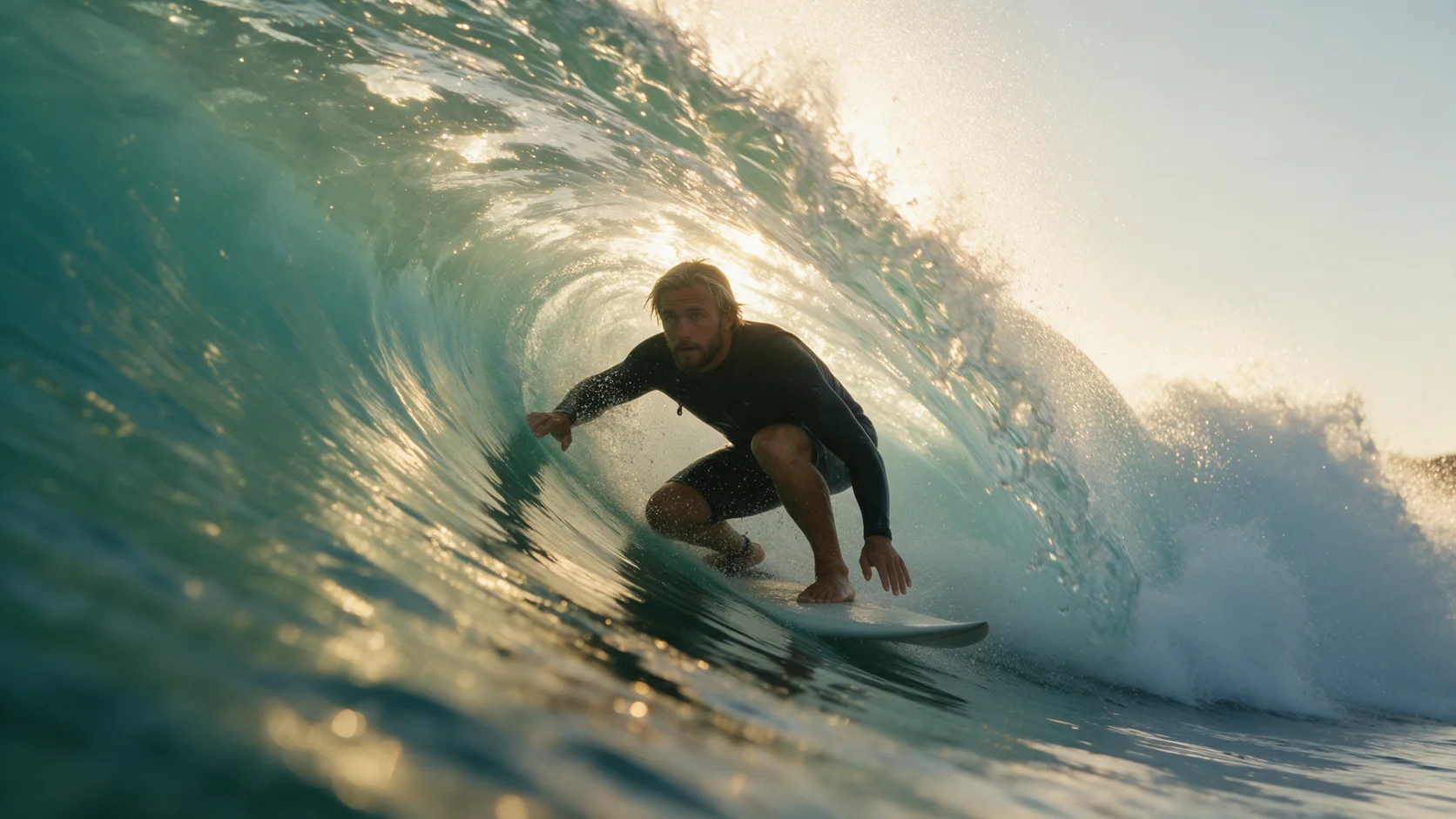
The opening frame's wardrobe, pose, lighting and setting all stay exactly as sent; the prompt only needs to describe what happens next and where the camera goes. In our tests, a frozen ocean wave and an underwater ballroom gown both came alive convincingly straight from a single still, with the framing and costume left untouched.
No closing frame on this endpoint
Unlike Kling 2.1's standard image-to-video, Master's image-to-video takes only image_url and no last_image_url. If a specific ending pose matters, describe it directly in the prompt and let the model work toward it, rather than expecting a second frame to lock the finish in.
Vertical frames can leave the face reading smaller
When the opening frame is a vertical crop, the render follows suit, and in one of our tests the face came through smaller and slightly less detailed than it would from a landscape frame. A tighter facial crop in a vertical opening frame carries more detail into the finished clip.
Request parameters
| Parameter | Required | Description |
|---|---|---|
prompt | Yes | Describe only what happens after the opening frame: the action and the camera move. at least 1 characters · at most 5000 characters |
image_url | Yes | Opening frame. JPEG or PNG only. |
duration_seconds | No | Whole seconds, 5 or 10. Drives the price. |
negative_prompt | No | A short list of what the clip should avoid - useful for steering away from common rendering glitches on complex camera moves. at most 500 characters |
guidance_scale | No | 0 to 1. Higher sticks closer to your wording; lower gives the model more freedom. |
Pricing
$0.216 / second
Billed per second of the output clip. An upload Kling refuses isn't charged.
Use cases
Bring a specific still to its best-quality motion
Use this tier when the opening frame is already exactly right - lighting, wardrobe, pose - and the render needs to be a keeper rather than a draft to compare against cheaper takes.
Atmospheric motion: fabric, water, fire, dust
Flowing gowns, curling waves, drifting mist and a swaying chandelier all rendered naturally in our tests from a still frame plus a prompt describing the motion, which suits any shot built around atmosphere rather than dialogue or fast action.
A second high-fidelity clip in the same project
Because this endpoint shares Master's higher price with its text-to-video counterpart, treat it the same way: reserve it for a shot you've already approved elsewhere, and settle the wording on a cheaper tier first.
Prompt guide & pro tips
Tell the still frame's elements when to move
Point at what's already in the frame - a wave, a pose, an outfit - and describe the order in which it should come alive, rather than re-describing the whole scene from scratch; the model already knows what the image looks like.
Pair a negative_prompt with an orbiting or drifting camera
A short negative_prompt, for example naming blurry faces or distorted hands, is a cheap way to steer a slow orbit or an underwater-style drift away from this model's more common rendering glitches, particularly once the clip runs a full 10 seconds.
Crop the face a little tighter on vertical frames
If the opening frame is a vertical crop, frame the face closer than you would for a landscape shot; a wide vertical crop can leave the face reading small once the clip is in motion, as it did in one of our vertical-frame tests.
API quick start
# Generate the idempotency key once; reuse it when retrying after a lost response.
export SPICY_IDEMPOTENCY_KEY="${SPICY_IDEMPOTENCY_KEY:-$(uuidgen)}"
curl -X POST https://api.spicyapi.ai/api/v1/jobs/createTask \
  -H "Authorization: Bearer $SPICY_API_KEY" \
  -H "Content-Type: application/json" \
  -H "Idempotency-Key: $SPICY_IDEMPOTENCY_KEY" \
  -d '{
  "model": "kling/2.1-master/image-to-video",
  "input": {
    "duration_seconds": 5,
    "image_url": "https://example.com/reference.png",
    "prompt": "A slow aerial shot drifting over a misty pine forest at sunrise"
  }
}'

# Copy data.taskId from the response into TASK_ID, then poll the status.
TASK_ID="TASK_ID_FROM_RESPONSE"
curl "https://api.spicyapi.ai/api/v1/jobs/recordInfo?taskId=$TASK_ID" \
  -H "Authorization: Bearer $SPICY_API_KEY"
See the API reference for authentication, the complete schema, polling, and error handling.