Introduction
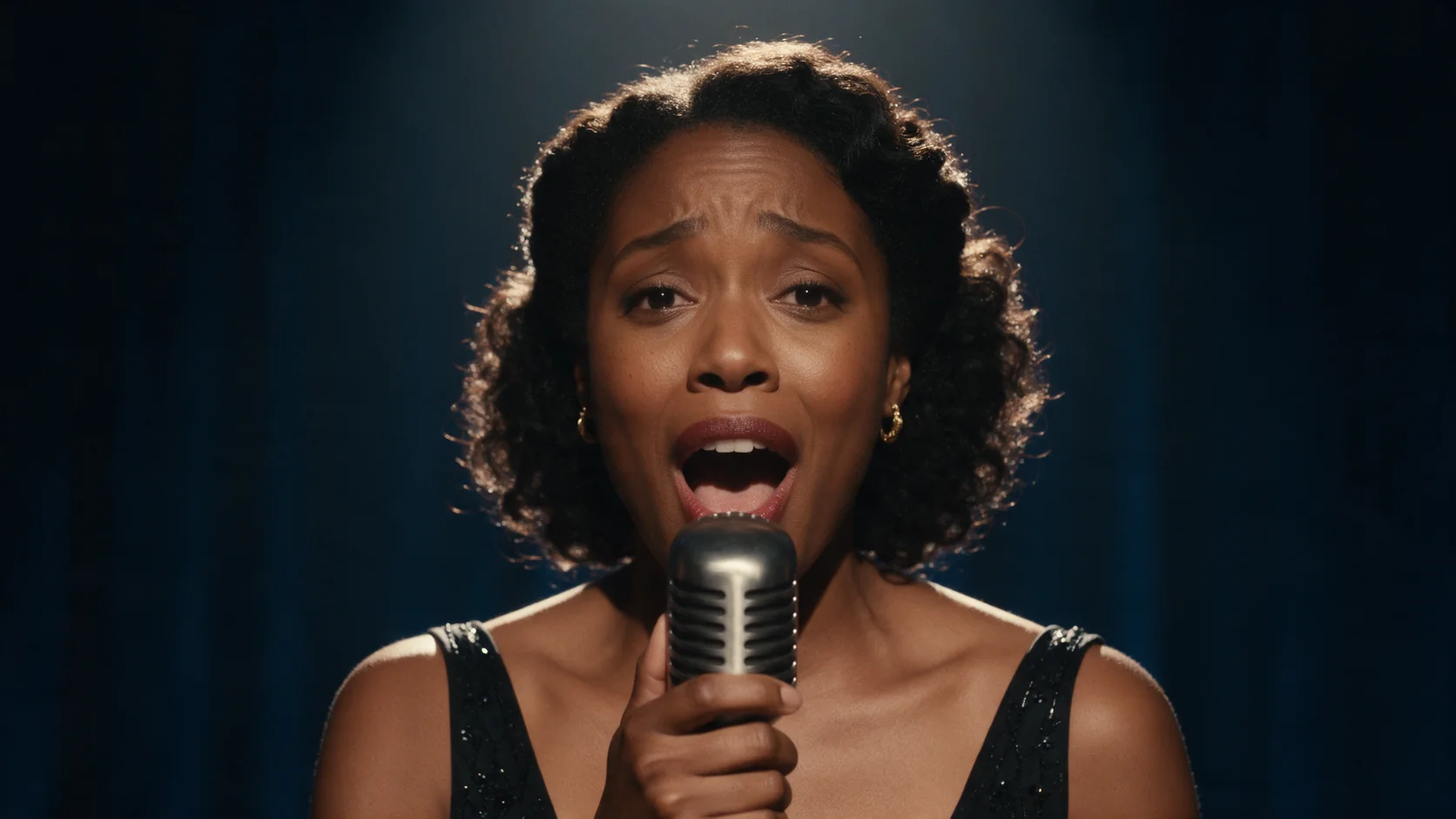
Kling 3.0 Turbo Text to video turns a written scene into a clip of 3 to 15 whole seconds, at 720p or 1080p, with sound generated in the same pass. There is no silent mode on this endpoint: describe the dialogue and ambient sound you want in the prompt and they render along with the picture.
Choose a Kling 3.0 Turbo mode by starting material
| What you have at the start | Mode |
|---|---|
| a written scene | Kling 3.0 Turbo Text to video |
| an approved opening image | Kling 3.0 Turbo Image to video |
Key features & highlights
Sound is not optional, and that's the point
Every clip that comes off this endpoint carries a generated soundtrack: dialogue you put in quotes renders as spoken lines, and any ambient sound you name - music, footsteps, traffic - comes back mixed with the picture. In our tests, spoken lines matched the prompt word for word on every clip we ran. There is no field to turn audio off; for a silent 1080p clip, use Kling 2.5 Turbo instead.
One continuous take, no shot-cutting field
This endpoint has no multi-shot setting, so every clip plays as a single unbroken take. Write one clear action from start to finish - a dance, a sprint and a jump, a turn toward camera - rather than several beats you want stitched together.
Request parameters
| Parameter | Required | Description |
|---|---|---|
prompt | Yes | Write it as a shot: who's in frame, the action, the camera move, then the sound - dialogue in quotes and the ambient sounds you want. at least 1 characters · at most 2500 characters |
aspect_ratio | No | 16:9, 9:16 or 1:1. Pick it before you write the prompt so the brief places the subject for that frame. |
resolution | No | 720p or 1080p. Higher tiers cost more per second. |
duration_seconds | No | Whole seconds, 3 to 15. Drives the price along with resolution. |
Pricing
Billed per second of output; resolution and length both affect the rate.
| Specification | Price |
|---|---|
| $0.112 / second |
| $0.14 / second |
Use cases
Dialogue scenes for shorts and reels
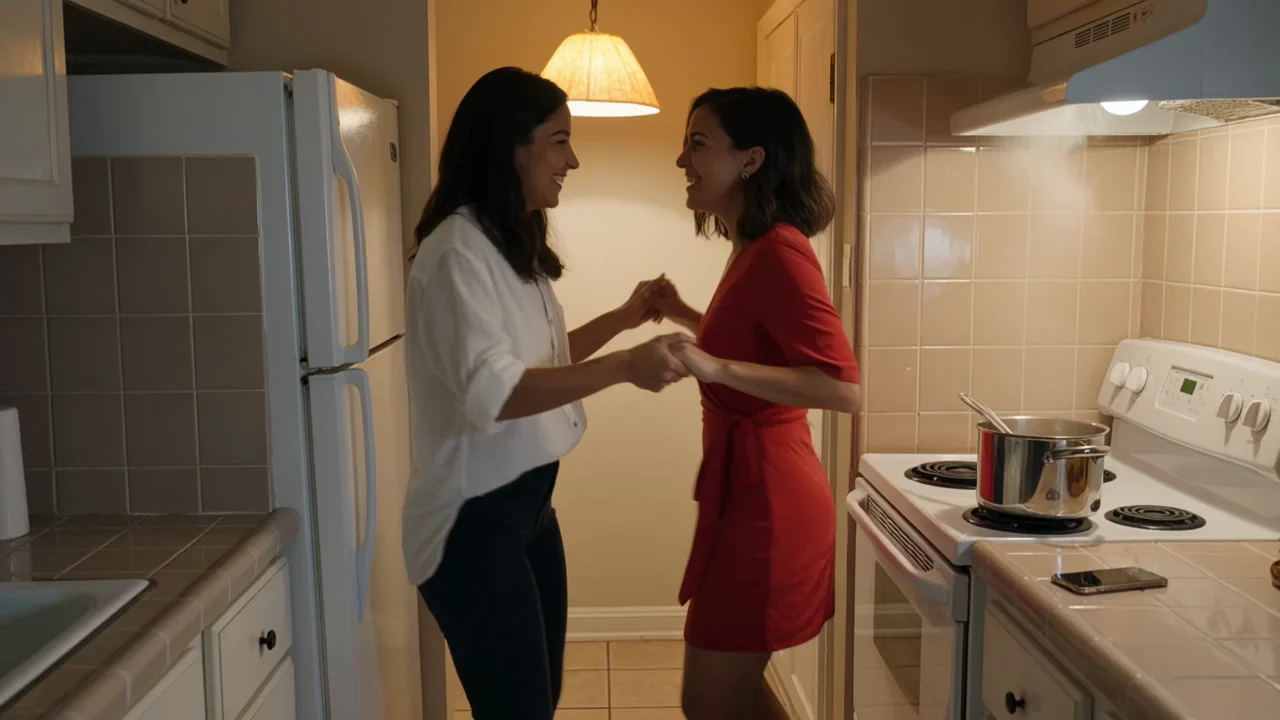
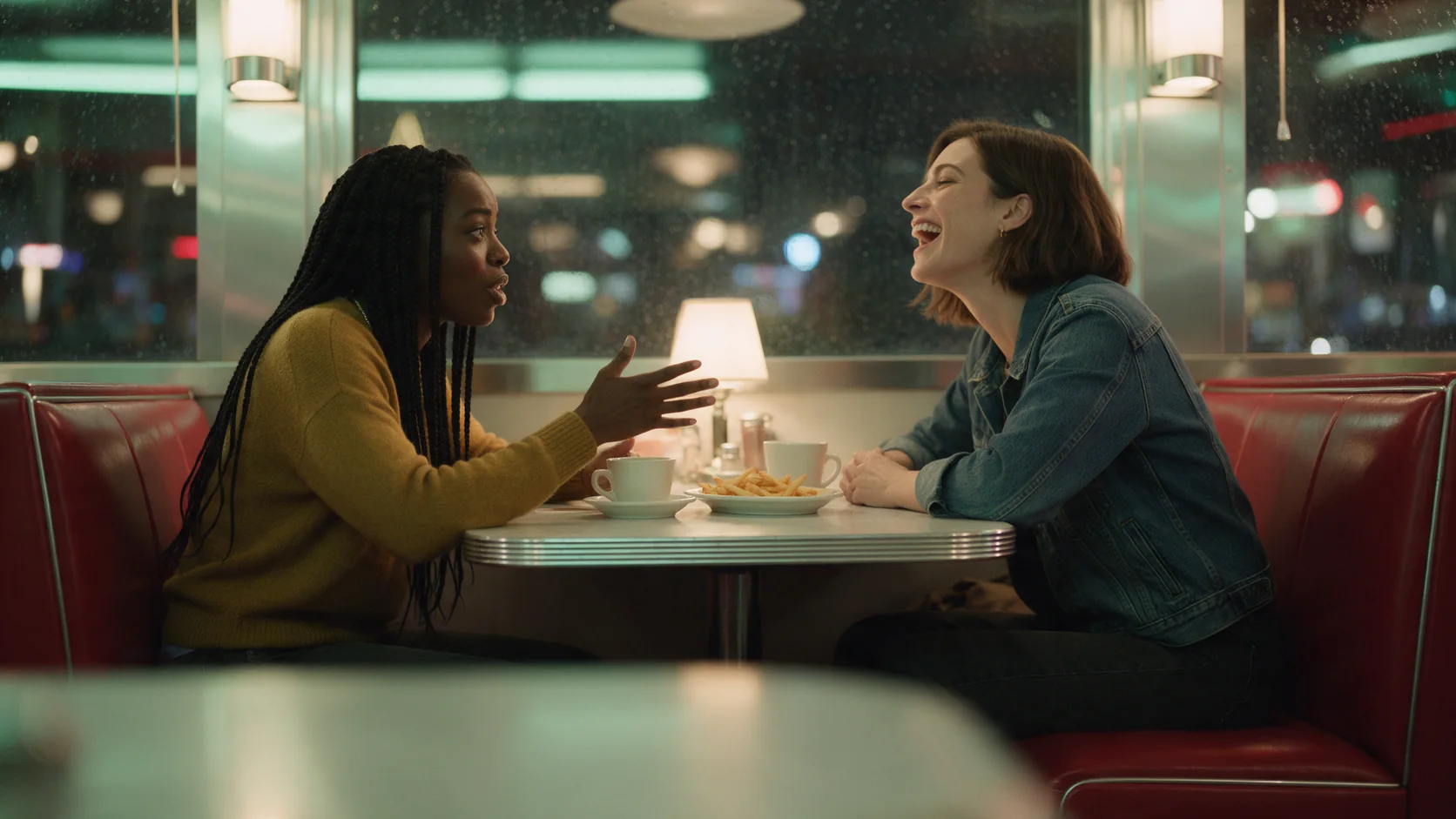
Two people talking, laughing or trading a line works well here, since the audio comes back synced to the picture instead of dubbed on afterward. A kitchen scene we tested had the spoken line, the background music and the sound of a pot bubbling all arrive in the same file, with no separate audio pass needed before posting.
Action and movement clips with matching sound
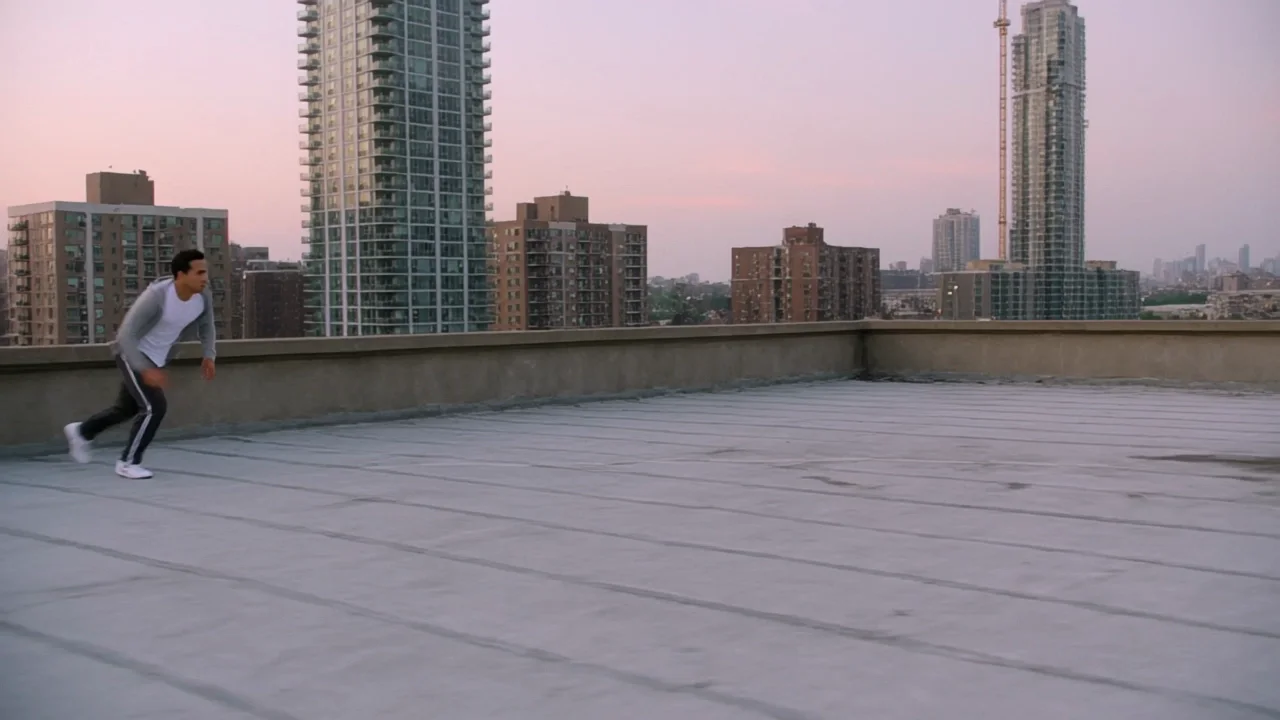
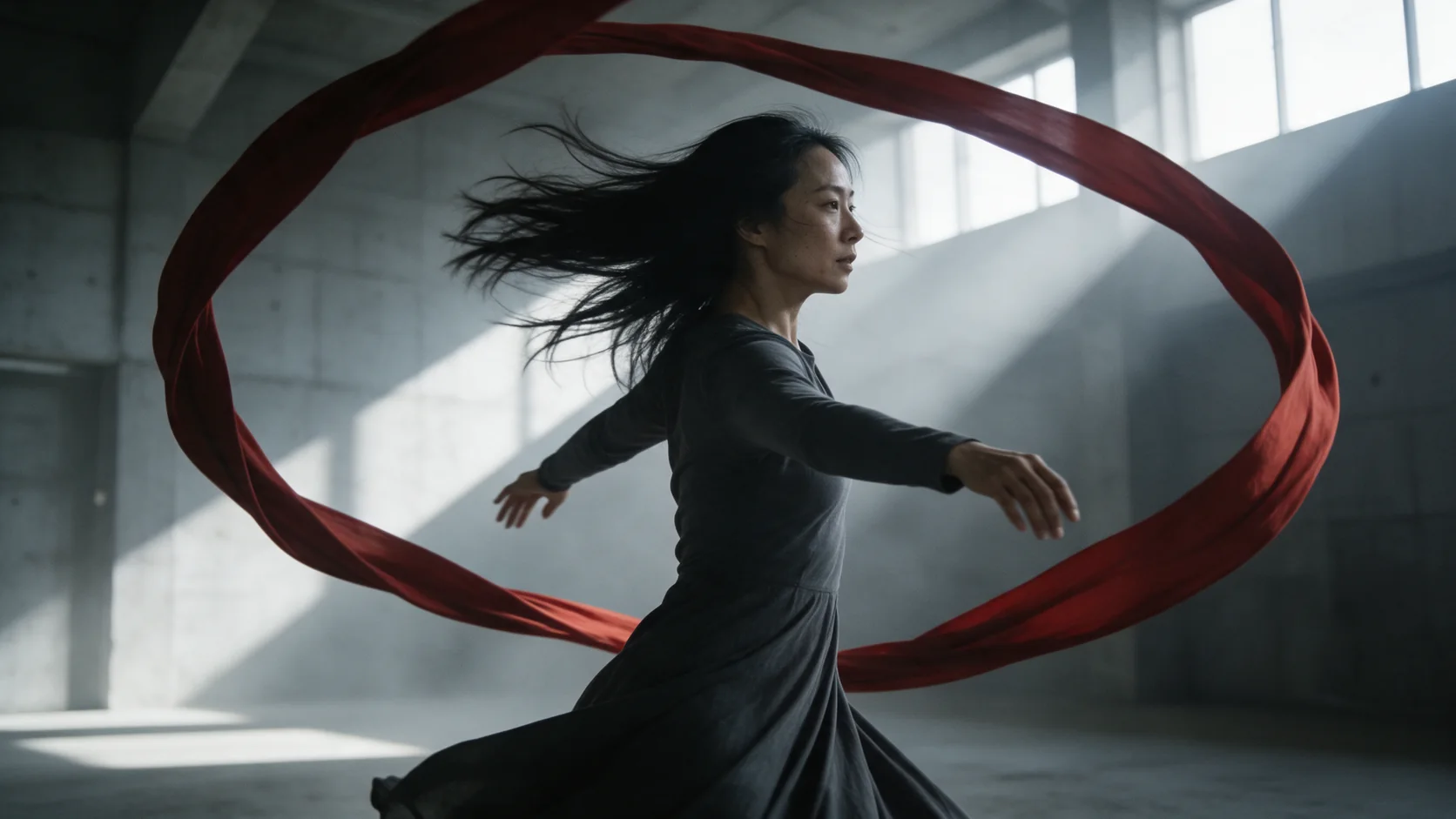
Parkour, dance and other physical action come with footsteps, impacts and breathing built into the same file as the motion, with no separate foley pass to add.
Quick turnaround social clips that need sound from the start
Because audio is generated in the same pass as the picture, this endpoint suits any short clip destined straight for a feed or a reel, where waiting for a separate sound-design step would slow down the post.
Prompt guide & pro tips
Write the shot in the order it happens
Structure the prompt as subject, action, camera, then sound. The kitchen-salsa prompt is a workable template: who's dancing and what they're wearing, what they do (spins, bumps the counter), the camera (medium shot, gentle handheld), then the sound (music, laughter, the pot bubbling).
Match the sound to the action, not just the mood
Name sounds that are caused by something in frame - footsteps on concrete, a bubbling pot, a scooter engine - rather than a generic mood track. In our tests, sound tied to a visible action rendered more consistently in sync with the picture than an ambient cue with nothing in frame to produce it.
API quick start
# Generate the idempotency key once; reuse it when retrying after a lost response.
export SPICY_IDEMPOTENCY_KEY="${SPICY_IDEMPOTENCY_KEY:-$(uuidgen)}"
curl -X POST https://api.spicyapi.ai/api/v1/jobs/createTask \
  -H "Authorization: Bearer $SPICY_API_KEY" \
  -H "Content-Type: application/json" \
  -H "Idempotency-Key: $SPICY_IDEMPOTENCY_KEY" \
  -d '{
  "model": "kling/3.0-turbo/text-to-video",
  "input": {
    "prompt": "A slow aerial shot drifting over a misty pine forest at sunrise",
    "resolution": "720p",
    "aspect_ratio": "16:9",
    "duration_seconds": 5
  }
}'

# Copy data.taskId from the response into TASK_ID, then poll the status.
TASK_ID="TASK_ID_FROM_RESPONSE"
curl "https://api.spicyapi.ai/api/v1/jobs/recordInfo?taskId=$TASK_ID" \
  -H "Authorization: Bearer $SPICY_API_KEY"
See the API reference for authentication, the complete schema, polling, and error handling.