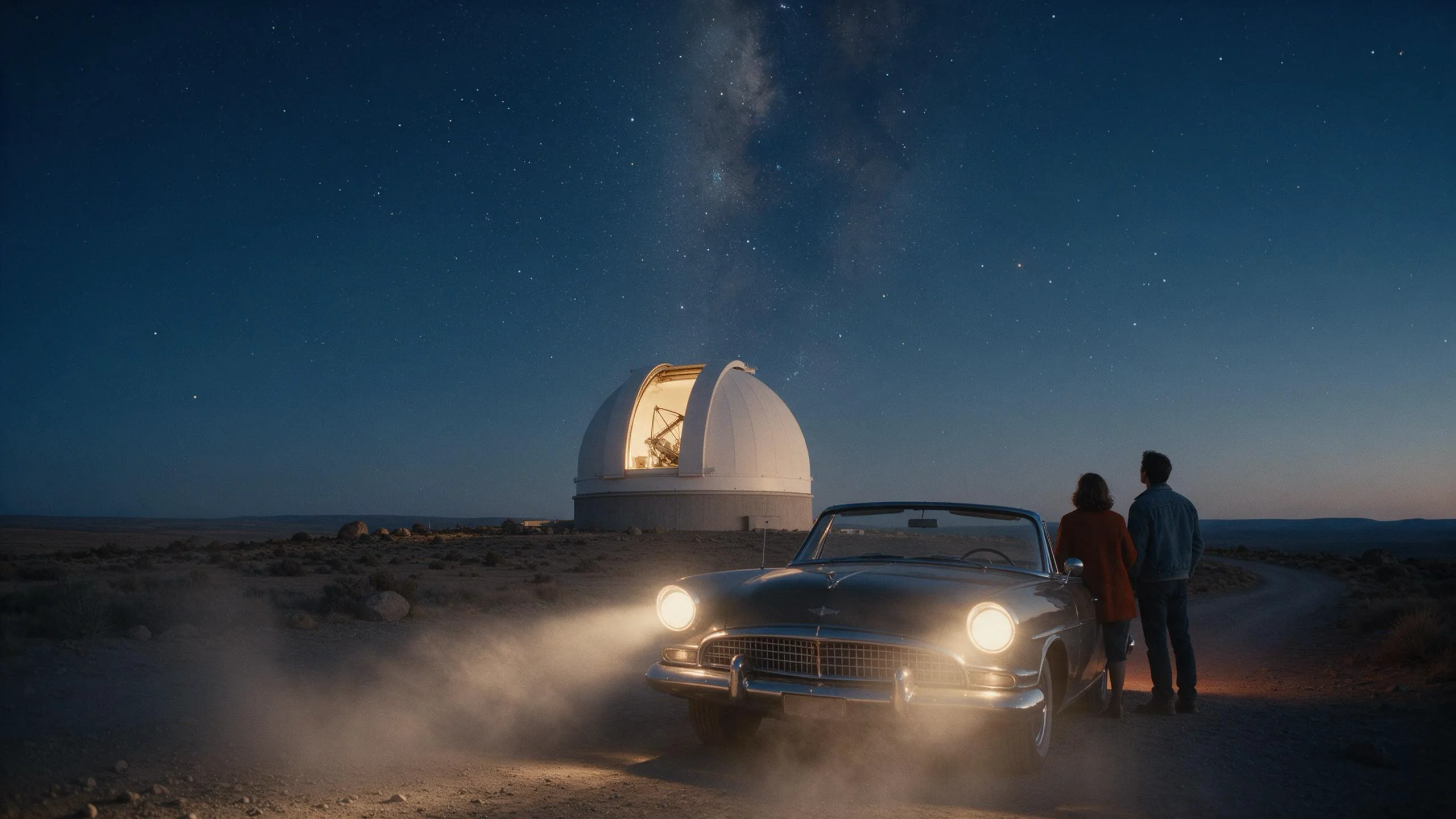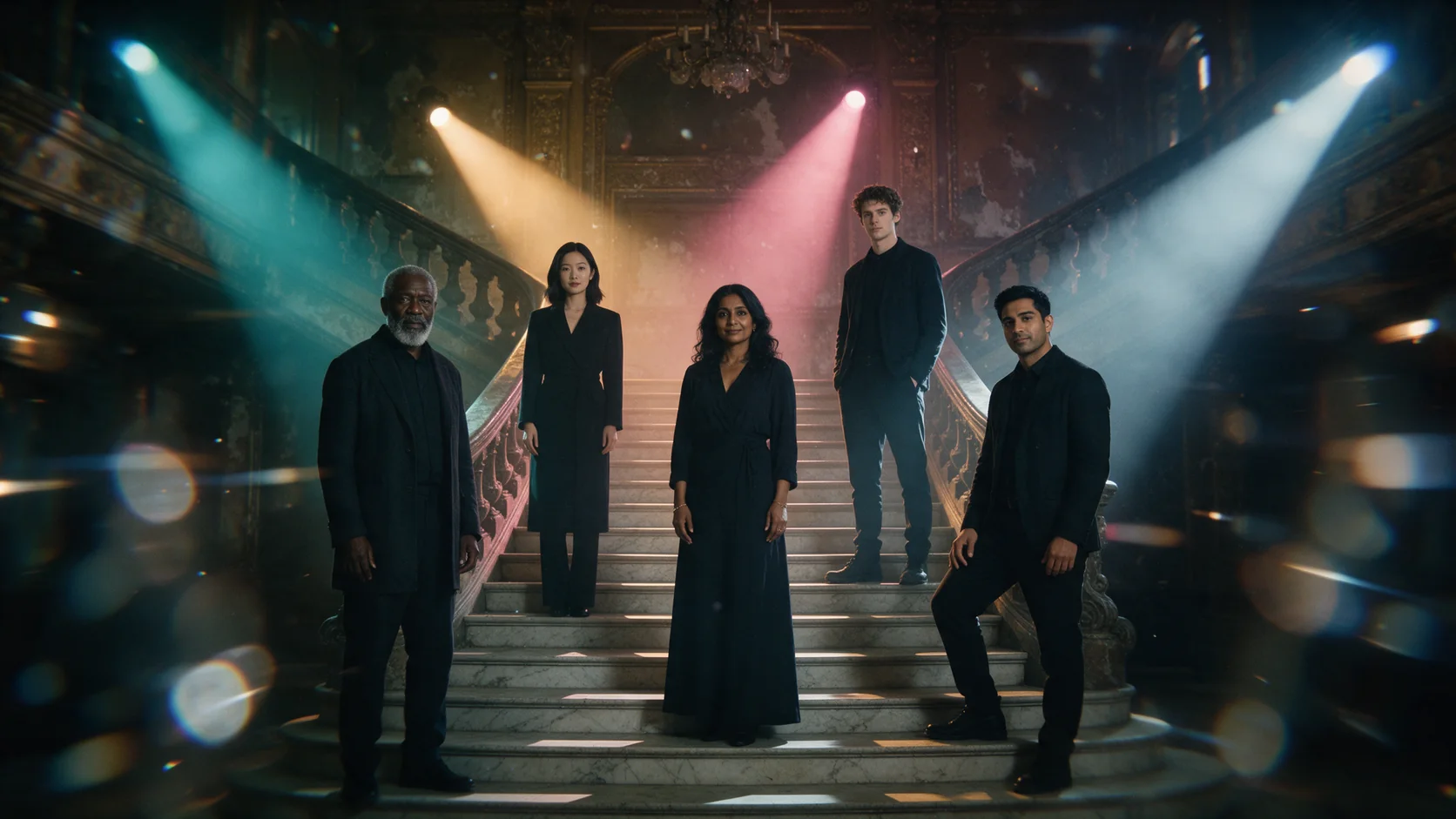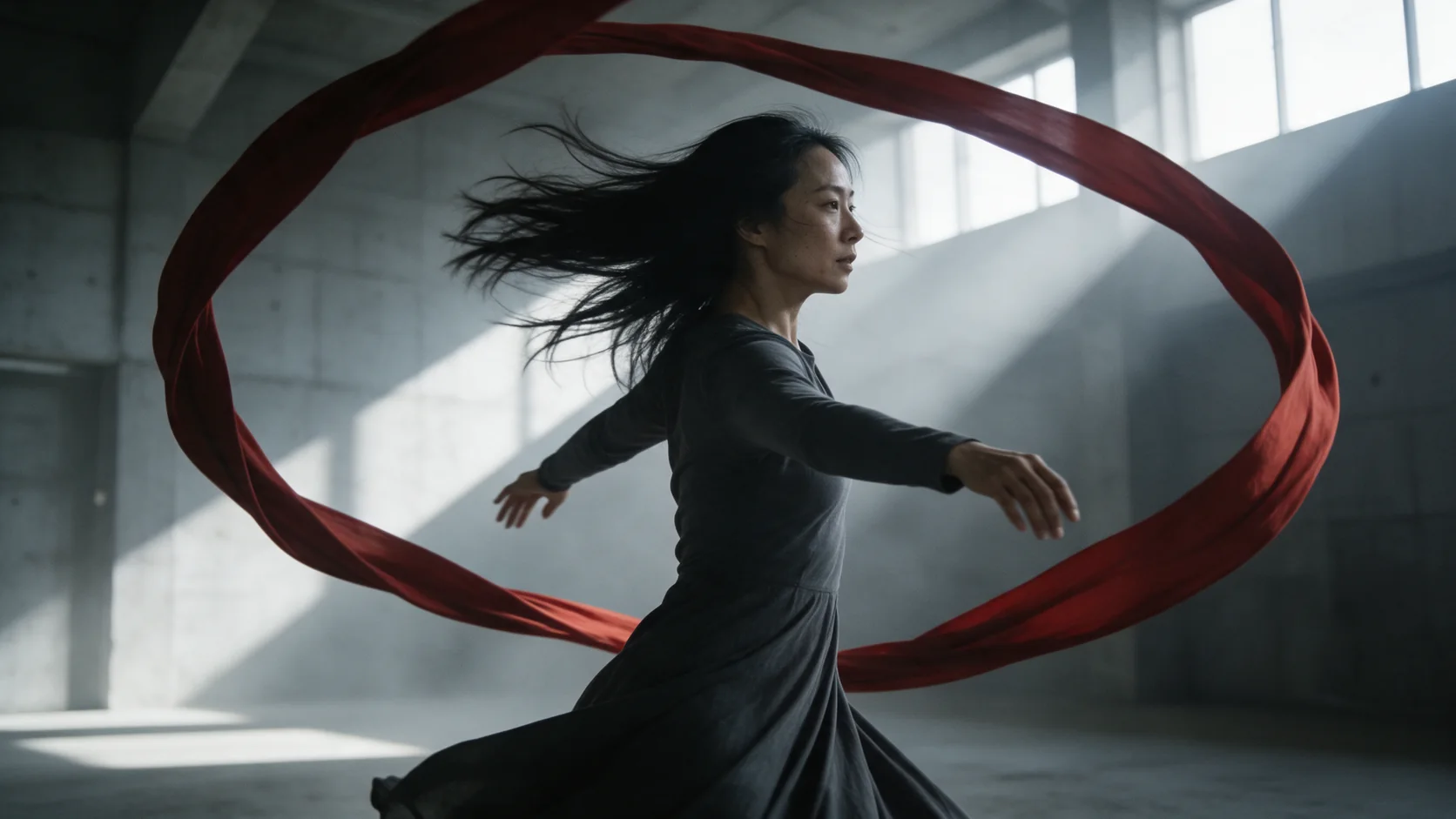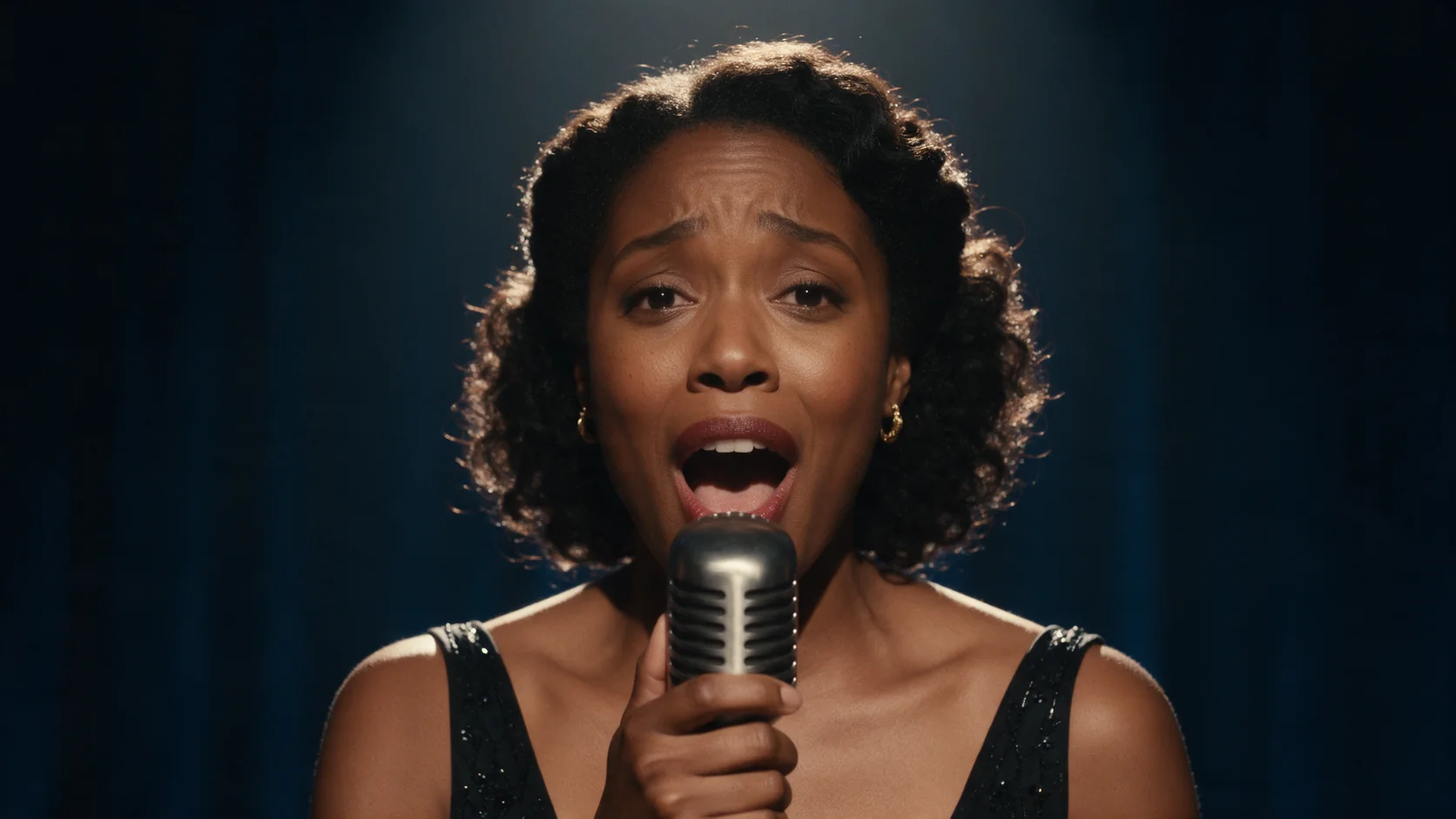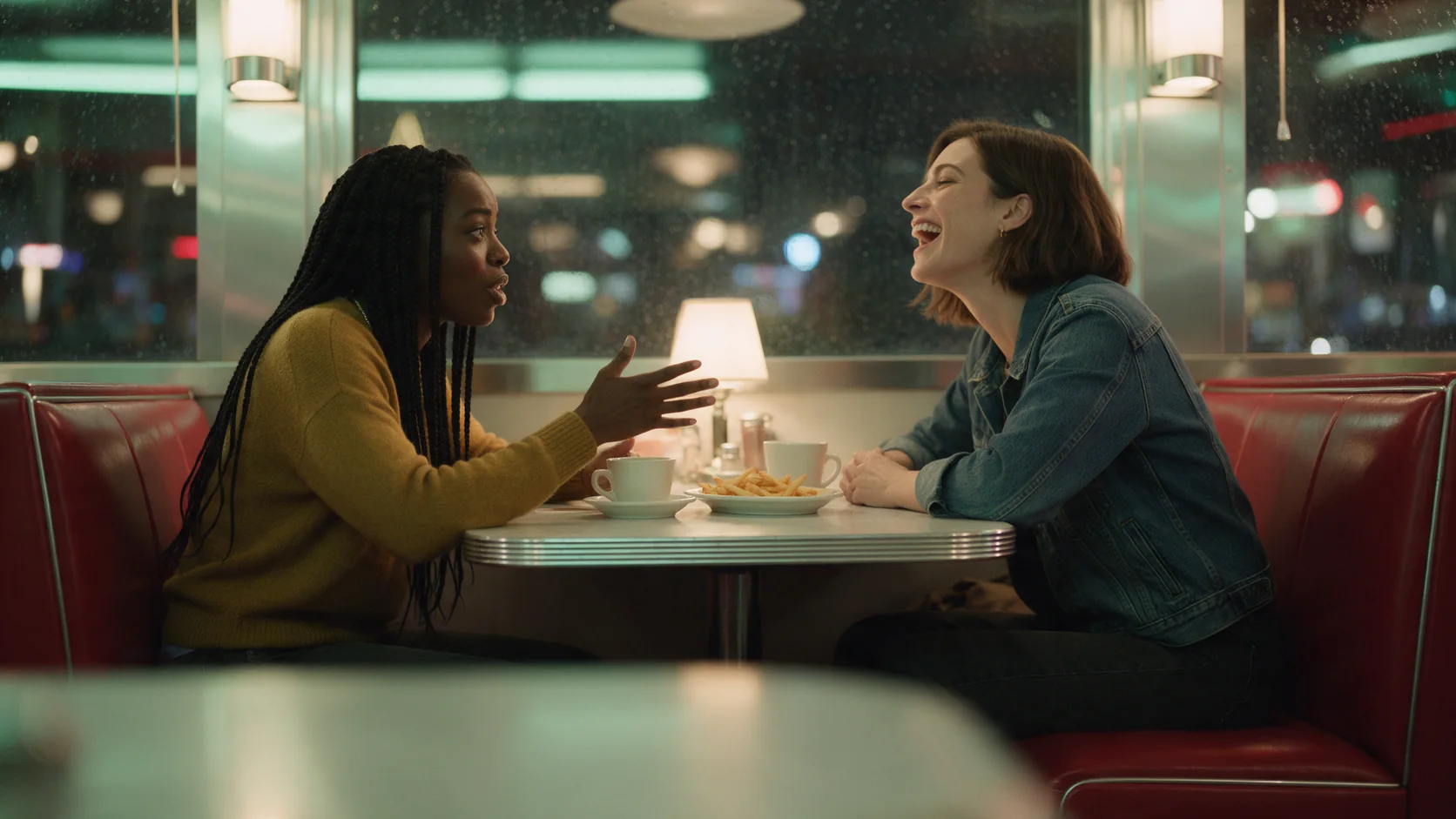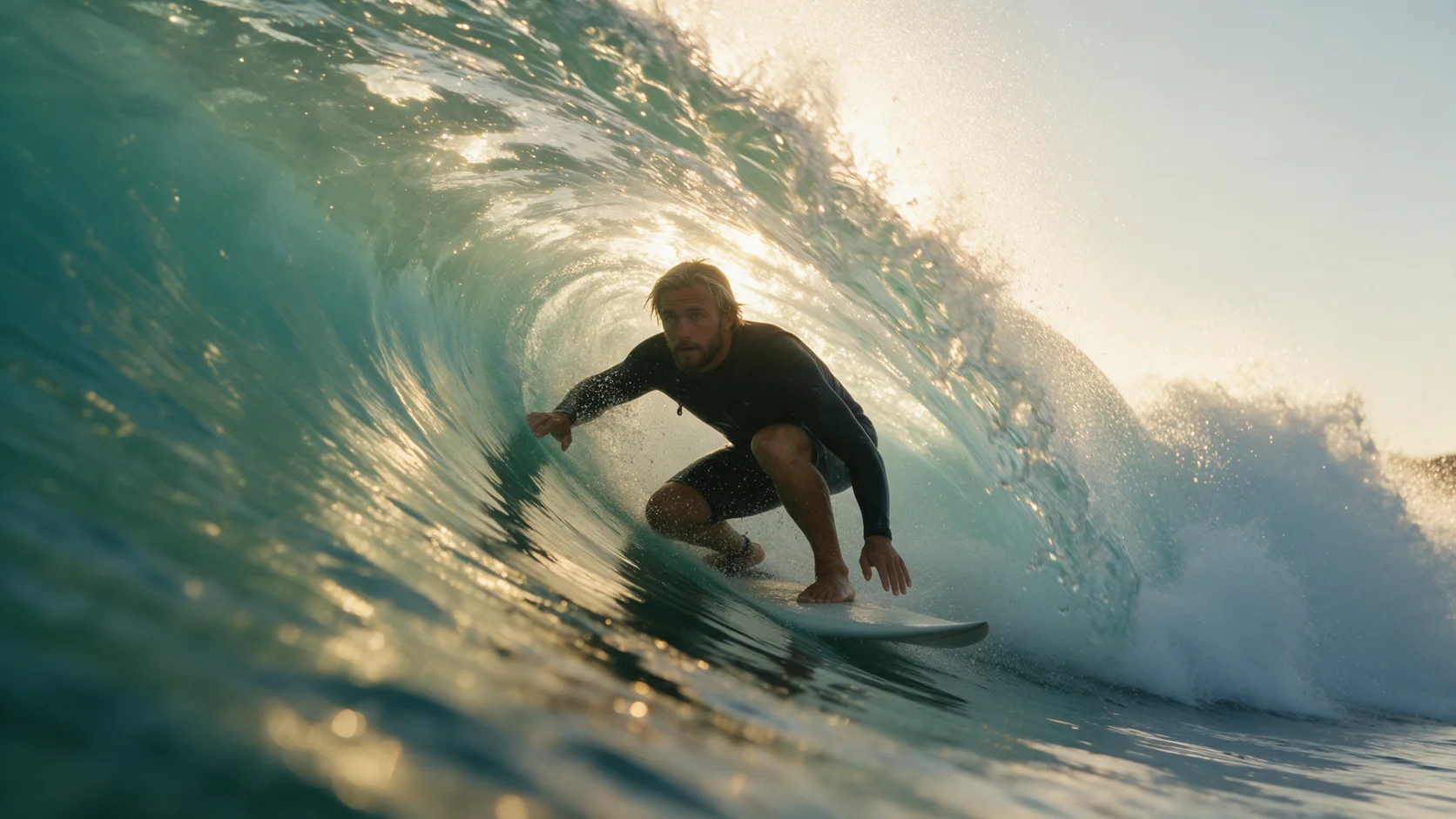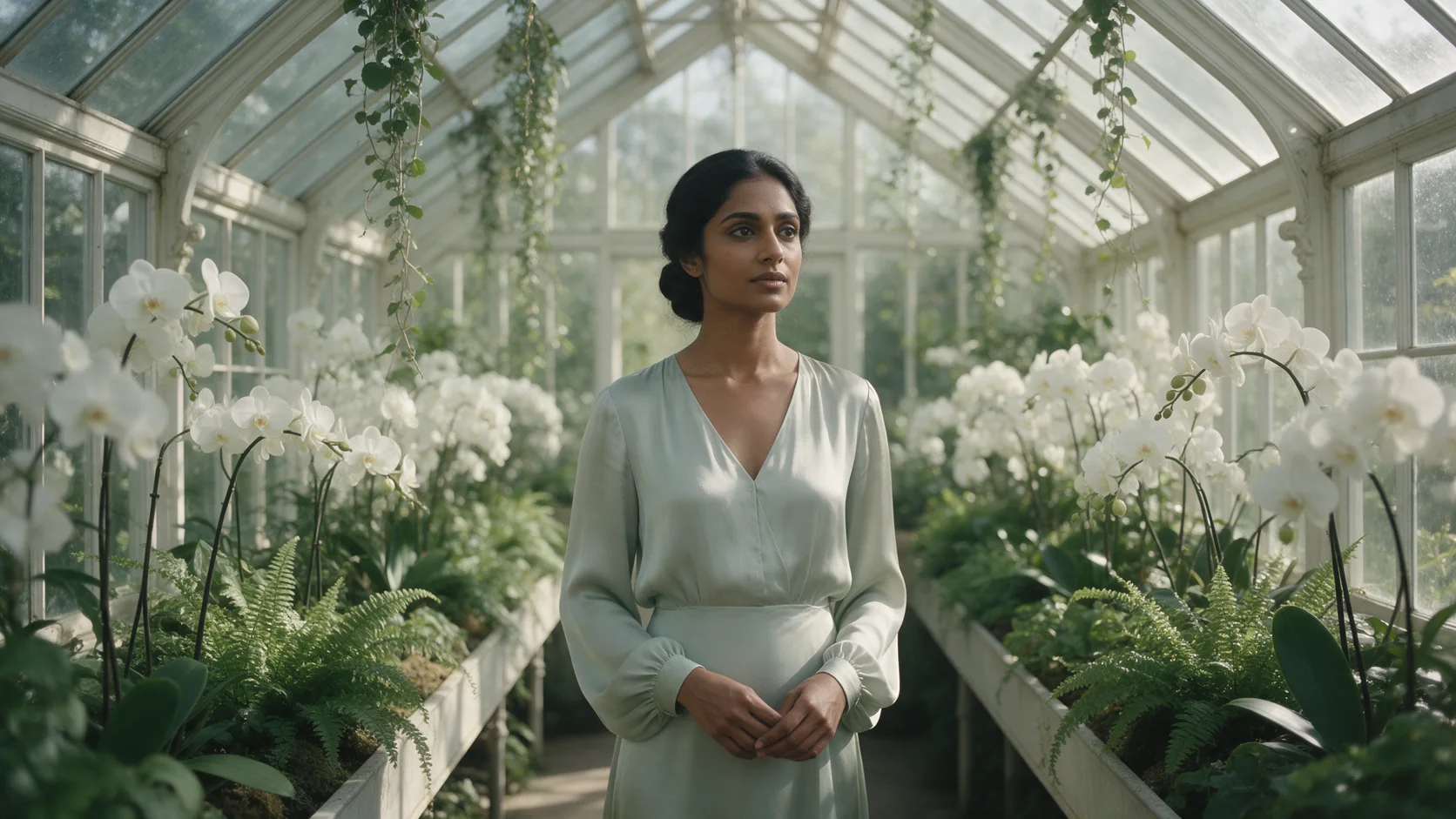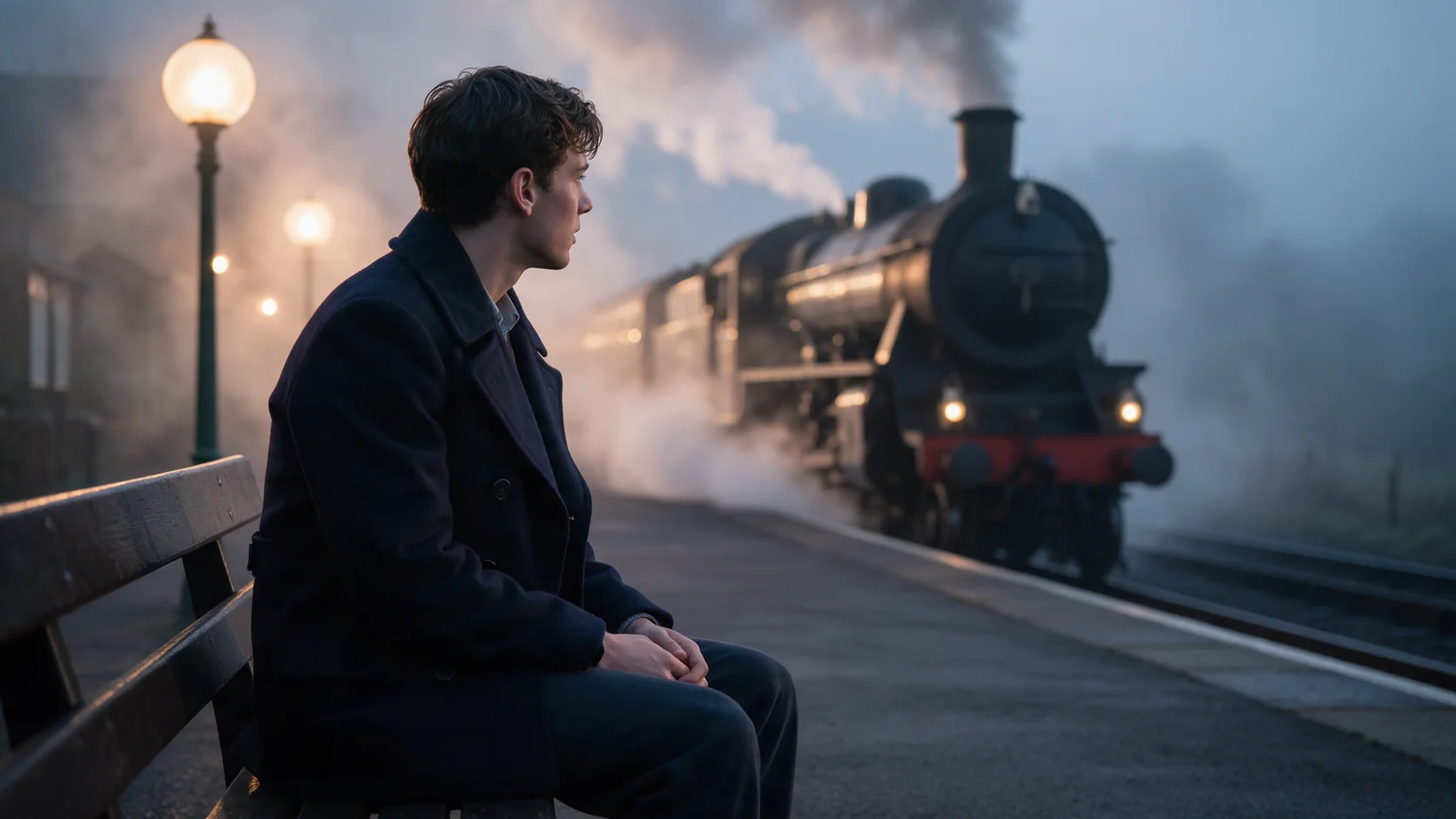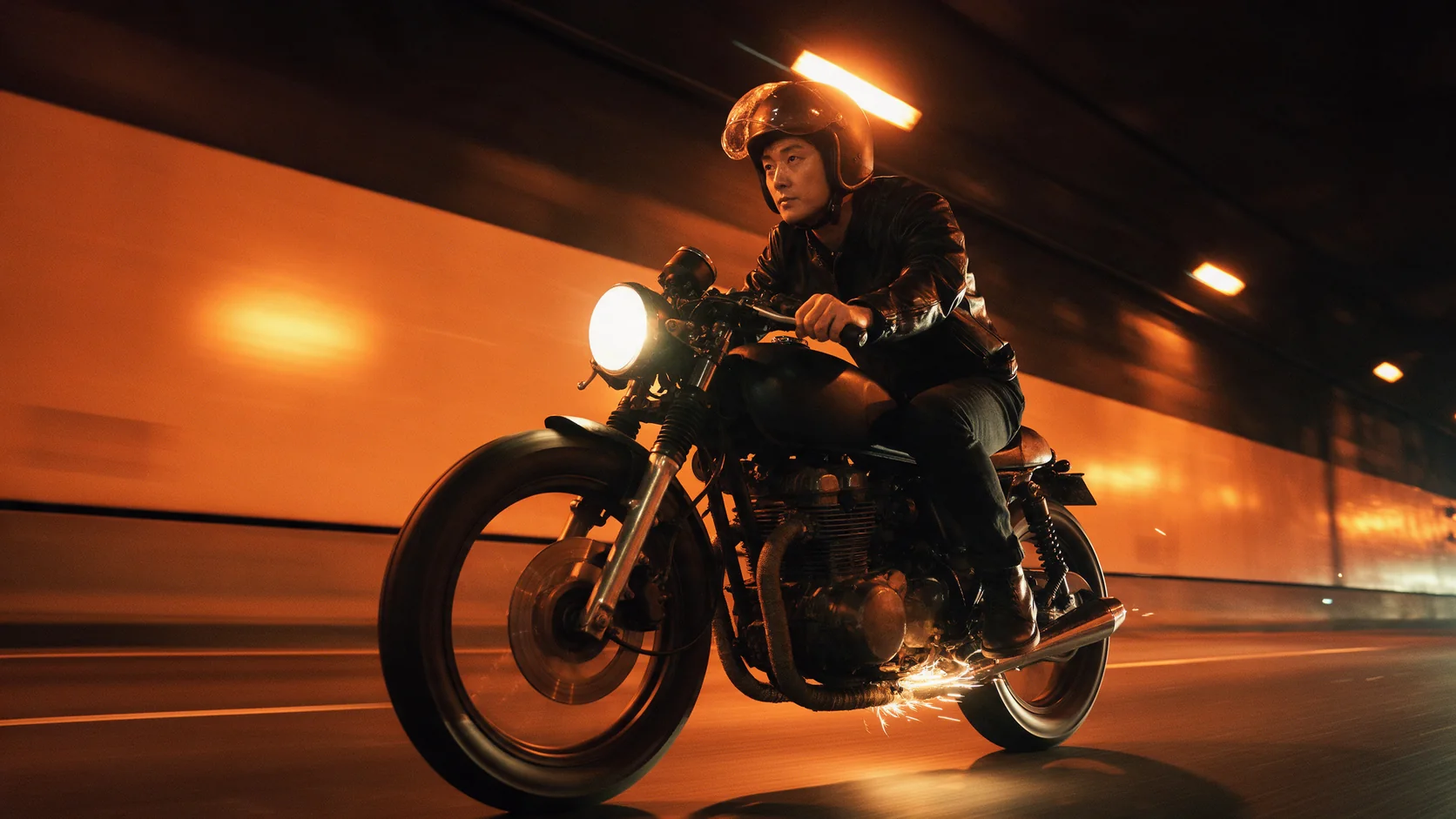
Kling 3.0 Turbo image-to-video animates your opening frame into a 3 to 15 second clip at 720p or 1080p. The person, outfit and setting hold from the image, and a matching soundtrack is generated with every clip.

From $0.112/s

Workbench

Input

Image to video
349/2500
Describe only what happens after the frame: the action, the camera move and, since audio always renders, the dialogue or ambient sound. at least 1 characters · at most 2500 characters
1/1

Drop files or media links, paste, or browse · 1 file · Max 10 MB · JPG · PNG · WEBP · GIF

  • 1
1 / 1 files
Opening frame. The person, outfit and setting in this image hold through the clip - only the motion, camera and sound are new.
affects price
720p or 1080p. Higher tiers cost more per second.
Durationaffects price
Whole seconds, 3 to 15. Drives the price along with resolution. no lower than 3 · no higher than 15
Safety checkerOff

SpicyAPI does not run a safety checker on this model. Your prompt and media go to the model as written, and the model itself decides what comes back.

Checking your account before enabling submission and pricing.

Output

Ready for a new run
Example result

Missing the model you need?

Tell us what to add and where you would use it. Requests go to the people who decide what gets onboarded next.

KLING VIDEO, TURBO SPEED

Kling 3.0 Turbo API at a glance

Write the scene or start from your own frame - the clip comes back with sound already in it.

Every clip has sound
AUDIO
3.0 Turbo has no silent mode: sound renders in the same pass as the picture, on every clip.
Top resolution
1080P
720p or 1080p. Resolution and length both drive the price.
Longest clip
15S
3 to 15 seconds, in whole-second steps.
Ways to start
2
From a written scene, or your own opening frame.
Aspect ratios
3
16:9, 9:16 or 1:1 on text-to-video; image-to-video follows your image.
Typical render time
FAST
Most clips in our tests came back in one to three minutes.

Results

What you can make with Kling 3.0 Turbo

  • Sound, not an add-on

    Dialogue and ambience in the same file

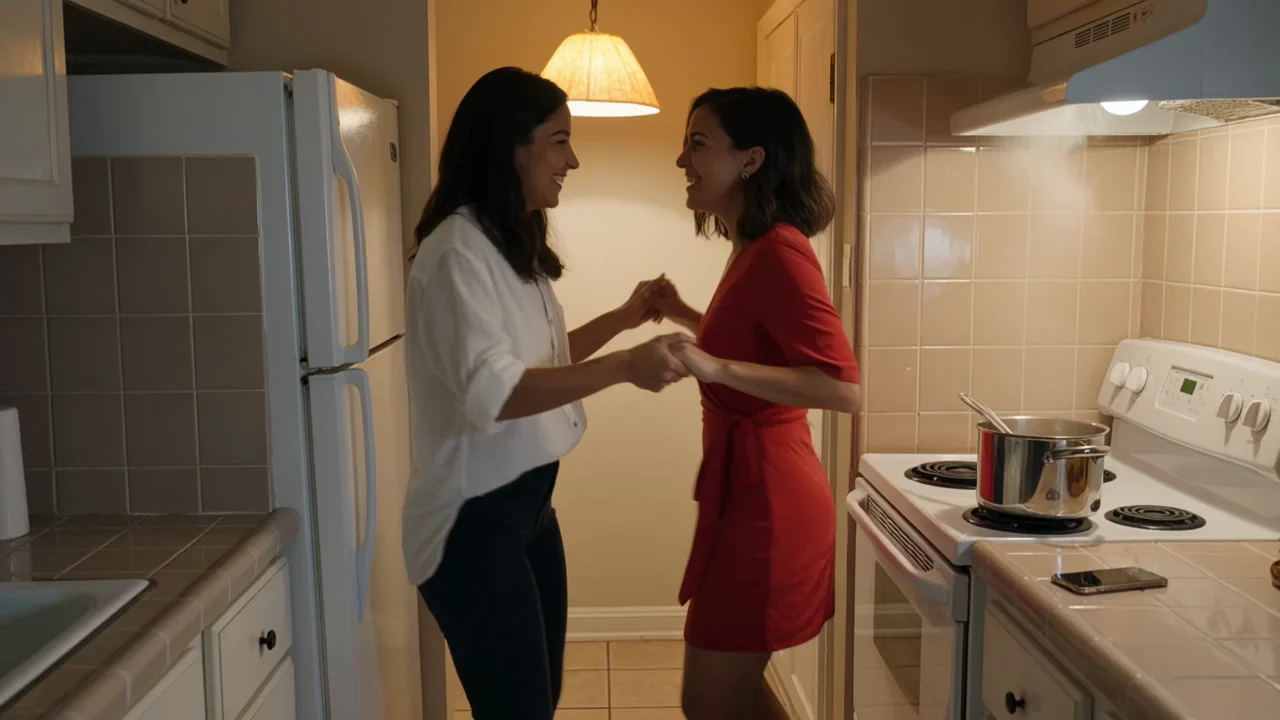
    Write the lines in quotes and name the sounds you want, and they come back mixed into the clip - not a silent render you dub afterwards. In our test of a kitchen dance scene, the salsa track, the laughter and the pot bubbling on the stove all arrived synced to the picture.

    Text-to-video, 720p: the salsa track, laughter and a bubbling pot all arrive in the same file as the picture.

  • From your own frame

    The opening image holds, you write what happens next

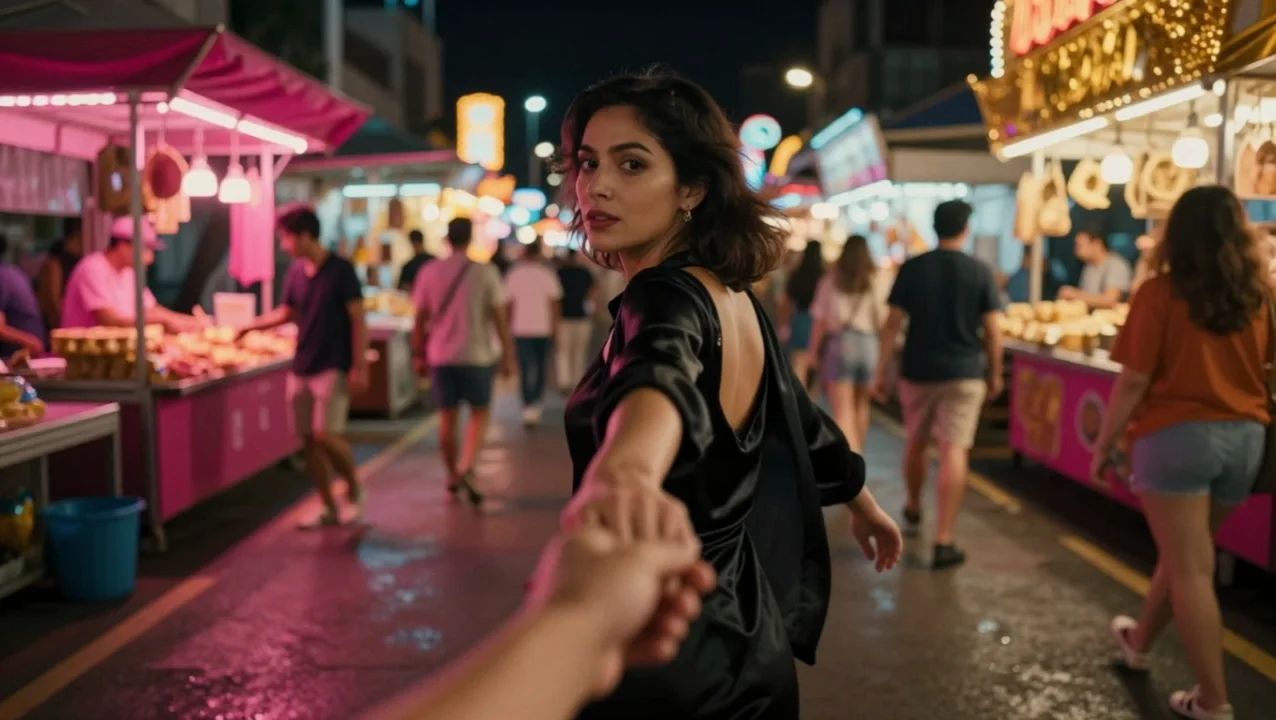
    Give it an approved still and describe only the action, the camera and the sound. A first-person shot of a hand being pulled through a night market kept the same partner's face through the whole clip while the prompt supplied the run, the crowd noise and the line she calls back over her shoulder.

    Image-to-video, 720p: the opening frame's face and outfit hold through the whole run, with matching market chatter and dialogue.

  • One continuous take

    No shot-cutting option, and that's a feature

    This model has no multi-shot setting: every clip plays as a single continuous take. Describe one clear action from start to finish - a run, a turn, a jump - rather than several beats stitched together, and the render stays predictable.

Content test

Is Kling 3.0 Turbo uncensored? What we tested

We ran each level on our live setup and checked every clip frame by frame. A pass means the content was actually on screen, not just that the request went through.

Content levels tested on Kling 3.0 Turbo, by mode
LevelImage to videoText to video
MildThe lightest prompts in the test
Not tested yet
Not tested yet
ModerateWhere filtered models start to refuse
RefusedTested Sep 28, 2026
StrongThe middle of the scale
Not tested yet
Not tested yet
Very strongWhere most models start to hold back
Not tested yet
Not tested yet
MaximumThe top of the scale
Not tested yet
Not tested yet

Renders: on screen as written. Softened: generated, but milder than what was written. Refused: rejected. Not tested yet: we have not run that level on that mode.

How each mode behaves

Text to video
Sound is always on, so write it into the prompt: dialogue in quotes, plus the ambient sounds you want. There is no field to turn audio off on this endpoint.
Image to video
The opening frame anchors the person, the outfit and the setting - write only what happens after it. There is no aspect_ratio field here: the clip's frame shape follows your image, so crop the source to the shape you want before you upload it.
All modes
Kling runs its own content moderation, and it is strict: Mild-level wording sometimes renders and sometimes doesn't, and everything from the Moderate level up is refused outright. Input images that Kling's moderation flags are blocked before generation even starts. If your scene needs to go further, use one of our Spicy families instead, such as Wan 2.2 Spicy or MiniMax H3 Spicy.
All modes
A rejected or failed request is not charged - the hold on your balance is released.

Use cases

What to build with the Kling 3.0 Turbo API

  • Dialogue scenes for shorts and reels

    Two people talking, laughing or trading a line works well here, since the audio comes back synced to the picture rather than added in post.

  • POV clips that pull the viewer in

    A first-person opening frame plus a short prompt about the action is enough for a first-person tracking shot with matching sound - footsteps, crowd noise, a line of dialogue.

  • Fast-turnaround social clips

    Renders in our tests mostly landed inside a few minutes, short enough to try a shot two or three ways before you pick the take you keep.

  • Action and movement b-roll with matching sound

    Parkour, dance and other physical action come with footsteps, impacts and breathing built into the same file, so there is no separate foley pass to add.

Prompts

Kling 3.0 Turbo prompt examples you can copy

Paste one into the playground as it is, then change one thing at a time.

  • Text to video

    Two people, one continuous scene, sound included

    Result from this prompt

    Late night in a small tiled kitchen lit by a warm pendant lamp. Two women in their early thirties, a couple, dance salsa between the counter and the fridge while a pot steams on the stove. One, in a loose white shirt with the sleeves rolled up, leads and spins the other, who wears a red wrap dress; they laugh and bump into the counter. Medium shot, gentle handheld. Sound: salsa music from a phone speaker, their laughter, feet on the tiles, the pot bubbling.

    Why it works. It names who's in frame, the wardrobe, the move (spin, bump the counter) and closes with the sound cues, so the model has a single clear beat to film and score rather than a mood to guess at.

    Try this prompt
  • Text to video

    Action across two set-ups in one continuous take

    Result from this prompt

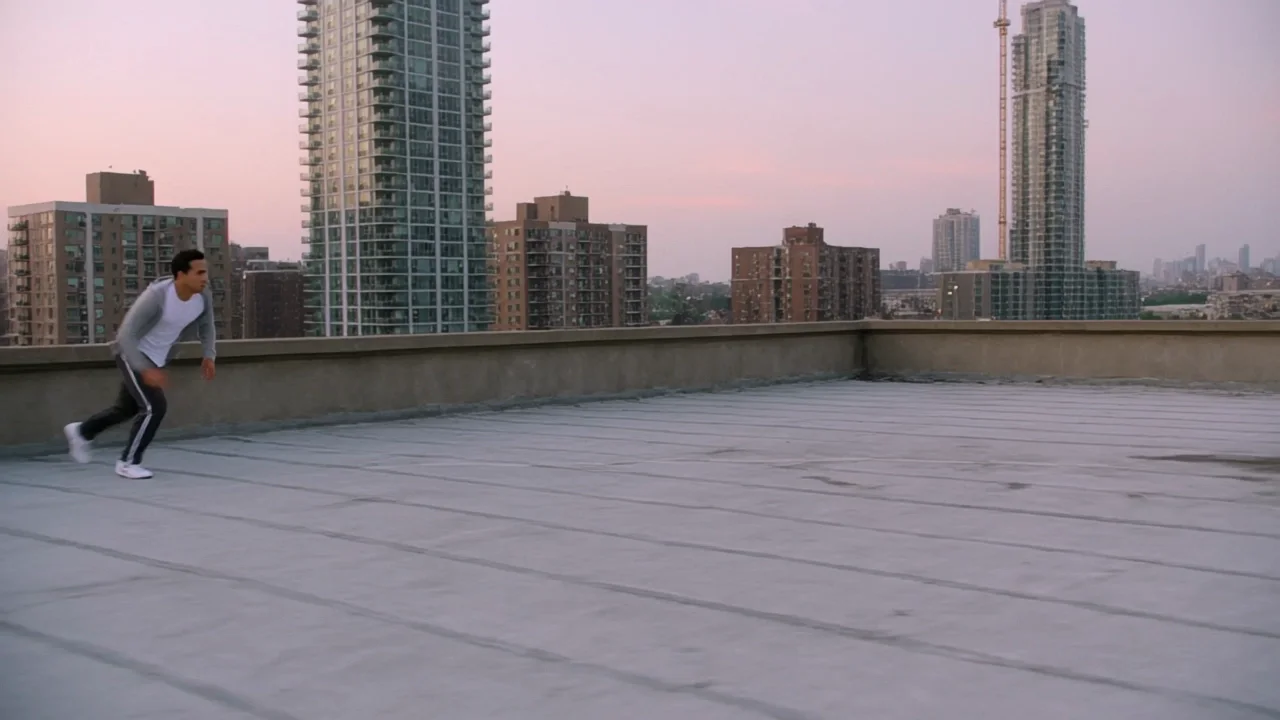
    Dawn over Hong Kong rooftops. A man in his late twenties in a grey hoodie and track pants sprints across a flat roof, vaults a low ventilation duct and leaps the gap to the next building, landing in a roll and coming up running. Handheld tracking shot alongside him, then a wide shot of the jump against the pink sky and dense towers. Sound: his breathing, sneakers slapping concrete, the whoosh of the jump, distant traffic waking up.

    Why it works. The camera direction ("handheld tracking, then a wide shot") and the sound list read like a single planned take rather than an edit, which matches how this endpoint actually renders - one continuous clip, no cuts.

    Try this prompt
  • Text to video

    Name the shot, not just the mood

    A woman in a silk slip dress sits on the edge of a hotel bed at dusk, looking out the window, warm backlight, soft haze, slow push-in, cinematic. Sound: distant traffic, a ceiling fan, her quiet breathing.

    Instead of “woman in a hotel room at night”

    Why it works. Naming the dusk backlight, the camera move and the ambient sound gives the model a shot to film and score; the short version leaves the pose, the light and the audio to chance.

    Try this prompt
  • Image to video

    Let the frame set the look, let the words set the motion

    Result from this prompt

    First person point of view: she tightens her grip on the viewer's hand and pulls, breaking into a run through the crowded neon night market, glancing back over her shoulder and laughing. The camera is towed after her past glowing stalls and drifting steam. Sound: market chatter, sizzling grills, her laughter as she calls, "Come on, it's this way!"

    Why it works. The prompt only describes what happens after the frame - the run, the glance back, the line of dialogue - and leaves the wardrobe and the setting to the image, which is what this endpoint is built for.

    This mode starts from your own image: add it in the playground before you run.

    Try this prompt
  • Image to video

    A shared moment, described in motion and sound

    Result from this prompt

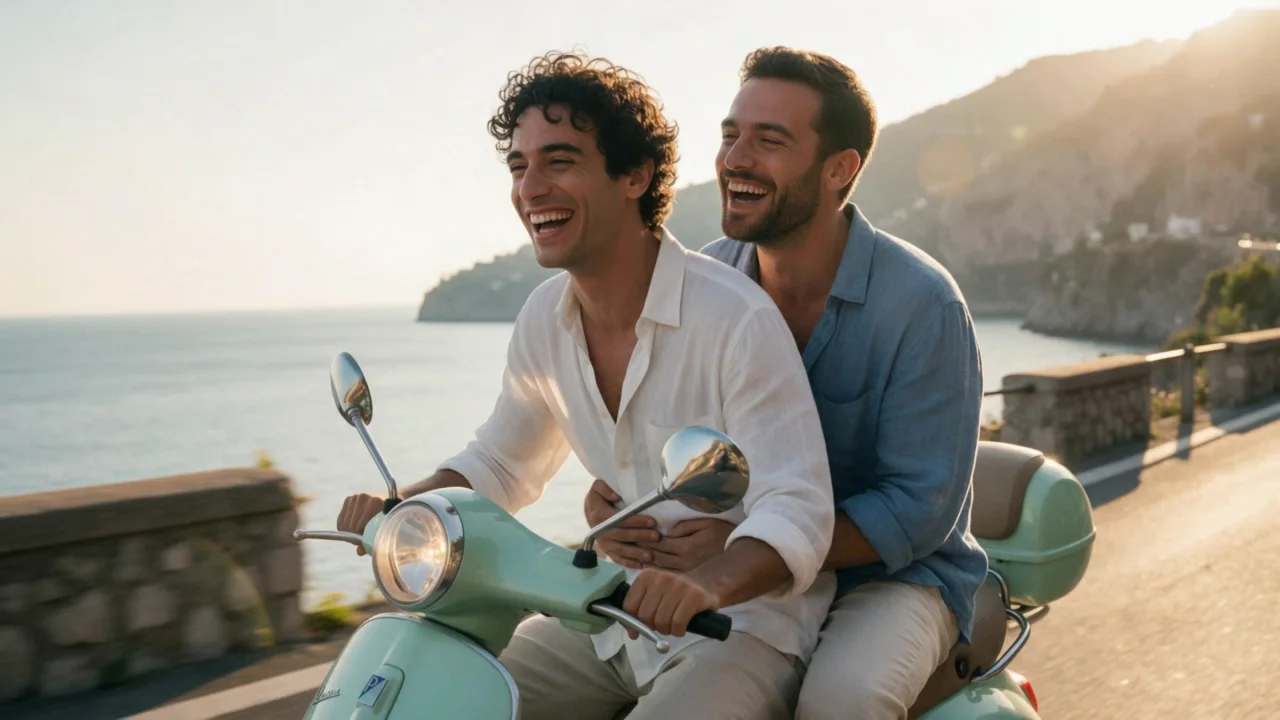
    The Vespa leans into a curve along the coast road; the passenger tightens his arms around the driver and rests his chin on his shoulder, both laughing into the wind, the sea glittering below. Tracking shot alongside them. Sound: the buzzing scooter engine, rushing wind, their laughter.

    Why it works. It gives the camera one move (tracking alongside) and pairs it with sound that matches - engine, wind, laughter - instead of listing separate mood words.

    This mode starts from your own image: add it in the playground before you run.

    Try this prompt

Compare

Kling 3.0 Turbo vs similar models: which one to pick

ModelModesFromContentPick it when
Kling 3.0 TurboThis pageImage to video · Text to video$0.112 / output secondFiltered — This model refuses requests beyond its own limits outright. Measured, not assumed — models we have not measured carry no label at all.You want every clip to already have sound and don't need 4K or Motion Control.
Kling 3.0Character animation · Image to video · Text to video$0.067 / output secondFiltered — This model refuses requests beyond its own limits outright. Measured, not assumed — models we have not measured carry no label at all.You want the flagship: first-and-last-frame control, up to 4K, and Motion Control, with sound as an option instead of a given.
Kling 2.6Character animation · Image to video · Text to video$0.069 / output secondFiltered — This model refuses requests beyond its own limits outright. Measured, not assumed — models we have not measured carry no label at all.You're fine with a fixed 1080p output and want to pay less per second than Kling 3.0 at 1080p when you leave sound off.
Kling 2.5 TurboImage to video · Text to video$0.056 / output secondFiltered — This model refuses requests beyond its own limits outright. Measured, not assumed — models we have not measured carry no label at all.You want the least expensive fixed 1080p option, with negative prompt and guidance controls, and a soundtrack you can't switch off is fine.
MiniMax H3 SpicyImage to video · Video extension$0.038 / output secondUncensored — This model declares no content filter. SpicyAPI forwards the request without adding a platform content scan; legal and consent duties remain with the customer.Your scene goes past the Mild level - Kling's own filter stops there.

Pricing

Kling 3.0 Turbo API pricing

A 5-second clip starts at $0.56 at 720p and $0.7 at 1080p.

The playground shows the exact price for your settings before you run. Failed or timed-out tasks are usually not charged. Some models charge for content refusals as stated on their model page; check those billing terms before submitting.

See every price tier

Get started

How to use the Kling 3.0 Turbo API in three steps

  1. Step 1

    Try it in the playground

    Pick text-to-video or image-to-video, paste one of the prompts from this page, and run it. The exact price shows before anything is charged.

  2. Step 2

    Get an API key

    Sign up, top up by card or crypto, and create a key in the console. There is no subscription: you pay for the seconds of video you generate.

  3. Step 3

    Send the same request from your code

    Copy the request from the API tab - it is the same body the playground just ran. The finished clip comes back to your webhook, or you fetch it by task ID.

Parameter reference and code samples are in the API and Readme tabs at the top of this page.

Why SpicyAPI

Why run Kling 3.0 Turbo on SpicyAPI

  • No filter from us

    We add no content filter of our own. What the model renders is what you get back.

  • Tested, not guessed

    Content labels come from real generations we ran and checked, with the test date on the page.

  • Pay per result, in dollars

    No subscription and no credits. Failed or timed-out tasks are usually not charged. Some models charge for content refusals as stated on their model page; check those billing terms before submitting.

  • One key for every model

    One API key and balance cover image, video, audio and chat models, so you can explore more models from the same account.

FAQ

Kling 3.0 Turbo API FAQ

About Kling 3.0 Turbo

Kling 3.0 Turbo is Kling's fast, always-on-sound video model, available on SpicyAPI as text-to-video and image-to-video, at 720p or 1080p, for clips from 3 to 15 seconds. In our 2026-09-28 tests every clip we generated carried a matching soundtrack and no clip we asked for was rejected at the Mild level we tried. Kling applies its own content moderation - it refused what we sent from the Moderate level up - and SpicyAPI adds no filter of its own on top. Billing is per second of output in US dollars, with no subscription. You are responsible for having the rights and consent for anything you upload and for how you use what you generate.

Related models and next tasks