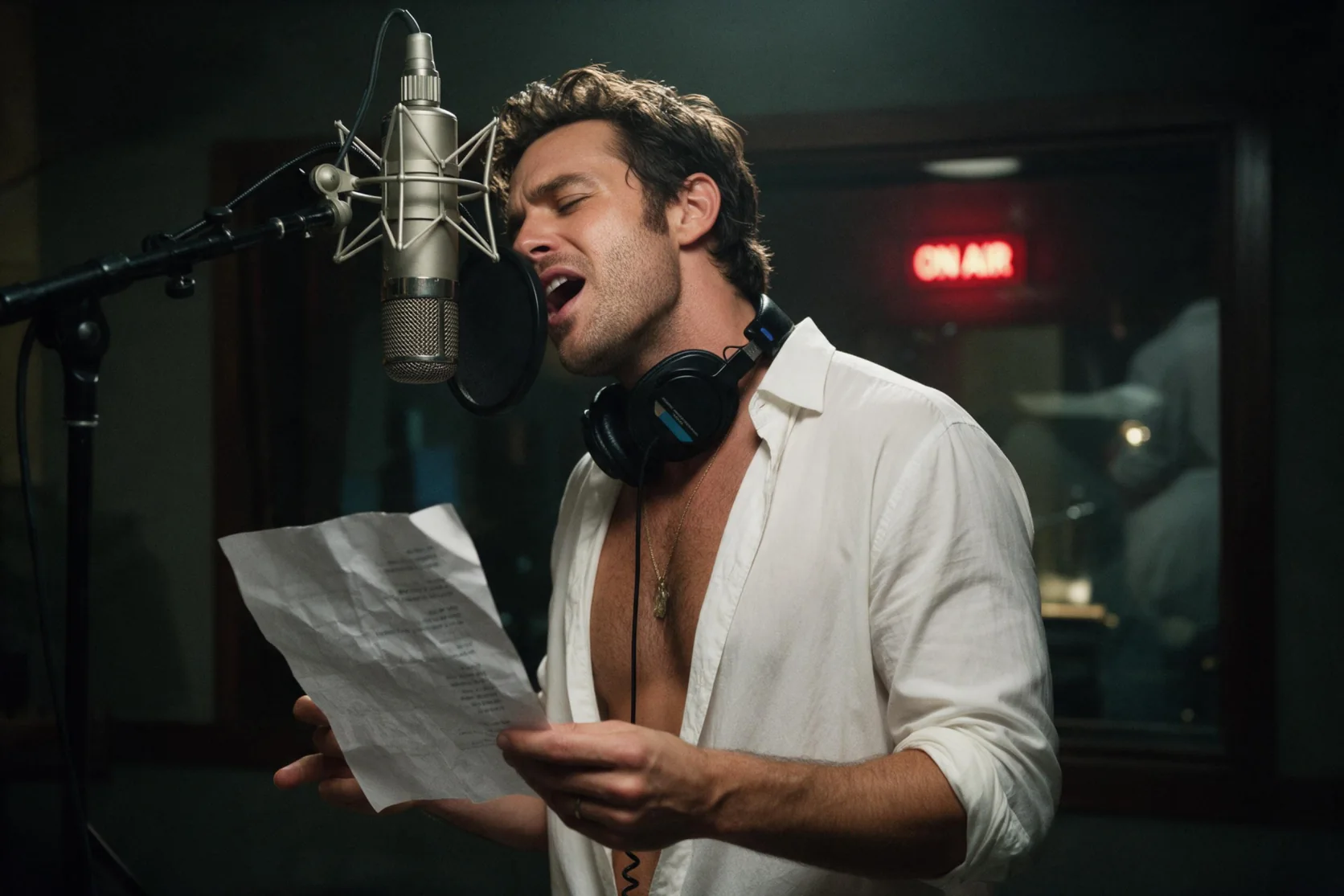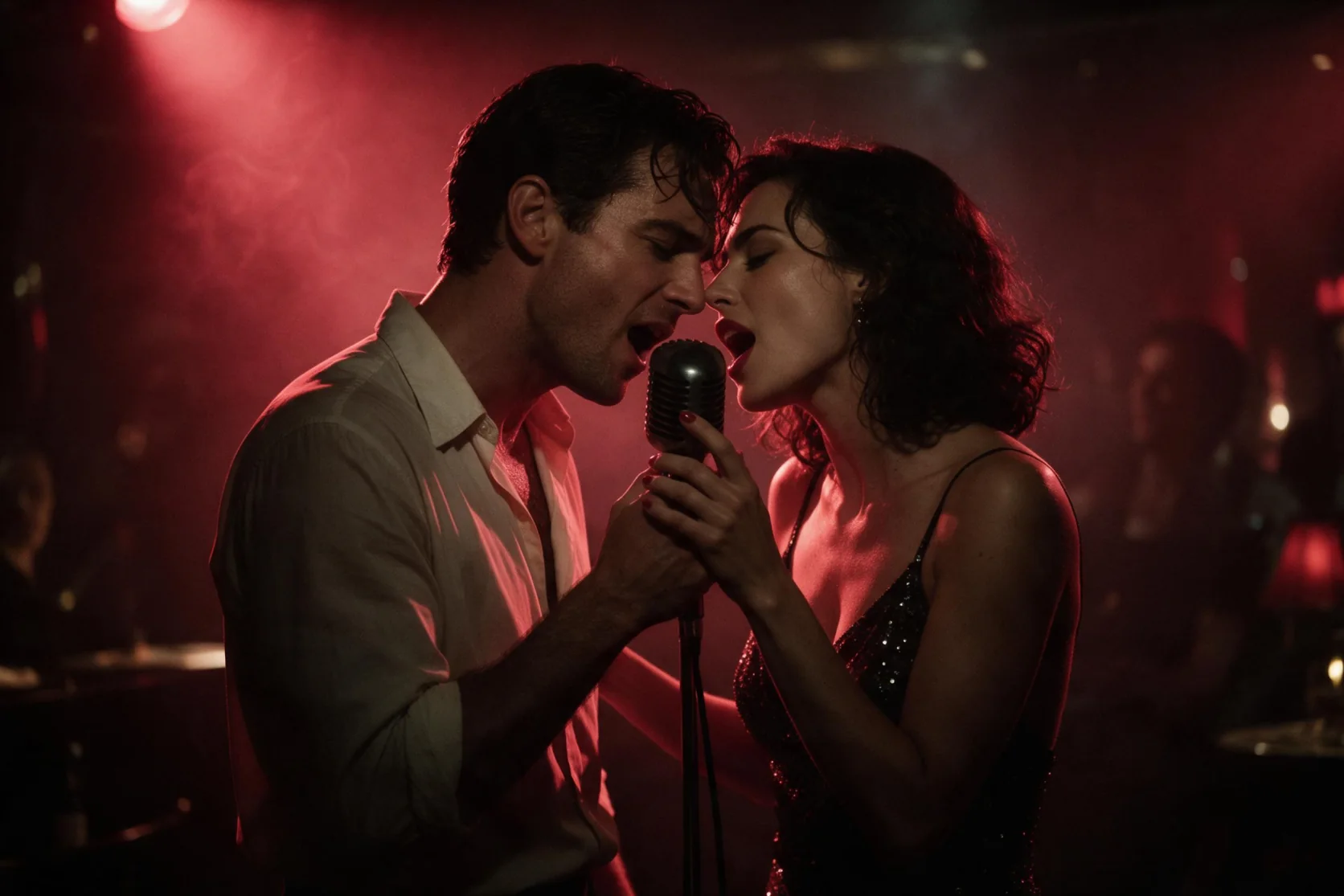
Introduction
Send the intended genre, instruments, mood and tempo in prompt, plus section-tagged lyrics for a vocal song. vocal_gender can select female or male; instrumental produces music without lyrics, and output_format selects mp3, wav or flac.
| Field | Value |
|---|---|
| Input | Text |
| Output | Audio |
| Style description | Up to 1,024 characters in prompt |
| Sung text | Up to 5,000 characters in lyrics |
| Voice option |
|
| Export formats | mp3 / wav / flac |
| Duration guidance | Mureka says approximately 5:30 for a song or 4:30 for background music |
| Synth-pop test | About 3:14 with a female vocal and bright drums |
| Song-rate position | Higher per-song rate than V9; vocal songs and instrumental music cost the same within V9.5 |
Key features & highlights
A torch song under low blue light
The jazz-club sample paired a smoky torch-song brief with our own verse and chorus and vocal_gender set to female. It returned a sultry female performance with brushed drums and muted trumpet as an MP3. Listen to the relationship between the voice and that small-band arrangement when deciding whether to try a similar musical direction. The sample shows this request coming together; it does not establish a running time or guarantee the same instrumentation for another lyric.
Eighties synth-pop, 3 minutes 14 seconds
Our synth-pop request combined a female vocal setting with supplied verses and a chorus. The result ran about 3:14 and sang those words over bright drums. This is an observed song length, separate from the upper durations Mureka describes. Use the sample to hear a pop direction, then write your own arrangement brief and lyric structure rather than treating its length as a target control.
An orchestral opening
With instrumental enabled, the mountain-documentary request produced a rising orchestral passage with strings and French horn and no singing. Describe those instrumental roles in prompt and leave lyrics empty when creating a score. The same endpoint handles this mode and vocal songs at the V9.5 per-song rate, so your choice can follow the musical role of the track.
Request parameters
| Parameter | Required | Description |
|---|---|---|
prompt | Yes | Write up to 1,024 characters specifying genre, instruments, mood, speed and vocal direction; wording does not add to the V9.5 song rate. at least 1 characters · at most 1024 characters |
lyrics | No | Enter the sung text in no more than 5,000 characters, with [Verse] or [Chorus] labels as needed; leave it empty for instrumental output, without a lyric-related surcharge. at least 1 characters · at most 5000 characters |
instrumental | No | Enable this field for music without singing and omit the lyric text; the charge matches a V9.5 vocal song. Default: |
vocal_gender | No | Optionally request female or male vocals for the song; vocal selection does not change the per-song charge. |
output_format | No | Select the music file type using mp3, wav or flac; the format does not select a different V9.5 billing tier. |
Pricing
$0.27 / song
Each V9.5 music generation uses its per-song rate, shared by vocal songs and background music; that rate exceeds V9, while unsuccessful requests are not billed.
Use cases
Jazz songs from a lyric sheet
Pair a verse and chorus with a smoky jazz brief and a female vocal request. The torch-song sample returned that voice with brushed drums and muted trumpet, giving a concrete listening reference for this combination.
Eighties pop songwriting
Try a supplied lyric in a synth-pop arrangement with female vocal selection. Our observed track ran about 3:14; use that sample to assess the musical direction rather than to predict the duration of your song.
Documentary opening music
Ask for an orchestral opening and enable instrumental. The mountain example demonstrates a build with strings and French horn without singing, a relevant direction when the picture needs a score.
Lyric and delivery exploration
Keep the verse and chorus while changing the musical brief or the optional female or male voice choice. This gives songwriters a way to explore how their words sit against a different arrangement.
Music beds for narrated scenes
Describe a scene through its musical mood, instrument roles and pace, then generate with instrumental on. Leave lyrics out when the track is intended to accompany spoken narration.
Prompt guide & pro tips
Describe the V9.5 sound
Name the genre and instrumentation, such as synth pop with bright drums or orchestral strings with French horn.
Select the performance mode
Send lyrics and optionally
vocal_genderfor a sung result, or enable instrumental with no lyrics for a score.Choose the audio container
Set
output_formatto the mp3, wav or flac file type you want to receive.
Songs and scores from a musical brief
Mureka V9.5 text-to-audio takes a style description and your supplied lyrics to create a sung track. The optional vocal_gender setting requests female or male vocals. For a score, turn on instrumental and omit lyrics: the same endpoint generates background music from the musical direction in prompt.
This workflow suits a songwriter auditioning a verse and chorus, or a video creator exploring a music bed. The examples cover a smoky jazz torch song, an eighties synth-pop song and an orchestral documentary opening. They provide listening references for distinct requests rather than a quality claim across every genre.
Parameters and their roles
| Field | Values or limit | How to use it |
|---|---|---|
| prompt | Up to 1,024 characters | Describe genre, instrument roles, mood, pace and vocal delivery. |
| lyrics | Up to 5,000 characters | Supply the sung words with section tags such as [Verse] and [Chorus]; omit them for an instrumental. |
| instrumental | Enable for background music | Generate without singing, using prompt for the arrangement. |
vocal_gender | female or male; optional | Request the voice category for a vocal song. |
output_format | mp3, wav or flac | Choose the audio file type needed for listening or editing. |
Keep musical direction in prompt and the words to perform in lyrics. A description of a jazz club explains atmosphere, but the actual chorus belongs in the lyric field. For an instrumental request, describe the musical movement without supplying sung lines.
Writing an arrangement the listener can assess
Give the instruments a job
Begin with a recognizable direction, then assign a few instruments clear roles. For example: "Slow jazz torch song, intimate female vocal, brushed drums holding a gentle pulse, upright bass supporting the melody, muted trumpet answering between phrases." This is a proposed brief you can adapt; it is not a transcript of a measured result.
A scene can supply the emotional center: a couple in their late thirties leaving a club under soft blue light suggests a different mood from a mountain landscape at dawn. Translate that scene into pace, instrument choice and performance direction. Lighting and wardrobe can inform a story, while the requested output remains audio.
Separate sections from sound
Draft your lyric sheet before submission. Section tags help distinguish the verse from the refrain, while short lines make it easier to compare the delivered words with your draft. An original lyric sketch might read:
[Verse]
Your velvet jacket waits beside the door
The piano holds a note we knew before
[Chorus]
Stay until the morning finds this room
Let the final chord arrive too soon
Pair that sketch with a style prompt and, when wanted, a female or male selection. Inspect the sung lines and the movement between sections after generation. If you revise, change a musical instruction or a lyric passage deliberately and keep a record of what you changed; that makes the next listen useful.
Build a score without sung words
Enable instrumental and leave lyrics empty when narration or the scene itself should carry the story. Describe the score's opening mood, the instruments carrying its theme and how the energy should develop. The documentary example is a relevant reference for an orchestral rise with strings and French horn. A quiet piano-based music bed is another direction to try, rather than an additional tested result.
What the page examples demonstrate
- Jazz-club torch song: Our added example requested female vocals and supplied a verse and chorus. The MP3 returned a sultry female voice singing those lyrics with brushed drums and muted trumpet. Listen to this sample when considering an intimate small-band arrangement.
- Starlight synth-pop: In our test, an eighties synth-pop request produced a female vocal singing the supplied words over bright drums. Its measured running time was about 3 minutes 14 seconds.
- Mountain orchestral opening: The instrumental request returned a rising documentary-style passage with strings and French horn without singing. It demonstrates the score mode independently of the vocal examples.
These observations apply to the named generations. We have not established a fixed duration for the jazz sample or a general success rate for other genres. Listen against your own brief before deciding whether a track fits a project.
Pricing and the choice between versions
V9.5 is billed per music generation. Vocal songs and instrumental background music use the same V9.5 rate, and failed requests are uncharged. The rate is higher than V9. Check the Mureka V9.5 model page for the current price before submitting a request.
Consider Mureka V9 when its lower per-song rate or num_outputs control fits the task: V9 accepts one to three versions in a request and bills each version. V9.5 instead provides optional female or male vocal selection. MiniMax Music 3.0 is a separate music option to audition with a comparable brief.
Length guidance and file retention
Mureka says songs may reach approximately 5 minutes 30 seconds and background music approximately 4 minutes 30 seconds. Those are upper-length guidelines, not a promise that your result will run to that length. The observed 3:14 synth-pop track is a concrete example of a shorter result.
Stay within the 1,024-character prompt and 5,000-character lyric limits. Choose mp3, wav or flac deliberately, then download the returned audio within 14 days, before generated files are deleted. Keep the file with its lyric sheet, musical brief and selected settings so the next revision has a clear starting point.
Billing for Mureka V9.5 treats a song and a background-music result alike; a failed generation is uncharged.
API quick start
# Generate the idempotency key once; reuse it when retrying after a lost response.
export SPICY_IDEMPOTENCY_KEY="${SPICY_IDEMPOTENCY_KEY:-$(uuidgen)}"
curl -X POST https://api.spicyapi.ai/api/v1/jobs/createTask \
  -H "Authorization: Bearer $SPICY_API_KEY" \
  -H "Content-Type: application/json" \
  -H "Idempotency-Key: $SPICY_IDEMPOTENCY_KEY" \
  -d '{
  "model": "mureka/v9.5/text-to-audio",
  "input": {
    "prompt": "Calm ambient pads with a slow rising motif",
    "output_format": "mp3"
  }
}'

# Copy data.taskId from the response into TASK_ID, then poll the status.
TASK_ID="TASK_ID_FROM_RESPONSE"
curl "https://api.spicyapi.ai/api/v1/jobs/recordInfo?taskId=$TASK_ID" \
  -H "Authorization: Bearer $SPICY_API_KEY"
See the API reference for authentication, the complete schema, polling, and error handling.