Introduction
The repair tool addresses a picture that is already the right shot but has distracting grain, softened edges or a need for HDR delivery. It suits night interiors, a soft performance take and SDR footage entering an HDR edit. Each request selects a single operation, which makes its visual effect easier to assess.
Key features & highlights
Four Nyx variants handle different noise demands: natural texture, faster batch work, very heavy noise and finer treatment. The cellar test reduced conspicuous grain while leaving groups of hair discernible; the wood behind the subjects also became smoother. This is a balance between cleanup and the small texture that makes a surface convincing.
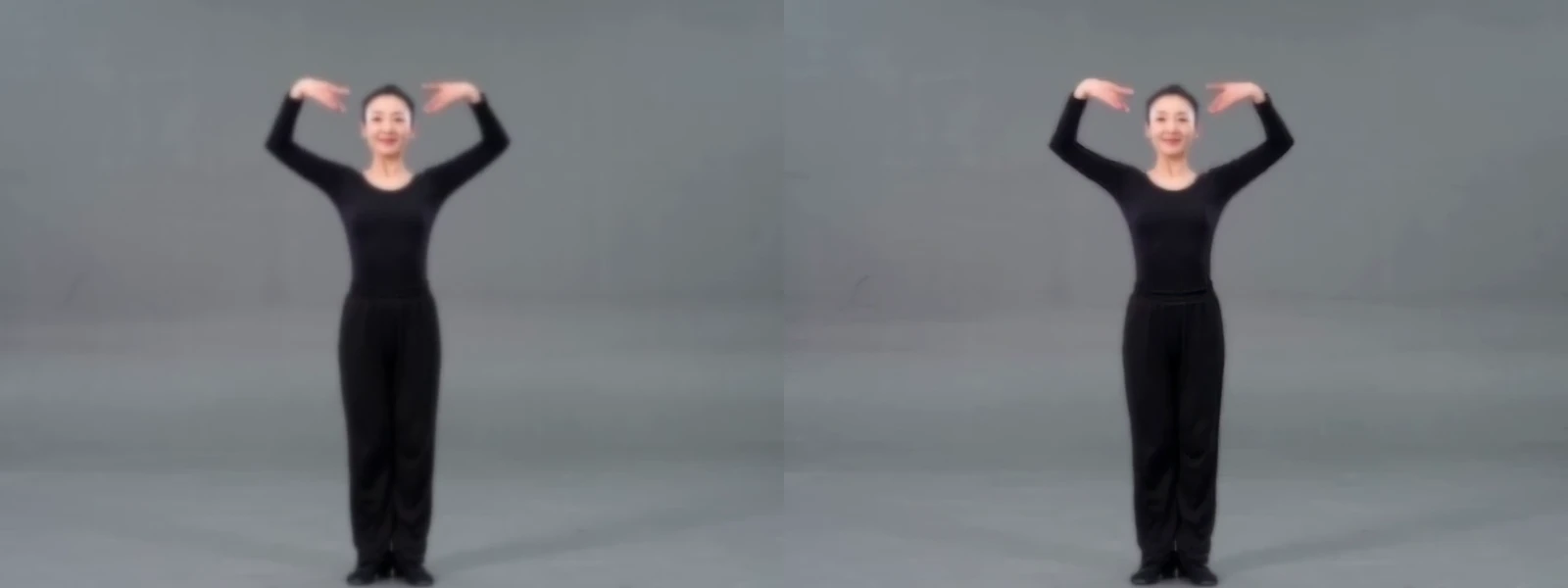
The remaining choices are deblur and three Hyperion versions. Deblur produced a restrained improvement on the dancer, whose face still looked soft. Hyperion returns ten-bit HEVC instead of the H.264 used by other treatments. The inspected 2.5 sample carries PQ metadata, whereas the inspected Hyperion 1 sample carries HLG metadata, so verify the actual file rather than assuming one transfer curve.
Request parameters
| Parameter | Required | Description |
|---|---|---|
video_url | Yes | Supply an MP4 lasting 1–60 seconds by link or upload. A duration outside that interval is refused before processing is accepted; this treatment keeps both runtime and soundtrack. at least 1 characters |
preset | No |
Default treatment: |
resolution | No | Processing and output use |
Pricing
Editing is metered by source seconds, with treatment and resolution setting the billing step and rate. Round duration upward to seconds before rounding to steps; even a tiny accepted clip uses a full step. The shown per-second price is the step charge divided by its duration. A hold covers the measured upload or 60 seconds for an external link, followed by a refund of unused funds after processing; unsuccessful edits are uncharged. Nyx Fast costs less than Nyx, and Hyperion 1 less than Hyperion 2.5.
| Resolution | Style preset: nyx_fast | Style preset: deblur | Style preset: hyperion_1 | Style preset: nyx | Style preset: nyx_high_fidelity | Style preset: nyx_xl | Style preset: hyperion_2 | Style preset: hyperion_2_5 |
|---|---|---|---|---|---|---|---|---|
| $0.004 / second | $0.0070588235 / second | $0.0070588235 / second | $0.0070588235 / second | $0.0070588235 / second | $0.0070588235 / second | $0.2765217391 / second | $0.2765217391 / second |
| $0.008 / second | $0.0146341463 / second | $0.0146341463 / second | $0.0146341463 / second | $0.0070588235 / second | $0.0146341463 / second | $0.2765217391 / second | $0.2765217391 / second |
| $0.014 / second | $0.026 / second | $0.026 / second | $0.026 / second | $0.028 / second | $0.026 / second | $0.6052173913 / second | $0.6052173913 / second |
| $0.0313043478 / second | $0.0585365854 / second | $0.0585365854 / second | $0.0585365854 / second | $0.028 / second | $0.0585365854 / second | $0.6052173913 / second | $0.6052173913 / second |
Use cases
For a low-light conversation, inspect shadow noise and the face together before accepting a cleanup pass. A quiet background is useful only if the person still looks suitable alongside the other shots in the sequence.
For an HDR master, create a Hyperion version of the selected SDR take and review it inside the intended HDR workflow. A browser that cannot play the file is insufficient evidence about its brightness or color rendering.
Prompt guide & pro tips
This endpoint takes presets rather than written prompts. Identify the dominant problem first: noisy shadows suggest Nyx, softness suggests deblur, and a delivery requirement may call for Hyperion. Select one representative passage containing both difficult texture and a human subject, then hold the resolution steady while assessing the treatment.
After downloading, compare the same moments at equal display size and replay motion around hair, hands and bright edges. Inspect codec, bit depth and HDR metadata when converting dynamic range, and judge the result on compatible equipment. Avoid describing a softened face as recovered focus simply because its outline becomes easier to see.
API quick start
# Generate the idempotency key once; reuse it when retrying after a lost response.
export SPICY_IDEMPOTENCY_KEY="${SPICY_IDEMPOTENCY_KEY:-$(uuidgen)}"
curl -X POST https://api.spicyapi.ai/api/v1/jobs/createTask \
  -H "Authorization: Bearer $SPICY_API_KEY" \
  -H "Content-Type: application/json" \
  -H "Idempotency-Key: $SPICY_IDEMPOTENCY_KEY" \
  -d '{
  "model": "topaz/video-ai/video-edit",
  "input": {
    "preset": "nyx",
    "resolution": "1080p",
    "video_url": "https://example.com/reference.mp4"
  }
}'

# Copy data.taskId from the response into TASK_ID, then poll the status.
TASK_ID="TASK_ID_FROM_RESPONSE"
curl "https://api.spicyapi.ai/api/v1/jobs/recordInfo?taskId=$TASK_ID" \
  -H "Authorization: Bearer $SPICY_API_KEY"
See the API reference for authentication, the complete schema, polling, and error handling.