Introduction
Number the supplied images in the prompt and state the intended replacement or change.
| Field | Value |
|---|---|
| Input | Image |
| Output | Image |
| Publisher | xAI |
| Model identifier | grok/imagine-image-2.0 |
| Image workflows | Text-to-image generation and image-to-image editing |
| Prompt limit | Up to 8,000 characters for either workflow |
| Editing sources | 1 to 5 images in |
| Reference naming | Image 1, Image 2, and onward in input order |
| Available ratios | 1:1, 2:3, 3:2, 16:9, 9:16 |
| Default canvas | 1:1 for generation and editing |
| Price basis | Fixed per image; aspect ratio does not change the rate; failed tasks are not charged |
| File availability | Generated files are deleted after 14 days |
Key features & highlights
One fitting room, repeated reflections
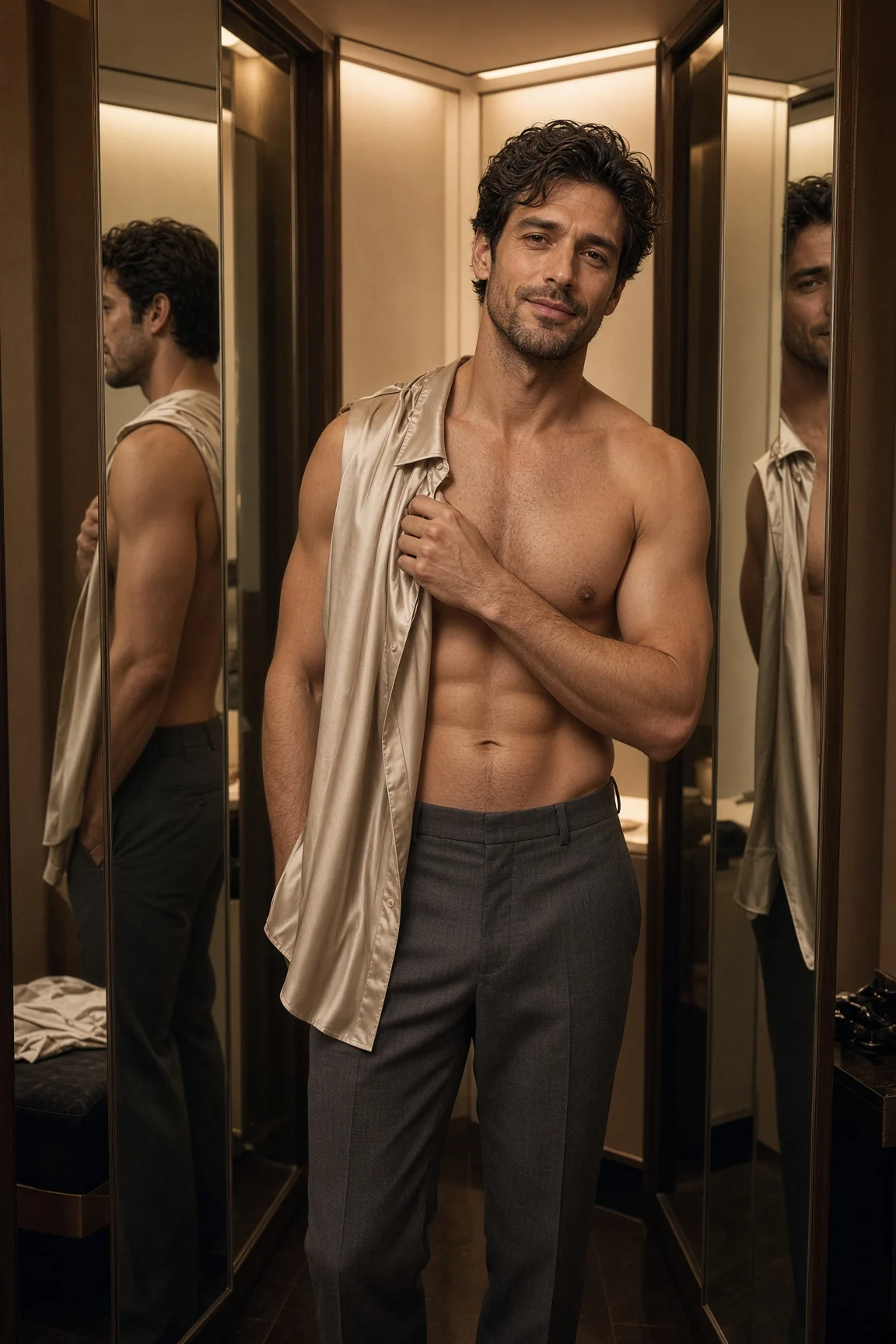
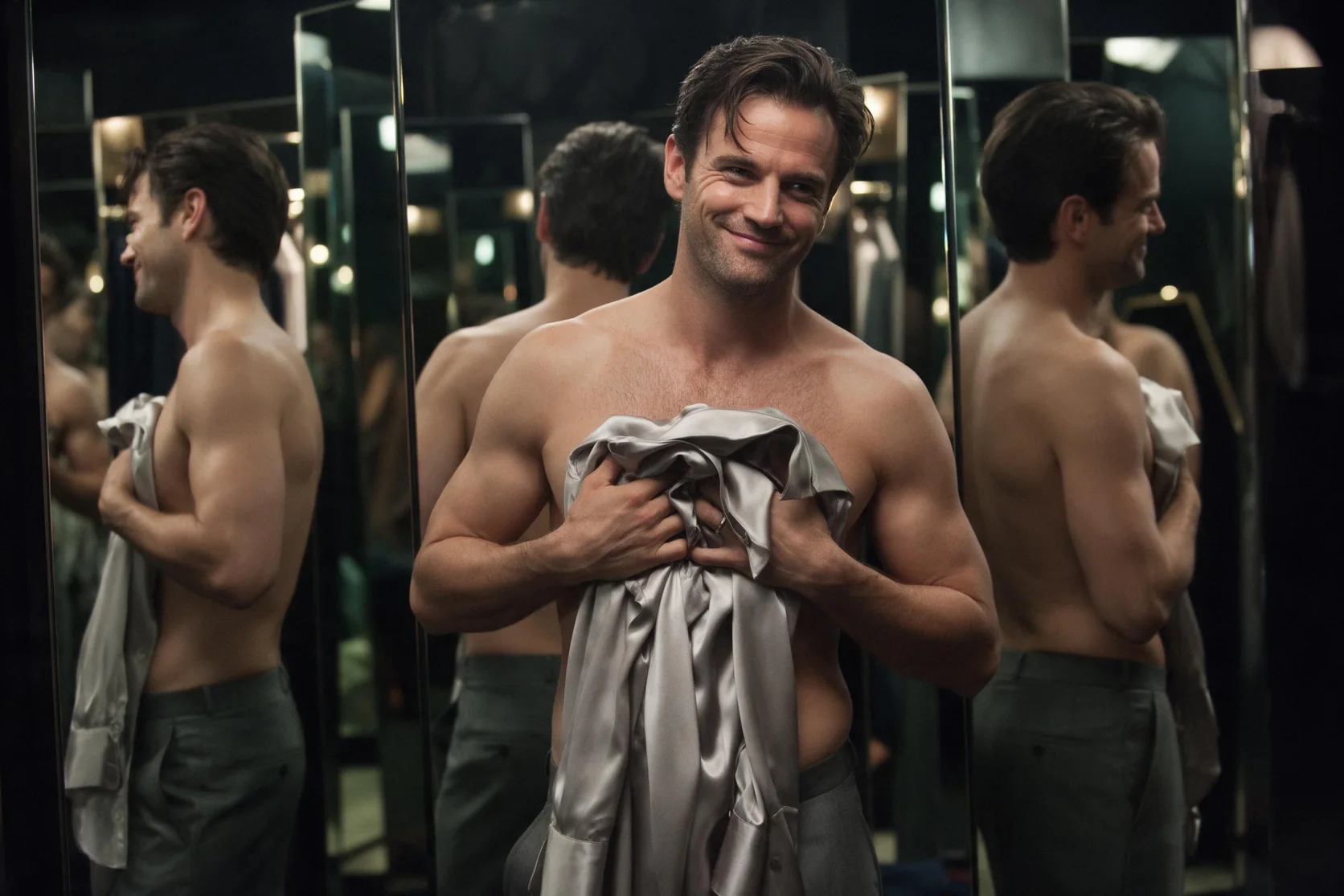
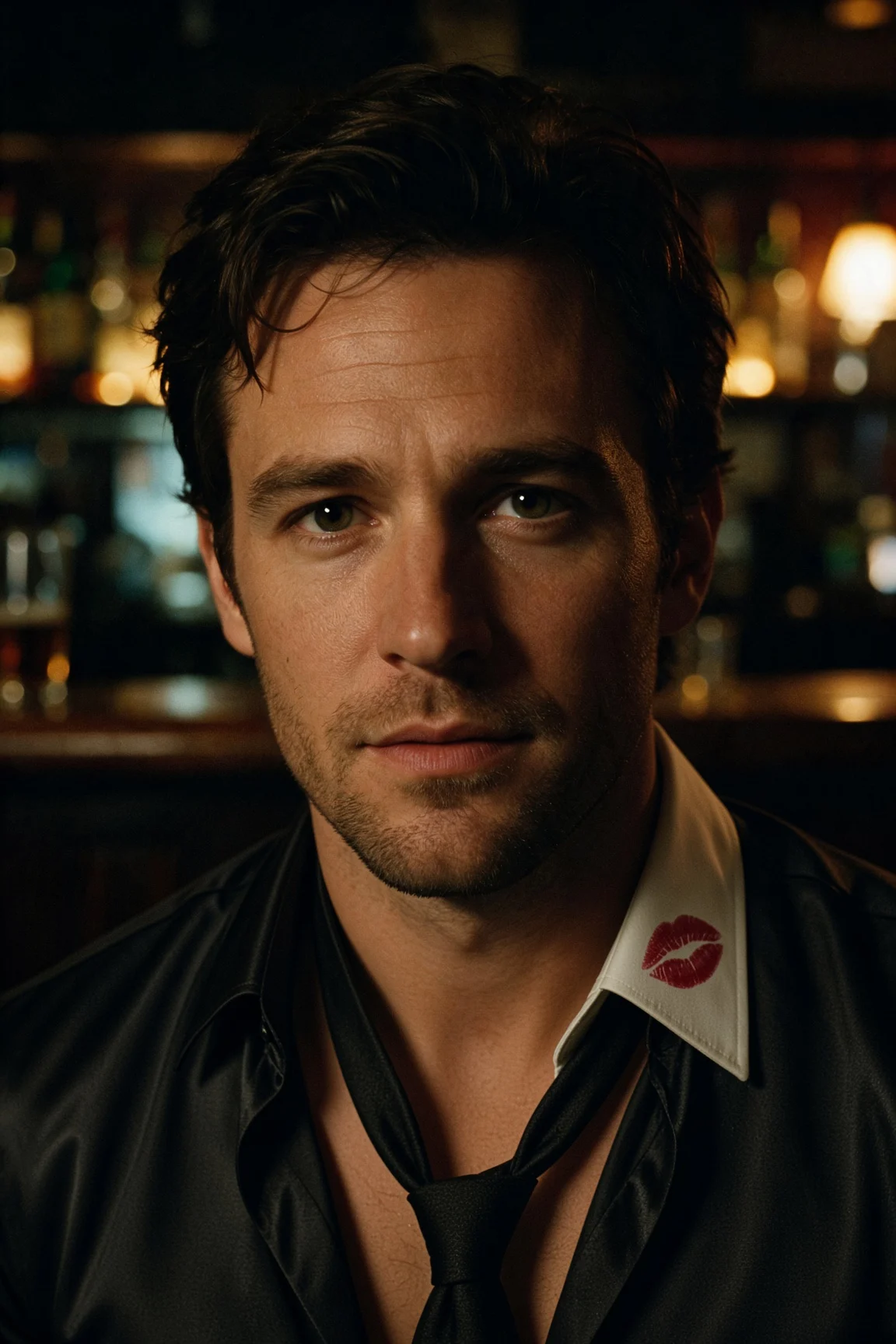
The 2:3 fitting-room example shows a man holding a silk shirt amid angled mirrors and warm boutique light. His reflection repeats consistently across the mirrors in this result. Use the scene as a reference for directing the subject, wardrobe prop, room, and lighting together; check each reflection in your own result rather than assuming the same outcome for every arrangement.
A mossy gardener at bonsai scale
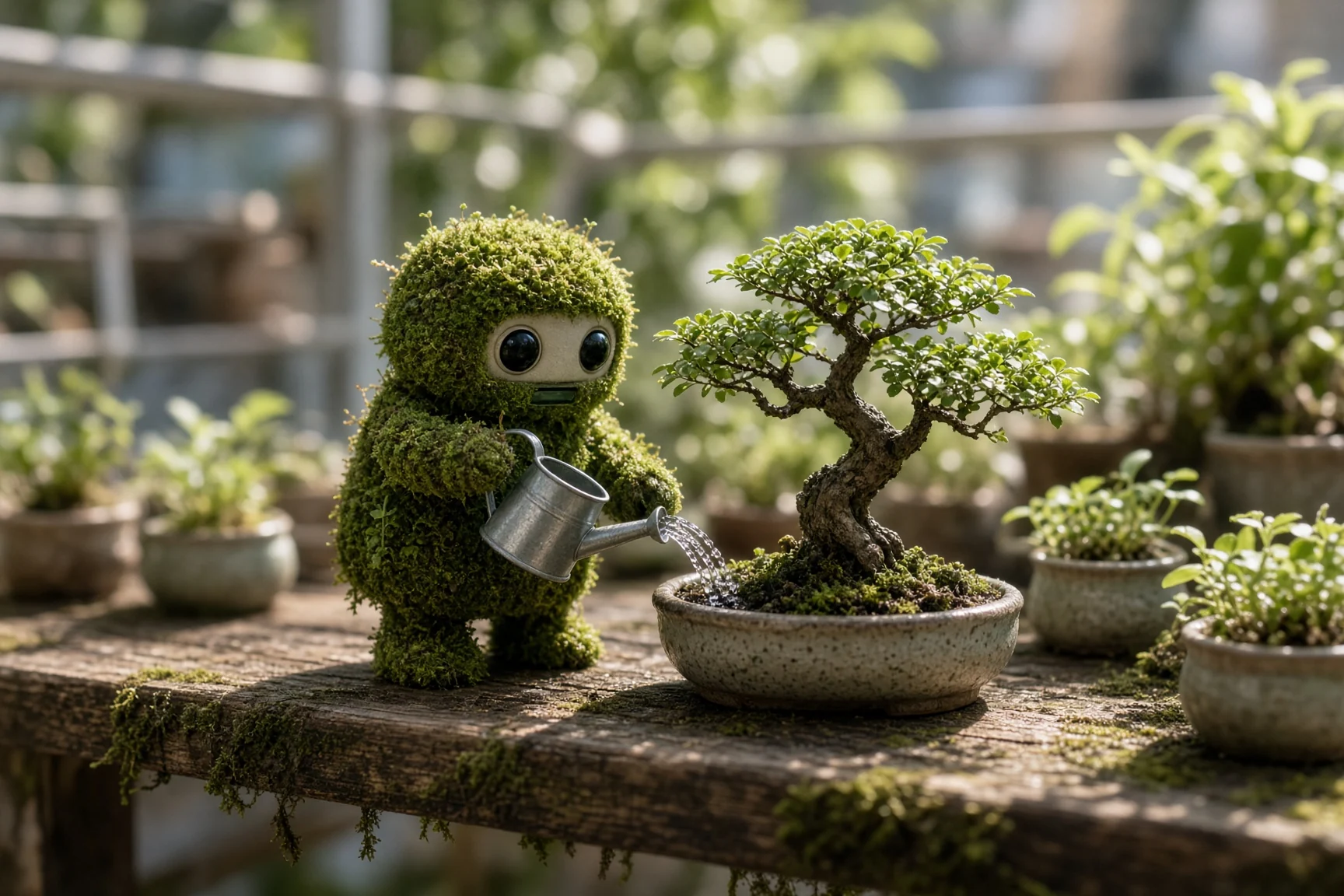
Our robot-gardener test rendered a moss-covered character watering a bonsai with convincing macro texture. A small subject, a clear action, and a close photographic view give the scene a readable scale. Describe the surface and lighting you want, then assess those details in the returned picture; this test supports the pictured miniature rather than a general score for image quality.
Replace the label and preserve its setting
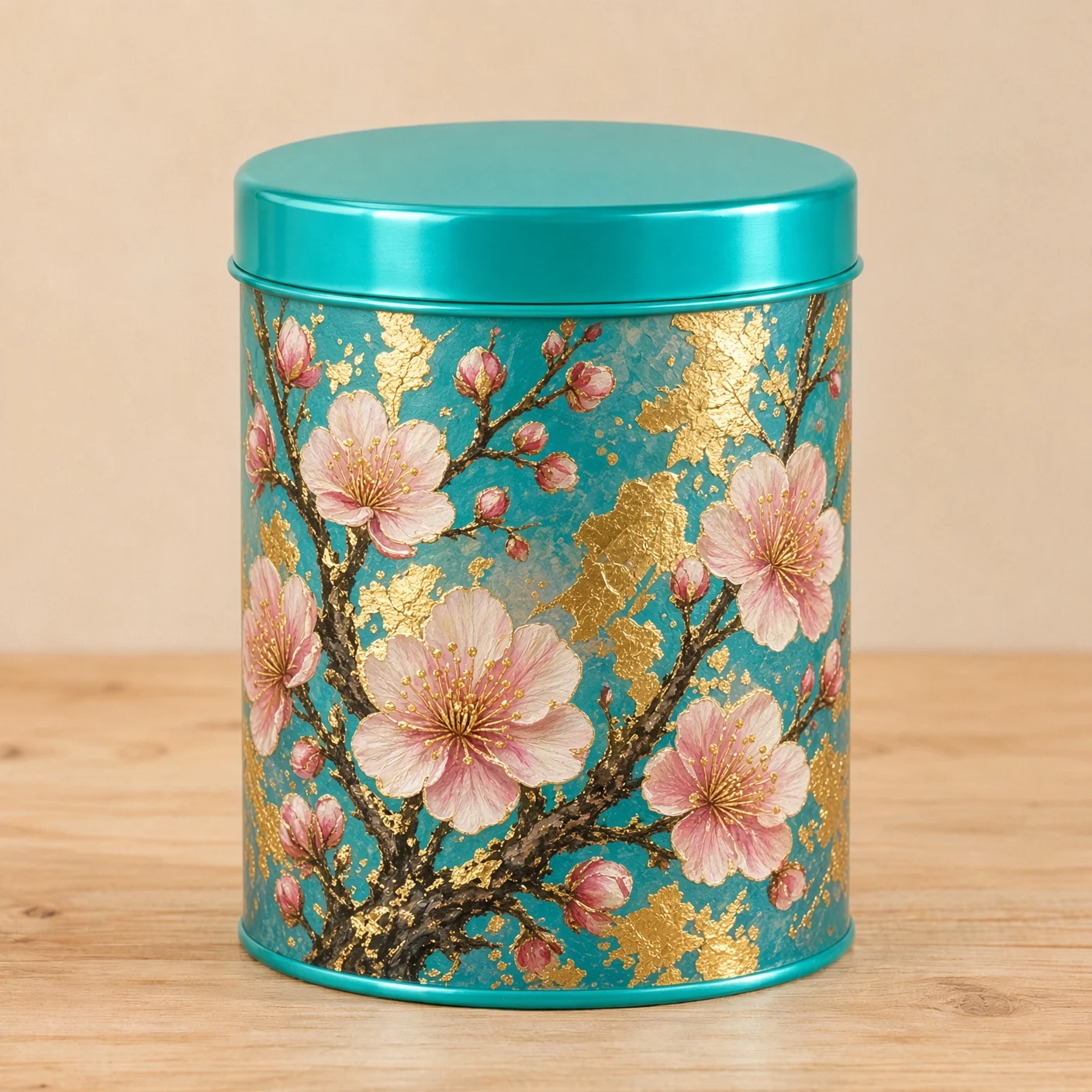
In the tea-tin test, a hand-painted plum-blossom label with gold leaf replaced the plain design while the lid, table, and light were retained. That result shows a focused edit with named preservation goals. Reference the tin as Image 1, explain the new label, and list the surrounding details that should stay, then compare the edit with the source photograph.
Request parameters
| Parameter | Required | Description |
|---|---|---|
prompt | Yes | Use up to 8,000 characters to request changes, naming sources Image 1, Image 2 and onward; prompt length does not change the fixed image rate. at least 1 characters · at most 8000 characters |
image_urls | Yes | Provide 1–5 source image URLs for the edit; input count is not a separate price tier. at least 1 items · at most 5 items |
aspect_ratio | No | Editing supports 1:1, 2:3, 3:2, 16:9 and 9:16; the default is 1:1 and every shape uses the same charge. |
Pricing
$0.028 / image
Grok edits are billed per output image at a fixed rate; aspect ratio leaves that rate unchanged and unsuccessful edits are free.
Use cases
Boutique fashion scene concepts
Plan a portrait around clothing, warm shop lighting, and angled mirrors. The fitting-room sample uses 2:3 and shows the same man repeated consistently in the reflections, giving a concrete reference for this composition.
Miniature worlds with material detail
Describe a small character doing a recognizable job rather than listing objects without a relationship. Our moss-covered robot watered a bonsai, and the test showed the textured surface treatment of a macro scene.
Packaging artwork on an existing tin
Keep an accepted product photograph as the starting point and request a new label. The measured tea-tin edit added hand-painted plum blossoms and gold leaf while retaining the lid, tabletop, and lighting.
Edits with assigned reference roles
Use up to five input pictures when a brief needs more than one source. Explain what each numbered image contributes and identify the details to retain; the available input count is a control, not evidence that every composition will match a reference.
Portrait and landscape concept layouts
Choose a tall, square, or wide canvas before generating a scene for its intended placement. Five ratios are available to generation and editing, and moving between those shapes leaves the image rate unchanged.
Prompt guide & pro tips
Choose generation or editing
Begin with a written scene for a new picture, or bring one to five source images for a revision. Use photos you have the right to use; any people in edit inputs must be adults, with no impersonation.
Describe the scene or change
Give a new scene its subject, action, setting, and light. For an edit, assign roles to Image 1, Image 2, and later inputs, then name the details to preserve.
Set a shape for the placement
Pick 1:1, 2:3, 3:2, 16:9, or 9:16 according to the intended composition. The default is square, and the ratio does not alter the per-image rate.
Review details and save the result
Compare the returned image with the brief, checking reflections or retained objects where those matter. Download the image during its 14-day availability period and keep the prompt with it.
Revise a picture with named changes
The Grok Imagine Image 2.0 editing endpoint starts from one to five source images and a written instruction. Use it when a photograph or design already contains details you want to retain. The source supplies the starting material, while the prompt explains the revision and identifies what should stay in place.
Our tea-tin test is a focused packaging example. A plain tin received a hand-painted plum-blossom and gold-leaf label, with its lid, tabletop, and lighting preserved. That observation is useful when planning a similar change, but it does not establish that every edit will leave all other details untouched.
Inputs and output shape
| Parameter | Accepted value | Instruction to prepare |
|---|---|---|
| prompt | Up to 8,000 characters | Specify changes, reference roles, and details to retain. |
image_urls | 1 to 5 source image URLs | Keep the input order aligned with Image 1, Image 2, and onward in the prompt. |
aspect_ratio | 1:1, 2:3, 3:2, 16:9, 9:16 | Choose the intended output proportions; 1:1 is the default. |
A single source is enough for a label revision like the measured tea-tin edit. Add another reference when it contributes something you can name. For example, Image 1 can supply the product photograph while Image 2 supplies label artwork. That is a proposed instruction pattern, separate from the measured tea-tin result.
Set aspect_ratio as part of the edit brief. The available shapes match generation, and the documented default is square. Choose a portrait or landscape ratio for its intended placement rather than leaving the canvas decision inside a sentence about the scene.
Build the editing instruction
Give the references distinct roles
Refer to the source positions directly. Write which picture contains the tin, which supplies another design element, and which should determine the setting if that matters. Check those names against the image_urls order before submitting. More references give the prompt more sources to describe; they do not remove the need to explain their relationship.
State the replacement in concrete terms
For the packaging example, the change is a hand-painted plum-blossom label with gold-leaf accents. That tells the editor what should appear on the tin. In your own brief, identify the object and the revised design, material, or setting rather than asking for an undefined improvement.
List the details to preserve
Follow the requested change with the parts you want retained. The tea-tin instruction identifies the lid, table, and light as fixed details. Review each against the source when the output arrives. If a revision changes something you wanted to keep, name that detail clearly in the next instruction and assess the next result again.
Prepare portrait sources responsibly
For edits involving people, use photos you have the right to use, with adult subjects and no impersonation. The portrait prompt ideas on this page specify people in their thirties or older. Describe clothing, mood, setting, and light as an editing brief, and keep the preservation request tied to the authorized person in the input.
What our editing test established
The measured tea-tin result added the floral gold-leaf artwork while preserving the lid, tabletop, and original illumination. It demonstrates a particular change with a concrete preservation list. We have not turned that example into a guarantee about identity, exact lettering, or repeated editing rounds.
The fitting-room mirrors are a text-to-image example, so they should not be read as an editing consistency test. Likewise, the page's proposed portrait and two-source product prompts are ideas for a new request. Compare a returned edit with its actual sources rather than treating another example as proof for that composition.
Billing, filtering, and saving
Edits are billed per output image at a fixed rate. Changing aspect_ratio leaves that price unchanged. Consult the current model-page rate before submitting; an unsuccessful editing task is not charged.
Its publisher applies a content filter, and flagged requests are refused without a charge. Plan within the documented input range and prompt limit. This endpoint's listed controls are prompt, image_urls, and aspect_ratio; a mask or quality setting discussed elsewhere is not a parameter in this table.
Download the edited image during the 14-day retention period, after which generated files are deleted. Keep the source images, their order, the accepted instruction, and the downloaded result together so the next change has a clear starting point.
When another endpoint fits
Use sibling text-to-image when you want a new scene without source pictures to preserve. Consider Nano Banana 2 Lite if the edit needs more than five references; it accepts up to ten. For a design involving supplied copy and a mask-guided change, Ideogram 4.5 has those controls. These are differences in available inputs and controls, not a claim that one model will preserve every detail of your image.
API quick start
# Generate the idempotency key once; reuse it when retrying after a lost response.
export SPICY_IDEMPOTENCY_KEY="${SPICY_IDEMPOTENCY_KEY:-$(uuidgen)}"
curl -X POST https://api.spicyapi.ai/api/v1/jobs/createTask \
  -H "Authorization: Bearer $SPICY_API_KEY" \
  -H "Content-Type: application/json" \
  -H "Idempotency-Key: $SPICY_IDEMPOTENCY_KEY" \
  -d '{
  "model": "xai/grok-imagine-image-2.0/edit",
  "input": {
    "aspect_ratio": "1:1",
    "image_urls": [
      "https://example.com/reference.png"
    ],
    "prompt": "A ceramic teapot on a linen cloth, soft window light, muted palette"
  }
}'

# Copy data.taskId from the response into TASK_ID, then poll the status.
TASK_ID="TASK_ID_FROM_RESPONSE"
curl "https://api.spicyapi.ai/api/v1/jobs/recordInfo?taskId=$TASK_ID" \
  -H "Authorization: Bearer $SPICY_API_KEY"
See the API reference for authentication, the complete schema, polling, and error handling.