Introduction
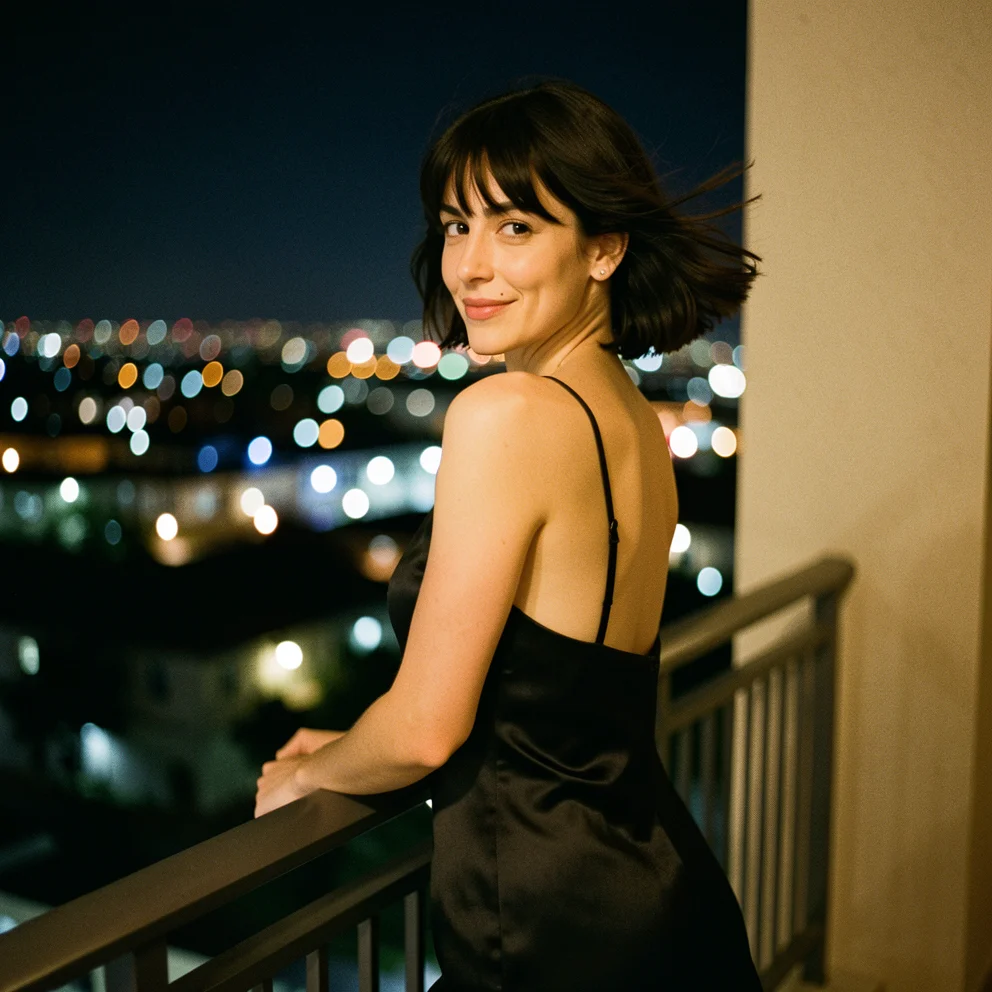
This is the masked-edit side of Ideogram Character, the single-photo consistency model Ideogram launched in July 2025. Instead of inventing a scene from text, it starts from a picture you already have and redraws only the area you mark, putting the person from your reference portrait there. Everything outside the mask stays as it was.
Key features & highlights
Repaint one region, keep the rest
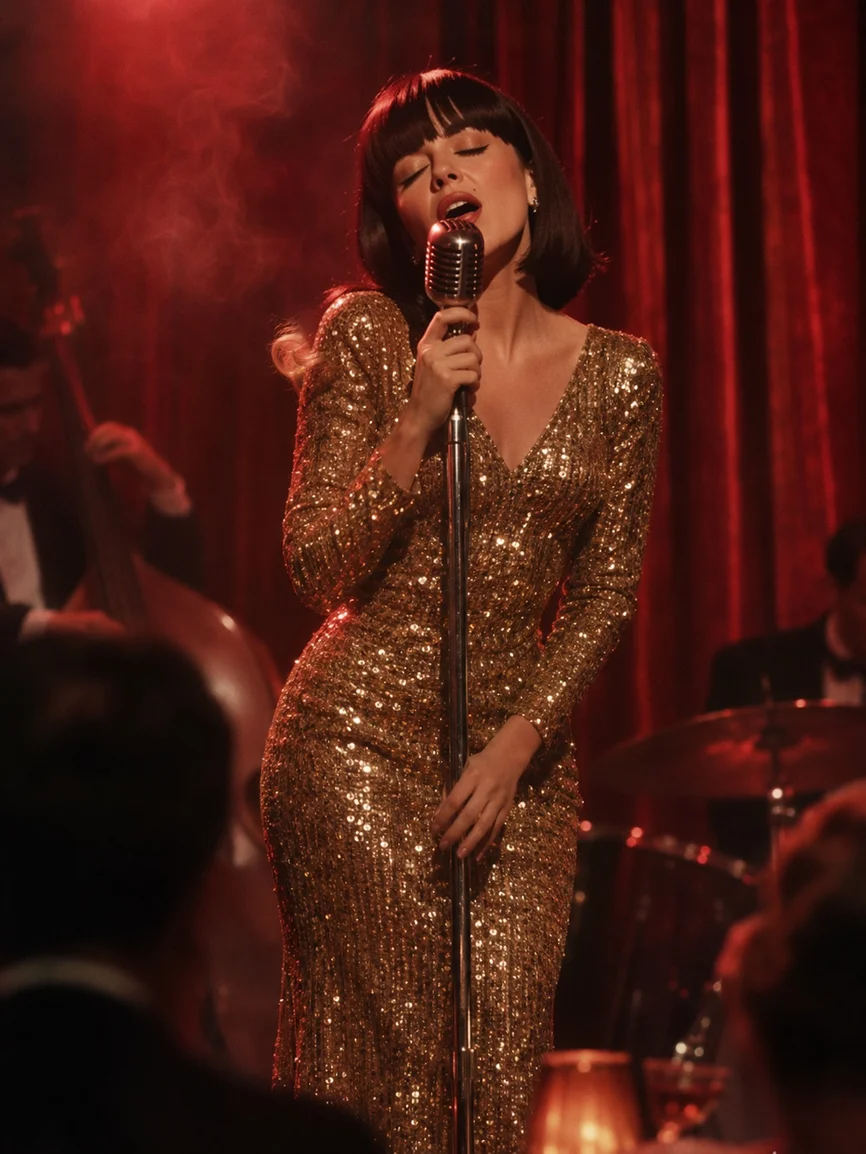
Black in mask_url is redrawn and white is preserved. In our jazz-club test we blacked out the singer's head: the gold sequined gown, the microphone, the band and the red curtain came back untouched, and the face and hair became the dark-bobbed woman from the reference.
The source picture sets the frame
The edited image keeps the proportions of image_url; our portrait-format stage still came back at 866 by 1154. That makes this endpoint the way to get a non-square result with your character, since new-scene generation always returns a square.
Same tiers and styles as generation
Turbo, Balanced and Quality set speed and the per-image price, Auto, Realistic and Fiction set the look, and up to four repainted versions can come back from one call. Our Turbo edits finished in roughly 25 to 50 seconds.
Request parameters
| Parameter | Required | Description |
|---|---|---|
prompt | Yes | Describe only what fills the black area: the person, expression, clothing and light, up to 5,000 characters. at least 1 characters · at most 5000 characters |
image_url | Yes | The picture to edit: JPEG, PNG or WebP up to 10 MB. The result keeps its proportions. |
reference_image_urls | Yes | Exactly one portrait of the person to place in the masked area, face clearly visible, up to 10 MB. at least 1 items · at most 1 items |
mask_url | Yes | Black marks the area to repaint, white is kept. Use the same proportions as |
quality | No | turbo, balanced (default) or quality. Higher tiers take longer and cost more per image. |
style | No | auto (default), realistic or fiction. Changes the look, not the price. |
num_outputs | No | 1 to 4 repainted versions per request; each image is billed. |
enable_prompt_expansion | No | MagicPrompt, on by default, rewrites short prompts before rendering. Turn it off for exact long prompts. Default: |
seed | No | Optional integer for repeatable comparisons; it does not guarantee an identical image. |
Pricing
Charged per returned image at the chosen tier, the same rates as new-scene generation; refused or failed requests are not charged.
| Specification | Price |
|---|---|
| $0.08 / image |
| $0.12 / image |
| $0.16 / image |
Use cases
Recasting a finished layout
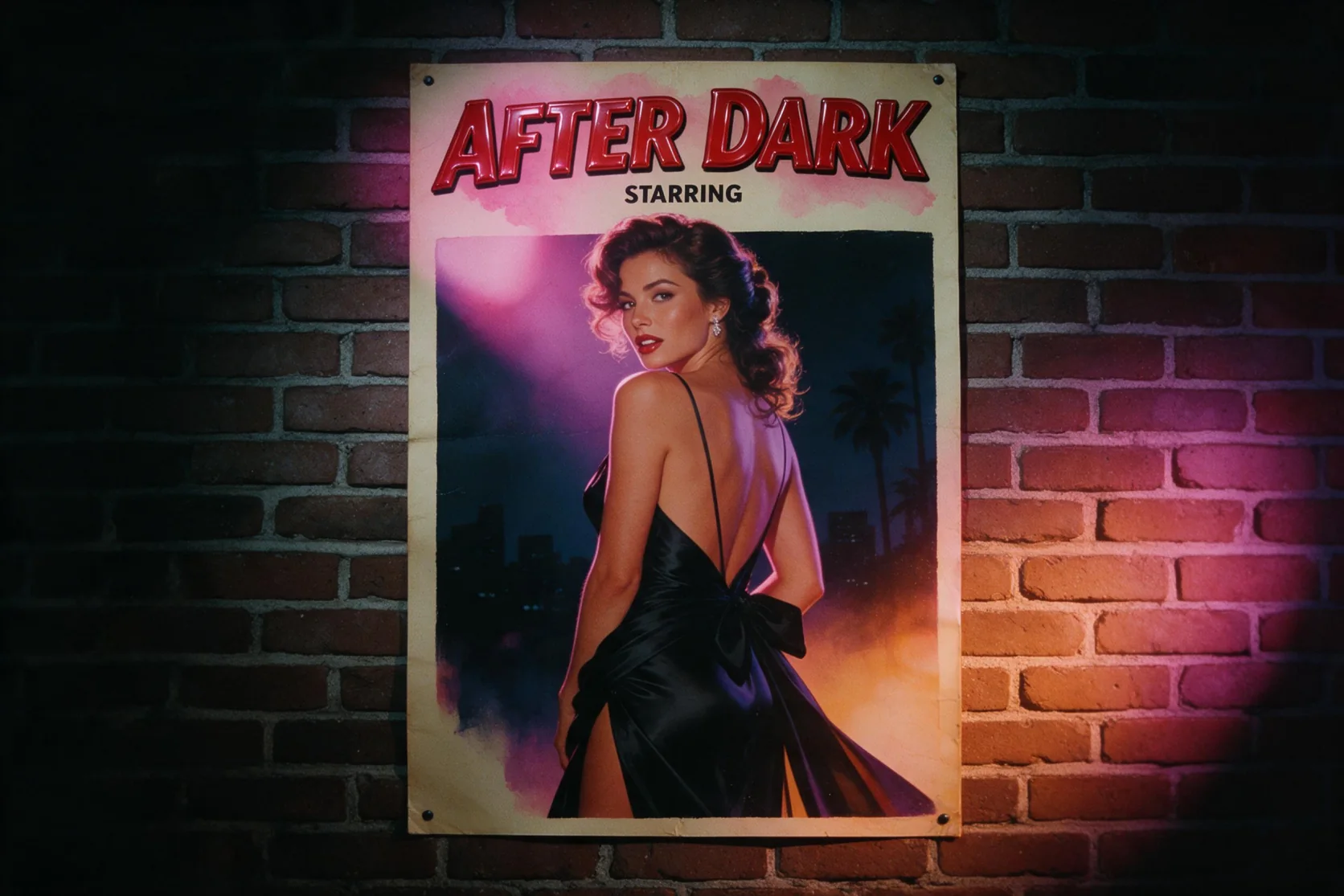
A poster mock-up, album sleeve or ad comp often arrives with a placeholder face. Masking the head and repainting it with the approved talent keeps every other part of the design intact.
Continuity fixes in a series
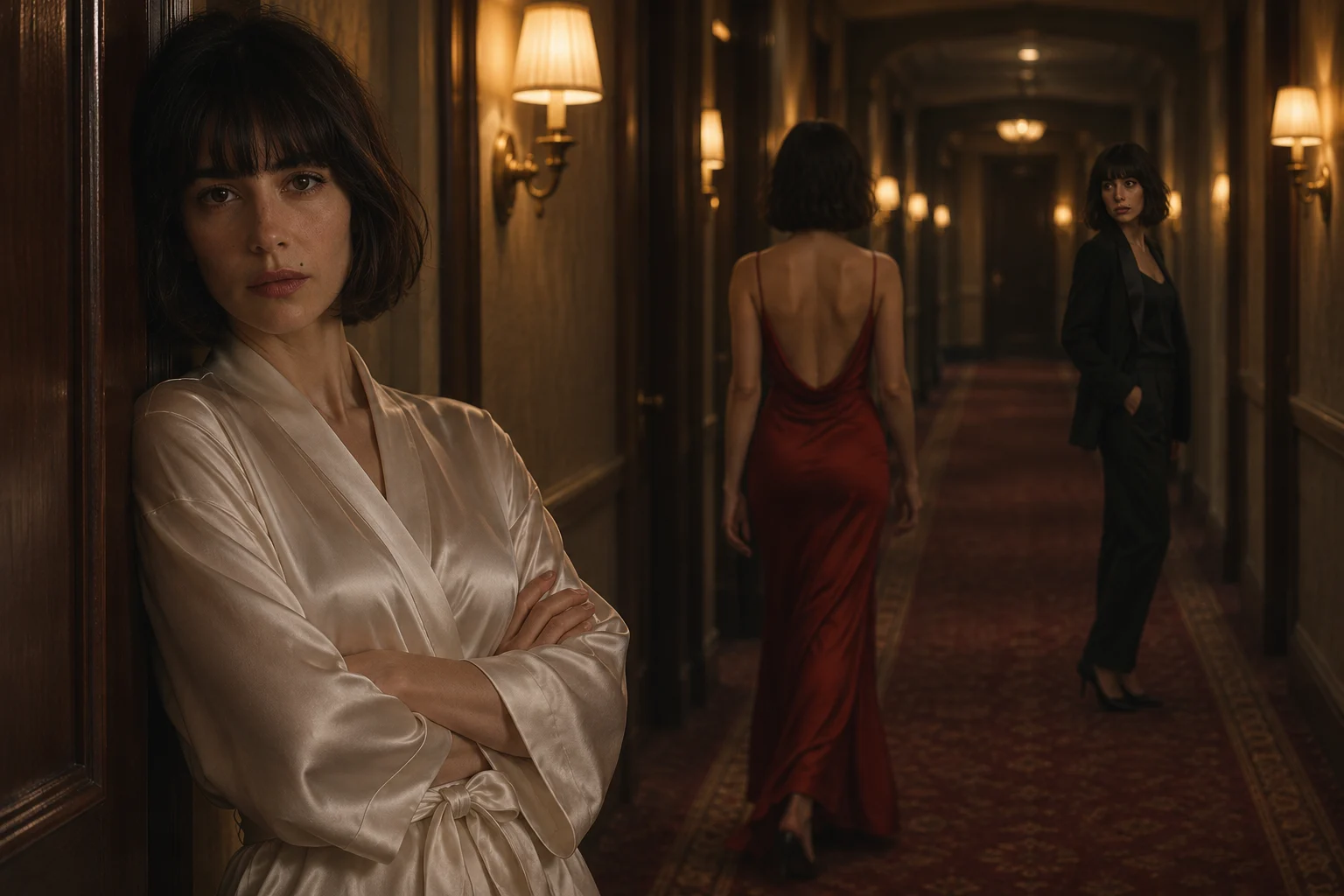
When a character drifts in one image of a set, mask the face and repaint it from the same portrait used everywhere else instead of regenerating the whole frame.
Placing a person into location photography
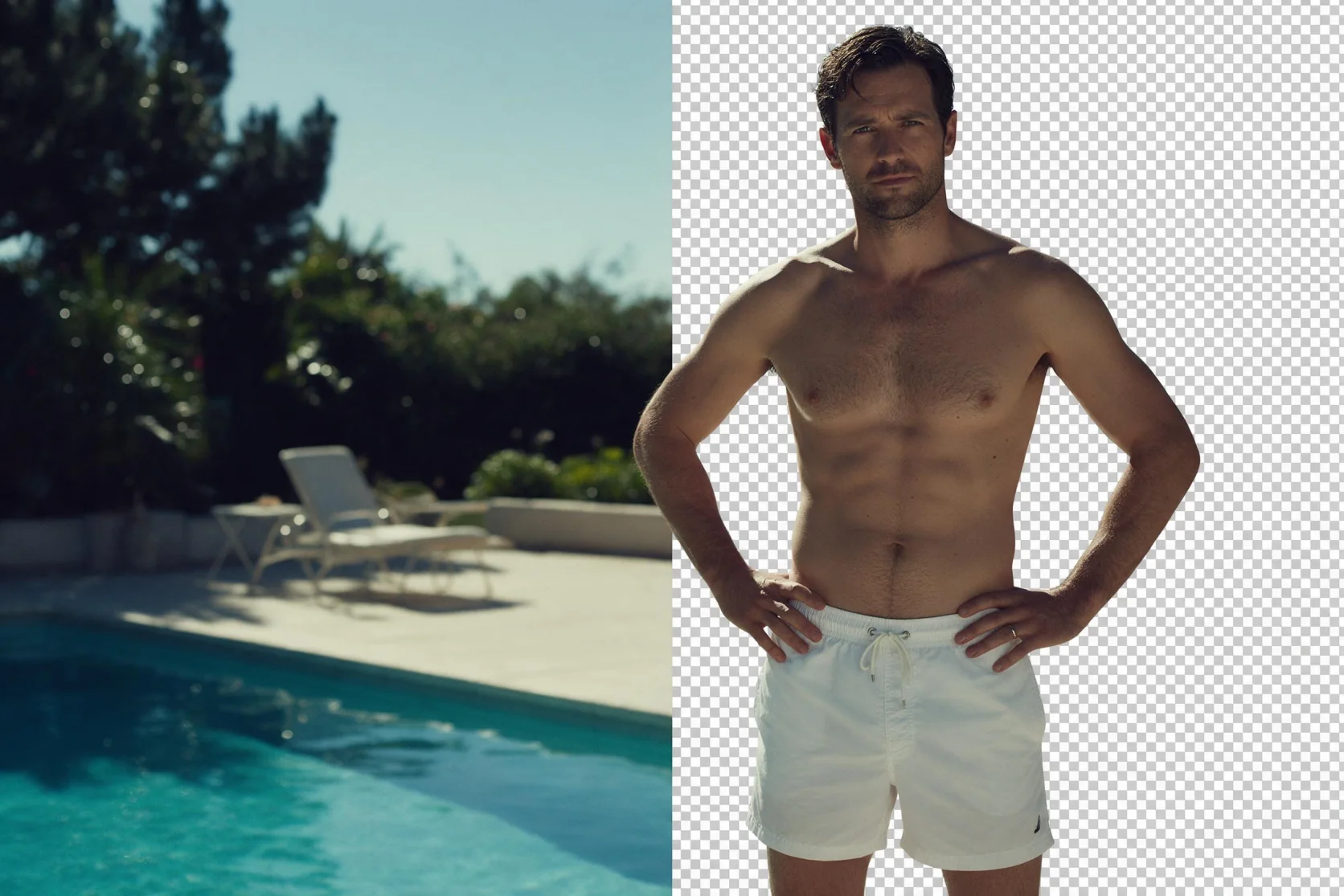
Shoot or source the location first, mask the spot where the person should be, and let the model draw them in with the light of that scene.
Prompt guide & pro tips
Size the mask generously
Paint black over the head plus a little margin of hair and neck so the new hairline blends into the scene. Keep the mask the same proportions as image_url; anything left white is guaranteed to stay. The page lets you draw the mask directly over the uploaded picture.
Describe only the masked content
The prompt is about what appears inside the mask, for example the woman with the dark bob singing with her eyes closed under red stage light. Repeating the whole scene is unnecessary, and asking for changes outside the mask has no effect.
Keep wardrobe changes modest
Larger masks over the body work for outfits and pose adjustments, but in our tests this mode toned down adult requests rather than drawing them. For scenes that need more freedom, use the new-scene endpoint with the same portrait.
API quick start
# Generate the idempotency key once; reuse it when retrying after a lost response.
export SPICY_IDEMPOTENCY_KEY="${SPICY_IDEMPOTENCY_KEY:-$(uuidgen)}"
curl -X POST https://api.spicyapi.ai/api/v1/jobs/createTask \
  -H "Authorization: Bearer $SPICY_API_KEY" \
  -H "Content-Type: application/json" \
  -H "Idempotency-Key: $SPICY_IDEMPOTENCY_KEY" \
  -d '{
  "model": "ideogram/character/edit",
  "input": {
    "image_url": "https://example.com/reference.png",
    "mask_url": "https://example.com/reference.png",
    "num_outputs": 1,
    "prompt": "A ceramic teapot on a linen cloth, soft window light, muted palette",
    "quality": "balanced",
    "reference_image_urls": [
      "https://example.com/reference.png"
    ],
    "style": "auto"
  }
}'

# Copy data.taskId from the response into TASK_ID, then poll the status.
TASK_ID="TASK_ID_FROM_RESPONSE"
curl "https://api.spicyapi.ai/api/v1/jobs/recordInfo?taskId=$TASK_ID" \
  -H "Authorization: Bearer $SPICY_API_KEY"
See the API reference for authentication, the complete schema, polling, and error handling.