Introduction
Ideogram Character is the consistency model Ideogram released on July 29, 2025. This endpoint is its generation mode: you upload one portrait, describe a scene that does not exist yet, and the model draws that person into it. Nothing is trained or stored between requests, so each call reads the likeness again from the photo you send.
Key features & highlights
Likeness from a single image
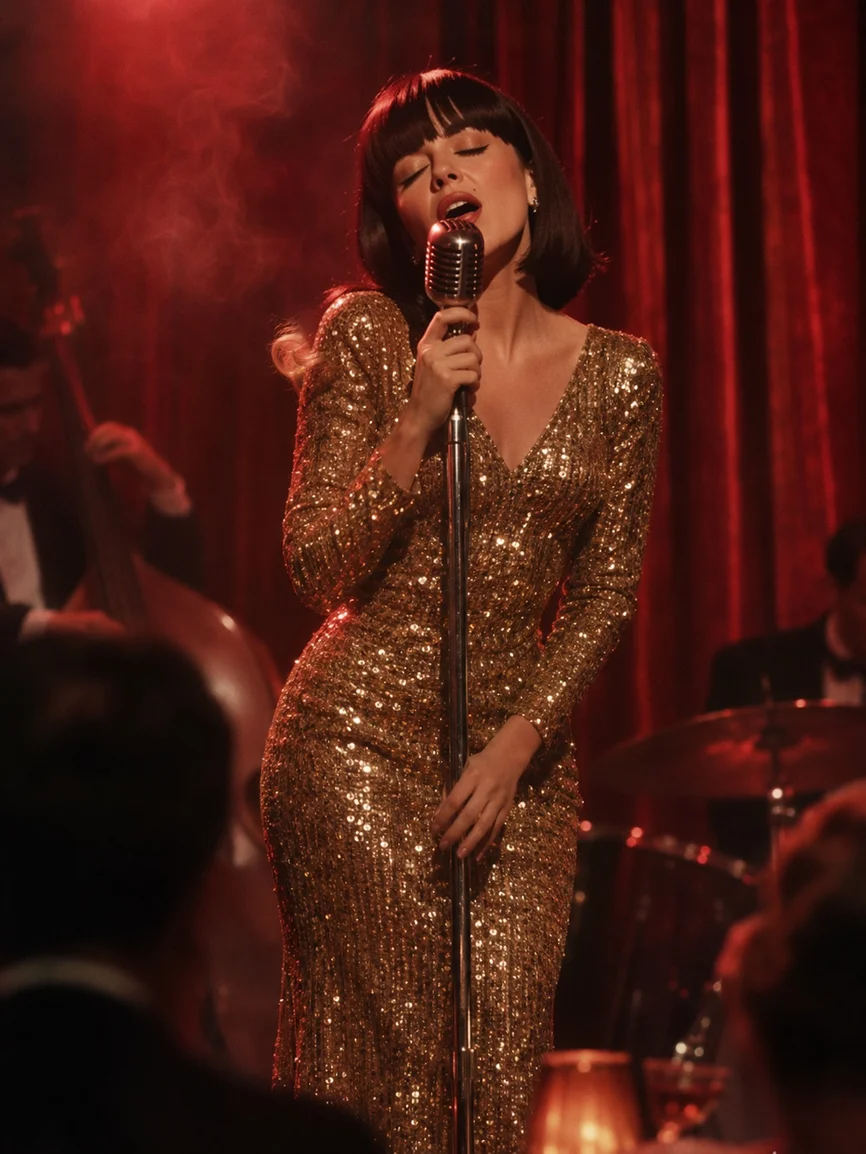
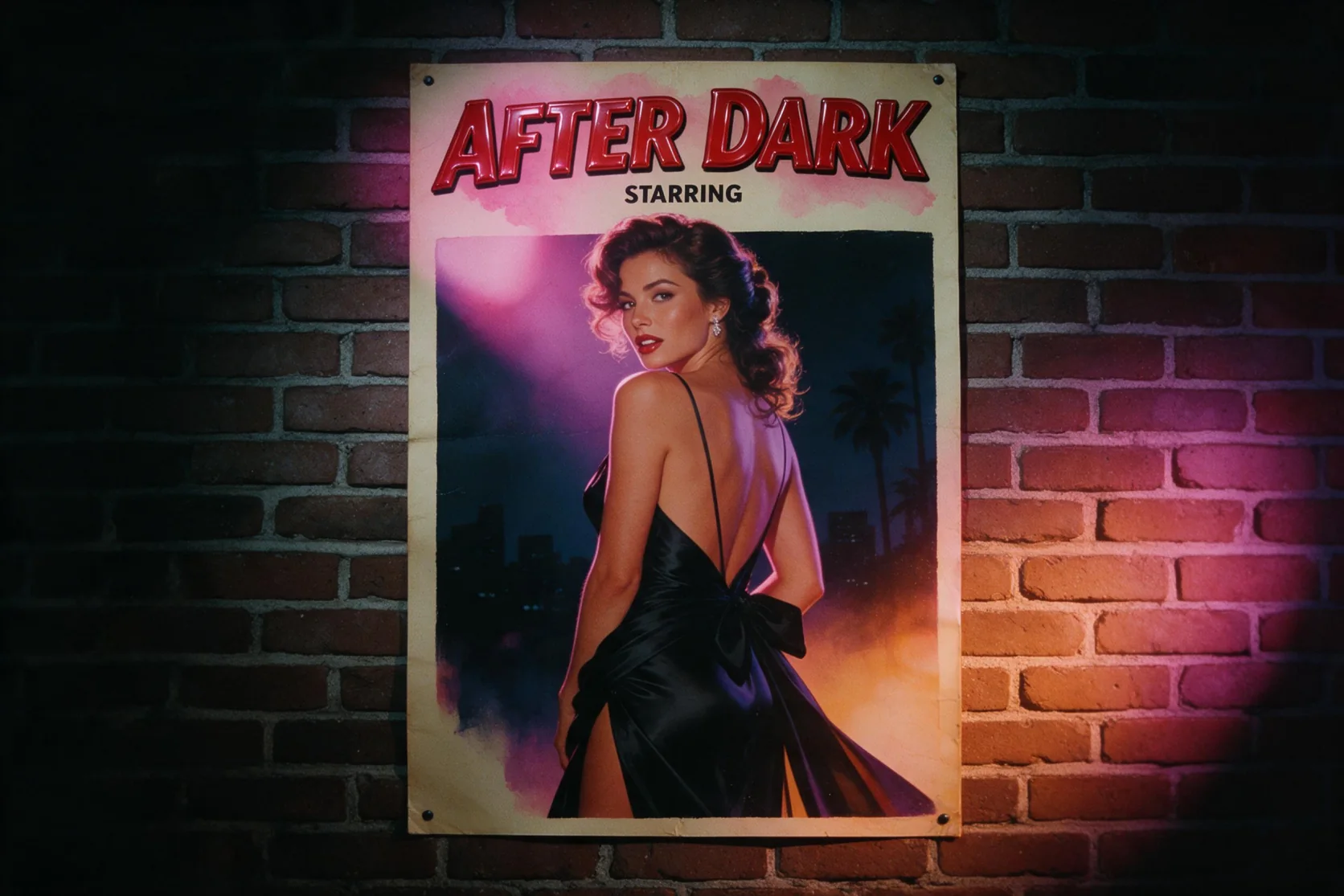
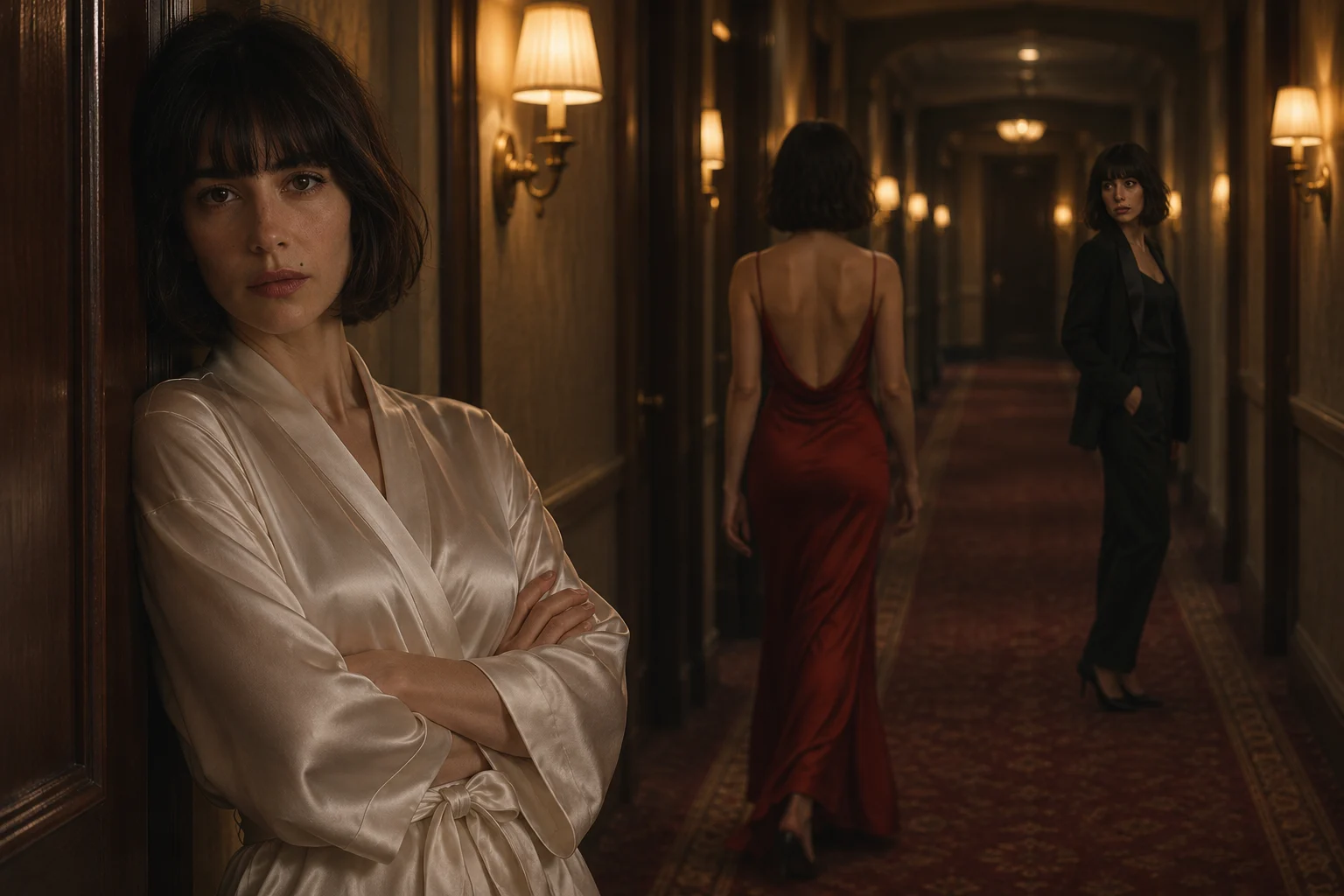
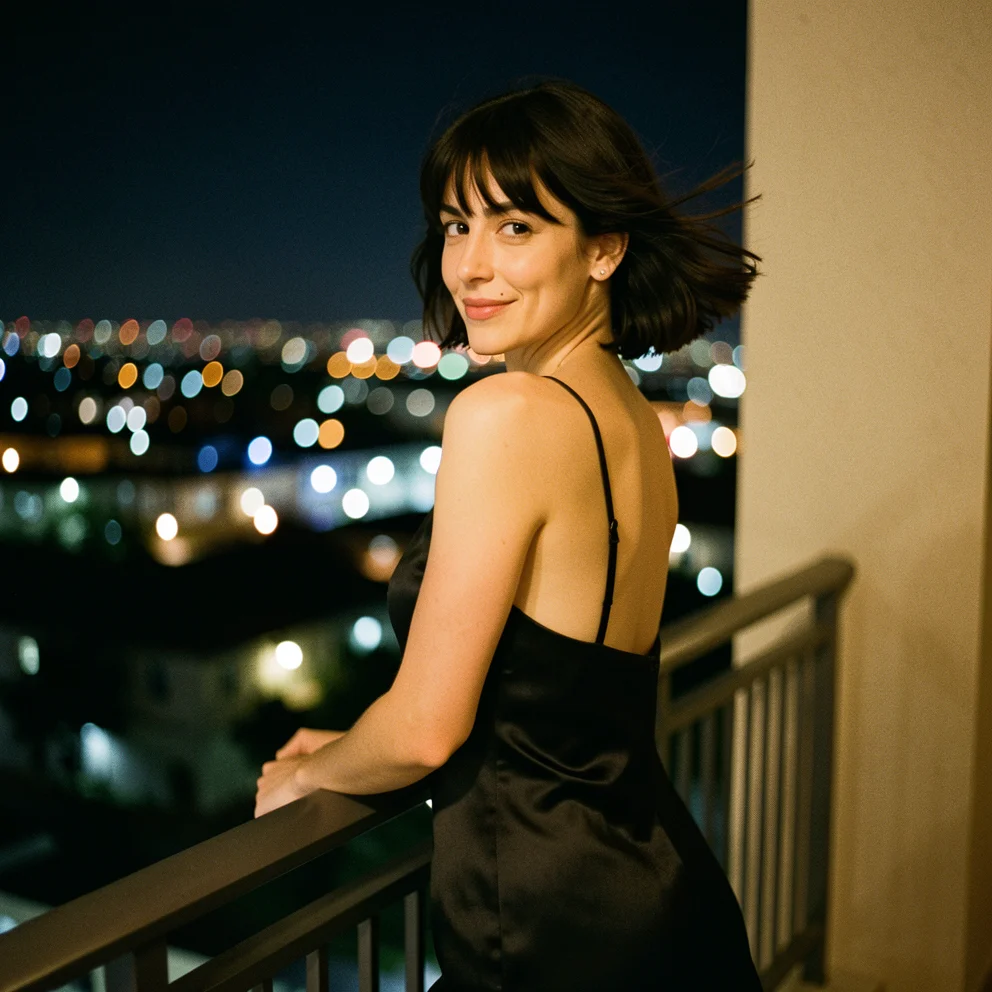
The model reads face shape, eyes, hairline and haircut from one reference and carries them into new lighting, outfits and camera angles. In our tests a headshot of a woman with a dark chin-length bob and a straight fringe kept that cut and fringe on a night balcony, at a dressing-room mirror and on a painted pulp-novel cover.
Three speed tiers and three style modes
Turbo, Balanced and Quality change render time, detail and price; Auto, Realistic and Fiction change the look without changing the price. Our Turbo images came back in roughly 20 to 35 seconds, a two-image Balanced call in about 54 seconds and a Quality image in about 62 seconds. Every result we received was a 992 by 992 WebP.
Several takes per call
num_outputs returns up to four images from the same prompt and portrait. Likeness varies a little from take to take, so asking for two to four in Turbo is the cheapest way to find the best match before a final render.
Request parameters
| Parameter | Required | Description |
|---|---|---|
prompt | Yes | Describe the new scene in up to 5,000 characters: place, outfit, pose, light and camera. Refer to the person simply as the woman, the man or she. at least 1 characters · at most 5000 characters |
reference_image_urls | Yes | Exactly one portrait of the person to keep. A sharp, front-facing photo with nothing covering the face works best; JPEG, PNG or WebP up to 10 MB. at least 1 items · at most 1 items |
quality | No | turbo, balanced (default) or quality. Higher tiers take longer and cost more per image. |
style | No | auto (default) lets the model choose; realistic aims for photography; fiction for illustration and stylised art. No price effect. |
num_outputs | No | 1 to 4 images from the same prompt and reference. Each image is billed. |
enable_prompt_expansion | No | MagicPrompt, on by default, expands a short prompt before rendering. Turn it off to have long prompts followed word for word. Default: |
negative_prompt | No | Optional list of things to keep out, up to 5,000 characters. The main prompt wins when the two conflict. at most 5000 characters |
seed | No | Optional integer. Reusing it with the same inputs makes one-change comparisons easier; it does not promise an identical image. |
Pricing
Charged per returned image at the chosen tier (Turbo, Balanced or Quality); requests the model refuses or fails to finish are not charged.
| Specification | Price |
|---|---|
| $0.08 / image |
| $0.12 / image |
| $0.16 / image |
Use cases
Characters that recur
Comic panels, children's story spreads and social series need the same lead in every frame. Keep one approved portrait as the reference and change only the scene text from image to image.
Fashion and styling drafts
Place one model in an evening dress, a tailored suit and a casual street look to compare styling directions before a real shoot, or to brief a photographer on mood and light.
Pitch and storyboard frames
Turn a cast headshot into key moments of a film pitch: a balcony at night, a smoky bar, a rainy street. Fiction mode suits painted boards; Realistic suits mood frames that should read like stills.
Prompt guide & pro tips
Spend words on the change
The face already comes from the photo, so the prompt does not need to describe it. Name the setting, clothing, pose, expression, light and lens instead, and call the person the woman, the man or she. Describing a different hair colour or face shape fights the reference and usually weakens the likeness.
Prepare a clean reference
Crop to head and shoulders, keep the face sharp and evenly lit, and avoid sunglasses, masks, hands or hair across the eyes. A distinctive detail such as a fringe, freckles or a small mark gives you something to check in every result.
Iterate cheaply, then upgrade
Run two to four Turbo images, pick the prompt and seed that hold the face best, and rerun only that combination in Balanced or Quality. MagicPrompt is on by default; switch it off when you have written a long, exact prompt and do not want it rewritten.
API quick start
# Generate the idempotency key once; reuse it when retrying after a lost response.
export SPICY_IDEMPOTENCY_KEY="${SPICY_IDEMPOTENCY_KEY:-$(uuidgen)}"
curl -X POST https://api.spicyapi.ai/api/v1/jobs/createTask \
  -H "Authorization: Bearer $SPICY_API_KEY" \
  -H "Content-Type: application/json" \
  -H "Idempotency-Key: $SPICY_IDEMPOTENCY_KEY" \
  -d '{
  "model": "ideogram/character/text-to-image",
  "input": {
    "num_outputs": 1,
    "prompt": "A ceramic teapot on a linen cloth, soft window light, muted palette",
    "quality": "balanced",
    "reference_image_urls": [
      "https://example.com/reference.png"
    ],
    "style": "auto"
  }
}'

# Copy data.taskId from the response into TASK_ID, then poll the status.
TASK_ID="TASK_ID_FROM_RESPONSE"
curl "https://api.spicyapi.ai/api/v1/jobs/recordInfo?taskId=$TASK_ID" \
  -H "Authorization: Bearer $SPICY_API_KEY"
See the API reference for authentication, the complete schema, polling, and error handling.