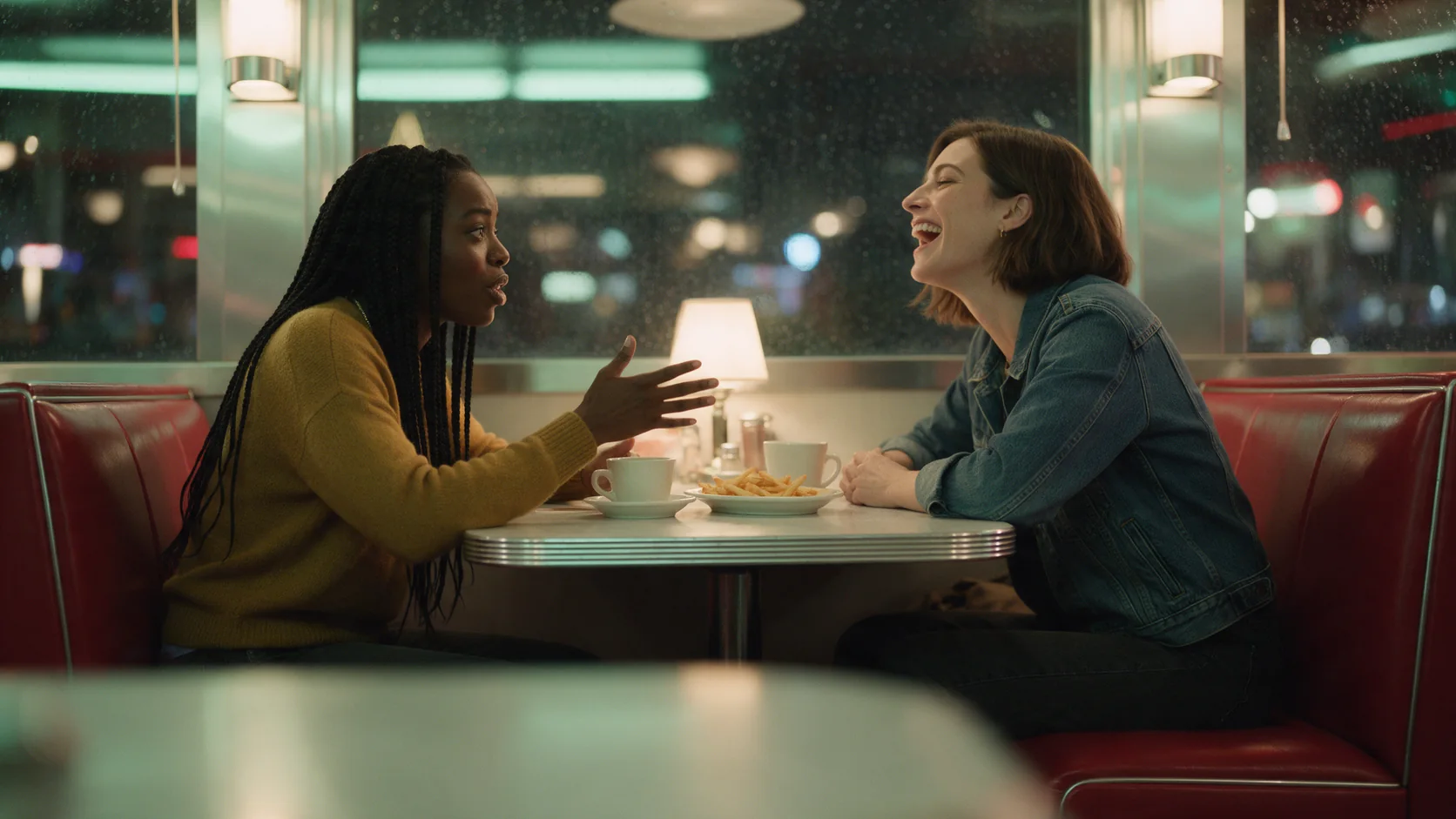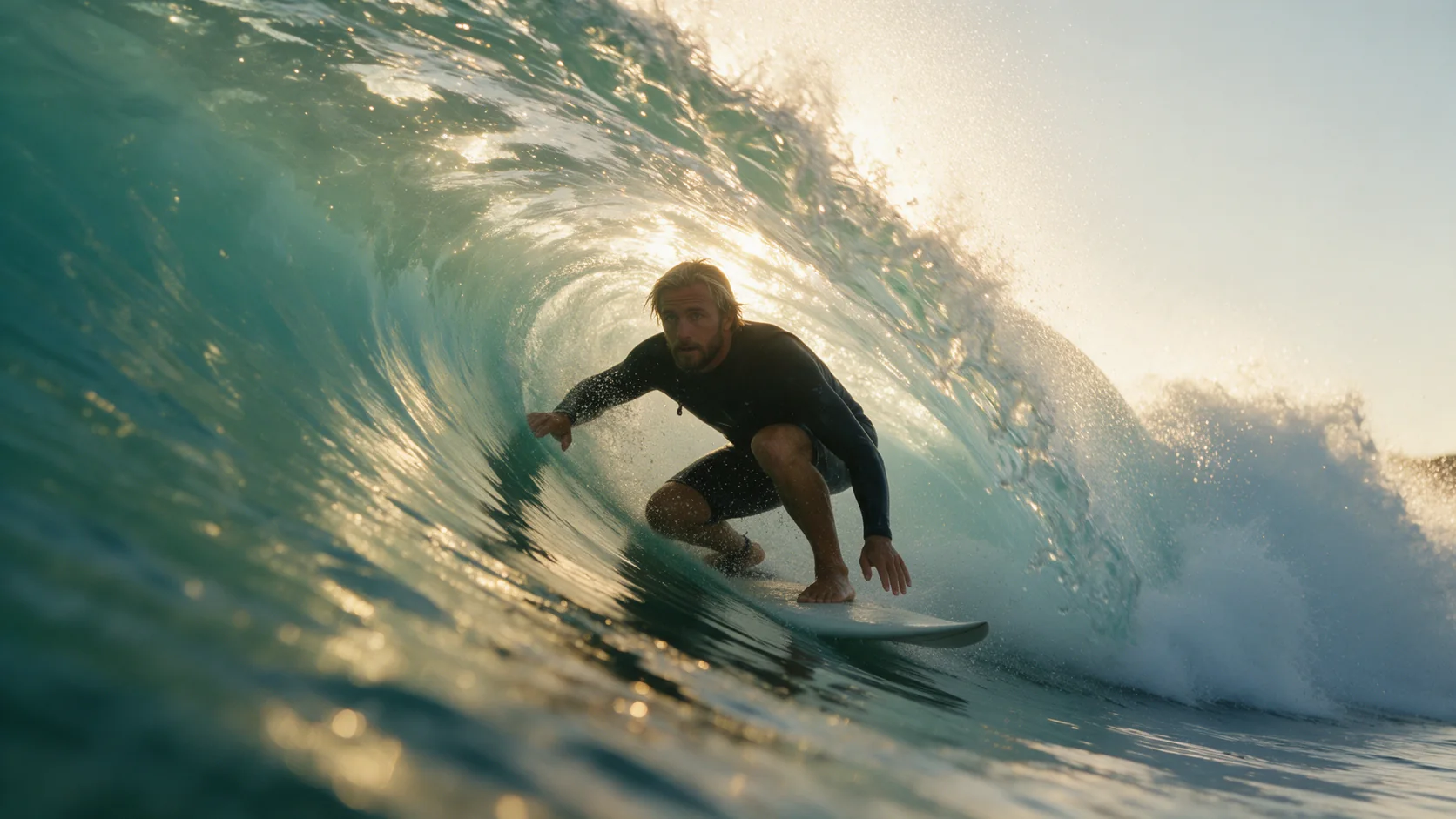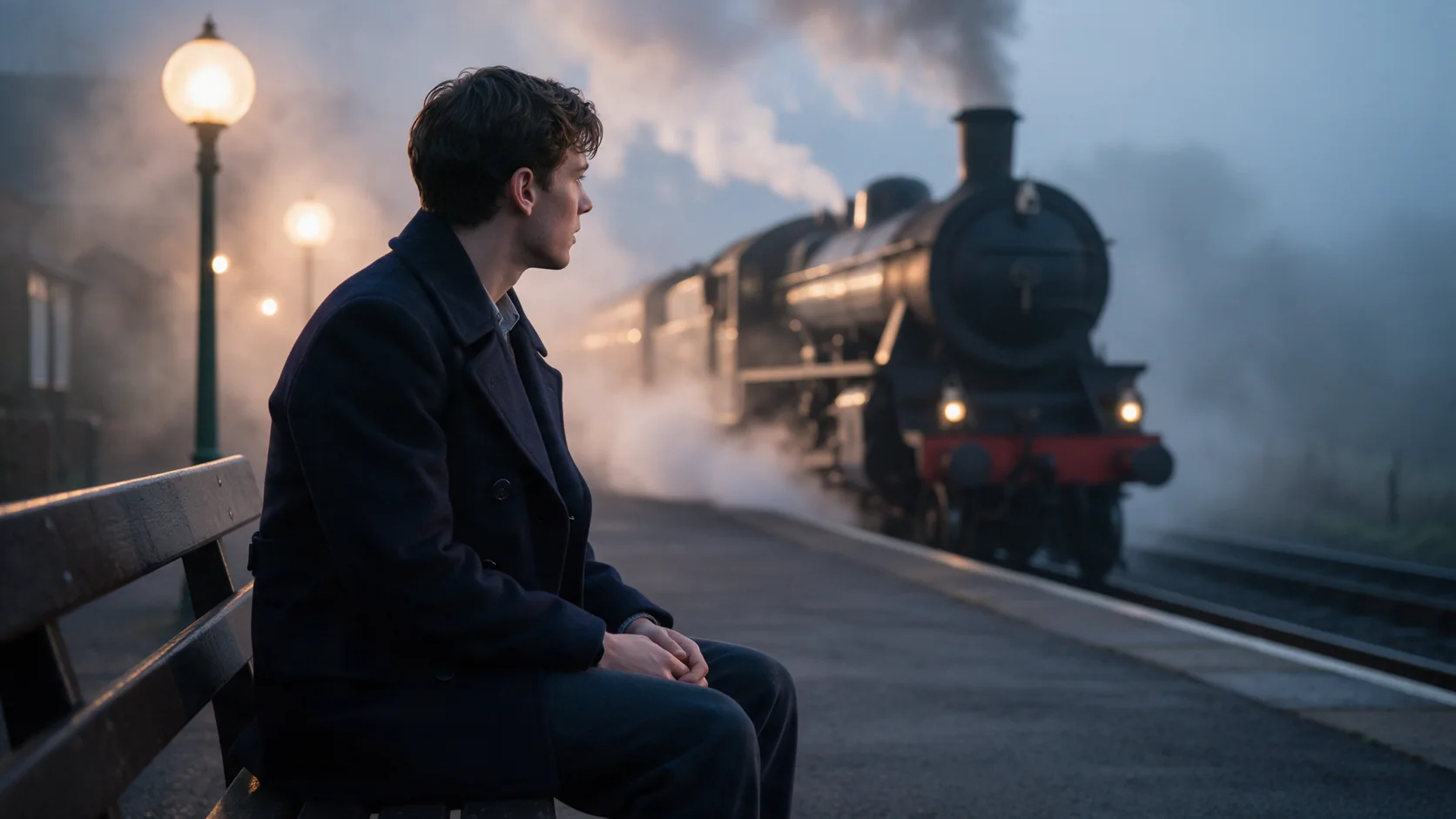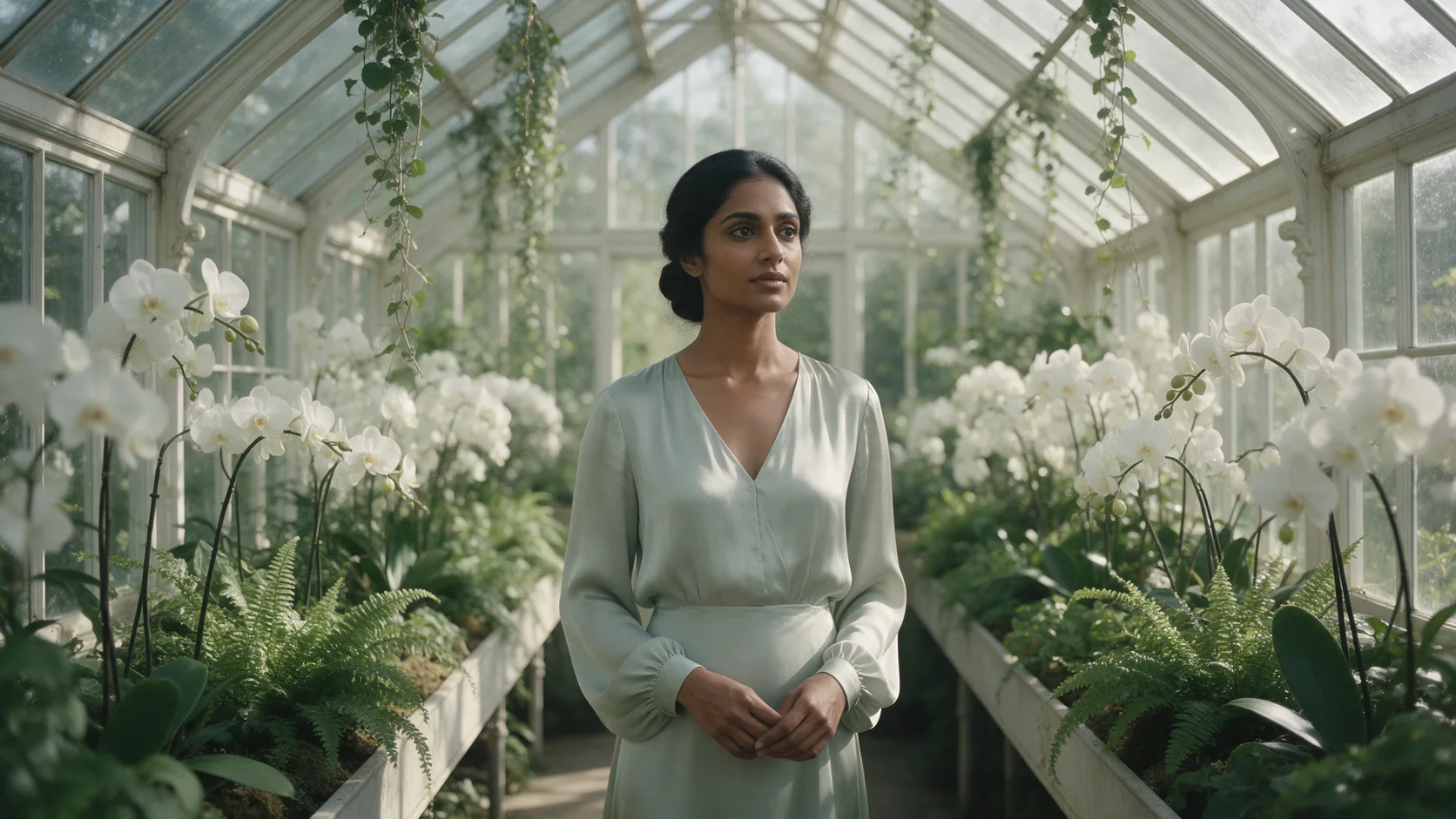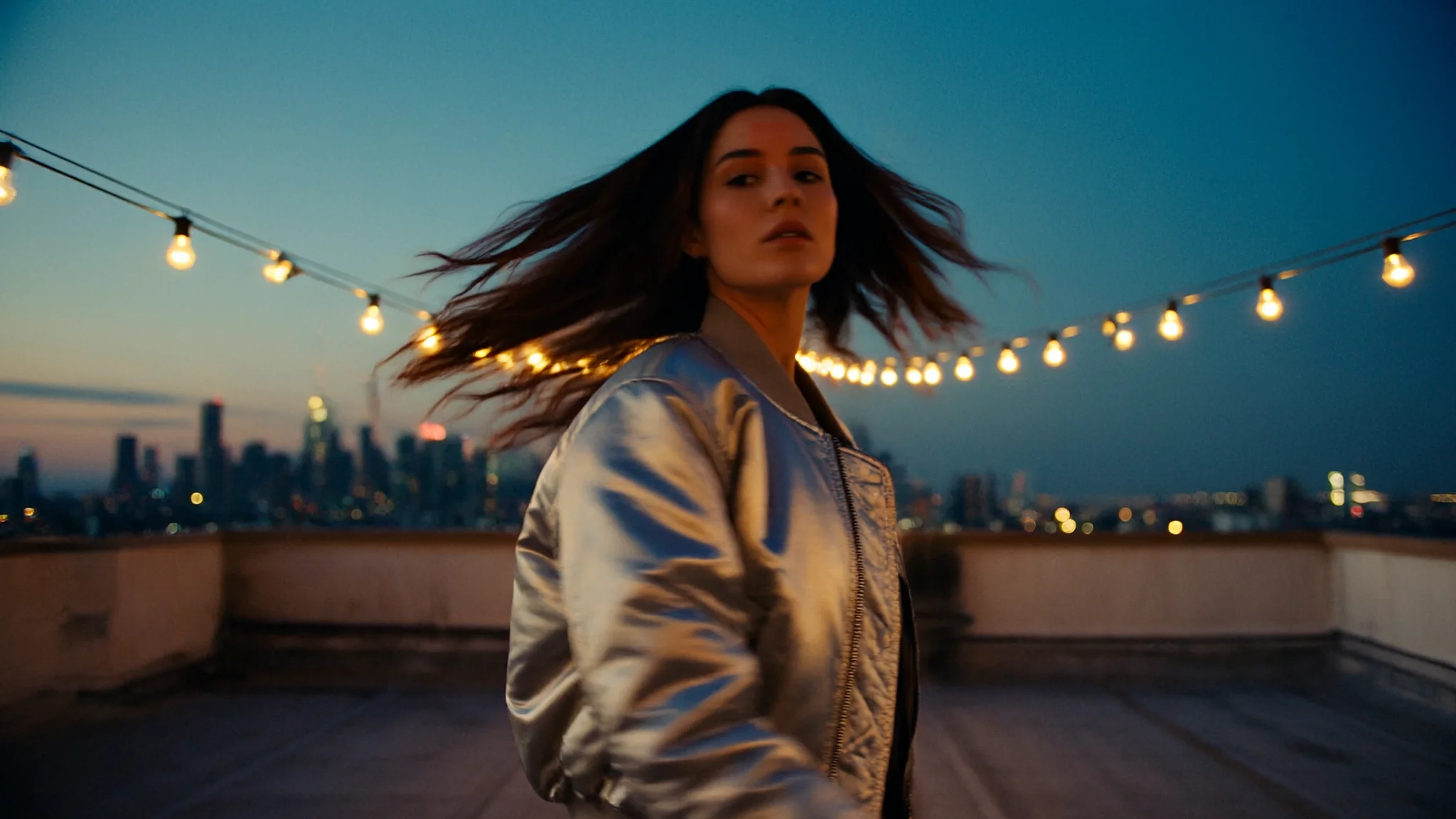
Revise a short source video in 720p while keeping its scene, subject, motion, and camera move, with retained or newly generated sound.

From $0.151/s

Workbench

Input

Video editing

Reordering updates prompt references. Removing media also removes its references; review your prompt.

Required edit instructions with no preset text; describe the change and the scene, subject, motion, and camera move to retain. The instruction itself adds no charge. at least 1 characters
affects price1/1

Drop a video here, or browse · 1 file · Max 90 MB · MP4 · WEBM

  • 1
1 / 1 files
Required URL for one source clip of 3–20 seconds, with no preset source; longer inputs are cut at 20 seconds. Output length follows the source, and billing counts source seconds rounded up to whole seconds, capped at 20. at least 1 characters
1/10

Drop files or media links, paste, or browse · Up to 10 files · Max 10 MB · JPG · PNG · WEBP · GIF

  • @Image1
1 / 10 files
Optionally add up to 10 image URLs to guide the edit, identifying them as @Image1, @Image2, and so on in upload order. Image references add no separate charge. at least 1 items · at most 10 items
Use auto to follow the source video, or set 16:9, 9:16, 1:1, or 21:9 for the output shape. This setting does not change the edit charge.
Keep original audio
Defaults to true to keep source sound; false generates a new synchronized soundtrack. Switching this value adds no separate charge.
Safety checkerOff

SpicyAPI does not run a safety checker on this model. Your prompt and media go to the model as written, and the model itself decides what comes back.

Checking your account before enabling submission and pricing.

Output

Ready for a new run

Missing the model you need?

THE QUICK-DRAFT MEMBER OF KLING 4.0

Kling 4.0 Flash API at a glance

Explore a shot in 720p, build a social clip, or revise a short video with sound.

Fixed output resolution
720p
MP4 video at 24 fps for reviewing short ideas.
Generation length
3–20 s
Set whole seconds; generation defaults to 5 seconds.
Ways to start
4
Work from text, an opening image, references, or a source clip.
Image references
10
Supply up to 10 images for reference generation or editing.
Sound with every clip
Audio
Generate synchronized sound or retain input video sound where supported.
Edit source limit
20 s
Longer source clips are cut at the 20-second mark.

Results

What you can make with Kling 4.0 Flash

  • Opening image

    Test movement from a still you already have

    The WebP portrait example becomes a smile under shifting sunset light. Its portrait format follows the opening image through auto aspect ratio.

    Image animation: a WebP opening portrait, 5 seconds, and auto aspect ratio.

  • Mixed references

    Pair a subject image with motion clips

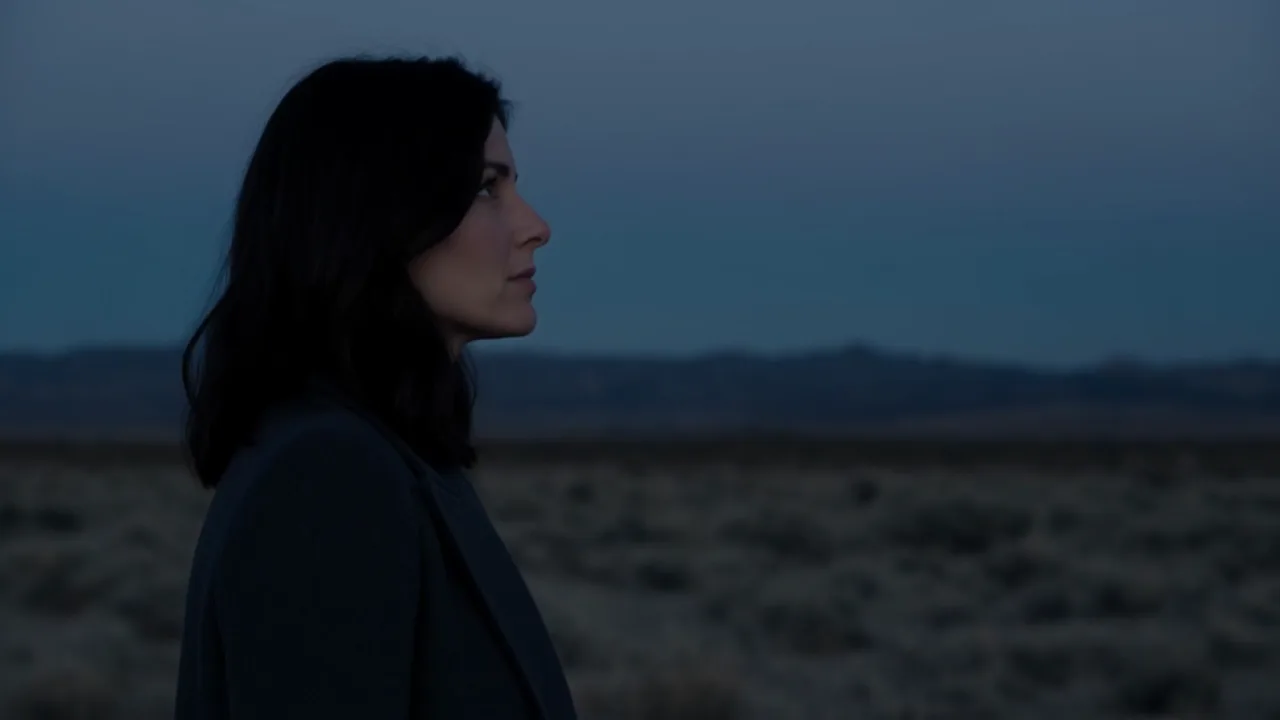
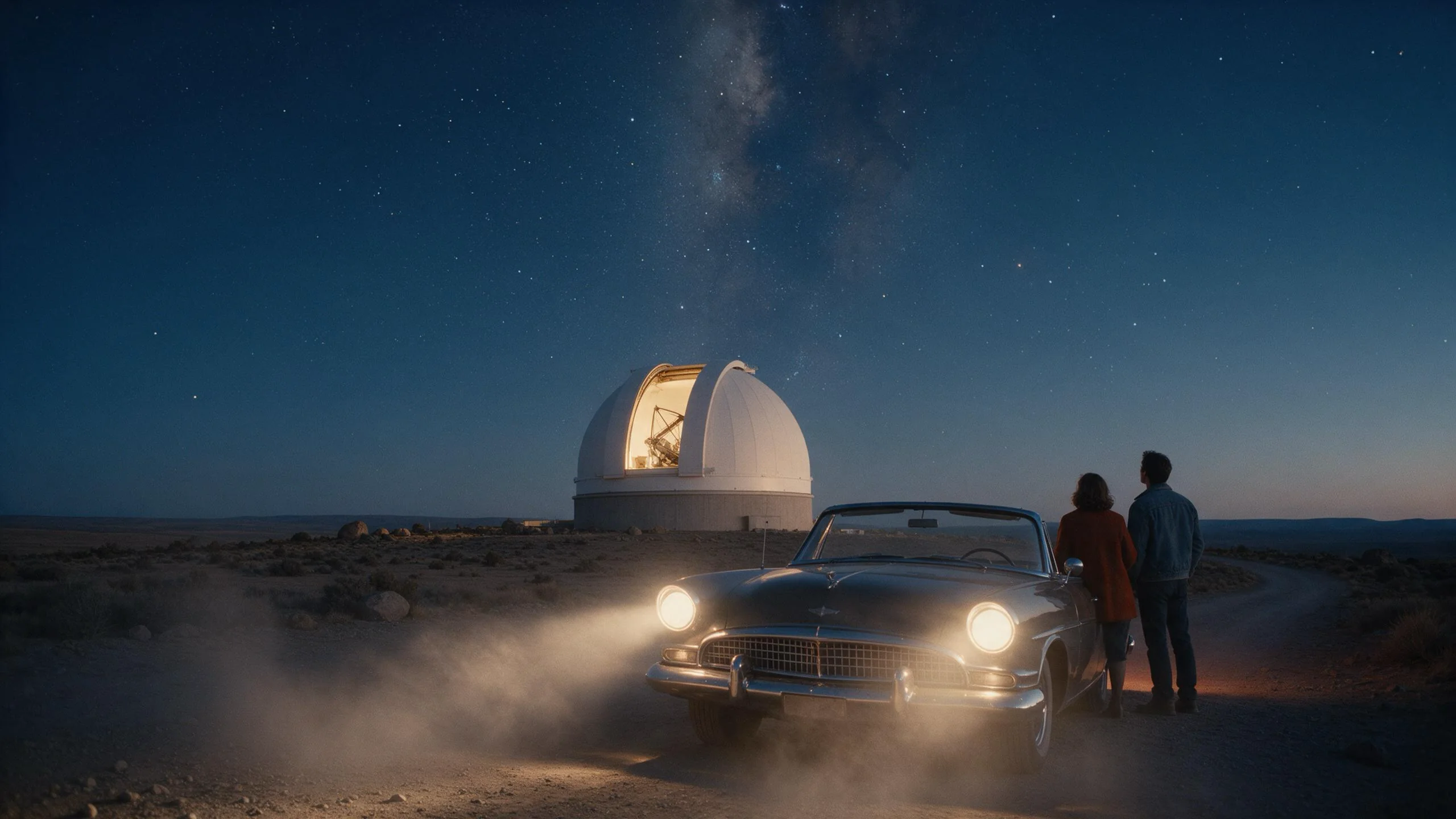
    One image and two desert videos guide a 3-second dusk scene. The subject walks in a charcoal coat while the video references guide the camera movement.

    Reference scene: 3 seconds in 16:9, guided by one image and two 5-second motion clips.

  • Short edits

    Revise the wardrobe without rebuilding the movement

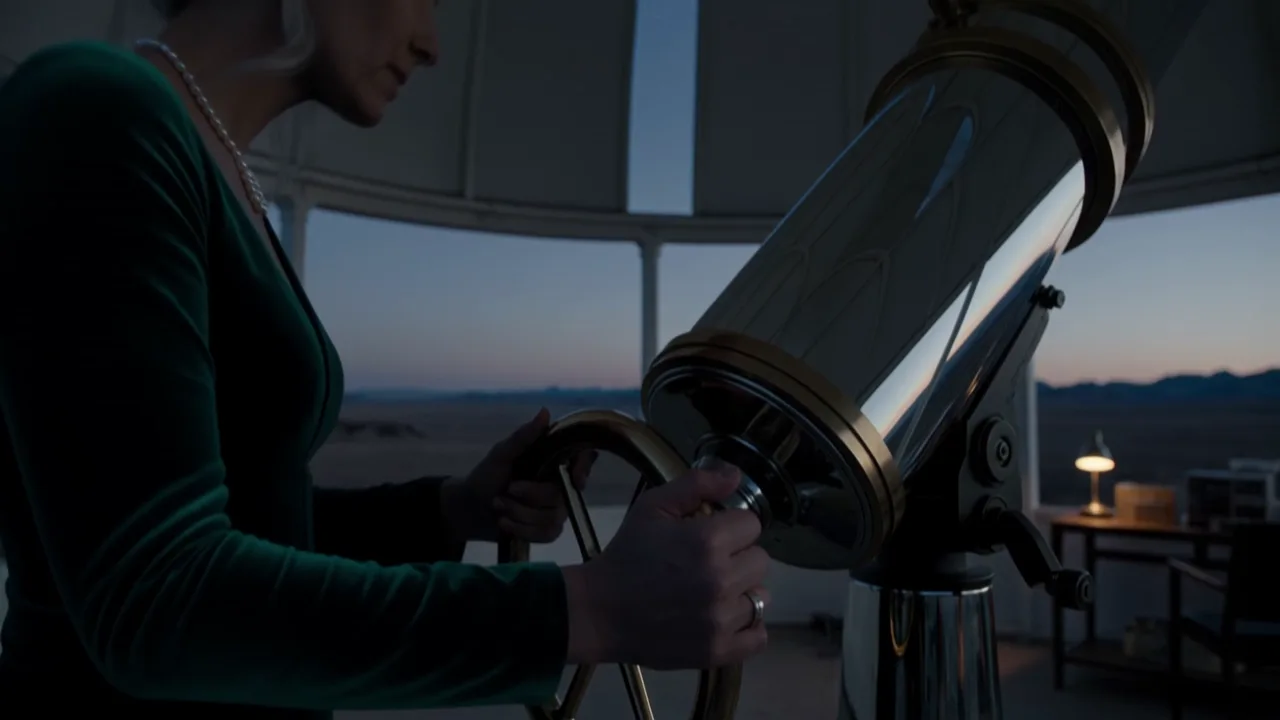
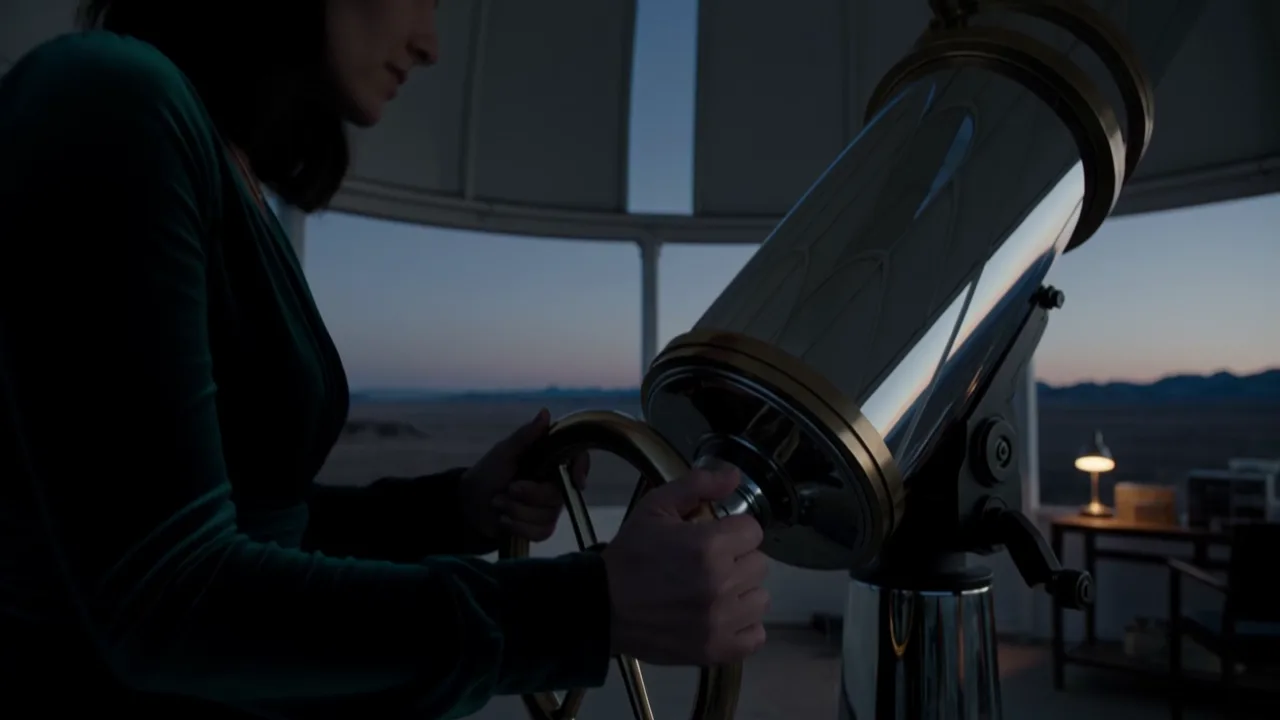
    The observatory edit changes the outfit to an emerald velvet gown while preserving the action and camera move. In our tests, the source and edited clip each ran 5.04 seconds, with new sound generated.

    Clip edit: wardrobe changed, action and camera retained; in our tests, 5.04 seconds in and out with newly generated audio.

Before you run it

What to know before you run Kling 4.0 Flash

All modes
Flash output is fixed at 720p; a resolution parameter is not available.
All modes
New generations run from 3 to 20 whole seconds, with a 5-second default.
Image to video
Image animation takes one opening frame and an optional prompt; closing frames and intermediate keyframes are not supported.
Reference to video
Reference audio input is not supported; video references are limited to 5 clips totaling 20 seconds, alongside up to 10 images.
Video editing
Editing follows the source duration; submit a source of 3–20 seconds, and expect anything beyond 20 seconds to be cut.
All modes
Generated videos are deleted after 14 days, so download the versions you plan to keep.
All modes
Generation time varies: in our tests, a 3-second reference clip took about 105 seconds, a 5-second edit about 96 seconds, and a 5-second image animation about 6 minutes during a busy period.

Use cases

What to build with the Kling 4.0 Flash API

  • Social concept batches

    Explore rooftop scenes, music moments, and other short ideas in 9:16 before choosing which direction to develop.

  • Drafts for a scene review

    Use a 3–5 second generation to review an action, a camera move, and the sound before adding more duration.

  • Still-image motion studies

    Start from a JPEG, PNG, or WebP image and test a small movement or lighting change for a social post.

  • Wardrobe variations on a clip

    Edit the clothing in an existing short scene while keeping its subject, motion, and camera move.

Prompts

Kling 4.0 Flash prompt examples you can copy

  • Image to video

    Animate a portrait with changing light

    Result from this prompt

    She tilts her head and meets the camera with a slow, confident smile as a warm sunset glow sweeps across her face; a loose strand of damp hair moves in a light breeze. Gentle handheld push-in. Sound: soft room tone, a distant summer evening outside.

    Why it works. The opening still supplies the look; the prompt adds a smile, sunset lighting, gentle camera movement, and background sound.

    Try this prompt
  • Reference to video

    Assign separate roles to images and clips

    Result from this prompt

    @Image1 is the woman. She walks through the high-desert scene, moving and framed like @Video1 and @Video2: a slow camera push across the dusk landscape. She wears a charcoal wool coat and stops to look at the first stars.

    Why it works. The image identifies the subject and the two video references guide movement and framing, leaving the prompt to describe the coat and dusk setting.

    Try this prompt
  • Video editing

    Describe a wardrobe edit with preserved motion

    Result from this prompt

    Keep the astronomer, the dome, the brass wheel, every movement and the camera move exactly as they are. Change only her outfit: a deep emerald velvet evening gown with long sleeves and a pearl necklace, her silver-streaked hair now in a loose low bun.

    Why it works. The instruction names the scene elements and movement to retain before describing the new outfit, keeping the edit focused.

    Try this prompt
  • Video editing

    Recast the clip from a reference photo

    Result from this prompt

    Replace the astronomer in the video with the woman from @Image1: her shoulder-length dark hair and her face, now wearing a deep emerald velvet evening gown with long sleeves and a thin gold necklace. Keep every movement, the brass wheel, the telescope, the dome, the dusk sky and the camera move exactly as they are.

    Why it works. Pointing at @Image1 for the face and hair, then listing what must stay, gives the edit one clear change to make.

    Try this prompt

Compare

Kling 4.0 Flash vs similar models: which one to pick

ModelModesFromContentPick it when
Kling 4.0Image to video · Reference to video · Text to video · Video editing · Video extension$0.113 / output secondFiltered — This model refuses requests beyond its own limits outright. Measured, not assumed — models we have not measured carry no label at all.Move to the full 4.0 model when your plan needs 1080p, up to 30 seconds, first/last frame control, intermediate keyframes, or reference audio.
Kling 3.0 TurboImage to video · Text to video$0.112 / output secondFiltered — This model refuses requests beyond its own limits outright. Measured, not assumed — models we have not measured carry no label at all.Consider 3.0 Turbo for text or image generation lasting 3–15 seconds at 720p or 1080p, with an automatic soundtrack and without reference inputs.
Kling O3Image to video · Reference to video · Text to video · Video editing$0.067 / output secondFiltered — This model refuses requests beyond its own limits outright. Measured, not assumed — models we have not measured carry no label at all.Consider o3 when you want to edit an existing video or work from reference photos at resolutions up to 4K.

Pricing

Kling 4.0 Flash API pricing

A 5-second clip starts at $0.564.

Get started

How to use the Kling 4.0 Flash API in three steps

  1. Step 1

    Choose the material you have

    Use text for a new scene, image-to-video for one opening still, reference-to-video for images and motion clips, or video-edit for an existing shot.

  2. Step 2

    Keep the first draft short

    Begin with one action and 3–5 seconds, such as “a tram crosses the square.” Each additional output second increases generation billing.

  3. Step 3

    Describe the sound as well as the picture

    Add a concrete sound cue such as “Sound: rain on the station roof.” Put dialogue in quotation marks.

Parameter reference and code samples are in the API and Readme tabs at the top of this page.

FAQ

Kling 4.0 Flash API FAQ

About Kling 4.0 Flash

Start with the material you have and one short idea to review. Flash brings text drafts, image animation, reference scenes, and clip edits into a 720p workflow with sound; save the results you want before their 14-day retention ends.

Related models and next tasks