Introduction
Seedance 2.0 Fast reference-to-video reconciles several authorised sources into one shot: images for who and what, clips for motion and pacing, audio for the beat the cut lands on. It takes no first frame.
Seedance 2.0 Fast is the speed tier of ByteDance's Seedance 2.0 line. Its endpoints return 4 to 15 second clips at 480p or 720p, with audio generated alongside the picture.
Choose a Seedance 2.0 Fast mode by starting material
| Starting material | Mode |
|---|---|
| A script or scene description | Seedance 2.0 Fast Text to Video |
| An approved opening still | Seedance 2.0 Fast Image to Video |
| Separate appearance, motion or audio references | Seedance 2.0 Fast Reference to Video |
Key features & highlights
One field set, three sources
All three endpoints take the same core fields: prompt, duration_seconds from 4 to 15 (or -1 to let the model choose), resolution at 480p or 720p, aspect_ratio, generate_audio and seed. What changes is the source that anchors the picture: nothing, an opening frame, or a set of references. A request built for one mode moves to another by adding or removing that source.
Picture and sound in one pass
generate_audio is on by default and renders ambience, movement effects and voice locked to the frames. Switching it off does not lower the rate in this tier, so turn it off only for silent loops or for material you will score in post.
Adaptive framing by default
aspect_ratio defaults to adaptive: image-to-video keeps the proportions of the opening frame, reference-to-video follows the primary reference, and text-to-video lets the model pick the shape the prompt suggests. The six fixed ratios, 16:9, 9:16, 4:3, 3:4, 1:1 and 21:9, are there when a placement dictates the shape.
Request parameters
| Parameter | Required | Description |
|---|---|---|
prompt | Yes | Required, and here it also does the casting. at least 1 characters |
reference_image_urls | No | Up to 9 images you are authorised to use, holding a character, a product, a style or a set. at most 9 items |
reference_video_urls | No | Up to 3 clips supplying motion, pacing or camera language. at most 3 items |
reference_audio_urls | No | Up to 3 audio files, 2 to 15 seconds each and 15 seconds together, each under 15 MB, giving the shot a sonic anchor — delivery, tempo, a musical phrase — that motion and cut poi… at most 3 items |
aspect_ratio | No | Output framing, adaptive by default: the clip takes its shape from the primary reference. |
resolution | No | Output resolution: 480p, or 720p by default. It selects a rate tier and will not sharpen low-resolution references. |
duration_seconds | No | Length of the finished clip in whole seconds, 4 to 15, default 5; -1 lets the model choose, with the estimate assuming 15 seconds. |
generate_audio | No | Whether a native soundtrack is rendered in sync with the picture. On by default; switching it off does not lower the rate in this tier. Default: |
seed | No | Integer seed; omit it and each run draws its own. Fix it with everything else held constant to judge what a prompt edit actually changed. |
return_last_frame | No | Also returns the clip’s final frame as a separate image next to the video. Send it to image-to-video as the next opening frame to chain shots without exporting a still yourself. Default: |
bitrate_mode | No | Encoding bitrate of the delivered file: |
watermark | No | Adds the model’s own visible "AI generated" watermark to the video. Off by default; switch it on when the place you publish requires AI-made footage to be labelled. Default: |
Pricing
Reference clips add to the billed seconds. Because we cannot measure your clips before the job runs, we hold funds for the 15-second maximum up front and release the unused portion the moment the job settles — you are only ever charged for the seconds actually used.
| Resolution | With video: Yes | With video: No |
|---|---|---|
| $0.022539 / second | $0.04499712 / second |
| $0.048471 / second | $0.096768 / second |
Use cases
A product from every angle
Two or three angles of one object hold it far better than a stack of near-identical frames. The published example sends three views of one sneaker and asks for a turntable rotation through them in order, with the leather grain, sole and lacing kept identical.
A borrowed camera move
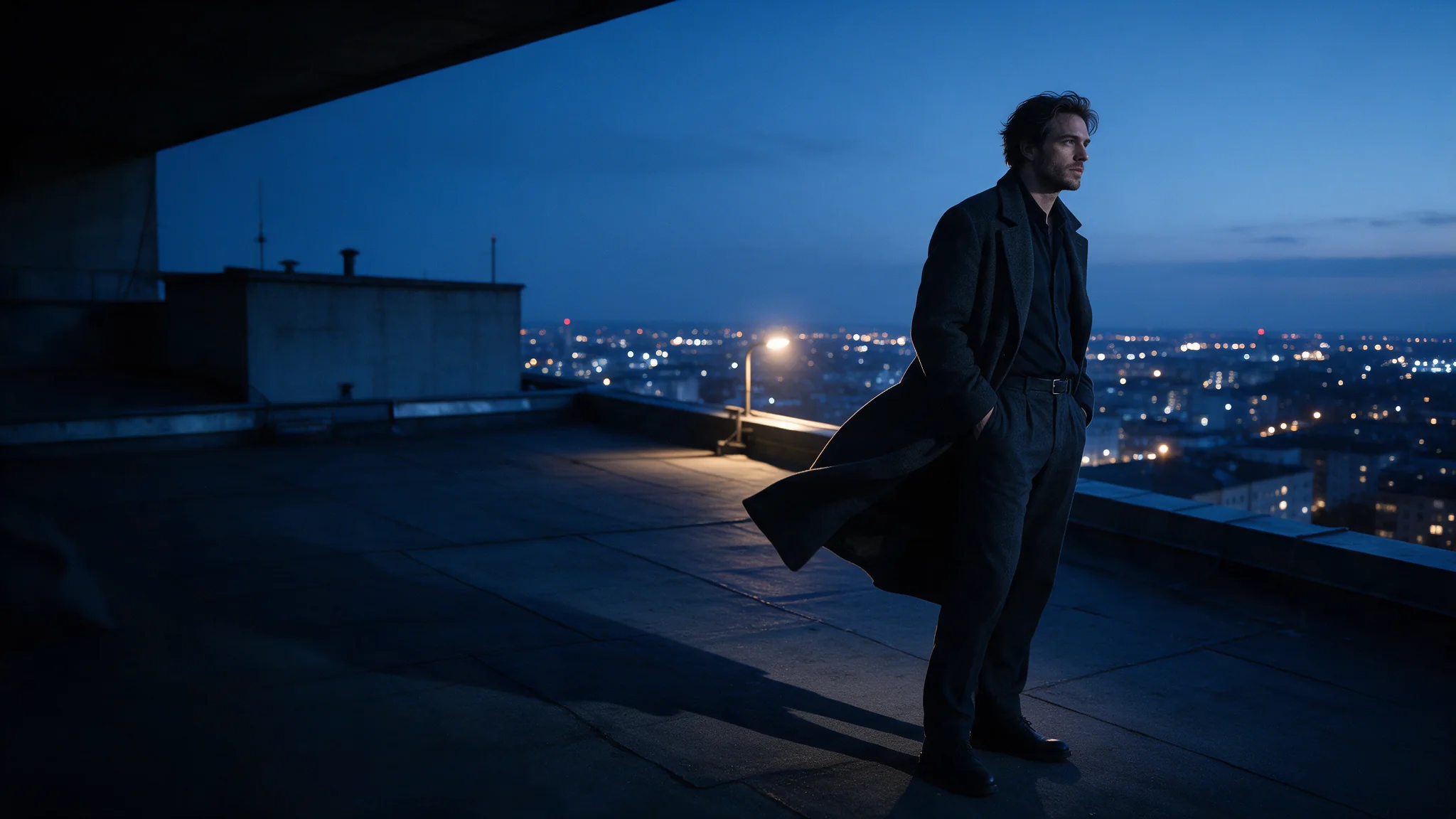
A reference clip can supply camera language instead of content. One of this endpoint's examples takes a slow crane rise from a clip, stages it over a rooftop from a reference image and times the top of the rise to the swell in a reference track.
A recurring cast across a series
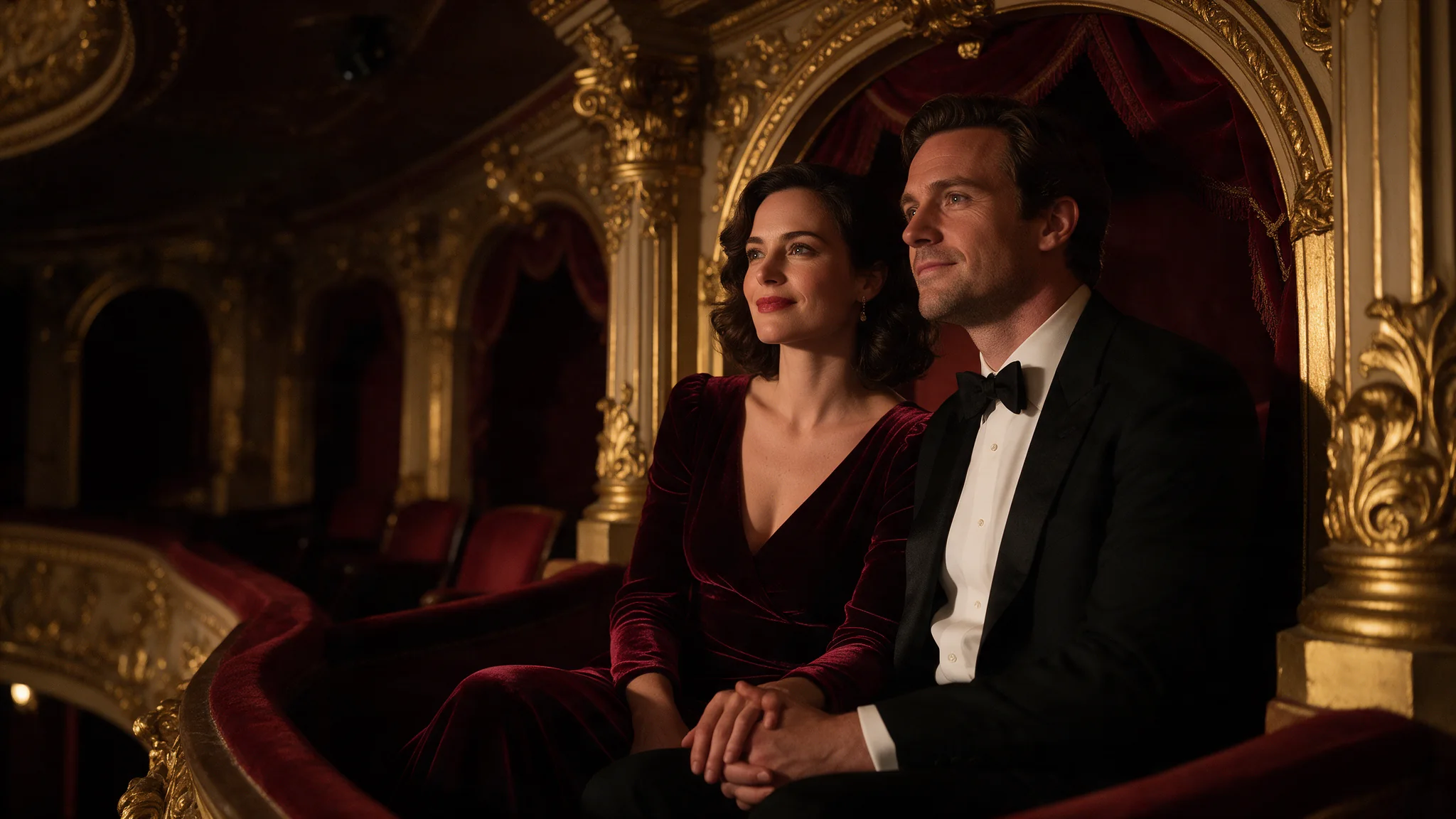
Keep one reference set for a character, a garment or a room and change only the prompt between requests. The same images carry every episode, so identity stays steady while the action moves on.
Prompt guide & pro tips
Cast the shot in the prompt
The prompt is required here, and it does the casting. References are read in the order you send them, so say which image is which character, what each clip contributes and what the audio is for. Referring to them as @Image1, @Image2 and so on keeps that mapping unambiguous.
Stay inside the reference limits
reference_image_urls takes up to 9 images, reference_video_urls up to 3 clips and reference_audio_urls up to 3 tracks. At least one image or clip is required, because audio alone is refused. Clips and audio run 2 to 15 seconds each and 15 seconds together, and the seconds of your reference clips are billed on top of the output, so trim them to the part you want referenced.
Adapt the included example
The published example uses aspect_ratio 1:1, duration_seconds 5, generate_audio true and resolution 720p, with three product photos in reference_image_urls.
Treat @Image1, @Image2 and @Image3 as three angles of one sneaker. Rotate it smoothly on an invisible turntable through those three views in order, keeping the leather grain, gum sole and lacing identical throughout. Hard studio key stays fixed; the contact shadow swings with the rotation.
Every reference is named by position and given one job. Replace the product and keep that structure.
Use image-to-video when the first frame must be exact
This endpoint has no first- or last-frame field. When the opening picture has to match a still exactly, send that still to image-to-video instead and describe only the motion.
API quick start
# Generate the idempotency key once; reuse it when retrying after a lost response.
export SPICY_IDEMPOTENCY_KEY="${SPICY_IDEMPOTENCY_KEY:-$(uuidgen)}"
curl -X POST https://api.spicyapi.ai/api/v1/jobs/createTask \
  -H "Authorization: Bearer $SPICY_API_KEY" \
  -H "Content-Type: application/json" \
  -H "Idempotency-Key: $SPICY_IDEMPOTENCY_KEY" \
  -d '{
  "model": "bytedance/seedance-2.0-fast/reference-to-video",
  "input": {
    "aspect_ratio": "adaptive",
    "bitrate_mode": "standard",
    "duration_seconds": 5,
    "generate_audio": true,
    "prompt": "A slow aerial shot drifting over a misty pine forest at sunrise",
    "resolution": "720p",
    "reference_image_urls": [
      "https://example.com/reference.png"
    ]
  }
}'

# Copy data.taskId from the response into TASK_ID, then poll the status.
TASK_ID="TASK_ID_FROM_RESPONSE"
curl "https://api.spicyapi.ai/api/v1/jobs/recordInfo?taskId=$TASK_ID" \
  -H "Authorization: Bearer $SPICY_API_KEY"
See the API reference for authentication, the complete schema, polling, and error handling.