Introduction
Seedance 2.0 Fast text-to-video builds the whole frame from the prompt — subject, set, camera, light — and renders the soundtrack in the same pass. Nothing anchors the picture, so this is the endpoint for a shot that does not exist yet.
Seedance 2.0 Fast is the speed tier of ByteDance's Seedance 2.0 line. Its endpoints return 4 to 15 second clips at 480p or 720p, with audio generated alongside the picture.
Choose a Seedance 2.0 Fast mode by starting material
| Starting material | Mode |
|---|---|
| A script or scene description | Seedance 2.0 Fast Text to Video |
| An approved opening still | Seedance 2.0 Fast Image to Video |
| Separate appearance, motion or audio references | Seedance 2.0 Fast Reference to Video |
Key features & highlights
One field set, three sources
All three endpoints take the same core fields: prompt, duration_seconds from 4 to 15 (or -1 to let the model choose), resolution at 480p or 720p, aspect_ratio, generate_audio and seed. What changes is the source that anchors the picture: nothing, an opening frame, or a set of references. A request built for one mode moves to another by adding or removing that source.
Picture and sound in one pass
generate_audio is on by default and renders ambience, movement effects and voice locked to the frames. Switching it off does not lower the rate in this tier, so turn it off only for silent loops or for material you will score in post.
Adaptive framing by default
aspect_ratio defaults to adaptive: image-to-video keeps the proportions of the opening frame, reference-to-video follows the primary reference, and text-to-video lets the model pick the shape the prompt suggests. The six fixed ratios, 16:9, 9:16, 4:3, 3:4, 1:1 and 21:9, are there when a placement dictates the shape.
Request parameters
| Parameter | Required | Description |
|---|---|---|
prompt | Yes | The only source of what appears on screen. Order it as subject, action, camera, light, sound, one idea per sentence. at least 1 characters |
aspect_ratio | No | Output framing, adaptive by default, or one of six fixed ratios from 21:9 down to 9:16. |
resolution | No | Output resolution: 480p, or 720p by default. It selects a rate tier, and higher tiers mean bigger files and longer renders. |
duration_seconds | No | Length of the finished clip in whole seconds, 4 to 15, default 5, and the billed quantity — the charge scales directly with it. |
generate_audio | No | Whether a native soundtrack is rendered in sync with the picture. On by default; switching it off does not lower the rate in this tier. Default: |
enable_web_search | No | Off by default. Switched on, the model may search the web for information related to your prompt before it renders. Default: |
seed | No | Integer seed; omit it and each run draws its own. Fix it with everything else held constant to judge what a prompt edit actually changed. |
return_last_frame | No | Also returns the clip’s final frame as a separate image next to the video. Send it to image-to-video as the next opening frame to chain shots without exporting a still yourself. Default: |
bitrate_mode | No | Encoding bitrate of the delivered file: |
watermark | No | Adds the model’s own visible "AI generated" watermark to the video. Off by default; switch it on when the place you publish requires AI-made footage to be labelled. Default: |
Pricing
| Specification | Price |
|---|---|
| $0.04499712 / second |
| $0.096768 / second |
| $0.0702 / second |
| $0.1488 / second |
Use cases
Vertical cuts for a social feed
Ask for 9:16 directly and write the shot as a phone would see it: handheld, daylight through a window, ambient noise left in. The example below is exactly that — five seconds of a bus window seat, generated from a prompt with no footage behind it.
Coverage nobody is going to shoot
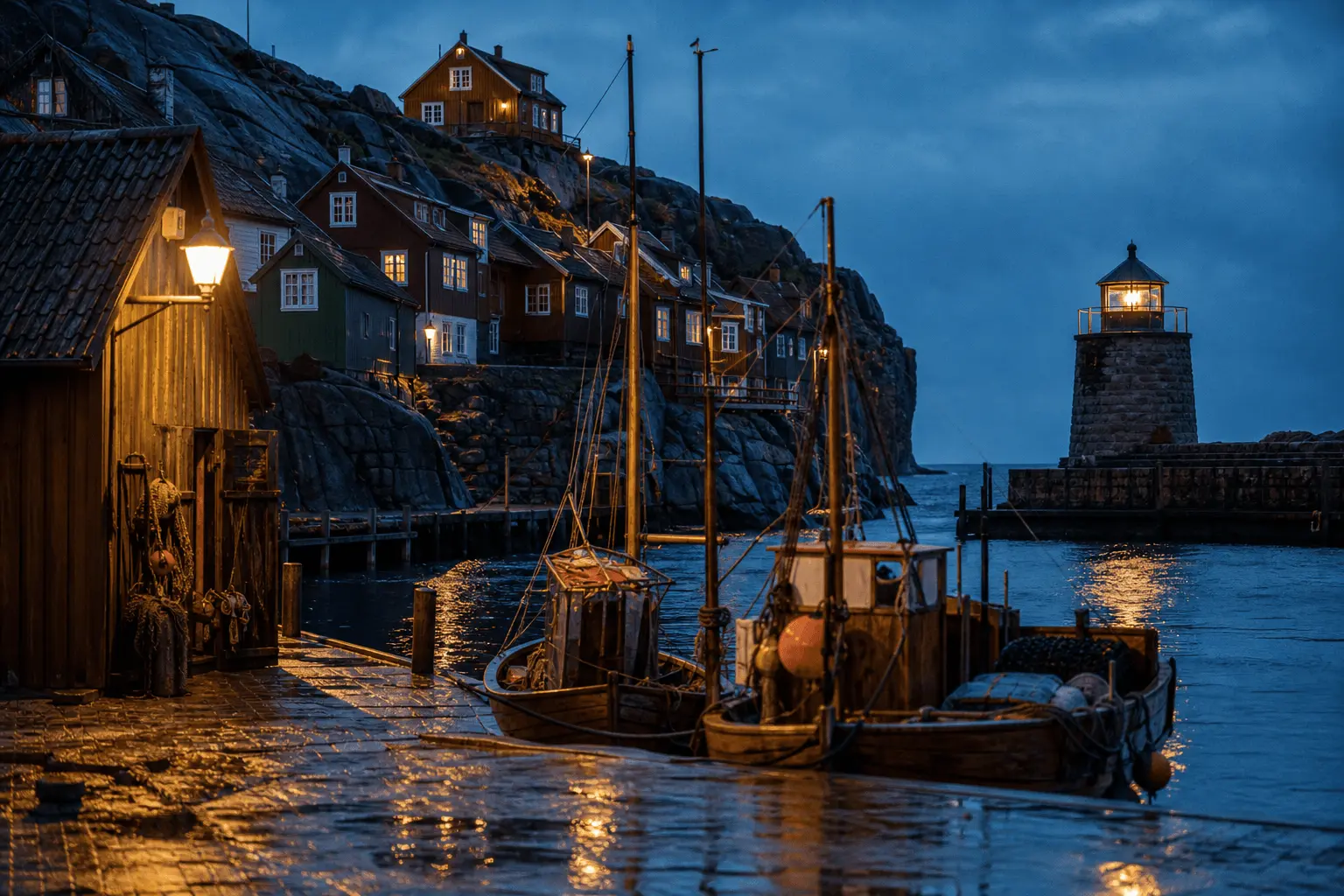
With no image to follow, the prompt is the only source of subject, set, camera and light. That makes this the endpoint for establishing shots, cutaways and b-roll that would otherwise need a location and a crew.
The first shot of a longer sequence
There is no extend endpoint in this line. Generate the opening shot here, export its final frame, and send that frame to image-to-video as the start of the next shot; wardrobe, set and light carry over because they are baked into the frame.
Prompt guide & pro tips
Order the prompt like a shot list
Subject, action, camera, light, sound, one idea per sentence. The extra seconds of a longer duration_seconds are room to finish one action, not to fit a second idea in; longer pieces are built by chaining shots.
Know where Seedance's own filter sits
Nothing is reviewed on our side, but Seedance's own safety layer refuses part of the wording before a frame renders. Kissing is the reliable trigger, while a whisper at the ear or foreheads touching passes. For a literal result, drive the beat from a first frame on image-to-video instead.
Adapt the included example
The published example uses aspect_ratio 9:16, duration_seconds 5, generate_audio true and resolution 720p.
Vertical selfie video: an adult woman on a city bus by the window, pale blue mohair cardigan slipping off one shoulder, hair in a lace headband, she tilts the phone, winks and flashes a peace sign, then laughs and looks away. Bright overcast daylight through the window, street sliding past, authentic handheld phone-camera look, ambient bus noise.
The prompt asks for phone-camera realism rather than cinema, which is what sells it as a selfie. Keep that register and change the person, the place and the gesture.
Draft at 480p, compare with a fixed seed
Iterate at 480p while the wording is still moving, then raise resolution to 720p once for the take you keep. To see what a prompt edit actually changed, fix seed and hold every other field constant; it is a comparison tool, not a promise of frame-identical repeats. With duration_seconds set to -1, the estimate assumes 15 seconds and the charge follows the length delivered.
API quick start
# Generate the idempotency key once; reuse it when retrying after a lost response.
export SPICY_IDEMPOTENCY_KEY="${SPICY_IDEMPOTENCY_KEY:-$(uuidgen)}"
curl -X POST https://api.spicyapi.ai/api/v1/jobs/createTask \
  -H "Authorization: Bearer $SPICY_API_KEY" \
  -H "Content-Type: application/json" \
  -H "Idempotency-Key: $SPICY_IDEMPOTENCY_KEY" \
  -d '{
  "model": "bytedance/seedance-2.0-fast/text-to-video",
  "input": {
    "prompt": "A slow aerial shot drifting over a misty pine forest at sunrise",
    "resolution": "720p",
    "aspect_ratio": "adaptive",
    "bitrate_mode": "standard",
    "generate_audio": true,
    "duration_seconds": 5
  }
}'

# Copy data.taskId from the response into TASK_ID, then poll the status.
TASK_ID="TASK_ID_FROM_RESPONSE"
curl "https://api.spicyapi.ai/api/v1/jobs/recordInfo?taskId=$TASK_ID" \
  -H "Authorization: Bearer $SPICY_API_KEY"
See the API reference for authentication, the complete schema, polling, and error handling.