Introduction
Wan 3.0 Prime Spicy Image-to-Video is the image-to-video endpoint of the Wan 3.0 Prime Spicy family, tuned past the standard model's limits. An opening frame in image_url and an optional prompt become 2 to 30 seconds of video at 480p, 720p or 1080p, with generated audio. The still supplies the person, outfit, set and light; the prompt supplies motion, camera and sound. Add last_image_url to fix the ending.
There is no content flag in the request body and no per-request declaration. In our six-tier content test on 2026-09-30 every tier came back as written.
Key features & highlights
Six tiers tested, six rendered
We ran our standard ladder at 480p and five seconds, from the Mild level up to both of the Maximum-level tests. Nothing was refused, covered or swapped for a different person. The Very strong level is the one the standard Wan 3.0 Prime softened in our 2026-09-24 test.
It can go further than the prompt
This is the part to plan for. In our example shoots we sent four opening frames with prompts that said the wardrobe stays as it is; two came back changed, one of them a perfume product shot that grew an extra figure behind the bottle. Treat the prompt as a request, not a guarantee, and review the whole clip.
Up to 30 seconds in one request
duration_seconds takes any whole number from 2 to 30, default 5. A five-second request returns about 5.04 seconds at 30 frames per second. resolution is 480p, 720p (default) or 1080p, and both length and resolution affect price and turnaround.
Shape, sound and the last frame
aspect_ratio takes 16:9, 9:16, 1:1, 4:3 or 3:4; leave it out and the clip follows the still. generate_audio is on by default. last_image_url pins the final frame — in our test the clip ended on the supplied image, cropped to the requested ratio.
Request parameters
| Parameter | Required | Description |
|---|---|---|
prompt | No | Optional but worth writing: one action, one camera move, one note on sound. Naming each garment and saying it stays on helps, but does not guarantee it on this model. at least 1 characters |
image_url | Yes | Required. The opening frame: the person, outfit, room and light all come from it. |
last_image_url | No | Optional final frame. The clip ends on this image, cropped to the requested aspect ratio. Requires |
aspect_ratio | No | 16:9, 9:16, 1:1, 4:3 or 3:4. Leave it out and the clip follows the opening frame's shape; a different ratio crops the frame. |
resolution | No | 480p, 720p or 1080p, default 720p. Higher resolution costs more per second and takes longer. |
duration_seconds | No | Any whole number from 2 to 30, default 5. Billed per requested second. |
generate_audio | No | On by default, at no extra charge: the clip returns with sound aligned to the picture. Set it to false for a silent clip. Default: |
enable_prompt_expansion | No | Off by default, at no extra charge. When on, a short prompt is rewritten into a longer one before generation; leave it off when your wording is already precise. Default: |
seed | No | 0 to 2147483647. Hold it while you compare resolutions or durations; it keeps runs comparable, not frame-identical. |
Pricing
| Specification | Price |
|---|---|
| $0.09 / second |
| $0.18 / second |
| $0.36 / second |
Use cases
Where it differs from the standard Prime
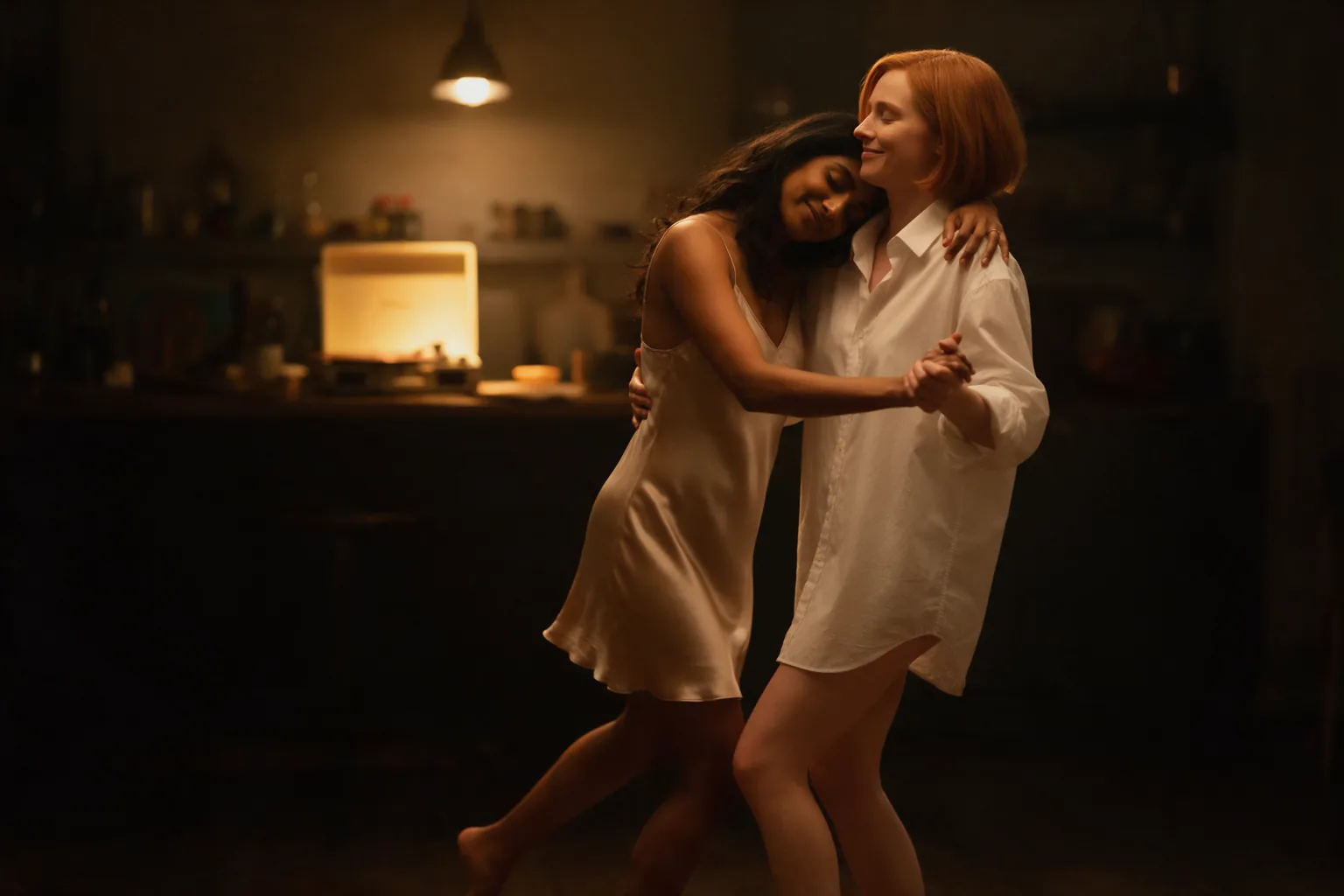
Scenes with two people are where this version differs from the standard Wan 3.0 Prime in our tests: the Very strong level came back as written instead of softened.
Action and water
Motion that is not romantic holds up too. The pool example pulls a towel off, dives and follows the swimmer underwater in one five-second take, with the splash and the humming pool lights in the generated audio.
Long takes with a planned ending
Ask for up to 30 seconds and add last_image_url so the take lands on the pose your next shot starts from.
Prompt guide & pro tips
Let the frame do the styling
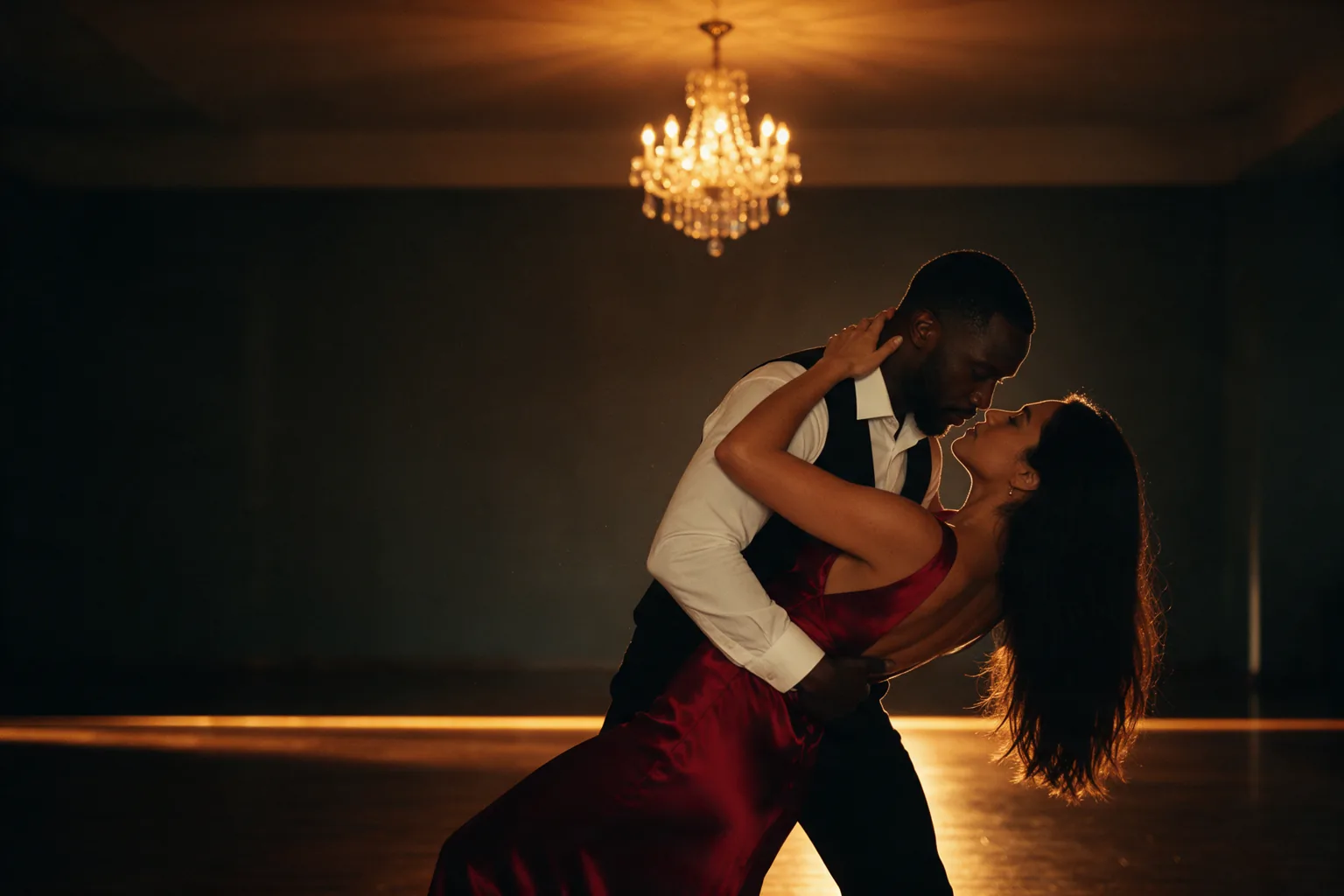
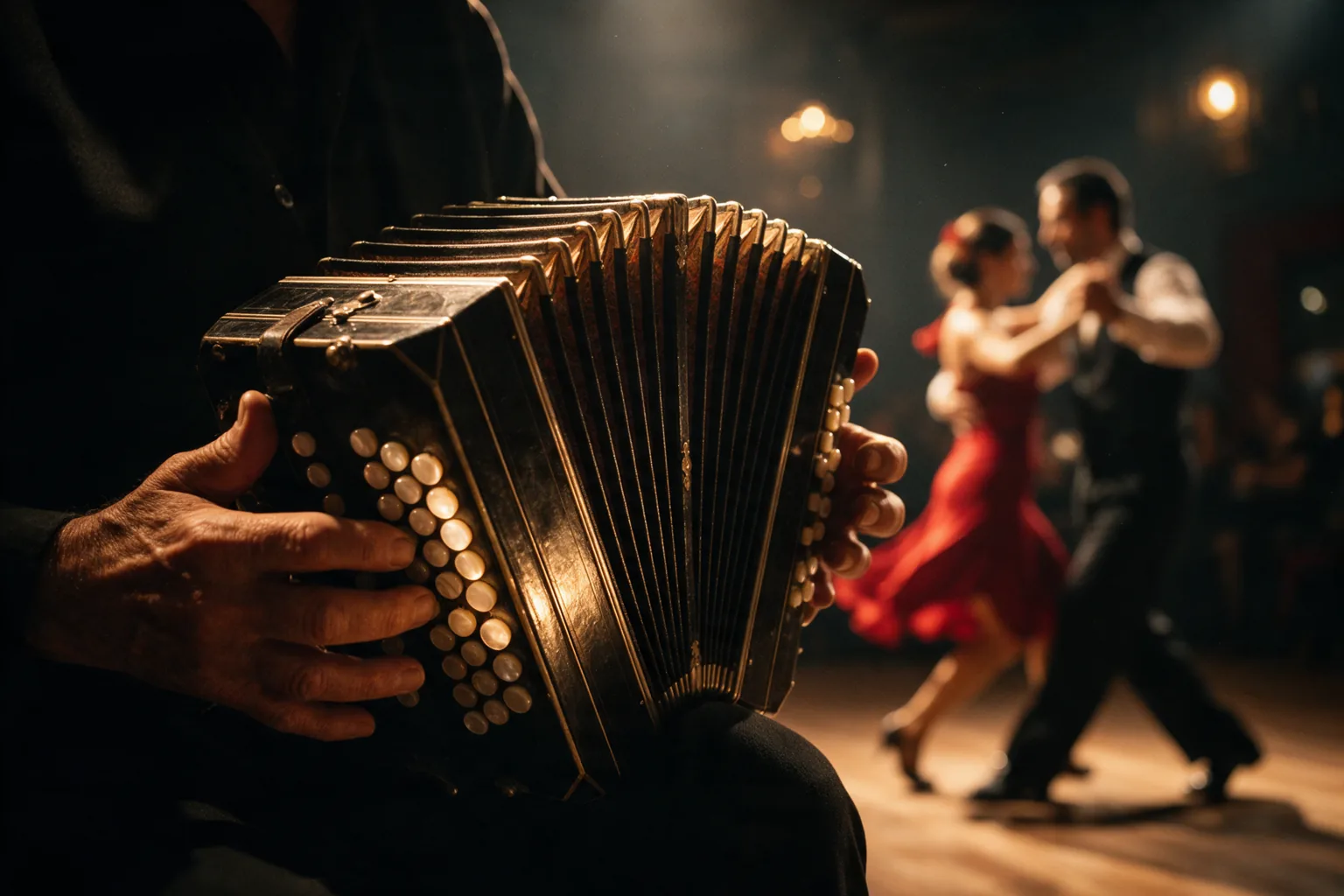
Put wardrobe, room and light into the still, and keep the prompt for what moves. The tango example ran at duration_seconds 5 and resolution 720p:
The couple finishes a slow turn and he dips her back over his arm; her hand stays on the back of his neck and their foreheads almost touch. Both stay fully dressed the whole time: he keeps his white shirt and black vest buttoned, she keeps the red satin gown on. The camera circles them slowly under the chandelier. Soft bandoneon, shoes on the wooden floor.
The exact request behind the clip for this endpoint, generated from the opening frame shown next to it.
Draft at 480p, then render
A five-second 480p clip took about two to two and a half minutes in our first batch — Alibaba calls Prime its fast tier, but it was not faster here, so time your own jobs. Settle the idea there, hold seed, then re-render at 720p or 1080p. Change one field per run so each comparison tells you something.
When the outfit must stay on
Name the wardrobe in the prompt and say it stays as it is — that is how the tango example kept its look — but no wording is a guarantee on this model. Review the whole clip before delivery.
API quick start
# Generate the idempotency key once; reuse it when retrying after a lost response.
export SPICY_IDEMPOTENCY_KEY="${SPICY_IDEMPOTENCY_KEY:-$(uuidgen)}"
curl -X POST https://api.spicyapi.ai/api/v1/jobs/createTask \
  -H "Authorization: Bearer $SPICY_API_KEY" \
  -H "Content-Type: application/json" \
  -H "Idempotency-Key: $SPICY_IDEMPOTENCY_KEY" \
  -d '{
  "model": "alibaba/wan-3.0-prime-spicy/image-to-video",
  "input": {
    "duration_seconds": 5,
    "image_url": "https://example.com/reference.png",
    "prompt": "A slow aerial shot drifting over a misty pine forest at sunrise",
    "resolution": "720p"
  }
}'

# Copy data.taskId from the response into TASK_ID, then poll the status.
TASK_ID="TASK_ID_FROM_RESPONSE"
curl "https://api.spicyapi.ai/api/v1/jobs/recordInfo?taskId=$TASK_ID" \
  -H "Authorization: Bearer $SPICY_API_KEY"
See the API reference for authentication, the complete schema, polling, and error handling.