Introduction
ElevenLabs Audio Isolation processes speech in an existing recording. ElevenLabs calls the capability Voice Isolator and says it turns recordings with background noise into clean speech. Its stated uses include recordings from noisy places and speech affected by ambient sounds, music or other interference.
The request needs audio_url and has no text prompt. You can submit audio or video, but the result is an MP3 audio track. In our tests, a 12.00-second source returned 11.98 seconds of audio, and a 6.04-second video returned 6.04 seconds of audio.
Key features & highlights
- Speech cleanup: ElevenLabs says the capability addresses unwanted sound around recorded speech.
- Audio and video sources: ElevenLabs lists AAC, AIFF, OGG, MP3, OPUS, WAV, FLAC and M4A audio, plus MP4, AVI, MKV, MOV, WMV, FLV, WEBM, MPEG and 3GPP video.
- Defined input limits: ElevenLabs lists a maximum of 500 MB and one hour for a source file.
- Measured MP3 output: in our tests, results were mono at 44.1 kHz and about 320 kbps.
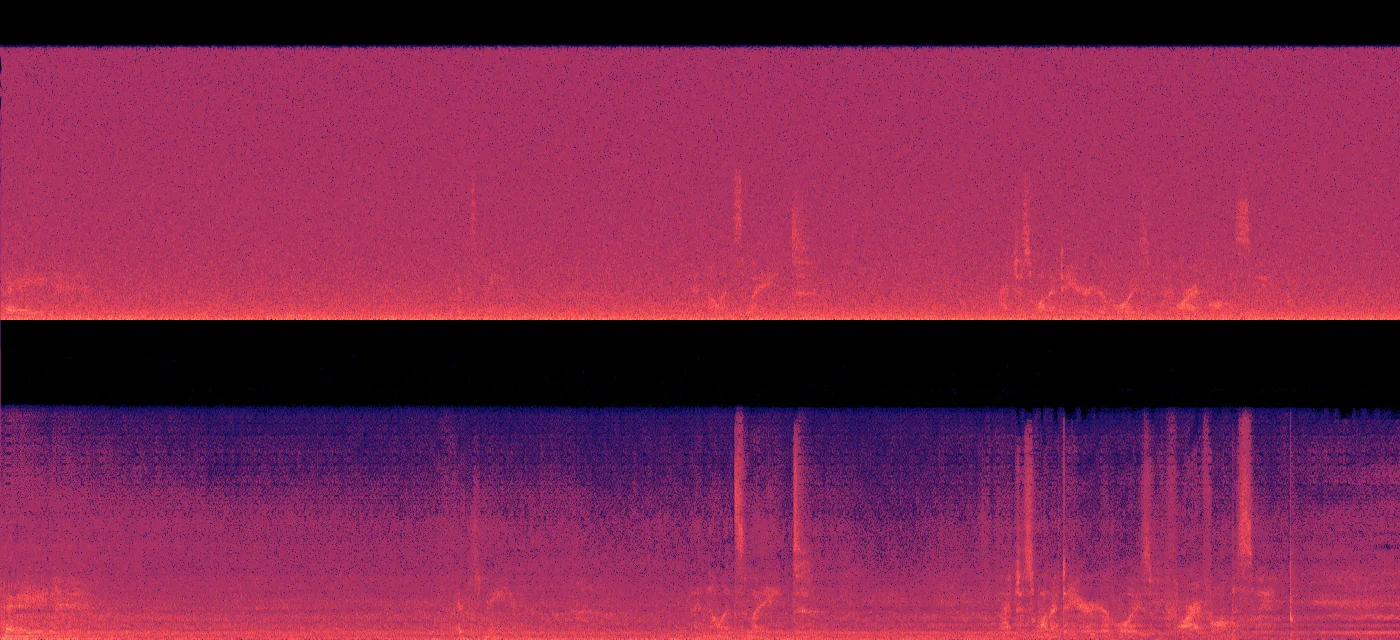
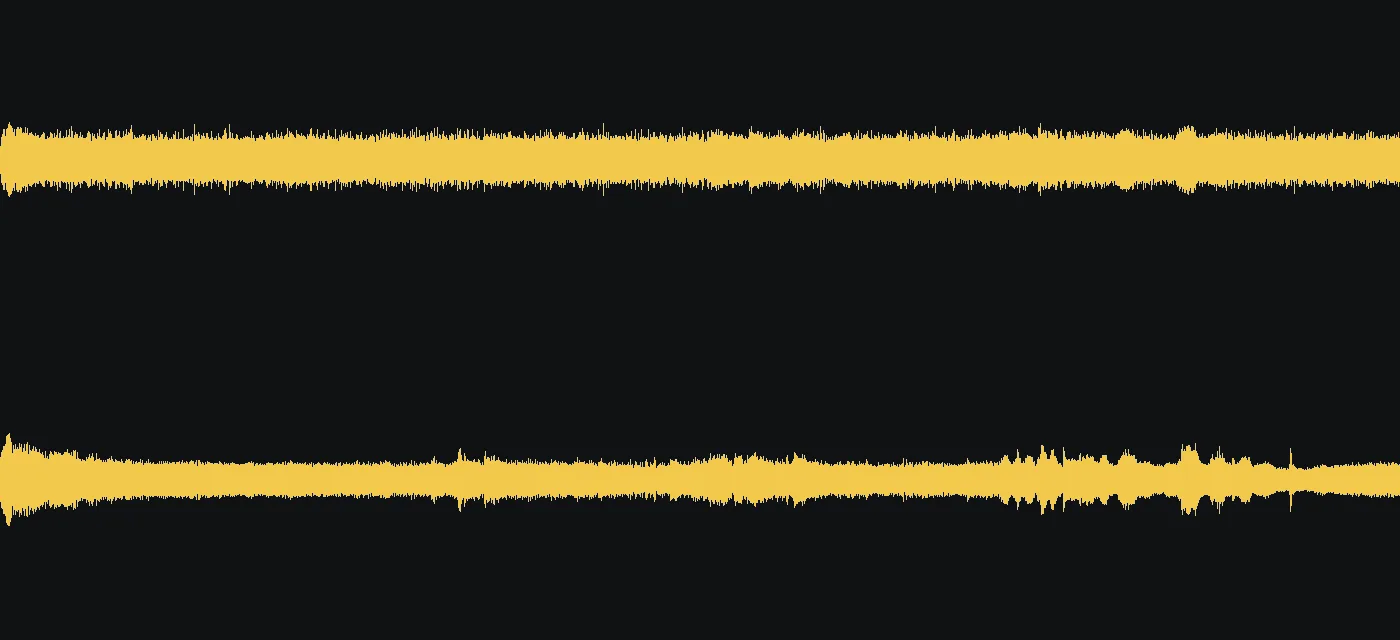
- Measured noise reduction: in our tests, a noisy voice message had a noise floor of about −24 dB before processing and about −35 dB afterward.
- Short-clip timing: in our tests, clips under 15 seconds took about 3 to 4 seconds to process.
Request parameters
| Parameter | Required | Description |
|---|---|---|
audio_url | Yes | Required URL of the source audio or video, within 500 MB and one hour. Upload MP3, WAV, MP4 or WebM on the page; use the API URL field for other listed formats. at least 1 characters |
Pricing
$0.0022 / output second
Charged per second of source duration, rounded up to the next whole second, with a minimum of 1 second and a maximum of 1 hour. Failed tasks incur no charge.
Use cases
- Clean a voice message recorded on a busy platform, then listen for word clarity against the original recording.
- Prepare an interview excerpt recorded with unwanted room or street sound for a podcast edit.
- Extract cleaned speech from a noisy video and place the MP3 alongside the original picture in your editor.
Prompt guide & pro tips
There is no prompt field or cleanup-strength adjustment to tune. Prepare and review the recording itself.
- Check both the file size and duration before submitting; keep the source within 500 MB and one hour.
- Use MP3, WAV, MP4 or WebM for a page upload; submit a URL through the API for other listed formats.
- If you need a short excerpt, prepare that excerpt before submission; billing follows the duration of the source you send.
- Keep the original recording so you can compare speech and pauses with the cleaned MP3.
- When editing video, check the returned audio length and its alignment against the picture.
- Download the generated file within 14 days so you have a saved copy before deletion.
- For singing over music, audition your material first: ElevenLabs says this capability is not specifically optimized for that task.
API quick start
# Generate the idempotency key once; reuse it when retrying after a lost response.
export SPICY_IDEMPOTENCY_KEY="${SPICY_IDEMPOTENCY_KEY:-$(uuidgen)}"
curl -X POST https://api.spicyapi.ai/api/v1/jobs/createTask \
  -H "Authorization: Bearer $SPICY_API_KEY" \
  -H "Content-Type: application/json" \
  -H "Idempotency-Key: $SPICY_IDEMPOTENCY_KEY" \
  -d '{
  "model": "elevenlabs/audio-isolation/audio-to-audio",
  "input": {
    "audio_url": "https://example.com/reference.mp4"
  }
}'

# Copy data.taskId from the response into TASK_ID, then poll the status.
TASK_ID="TASK_ID_FROM_RESPONSE"
curl "https://api.spicyapi.ai/api/v1/jobs/recordInfo?taskId=$TASK_ID" \
  -H "Authorization: Bearer $SPICY_API_KEY"
See the API reference for authentication, the complete schema, polling, and error handling.