Introduction
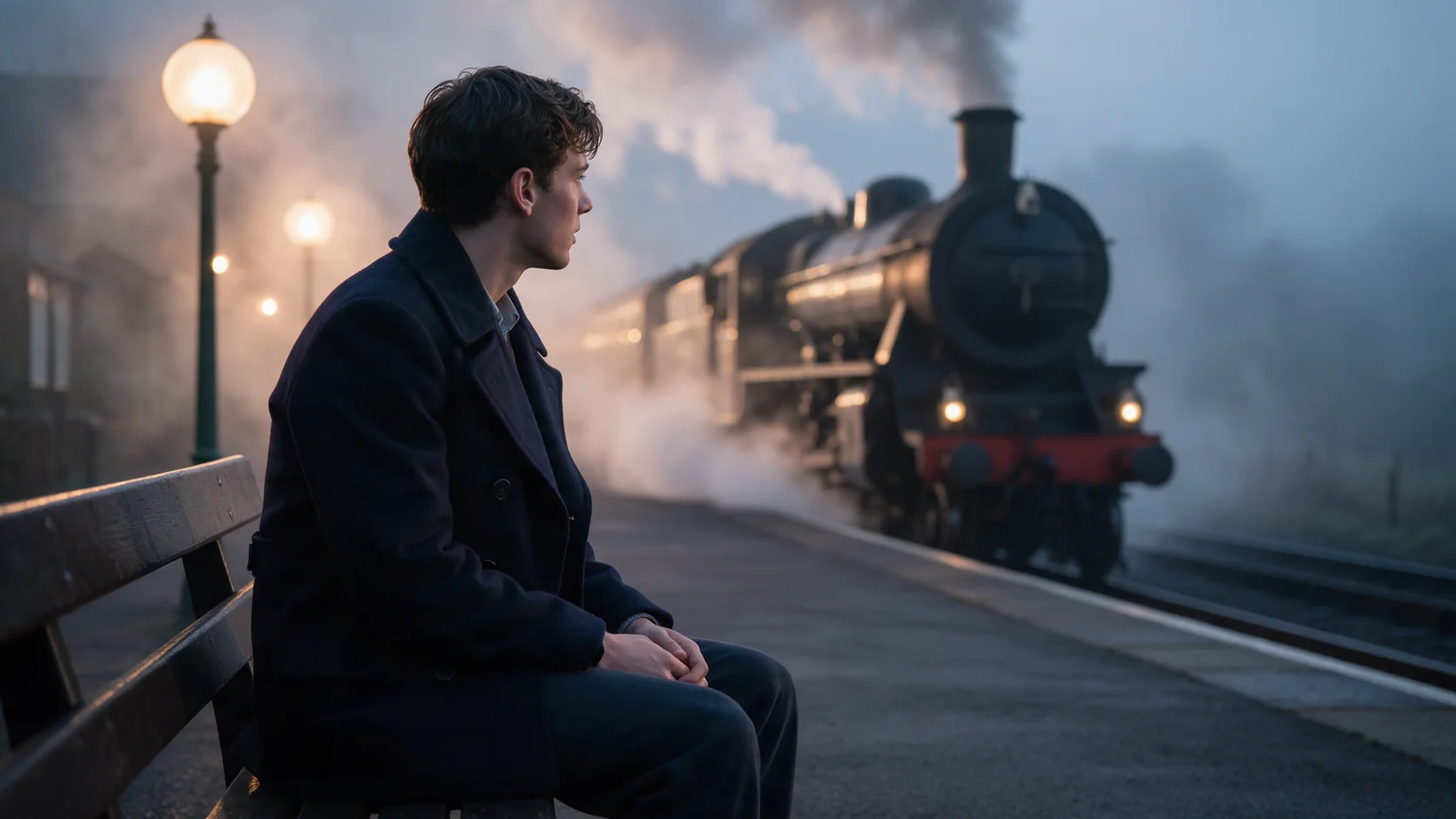
Kling 3.0 Motion Control takes one clear photo of a character (image_url) and a driving clip (video_url, 3 to 30 seconds) and re-plays the driving clip's moves, expressions and hand gestures on that character, keeping their face, outfit and setting from the photo. The output is exactly as long as the driving clip and is billed on that length, not on a duration you choose. prompt is optional - use it for anything the driving clip does not show, such as the setting or the look.
Choose a Kling 3.0 mode by starting material
| What you have at the start | Mode |
|---|---|
| a written scene or script | Kling 3.0 Text to video |
| an opening frame, and optionally a closing one | Kling 3.0 Image to video |
| a character photo and a driving clip | Kling 3.0 Motion Control (you are here) |
Key features & highlights
One photo, one driving clip, the same performance twice
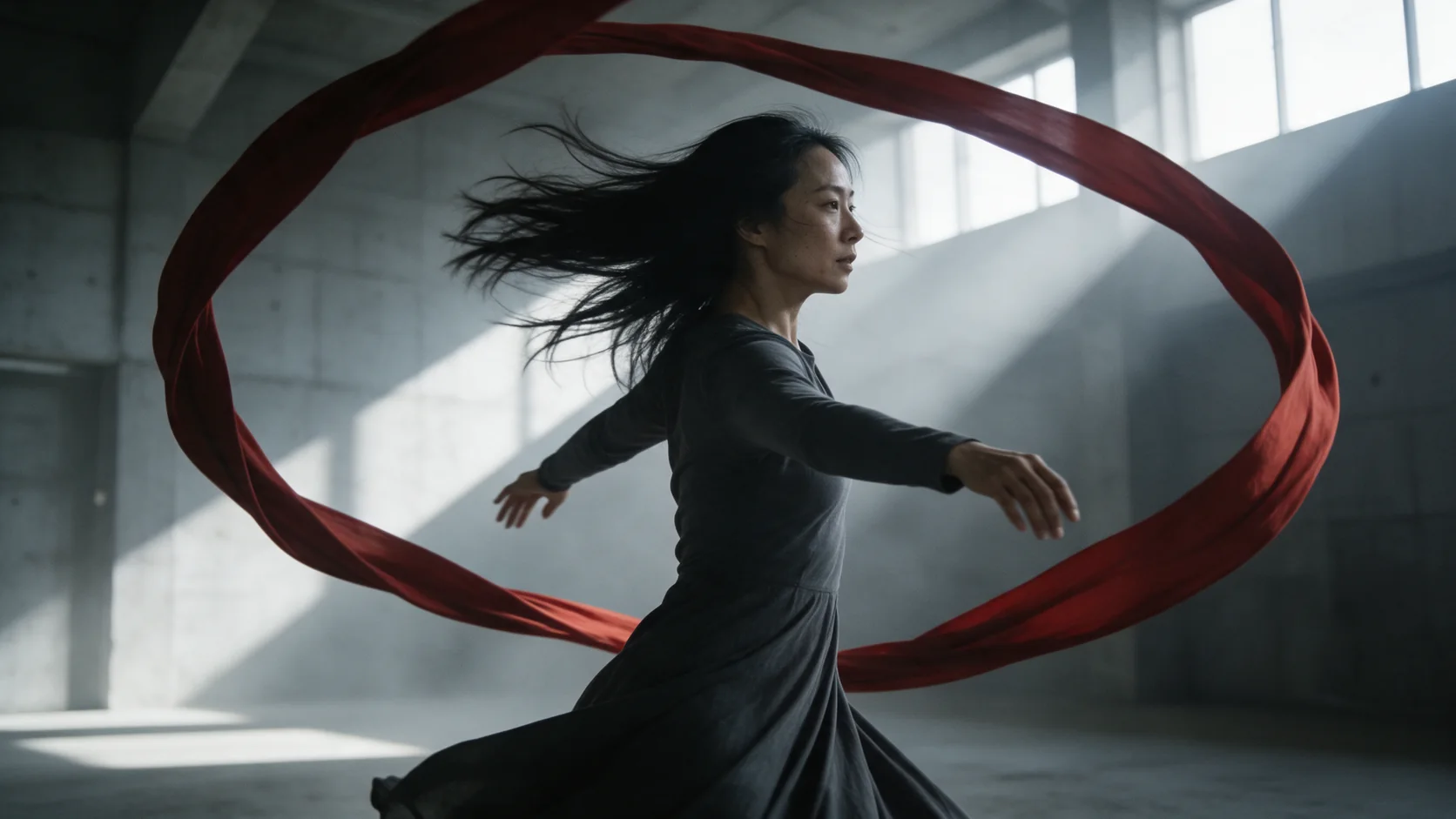
Record or license one driving clip - a dance, a walk, a gesture - and run it through as many character photos as you need. In our test the same driving clip's routine came back matched beat for beat on two different characters, each keeping their own face, clothing and background.
The result runs as long as the driving clip
There is no duration field to set: the output length always matches the driving clip, from 3 to 30 seconds, and billing follows the same length.
720p or 1080p
Motion Control does not go up to 4K. Resolution changes the price the same way it does on the other Kling 3.0 endpoints.
Request parameters
| Parameter | Required | Description |
|---|---|---|
prompt | No | Optional. Use it only for what the driving clip does not show - the setting, the look, anything to add. at most 2500 characters |
negative_prompt | No | Things to keep out of the clip - objects, looks or motion you do not want - up to 2,500 characters. Optional; it does not change the price. at most 2500 characters |
image_url | Yes | The character to animate: one clear, full or half-body picture of the person. |
video_url | Yes | Driving clip, 3 to 30 seconds: the moves, expressions and gestures to copy. The result is as long as this clip and is billed on that length. |
resolution | No | 720p or 1080p. Higher tier costs more per second. |
keep_original_audio | No | Keeps the driving clip's own sound in the result. On by default. Default: |
character_orientation | No | Which way the character faces in the result: video (the default) follows the person in the driving clip, image follows the person in your photo. |
shot_type | No | How the shots are planned: customize (the default) keeps to your inputs, intelligent lets the model plan the shots itself. It does not change the price. |
Pricing
Billed on the length of the driving clip (video_url), rounded up to the next whole second, from 3 to 30 seconds, not on a duration you set. Resolution changes the rate.
| Specification | Price |
|---|---|
| $0.1008 / second |
| $0.1344 / second |
Use cases
Reuse one performance across characters
Choreograph or license a single driving clip once, then apply it to every character photo in a series - a dance routine, a product presenter's gesture set, a recurring greeting - without reshooting the motion each time.
Give a still character photo real, directed motion
Instead of describing motion in words and hoping for a specific gesture, Motion Control lets you show the exact motion once, as a driving clip, and apply it precisely.
Localize a performance to a new setting
Use the optional prompt to place the character in a different location than the driving clip's own background, while the motion itself stays identical.
Prompt guide & pro tips
Let the driving clip carry the motion
The prompt does not need to describe any movement - the driving clip already supplies it. Use it only for what the clip does not show, such as the room, the wardrobe detail, or the mood.
Keep the character photo clear and single-subject
A clear, full or half-body photo of one person, well lit and unobstructed, gives Motion Control the clearest match. A photo with the character partly hidden or at an unusual angle leaves more for the model to guess.
Check both inputs are wide enough
Both the character photo and the driving clip need roughly 720 pixels or more on each side; a driving clip below that gets rejected before the job starts, not after you have paid for it.
API quick start
# Generate the idempotency key once; reuse it when retrying after a lost response.
export SPICY_IDEMPOTENCY_KEY="${SPICY_IDEMPOTENCY_KEY:-$(uuidgen)}"
curl -X POST https://api.spicyapi.ai/api/v1/jobs/createTask \
  -H "Authorization: Bearer $SPICY_API_KEY" \
  -H "Content-Type: application/json" \
  -H "Idempotency-Key: $SPICY_IDEMPOTENCY_KEY" \
  -d '{
  "model": "kling/3.0/character-animation",
  "input": {
    "character_orientation": "video",
    "image_url": "https://example.com/reference.png",
    "prompt": "A slow aerial shot drifting over a misty pine forest at sunrise",
    "resolution": "720p",
    "shot_type": "customize",
    "video_url": "https://example.com/reference.mp4"
  }
}'

# Copy data.taskId from the response into TASK_ID, then poll the status.
TASK_ID="TASK_ID_FROM_RESPONSE"
curl "https://api.spicyapi.ai/api/v1/jobs/recordInfo?taskId=$TASK_ID" \
  -H "Authorization: Bearer $SPICY_API_KEY"
See the API reference for authentication, the complete schema, polling, and error handling.