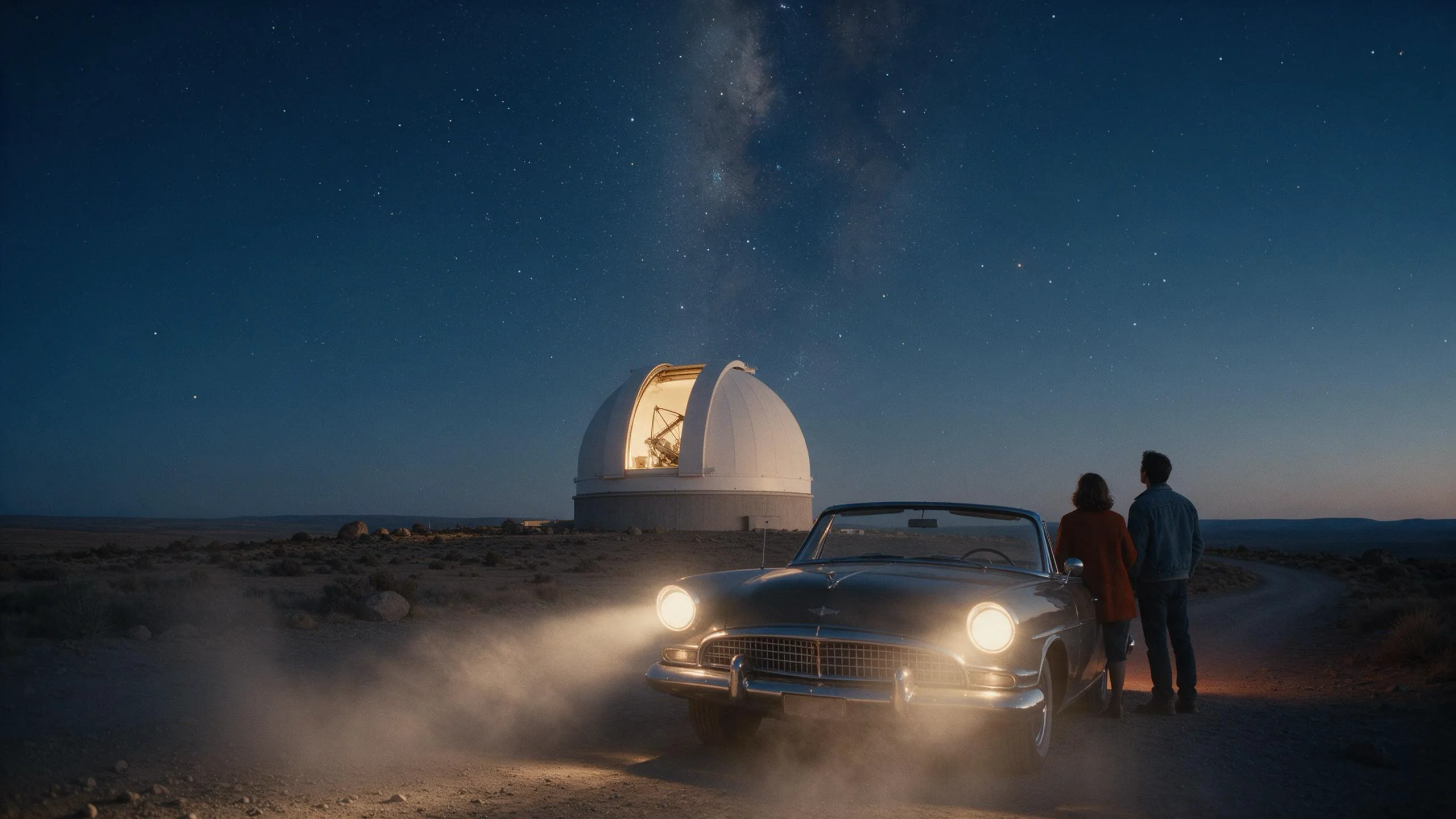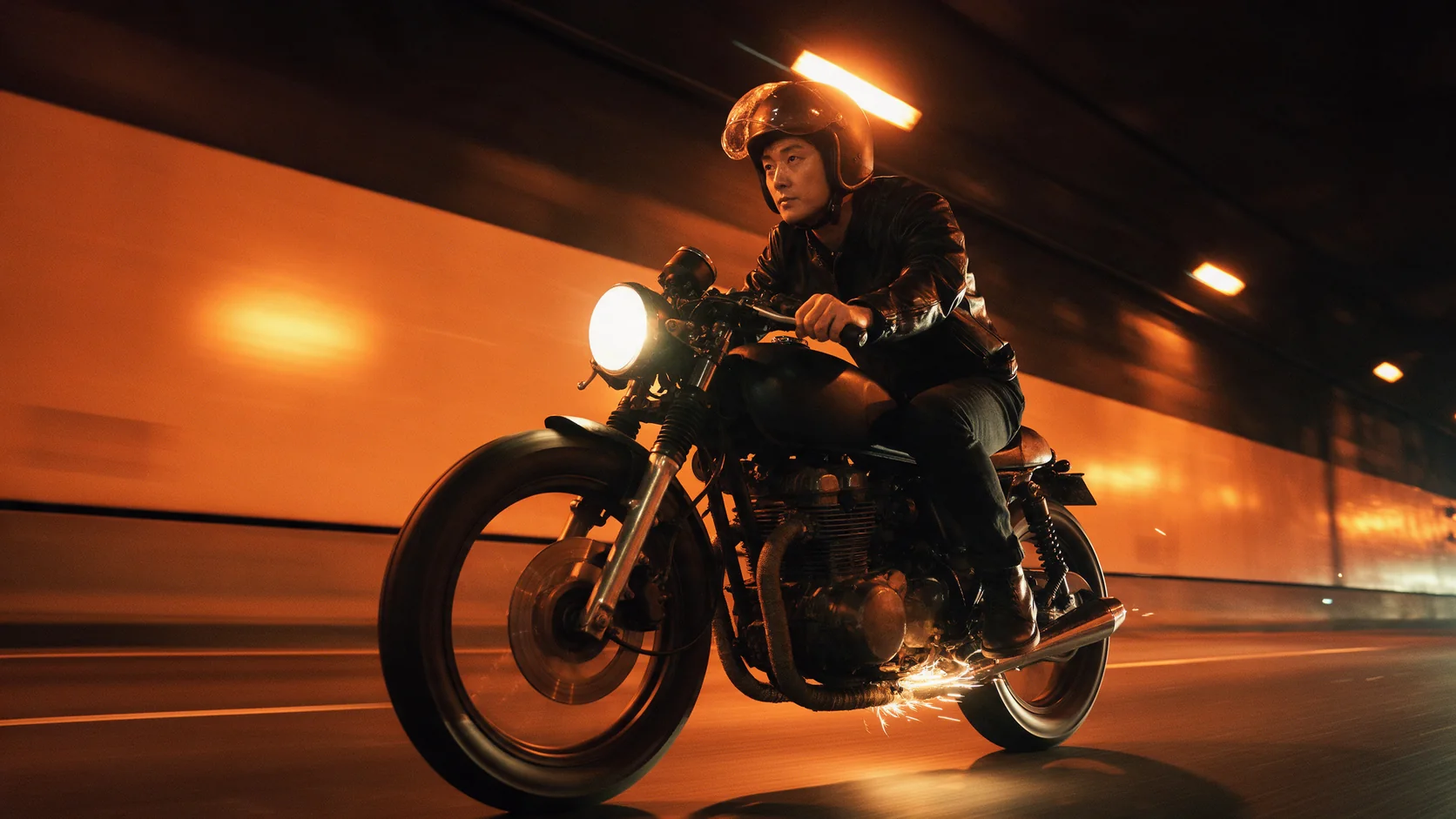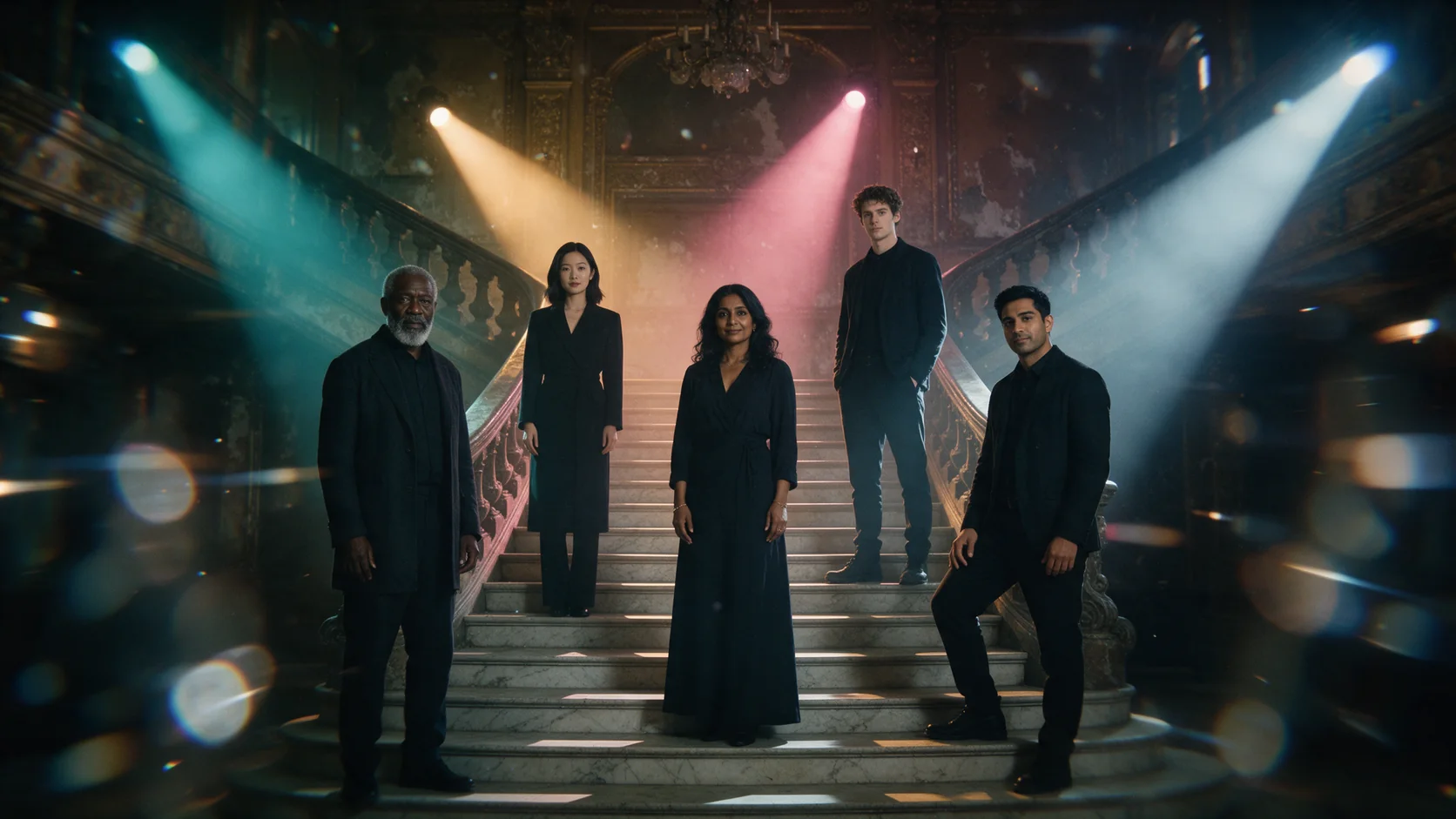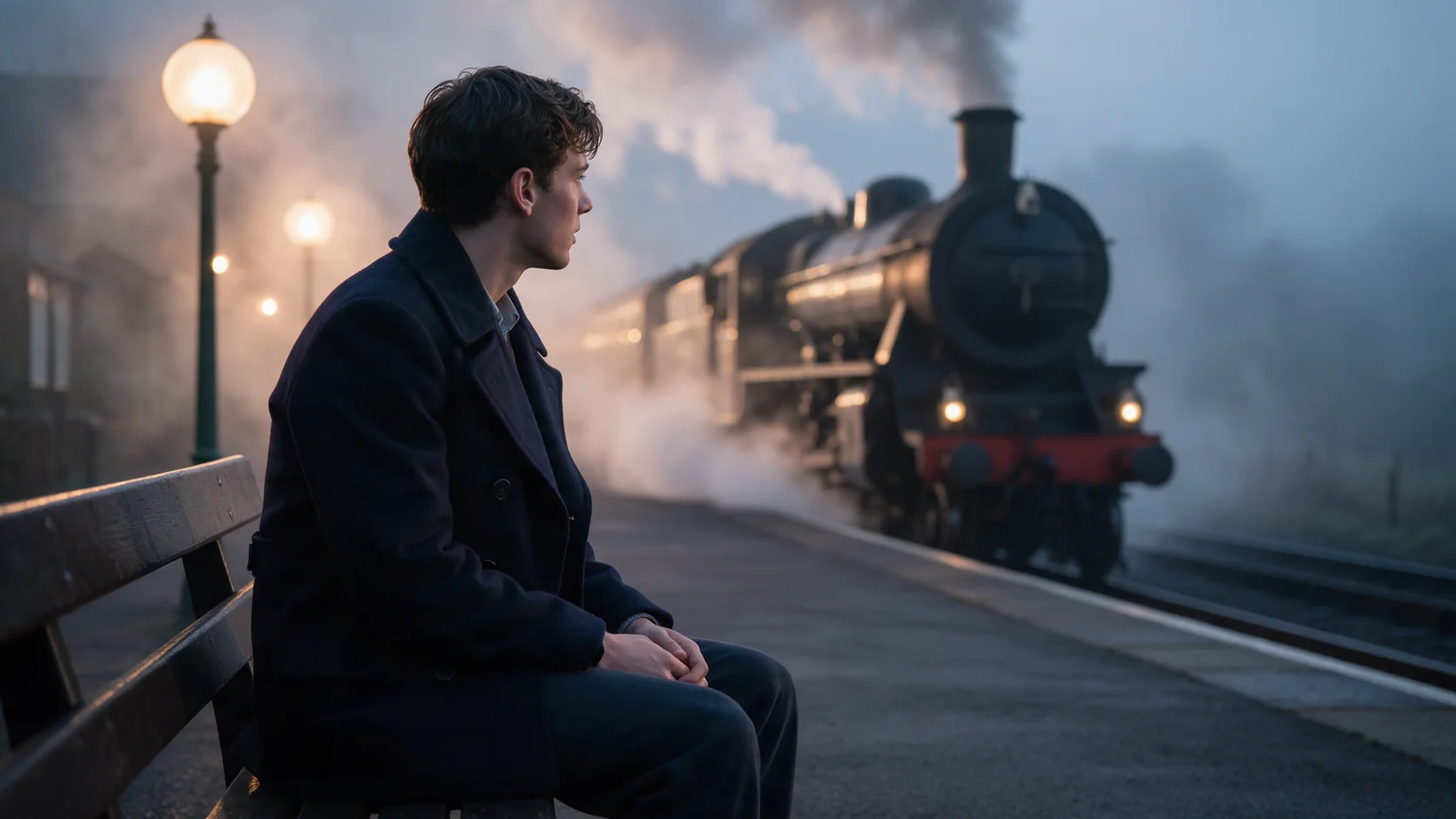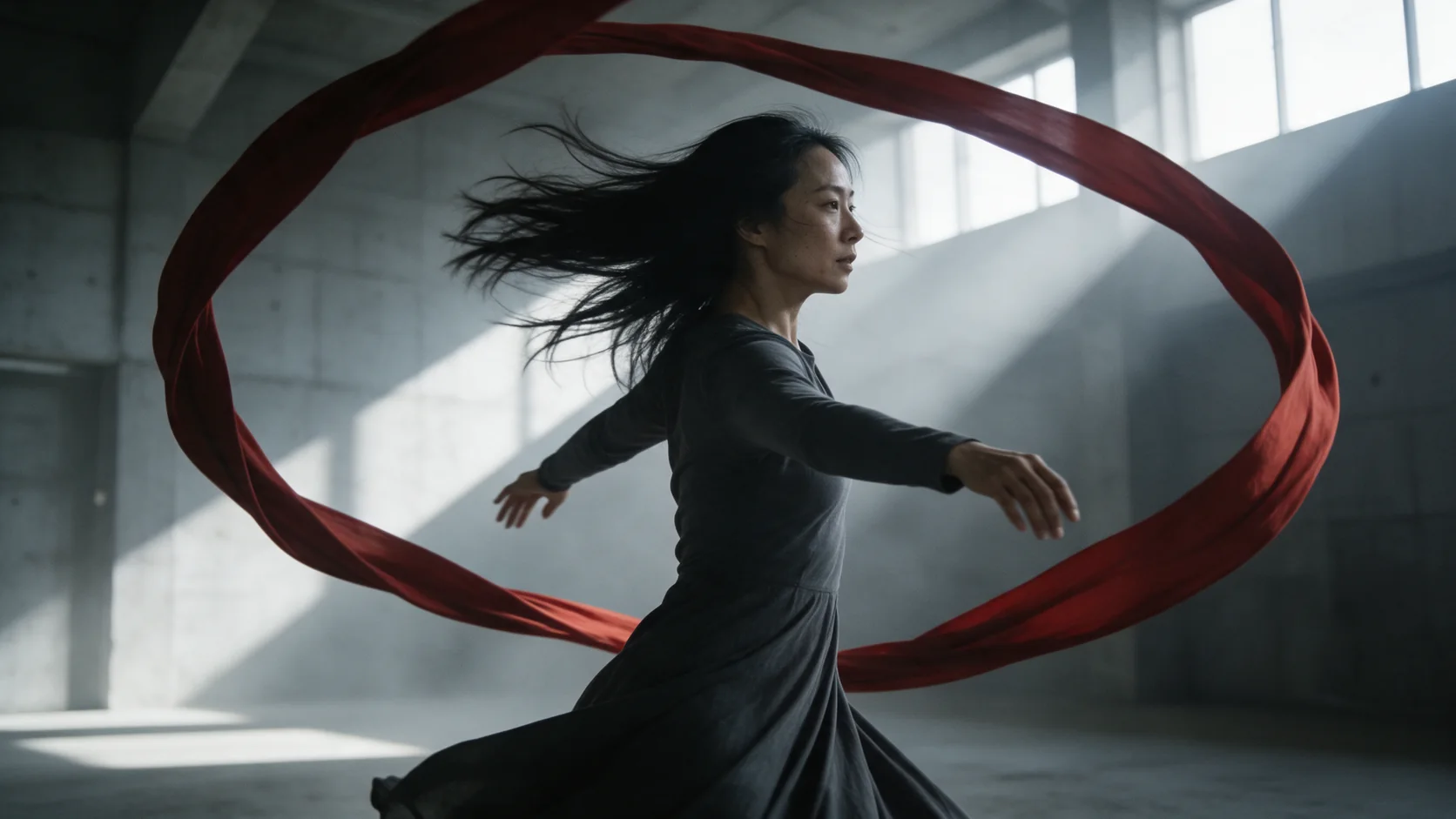
Kling 3.0 image-to-video starts from your opening frame and renders 3 to 15 seconds at 720p, 1080p or 4K. Add an optional closing frame, switch native audio on or off, and choose a single shot or a multi-shot cut.

From $0.067/s20% below the publisher's list price

Workbench

Input

Image to video
381/2500
Describe only what happens after the opening frame - the action, the camera and, with sound on, the sound. at least 1 characters · at most 2500 characters
0/2500
Things to keep out of the clip - objects, looks or motion you do not want - up to 2,500 characters. Optional; it does not change the price. at most 2500 characters
1/1

Drop files or media links, paste, or browse · 1 file · Max 10 MB · JPG · PNG · WEBP · GIF

  • 1
1 / 1 files
Opening frame. The clip starts from this image and takes its aspect ratio from it.
0/1

Drop files or media links, paste, or browse · 1 file · Max 10 MB · JPG · PNG · WEBP · GIF

0 / 1 files
Optional closing frame. On long clips the middle can wander more than the ends stay fixed.
affects price
720p, 1080p or 4K. Higher tiers cost more per second.
Generate audioaffects price
Adds a generated soundtrack to the same clip. At 720p and 1080p it costs more per second than a silent run; at 4K the price is the same either way.
Durationaffects price
Whole seconds, 3 to 15. Drives the price. no lower than 3 · no higher than 15
Shot structure
Single takeMulti-shotCustom shot list
single keeps one setup for most of the run but can still cut on its own; multi lets Kling cut its own multi-shot edit. Add "one continuous shot, no cuts" in the prompt for a take that must not cut. customize follows the shot list you give in multi_prompt.
Shot list0/6
The shot list for shot_type customize: up to 6 shots in order, each with its own prompt (up to 512 characters) and length in whole seconds. The lengths must add up to duration_seconds, which is still what you are billed on. at least 1 items · at most 6 items
Prompt adherence
How closely the clip follows the prompt, from 0 to 1 (default 0.5). Higher sticks to the wording more; lower leaves the model more freedom. It does not change the price. no lower than 0 · no higher than 1
Safety checkerOff

SpicyAPI does not run a safety checker on this model. Your prompt and media go to the model as written, and the model itself decides what comes back.

Checking your account before enabling submission and pricing.

Output

Ready for a new run
Example result

Missing the model you need?

Tell us what to add and where you would use it. Requests go to the people who decide what gets onboarded next.

KLING'S 4K FLAGSHIP

Kling 3.0 API at a glance

Set the first frame, pin the last one if you want it, switch sound on, and Kling 3.0 shoots it up to 4K.

Top resolution
4K
Draft at 720p, deliver the keeper at 4K.
Longest clip
15S
3 to 15 seconds on text and image to video.
Motion Control input
30S
Feed a 3-30 second driving clip; the result matches its length.
Sound, switchable
AUDIO
Turn native audio on or off per request.
Frame control
1ST+LAST
Set an opening frame and, optionally, pin the closing one.
Content modes
2
Single continuous shot, or let the model cut its own multi-shot edit.

Results

What you can make with Kling 3.0

  • First frame, last frame

    Pin where a clip starts and where it ends

    Give Kling 3.0 an opening frame, and optionally a closing one, and it fills in everything between. In our test the camera walked a woman down a fog-bound pier from a distant silhouette to a close, still frame that matched the closing image almost exactly.

    Image-to-video, 5 seconds at 720p: "one continuous shot, no cuts" kept the dusk light and framing steady for the whole turn.

  • Native audio

    Dialogue and room tone in the same file

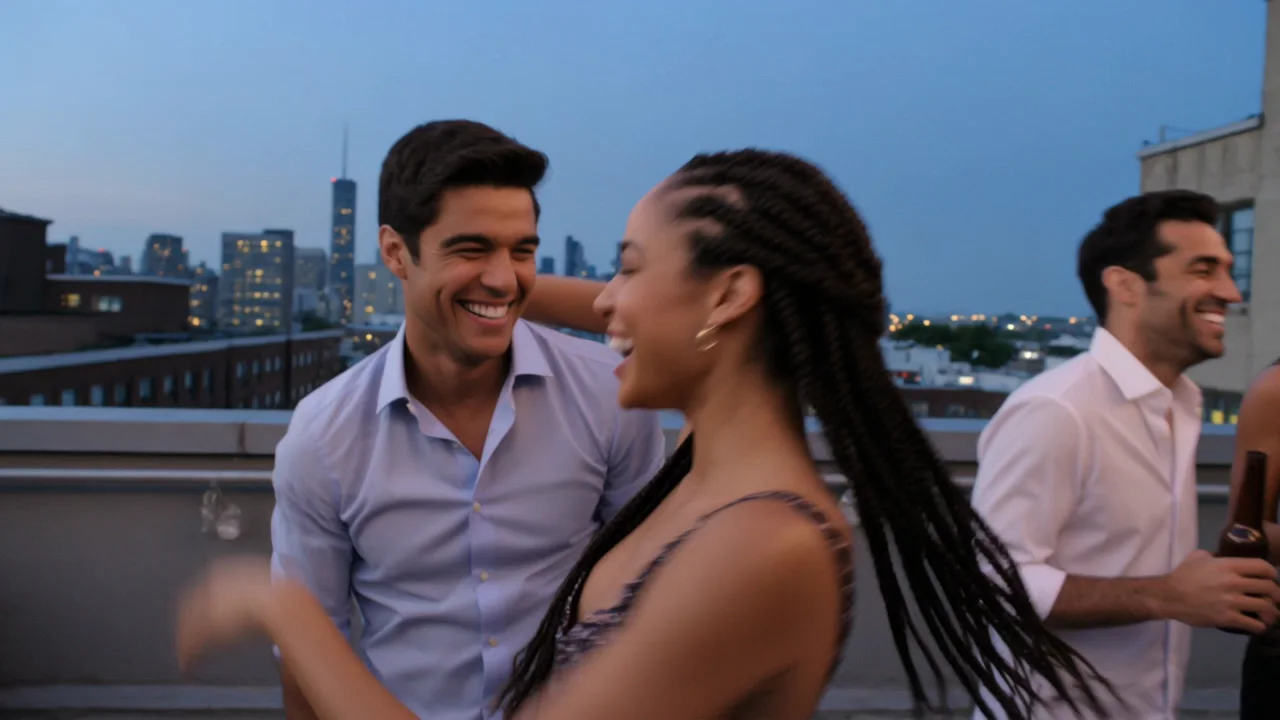
    Turn on generate_audio and the line you write in the prompt comes back spoken, with the room's own sound underneath it. A rooftop toast, a crowd, clinking bottles - all one clip, no separate audio pass.

    Text-to-video, 6 seconds at 720p with sound: a handheld shot through the crowd, ending on a shared toast.

  • Motion Control

    Put someone else's moves on your character

    Upload one clear photo of a character and a 3-30 second driving clip, and Kling 3.0 copies the moves, the expressions and the hand gestures onto your character while keeping their face, outfit and setting. The result is exactly as long as the driving clip.

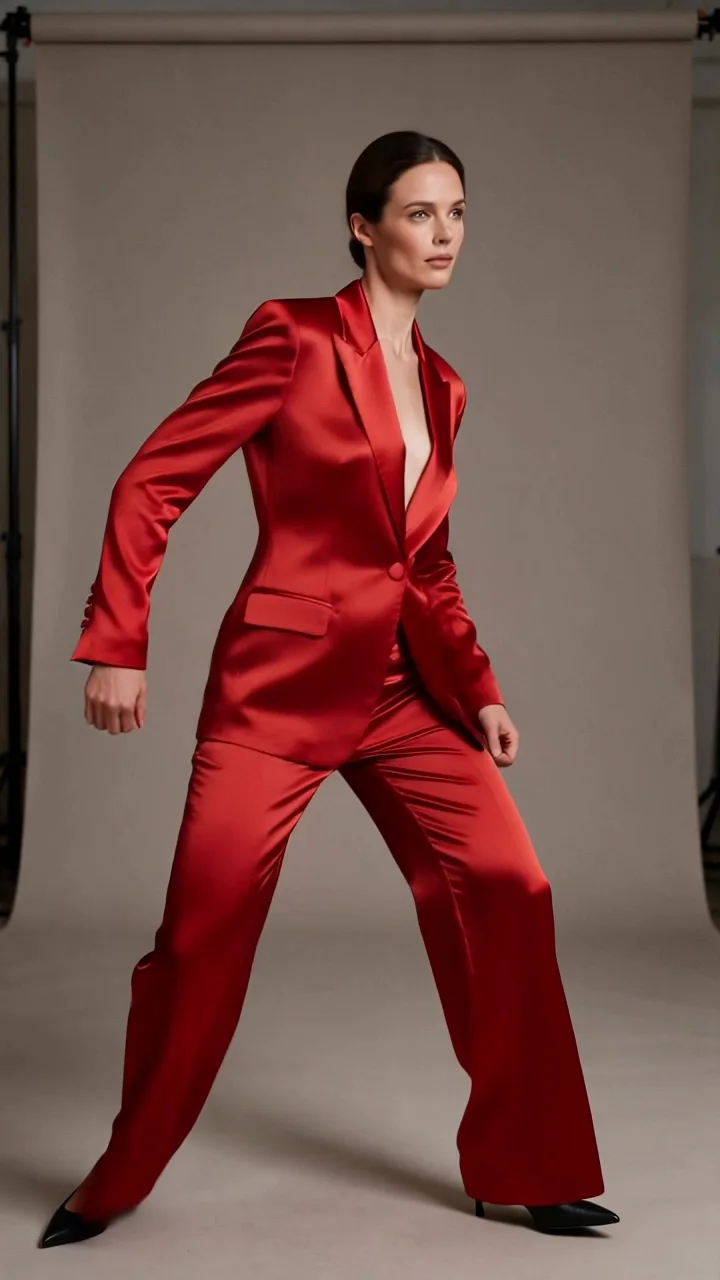
    Motion Control, 5 seconds at 720p: a driving clip's choreography copied onto this character, keeping her own face, suit and studio.

  • Up to 4K

    Draft cheap, render the keeper big

    720p and 1080p cost less per second; 4K is there once a shot is worth the render. Resolution and audio both change the price, so drafting small and finishing large is the normal workflow.

Content test

Is Kling 3.0 uncensored? What we tested

We ran each level on our live setup and checked every clip frame by frame. A pass means the content was actually on screen, not just that the request went through.

Content levels tested on Kling 3.0, by mode
LevelText to videoImage to videoCharacter animation
MildThe lightest prompts in the test
Not tested yet
Not tested yet
Not tested yet
ModerateWhere filtered models start to refuse
RefusedTested Sep 28, 2026
Not tested yet
StrongThe middle of the scale
RefusedTested Sep 28, 2026
Very strongWhere most models start to hold back
RefusedTested Sep 28, 2026
Not tested yet
MaximumThe top of the scale
RefusedTested Sep 28, 2026
Not tested yet
Not tested yet

Renders: on screen as written. Softened: generated, but milder than what was written. Refused: rejected. Not tested yet: we have not run that level on that mode.

How each mode behaves

Text to video
shot_type single keeps the model on one setup most of the time, but it can still cut to a second angle on its own - a party scene and two of our other single-shot tests each picked up an extra cut, once with a lighting change across it. If the shot must not cut, add "one continuous shot, no cuts" to the prompt; that line held the shot together and kept the light constant in our retest of the same brief.
Image to video
The clip opens on your image and can end on a second one if you set last_image_url. Across 15 seconds a continuity slip is possible in the background - in one of our tests a truck's position and the building behind it did not match between the opening and a later angle in the same clip.
Character animation
Motion Control needs one clear, full or half-body photo of the character and a driving clip at least about 720 pixels wide or tall on each side. The result keeps the character's face, outfit and setting from the photo and runs exactly as long as the driving clip, from 3 to 30 seconds; anything shorter or narrower than that is rejected before the job starts.
All modes
Kling applies its own moderation before generation, and SpicyAPI adds no filter of its own on top of it. On this model Kling's moderation is strict: in our 2026-09-28 testing, everything from the Moderate level up was refused on every endpoint we checked, with no softened or blurred version returned instead - it is pass or refusal, not a compromise. Even a source image at that level gets stopped at upload. What does get through is Mild-level wardrobe, and it is inconsistent even there: near-identical prompts can go either way. A refused request is not charged. If your work needs to go further than that, our unrestricted families such as Seedance 2.5 Spicy, Wan 2.2 Spicy or MiniMax H3 Spicy are the better fit; Kling's strength is cinematic look, motion, native sound and reference control for everything on the safe side of that line.

Use cases

What to build with the Kling 3.0 API

  • A dialogue beat with real sound

    Write the line, turn generate_audio on, and get a clip where the words, the room tone and the picture all arrive together - a toast, a confession on a piano bench, a goodbye at a train door.

  • Continue a scene from your own frame

    Take a still you already have - a product shot, a portrait, a frame from an earlier clip - and describe only what happens next. The look, the wardrobe and the setting come from your image, not from the prompt.

  • Reuse a performance on a different character

    Shoot or license one driving clip of a dance, a walk or a gesture, then run it through Motion Control on as many character photos as you need. The choreography stays identical; only the person changes.

  • A finishing render for a shot you already drafted

    Iterate the framing and timing at 720p, then send the same prompt at 4K once the shot works, for a hero clip, a product close-up or a title sequence.

Prompts

Kling 3.0 prompt examples you can copy

Paste one into the playground as it is, then change one thing at a time.

  • Image to video

    Lock the shot with one line

    Result from this prompt

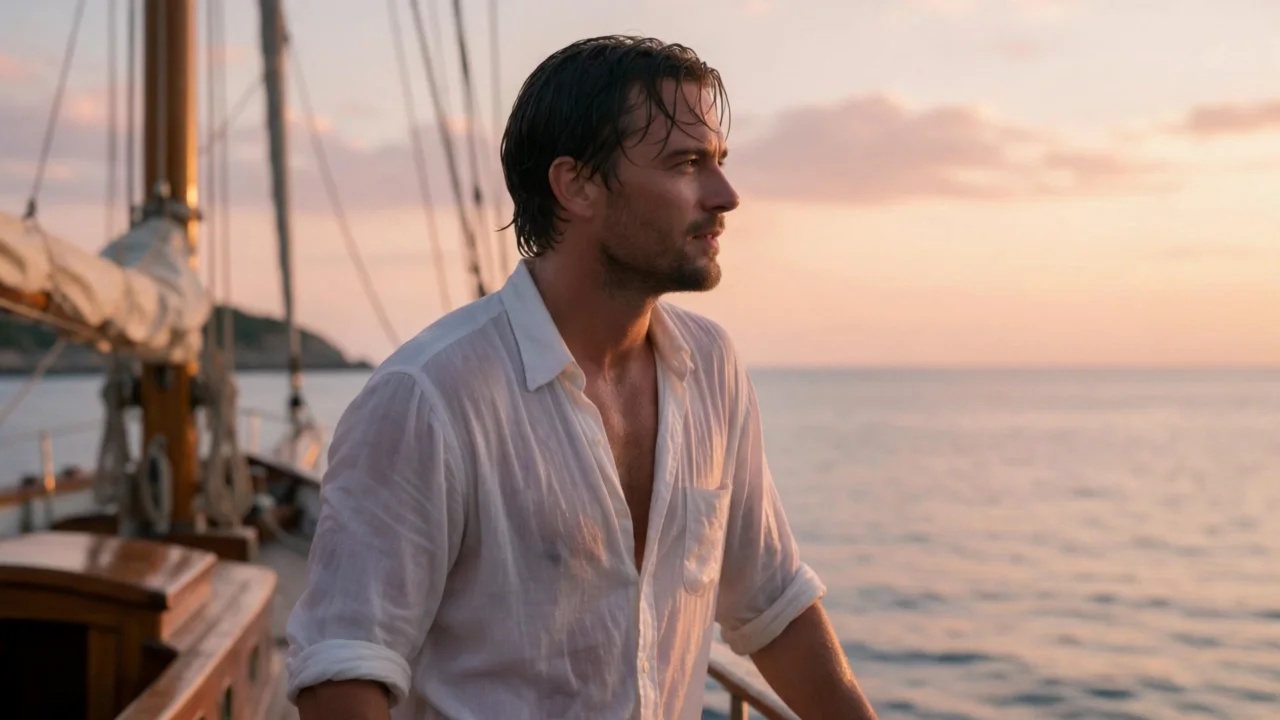
    One continuous shot with no cuts, the golden-pink dusk light staying the same throughout. He turns from the rail toward the camera, pushes his wet hair back with one hand and smiles, then says, "Jump in, the water's perfect." The yacht rocks gently and the sail snaps in the evening breeze. Slow handheld push-in. Sound: waves slapping the hull, wind in the rigging, gulls far off.

    Instead of “He turns from the rail toward the camera, pushes his wet hair back with one hand and smiles, then says, "Jump in, the water's perfect."”

    Why it works. Without the opening line, our test cut to a second angle partway through and the light shifted from dusk to daylight. Adding "one continuous shot with no cuts" plus the light description held both the framing and the color steady end to end.

    This mode starts from your own image: add it in the playground before you run.

    Try this prompt
  • Text to video

    Dialogue with the sound written in

    Result from this prompt

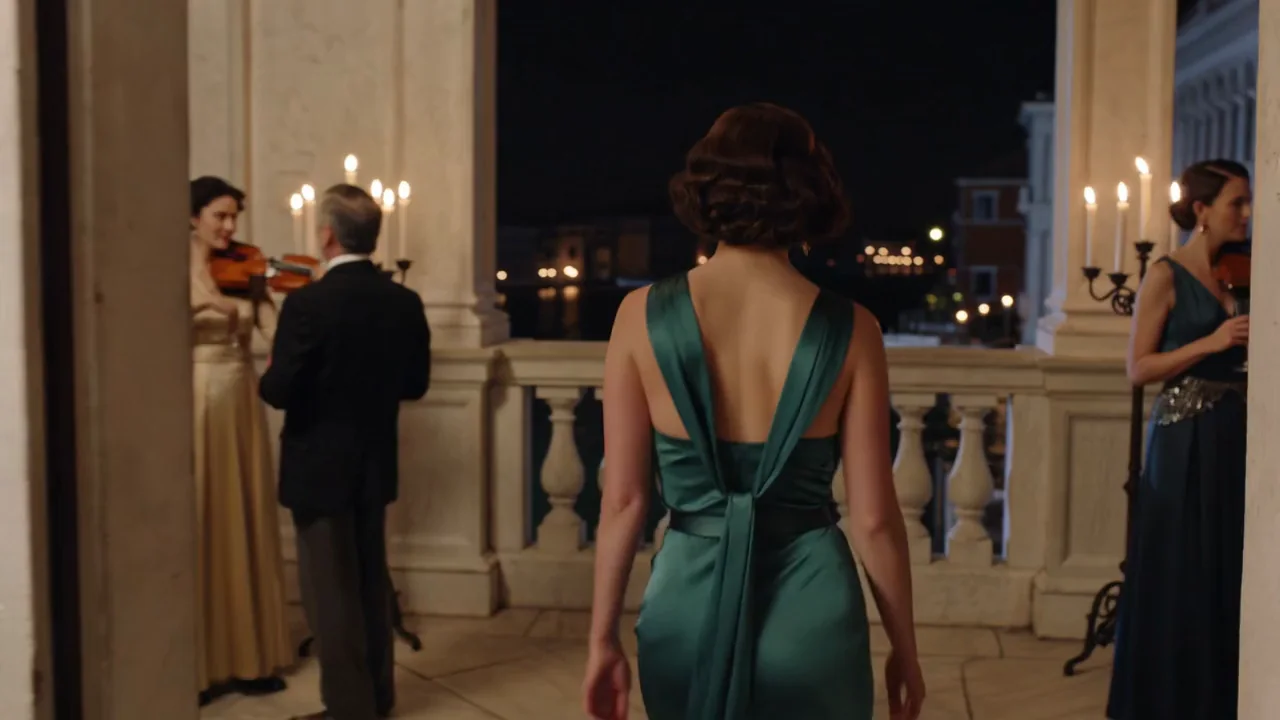
    Night on the marble terrace of a Venetian palazzo during a gala. A woman in her early thirties in a backless emerald silk gown walks away from the camera toward the balustrade, candlelight catching the line of her back, the Grand Canal glittering below. She stops, looks back over her shoulder at the camera and says with a faint smile, "Don't wait up." Slow tracking shot behind her, shallow depth of field. Sound: a string quartet playing inside, the murmur of guests, water lapping against stone.

    Why it works. The line in quotes came back as spoken dialogue in our test, word for word, because the soundtrack was turned on and the sound cues were written into the same prompt as the shot.

    Try this prompt
  • Character animation

    Move a performance onto a new character

    Result from this prompt

    She performs the routine in the same warm-grey photo studio, the satin suit catching the light as she moves.

    Why it works. The driving clip supplies every beat of the choreography; the prompt only needs to say what the character wears and where she stands, since Motion Control already knows the moves.

    Try this prompt
  • Text to video

    A crowd scene with one clear line to hear

    Result from this prompt

    A summer rooftop party in Brooklyn at blue hour, string lights and the Manhattan skyline behind. A mixed group of friends in their late twenties and thirties dance and laugh: a woman with long braids spins under a man's arm, two men clink beer bottles, someone throws a handful of confetti. One continuous handheld shot weaving through the dancers, ending as the whole group raises their drinks and shouts together, "To summer!" Sound: upbeat funk music, chatter, laughter, bottles clinking.

    Why it works. Naming one line for the whole group to shout, at the very end of the brief, gave the model a single moment to land the dialogue on instead of guessing when several people should speak at once.

    Try this prompt
  • Image to video

    Describe only what happens after the frame

    Result from this prompt

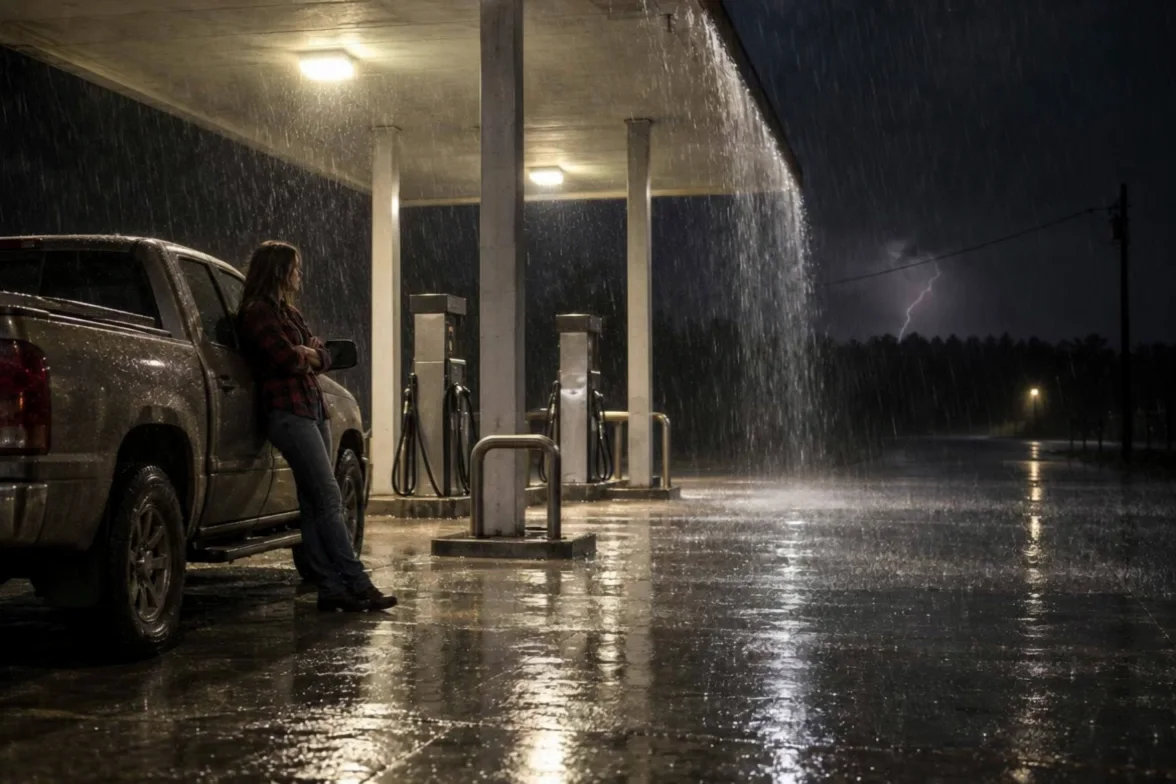
    Lightning flashes and lights the whole forecourt white for an instant. She pushes off the truck, pulls her jacket collar up against the rain and walks out from under the canopy into the downpour toward the camera, rain bouncing off the concrete around her boots. Sound: a sharp crack of thunder, heavy rain drumming on the canopy roof, her footsteps splashing, the buzz of the fluorescent lights.

    Why it works. The opening frame already sets the woman, the truck and the gas station; the prompt never redescribes them and only adds the lightning, the motion and the sound that come after.

    This mode starts from your own image: add it in the playground before you run.

    Try this prompt

Compare

Kling 3.0 vs similar models: which one to pick

ModelModesFromContentPick it when
Kling 3.0This pageCharacter animation · Image to video · Text to video$0.067 / output secondFiltered — This model refuses requests beyond its own limits outright. Measured, not assumed — models we have not measured carry no label at all.You want the flagship: first-and-last-frame control, a switchable audio track, resolution up to 4K, and Motion Control for copying a performance onto your own character.
Kling O3Image to video · Reference to video · Text to video · Video editing$0.067 / output secondFiltered — This model refuses requests beyond its own limits outright. Measured, not assumed — models we have not measured carry no label at all.You need up to seven reference images fused into one shot, or you want to edit an existing clip instead of generating a new one.
Kling 3.0 TurboImage to video · Text to video$0.112 / output secondFiltered — This model refuses requests beyond its own limits outright. Measured, not assumed — models we have not measured carry no label at all.You always want sound on every clip and can skip 4K and Motion Control - it runs quicker and every clip carries audio by default.
Kling 2.6Character animation · Image to video · Text to video$0.069 / output secondFiltered — This model refuses requests beyond its own limits outright. Measured, not assumed — models we have not measured carry no label at all.Your scene does not need 4K and you want Kling's first native-audio model at a lower per-second rate for silent 1080p clips, or a cheaper Motion Control run.

Pricing

Kling 3.0 API pricing

A 5-second clip starts at $0.336 at 720p and $1.68 at 4K.

The playground shows the exact price for your settings before you run. Failed or timed-out tasks are usually not charged. Some models charge for content refusals as stated on their model page; check those billing terms before submitting.

See every price tier

Why SpicyAPI

Why run Kling 3.0 on SpicyAPI

  • No filter from us

    We add no content filter of our own. What the model renders is what you get back.

  • Tested, not guessed

    Content labels come from real generations we ran and checked, with the test date on the page.

  • Pay per result, in dollars

    No subscription and no credits. Failed or timed-out tasks are usually not charged. Some models charge for content refusals as stated on their model page; check those billing terms before submitting.

  • One key for every model

    One API key and balance cover image, video, audio and chat models, so you can explore more models from the same account.

FAQ

Kling 3.0 API FAQ

About Kling 3.0

Kling 3.0 is Kling's flagship video model, available on SpicyAPI as text-to-video, image-to-video and Motion Control (character-animation). Clips run 3 to 15 seconds on text and image to video, up to 4K, with native audio you switch on or off and an optional last frame to pin the ending. Motion Control copies the moves from a 3-to-30-second driving clip onto a character photo, and the result matches that clip's length. In our 2026-09-28 testing, Kling's own moderation refused everything from the Moderate level up on every endpoint we checked; for anything further, use one of our unrestricted families instead. SpicyAPI bills per second of output in US dollars, with no subscription, and a refused or failed request is never charged. You are responsible for having the rights and consent for anything you upload and for how you use what you generate.

Related models and next tasks