Introduction
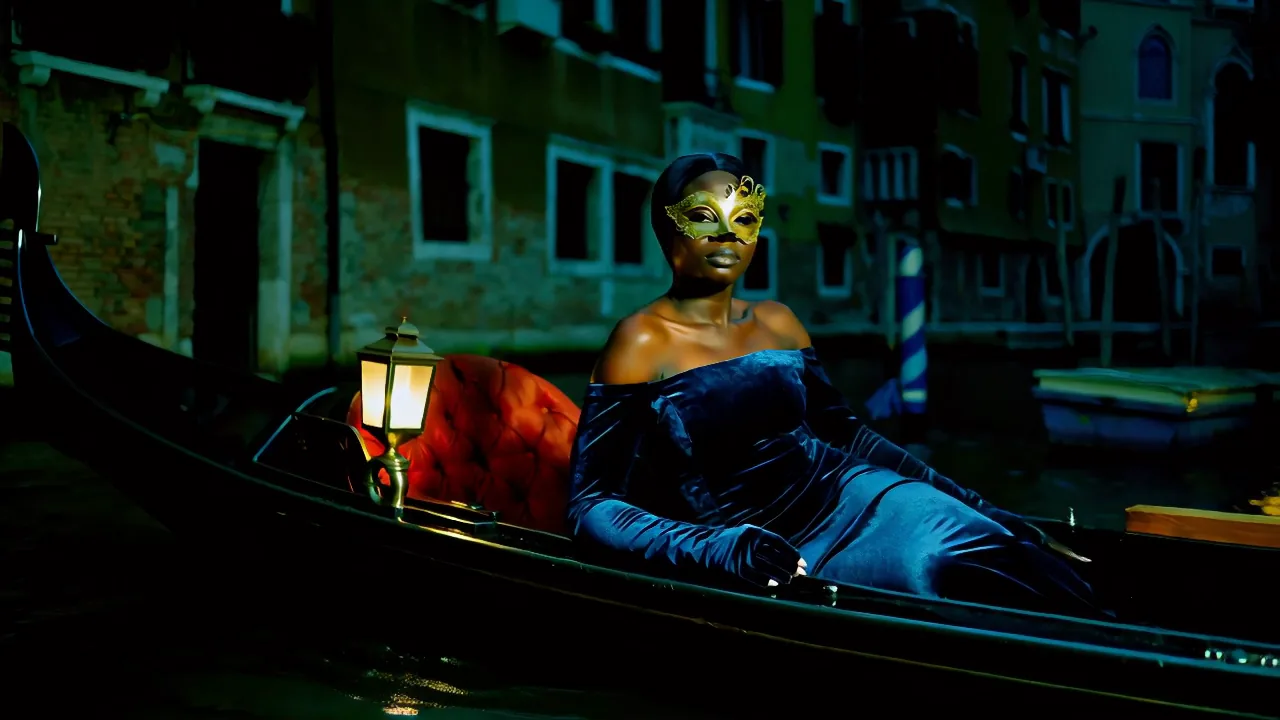
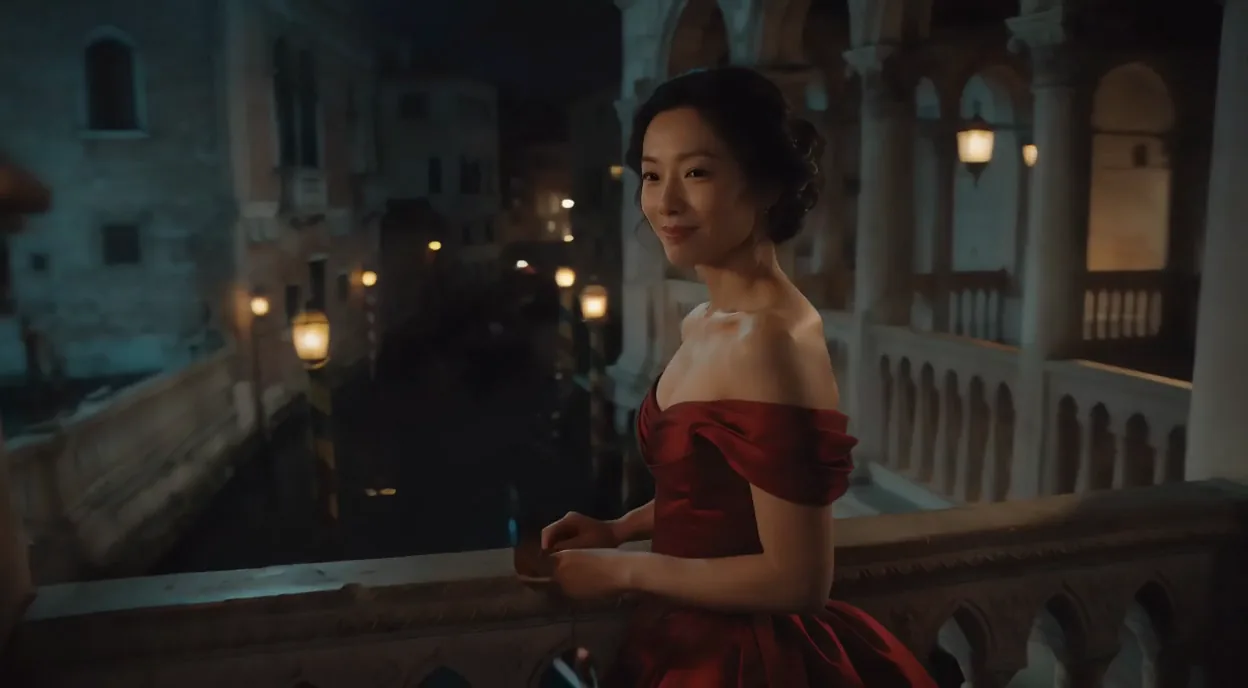
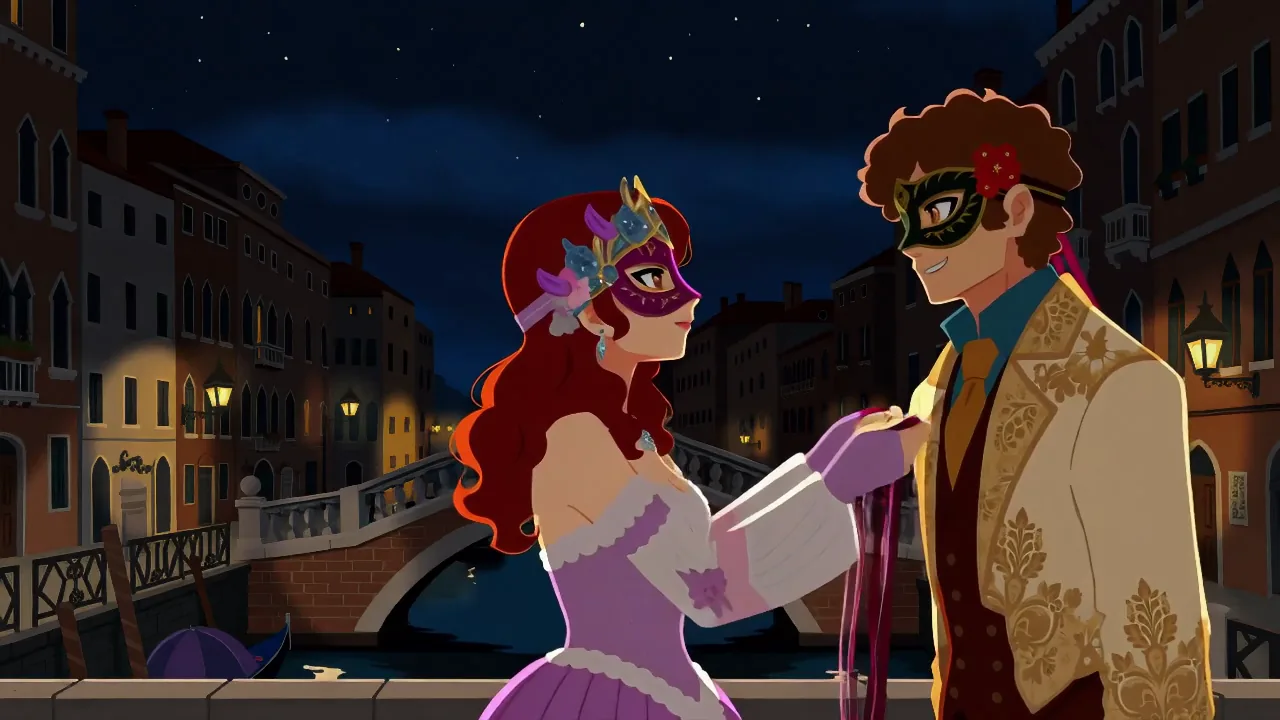
Wan 2.1 LoRA Text to video generates a silent clip from a prompt with up to three of your LoRA files loaded on Alibaba's open 14B video model. Clips are 5 or 10 seconds at 480p or 720p in 16:9 or 9:16, and the platform adds no content filter to the prompt, the weights or the clip.
Choose a mode by starting material
| What you have | Mode |
|---|---|
| a written description | Wan 2.1 LoRA Text to video |
| a photo to animate | Wan 2.1 LoRA Image to video |
| a clip to restyle | Wan 2.1 LoRA Video to video |
| a still image instead of a clip | Wan 2.1 Image LoRA Text to image |
Key features & highlights
A deep community LoRA library
Wan 2.1 14B has one of the biggest community LoRA libraries among open video models: characters, art styles, camera moves and unfiltered LoRAs, most of them on Hugging Face and Civitai. Load up to three by direct link, each with its own strength from 0 to 4.
Wan 2.2 LoRAs carry over
In our test a single-file Wan 2.2 style LoRA turned the clip into a sepia old-film look on this model, so a good part of the newer Wan 2.2 library is usable here as well. A LoRA for an unrelated model, such as an image model, fails the request instead.
Tuning left open
Steps, guidance, flow shift and a negative prompt are all yours to set, which matters for LoRAs whose authors publish recommended settings. The defaults (30 steps, guidance 5) gave clean frames in our runs.
Uncensored with custom weights
LoRAs are not reviewed and the output is not filtered. Without an unfiltered LoRA, Strong-level content was drawn and the Very strong level came back toned down; unfiltered LoRAs are how you go further.
Request parameters
| Parameter | Required | Description |
|---|---|---|
prompt | Yes | Trigger words first if your LoRA has them, then the subject, the action and the camera. Plain sentences work; a camera instruction at the end was followed in our runs. at least 1 characters |
negative_prompt | No | What to keep out of the clip, such as blur, extra fingers, text or watermarks. Optional, no effect on price. |
aspect_ratio | No | 16:9 (the default) or 9:16. The shape does not change the price. |
resolution | No | 480p (832 x 480, the default) or 720p (1280 x 720). 720p costs more per clip and takes longer. |
duration_seconds | No | 5 (the default) or 10 seconds; other lengths are rejected. A 10-second clip costs one and a half times a 5-second clip. |
loras | No | Up to three {path, scale} entries trained for Wan 2.1 14B; path is a public direct link to a .safetensors file, scale runs from 0 to 4 (1 by default). Default: |
guidance_scale | No | How strictly the clip follows the prompt, 0 to 20, default 5. Raising it while lowering steps gave us oversaturated, artefact-ridden frames. |
flow_shift | No | Flow-matching timestep shift, 1 to 10. Leave it out to use 3 at 480p and 5 at 720p; change it only when a LoRA author recommends a value. |
steps | No | Denoising steps, 1 to 40, default 30. Fewer steps are faster and softer. |
seed | No | Keeps runs comparable while you change one LoRA or one scale at a time. It does not promise an identical result. |
Pricing
Billed per clip by resolution and length; a 10-second clip costs one and a half times a 5-second one. LoRAs and the aspect ratio do not change the price.
| Resolution | Duration: 5 | Duration: 10 |
|---|---|---|
| $0.24 / request | $0.36 / request |
| $0.36 / request | $0.54 / request |
Use cases
Character series
Train or download a character LoRA once and load it on every request: the same face and outfit carry across scenes, which a prompt alone cannot guarantee from clip to clip.
Styled shorts
A style LoRA gives every clip in a set the same look, from cel animation to vintage film, so a series reads as one piece even when the prompts change.
Platforms without a content filter
Load the LoRA your audience expects and generate 5 or 10 second clips without a filter in the way. Everyone on screen must be an adult.
Prompt guide & pro tips
Trigger words first
Most Wan LoRAs were trained with a trigger phrase, listed on the LoRA page. Put it at the very start of the prompt, then describe the subject, the action and the camera in plain sentences.
Start at scale 1
In our tests 0.5 already moved the result and 1 moved it further. Raise the scale only if the LoRA still looks faint, and lower it if the set and the characters change more than you want.
Keep guidance moderate
Guidance 5 with 30 steps gave clean frames. Raising guidance while cutting steps gave us oversaturated, artefact-ridden frames, so change one at a time.
Use direct, public links
Use a public link that downloads the .safetensors file itself, such as a Hugging Face "resolve/main" link. A repository page, a file behind a login, or a Civitai link that redirects to sign-in fails the request, and failed requests are not charged.
API quick start
# Generate the idempotency key once; reuse it when retrying after a lost response.
export SPICY_IDEMPOTENCY_KEY="${SPICY_IDEMPOTENCY_KEY:-$(uuidgen)}"
curl -X POST https://api.spicyapi.ai/api/v1/jobs/createTask \
  -H "Authorization: Bearer $SPICY_API_KEY" \
  -H "Content-Type: application/json" \
  -H "Idempotency-Key: $SPICY_IDEMPOTENCY_KEY" \
  -d '{
  "model": "alibaba/wan-2.1-lora/text-to-video",
  "input": {
    "aspect_ratio": "16:9",
    "duration_seconds": 5,
    "prompt": "A slow aerial shot drifting over a misty pine forest at sunrise",
    "resolution": "480p"
  }
}'

# Copy data.taskId from the response into TASK_ID, then poll the status.
TASK_ID="TASK_ID_FROM_RESPONSE"
curl "https://api.spicyapi.ai/api/v1/jobs/recordInfo?taskId=$TASK_ID" \
  -H "Authorization: Bearer $SPICY_API_KEY"
See the API reference for authentication, the complete schema, polling, and error handling.