Introduction
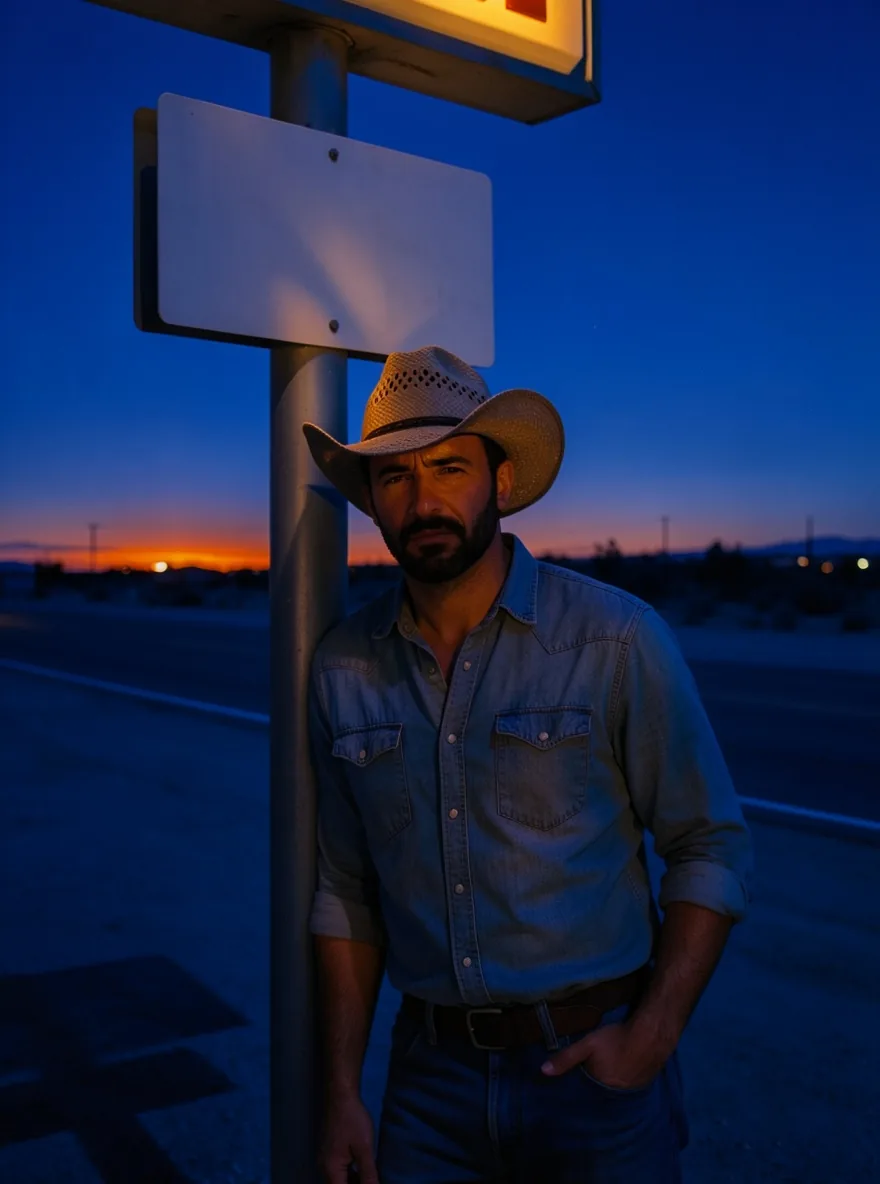
FLUX.2 Klein 4B LoRA Text to image makes one image from a written prompt on Black Forest Labs' FLUX.2 [klein] 4B, the fast distilled 4-billion-parameter model released under Apache 2.0, with up to three of your own LoRA files loaded. Pick any of nine aspect ratios at about one megapixel or 2048 pixels on the long side, at one flat price per image. Nothing is filtered.
Choose a mode by starting material
| What you have | Mode |
|---|---|
| a written description and a LoRA | FLUX.2 Klein 4B LoRA Text to image |
| one to three pictures to change or combine | FLUX.2 Klein 4B LoRA Image edit |
Key features & highlights
Results in seconds
The distilled build finished most of our text-to-image requests in about 4 seconds of model time, which makes it practical to try several seeds and LoRA scales for one idea.
LoRAs from both Klein 4B builds
LoRAs trained on FLUX.2 [klein] 4B and on Klein Base 4B both loaded in our tests. Files for FLUX.1 or for the 9B Klein models load without an error and do nothing.
Uncensored with custom weights
Weights are never reviewed and results are never filtered. On its own the model tones down Strong-level prompts; with an unfiltered LoRA loaded, those came through as written. The Very strong level stayed toned down.
Request parameters
| Parameter | Required | Description |
|---|---|---|
prompt | Yes | Up to 5,000 characters. Start with the LoRA trigger phrase, then describe subject, clothing, place and light in full sentences. at least 1 characters · at most 5000 characters |
aspect_ratio | No | Nine shapes from 21:9 to 9:21, 1:1 by default. Every ratio costs the same. |
resolution | No | 1k (default) is about one megapixel; 2k is 2048 pixels on the long side. Both tiers cost the same. |
loras | No | Up to three {path, scale} entries trained for FLUX.2 [klein] 4B or Base 4B. Default: |
seed | No | A number from 0 to 2147483647. Reuse it to compare one LoRA or one scale at a time; it keeps results close but does not promise identical pixels. |
Pricing
$0.016 / image
Billed per image at one flat price for every aspect ratio and both size tiers. Loading LoRAs adds no separate charge.
Use cases
Running a LoRA you found
Paste the download link from Hugging Face or Civitai, set the scale and put the trigger first. No training, no hosting and no GPU: a LoRA you saw on a model hub becomes a plain API call that returns in seconds.
Illustrated series
Comic, colored-pencil and painted LoRAs keep a set of images in one style, from square posts to 21:9 banners. Fix the seed per layout and change only the subject line between requests.
Fast drafts for a bigger model
Try compositions, outfits and LoRA scales quickly here at the 1k tier, then render the chosen frame at 2k or hand the prompt to a slower model for the final image.
Prompt guide & pro tips
Trigger first, then full sentences
Start with the trigger phrase from the LoRA page, then describe subject, clothing, place and light. Name the lens and the grade for photographic results.
Push faint styles to 1.5 or 2
Style LoRAs show less on this distilled build. Raise the scale step by step and compare with the same seed; at 4 the image fell apart in our test.
Compare against no LoRA
Run the same prompt and seed without the LoRA. If the two results look the same, the file was made for another base model, such as FLUX.1 or the 9B Klein models: those load without an error and do nothing here.
Keep signs out of the frame
The model writes garbled words on signs and labels. Describe signs as blank or leave them out unless the text matters.
Use direct, public links
The link must download the .safetensors file itself. A Hugging Face file link or a Civitai download link works; a repository page or a gated file that needs a login fails the request, which is then not charged.
API quick start
# Generate the idempotency key once; reuse it when retrying after a lost response.
export SPICY_IDEMPOTENCY_KEY="${SPICY_IDEMPOTENCY_KEY:-$(uuidgen)}"
curl -X POST https://api.spicyapi.ai/api/v1/jobs/createTask \
  -H "Authorization: Bearer $SPICY_API_KEY" \
  -H "Content-Type: application/json" \
  -H "Idempotency-Key: $SPICY_IDEMPOTENCY_KEY" \
  -d '{
  "model": "black-forest-labs/flux-2-klein-4b-lora/text-to-image",
  "input": {
    "aspect_ratio": "1:1",
    "prompt": "A ceramic teapot on a linen cloth, soft window light, muted palette",
    "resolution": "1k"
  }
}'

# Copy data.taskId from the response into TASK_ID, then poll the status.
TASK_ID="TASK_ID_FROM_RESPONSE"
curl "https://api.spicyapi.ai/api/v1/jobs/recordInfo?taskId=$TASK_ID" \
  -H "Authorization: Bearer $SPICY_API_KEY"
See the API reference for authentication, the complete schema, polling, and error handling.