Introduction
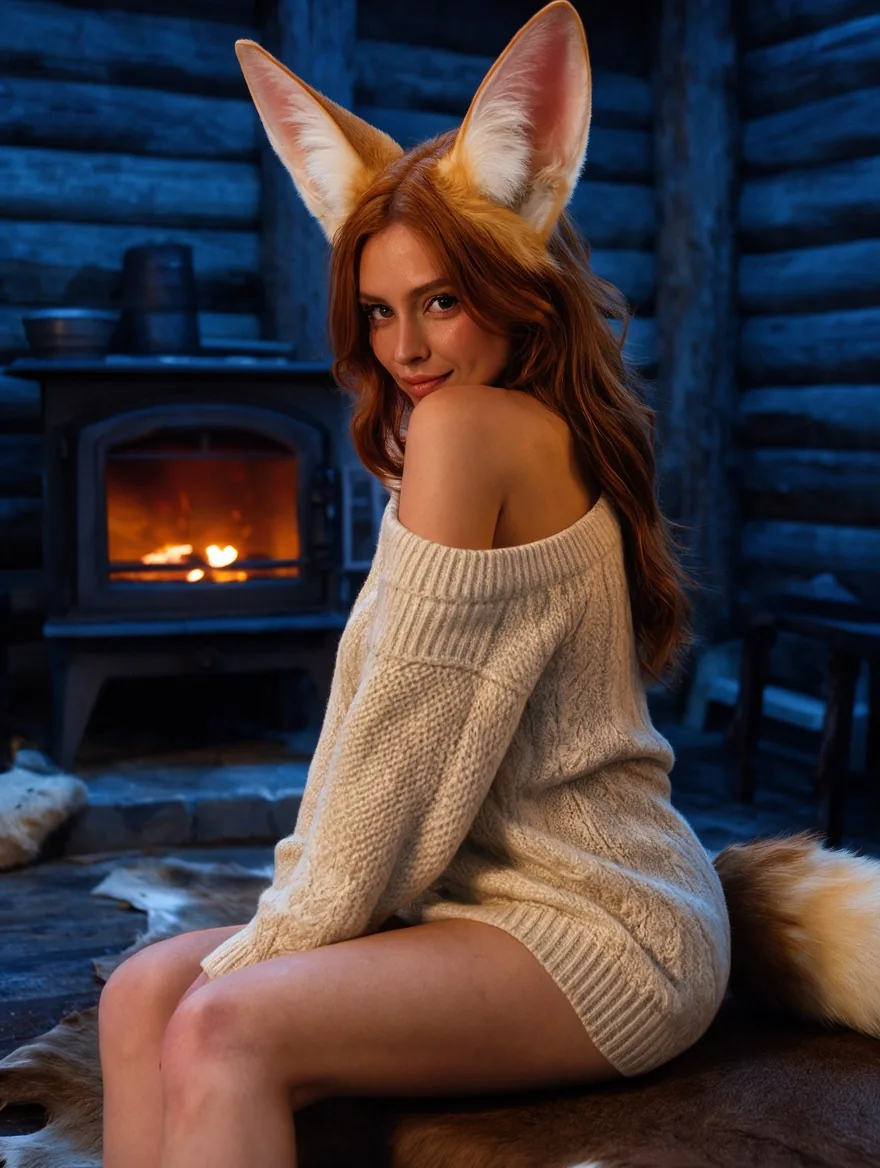
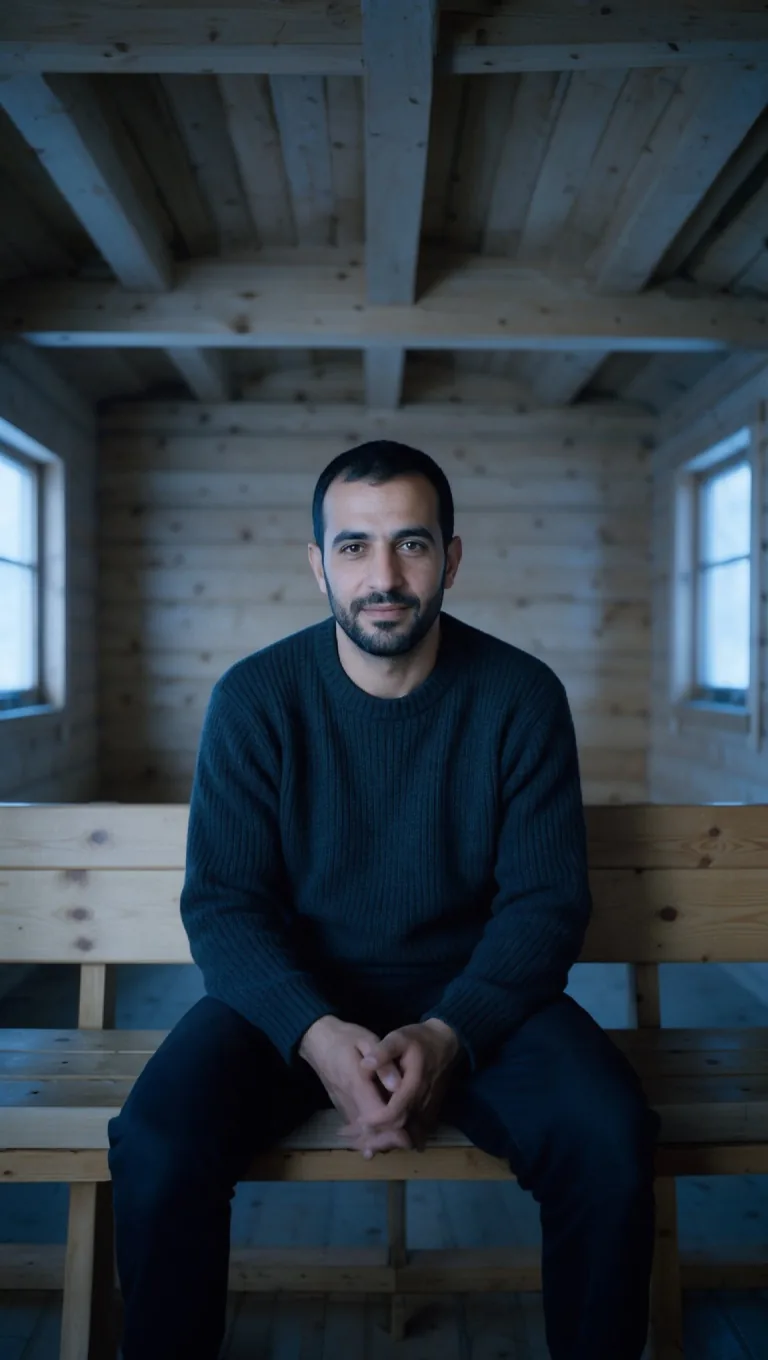
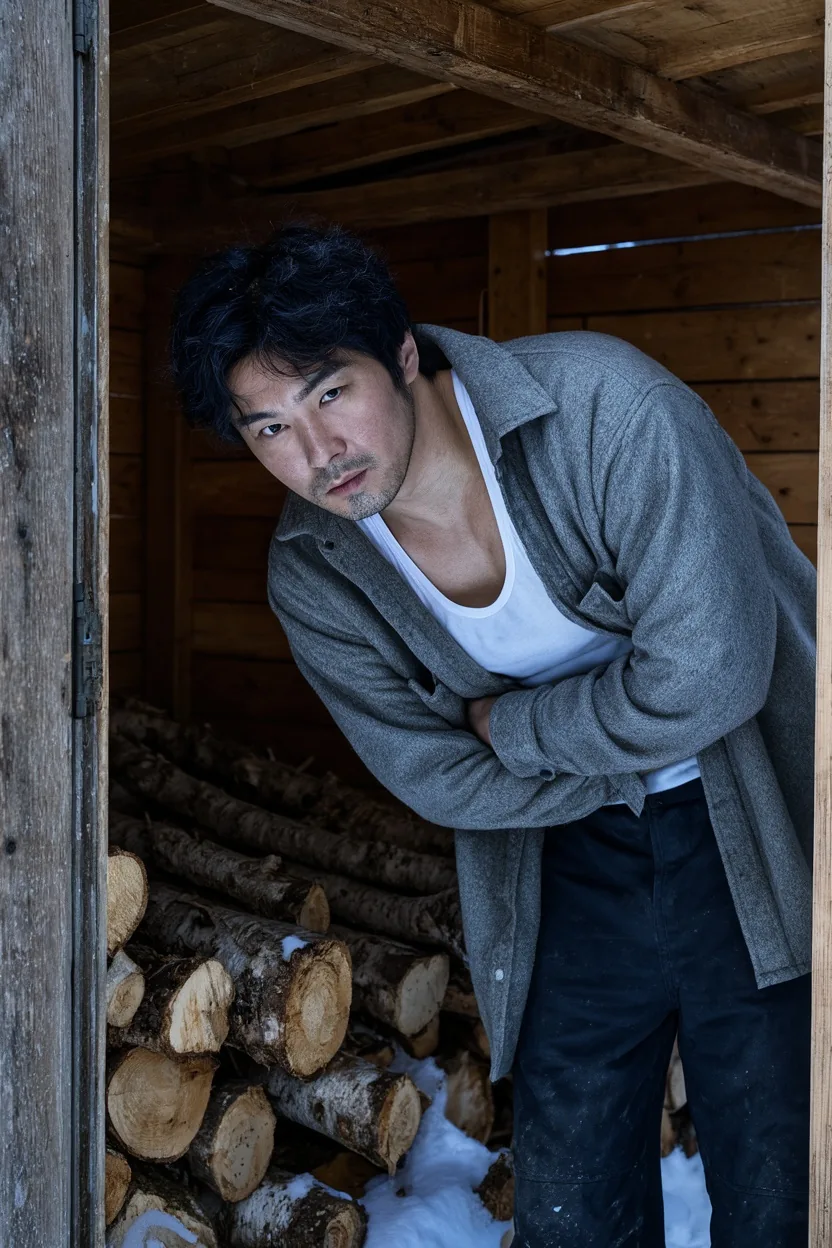
FLUX 3 Klein Base LoRA Image editing changes or combines one to three source images from a written instruction on Black Forest Labs' FLUX 3 Image Klein Base, with up to three of your own LoRA files loaded. Refer to sources as image 1, image 2 and image 3, keep the first image's shape with auto or pick one of fifteen, and choose 1k or 2k. The model sometimes leaves clothing in place.
Choose a mode by starting material
| What you have | Mode |
|---|---|
| a written description | FLUX 3 Klein Base LoRA Text to image |
| one to three images to change or combine | FLUX 3 Klein Base LoRA Image editing |
Key features & highlights
Edit-trained LoRAs
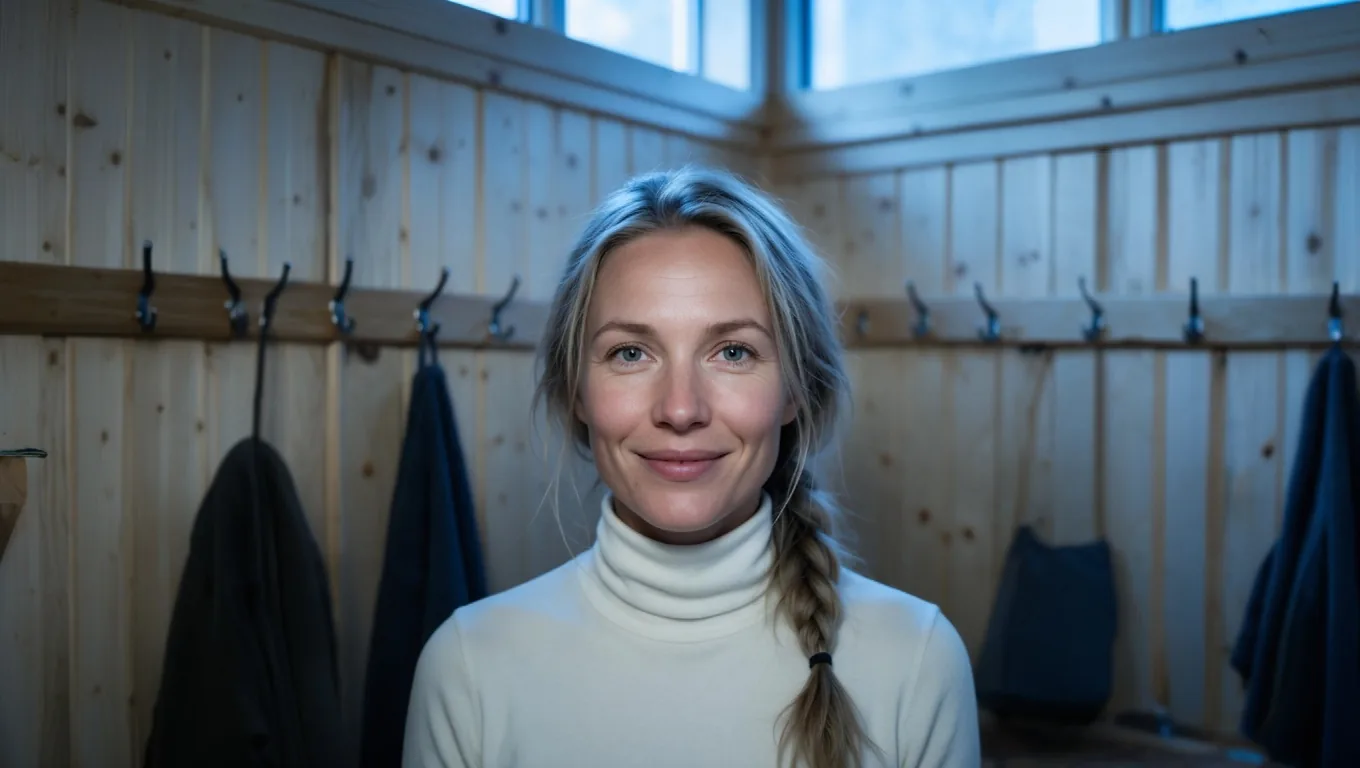
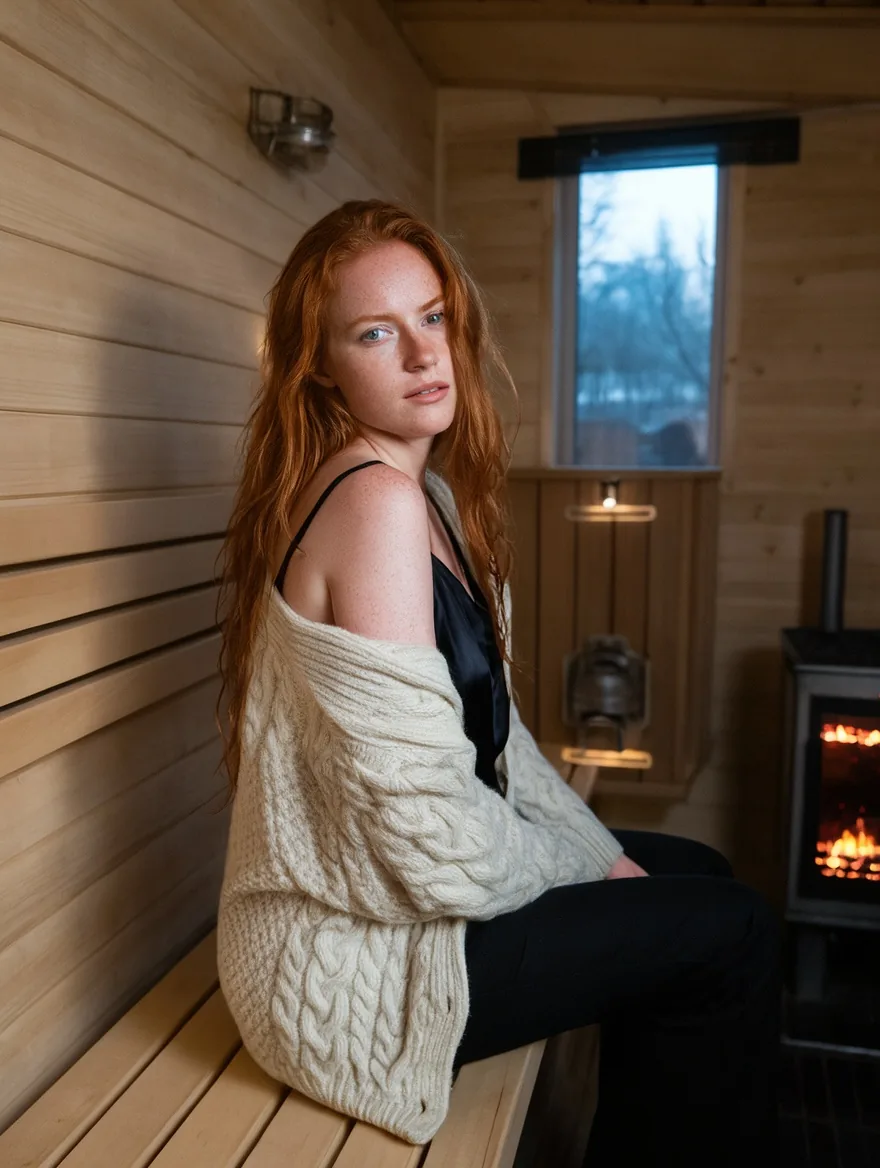
LoRAs trained for editing on Klein Base change how the model edits. An outpainting LoRA, given a portrait padded with flat gray, filled the gray with the rest of a sauna changing room and kept the original picture where it was; without it, the same request redrew more of the scene.
Several sources with a LoRA
Combine up to three images and load LoRAs in the same request. Say what each source brings and put the LoRA's trigger or instruction first, so the model knows which part of the prompt belongs to the LoRA.
No review of LoRA files
LoRA files and results are not filtered. The base model itself holds back on the stronger levels, so what you get depends on the LoRA you bring and the instruction you write.
Request parameters
| Parameter | Required | Description |
|---|---|---|
prompt | Yes | Required, up to 5,000 characters. Start with the LoRA's trigger or instruction, then what must stay and what changes. at least 1 characters · at most 5000 characters |
image_urls | Yes | Required, one to three public image links, up to 10 MB each. A link that does not open or is not an image fails the request without a charge. at least 1 items · at most 3 items |
aspect_ratio | No | auto (default) keeps the first source's shape; or choose one of fifteen shapes from 3:1 to 1:3. For outpainting, pick the shape of the padded canvas. |
resolution | No | 1k (default) or 2k, also applied with auto. 2k costs more for the output and for each source. |
loras | No | Up to three {path, scale} entries trained for FLUX 3 Image Klein; scale 0 to 4, 1 by default. Edit-trained LoRAs belong here. Default: |
output_format | No | JPEG (default), PNG or WebP. Does not change the price. |
seed | No | Optional, 0 to 2,147,483,647. Reuse it to compare a LoRA against no LoRA; edits are close but not always pixel-identical. |
Pricing
Billed per image: a charge for the output size tier plus a charge for each source image, both higher at 2k. LoRAs, the aspect ratio and the output format do not change the price.
| Specification | Price |
|---|---|
| $0.06 / image |
| $0.222 / image |
Use cases
Outpainting and reframing
Pad a picture with gray to a wider or taller canvas and let an outpainting LoRA continue the scene, for banners and social formats cut from portrait photos.
Styling with references
Put a garment from a product photo on a person from another photo while a LoRA sets the look of the series.
Prompt guide & pro tips
Follow the LoRA card exactly
Edit LoRAs often expect a fixed instruction and a prepared input, such as flat #808080 gray padding for outpainting. Copy the instruction from the card to the start of the prompt and prepare the image the same way.
Choose the canvas shape
For outpainting, set the aspect ratio to the shape of the padded canvas, or leave auto so the first image decides. The model keeps that shape at the chosen size tier.
Compare with the same seed
Run the same edit with and without the LoRA. Edits are close but not always pixel-identical between runs, so look for a clear difference before you put it down to the LoRA.
API quick start
# Generate the idempotency key once; reuse it when retrying after a lost response.
export SPICY_IDEMPOTENCY_KEY="${SPICY_IDEMPOTENCY_KEY:-$(uuidgen)}"
curl -X POST https://api.spicyapi.ai/api/v1/jobs/createTask \
  -H "Authorization: Bearer $SPICY_API_KEY" \
  -H "Content-Type: application/json" \
  -H "Idempotency-Key: $SPICY_IDEMPOTENCY_KEY" \
  -d '{
  "model": "black-forest-labs/flux-3-klein-base-lora/edit",
  "input": {
    "aspect_ratio": "auto",
    "image_urls": [
      "https://example.com/reference.png"
    ],
    "output_format": "jpeg",
    "prompt": "A ceramic teapot on a linen cloth, soft window light, muted palette",
    "resolution": "1k"
  }
}'

# Copy data.taskId from the response into TASK_ID, then poll the status.
TASK_ID="TASK_ID_FROM_RESPONSE"
curl "https://api.spicyapi.ai/api/v1/jobs/recordInfo?taskId=$TASK_ID" \
  -H "Authorization: Bearer $SPICY_API_KEY"
See the API reference for authentication, the complete schema, polling, and error handling.