Introduction
FLUX 3 Klein Base Image editing changes or combines one to three source images from a written instruction on Black Forest Labs' FLUX 3 Image Klein Base, the undistilled 5.6B checkpoint. Refer to sources as image 1, image 2 and image 3, keep the first image's shape with auto or pick one of fifteen, and choose 1k or 2k. Edits took about 20 to 40 seconds at 1k in our tests, and nothing is filtered.
Choose a mode by starting material
| What you have | Mode |
|---|---|
| a written description | FLUX 3 Klein Base Text to image |
| one to three images to change or combine | FLUX 3 Klein Base Image editing |
Key features & highlights
Garments from a product shot
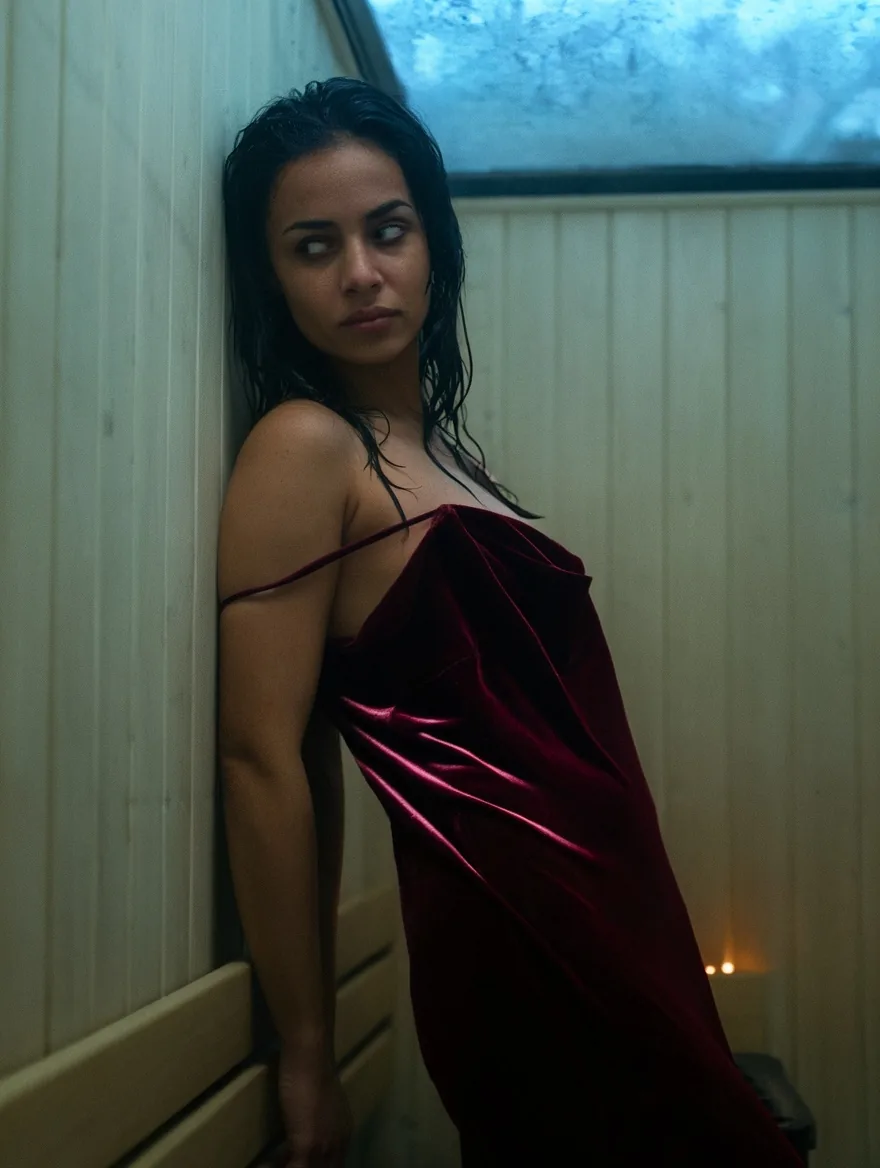
Give the person as image 1 and a garment photographed on a hanger as image 2, and the edit dresses one in the other. In our tests a woman in a winter parka came back in a burgundy velvet slip dress in a sauna changing room, with her face and hair kept.
Same person, new place
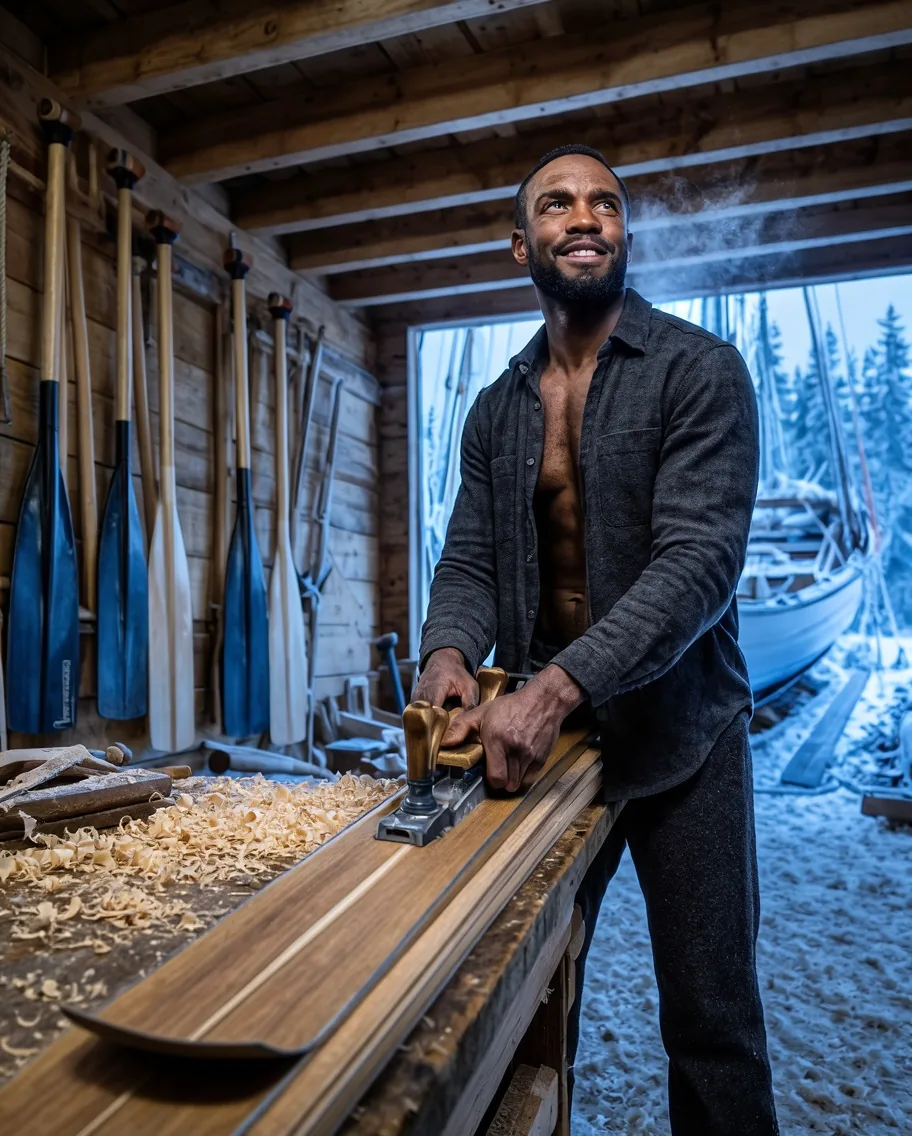
Face, beard and build carried through a full change of outfit and setting: a hiker in a red jacket in a snowy forest became the same man in an open linen shirt on a cedar bench. Short, concrete instructions held faces best.
Combine up to three images
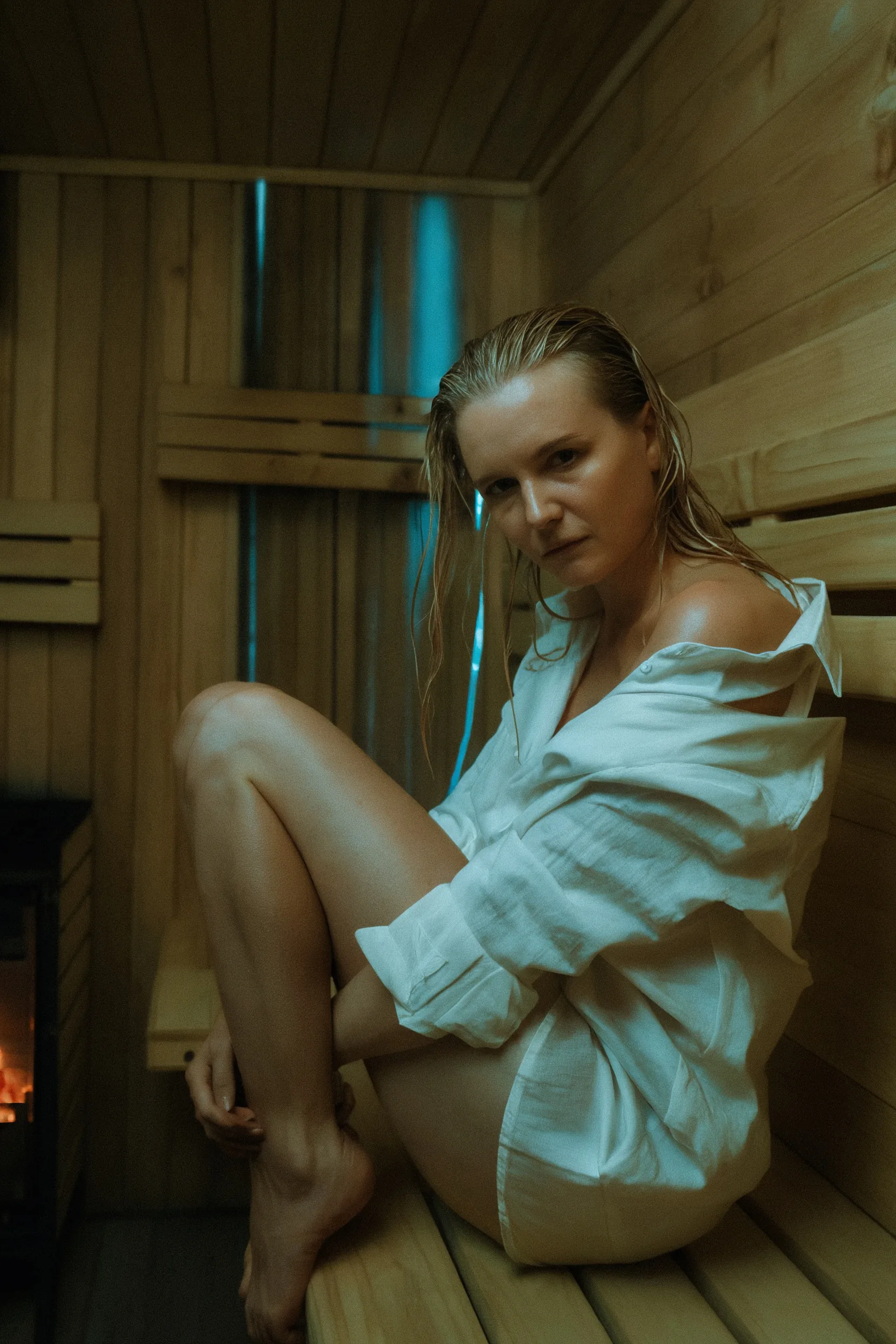
Two separate photos of two women became one scene on a sauna bench in matching dresses, both faces recognisable. With three sources, say what each one brings so nothing is dropped.
Request parameters
| Parameter | Required | Description |
|---|---|---|
prompt | Yes | Required, up to 5,000 characters. Name what must stay (face, hair, build), then the change. at least 1 characters · at most 5000 characters |
image_urls | Yes | Required, one to three public image links, up to 10 MB each. A link that does not open or is not an image fails the request without a charge. at least 1 items · at most 3 items |
aspect_ratio | No | auto (default) keeps the first source's shape: an 880 x 1184 portrait came back as 880 x 1184 at 1k and 1760 x 2368 at 2k. Or choose one of fifteen shapes from 3:1 to 1:3. |
resolution | No | 1k (default) or 2k, also applied with auto. 2k costs about four times 1k for the output and twice as much per source. |
output_format | No | JPEG (default), PNG or WebP. Does not change the price. |
seed | No | Optional, 0 to 2,147,483,647. Reuse it to compare instruction changes; repeated edits came back close but not always pixel-identical. |
Pricing
Billed per image: a charge for the output size tier plus a charge for each source image, both higher at 2k. The aspect ratio and output format do not change the price.
| Specification | Price |
|---|---|
| $0.054 / image |
| $0.216 / image |
Use cases
Lookbooks and styling
Put a garment from a product photo on a model from another photo, in a new place and light, for lookbooks and mood boards.
Location and wardrobe changes
Move a person into a new setting and outfit in one pass while keeping who they are, for character sheets and series.
Prompt guide & pro tips
Use image numbers
Write image 1, image 2 and image 3 in upload order and give each a role: the woman from image 1, the dress from image 2. The first image also sets the shape when the aspect ratio is auto.
Protect first, then change
Start with what must stay the same, such as face, hair and build, then describe the change: garment, place, pose and light. The model may leave clothing in place, so say exactly what the person should wear.
Mind the per-source price
Each source adds to the price, and 2k doubles that charge. Use one source when one is enough and draft at 1k.
API quick start
# Generate the idempotency key once; reuse it when retrying after a lost response.
export SPICY_IDEMPOTENCY_KEY="${SPICY_IDEMPOTENCY_KEY:-$(uuidgen)}"
curl -X POST https://api.spicyapi.ai/api/v1/jobs/createTask \
  -H "Authorization: Bearer $SPICY_API_KEY" \
  -H "Content-Type: application/json" \
  -H "Idempotency-Key: $SPICY_IDEMPOTENCY_KEY" \
  -d '{
  "model": "black-forest-labs/flux-3-klein-base/edit",
  "input": {
    "aspect_ratio": "auto",
    "image_urls": [
      "https://example.com/reference.png"
    ],
    "output_format": "jpeg",
    "prompt": "A ceramic teapot on a linen cloth, soft window light, muted palette",
    "resolution": "1k"
  }
}'

# Copy data.taskId from the response into TASK_ID, then poll the status.
TASK_ID="TASK_ID_FROM_RESPONSE"
curl "https://api.spicyapi.ai/api/v1/jobs/recordInfo?taskId=$TASK_ID" \
  -H "Authorization: Bearer $SPICY_API_KEY"
See the API reference for authentication, the complete schema, polling, and error handling.