Introduction
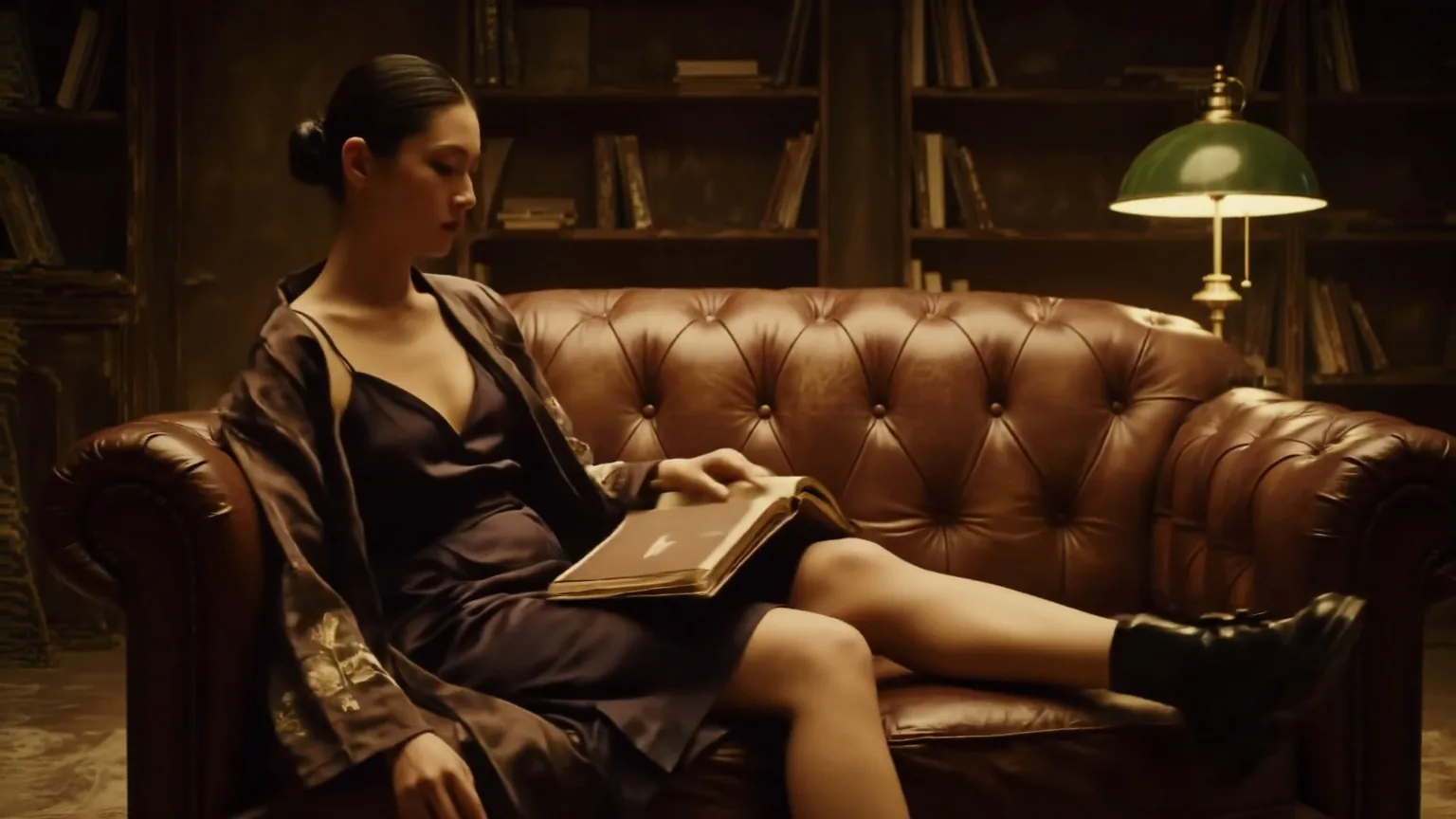
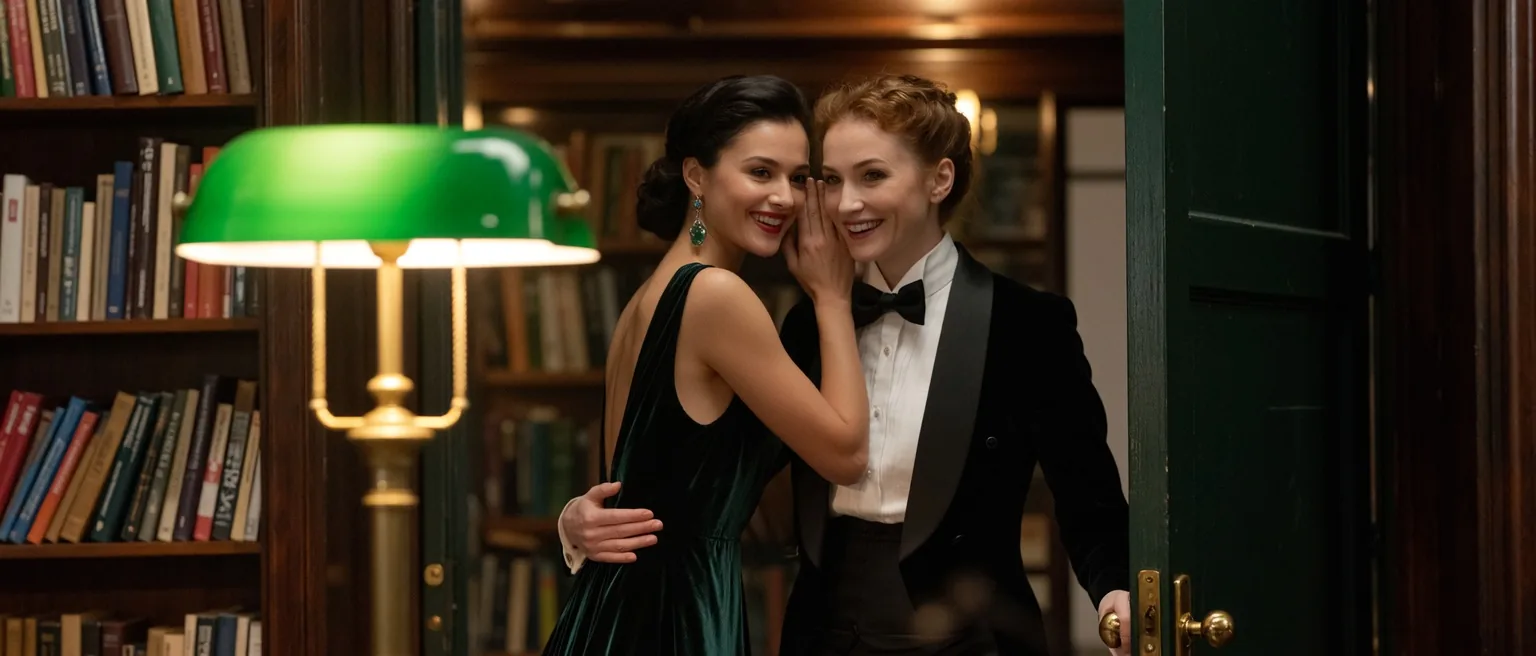
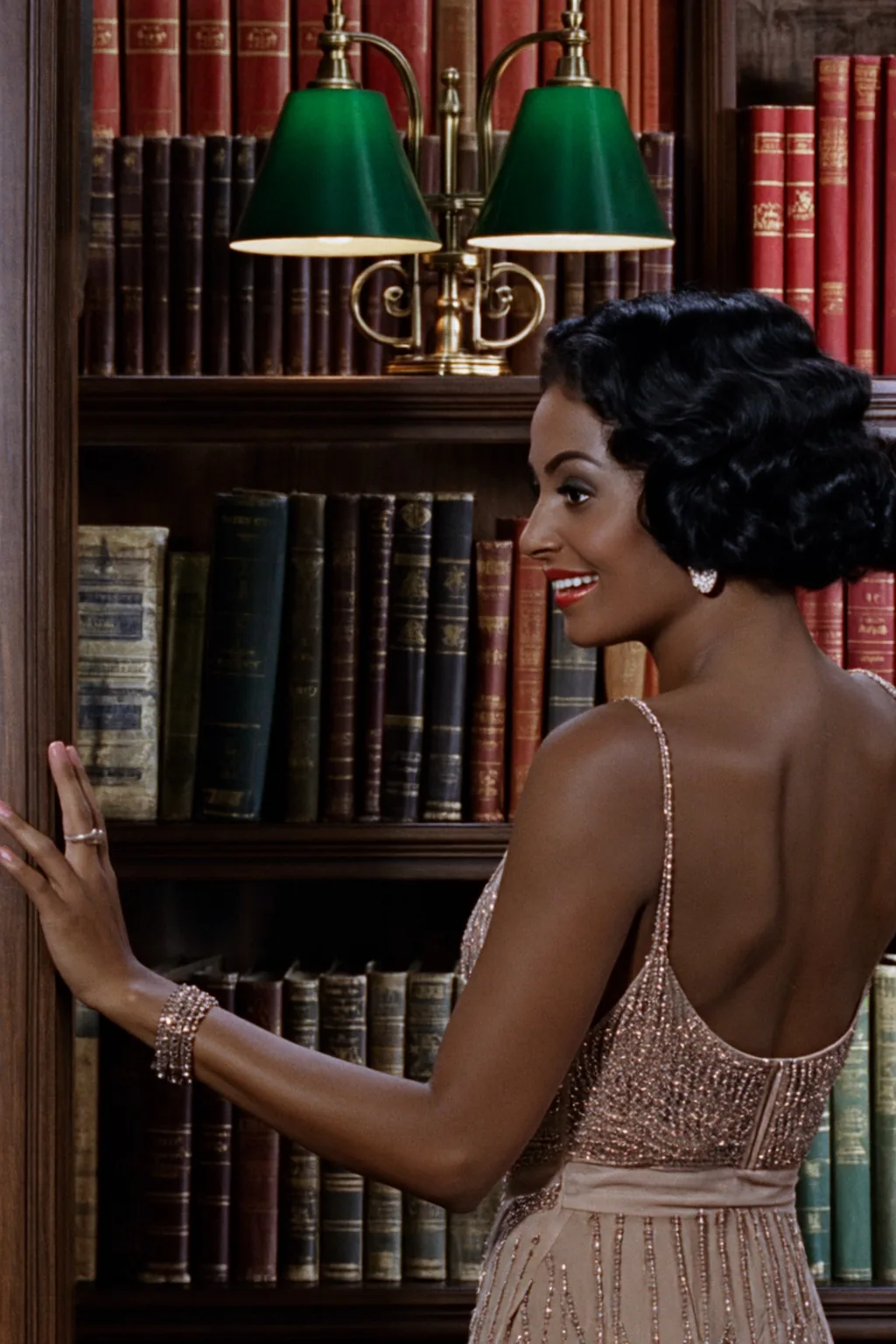
Wan 2.2 Image LoRA Text to image renders a still from a prompt with Alibaba's Wan 2.2 A14B and up to nine of your LoRA files in three slots. Nine aspect ratios up to 1536 pixels on a side, JPEG, PNG or WebP, one flat price per image. The platform adds no content filter to the prompt, the weights or the image.
Choose a mode by starting material
| What you have | Mode |
|---|---|
| a written description and A14B LoRAs | Wan 2.2 Image LoRA Text to image |
| the same LoRAs, but you want video | Wan 2.2 LoRA Text to video |
| LoRAs made for the 5B Wan 2.2 | Wan 2.2 5B LoRA Text to video |
Key features & highlights
Three LoRA slots
Both experts, high-noise only or low-noise only: aim a LoRA at the layout, the look or both.
Nine files at once
Up to three per slot; nine stacked ran in our test.
Repeatable seeds
Same seed and inputs repeated the image in our tests, which keeps before-and-after comparisons clean; it is not a guarantee.
Uncensored with custom weights
LoRAs are not reviewed and the output is not filtered.
Request parameters
| Parameter | Required | Description |
|---|---|---|
prompt | Yes | Trigger word first if your LoRA has one, then the subject, the place, the light and the lens. Up to 5,000 characters; there is no negative prompt. at least 1 characters · at most 5000 characters |
aspect_ratio | No | Nine shapes: 1:1 (1328 x 1328, the default), 16:9 (1536 x 864), 9:16, 4:3 (1472 x 1104), 3:4, 3:2 (1536 x 1024), 2:3, 21:9 (1536 x 656) and 9:21. |
loras | No | Up to three {path, scale} entries applied to both noise experts; scale 0 to 4, 1 by default. A single-file Wan 2.2 A14B LoRA goes here. Default: |
high_noise_loras | No | Up to three {path, scale} entries applied only to the high-noise expert, which sets the layout, pose and framing. Default: |
low_noise_loras | No | Up to three {path, scale} entries applied only to the low-noise expert, which sets colour, texture and detail. Default: |
output_format | No | jpeg (the default), png or webp. The format does not change the price. |
seed | No | Repeats the image when every other input stays the same, which makes LoRA scale comparisons clean. Leave it empty for a new image each time. |
Pricing
$0.03 / image
Billed per image at one flat price. The aspect ratio and the output format do not change the price, and loading LoRAs in any of the three slots adds no separate charge.
Use cases
Film looks
Technicolor and vintage-cinema LoRAs give a whole series one period palette.
Look tests for Wan 2.2 video
Try an A14B LoRA on stills before rendering clips with it.
Platforms without a content filter
Load the LoRA your audience expects; adults only in the picture.
Prompt guide & pro tips
Match the files to the slots
high_noise file to high_noise_loras, low_noise file to low_noise_loras, single files to loras.
Check the base model
LoRAs for the 5B Wan 2.2 or for image models load without an error and do nothing here.
Use direct, public links
The link must download the .safetensors file itself; a page link or a gated file fails and is not charged.
API quick start
# Generate the idempotency key once; reuse it when retrying after a lost response.
export SPICY_IDEMPOTENCY_KEY="${SPICY_IDEMPOTENCY_KEY:-$(uuidgen)}"
curl -X POST https://api.spicyapi.ai/api/v1/jobs/createTask \
  -H "Authorization: Bearer $SPICY_API_KEY" \
  -H "Content-Type: application/json" \
  -H "Idempotency-Key: $SPICY_IDEMPOTENCY_KEY" \
  -d '{
  "model": "alibaba/wan-2.2-image-lora/text-to-image",
  "input": {
    "aspect_ratio": "1:1",
    "output_format": "jpeg",
    "prompt": "A ceramic teapot on a linen cloth, soft window light, muted palette"
  }
}'

# Copy data.taskId from the response into TASK_ID, then poll the status.
TASK_ID="TASK_ID_FROM_RESPONSE"
curl "https://api.spicyapi.ai/api/v1/jobs/recordInfo?taskId=$TASK_ID" \
  -H "Authorization: Bearer $SPICY_API_KEY"
See the API reference for authentication, the complete schema, polling, and error handling.