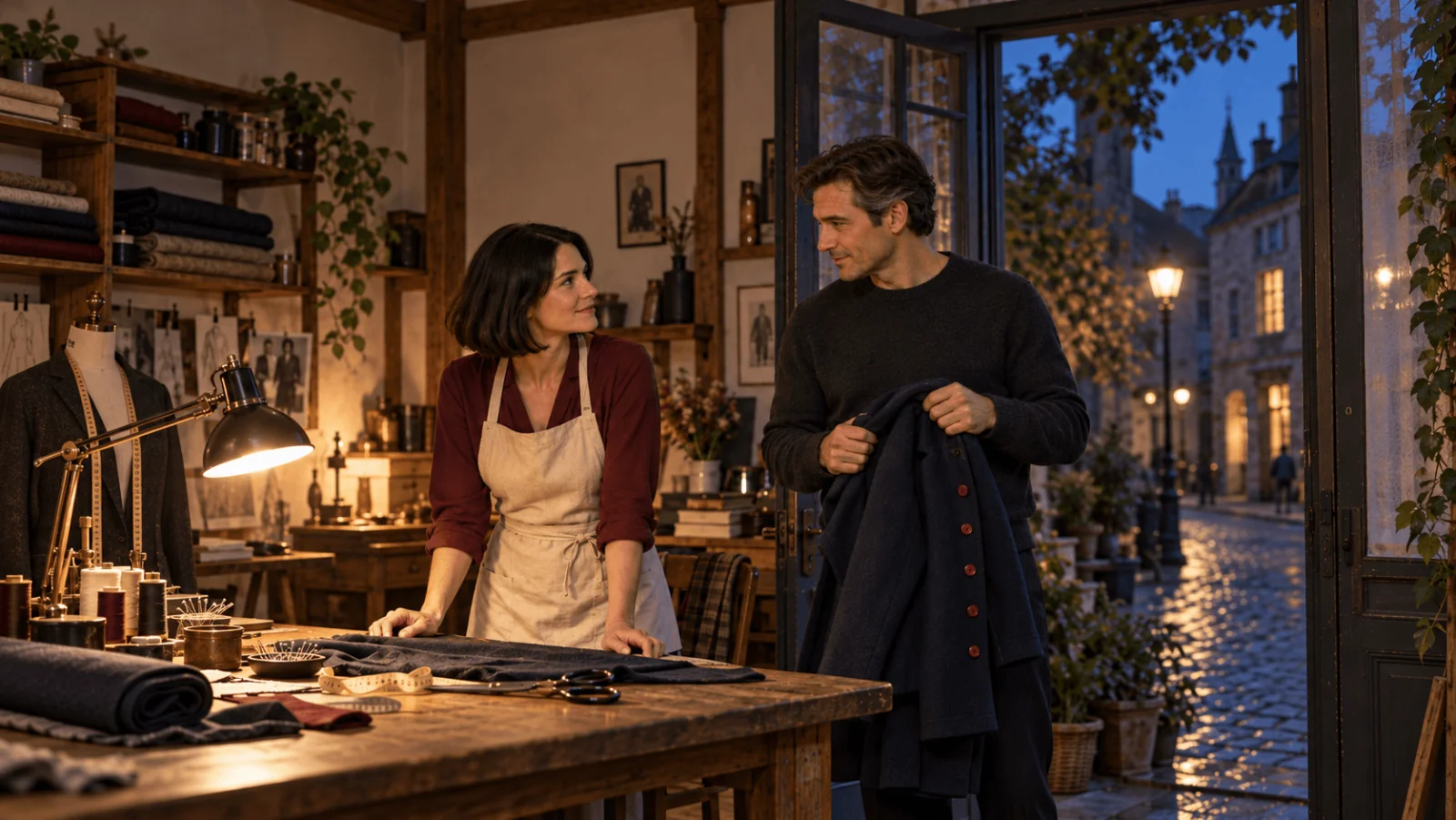
Use image-to-video when you have an approved opening frame, reference-to-video when separate images supply the character, outfit, object or location, and text-to-video when you have only words. All three cost $0.14 per second at 720p or $0.18 at 1080p, so a five-second clip is $0.70 or $0.90 and the choice is about control, not price. Image-to-video and reference-to-video are uncensored endpoints; text-to-video is filtered.
Which task to send
| What you have | Model ID and required inputs | Choose it when | Limit to plan around |
|---|---|---|---|
| A written scene | alibaba/happyhorse-1.1/text-to-video; prompt | You are still settling framing, light and pacing, or need a specific aspect ratio fast | Face, wardrobe and framing are left to the model, so reruns drift |
| One approved still | alibaba/happyhorse-1.1/image-to-video; prompt, image_url | The clip must match an image that already exists | No aspect-ratio field (the image sets the shape) and no closing frame, so the action has to resolve on its own |
| One to nine images with different jobs | alibaba/happyhorse-1.1/reference-to-video; prompt, reference_image_urls | You are combining a character, outfit, prop and location, or reusing a cast across shots | One job per image; images only, no video or audio references |
All three take a prompt of 1 to 2,500 characters, duration_seconds from 3 to 15 (default 5) and resolution of 720p (default) or 1080p. A clip costs $0.42 to $2.10 at 720p and $0.54 to $2.70 at 1080p across that range, so draft at 720p and re-run the take you like at 1080p; the new run draws a new take even with the same wording.
- Aspect ratio: text and reference tasks take a ratio; image-to-video follows your image, so crop it first.
- Seed: image and reference tasks only. Hold it fixed while you change one thing at a time.
- Sound: always generated, no audio-off field; mute or replace it in your editor.
- Not accepted:
last_image_urlandnegative_prompt.
Image size, reference size and upload limits are on each model page.
Adult content depends on the task
Based on our September 2026 tests, image-to-video delivered every adult category we tried, from suggestive scenes to the highest-intensity ones, so an adult character image is the safest starting point. Reference-to-video is uncensored as well. Text-to-video passed lighter prompts but rejected higher-intensity ones outright instead of toning them down. If a scene has to reach the model unaltered, build it from an image. HappyHorse 1.1 NSFW tests lists the results by category.
Try it in the Playground first
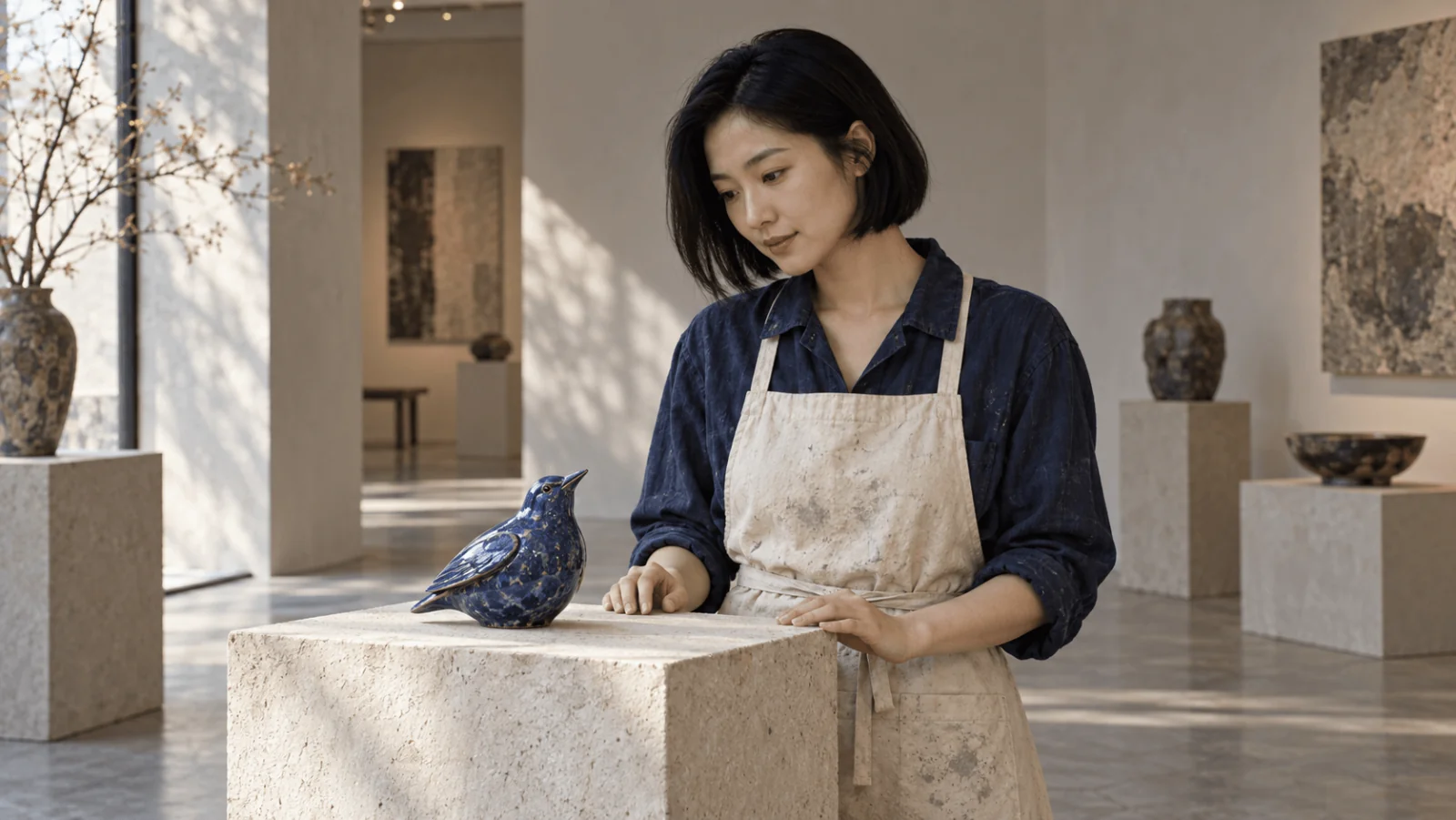
Example: animate a portrait of a fictional 35-year-old ceramic artist in an indigo shirt and cream apron, holding one blue ceramic bird just above a pedestal, with both hands and the pedestal inside the frame.
- Open the image-to-video page, stay on the Playground tab in Form view and sign in to run.
- Under Input image, drop your own authorized portrait (JPG, PNG, WEBP or GIF, up to 10 MB) or paste its Asset URL.
- Paste the prompt below, or open it pre-filled:
Run this prompt on HappyHorse 1.1 →. It describes only what changes after the frame; the image already fixes the artist, the bird and the room.
- Set Resolution to 720p and Duration to 5, then run. At 720p this costs $0.70, and three attempts cost $2.10; at ten seconds and 1080p each attempt costs $1.80.
- Keep the take you like and re-run it at 1080p.
For references, open the reference-to-video page, add the images under Reference images in a fixed order and number them in the prompt as [Image 1], [Image 2] and [Image 3], naming what each one contributes. Give each reference image one job: several photos of the same subject get averaged rather than reconciled, and nine slots are a ceiling, not a target. For words only, use the text-to-video page, where Aspect ratio is available, and describe the artist, bird and gallery in the prompt.
Then run it from code
Install the Python SDK (pip install spicyapi), set SPICY_API_KEY in your server environment, and run:
import uuid

from spicyapi import SpicyClient, output_assets

client = SpicyClient()  # reads SPICY_API_KEY from the environment

frame = client.upload_file("./opening-frame.png")  # becomes a spicy:// URI

task = client.create_task(
    model="alibaba/happyhorse-1.1/image-to-video",
    input_data={
        "image_url": frame["uri"],
        "prompt": "One continuous medium shot. The adult artist gently lowers the blue ceramic bird "
                  "onto the pedestal, releases it, draws both hands back and pauses. "
                  "Keep the camera still. Quiet gallery ambience and one soft ceramic contact sound. "
                  "No cuts or added people.",
        "duration_seconds": 5,
        "resolution": "720p",
        "seed": 240103,
    },
    idempotency_key=str(uuid.uuid4()),  # new key per new request; reuse only to retry the same one
)

print("Resume task:", task["taskId"], flush=True)
final = client.wait_for_terminal(task["taskId"])
if final["state"] != "succeeded":
    raise RuntimeError(f"Task {task['taskId']} ended as {final['state']}")
assets = output_assets(final)
if not assets or any(a.get("pending") or a.get("unavailable") or not a.get("url") for a in assets):
    raise RuntimeError(f"Task {task['taskId']} has no ready output; check this task before a new run")
print(assets[0]["url"])
For reference-to-video swap the model and use reference_image_urls; text-to-video takes only the prompt, aspect_ratio, duration_seconds and resolution. Waiting, errors and retries are in the tasks guide and the Python SDK reference.
Or let an Agent run it
When an assistant should run the clips, the CLI, the MCP server and the Agent Skill all read the live schema, and CLI and MCP show the price and ask you to confirm before a paid call. With the same input object in input.json:
npx @spicyapi/cli tasks create --model alibaba/happyhorse-1.1/image-to-video --input-file input.json --waitThrough MCP, ask: "Animate ./opening-frame.png with HappyHorse 1.1 image-to-video"; the assistant calls spicyapi_upload_file then spicyapi_task_create. npx skills add spicyapi-ai/spicy-skill installs the Skill.
Fix the specific failure
| Symptom | Next action |
|---|---|
Unknown aspect_ratio on image-to-video | Remove the field and crop the opening image to the intended shape before upload |
Unknown seed on text-to-video | Remove seed; this task does not expose it |
invalid_asset on an image | The URL returned a web page; upload the file and use its spicy:// URI |
| Wrong final pose despite a good first frame | Simplify the action; there is no closing-frame input to pin the ending |
| Object merges with a hand | Shorten the movement and keep the camera still |
| Night scene becomes daylight | Keep one time of day, name the visible lamp or moonlight, and remove sunrise or time-passing cues; inspect the full clip |
| Placement finishes after the clip ends | Remove any walk-in from the prompt, or raise the duration from 5 to 7 seconds ($0.98 at 720p) |
| Reference faces or objects blend | Give each image one subject and name that subject next to its [Image N] tag |
| Good picture, unwanted soundtrack | Mute or replace the track in your editor; there is no audio-off parameter |
content_rejected | The task's filter declined the request; changing duration or resolution will not help. Text-to-video is the filtered task, so an opening frame on image-to-video is the alternative |
Settle framing with cheap 720p drafts, then lock the approved frame or reference set and re-run for delivery. Plan one readable event per 5-second clip: higher resolution enlarges a malformed interaction, it does not repair it.