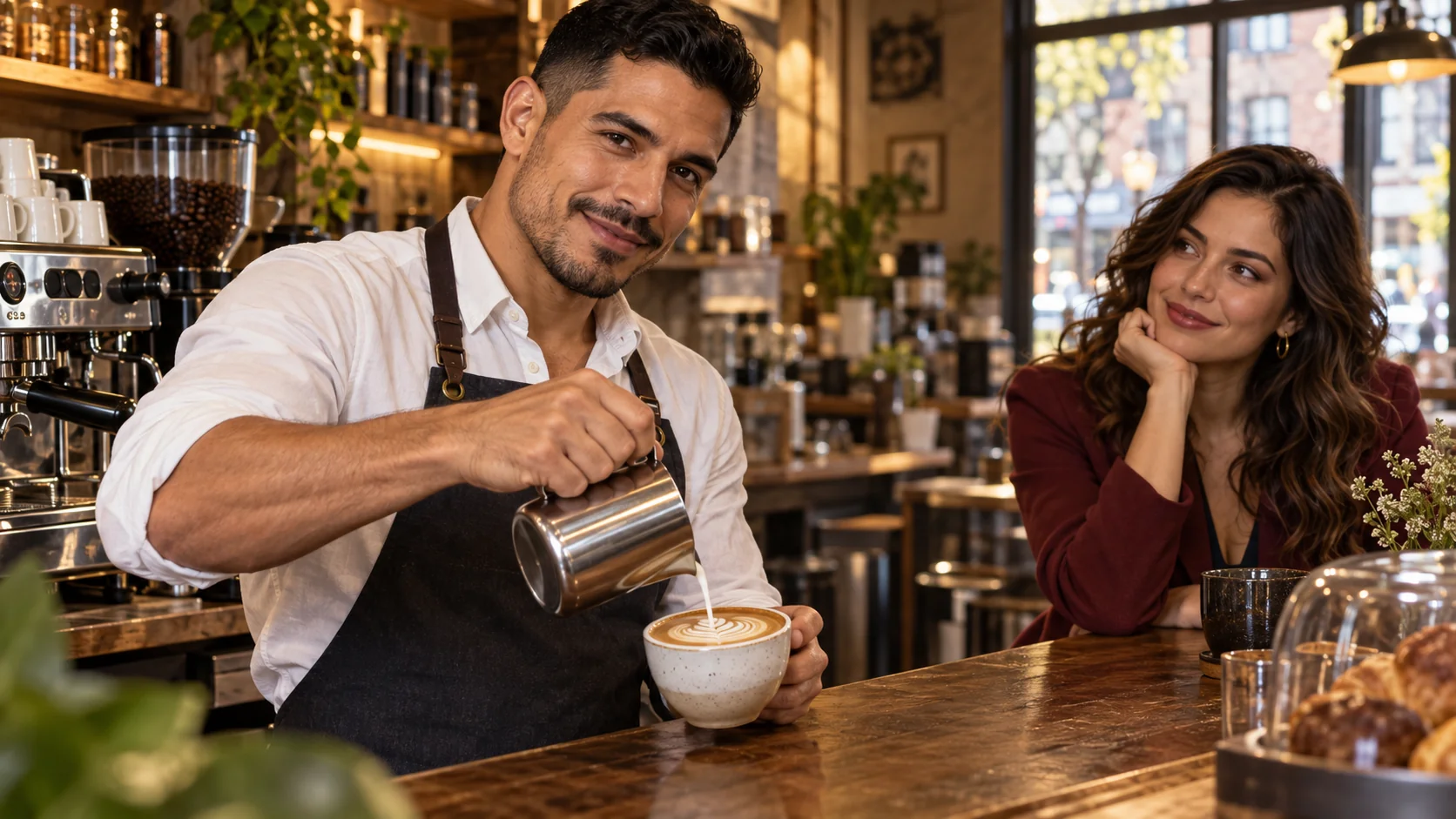
Wan 2.2 LoRA now takes a written scene on its own: one prompt returns a 5 or 8 second clip at 480p or 720p, in landscape or portrait, with up to three LoRAs in each of three slots. In our tests on 5 October 2026 every one of the four size combinations we ran came back at the exact pixel size requested, the camera instruction at the end of the prompt was followed in every clip, and the endpoint stayed uncensored: no refusals and no substituted clips. Its limits are plain too: no audio, no square shape, nothing above 720p, and the strongest tier of our content ladder came back softened.
Until today the Wan 2.2 LoRA family had one endpoint, image to video, which animates a picture you supply. The new text-to-video endpoint needs no picture at all. This article covers what we measured, how the three LoRA slots behave, the prompts that worked, and when to choose it over its sibling. Every prompt we print is an everyday or glamour scene with clothed adults; that is enough to learn the controls.
At a glance
| Question | Answer (tested 5 October 2026) |
|---|---|
| Model | Wan2.2-T2V-A14B from Alibaba's Tongyi Wan team, released as open weights on 28 July 2025 |
| API model name | alibaba/wan-2.2-lora/text-to-video |
| Required input | prompt only |
| Shapes | aspect_ratio 16:9 (default) or 9:16 |
| Resolution | 480p (default) or 720p |
| Length | 5 s (default) or 8 s; any other value is rejected, never rounded |
| LoRA slots | loras (both experts), high_noise_loras, low_noise_loras: up to 3 entries each, scale 0 to 4 |
| Also available | negative_prompt, seed (in our tests the same seed and inputs gave an identical file; not guaranteed) |
| What comes back | MP4, H.264, 30 fps, no audio track, one clip per request |
| Speed in our tests | 480p, 5 s: about 65 to 75 s; 480p, 8 s: about 80 s; 720p, 5 s: about 110 to 150 s; a LoRA adds 5 to 15 s |
| Not available | Audio, square or 4:3 shapes, 1080p, frame rate, steps, guidance, prompt expansion |
| Billing | Per second of video at the chosen resolution; aspect ratio does not change it; loading LoRAs adds no separate charge; failed requests are not charged |
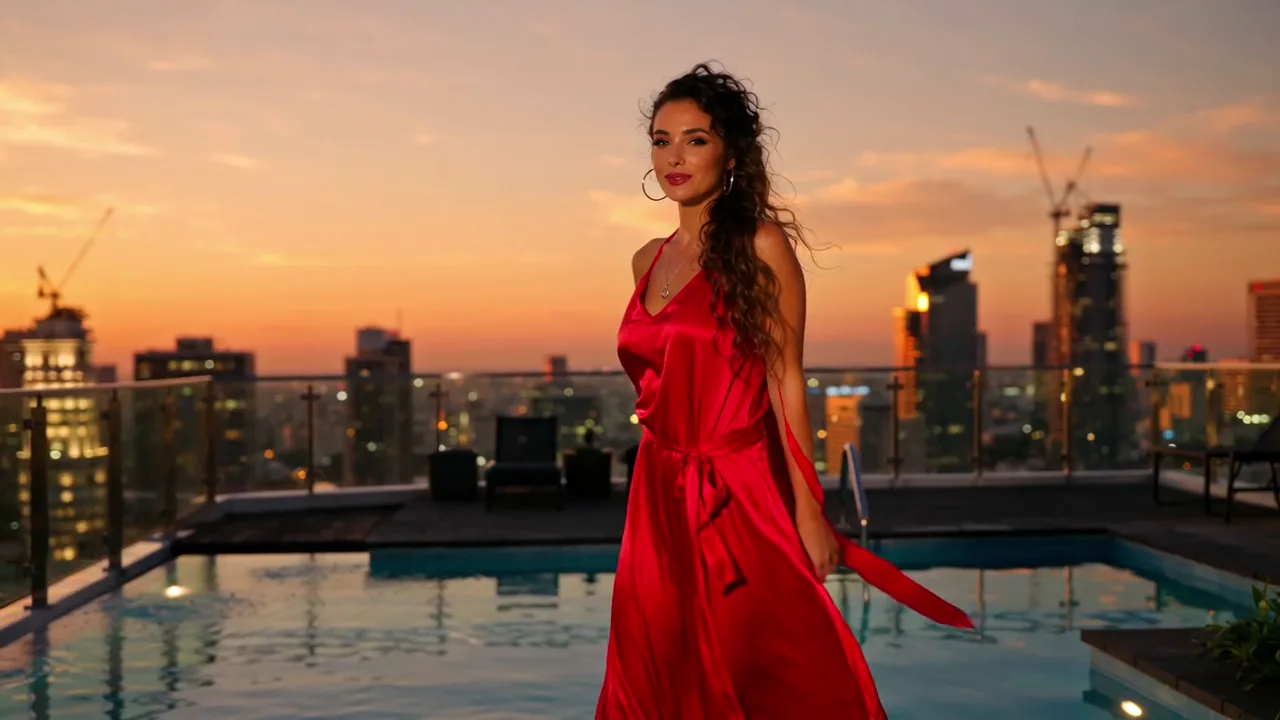
Wan 2.2 LoRA text to video, 720p, 16:9, 5 s, seed 20261005, no LoRA, with a negative prompt. First frame of the clip; the prompt is printed below.
What the model is
Wan 2.2 is a video diffusion model from Alibaba's Tongyi Wan team. The text-to-video build is a Mixture-of-Experts design with two experts of about 14 billion parameters each. Only one runs at a time: the high-noise expert handles the early denoising steps and settles the layout and the motion, and the low-noise expert takes over for the later steps and refines detail. That split is the reason this endpoint has three LoRA slots instead of one.
The publisher says it trained on curated data labelled for lighting, composition, contrast and colour tone, with far more material than Wan 2.1 (65.6% more images and 83.2% more videos), and that it supports 480P and 720P. In our runs that showed up as photoreal people and skin, warm low-light interiors, golden hour, neon and rain, and slow dolly, push-in and orbit camera moves. Plain English sentences worked well. We never needed tag soup.
What changes next to image to video
Both endpoints share the same LoRA fields and the same 5 or 8 second lengths. The differences decide which one you reach for:
| Image to video (existing) | Text to video (new) | |
|---|---|---|
| Endpoint page | Image to video | Text to video |
| Required input | prompt and image_url | prompt |
| Who sets the look | Your opening frame: subject, outfit, set and shape | The prompt, plus the seed |
| Shape | Follows the opening frame | 16:9 or 9:16 |
| Negative prompt | No | Yes |
| Price per second | Lower | Higher; the two are priced separately, so check the live price on each page |
The practical rule: if a face, an outfit or a product must match something you already have, use image to video. If you are exploring a scene, a mood or a camera move and do not care which adult appears, use text to video. A good workflow is to explore with text to video, pick the best frame, and then continue from that frame on the sibling endpoint.
Sizes, lengths and what actually comes back
We ran all four size combinations and both lengths. Every request returned exactly the pixel size asked for:
aspect_ratio and resolution | Output size | 5 s request | 8 s request |
|---|---|---|---|
| 16:9, 480p | 832 x 480 | 161 frames, 5.37 s | 247 frames, 8.23 s |
| 9:16, 480p | 480 x 832 | 5.37 s | not run |
| 16:9, 720p | 1280 x 720 | 5.37 s | not run |
| 9:16, 720p | 720 x 1280 | 5.37 s | not run |
Two details worth knowing. The clips run slightly longer than requested because of frame interpolation: a 5 second request gave 5.37 seconds and an 8 second request gave 8.23 seconds. And the output is silent. If the clip needs sound, add it afterwards.
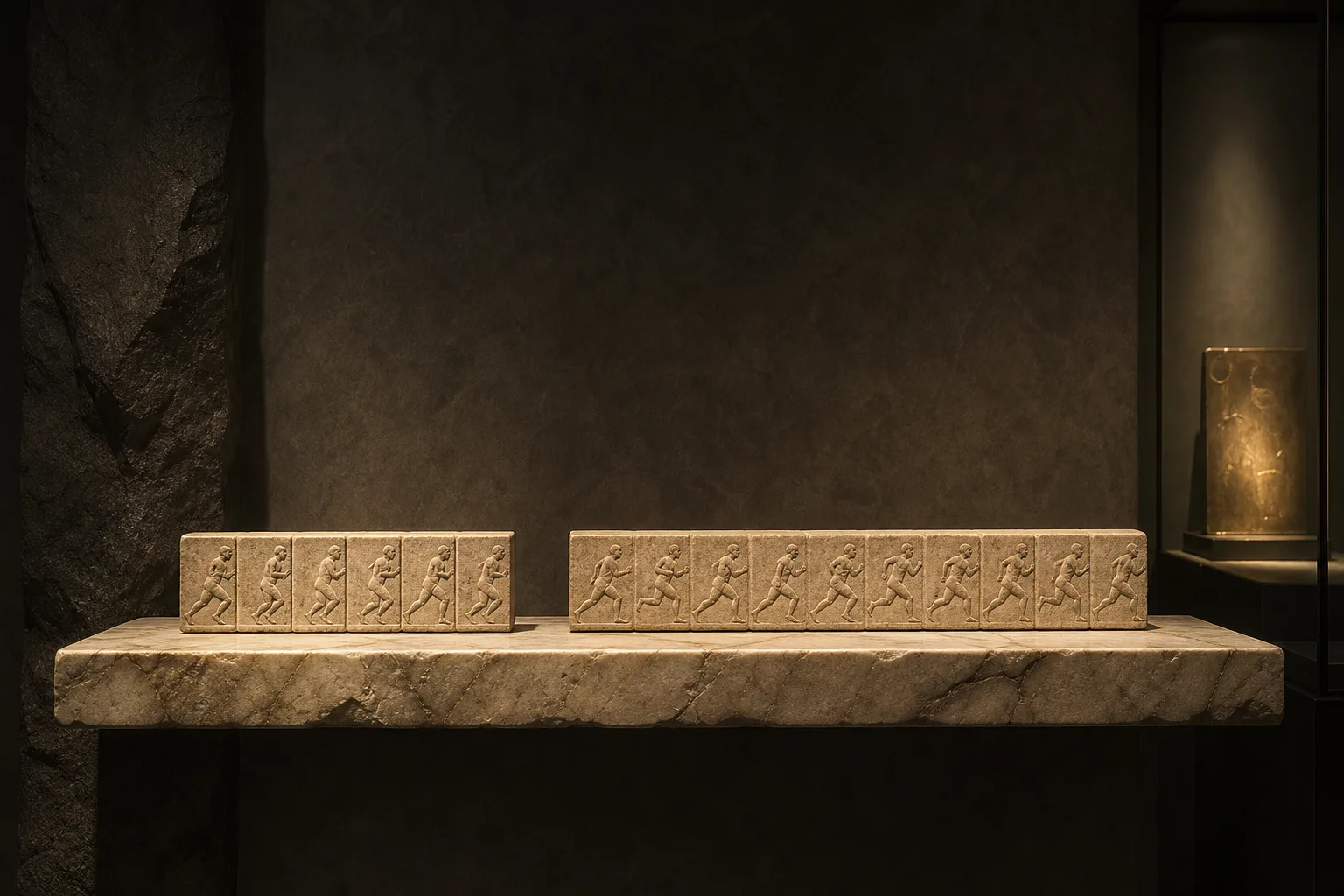
Illustration from the model's landing art, not a test clip: the two lengths, 5 seconds on the left and 8 on the right.
Our rule of thumb for resolution: draft at 480p, because it is the default, it finishes in about a minute, and the composition you see is the composition you will get at 720p. Move to 720p for the final render. For length: 5 seconds is enough for one action and one camera move; choose 8 only when the action has a beginning, a middle and an end.
Prompts that worked
The structure that never failed us has four parts in one paragraph: who, what they do, the light, and the camera move last. Everything below used adults and everyday or glamour settings.
Rooftop at dusk (16:9, 720p, 5 s, seed 20261005):
{
  "model": "alibaba/wan-2.2-lora/text-to-video",
  "prompt": "An adult woman in her late twenties in a red silk slip dress walks slowly along the edge of a rooftop infinity pool at dusk, the city skyline glowing orange behind her; she stops, looks back over her bare shoulder at the camera and smiles. Warm golden-hour light, slow dolly tracking shot, cinematic, shallow depth of field.",
  "negative_prompt": "blurry, low quality, distorted hands, extra fingers, text, watermark, logo",
  "aspect_ratio": "16:9",
  "resolution": "720p",
  "duration_seconds": 5,
  "seed": 20261005
}
The silk, the skyline reflections and the warm light all arrived, and the woman kept the same face and dress through the whole clip. The strip below shows four frames across the five seconds:
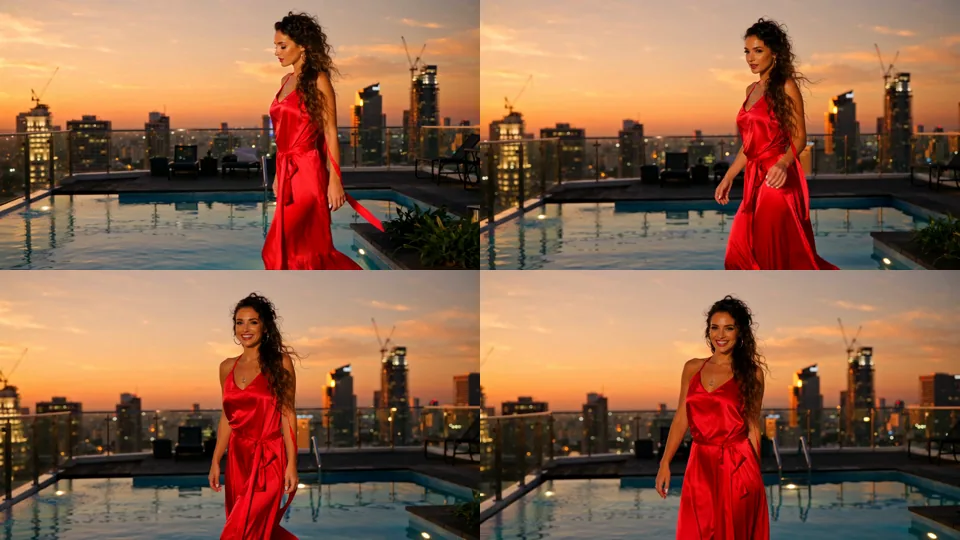
Frames at about 0.1, 1.8, 3.6 and 5.2 seconds of the rooftop clip. The walk, the turn and the tracking move all happen as written.
Neon rain portrait (9:16, 720p, 5 s, seed 32):
{
  "model": "alibaba/wan-2.2-lora/text-to-video",
  "prompt": "An adult man in his thirties in an open white linen shirt, soaked by rain, stands beneath bare pink and teal neon light tubes in a narrow alley at night, no signs or lettering anywhere, pushes his wet hair back with one hand and looks straight into the camera. Raindrops glittering in the light, slow push-in, cinematic, shallow depth of field.",
  "aspect_ratio": "9:16",
  "resolution": "720p",
  "duration_seconds": 5,
  "seed": 32
}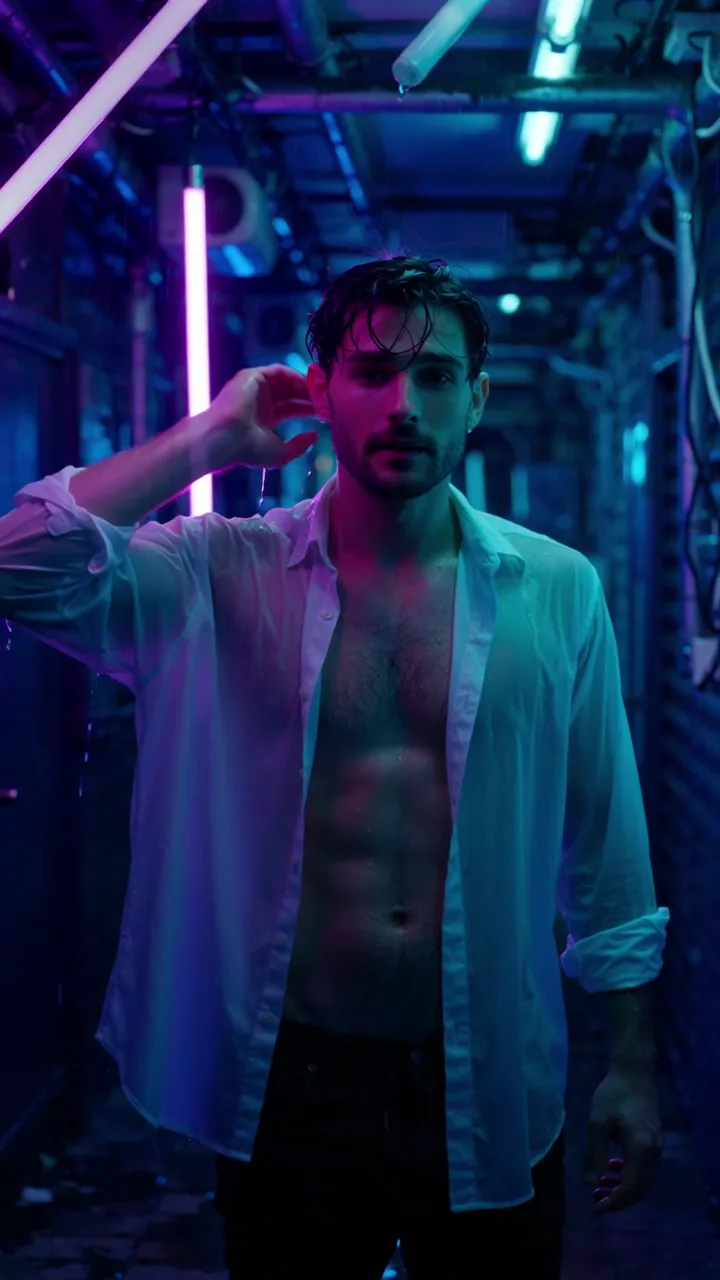
Portrait 720p, 5 s, seed 32. Poster frame; the hair push-back and the slow push-in both happen on screen.
Note the phrase "no signs or lettering anywhere". Our first version of this prompt had a neon sign in the background, and the model drew garbled letters on it. We rewrote the scene around bare light tubes and the problem disappeared. Wan 2.2 does not reliably spell, so give it a scene with nothing to spell.
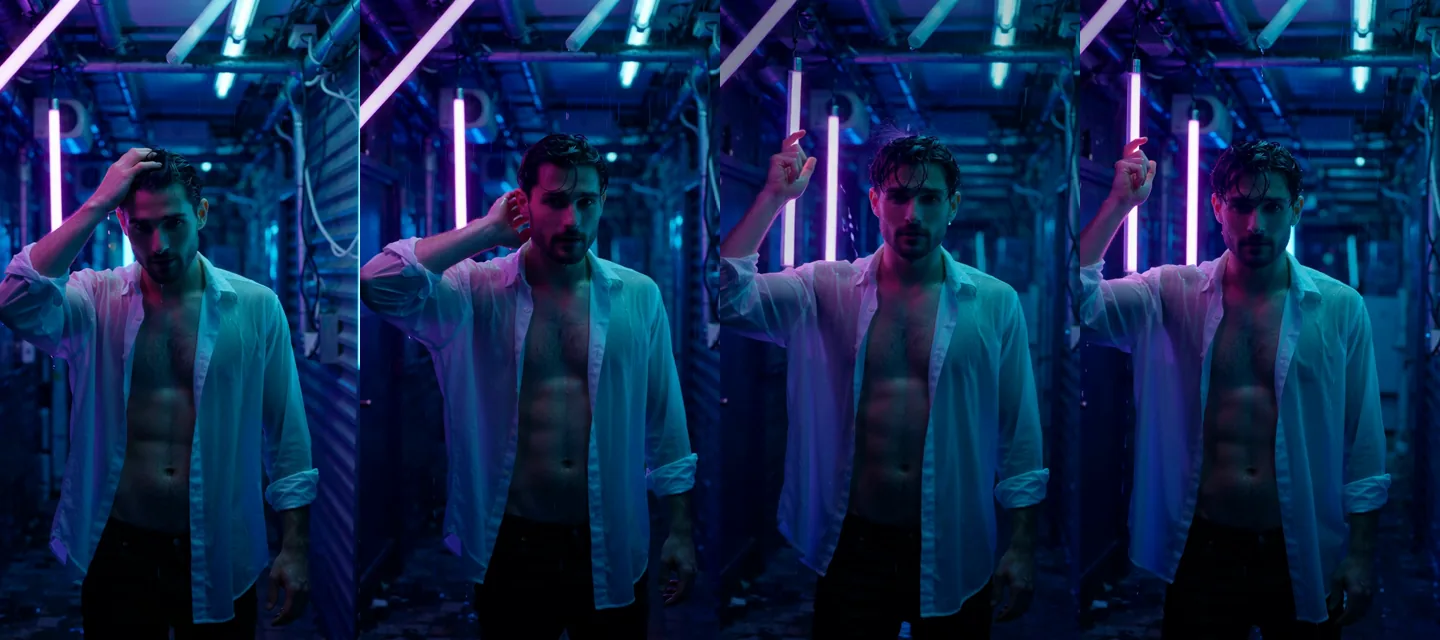
Frames at about 0.1, 1.8, 3.6 and 5.2 seconds of the portrait clip. The face and the shirt stay consistent from first frame to last.
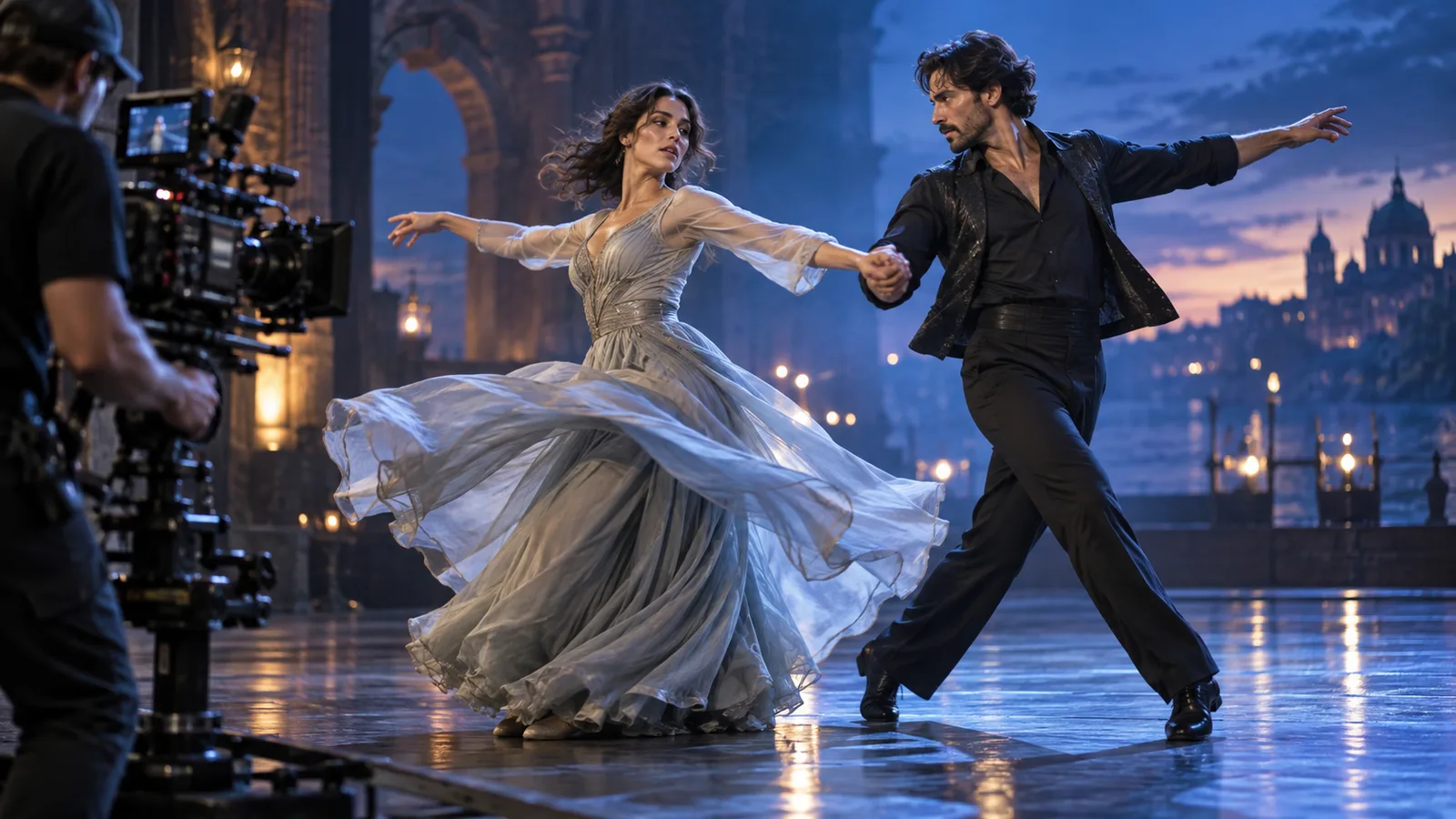
Candlelit tango (16:9, 720p, 5 s, seed 47): "Two adults in their thirties dance a slow tango in an empty candle-lit ballroom: she wears a backless black evening gown with a high slit, he wears a dark suit with an open collar; he dips her low and their faces almost touch. Warm candlelight, reflections on the polished floor, slow orbiting camera, cinematic."
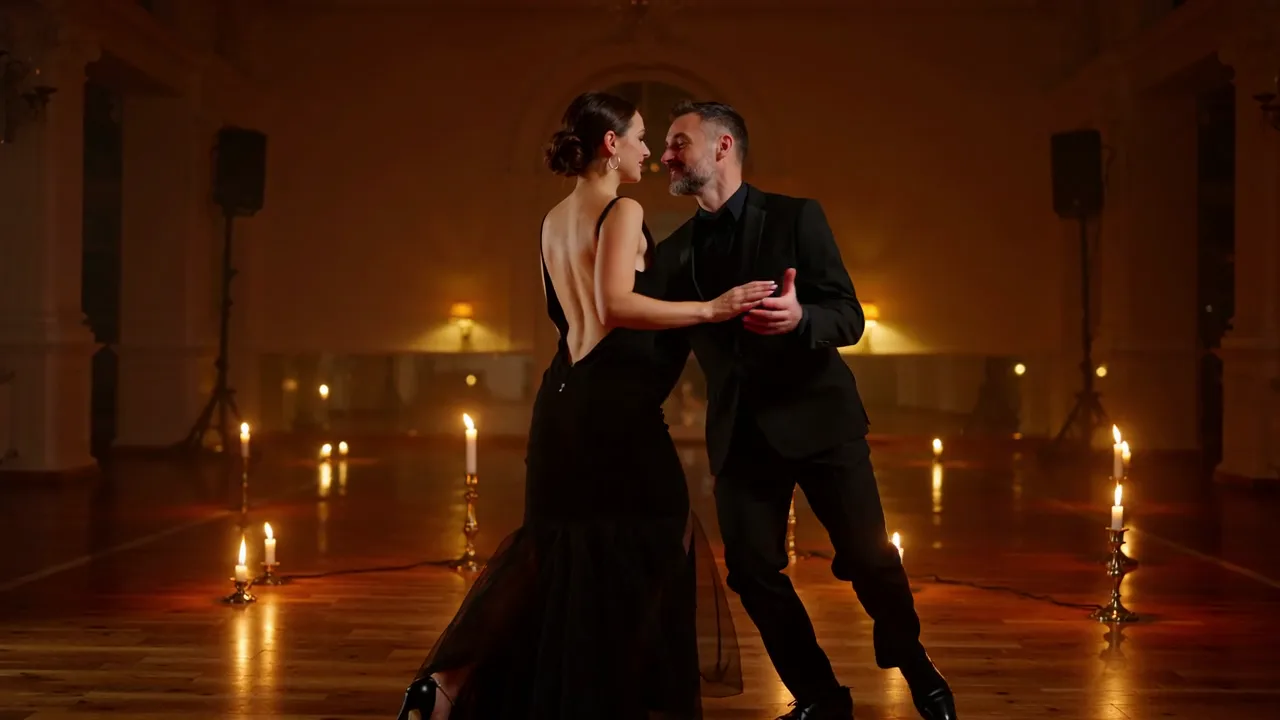
Tango clip, 16:9, 720p, 5 s, seed 47. Poster frame from the published example.
Two-person staging is where video models usually come apart, and this one held together better than we expected. The frames below show the pair drifting closer and ending in the dip. The candle reflections on the floor stay put as the camera orbits.
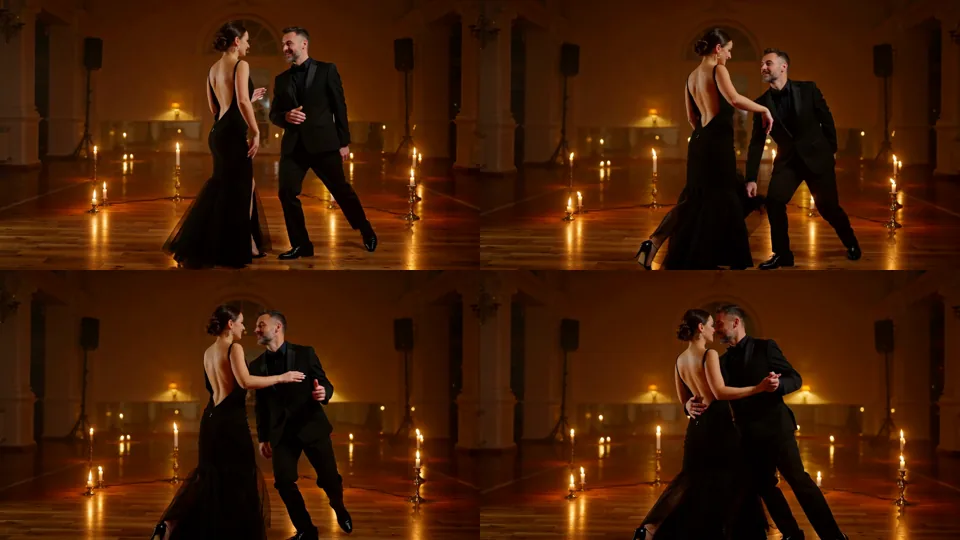
Frames at about 0.1, 1.8, 3.6 and 5.2 seconds of the tango clip.
Habits that paid off across all our runs:
- Say "adult" and give an age band. It keeps the casting sensible and it is the house rule for everything we publish.
- Put the camera instruction last. "Slow dolly tracking shot", "slow push-in" and "slow orbiting camera" were each followed in the clip they appeared in.
- Ask for one action per clip. A walk and a turn fit in five seconds; a story does not.
- Use the negative prompt for artefacts, not for taste. "Blurry, low quality, distorted hands, extra fingers, text, watermark, logo" is a sensible default; the neon clip ran without one.
- Fix the seed while you iterate. In our tests the same seed and the same inputs gave an identical file, so a fixed seed makes it easier to see what your change did. It is a test observation, not a guarantee.
The three LoRA slots, and when to use which
Here is where the endpoint differs from a plain Wan 2.2 call. Each slot takes up to three entries of the form {path, scale}, where path is a direct HTTPS link to a .safetensors file and scale runs from 0 to 4 (default 1).
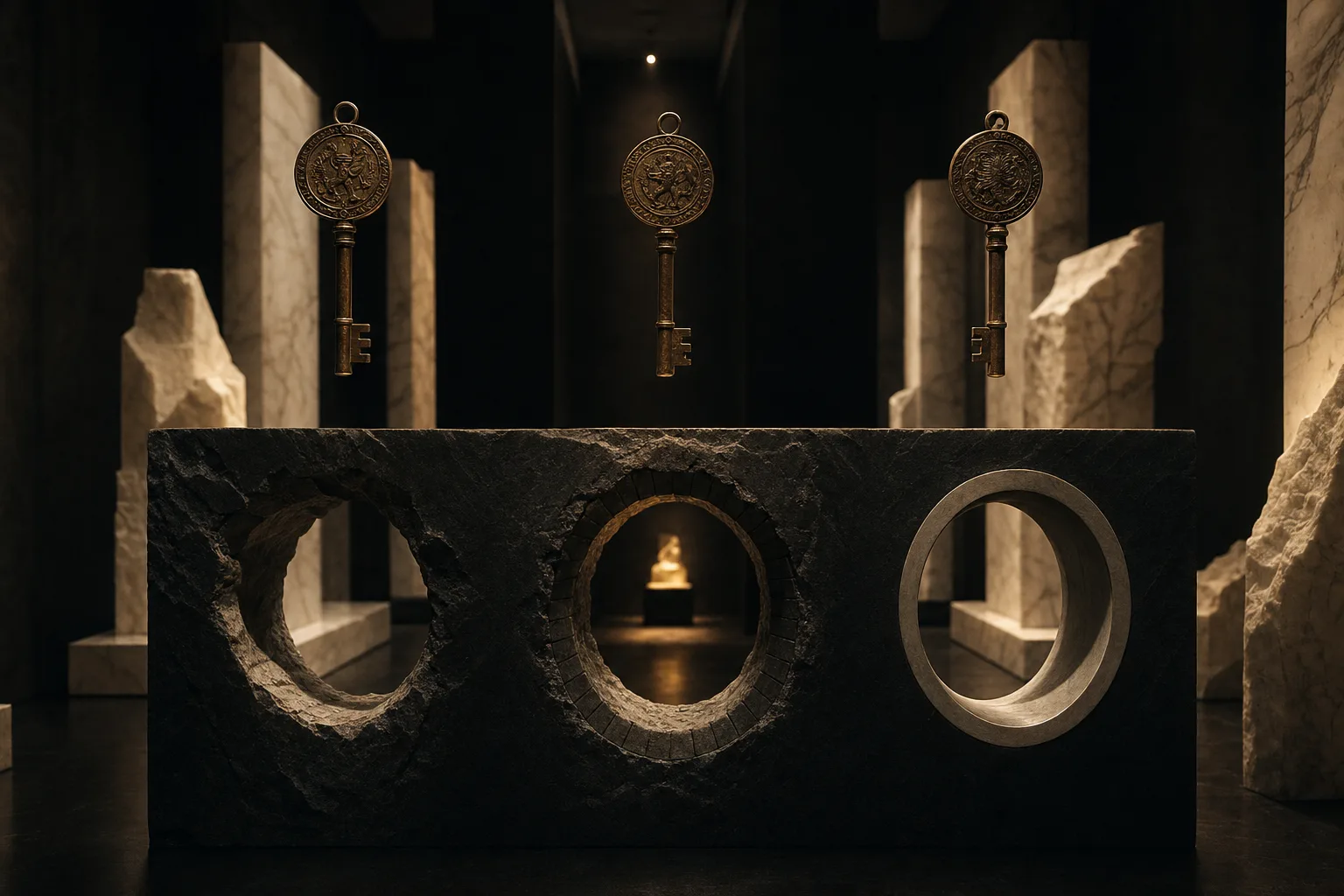
Illustration from the model's landing art, not a test clip: three keys, three openings, one for each slot.
| Slot | Reaches | Use it for |
|---|---|---|
high_noise_loras | The high-noise expert only | Layout and motion: a camera move, a type of action, the overall composition |
low_noise_loras | The low-noise expert only | Detail and texture: skin, fabric, film grain, rendering style |
loras | Both experts | A single-file LoRA, or when you want one file to act on both stages |
Most Wan 2.2 LoRAs on Hugging Face and Civitai are published as a pair: a high_noise file and a low_noise file. Put each in its own slot. A LoRA released as one file goes in loras. If a card says nothing about which stage a file targets, start with loras and then test the file alone in each specialised slot. For the reasoning behind that choice, and a longer test routine built on the image-to-video endpoint, read our guide to the high-noise and low-noise slots; this article only reports what text to video did.
What we saw with a LoRA trained for this exact base (Wan2.2-T2V-A14B), loaded into both specialised slots with the seed held fixed:
| Run (same prompt, same seed 7, 480p, 16:9, 5 s) | Result against the no-LoRA clip |
|---|---|
| No LoRA | Baseline |
| Matching pair, scale 0.5 | Same composition, small change in face shape and hairstyle |
| Matching pair, scale 1 | Larger change: shorter hair, a different face |
Low-noise file only, in loras (both experts), scale 1 | Also changed the person |
| A LoRA trained for a different base model | Byte-identical to the no-LoRA clip |
The last row is the one to remember. A LoRA built for another base model produced exactly the same file as no LoRA at all: no error, no warning, no effect. The slot accepted it and simply nothing happened. So always compare against a no-LoRA run at the same seed before you conclude that a LoRA works, or that your scale is too low. The appearance LoRA we used changed the person more than the style, which is why we show the effect in a table and not as a gallery: it proved that loading is real and that the effect grows with scale, but it is not a showcase file.
Loading adds no separate charge, and in our runs it added 5 to 15 seconds of model time.
When a LoRA link fails
Two mistakes cost us a run each, and both are easy to avoid:
- A link that needs a login. A gated repository fails with a message saying the server returned HTTP 401 and asking you to check that the URL is publicly accessible. Use a public file or a signed link.
- A repository page instead of the file. Pasting the model page instead of the
resolve/main/...safetensorslink gave a generic "the job failed unexpectedly" message. It is not very descriptive, so if you see it with a LoRA attached, check the link first.
Requests that break the limits never start any work: a fourth entry in one slot, a scale above 4, a duration other than 5 or 8, or an empty prompt is rejected up front.
How far it goes
The platform adds no content filter, and what a model draws is up to the model. We ran one clip at each tier of our content ladder, 5 October 2026, one run per tier, and looked at every frame sheet. The levels use the same names as our other reviews:
| Level | What we asked for | Result |
|---|---|---|
| L1 Suggestive | Lingerie, a slipping strap | Delivered |
| L2 Partial | Partial exposure | Delivered |
| L3 Full | Fully revealing, a woman and a man | Delivered |
| L4 Intense | An intimate scene between two adults | Softened: the scene is drawn, but not in full |
| L5 Extreme | Consensual restraint between adults; cinematic gore | Restraint delivered; gore softened to a few cuts and marks |
No run was refused and no clip was swapped for a different one. Read the L4 and gore rows honestly: the model reaches a long way, and then it calms down. If your use case lives at the top of the ladder, plan for it to fall short. This is one run per tier, so treat the table as a first read, not a guarantee. our Wan 2.2 LoRA review has the longer record across earlier dates.
Where it falls short
- Silent video. There is no audio track and no audio option.
- Two shapes only. 16:9 and 9:16. For a square post, crop afterwards.
- 720p is the ceiling. There is no 1080p tier.
- Fixed lengths. Exactly 5 or 8 seconds. We asked for 6 and got a rejection, which is better than a silent rounding.
- Controls are few. No frame rate, steps, guidance or prompt expansion. You steer with words, the seed, the negative prompt and LoRAs.
- Text in the frame is unreliable. See the neon example above.
- Slower than a still. A 720p, 5 second clip took about two minutes of model time in our runs, so plan batches with that in mind.
- A thin test base. We ran one clip per ladder tier and a handful of LoRA comparisons. We did not test the extremes of the seed range, what a negative prompt does to content, or a run with all nine LoRA entries loaded.
Which endpoint should you use
| You want... | Use | Why |
|---|---|---|
| To explore a scene, a mood or a camera move | Text to video | One sentence in, no source picture needed |
| A specific face, outfit or product to carry through | Image to video | The opening frame fixes the look |
| A portrait clip for a phone | Text to video, 9:16 | The shape is set by a parameter, not by cropping |
| A cheaper first draft | Text to video, 480p, 5 s | Draft at the lowest tier, then re-run the keeper at 720p |
| A composition to compare against | Either, with a fixed seed | In our tests the same seed and inputs gave an identical file |
| An effect from a community LoRA | Either, with the right slot | Pair files go in the high-noise and low-noise slots, single files in loras |
FAQ
Does Wan 2.2 LoRA text to video generate audio?
No. The output is an MP4 with a video track only, at 30 fps and no sound. Add music or speech in an editor after the clip is made.
What is the difference between the high-noise and low-noise LoRA slots?
The high-noise slot reaches the expert that sets layout and motion, and the low-noise slot reaches the expert that refines detail and texture. Use loras to apply one file to both. Most Wan 2.2 LoRAs are published as a high-noise and low-noise pair, so each file goes in its own slot.
Why did my LoRA change nothing?
Most likely it was trained for a different base model. In our test, a LoRA built for another base produced a file byte-identical to the run without it, with no error. Check that the card names Wan 2.2 text-to-video, then compare against a no-LoRA run at the same seed.
What aspect ratios, resolutions and lengths does it support?
16:9 or 9:16, 480p or 720p, and exactly 5 or 8 seconds. Square, 4:3, 1080p and other lengths are not available, and a value outside the list is rejected, not rounded.
Can I get the same clip twice?
Often, but it is not guaranteed. In our tests the same prompt, seed and inputs returned an identical file; leave the seed out and every request is random.
Does a LoRA cost extra?
No. Billing is per second of video at the chosen resolution, and loading LoRAs adds no separate charge. The aspect ratio does not change the price, and failed requests are not charged. The live price is on the model page.
Is it uncensored?
The platform adds no content filter. In our ladder, levels L1 to L3 and consensual restraint between adults were delivered, and the most intense levels were softened. The details are in the table above.
Should I use text to video or image to video?
Use text to video when you are exploring and any suitable adult will do, and image to video when the face, outfit or setting must match a picture you already have. A common routine is to explore with text to video and carry the best frame over to image to video.