Introduction
FLUX.1 Schnell LoRA Text to image draws one image from a written prompt on FLUX.1 [schnell], Black Forest Labs' 12-billion-parameter model distilled to work in a handful of sampling steps, with up to three of your own LoRA files loaded. Its weights are Apache-2.0. FLUX.1 [dev] LoRAs load on it, and in our tests style LoRAs showed through at scale 1. The platform adds no content filter to the prompt, the weights or the image.
Choose a mode by starting material
| What you have | Mode |
|---|---|
| a written description | FLUX.1 Schnell LoRA Text to image |
| a picture to restyle or inpaint | FLUX.1 Schnell LoRA Image editing |
Key features & highlights
FLUX LoRAs at their normal scale
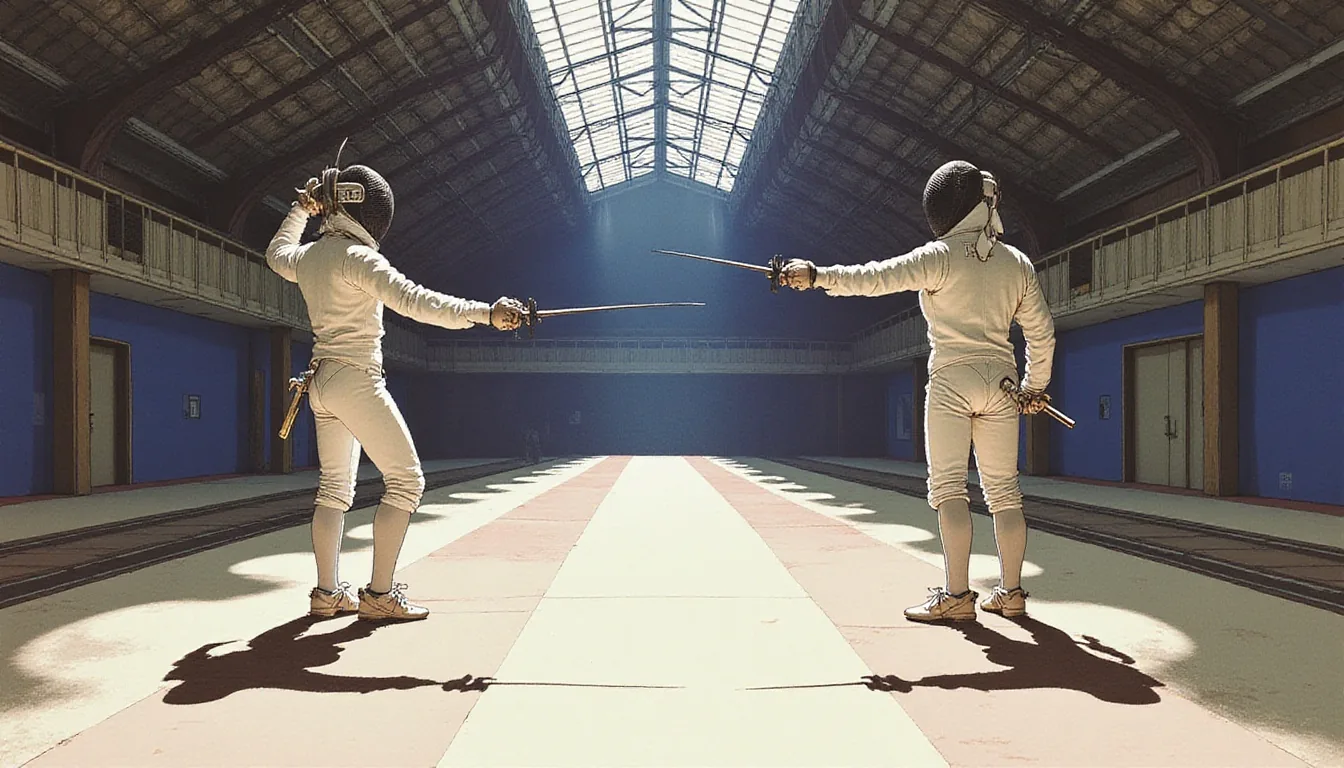
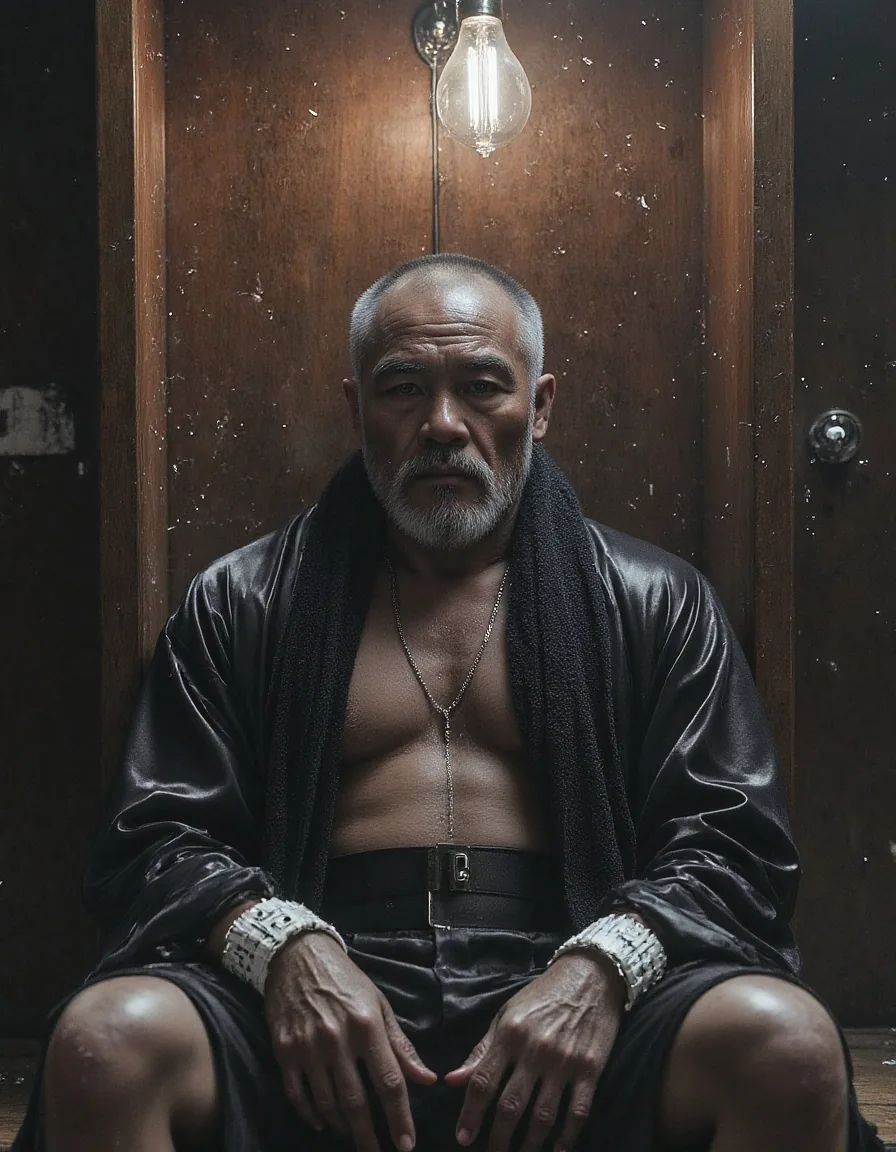
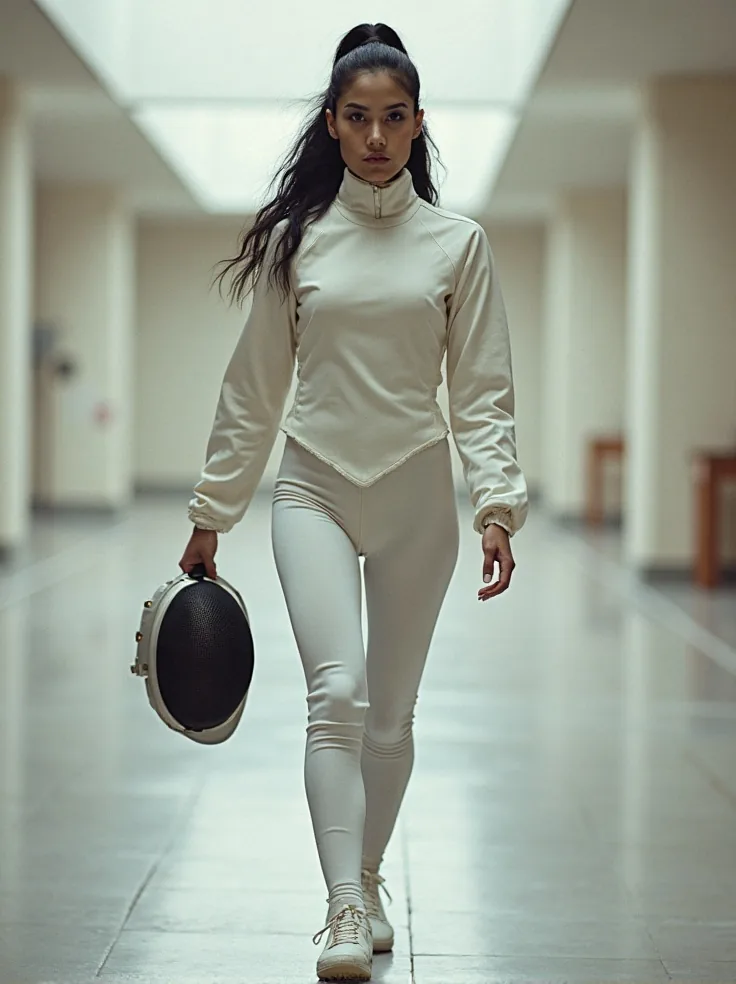
LoRAs built for FLUX.1 [dev] loaded here and took effect at scale 1 in our tests: an illustration LoRA redrew whole fencing-hall scenes in its style, and a Midjourney-style LoRA gave a polished editorial finish.
Three at once
Up to three LoRAs per request, each with a scale from 0 to 4. In our test a request with three stacked at 0.8, 0.6 and 0.3 ran normally.
Nine shapes
Nine aspect ratios of about one megapixel, from 21:9 (1536 x 640) to 9:21. Every one came back at exactly the requested size in our tests.
Uncensored with or without weights
Nothing is filtered. On its own the model delivered the Mild and Moderate levels; with an uncensored FLUX.1 [dev] LoRA it delivered the Strong level for women and men.
Request parameters
| Parameter | Required | Description |
|---|---|---|
prompt | Yes | Write the subject, clothing, place, light and lens in sentences. Put a LoRA's trigger phrase first. at least 1 characters · at most 5000 characters |
aspect_ratio | No | Nine shapes of about one megapixel, from 21:9 (1536 x 640) to 9:21; 1:1 by default. The ratio changes the shape, not the price. |
loras | No | Up to three {path, scale} entries trained for FLUX.1 [dev] or FLUX.1 [schnell]; scale 0 to 4, 1 by default. Style LoRAs showed at 1 in our tests. Default: |
output_format | No | JPEG by default, or PNG or WebP. The format does not change the price. |
seed | No | Keeps a set of images comparable while you change one LoRA or one sentence at a time. No seed means a random one. |
Pricing
$0.006 / image
Billed per image. The aspect ratio, the output format and loading LoRAs do not change the price.
Use cases
Stylised series at a low price per image
Load one style LoRA, keep its trigger phrase first and run a list of prompts; every image shares the look and costs the same flat price.
Testing LoRAs before a bigger run
Try a FLUX LoRA, its trigger and its scale here, then move the settings that work to a slower base.
Uncensored stills
Unfiltered LoRAs load without review and nothing is filtered on the way in or out.
Prompt guide & pro tips
No guidance or step controls
The model is distilled to run without them, so this endpoint has neither. Steer it with the prompt, the LoRA and its scale.
Write sentences
Describe subject, clothing, place, light and lens. Hard, named light ("a single hard top light", "chalk dust in the beam") renders well.
Start LoRAs at 1
Style LoRAs showed through at scale 1 here. Compare with scale 0 on the same seed; if the two images match, the file did not apply.
Watch for signatures
Some illustration LoRAs add a small painted signature in a corner on some seeds. Try another seed if one appears.
API quick start
# Generate the idempotency key once; reuse it when retrying after a lost response.
export SPICY_IDEMPOTENCY_KEY="${SPICY_IDEMPOTENCY_KEY:-$(uuidgen)}"
curl -X POST https://api.spicyapi.ai/api/v1/jobs/createTask \
  -H "Authorization: Bearer $SPICY_API_KEY" \
  -H "Content-Type: application/json" \
  -H "Idempotency-Key: $SPICY_IDEMPOTENCY_KEY" \
  -d '{
  "model": "black-forest-labs/flux-1-schnell-lora/text-to-image",
  "input": {
    "aspect_ratio": "1:1",
    "output_format": "jpeg",
    "prompt": "A ceramic teapot on a linen cloth, soft window light, muted palette"
  }
}'

# Copy data.taskId from the response into TASK_ID, then poll the status.
TASK_ID="TASK_ID_FROM_RESPONSE"
curl "https://api.spicyapi.ai/api/v1/jobs/recordInfo?taskId=$TASK_ID" \
  -H "Authorization: Bearer $SPICY_API_KEY"
See the API reference for authentication, the complete schema, polling, and error handling.