Introduction
FLUX.2 Klein Base 4B LoRA Image edit changes or combines up to three source images with a written instruction on Black Forest Labs' FLUX.2 [klein] Base 4B, the undistilled build, with up to three of your own LoRA files loaded. Keep the shape of your first image with auto, or choose one of nine ratios and a 1k or 2k size tier. One flat price per image, and nothing is filtered.
Choose a mode by starting material
| What you have | Mode |
|---|---|
| one to three pictures to change or combine | FLUX.2 Klein Base 4B LoRA Image edit |
| a written description only | FLUX.2 Klein Base 4B LoRA Text to image |
Key features & highlights
Restyle with the LoRAs you train
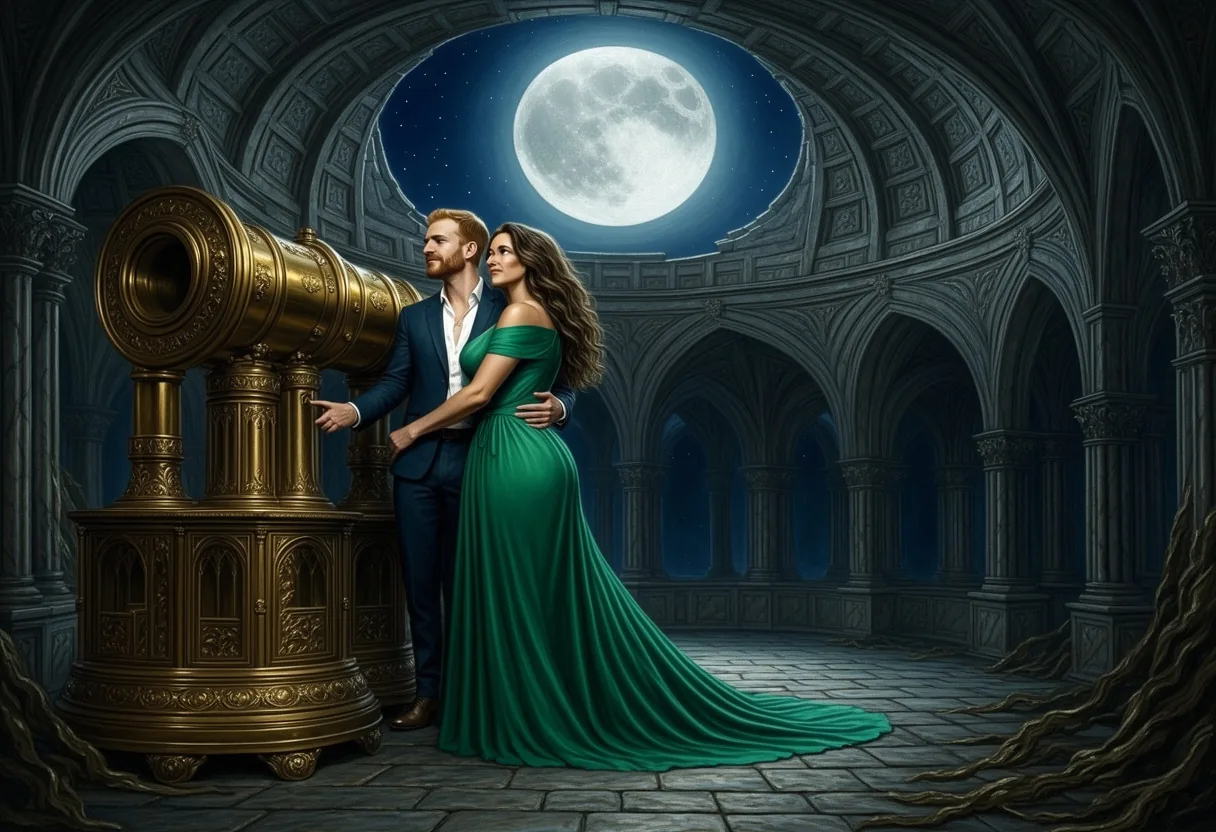
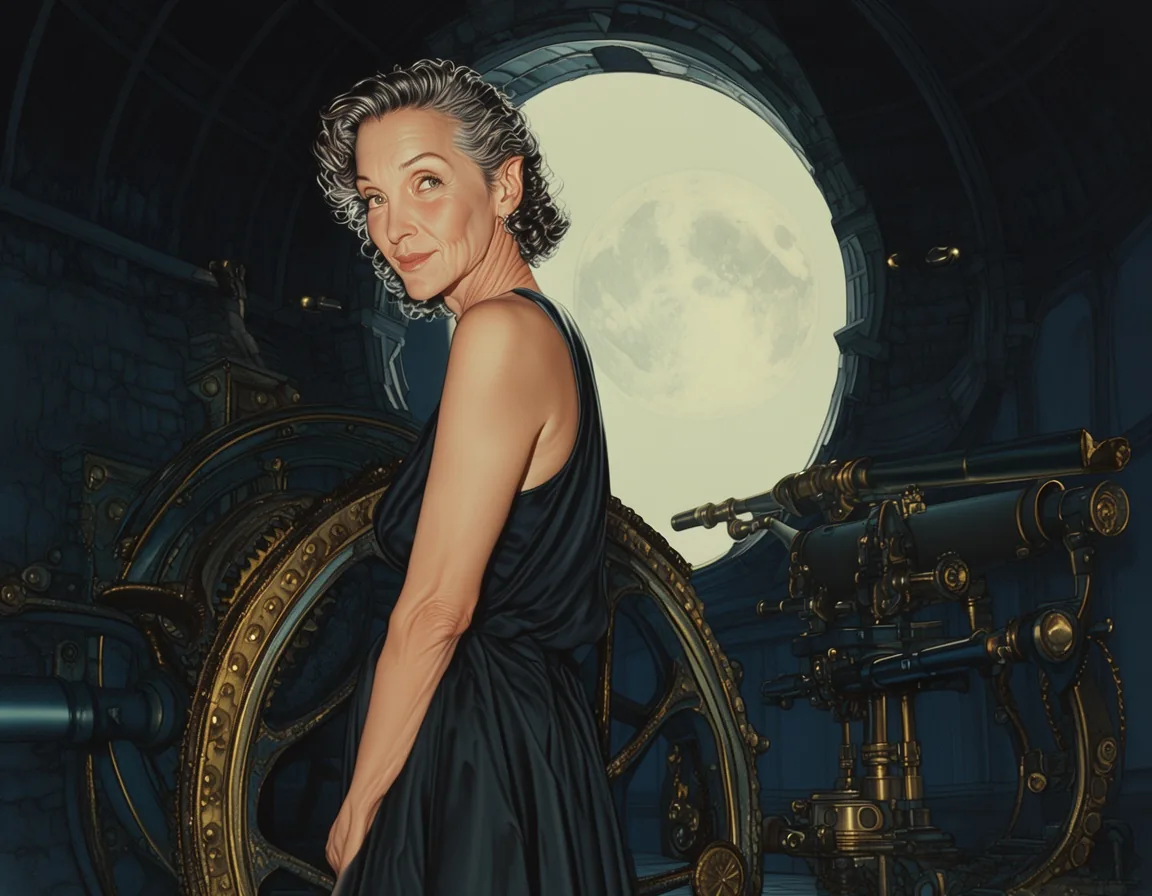
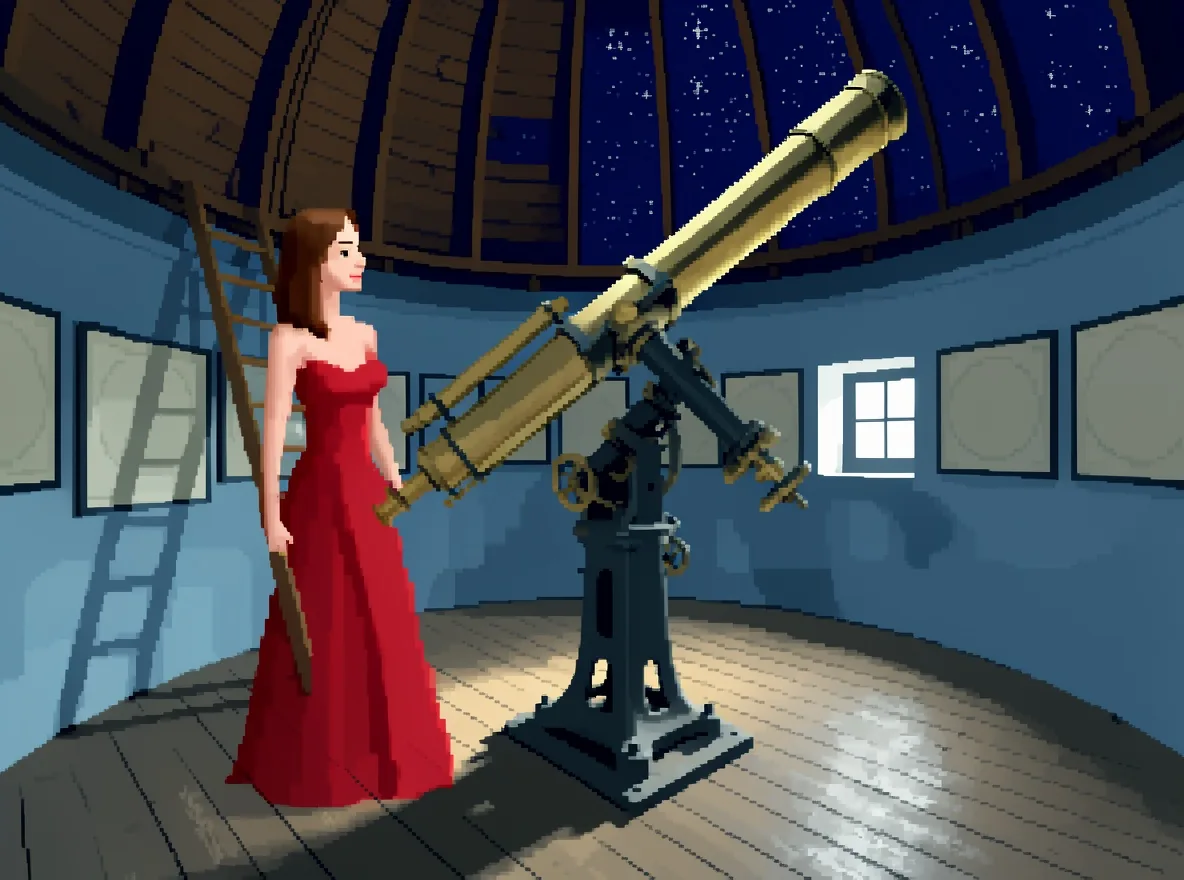
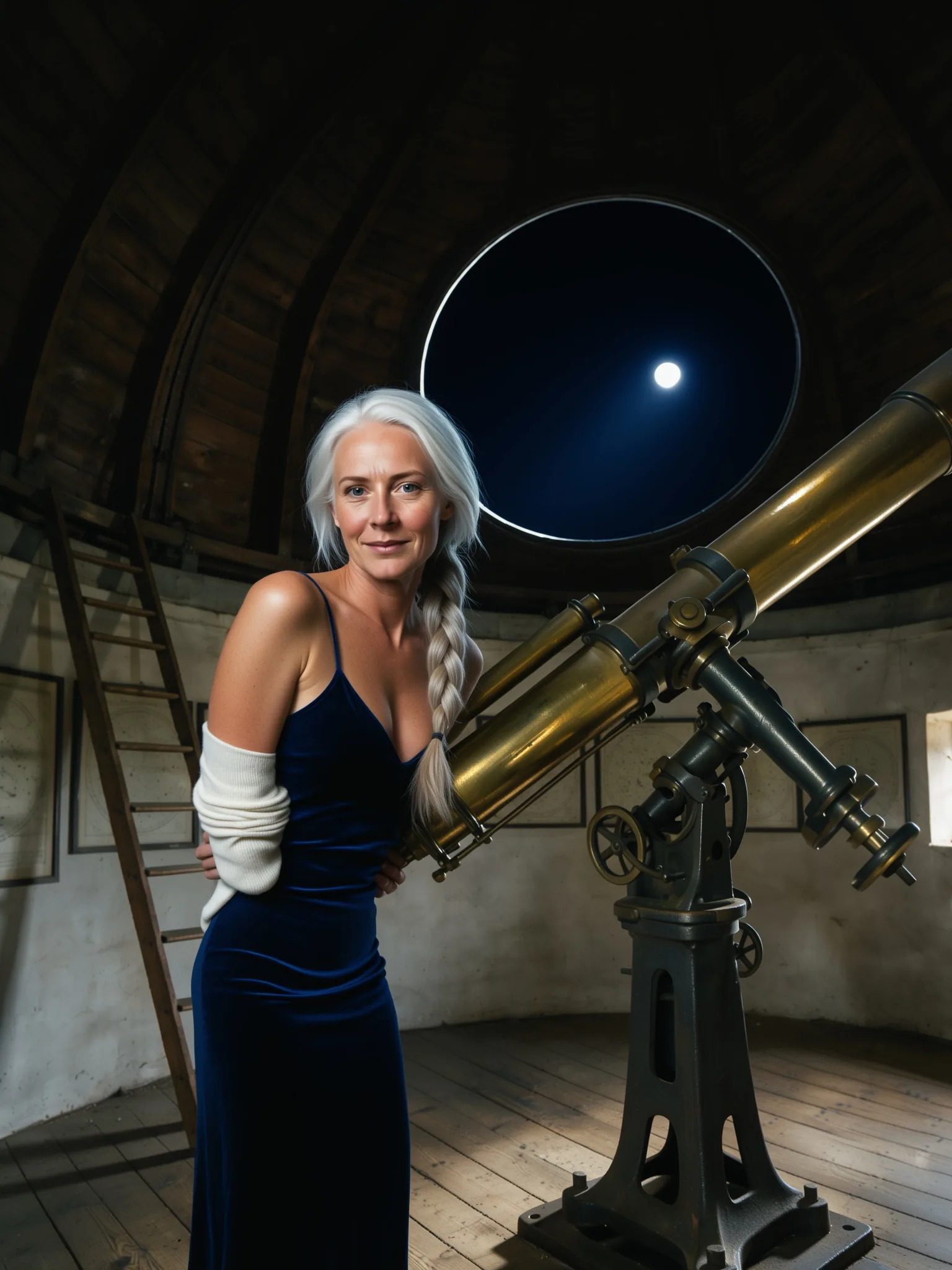
Load a Base 4B LoRA and ask for a redraw: a park photo became a fantasy painting at a telescope, and a daylight room became pixel art at night.
New settings for the same people
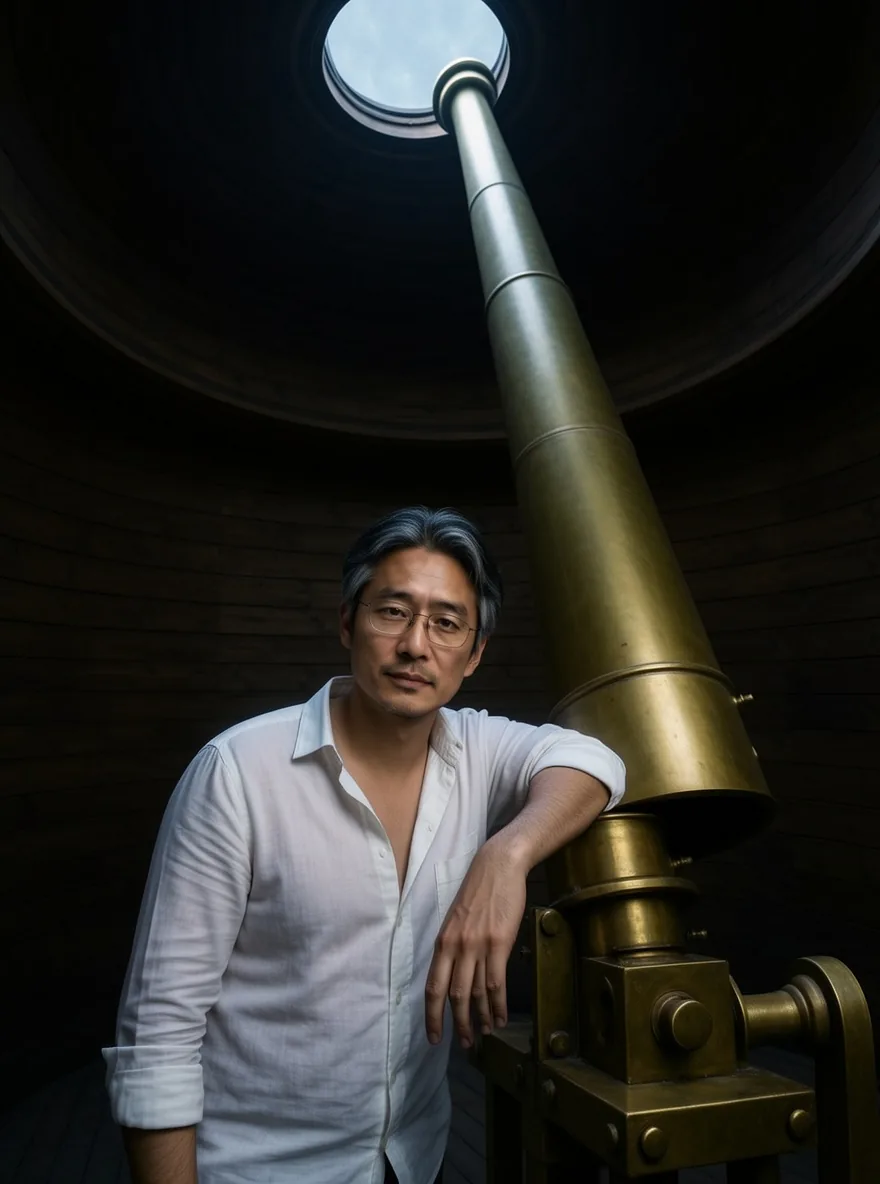
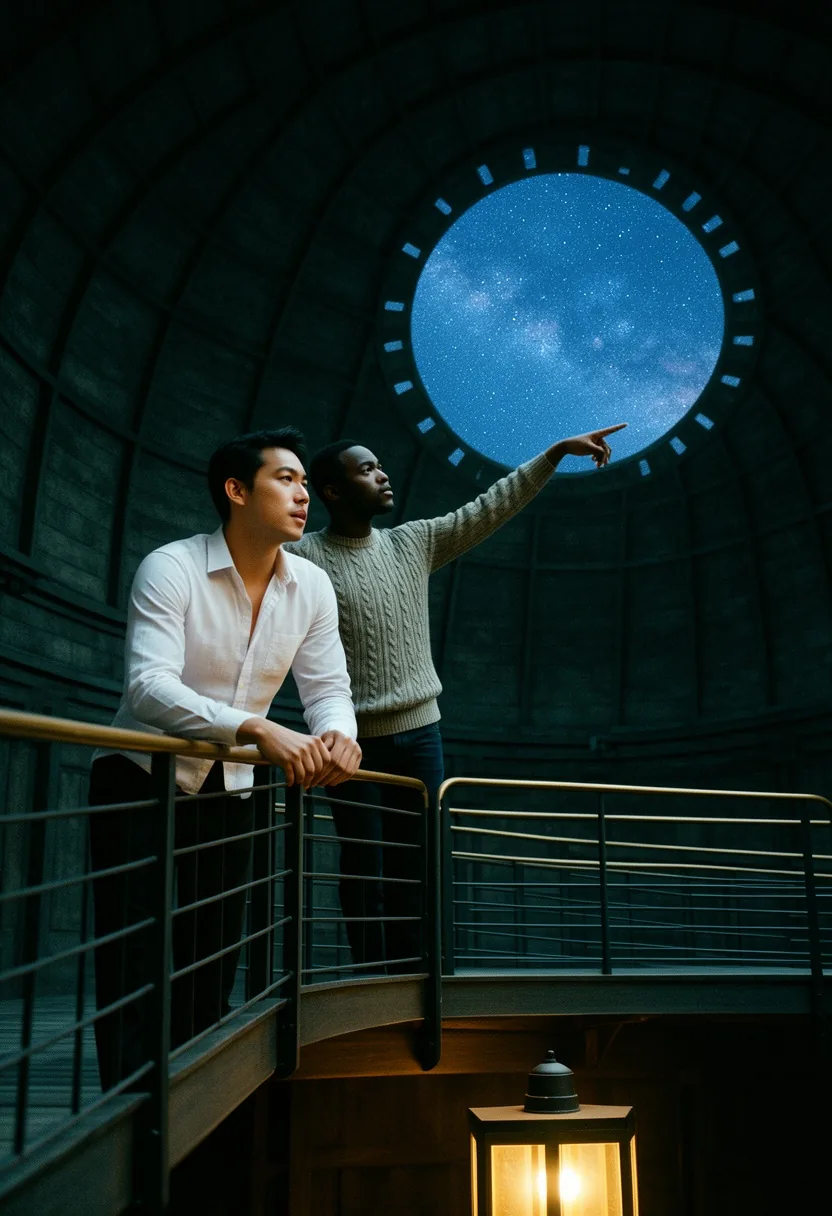
Move a person into a new place and new clothes while face, hair and glasses stay, from one or two sources.
Up to three sources
Combine a portrait with a location or an outfit. Name the sources as image 1, image 2 and image 3.
A cautious editor
Nothing is filtered, but this build often returns the source unchanged when asked for a large change in wardrobe. A matching LoRA delivered the Strong level in our tests; the Very strong level came back toned down.
Request parameters
| Parameter | Required | Description |
|---|---|---|
prompt | Yes | Say what should change and what must stay the same, up to 5,000 characters. With several sources, refer to them as image 1, image 2 and image 3. at least 1 characters · at most 5000 characters |
image_urls | Yes | One to three source images, up to 10 MB each, in the order your prompt refers to them. Required. at least 1 items · at most 3 items |
aspect_ratio | No | Auto (default) keeps the shape of the first source at about one megapixel. Pick one of nine ratios from 21:9 to 9:21 to reframe the result. |
resolution | No | 1k (default) or 2k, which is 2048 pixels on the long side. It only applies when you choose a ratio; with auto the size is about one megapixel. |
loras | No | Up to three {path, scale} entries trained for FLUX.2 [klein] 4B or Base 4B. The path must download the .safetensors file itself; scale runs from 0 to 4 (default 1). Default: |
seed | No | A number from 0 to 2147483647. Reuse it to compare edits while you change one detail of the prompt; it does not promise identical pixels. |
Pricing
$0.024 / image
Billed per image at one flat price, whatever the number of source images, the aspect ratio or the size tier. Loading LoRAs adds no separate charge.
Use cases
Photo to painting or pixel art
A style LoRA trained on Base 4B plus a short redraw instruction turns photos into matching artwork, keeping the people and the layout recognisable across a whole set.
Scene and wardrobe moves
Put a portrait into a location photo and describe the outfit you want there. Naming each garment and where it sits gives the most faithful result.
Reframing
Pick a ratio different from the source and describe what should fill the new space; the edit recomposes the frame while faces and clothing stay close to the source.
Prompt guide & pro tips
Protect first, change second
Open with what must stay (face, hair, pose), then describe the change in concrete words.
Use a LoRA for big changes
If an edit comes back unchanged, load a LoRA trained for that change or try FLUX.2 Klein 4B LoRA, which followed such instructions more reliably in our tests.
Compare against no LoRA
Run the same prompt and seed without the LoRA. If the two results look the same, the file was made for another base model, such as FLUX.1 or the 9B Klein models: those load without an error and do nothing here.
Use direct, public links
The link must download the .safetensors file itself. A Hugging Face file link or a Civitai download link works; a repository page or a gated file that needs a login fails the request, which is then not charged.
API quick start
# Generate the idempotency key once; reuse it when retrying after a lost response.
export SPICY_IDEMPOTENCY_KEY="${SPICY_IDEMPOTENCY_KEY:-$(uuidgen)}"
curl -X POST https://api.spicyapi.ai/api/v1/jobs/createTask \
  -H "Authorization: Bearer $SPICY_API_KEY" \
  -H "Content-Type: application/json" \
  -H "Idempotency-Key: $SPICY_IDEMPOTENCY_KEY" \
  -d '{
  "model": "black-forest-labs/flux-2-klein-base-4b-lora/edit",
  "input": {
    "aspect_ratio": "auto",
    "image_urls": [
      "https://example.com/reference.png"
    ],
    "prompt": "A ceramic teapot on a linen cloth, soft window light, muted palette",
    "resolution": "1k"
  }
}'

# Copy data.taskId from the response into TASK_ID, then poll the status.
TASK_ID="TASK_ID_FROM_RESPONSE"
curl "https://api.spicyapi.ai/api/v1/jobs/recordInfo?taskId=$TASK_ID" \
  -H "Authorization: Bearer $SPICY_API_KEY"
See the API reference for authentication, the complete schema, polling, and error handling.