Introduction
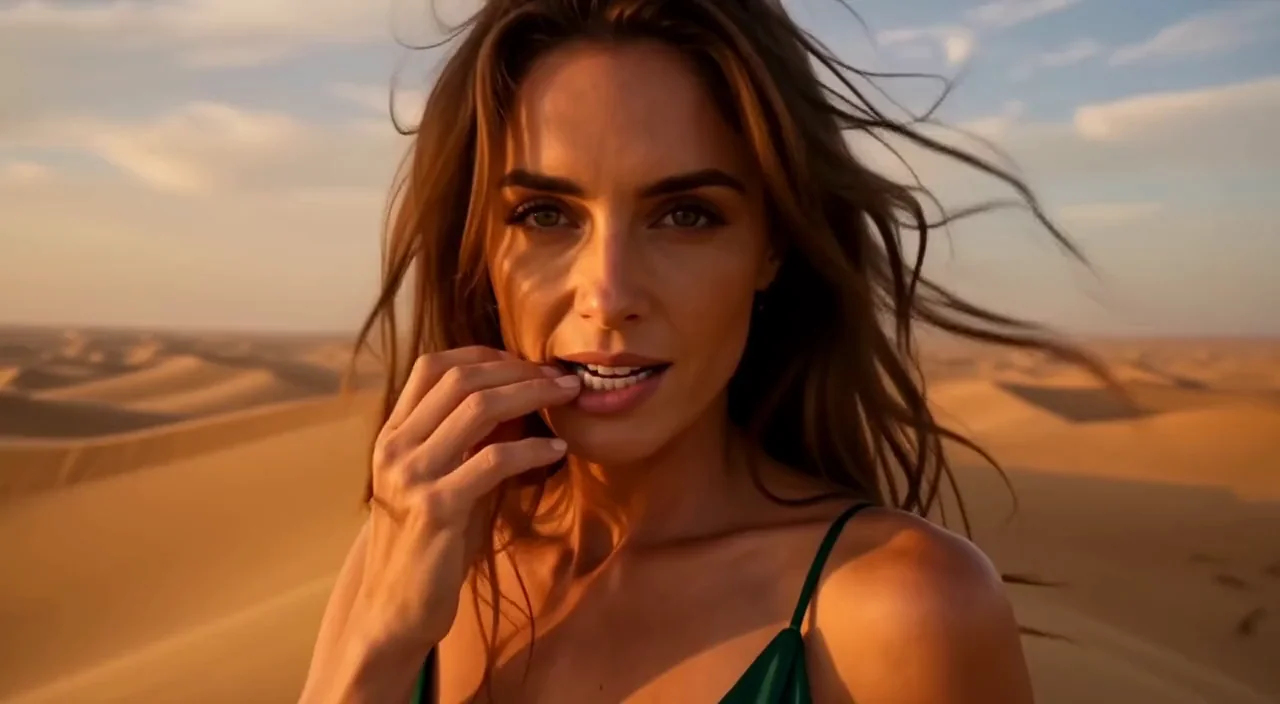
FLUX 3 Image to video animates a still image with Black Forest Labs' FLUX 3 video model. Give it an opening frame and, if you like, a closing frame; it writes 5 to 20 seconds of motion with synchronized sound at 720p or 1080p.
Choose a mode by starting material
| What you have | Mode |
|---|---|
| a written brief | FLUX 3 Text to video |
| a still to animate, with an optional last frame | FLUX 3 Image to video |
| a clip to continue | FLUX 3 Video extend |
| a clip to enlarge | FLUX 3 Video upscale |
Key features & highlights
The image sets the look
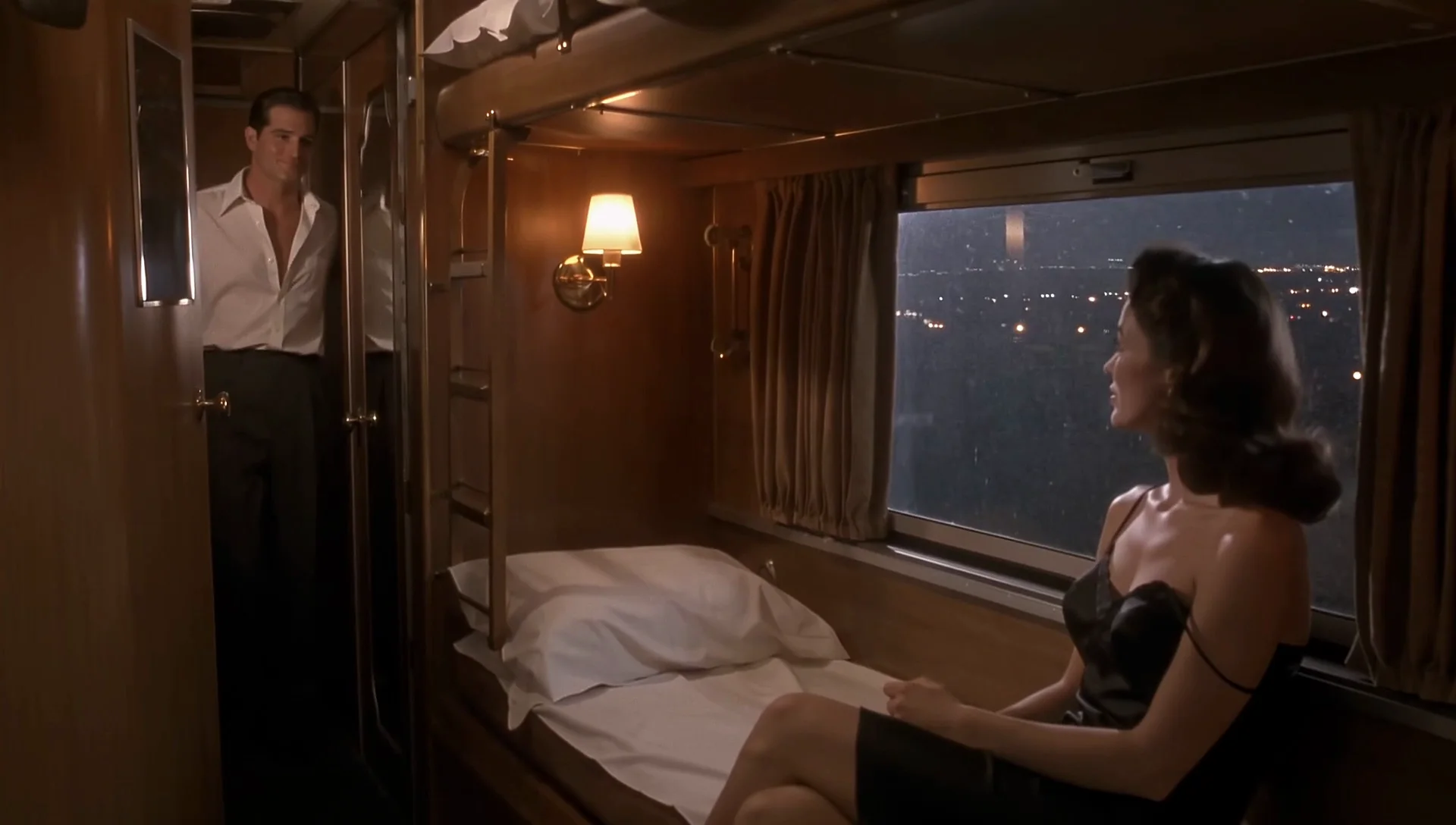
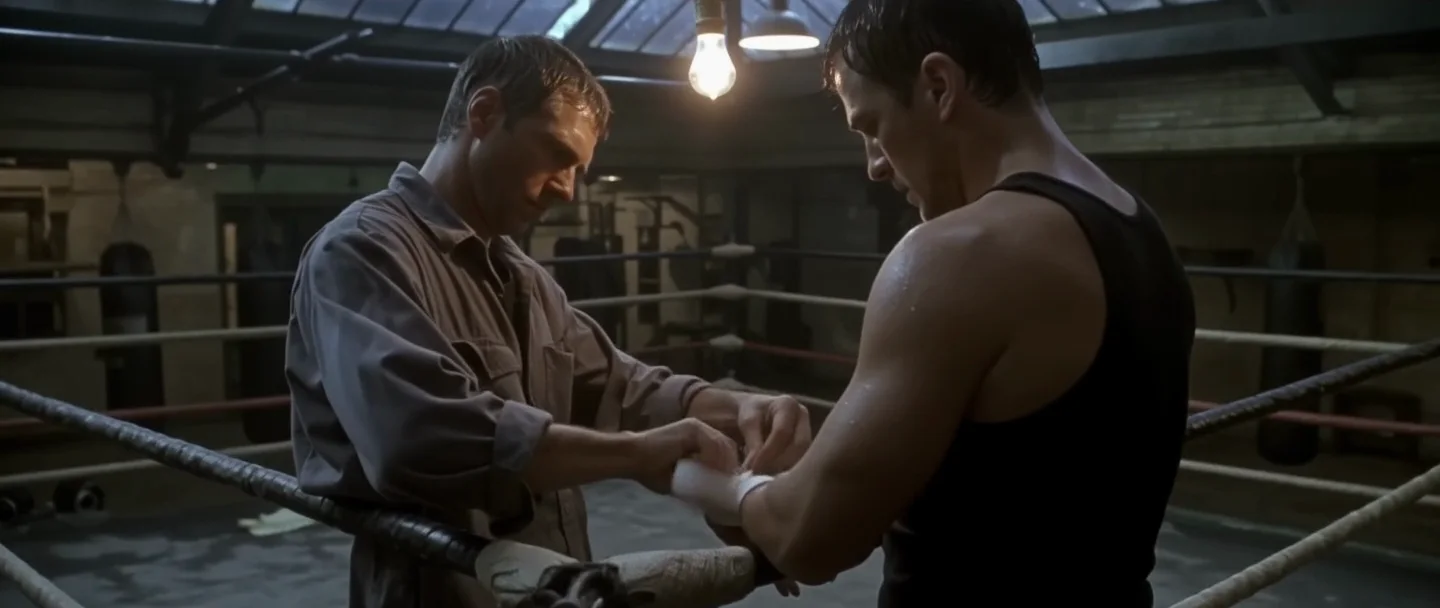
The person, outfit and setting come from the opening frame, so the prompt only has to describe the action, the camera and the sound.
Opening and closing frame
With a last image the clip moves from one to the other. Frames that are close in light and position blend smoothly; frames that are far apart can produce a hard cut in the middle.
Shape follows the image
Leave the aspect ratio out and the clip keeps the shape of the opening frame.
Billed per second
Price follows length and tier (draft lowest, then standard 720p, then standard 1080p); a last frame and the sound setting cost nothing extra.
Request parameters
| Parameter | Required | Description |
|---|---|---|
prompt | Yes | Up to 5,000 characters. Describe what happens after the opening image: the action, the camera move and a Sound: line. at least 1 characters · at most 5000 characters |
image_url | Yes | The opening frame, uploaded or linked. The subject keeps its look from this image. at least 1 characters |
last_image_url | No | Optional closing frame. The clip moves from the opening image to this one; when the two differ a lot, the model may use a hard cut in between instead of a gradual change. at least 1 characters |
aspect_ratio | No | One of 16:9, 9:16, 1:1, 4:3, 3:4, 21:9 or 2:1. Leave it out to follow the opening image. |
quality | No | standard (default) renders at the resolution you choose; draft is a fast, lower-cost preview that is always 720p. It changes the price: draft is the lowest tier. |
resolution | No | 720p (default) or 1080p. 1080p costs more. |
duration_seconds | No | Length in whole seconds, 5 to 20; 5 by default. Billed per second, so it sets the price together with the tier. |
generate_audio | No | Generate synchronized sound with the picture. On by default; off gives a silent file. Default: |
Pricing
Billed per second of video, by tier: draft is the lowest, then standard 720p, then standard 1080p. Sound on or off costs the same, and the aspect ratio does not change the price. Refused and failed requests are not charged. Adding a last frame does not change the price.
| Resolution | Quality: Draft | Quality: Standard |
|---|---|---|
| $0.06 / second | $0.29 / second |
| $0.06 / second | $0.17 / second |
Use cases
Bringing portraits to life
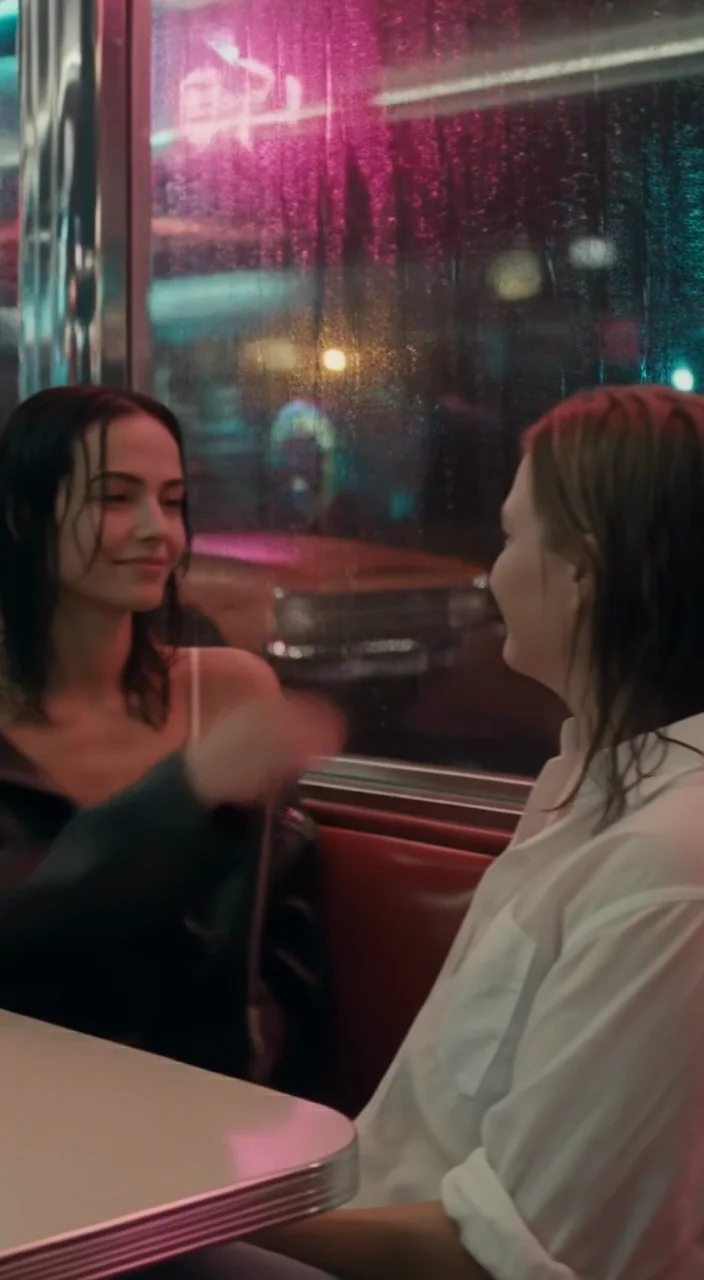
A smile, a turn of the head, wind in hair, with matching room sound.
Before-and-after moves
Time-of-day shifts or a pose change from a start frame to an end frame.
Product and location stills
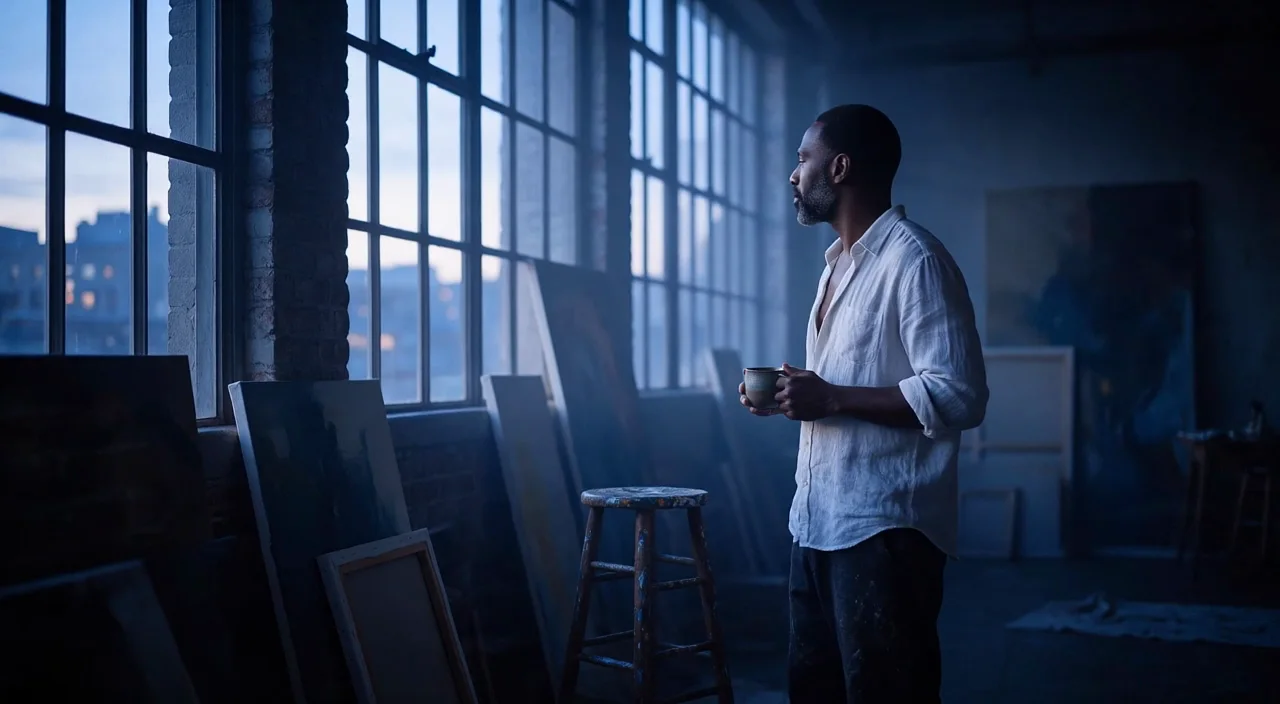
A slow camera arc around a subject you already have a picture of.
Prompt guide & pro tips
Describe motion, not the picture
The image already shows who and where; write what changes.
Keep the two frames close
Similar light and placement make a smooth move; very different frames tend to be joined by a cut.
Do not rely on one-shot wording
Asking for one continuous shot does not guarantee it, so check the result.
Expect small face drift on long moves
The face can shift slightly during big head turns or when hands cross it.
Preview at draft
Test the motion at draft before a full render.
API quick start
# Generate the idempotency key once; reuse it when retrying after a lost response.
export SPICY_IDEMPOTENCY_KEY="${SPICY_IDEMPOTENCY_KEY:-$(uuidgen)}"
curl -X POST https://api.spicyapi.ai/api/v1/jobs/createTask \
  -H "Authorization: Bearer $SPICY_API_KEY" \
  -H "Content-Type: application/json" \
  -H "Idempotency-Key: $SPICY_IDEMPOTENCY_KEY" \
  -d '{
  "model": "black-forest-labs/flux-3/image-to-video",
  "input": {
    "duration_seconds": 5,
    "image_url": "https://example.com/reference.png",
    "prompt": "A slow aerial shot drifting over a misty pine forest at sunrise",
    "quality": "standard",
    "resolution": "720p"
  }
}'

# Copy data.taskId from the response into TASK_ID, then poll the status.
TASK_ID="TASK_ID_FROM_RESPONSE"
curl "https://api.spicyapi.ai/api/v1/jobs/recordInfo?taskId=$TASK_ID" \
  -H "Authorization: Bearer $SPICY_API_KEY"
See the API reference for authentication, the complete schema, polling, and error handling.