Introduction
A text description, direct weight-file URLs and their scales define the styled request; the optional seed helps you assess the attachment's effect.
| Field | Value |
|---|---|
| Input | Text |
| Output | Image |
| Tasks | Text-to-image generation and image-to-image editing; still images |
| Model family | MiniMax H3-Image open weights with LoRA attachments |
| LoRA attachments | Up to 3 direct .safetensors file URLs |
| LoRA scale | 0–4 per file; default 1 |
| Prompt length | Required; up to 5,000 characters |
| Resolution menu | 1k, 1.5k, 2k, 3k, 4k; default 1k |
| Canvas choices | 15 aspect ratios; text generation defaults to 1:1 |
| Edit inputs | 1–9 pictures; editable source followed by up to 8 references |
| Reference notation | <Picture 1>, <Picture 2> and later numbers in upload order |
| Output encoding | jpeg by default; png and webp also available |
| Comparison control | Optional seed; helps compare one change without promising identical output |
| Tested output dimensions | 1.5k at 9:16: 1152 x 2048; 4k at 16:9: 5472 x 3072 |
Key features & highlights
Neon light through a camcorder treatment
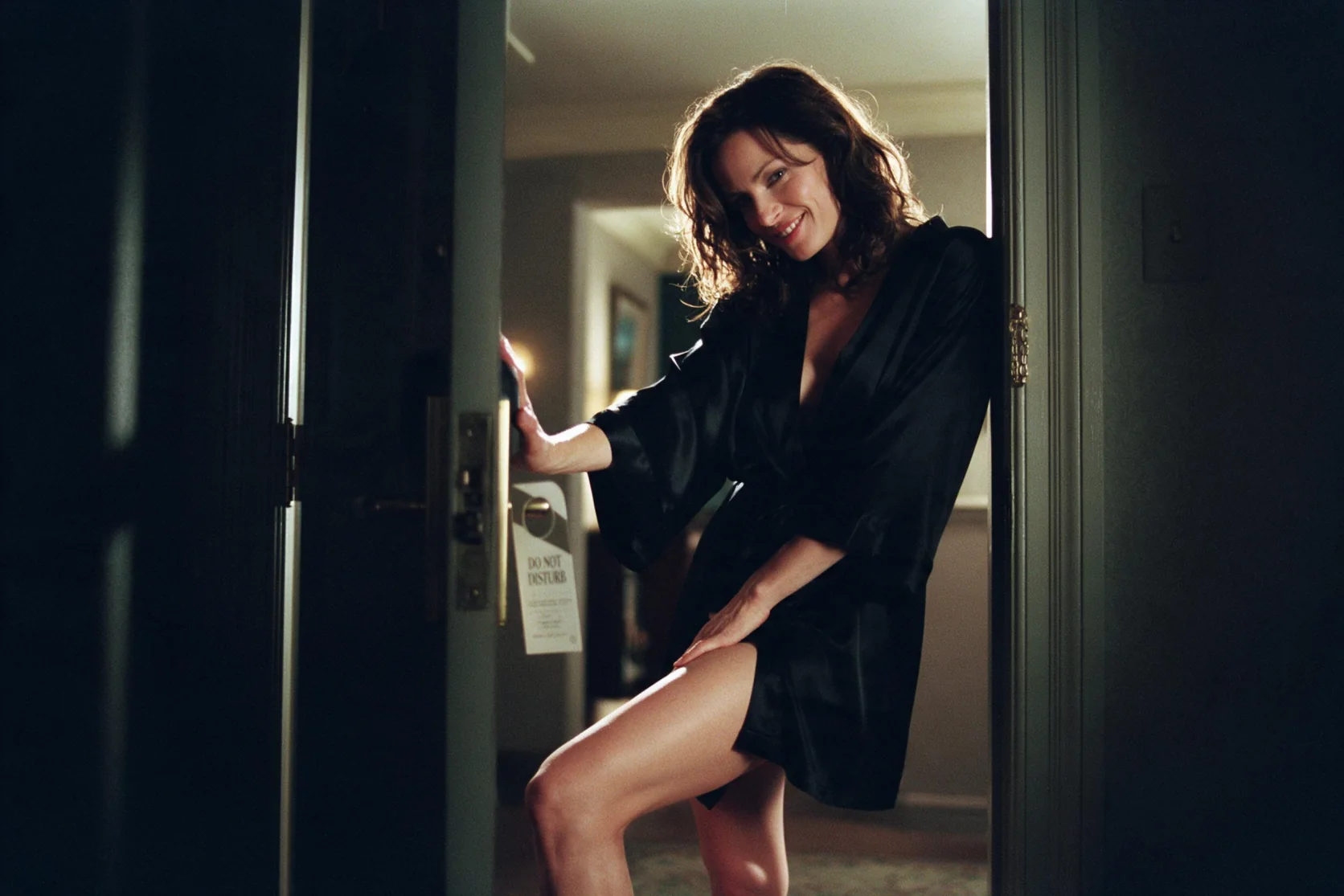
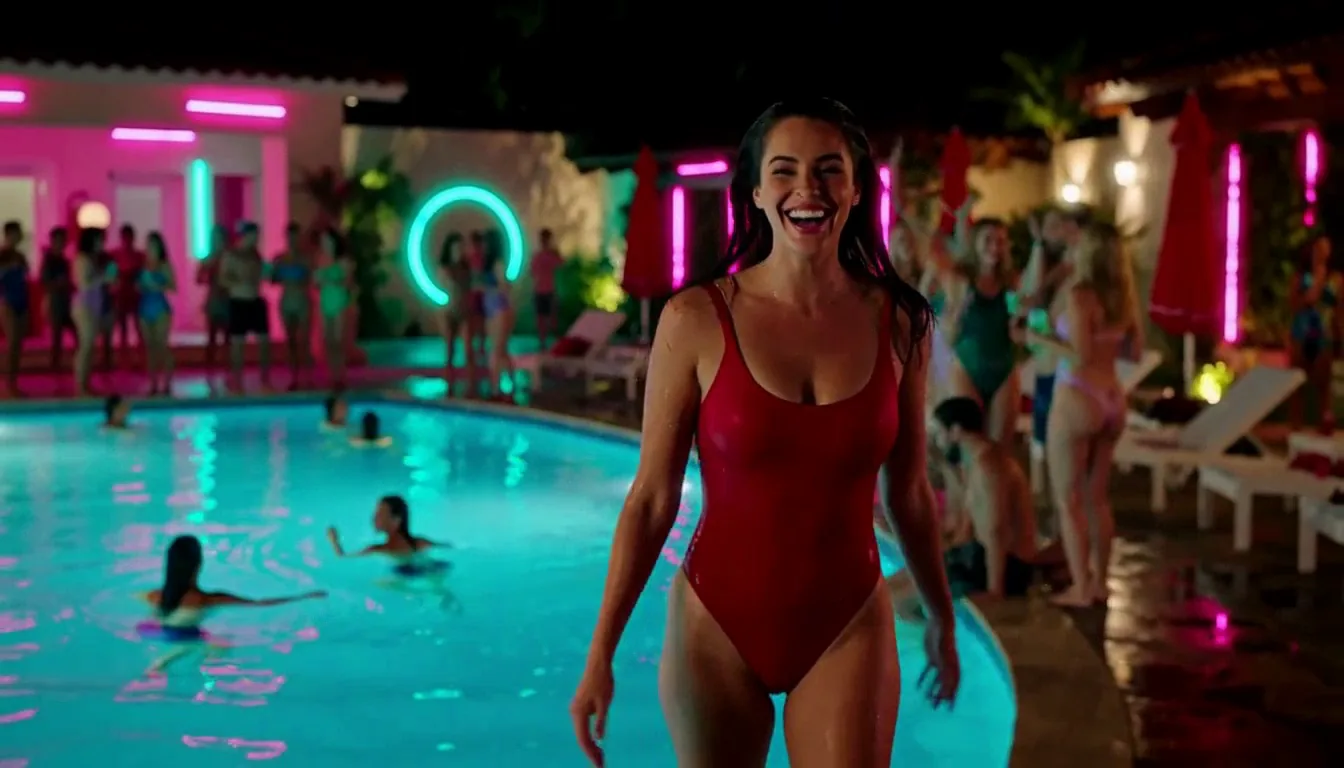
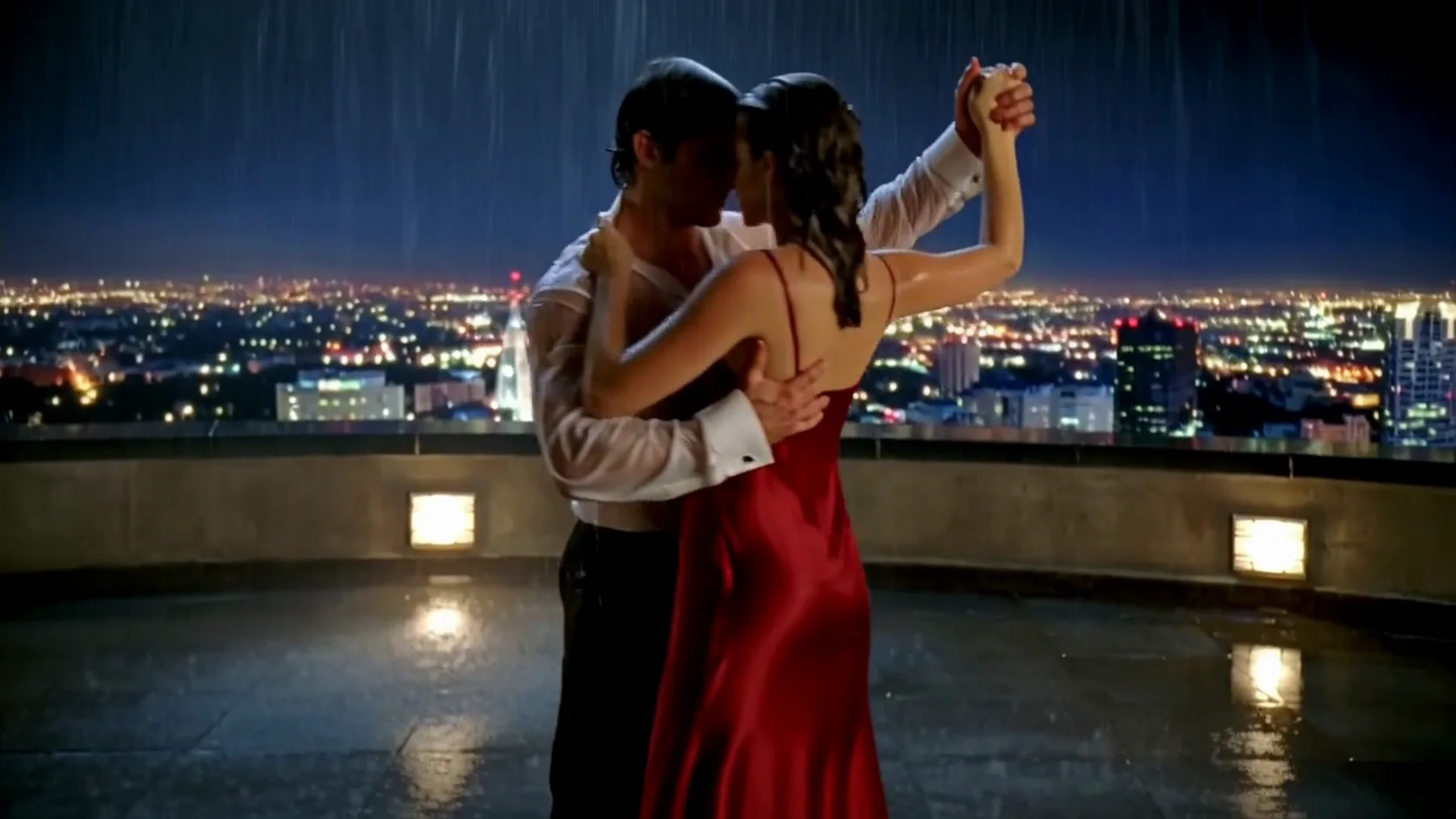
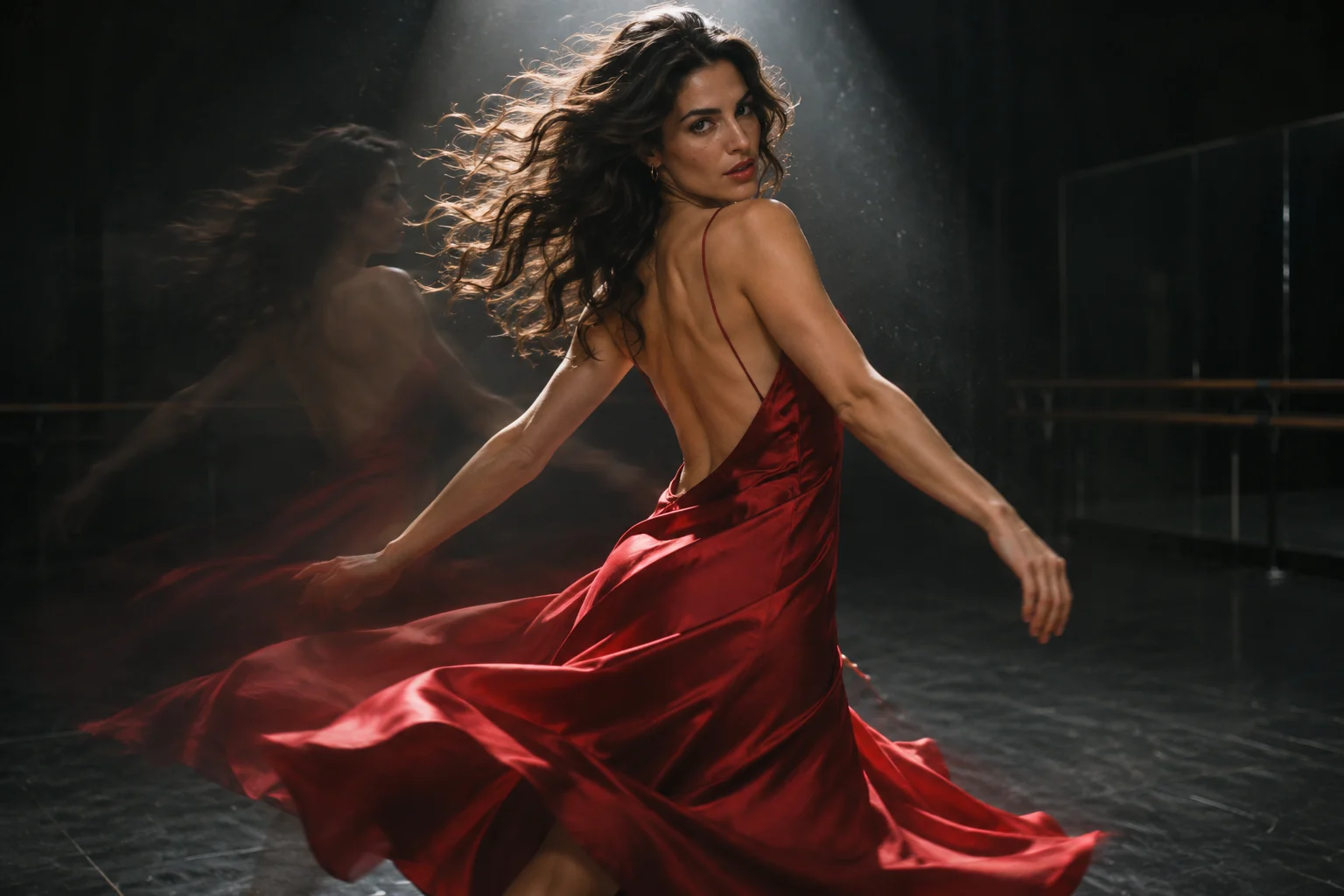
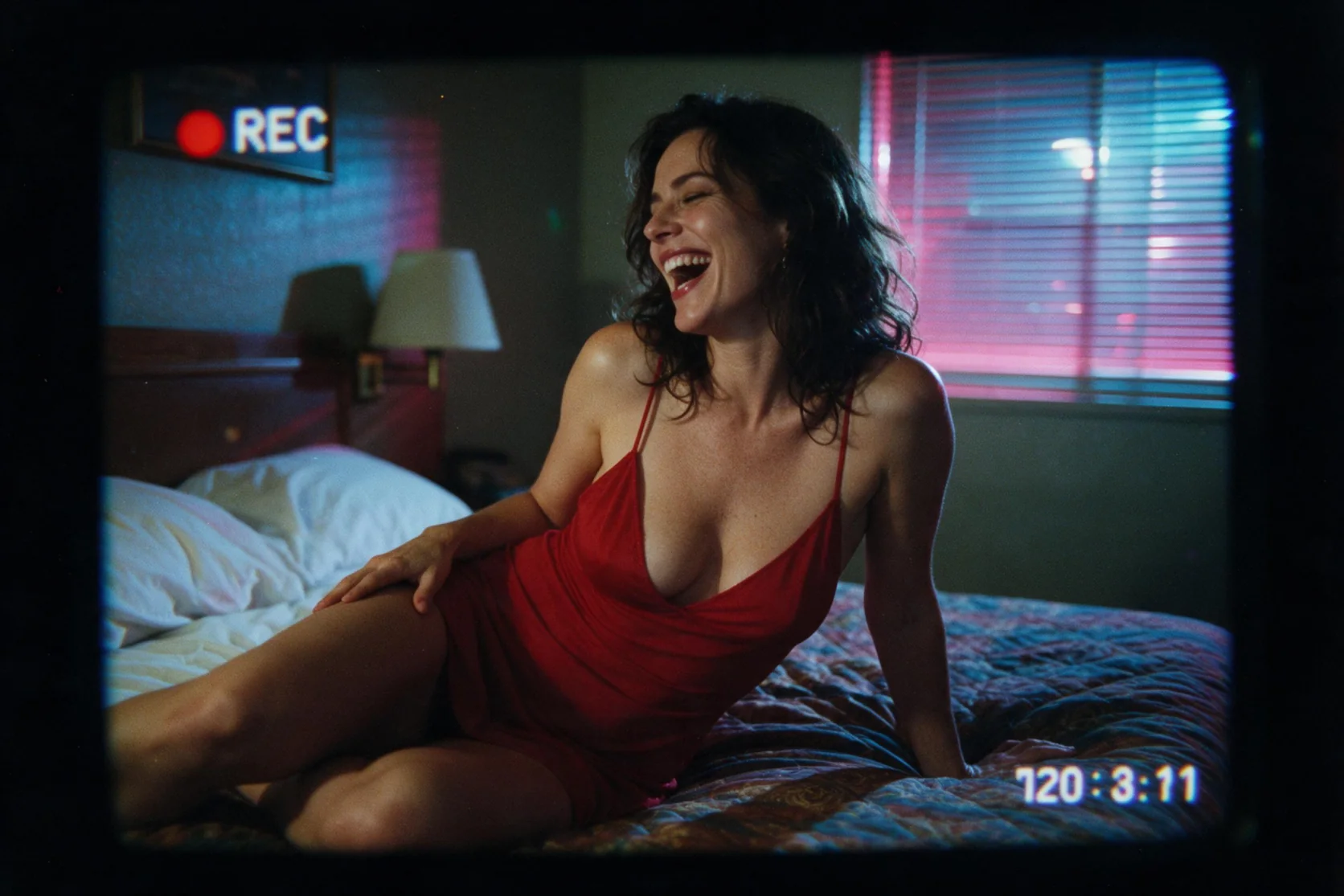
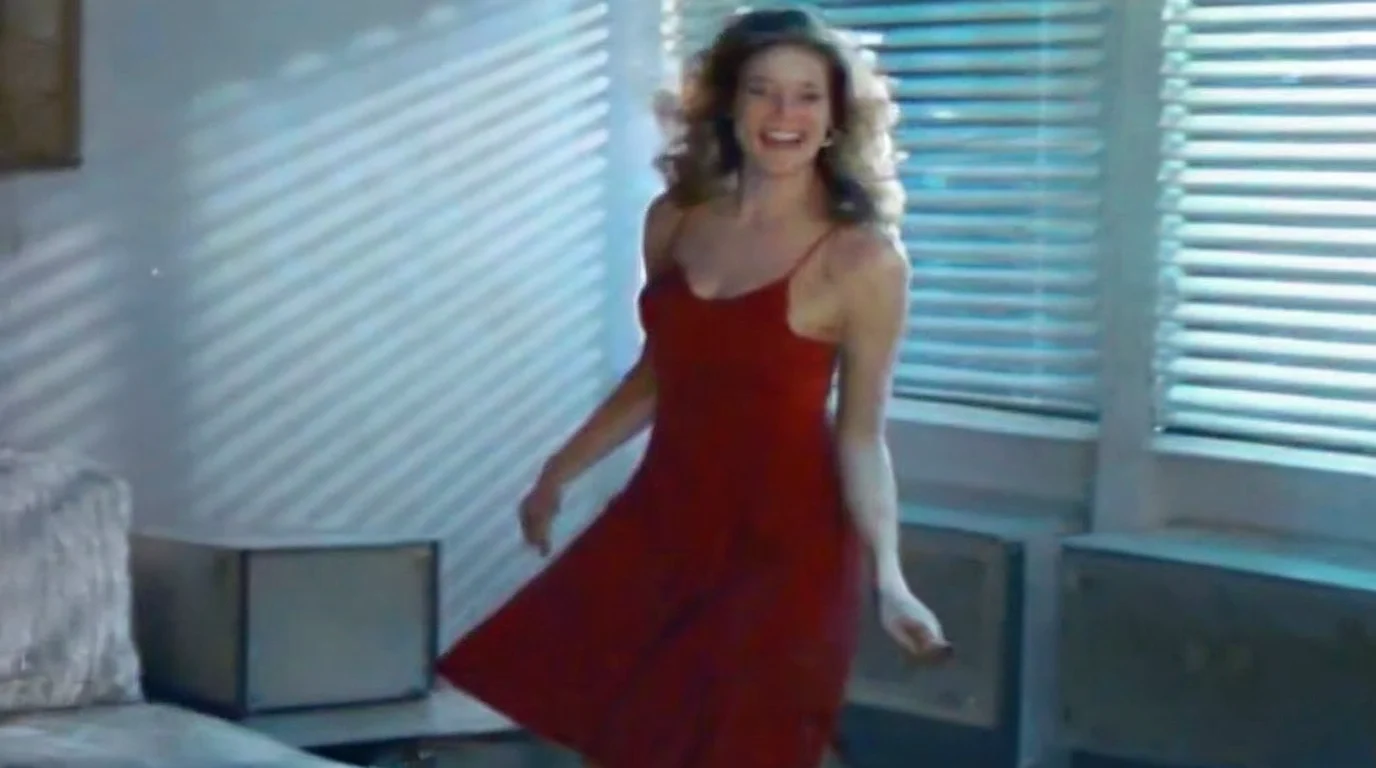
The new 1k, 16:9 sample shows a woman in a red slip dress dancing in a motel room. With vh5tape and scale 1, the VHS LoRA gave the whole frame a soft 1990s home-video look.
The tape look can bring its own lettering
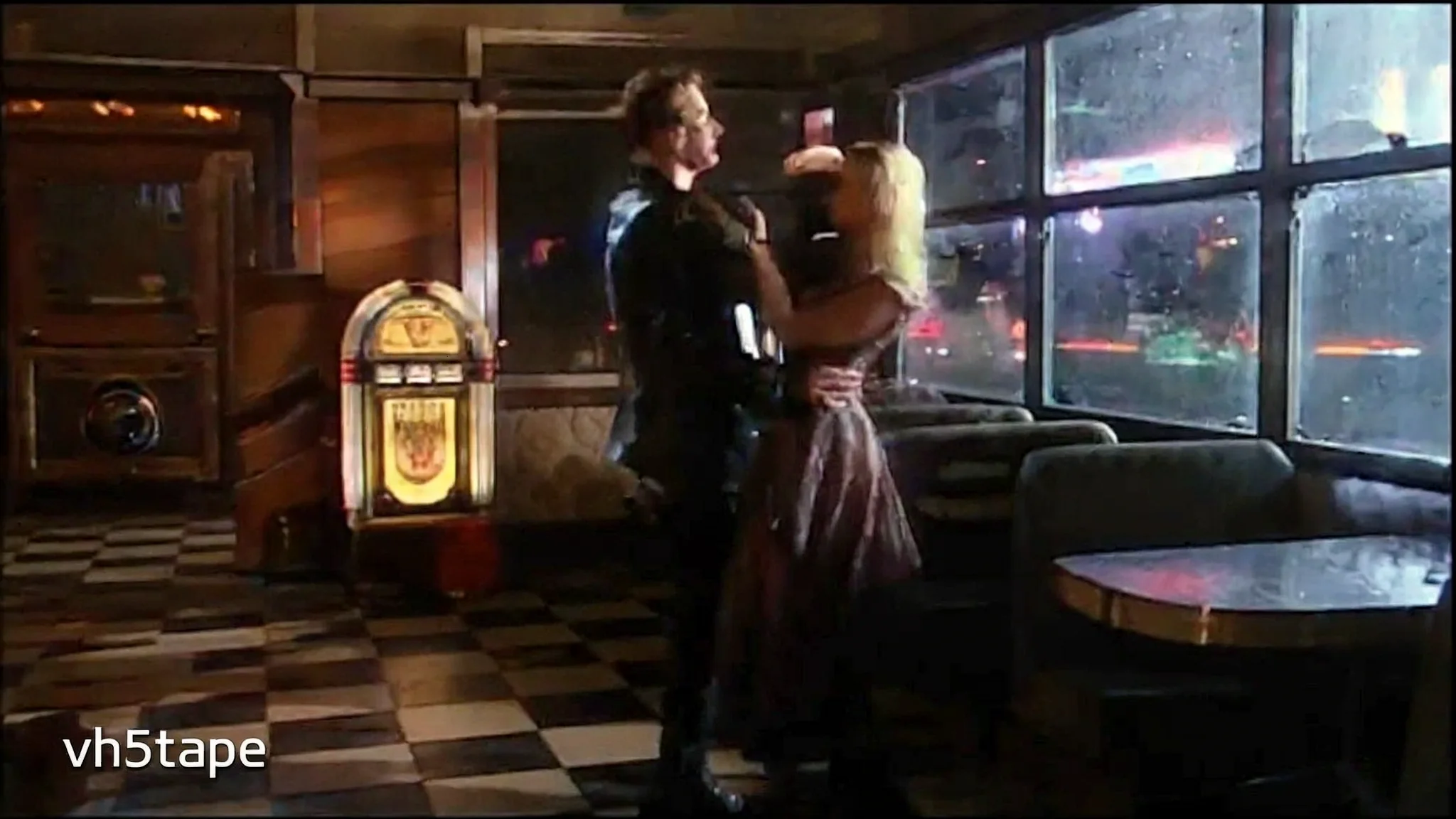
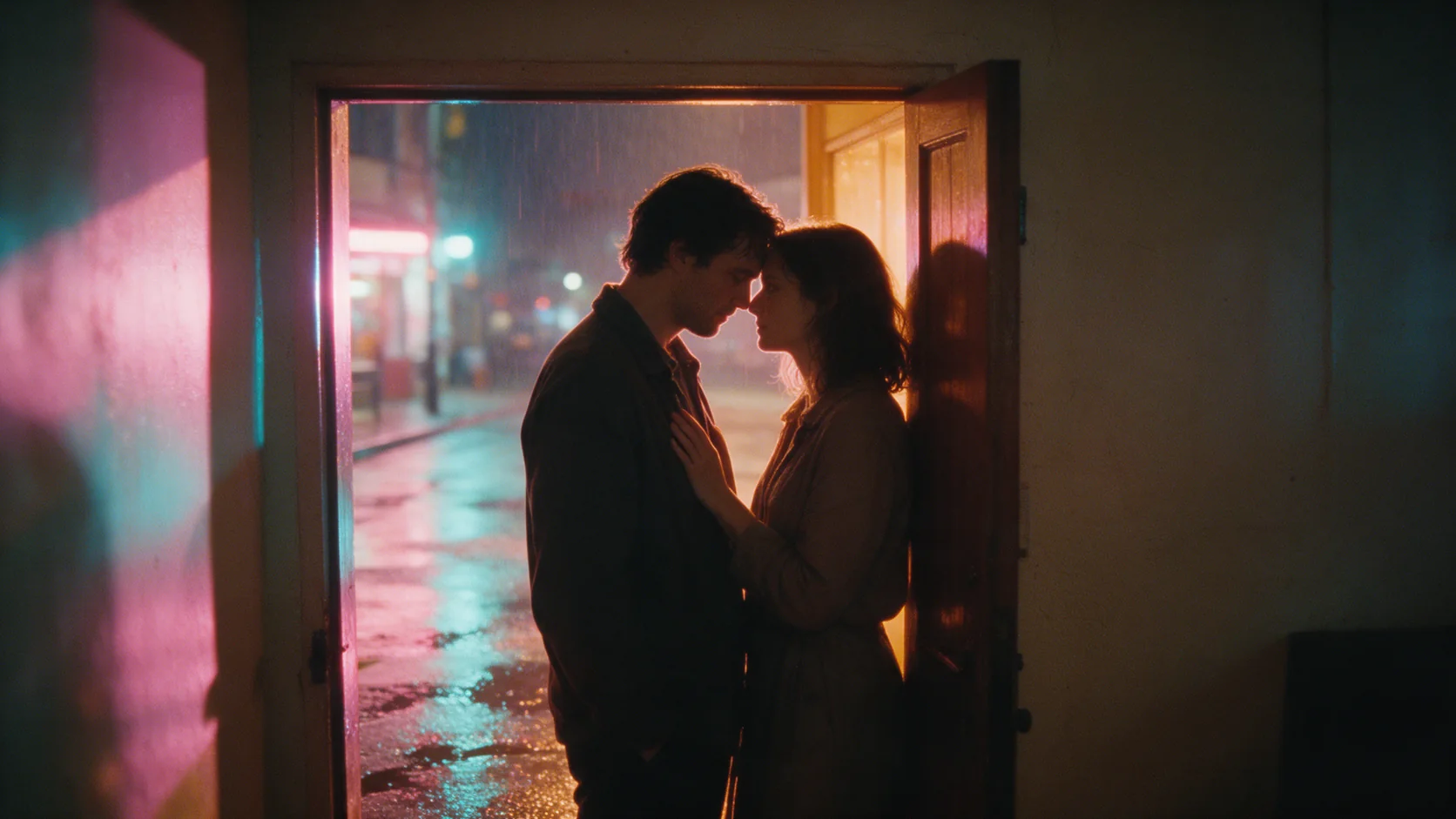
Our diner dance has recording grain and vh5tape lettering at lower left. That visible artifact is a reason to inspect text as well as the intended style before selecting an output.
A racing cabinet in a soft recording frame
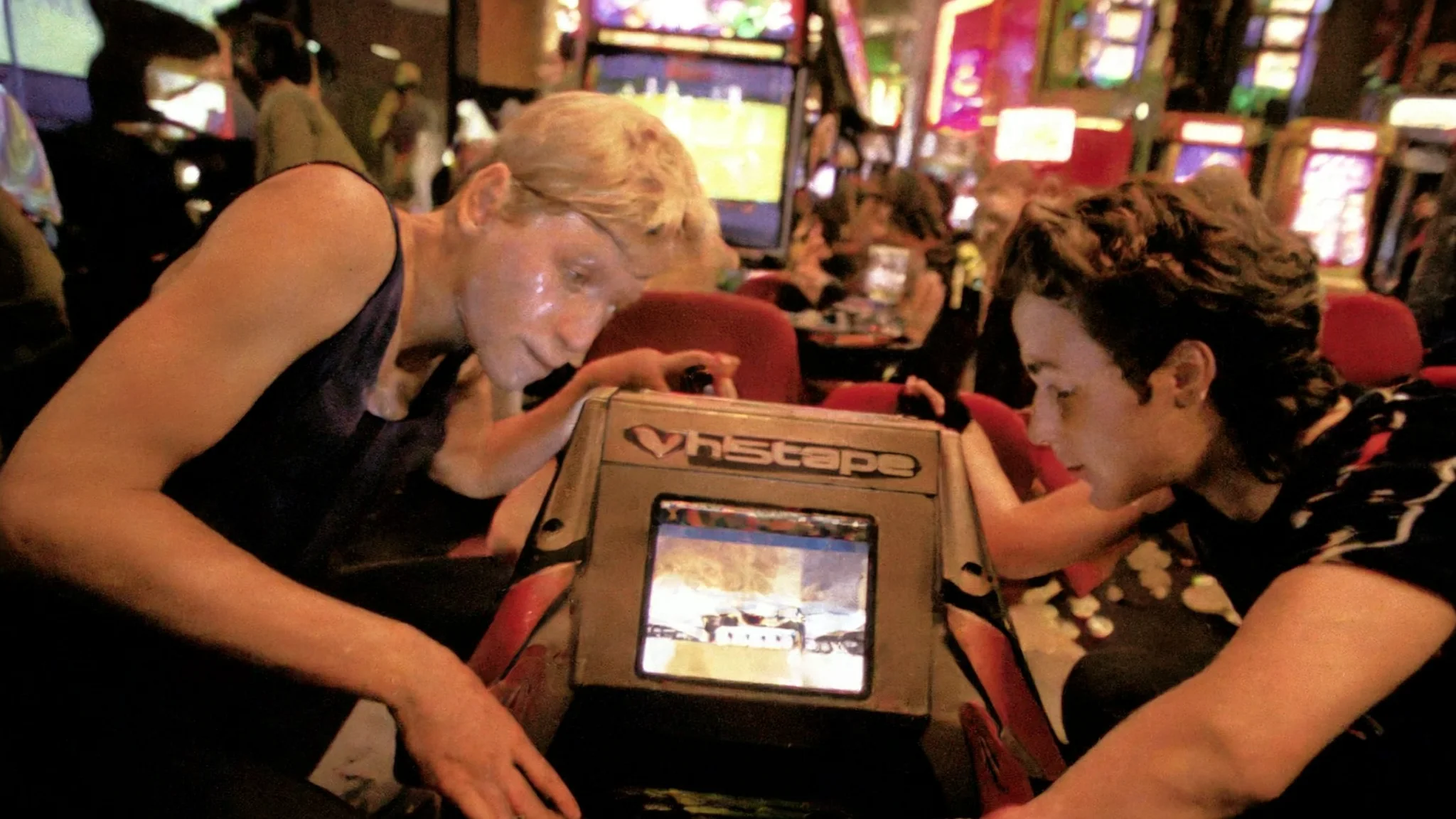
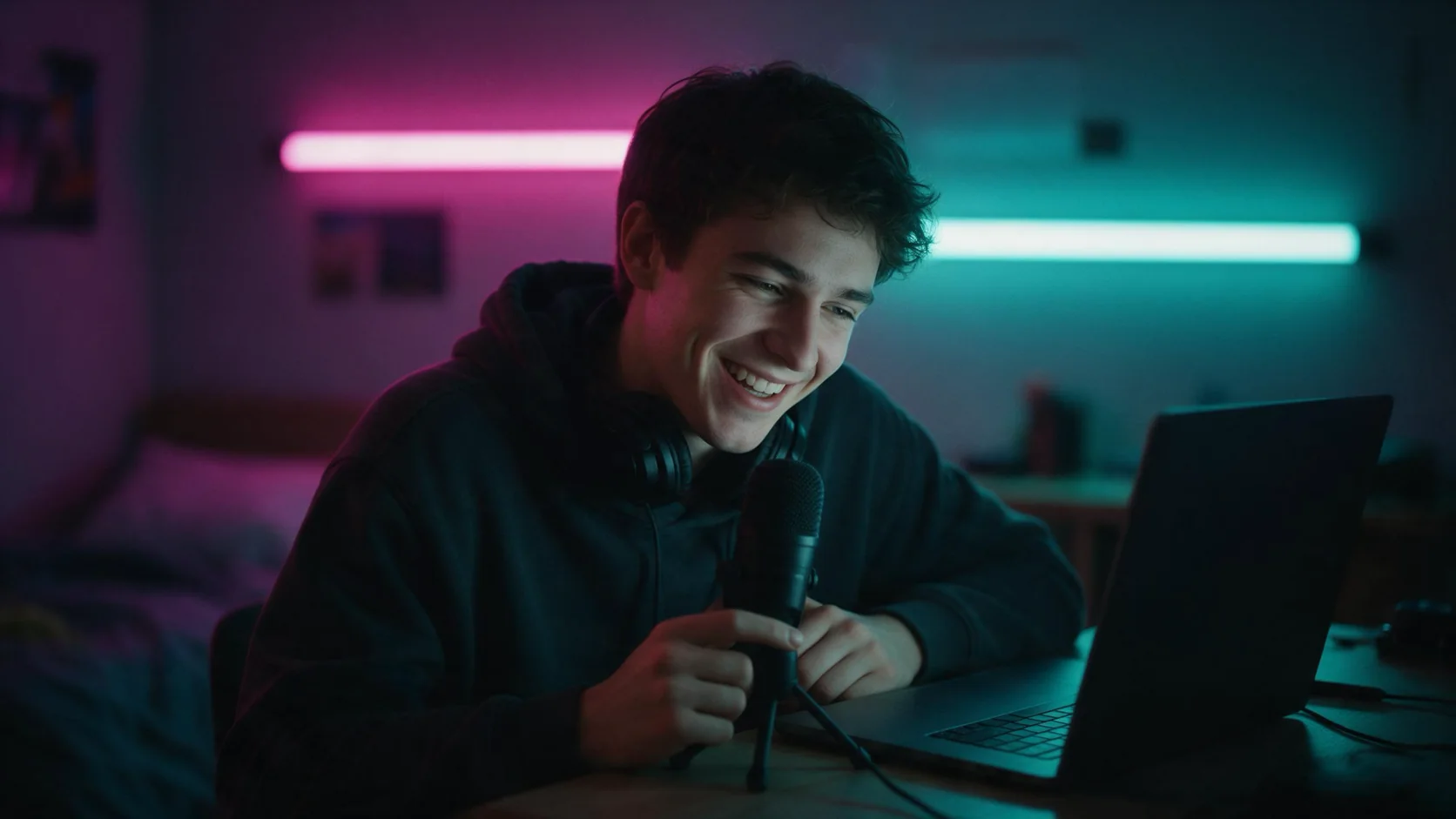
The arcade example applies the VHS treatment to two players amid neon lighting. It gives a second scene for judging how the adapter changes the appearance of people and surroundings.
A different drawing language for the harbor
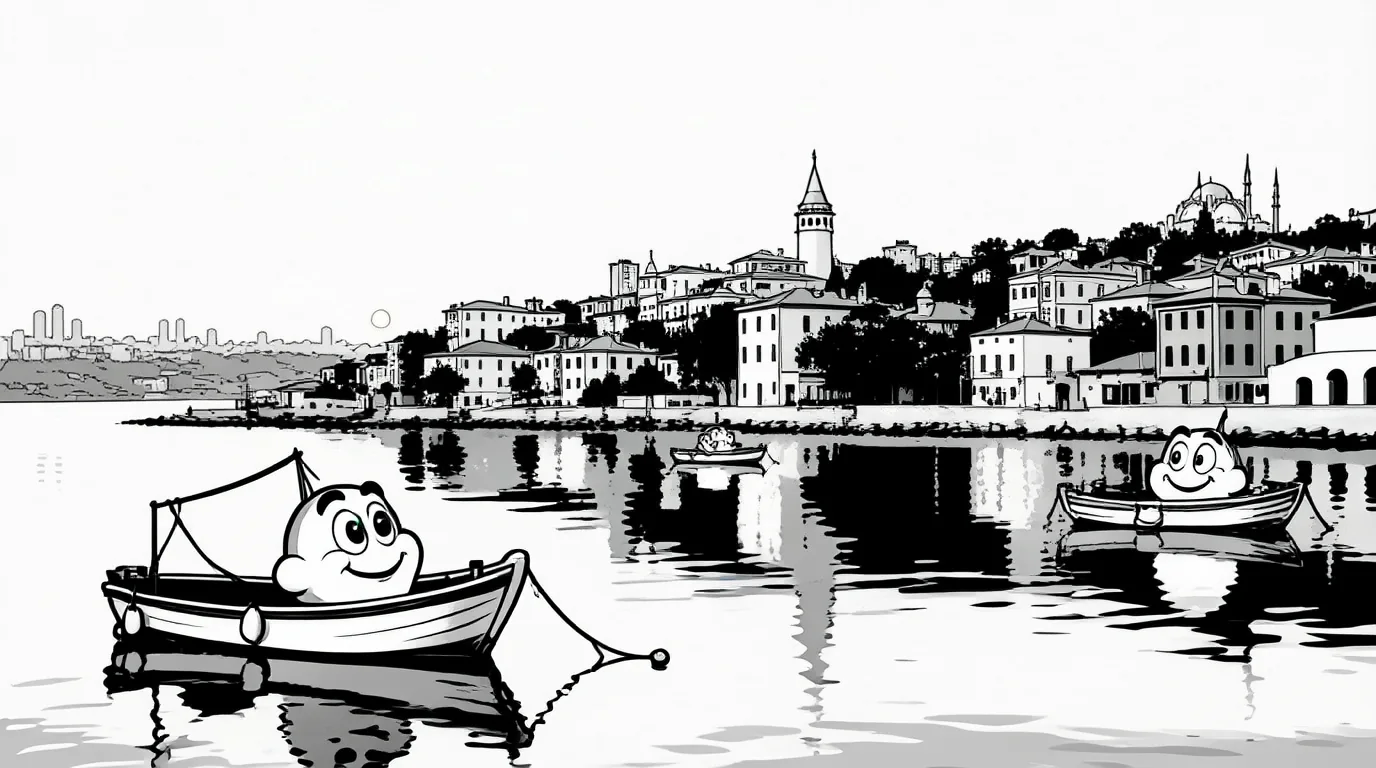
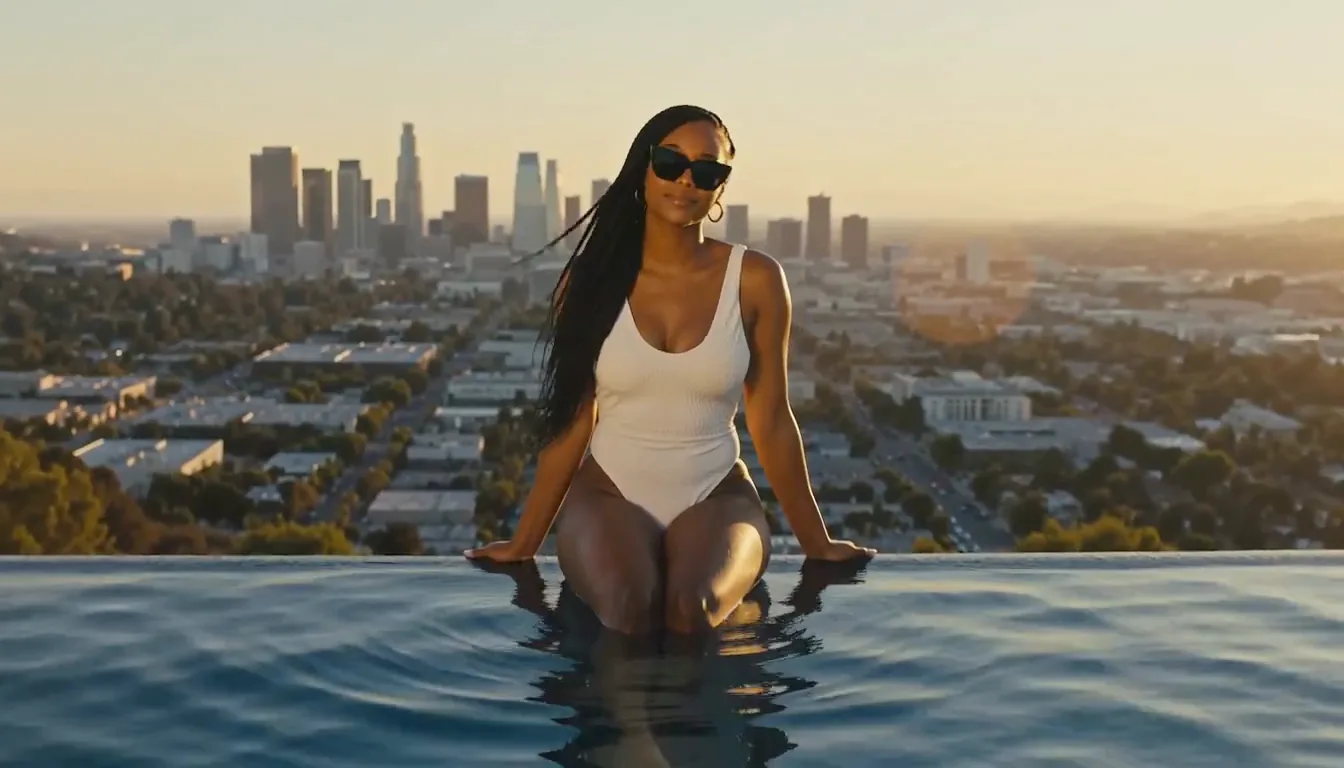
The Studio1939 style edit redrew the harbor in black and white with rubber-hose cartoon boats. The skyline arrangement remained recognizable in this sample.
Request parameters
| Parameter | Required | Description |
|---|---|---|
prompt | Yes | Required prose, maximum 5,000 characters; put the weight file's trigger first, then the scene. No default description or extra text fee applies. at least 1 characters · at most 5000 characters |
aspect_ratio | No | Available ratios: 1:1, 1:2, 2:1, 1:3, 3:1, 2:3, 3:2, 3:4, 4:3, 4:5, 5:4, 9:16, 16:9, 9:21, 21:9. The default generation shape is 1:1; ratio selection leaves billing unchanged. |
resolution | No | The styled generation tier defaults to 1k, with 1.5k, 2k, 3k and 4k as higher-priced choices. |
loras | No | Accepts up to three {path, scale} entries. Point path at a direct .safetensors download, such as a Hugging Face /resolve/main/ file; scale is 0–4, default 1. Default: |
output_format | No | The still is encoded as jpeg unless png or webp is selected; encoding does not affect the price. |
seed | No | Set an optional seed for a LoRA-on versus LoRA-off comparison; no fixed default or numeric limits are specified. This control is free and exact reproduction is not promised. |
Pricing
A completed still uses the chosen open-weight tier plus a fixed LoRA increment, even with zero attachments. Loading one or three files does not change that increment; failed requests incur nothing.
| Specification | Price |
|---|---|
| $0.042 / image |
| $0.054 / image |
| $0.066 / image |
| $0.114 / image |
| $0.162 / image |
Use cases
Neon motel scene studies
The red-dress motel example uses the VHS LoRA at scale 1 to turn a nighttime dance into a soft camcorder-style still. Use its whole-frame treatment as a reference for a tape-era mood board.
Restyle an existing photograph
Our 1930s cartoon LoRA changed a photograph into rubber-hose cartoon imagery while retaining the pose. The harbor example shows a related edit that preserves the skyline arrangement.
Compare an adapter before scaling up
Keep the seed and scene description steady while switching a LoRA on and off. Our VHS comparison changed the framing as well as the texture, so evaluate both before choosing a larger resolution tier.
Revisit a portrait setting
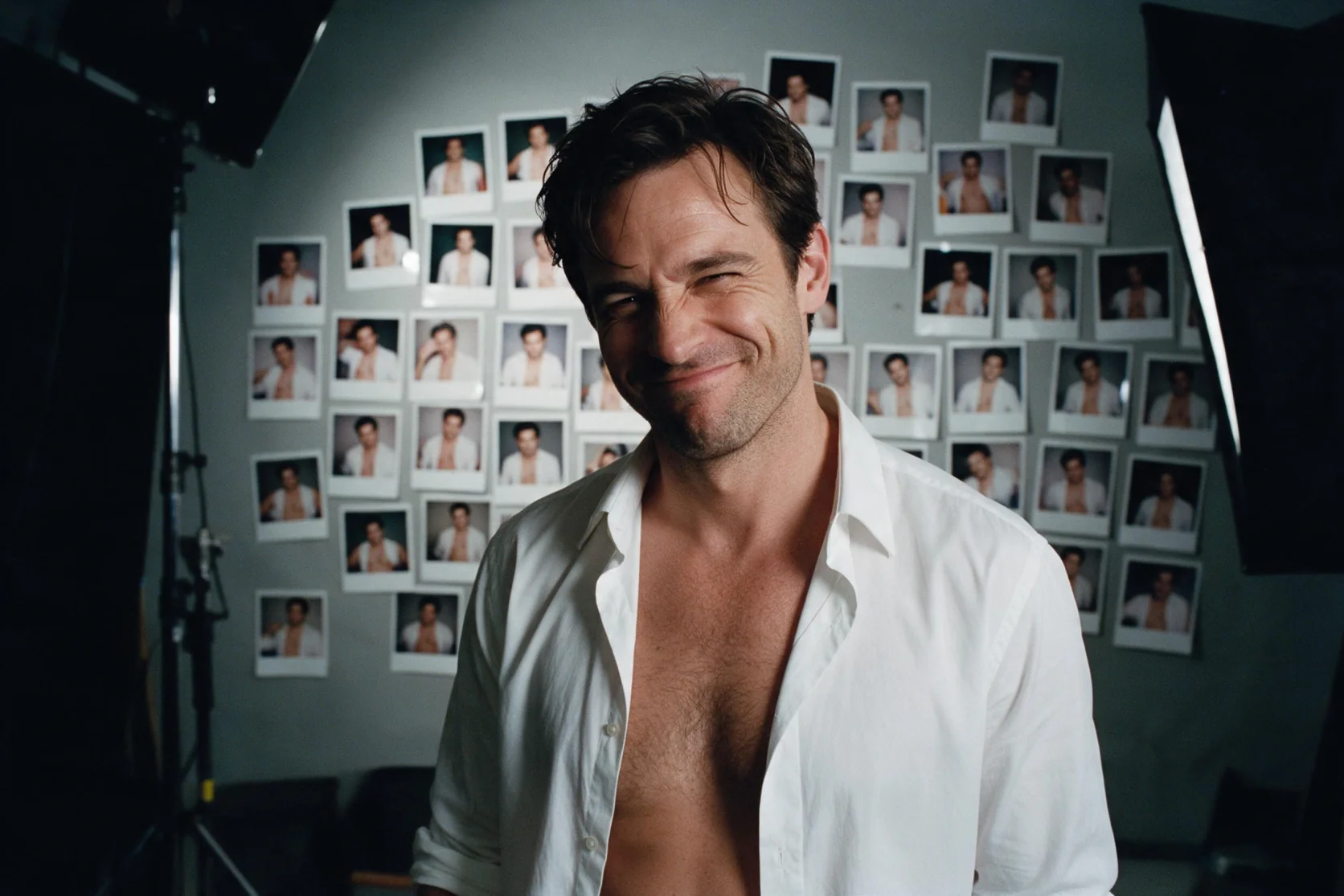
Single-picture wardrobe and setting edits retained the face in our tests. Add a LoRA treatment as a separate comparison so you can judge its effect on the person and surroundings.
Combine source and scene references
Two-picture composition succeeded in our tests. Put the editable source before the scene reference and name each picture in the instruction when planning a styled composite.
Prompt guide & pro tips
Choose generation or editing
Start from a written scene for generation, or supply the picture to revise before any supporting references. Editing accepts up to nine input pictures.
Attach a downloadable LoRA
Point path at the .safetensors file itself, using a Hugging Face /resolve/main/ link when appropriate. Start with scale 1; each file accepts 0–4 and the request can contain up to three files.
Describe the scene and treatment
Put the selected LoRA trigger ahead of a detailed English description of the wardrobe, action, light and surroundings. For an edit, map the source to <Picture 1> and assign later references their own numbers.
Compare and inspect the frame
Choose the ratio, resolution and format, then compare LoRA-on and LoRA-off requests with a fixed seed. Check style, composition and stray lettering; the seed does not promise an identical result.
Generate a still with an attached treatment
MiniMax H3-Image Open Weights LoRA turns a written scene into an image while accepting up to three LoRA weight files. It suits a brief where the desired appearance comes from an adapter, such as the VHS treatment in this page's motel and diner examples. The result is a still image; this endpoint does not produce a video clip or soundtrack.
The tested adapters were trained for the H3 video model, yet they also affected this image checkpoint. That is evidence for those files, rather than a compatibility promise for every H3 adapter. Begin with a known file and a scene whose clothing, light and surroundings you can inspect easily.
Controls for the request
| Parameter | Values and behavior |
|---|---|
prompt | Required scene description, up to 5,000 characters; put the adapter's trigger ahead of the scene |
loras | Up to three entries containing path and scale; use a direct .safetensors download URL |
loras[].scale | 0–4 for each attached file; defaults to 1 |
aspect_ratio | 1:1, 1:2, 2:1, 1:3, 3:1, 2:3, 3:2, 3:4, 4:3, 4:5, 5:4, 9:16, 16:9, 9:21 or 21:9; default 1:1 |
resolution | 1k by default; also 1.5k, 2k, 3k and 4k |
output_format | jpeg by default, or png or webp |
seed | Optional comparison control; does not ensure an identical result |
A Hugging Face file link should lead to /resolve/main/ and the weight filename. Linking to a repository overview does not identify the downloadable file required by path. The trigger belongs in the prompt, while the URL and scale belong in the LoRA entry; writing a trigger alone is not the attachment step.
Describe a scene the treatment can act on
Write a connected English paragraph with a clear subject, action, wardrobe, setting and light. For a VHS study, a useful proposed brief is: "vh5tape, a woman in her late thirties in a red slip dress dances beside motel-room blinds, laughing toward the camera, magenta neon and a warm bedside lamp, 1990s home-video look." Set the ratio and resolution through their controls instead of putting all delivery requirements into the description.
Compare one adjustment at a time
- Save the description, chosen canvas, seed and file link together.
- Generate an attached-file request and a comparison with that attachment removed.
- Review texture, framing, expressions and any lettering before changing scale.
- Adjust one setting for the next comparison rather than rewriting the entire brief.
Keeping the seed fixed helps isolate a change; it cannot freeze the scene. Our VHS comparison altered composition alongside the tape appearance. When several files are attached, review their combined result instead of assuming that each contributes a separate, unchanged layer.
What the samples establish
The new motel sample used the VHS file at scale 1 with vh5tape, seed 11, 1k and 16:9. It returned a woman in a red slip dress dancing in a motel room, with a soft camcorder look across the frame. The arcade sample supplies another setting for examining that treatment.
The diner result also exposed an artifact: vh5tape appeared in a corner. Some adapters bring training-set words or watermarks into their images. Inspect the margins and background signage before choosing an output. Across the H3-Image tests, short signs and labels were legible, but those observations do not guarantee long passages of text or lettering under every adapter.
Price and failed requests
Billing is per completed image. The selected resolution tier sets the base amount, with larger tiers costing more; this LoRA version adds a fixed increment over Open Weights. That increment is the same with zero, one or three attached files. Changing between jpeg, png and webp does not change the price. See the model page for current pricing.
Our missing-file test stopped with Failed to load LoRA. It returned no fallback image and incurred no charge; failed requests are not billed. Repair the download link before submitting another attempt.
Boundaries and nearby choices
Treat any unfamiliar adapter as something to evaluate. The observed style changes do not guarantee identity, layout or clean lettering across future scenes. Our content runs had no refusals, but some returned milder results; the standard text-generation content test had no LoRA attached and cannot establish an adapter's behavior.
Choose Open Weights when you need the five tiers and a seed without a weight attachment. MiniMax H3-Image offers three tiers and up to sixteen editing inputs, with no seed control. For an existing photograph, use this family's image-to-image endpoint. The older H3 Image LoRA makes a single frame with the video model, while this endpoint uses the H3-Image checkpoint. P-H3-Image is a separate model; our matched-prompt comparisons did not return matching pictures.
API quick start
# Generate the idempotency key once; reuse it when retrying after a lost response.
export SPICY_IDEMPOTENCY_KEY="${SPICY_IDEMPOTENCY_KEY:-$(uuidgen)}"
curl -X POST https://api.spicyapi.ai/api/v1/jobs/createTask \
  -H "Authorization: Bearer $SPICY_API_KEY" \
  -H "Content-Type: application/json" \
  -H "Idempotency-Key: $SPICY_IDEMPOTENCY_KEY" \
  -d '{
  "model": "minimax/h3-image-open-lora/text-to-image",
  "input": {
    "aspect_ratio": "1:1",
    "output_format": "jpeg",
    "prompt": "A ceramic teapot on a linen cloth, soft window light, muted palette",
    "resolution": "1k"
  }
}'

# Copy data.taskId from the response into TASK_ID, then poll the status.
TASK_ID="TASK_ID_FROM_RESPONSE"
curl "https://api.spicyapi.ai/api/v1/jobs/recordInfo?taskId=$TASK_ID" \
  -H "Authorization: Bearer $SPICY_API_KEY"
See the API reference for authentication, the complete schema, polling, and error handling.