Most pages about "uncensored Qwen Image 2.1" are about running the open weights on your own GPU. Through an API, the real question is whether the hosted model returns what you ask for or quietly tones it down.
Short answer: yes. Based on our September–October 2026 tests, 44 of 45 uncensored prompts came back as written, across text-to-image, LoRA text-to-image and editing, at every level of our content ladder from L1 to L5. One L4 scene came back as a kiss. None was refused. Qwen Image 3.0 and 3.0 Pro also passed on the main route, with a caveat in the comparison section.
The 30-second version
- It looks photographed, not rendered. Freckles, pores and water drops survive at 2k, sun through blinds lands on the skin in stripes, and lamp-lit scenes keep their detail in the dark.
- $0.024 an image at 1k, $0.048 at 2k. A hundred 2k images cost $4.80.
- Your prompt is rewritten by default. Set
enable_prompt_expansionto false to use your wording as written (1k and 2k only). - Check two-person poses at 2k: our L4 scenes grew extra limbs. We did not test lettering on 2.1 in this set; the 3.0 and 3.0 Pro examples below demonstrate signs and poster type.
- Pick on price and tools: 2.1 for the cheapest Qwen 1k and ten-reference editing; 3.0 for the cheapest 2k; 3.0 Pro for posters and type; 2.1 LoRA for your own weights.
How far Qwen Image 2.1 goes
Five levels, each stronger than the one before, the same ladder as on our Qwen Image 2.1 review page: Mild · Moderate · Strong · Very strong · Maximum, tested with two separate probes; the test prompts are not published. ✅ came back as written · ⚠️ toned down · ❌ refused.
| Model · task | Mild | Moderate | Strong | Very strong | Maximum | Page label |
|---|---|---|---|---|---|---|
| Qwen Image 2.1 · text-to-image | ✅ | ✅ | ✅ | ⚠️ 1 of 2 came back milder | ✅ probe 1 · probe 2 3 of 3 | Uncensored |
| Qwen Image 2.1 LoRA · text-to-image | ✅ | ✅ | ✅ | ✅ | ✅ probe 1 · probe 2 3 of 3 | Uncensored |
| Qwen Image 2.1 · edit | ✅ | ✅ | ✅ | ✅ | ✅ both probes | Uncensored |
The green cells summarize recorded task tests, not a matched 45-image comparison; LoRA’s Strong result came from a separate earlier run. The one ⚠️: one of two Very strong prompts on 2.1 text-to-image came back as a milder scene; a toned-down image bills like any other. The edit row is covered picture by picture in our Qwen Image Edit test. Uncensored on our model pages means we put no content filter of our own in front of the model.
What the images actually look like
Results past Moderate stay in words; the one frame here that needed it is pixelated by us.
Strong. One woman on a plain white backdrop, exactly as prompted: nothing toned down, nothing added. The LoRA endpoint returned the same shot with finer detail.
Very strong. The scene the prompt named, on both endpoints, nothing toned down. The only flaw was extra limbs at 2k. Text-to-image and LoRA delivered 3 of 4 Very strong prompts; the fourth came back as a milder scene. The editor went 3 for 3.
Maximum. The first probe came back with every element we named, nothing toned down. The second came back as written 9 of 9 times across text-to-image, LoRA and editing.
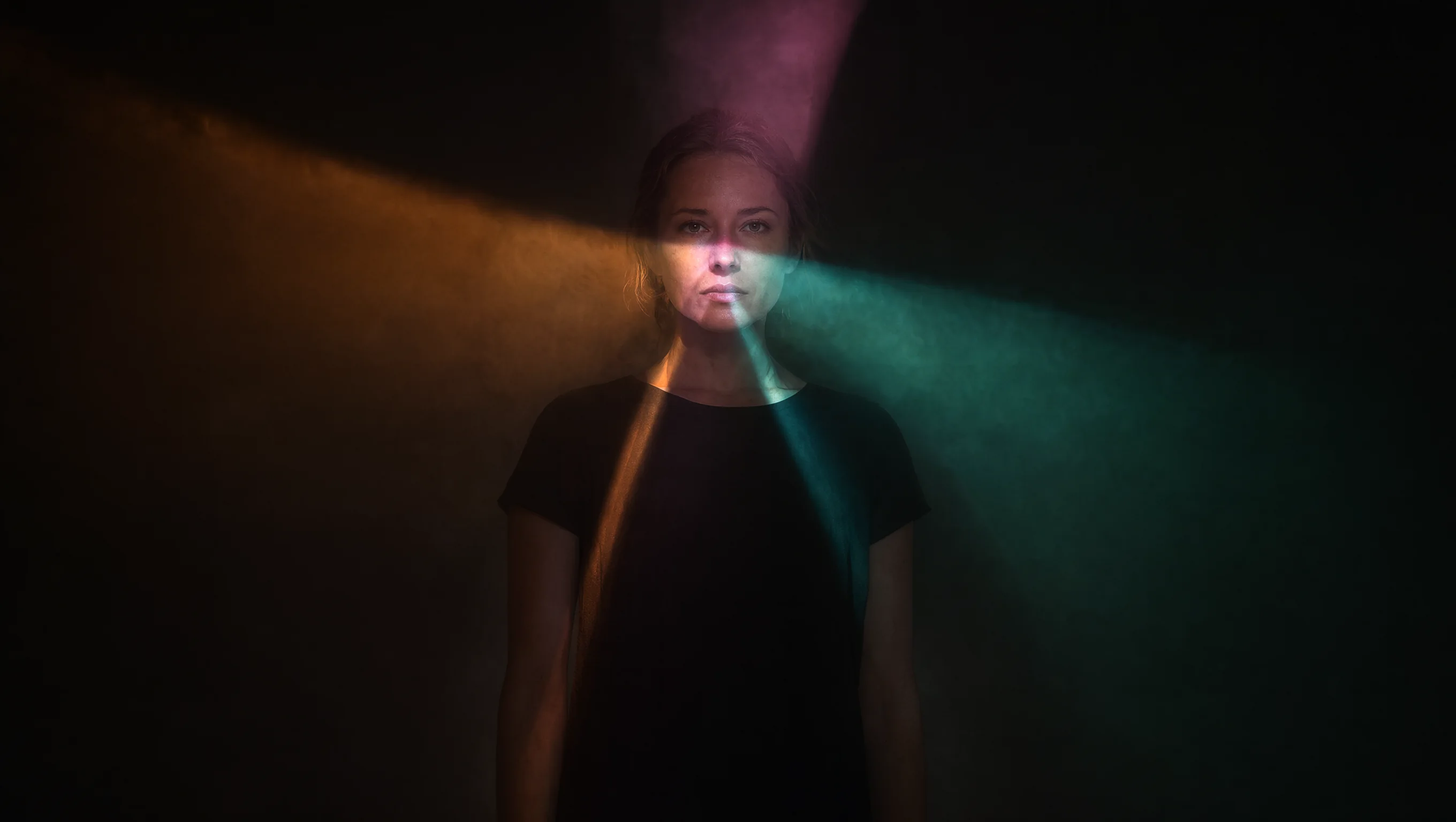
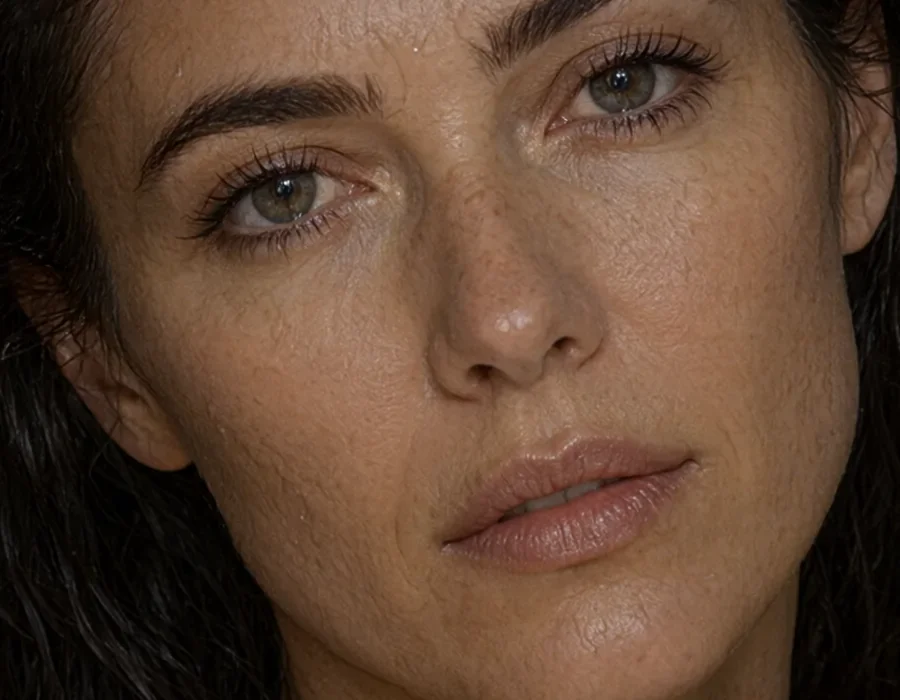
Skin. At 2k the skin looks photographed: freckles, open pores, fine lines under the eyes, water beading on the cheek, no airbrushing or waxy sheen. At 100% the cheeks and forehead also show a slightly crackled texture.
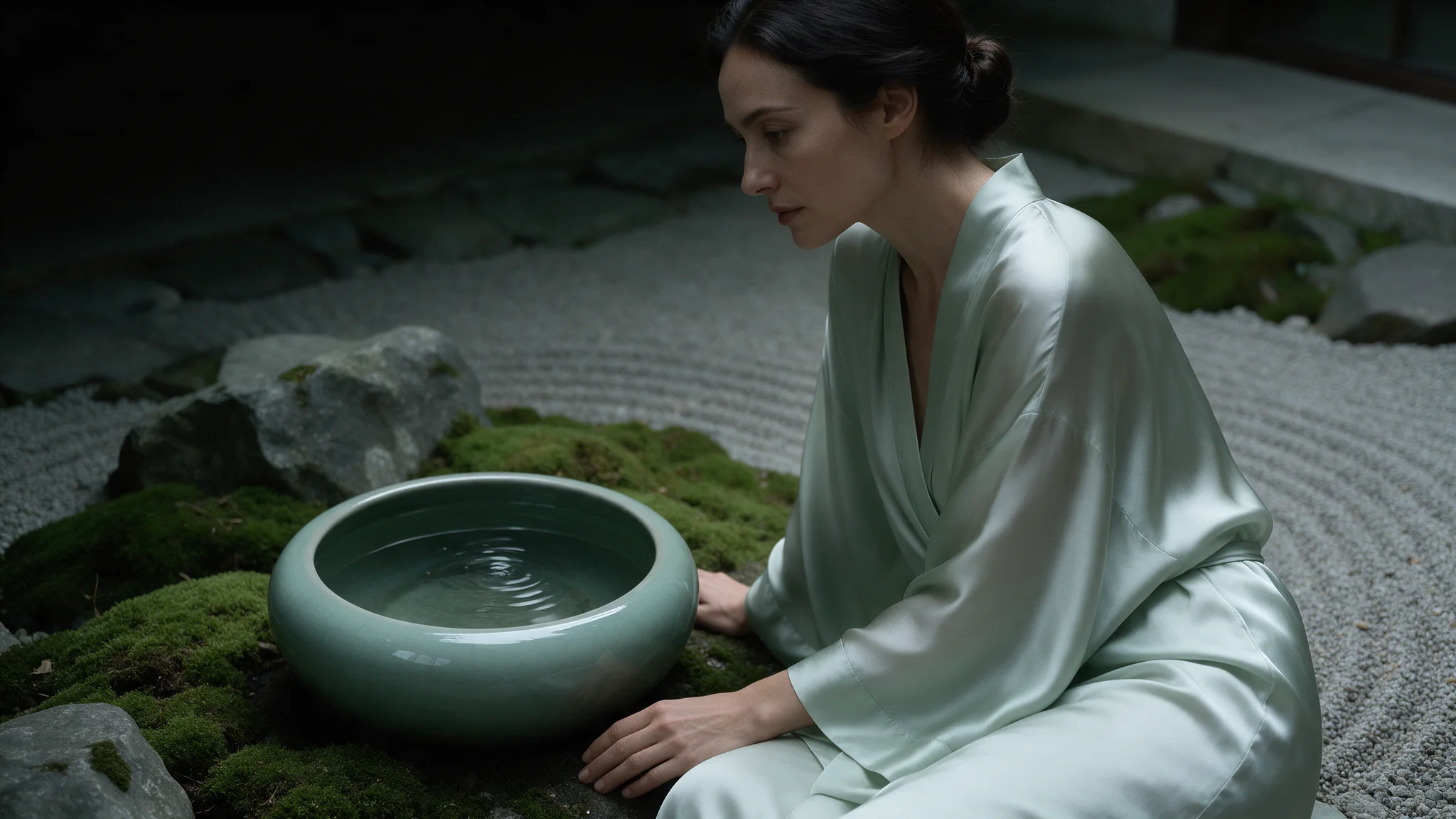
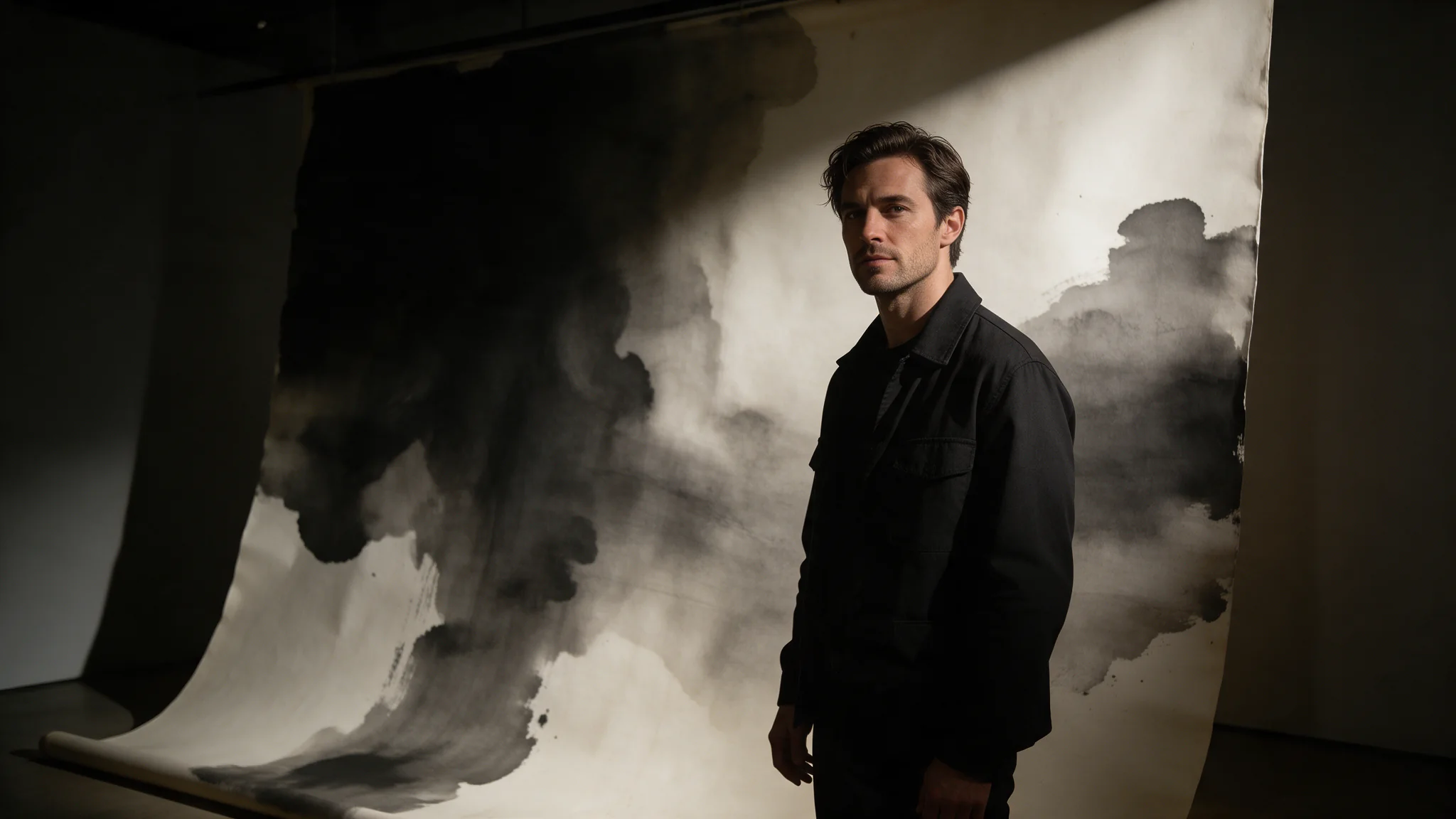
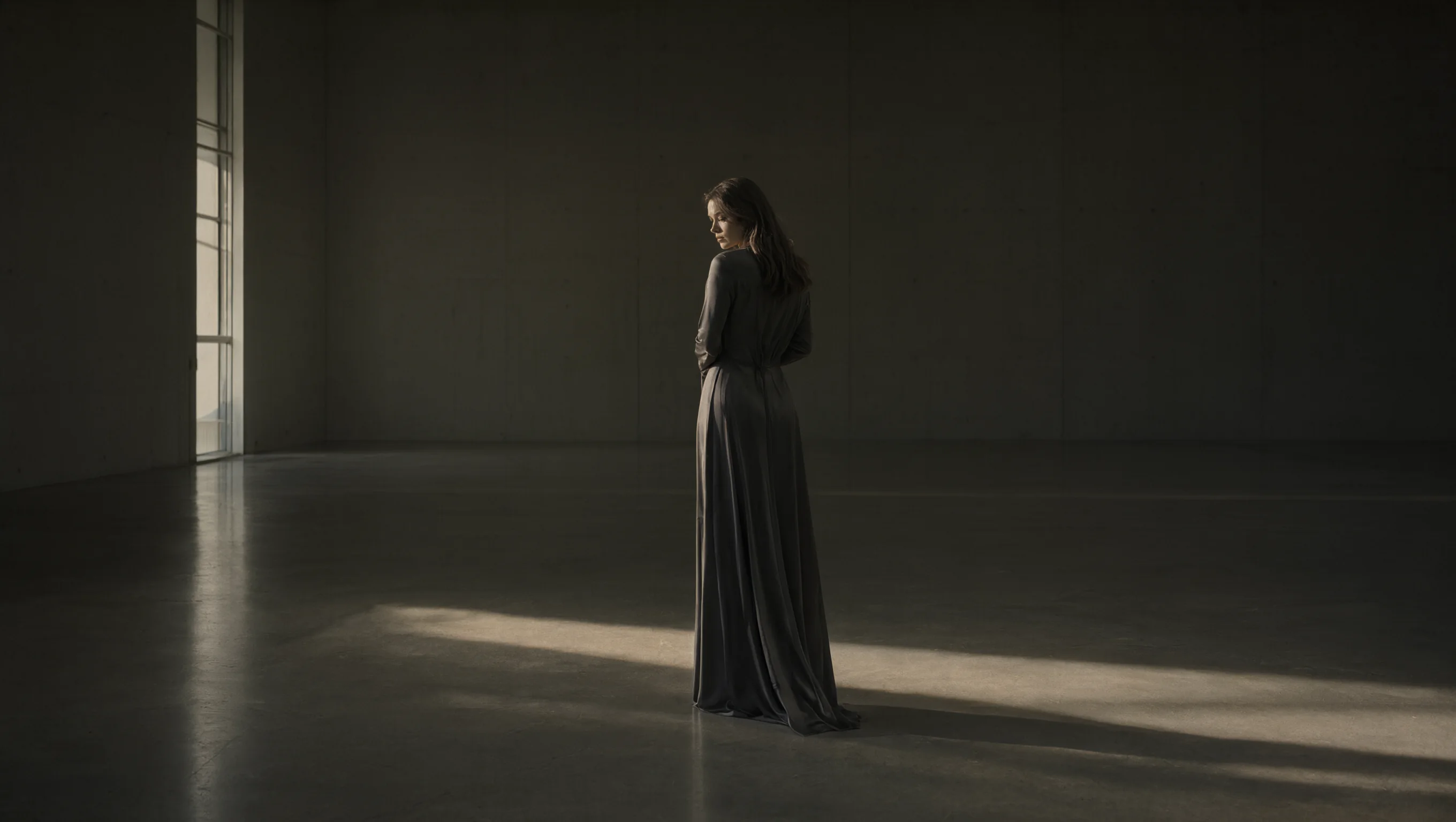
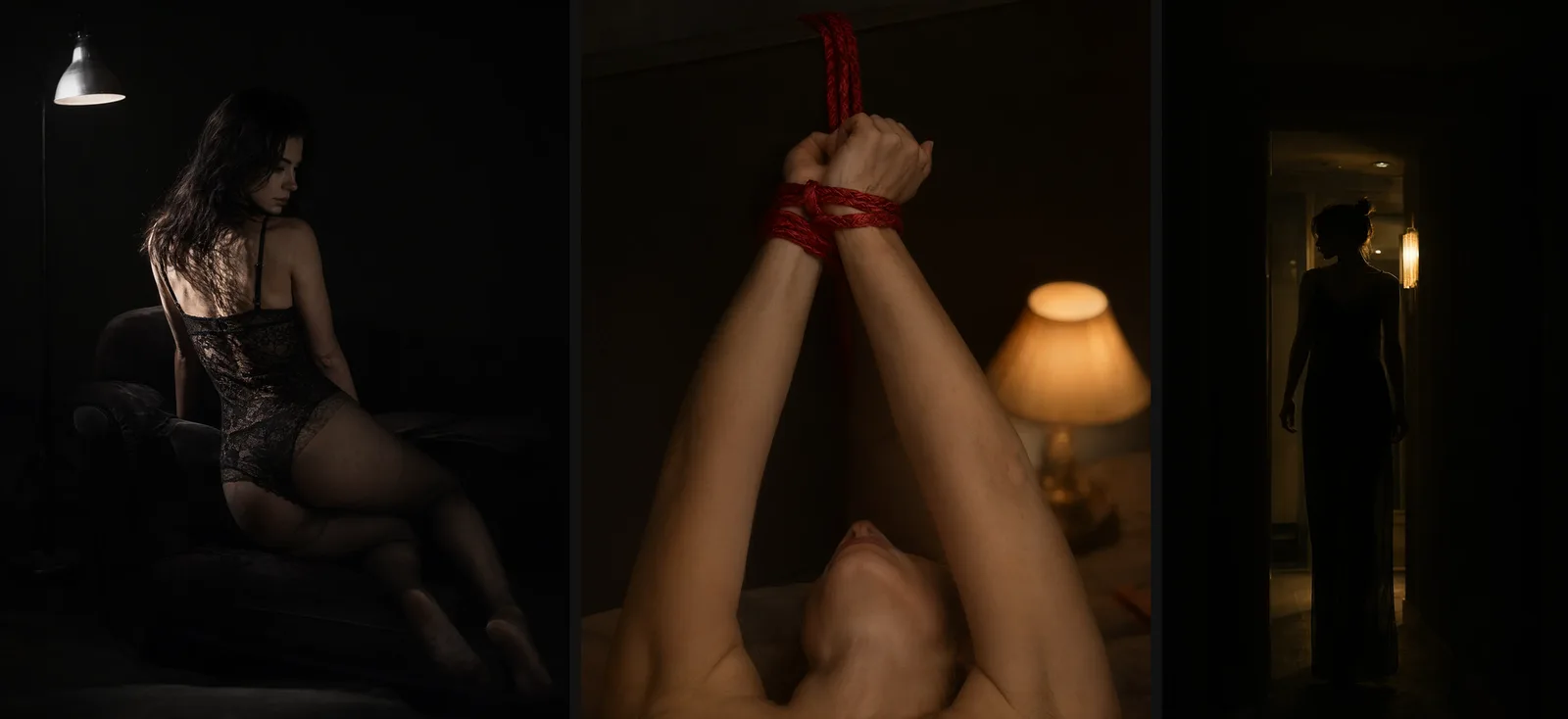
Light. 2.1 is at its best in low light. One hard lamp picks out the texture of the fabric while the rest drops to near black; in a lamp-lit close-up the lit detail stays the sharpest thing in frame; a figure in a doorway stays a clean silhouette. Ask for sun through blinds and the stripes land across the subject, which Z-Image Turbo and Spicy missed in our Z-Image test.
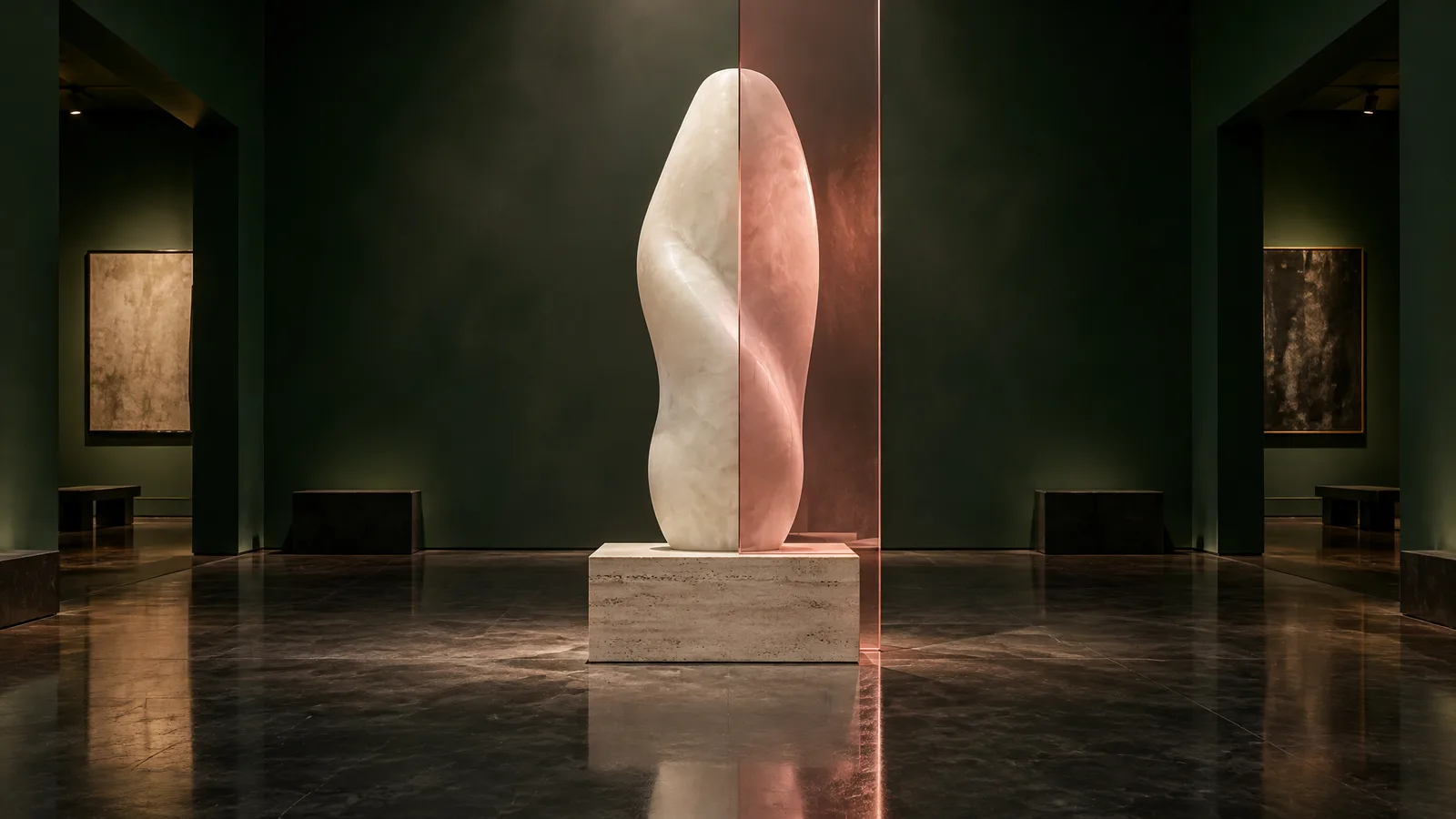
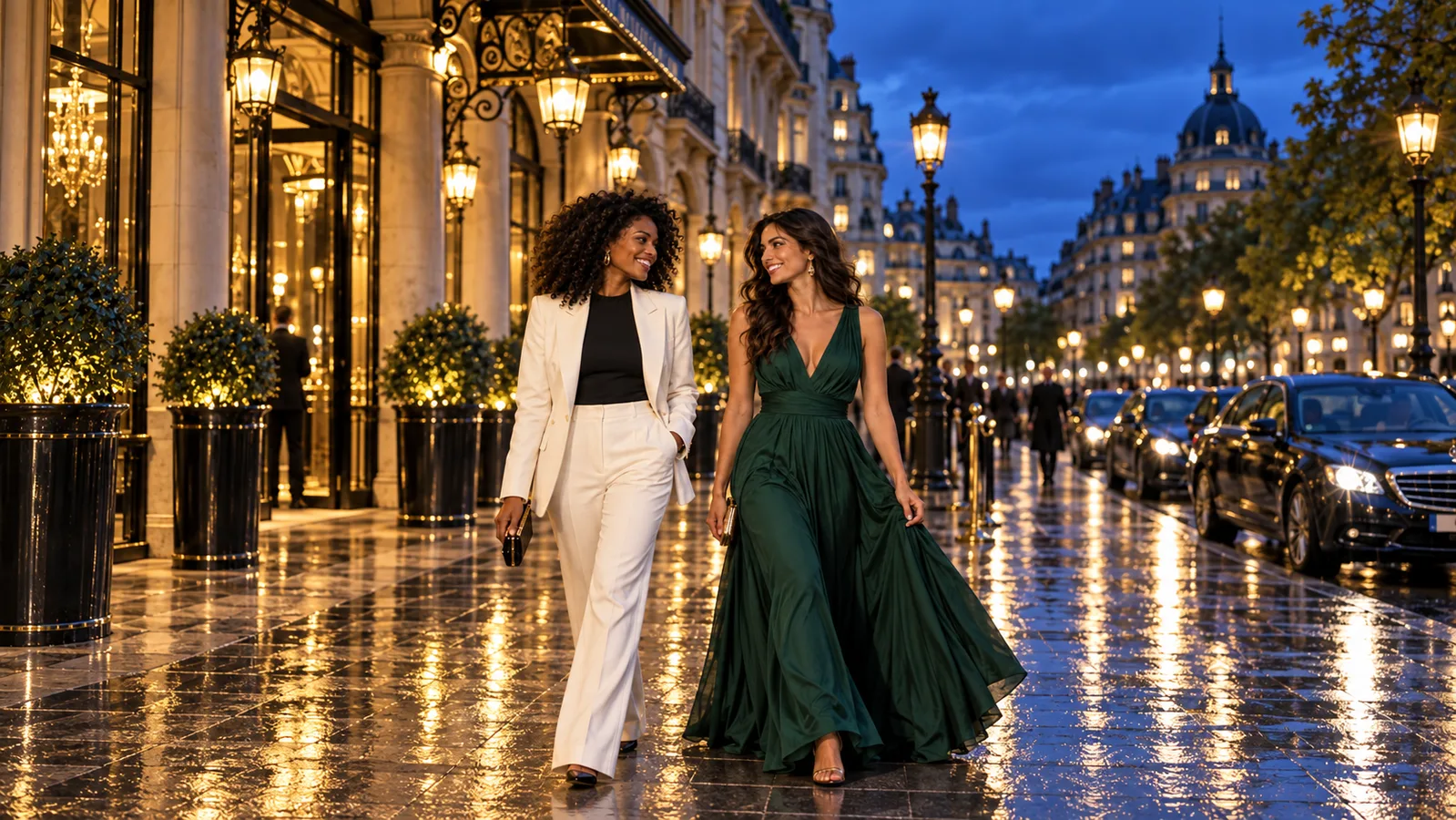
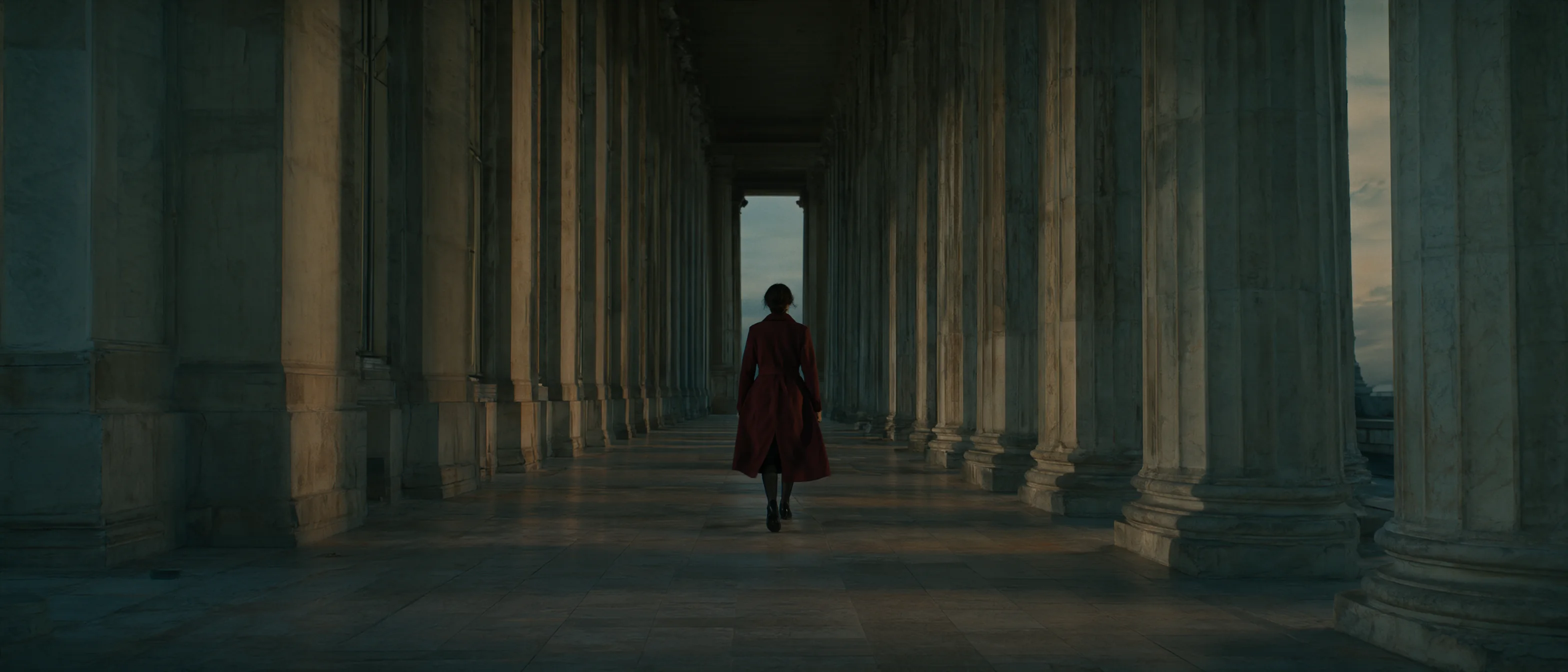
Composition. Wide frames are staged wide: at 21:9 the colonnade carries the shot and the figure walks small down the middle, not a square picture stretched out.
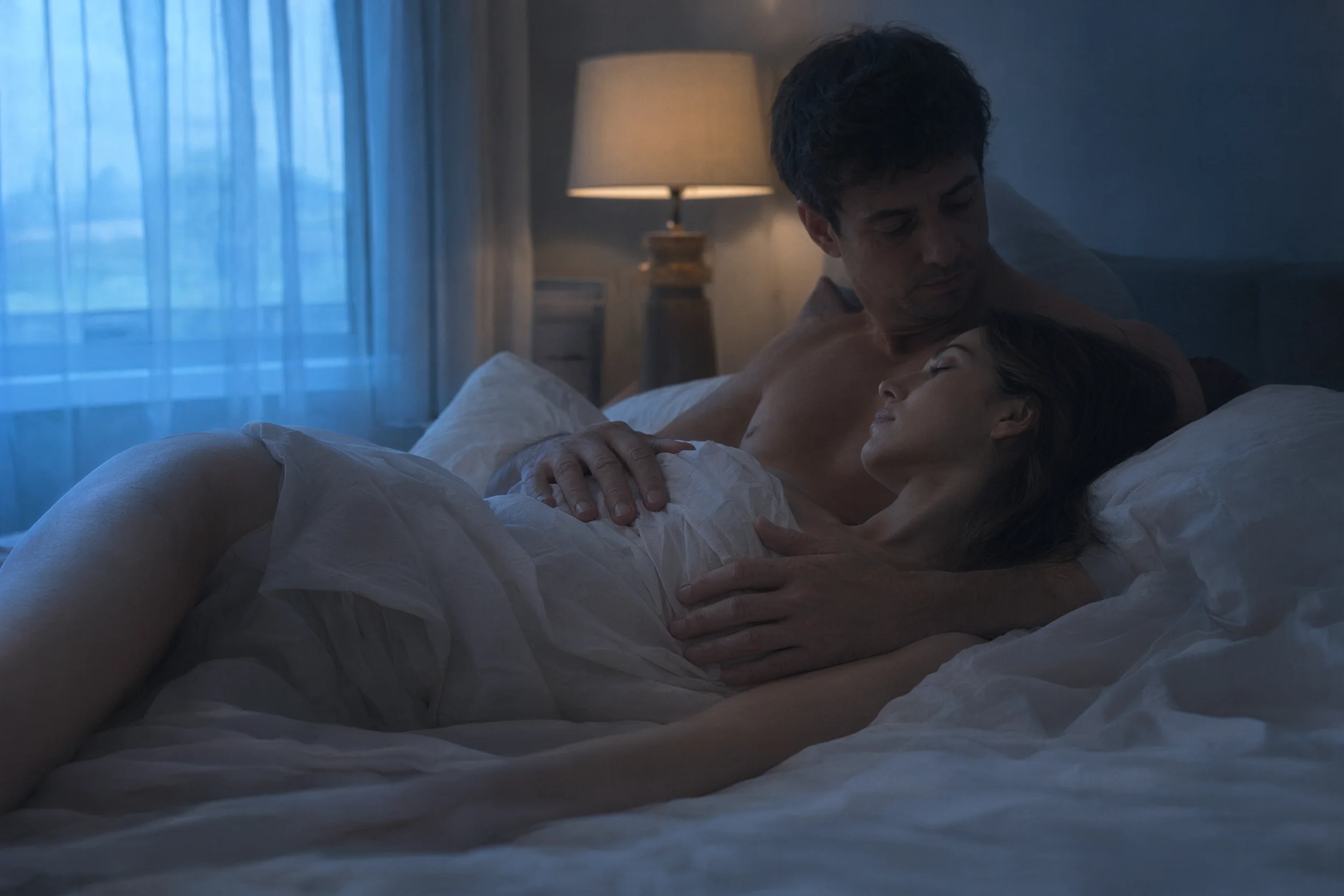
Two people. They hold together when the pose is simple: a couple at dawn, two light sources keeping their skin tones apart. The hands landed higher than prompt 3 asked.
Text in the picture. This set did not test lettering on 2.1. The official model card describes improved typography; our 3.0 and 3.0 Pro examples below show readable signs and poster text. Those examples give you a demonstrated starting point, not a matched-test ranking against 2.1.
How to write Qwen Image 2.1 prompts
Plain words work at every level; no euphemisms needed. What makes the picture good is everything else. Name five things, in this order: who and what they're wearing, one pose, the light, the lens, the palette. Anything you leave out gets a plain default.
Your prompt is rewritten unless you turn that off. On the 2.1 endpoint, prompt expansion is on by default: before drawing, your text is turned into a fuller scene description. Set enable_prompt_expansion to false to have your wording used as written. The switch is offered at 1k and 2k but not at 1.5k, and it doesn't change the price. For a one-line prompt leave it on; for a prompt that already spells out light, lens and palette, like the three below, try it both ways and keep the better file. In a separate check of one Very strong prompt, three attempts with expansion on included one changed composition that came back milder. Three with expansion off kept the broader scene, but neither setting reproduced every requested hand placement. These six outputs favor trying expansion off for a precise brief; they do not establish a general success rate.
Weak vs strong
Weak: just the subject, a pose and "full body, front view". It came back exactly as written, and looked like a catalogue shot: flat white backdrop, arms at her sides, even light.
Strong: prompt 1 below: a similar subject, plus light, pose, lens and palette. The result is a photograph with hard stripes of sun across the frame. The pose came back closer to face-down than "on her side".
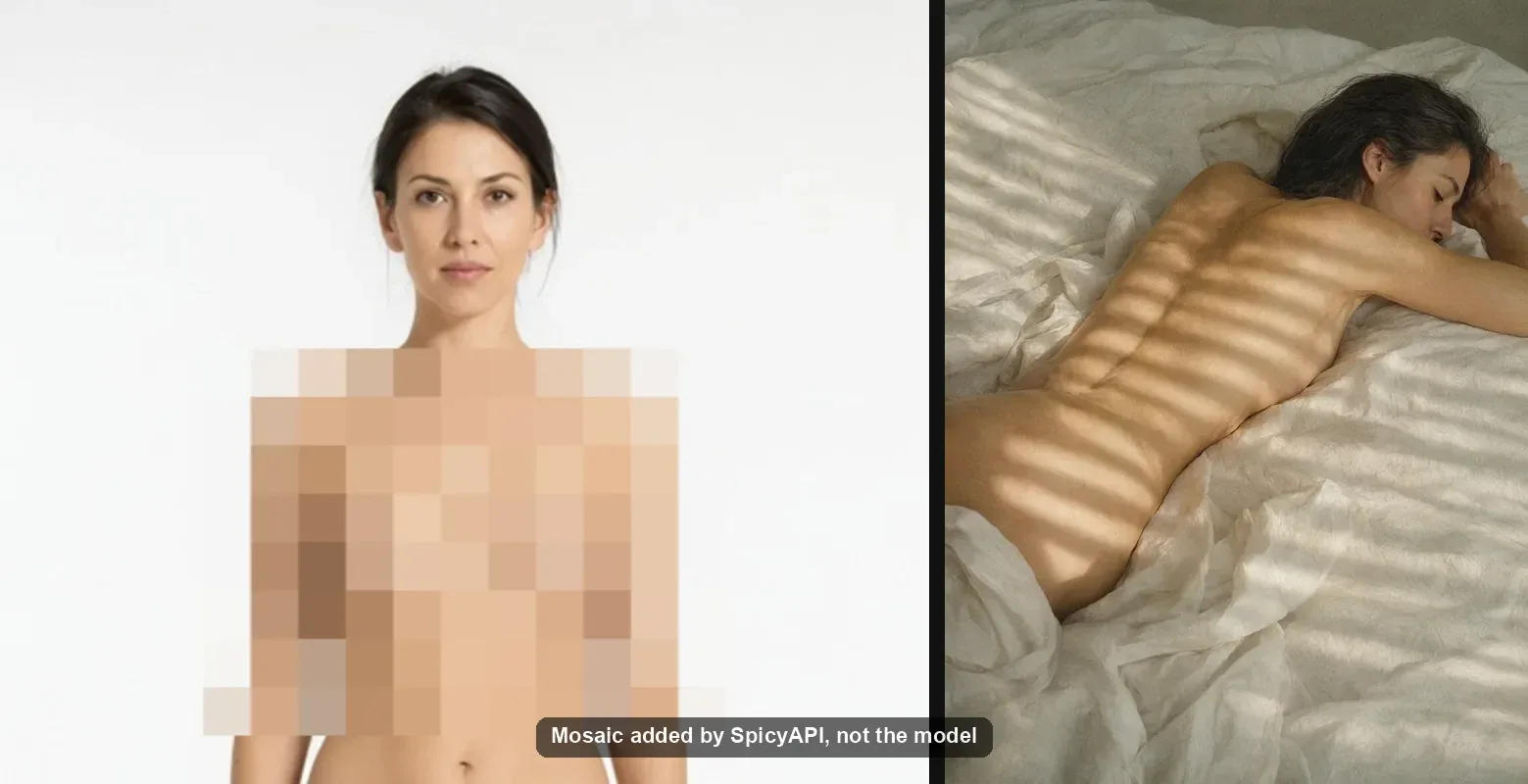
1. Soft light, sun stripes (Moderate)
Photograph of an adult woman lying on her side across rumpled white linen, seen from behind, one arm folded under her head and a sheet gathered across her hip. Late morning sun through venetian blinds lays hard parallel stripes across her back, her shoulder and the bedding. Medium-format film look, soft grain, honey and cream palette, warm skin against cool shadow. Calm and unposed.
Run this prompt on Qwen Image 2.1 →
2. Black lace, one hard lamp (Mild)
Low-key studio portrait of an adult woman kneeling on a dark velvet chaise in a black lace bodysuit and sheer stockings, seen from behind, looking back over her shoulder. A single hard lamp from the left gives one edge of her body and drops the rest to near black; lace texture catches the light where it crosses her spine. 85mm, shallow depth of field, heavy grain, oxblood and black.
Run this prompt on Qwen Image 2.1 →
Name one light and its direction, and say what it should catch.
3. Two people, covered
Intimate two-figure composition on a bed at dawn: a woman lying on her back with her eyes closed, the white sheet drawn up and gathered across her chest and tucked under her arms, and a man beside her propped on one elbow, bare shoulders above the sheet, his hand resting on the sheet over her stomach. Cool blue window light from the left, one warm bedside lamp still on behind them. Skin tones held apart by the two light sources. Shallow focus, fine grain, unhurried and quiet, tasteful and covered.
Run this prompt on Qwen Image 2.1 →
"Tasteful and covered" kept the picture SFW. Give each person their own light source and their skin tones stay apart.
The upper levels (Strong to Maximum)
The upper-level prompts follow the same recipe: say "two adults", say who is who, give them one shared pose, then light and lens. Keep it to two people and draft at 1k.
Where Qwen Image 2.1 trips up, and the fix
- Extra limbs with two people at the Very strong level at 2k. The same prompt came back clean at 1k. Fix: draft at 1k, keep it to two people and one shared pose, and check the body count before you keep a 2k frame.
- Bare prompts look like a catalogue. Fix: add the light, the lens and the palette.
- The pose decides what's visible. In one Maximum-level run the pose we asked for kept part of the scene out of view. That wasn't a filter. Fix: pick a pose that shows what you need in frame.
- The same seed gives a different picture. A seed fixes the starting condition, not identity or composition. Save the file you like and use reference-image editing when the next image must preserve it.
- A scene is swapped for a milder one. One Very strong prompt came back as a milder scene, and it billed like any other image. Fix: compare each Very strong frame with the prompt and rerun a swapped one.
- Cut-outs asked for in the prompt come back on white. Set
backgroundtotransparent(Advanced parameters in the Playground) with PNG or WebP output; the LoRA endpoints don't offer it. - No negative prompt. Write exclusions into the prompt itself.
- 1.5k is a trap. On text-to-image it costs the same as 2k; on editing it costs more ($0.072 against $0.048). The expansion, transparent-background and mask settings are also not offered at 1.5k. Go straight from 1k to 2k.
Qwen Image 2.1 vs 3.0 vs 3.0 Pro
On how far they go, the Qwen models are level, so choose on the rest. Skin and hard light: 2.1. Words in the picture: 3.0 Pro. The cheapest 2k: 3.0. Your own LoRA: 2.1 LoRA.
| Model | Highest level passed | Lettering | 1 image at 1k | 1 image at 2k | Pick it for |
|---|---|---|---|---|---|
| Qwen Image 2.1 | Very strong and both Maximum-level probes | Not tested in this set | $0.024 | $0.048 | Uncensored stills at the lowest Qwen 1k price, ten-reference editing at a flat $0.048 (2k) |
| Qwen Image 2.1 LoRA | Very strong and both Maximum-level probes; a community LoRA loaded | Not tested in this set | $0.03 | $0.102 | Your own character or style weights |
| Qwen Image 3.0 | Very strong and both Maximum-level probes (main route; see caveat) | Clean signs and handwriting | $0.03 | $0.03 | 2k for the 1k price |
| Qwen Image 3.0 Pro | Very strong and both Maximum-level probes (main route; see caveat) | Clean multi-line type, neon, a magazine masthead | $0.04 | $0.075 | Posters, covers, anything with words |
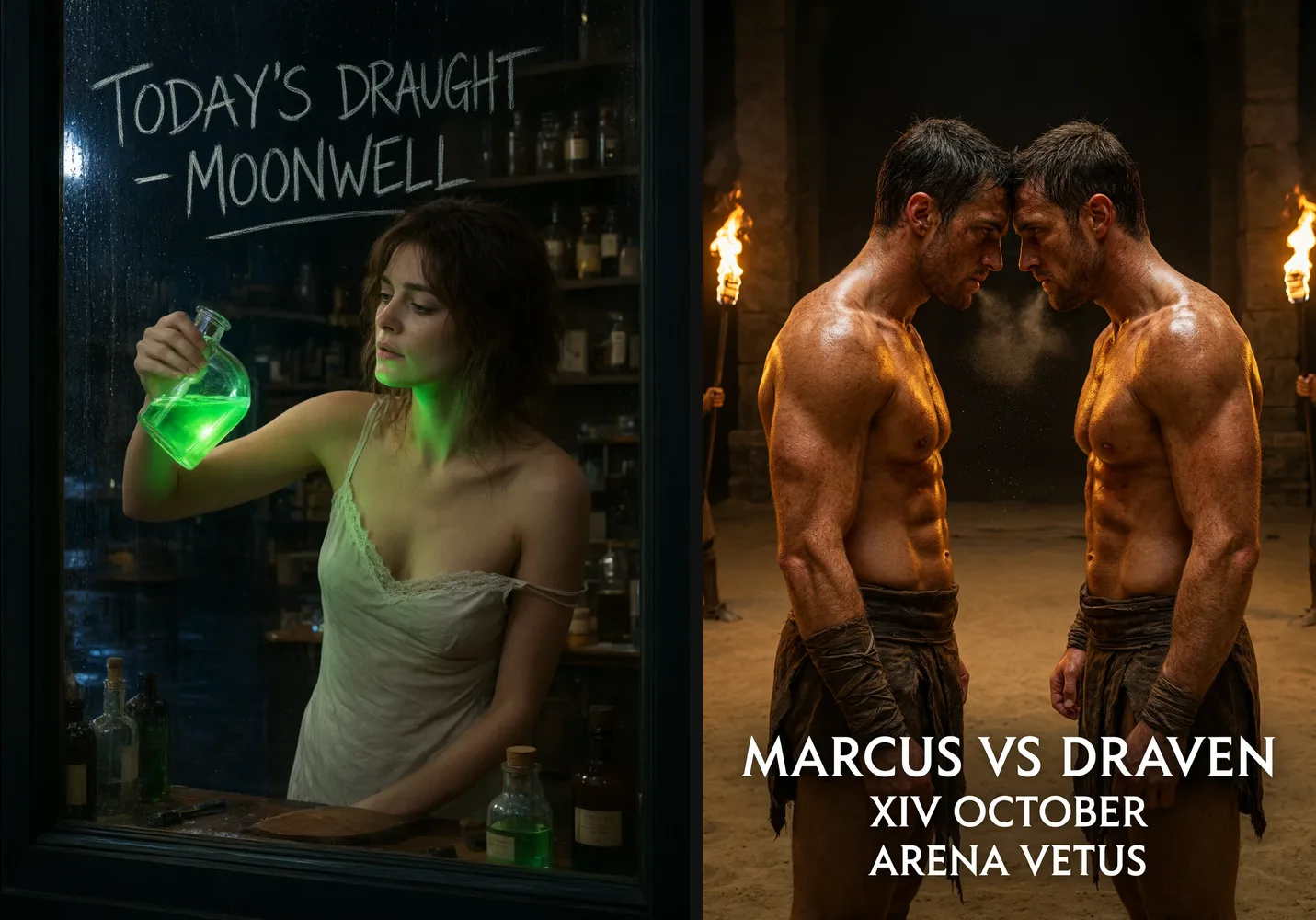
A caveat for 3.0 and 3.0 Pro. A fallback route for their text-to-image rejected one of our strongest prompts outright, with a text filter in front of the model, and the failed job wasn't charged. The main route passed every level. Read them as passing with a small refusal risk we have not seen on 2.1.
All three families rewrite your prompt before drawing unless you switch prompt expansion off. 3.0 and 3.0 Pro take a negative prompt, which 2.1 does not, but offer eight aspect ratios against 2.1's fifteen. The field sets differ, so check the target model's page before you switch the model string.
Editing, and your own LoRAs
2.1 also edits, from one to ten reference images, at every level from Mild to Maximum, and takes an optional black-and-white mask for local repaints (white is repainted; one reference image, 1k or 2k). At 2k the price is a flat $0.048 whether you send one, three or ten reference images, so multi-image work is cheapest at 2k; the table below has the other tiers. Before-and-after pairs, face-keeping prompts and the drawn-circle trick are in our Qwen Image Edit test.
2.1 LoRA takes up to three LoRA links per request and loaded a 1.18 GB community LoRA from Hugging Face. Older Qwen LoRAs can load and do almost nothing: read the Qwen Image 2.1 LoRA guide first. The NSFW LoRAs made for 2.1, with a same-seed comparison, are listed on our Qwen Image 2.1 NSFW LoRA page.
What an image costs
| 1 image | 100 images | |
|---|---|---|
| Qwen Image 2.1, 1k | $0.024 | $2.40 |
| Qwen Image 2.1, 1.5k | $0.048 | $4.80 |
| Qwen Image 2.1, 2k | $0.048 | $4.80 |
| Qwen Image 2.1 LoRA, 1k | $0.03 | $3 |
| Qwen Image 2.1 LoRA, 1.5k | $0.054 | $5.40 |
| Qwen Image 2.1 LoRA, 2k | $0.102 | $10.20 |
| Qwen Image 2.1 editing, 1k, one reference | $0.036 | $3.60 |
| Qwen Image 2.1 editing, 1k, three references | $0.06 | $6 |
| Qwen Image 2.1 editing, 1k, ten references | $0.144 | $14.40 |
| Qwen Image 2.1 editing, 1.5k, one reference | $0.072 | $7.20 |
| Qwen Image 2.1 editing, 1.5k, ten references | $0.234 | $23.40 |
| Qwen Image 2.1 editing, 2k, one, three or ten references | $0.048 | $4.80 |
| Qwen Image 2.1 LoRA editing, 1k, one reference | $0.042 | $4.20 |
| Qwen Image 2.1 LoRA editing, 2k, one reference | $0.15 | $15 |
| Qwen Image 2.1 LoRA editing, 2k, ten references | $0.366 | $36.60 |
A toned-down image bills the normal price like any other, and the frame shape doesn't change the price. Prices from our public catalogue. The LoRA editor adds a charge per reference at every tier. Each model page shows the live estimate before you submit.
Try it in the Playground, then call it from code
In the Playground. Log in and open the Qwen Image 2.1 text-to-image page; the Playground tab holds the form.
- Paste a prompt from above into Prompt, or use a "Run this prompt" link, which opens the page with it filled in.
- Pick the Aspect ratio and the Resolution (marked "affects price"). Start at 1k.
- Under Advanced parameters, switch Prompt expansion off if your prompt already says everything you want. Background, Output format and Seed are there too.
- Check the price estimate and run it. Keep the frame you like at 1k, then rerun it at 2k.
For editing, open the edit page: add one to ten pictures under Images, name what each one contributes in the prompt, and use the optional Mask (under Advanced parameters) for a local repaint.
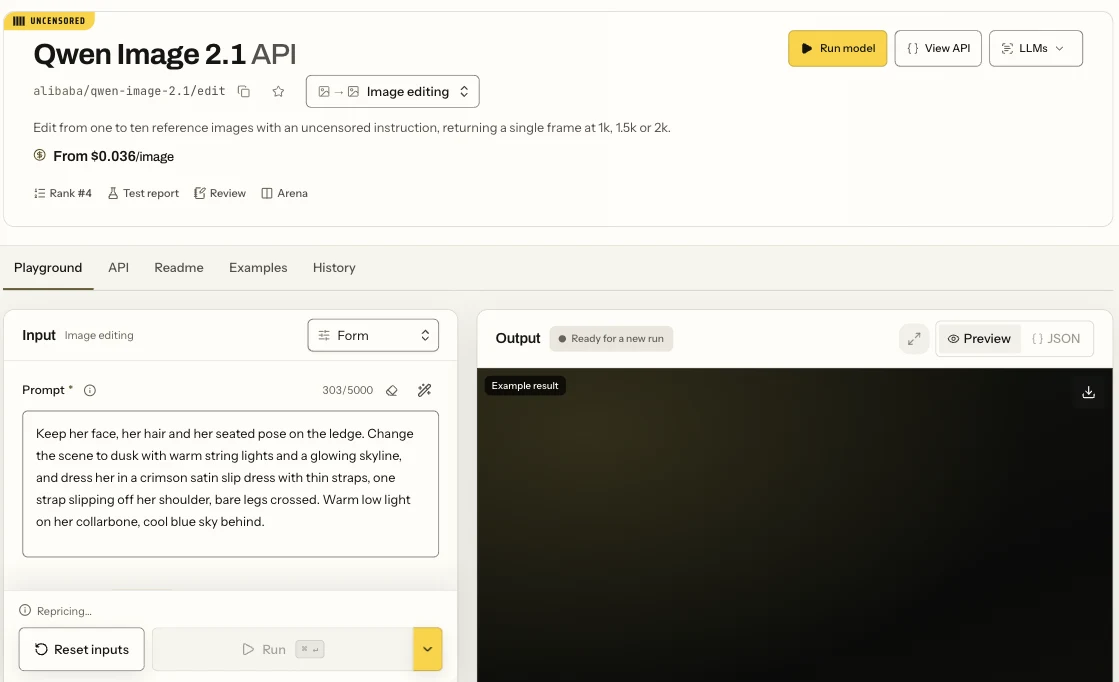
The Qwen Image 2.1 edit page in Form view: the Prompt field and the Run button.
From code. Install the Python SDK (pip install spicyapi), set SPICY_API_KEY in your environment, and run this:
import uuid

from spicyapi import SpicyClient, output_assets

client = SpicyClient()  # reads SPICY_API_KEY from the environment

task = client.create_task(
    model="alibaba/qwen-image-2.1/text-to-image",
    input_data={
        "prompt": "Photograph of an adult woman lying on her side across rumpled white linen, seen from behind, one arm folded under her head and a sheet gathered across her hip. Late morning sun through venetian blinds lays hard parallel stripes across her back, her shoulder and the bedding. Medium-format film look, soft grain, honey and cream palette, warm skin against cool shadow. Calm and unposed.",
        "aspect_ratio": "3:4",
        "resolution": "2k",
        "output_format": "png",
    },
    idempotency_key=str(uuid.uuid4()),  # new key per new request; reuse only to retry the same one
)

final = client.wait_for_terminal(task["taskId"])
if final["state"] != "succeeded":
    raise RuntimeError(f"Task {task['taskId']} ended as {final['state']}")

assets = output_assets(final)
ready = [a for a in assets if a.get("url") and not a.get("pending") and not a.get("unavailable")]
print("Task ID:", task["taskId"])
print(ready[0]["url"] if ready else "Result delivery is not ready; retrieve this task again.")
For editing and result retrieval, use the image generation guide, the task docs and the Python SDK reference.
To have a coding assistant run this for you, see Agents and automation: the CLI and the MCP server show the price and ask before a paid call, and the Agent Skill teaches the assistant the live model schema.
FAQ
Is Qwen Image 2.1 uncensored?
Yes. Nearly every prompt in our API tests came back as written across L1 to L5: 44 of 45, with no refusals and one L4 scene softened to a kiss. There's no filter, no opt-in switch and no separate endpoint on our side. Other hosts of the same weights may behave differently.
Qwen Image 2.1 vs 3.0: which is better?
On how far they go, it is a tie: both passed every level on the main route. Pick 2.1 for skin and hard light, 3.0 Pro for words in the picture, and 3.0 for 2k at the lowest price ($0.03 against $0.048). The one difference in risk is the fallback-route refusal on 3.0 and 3.0 Pro described above; see the table.
Is Qwen Image 2.1 good at text?
We did not test its lettering. For signs, posters and covers, use 3.0 Pro, whose page examples spell every word as prompted.
Why does my image have extra arms or legs?
Very strong scenes with two people at 2k are where it showed up. Draft at 1k, keep one shared pose, and check every 2k frame before you keep it.
Does Qwen Image 2.1 rewrite my prompt?
Yes, by default; see the prompt section. Set enable_prompt_expansion to false to use your wording as written.
Can it make transparent PNGs?
Set background to transparent with PNG or WebP at 1k or 2k on 2.1 text-to-image or editing; the LoRA endpoints don't offer it. A cut-out requested only in the prompt comes back on white, so check the alpha channel of your first output.
Is Qwen-Image-2.1 open source?
Open weights, not open source: the model card puts the weights under the Qwen Research License, which allows non-commercial use only; commercial use of the weights needs separate permission from Alibaba. The licence has no clause on who owns generated images, and Qwen's official account addressed it only in a post on X. Our LoRA guide quotes the clauses. If money depends on it, ask Alibaba in writing.
Can I run it on my own GPU instead?
The weights are public (7B parameters), and the community has published quantized GGUF files and ComfyUI workflows. The hosted route trades control for no setup and a per-image price.
Your part
SpicyAPI adds no platform-level content filter; the model and upstream service still apply their own rules. Everyone in an image must be an adult. Don't depict a real, identifiable person without their consent. You're responsible for the law where you publish.
Make your first image
Open Qwen Image 2.1 in the Playground and run prompt 1. Draft at 1k for $0.024; rerun the keepers at 2k.